PandaDoc is the best overall Juro alternative in 2026, offering self-serve contract creation, e-signatures, and a free plan with paid tiers starting at $19 per user per month. For teams that need built-in qualified electronic signatures or a flat-rate repository for unlimited users, fynk and ContractSafe offer transparent alternatives without mandatory sales demos.
How we make this list: we compare pricing pages, product documentation and public user reviews, then re-check every price before each update. No product paid for a place. Disclosure.
Juro requires a custom sales quote and charges by contract volume rather than user seats.
PandaDoc starts at $19/user/month billed annually ($228/yr) and includes a permanent free tier for 5 documents monthly.
fynk includes simple, advanced, and qualified electronic signatures on every plan starting at €19/user/month.
Zoho Contracts bundles Zoho Sign at no extra cost and starts at $25/user/month billed annually ($300/yr).
ContractSafe and Concord charge flat monthly base fees ($450/mo and $499/mo) instead of per-seat pricing.
Why do teams look for Juro alternatives?
Juro uses custom, volume-based quotes that often start around $700 per month, which prices out smaller teams that only send a handful of agreements each quarter. Many growing businesses want published rate cards and self-serve trials before committing to an annual contract.
Juro restricts features like its REST API, webhooks, and Salesforce integration to its top Enterprise tier. Teams that already run on HubSpot, Pipedrive, or Salesforce often switch to platforms that unlock CRM syncs on mid-tier plans.
Juro centers on browser-native contract creation, whereas some organizations prioritize post-signature repository tracking or qualified electronic signatures (QES). Choosing the right alternative comes down to whether you pay per seat or per contract volume, and which signature compliance level your region requires.
PandaDoc is a browser-based document automation and e-signature platform that lets teams build, send, and track contracts without waiting on a sales quote. Its Free plan covers 5 documents per month and up to 5 templates, while the Starter plan at $19 per user per month billed annually ($35 billed monthly) unlocks unlimited document uploads, e-signatures, and AI search.
The trade off is that approval workflows, CRM integrations, content libraries, and automatic reminders require the Business tier at $49 per seat per month billed annually ($588 per year). It suits small and midsize sales or operations teams that want transparent per-seat pricing and fast self-serve onboarding.
What we like
Transparent public pricing with a permanent free plan
Unlimited documents and e-signatures on the $19/mo Starter tier
Built-in pricing tables, product catalogs, and payment collection on Business
High user satisfaction across 3,860 G2 reviews
Watch out for
Starter plan caps templates at 5 and omits approval workflows
Salesforce integration and bulk sending require paid add-ons or credits
Starter ($19/user/mo annual) unlocks unlimited documents, e-signatures, Microsoft Word editing, and expiration alerts.Visit pandadoc.com
02
fynk
4.9/5on G2 (47 reviews, checked Nov 2026)
Paid from$22/mo
Best for qualified electronic signatures (QES) and AI review
Pricing modelPer user seat (up to 10 on self-serve)
Free tier1 user, 50 AI credits/mo
Signature typesSES, AES, and QES included
AI credits150/user/mo on Essential
fynk.com
fynk homepage, captured Nov 2026.
fynk is a browser-native contract lifecycle management platform with published pricing and built-in eIDAS-compliant signatures. Its Free tier supports 1 user with unlimited documents and 50 monthly AI credits, while the Essential plan costs €19 per user per month billed annually and adds approval workflows, counterparty negotiation, renewal reminders, and 150 AI credits per user.
The trade off is that self-serve Essential and Business plans cap team size at 10 users and meter heavy AI contract analysis through pooled monthly credits. It suits European businesses and regulated teams that need qualified electronic signatures without paying a third-party signing vendor.
What we like
Includes SES, AES, and QES signatures across all plans including Free
AI contract extraction, playbooks, and natural-language search built in
Salesforce and Pipedrive connectors available on the €19/mo Essential plan
Watch out for
Teams larger than 10 users must request a custom Pro quote
AI actions consume monthly credits, requiring top-up packs for high volume
Essential (€19/user/mo annual) adds approval workflows, negotiation, archive reminders, and 150 pooled AI credits per user.Visit fynk.com
03
Zoho Contracts
4.6/5on G2 (14 reviews, checked Nov 2026)
Paid from$25/mo
Best for teams already using Zoho CRM and Zoho apps
Pricing modelPer user seat
Free tier3 users, 10 contracts, 5 counterparties
E-signaturesZoho Sign included at no extra cost
Templates14 built-in templates on paid plans
zoho.com
Zoho Contracts homepage, captured Nov 2026.
Zoho Contracts is an end-to-end contract management platform that includes Zoho Sign e-signatures inside every subscription. Its permanent Free plan accommodates up to 3 users and 10 contracts, while the Standard plan at $25 per user per month billed annually ($300 per year) supports 25 contracts per user monthly, a clause library, redlining, and 35+ standard reports.
The trade off is that post-signature obligation management, intake forms, and audit logs are reserved for the $40 per user per month Professional tier, and third-party integrations outside the Zoho ecosystem are limited. It suits small businesses already running on Zoho CRM that want low per-seat CLM pricing.
What we like
Free plan covers up to 3 users rather than limiting you to a solo seat
Bundles full Zoho Sign capabilities without separate envelope fees
Strong clause library, redlining, and automated renewal letter generation
Watch out for
Standard plan caps volume at 25 contracts per user per month
Obligation tracking and intake forms require upgrading to Professional ($40/mo)
Standard ($25/user/mo annual) unlocks 14 built-in templates, clause libraries, redlining, and Zoho CRM integration.Visit zoho.com
04
DocuSign
4.7/5on Capterra (9,539 reviews, checked Nov 2026)
Starts at$10/mo
Best for familiar counterparty signing and IAM repositories
Pricing modelPer user seat
Free tierNone (30-day trial only)
Entry limit5 envelopes/mo on Personal
Repository tierIAM Starter at $40/user/mo
docusign.com
DocuSign homepage, captured Nov 2026.
DocuSign combines its widely recognized electronic signature network with Intelligent Agreement Management (IAM) repository and workflow tools. Its entry eSignature Personal plan costs $10 per month billed annually ($120 per year) for 1 user and 5 envelopes per month, while team eSignature Standard starts at $25 per user per month.
The trade off is that true Juro-style repository search, renewal tracking, and unlimited web-app sends require stepping up to IAM Starter at $40 per user per month or IAM Standard at $45 per user per month with a 3-user minimum. It suits teams whose counterparties insist on signing through DocuSign.
What we like
Universally recognized signing experience with 1,000+ integrations
Low $10/mo entry point for solo founders with light signing volume
IAM tiers add centralized agreement repositories and renewal alerts
Watch out for
No permanent free plan
Costs escalate quickly once you need multi-user IAM workflows
Personal ($10/mo annual) provides 5 envelopes per month, reusable templates, and AI-assisted agreement summaries.Visit docusign.com
05
Oneflow
4.6/5on Capterra (112 reviews, checked Nov 2026)
Paid from$288/mo
Best for interactive HTML browser contracts
Pricing modelBundled 5-seat base package
Free tierFreemium PDF signing plan
FormatInteractive HTML web documents
Integrations500+ apps including HubSpot & Salesforce
oneflow.com
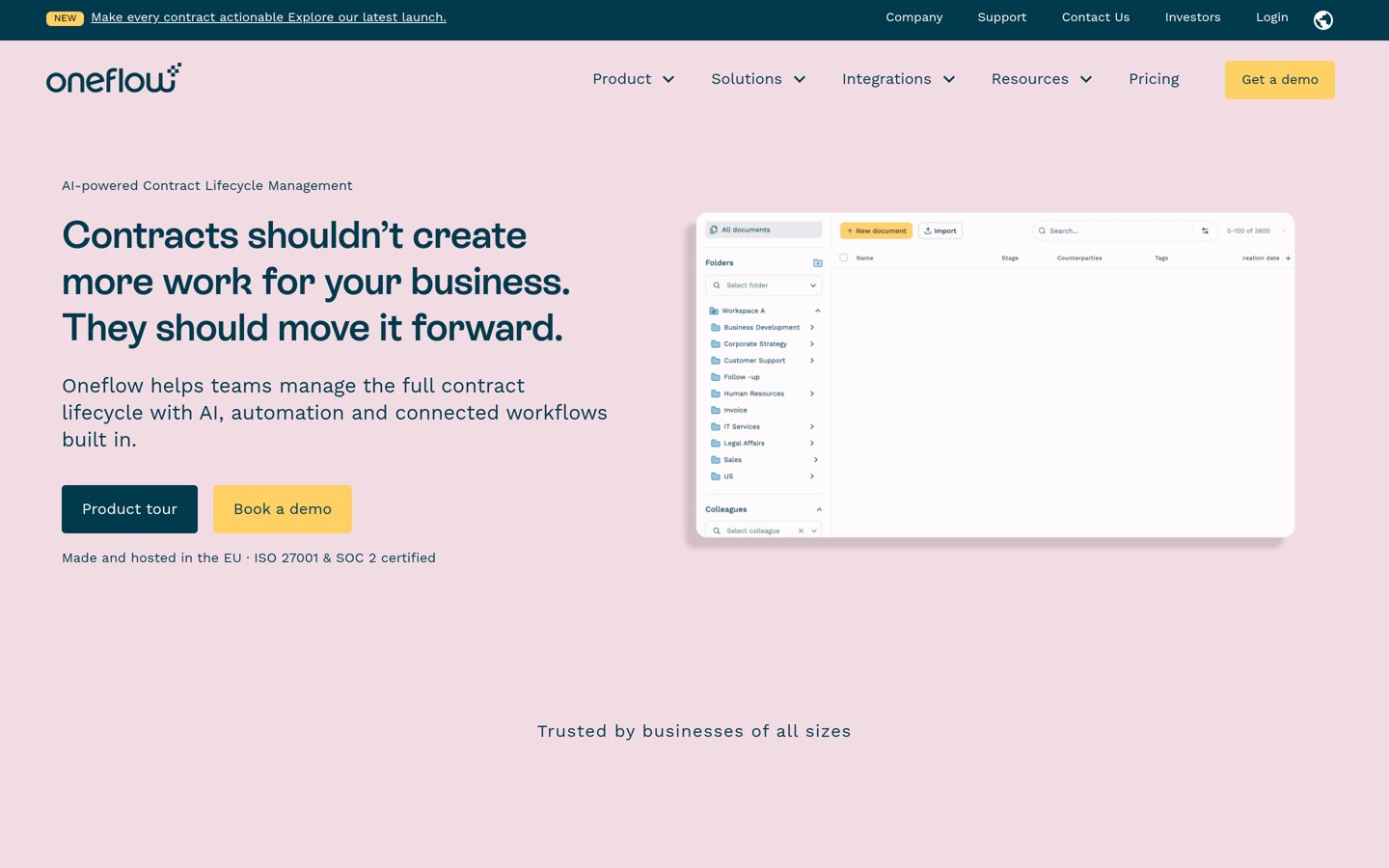
Oneflow homepage, captured Nov 2026.
Oneflow mirrors Juro's browser-native approach by turning agreements into live HTML web documents that both sides can edit, comment on, and sign in real time. It offers a basic freemium plan for PDF signing and a 14-day full trial, while its Business plan starts at €250 per month billed annually for a 5-seat minimum.
The trade off is the 5-seat entry commitment (€3,000 per year) plus extra add-on fees for electronic IDs, batch sending, and advanced AI insights. It suits Nordic and European sales or HR teams of five or more that want collaborative web contracts.
What we like
True interactive browser contracts instead of static PDFs
Includes approvals, signing order, webhooks, and AI extraction on Business
Strong native CRM integrations with HubSpot, Salesforce, and Dynamics
Watch out for
Requires a 5-user minimum commitment on the Business plan
Several features like batch sending and eID signatures cost extra
Business (€250/mo annual for 5 seats) unlocks HTML contract templates, approval flows, webhooks, and AI summaries.Visit oneflow.com
06
Contractbook
4.7/5on G2 (75 reviews, checked Nov 2026)
Starts at$399/mo
Best for automated post-signature workflows
Pricing modelTiered by users and annual contracts
Free tier14-day trial (limited free fallback)
Entry limits1 user, 100 signed contracts/yr
SignaturesBuilt-in e-sign plus MitID and BankID
contractbook.com
Contractbook homepage, captured Nov 2026.
Contractbook stores agreements as structured data rather than flat files, letting teams trigger automated tasks, renewal reminders, and CRM updates once a contract is signed. Its Essential plan starts at $399 per month billed annually ($4,788 per year) and includes 1 user, 100 signed contracts per year, unlimited AI data extraction, and 5 templates.
The trade off is strict user and contract caps on entry tiers, requiring the $599 per month Accelerate plan to unlock 10 users, 500 contracts per year, and Salesforce integration. It suits European SMBs that want no-code post-signature automation without an enterprise rollout.
What we like
No-code automation builder triggers tasks and approvals from contract fields
Unlimited AI import and OCR extraction included on all paid plans
Supports Scandinavian national eIDs (MitID and BankID) natively
Watch out for
Entry $399/mo plan includes only 1 user seat and 100 contracts per year
Dynamic templates and Salesforce sync require the $599/mo Accelerate tier
Essential ($399/mo annual) provides 100 signed contracts per year, unlimited AI import, full-text OCR search, and HubSpot sync.Visit contractbook.com
07
ContractSafe
4.8/5on Capterra (190 reviews, checked Nov 2026)
Starts at$450/mo
Best for large teams needing unlimited user seats
Pricing modelBy active contract count (unlimited users)
Free tierFree trial only
Entry limitUp to 100 active contracts
SearchOptical character recognition (OCR)
contractsafe.com
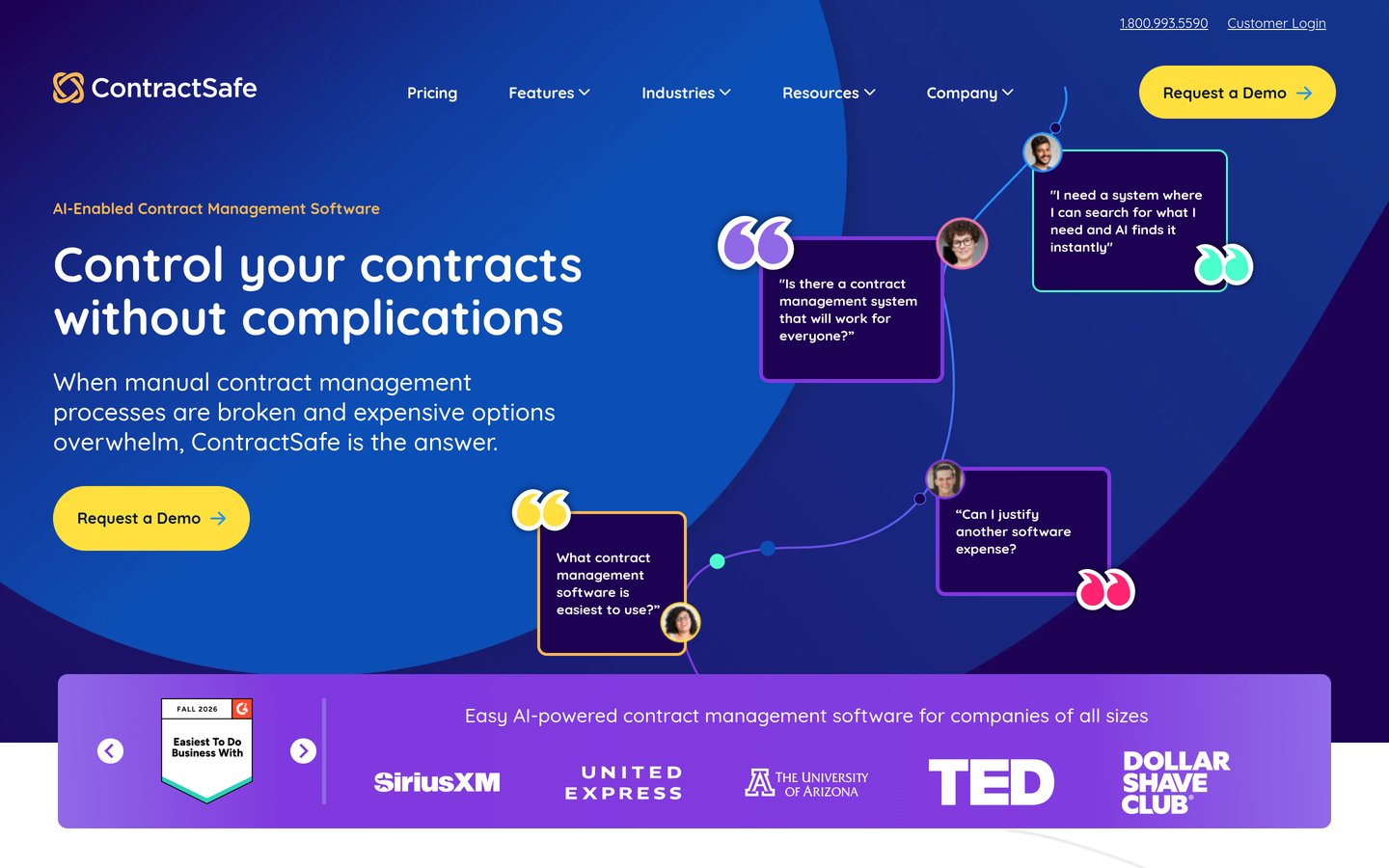
ContractSafe homepage, captured Nov 2026.
ContractSafe flips the standard SaaS pricing model by charging based on active contract volume while giving your entire company unlimited user seats. Its Organize plan starts at $450 per month billed annually ($5,400 per year) for up to 100 active contracts, full OCR search, AI data extraction, and automated renewal alerts.
The trade off is that redlining, approval workflows, and native e-signatures require upgrading to the Finalize plan starting at $825 per month for up to 500 contracts. It suits organizations with 20 or more staff members who need read-and-track access to a central contract vault.
What we like
Unlimited user seats on every tier prevent per-seat cost creep
Fast optical character recognition searches inside scanned PDFs
Highly rated customer support and simple folder organization
Watch out for
No free plan and a $5,400/yr starting commitment
Redlining and approval routing are locked behind the $825/mo Finalize tier
Organize ($450/mo annual) covers up to 100 active contracts, unlimited users, OCR search, and renewal notifications.Visit contractsafe.com
How Juro's volume pricing compares to per-seat alternatives
Juro charges by annual contract volume with unlimited user seats, which favors large companies where dozens of employees occasionally generate agreements. However, because Juro quotes custom enterprise rates that typically start above $8,000 per year, small teams pay for capacity they never use.
Per-seat tools like PandaDoc ($19/user/mo), fynk (€19/user/mo), and Zoho Contracts ($25/user/mo) keep year-one spending under $1,500 for a five-person team. Once your team grows past 15 to 20 active contract creators, flat-rate repository platforms like ContractSafe ($450/mo for unlimited users) become more economical than adding individual licenses.
How we chose
We evaluated contract lifecycle management (CLM) and document automation platforms that directly replace Juro's core workflow: template-based drafting, browser collaboration, electronic signatures, and searchable contract storage.
Every price, plan limit, user rating, and review count in this guide was verified on 29 Nov 2026 directly from official vendor pricing pages, Capterra, and G2. We standardized annual costs using regular annual billing rates rather than temporary promotional discounts.
We excluded enterprise-only CLM suites that hide all pricing behind mandatory sales calls (such as Ironclad and SpotDraft), as well as tools with fewer than 10 verified user reviews. No vendor paid for a place, and we do not claim testing for this list.
How to choose the right Juro alternative
Match your team's contract volume, signature compliance rules, and seat count against these four criteria before subscribing.
Count active contract creators versus view-only staff. If fewer than 10 people draft and send agreements, per-seat plans from PandaDoc, fynk, or Zoho Contracts cost far less than Juro. If 30+ employees need access, pick a platform with unlimited users or free viewer seats.
Check whether you need simple or qualified e-signatures. Standard electronic signatures (SES) satisfy most US and UK commercial agreements, while regulated European deals often demand qualified electronic signatures (QES). Tools like fynk include QES across all tiers, whereas others charge extra.
Decide between pre-signature drafting and post-signature tracking. If your bottleneck is creating sales quotes and getting them signed fast, prioritize PandaDoc or Oneflow. If your legal team already has hundreds of signed PDFs and needs renewal alerts, choose a repository-first tool like ContractSafe.
Verify which tier unlocks your CRM and approval workflows. Entry plans often omit multi-step approval routing or Salesforce and HubSpot syncs. Check the mid-tier price for your exact user count before committing to an annual contract.
FAQ
What is the best Juro alternative in 2026?
PandaDoc is the best overall Juro alternative in 2026 because it offers transparent per-seat pricing starting at $19 per user per month, a permanent free plan, and self-serve setup in minutes without requiring a custom sales quote.
What is the best free alternative to Juro?
Zoho Contracts and PandaDoc offer the strongest permanent free plans. Zoho Contracts supports up to 3 users and 10 contracts for free, while PandaDoc's free tier lets 1 user send up to 5 documents per month with legally binding e-signatures.
Why does Juro not publish its pricing?
Juro uses custom quote-based pricing calculated around your annual contract volume, required CRM integrations, and AI add-ons. While every Juro plan includes unlimited user seats, small teams often look elsewhere to avoid high annual minimums.
Which Juro alternative is best for European companies?
fynk and Oneflow are strong choices for European teams. fynk includes eIDAS-compliant simple, advanced, and qualified electronic signatures on every plan starting at €19 per user per month, while Oneflow supports interactive web contracts and regional eIDs.
PandaDoc vs ContractSafe: which should you pick?
Pick PandaDoc ($19 to $49 per seat/month) if your sales team needs to generate proposals, quotes, and contracts from templates. Pick ContractSafe ($450/month for 100 contracts) if you have a large company that needs unlimited user seats and OCR search for signed agreements.
SaaS SEO and WordPress specialist with about 8 years of experience. Rakib compares WordPress plugins, themes, hosting and software using public pricing, documentation and user reviews. See how we rank.