XMind is the best of the Coggle alternatives for most people, with a 4.5 out of 5 G2 rating from 474 reviews and a Pro plan at $59 a year. MindMeister is the closest browser-based match at $3.50 a month, while Miro suits teams that want mind maps inside a shared whiteboard.
How we make this list: we compare pricing pages, product documentation and public user reviews, then re-check every price before each update. No product paid for a place. Disclosure.
XMind is the top pick: 4.5 out of 5 on G2 from 474 reviews, with Pro at $59 a year and a free plan.
MindMeister is the closest Coggle match: browser-based, real-time co-editing, free for 3 maps, from $3.50 a month.
MindNode is the cheapest paid plan at $2.49 a month, but it only runs on Mac and iOS.
Miro and Lucidchart cost $8 and $9 a month and suit teams that need more than mind maps.
MindManager is the priciest at $169 a year and the only pick here with no free plan, only a trial.
How do you pick the right Coggle alternative?
Start with how you map, not with the price. Coggle is a browser-based tool for quick, shared maps, so a desktop-only app changes how you work even if it costs less.
Free plans differ more than prices do. MindMeister caps its free plan at 3 maps, Miro at 3 editable boards and Lucidchart at 3 editable documents, so check the cap before you commit.
Collaboration is where the list splits. MindMeister, Miro, Whimsical and Lucidchart let several people edit the same map live, while XMind and MindNode are stronger for solo work. If maps feed a publishing plan, our guide on creating a content calendar shows how to turn a map into a schedule.
Paid plans run from $2.49 a month for MindNode to $169 a year for MindManager, so the dearest pick costs more than five times the cheapest yearly plan.
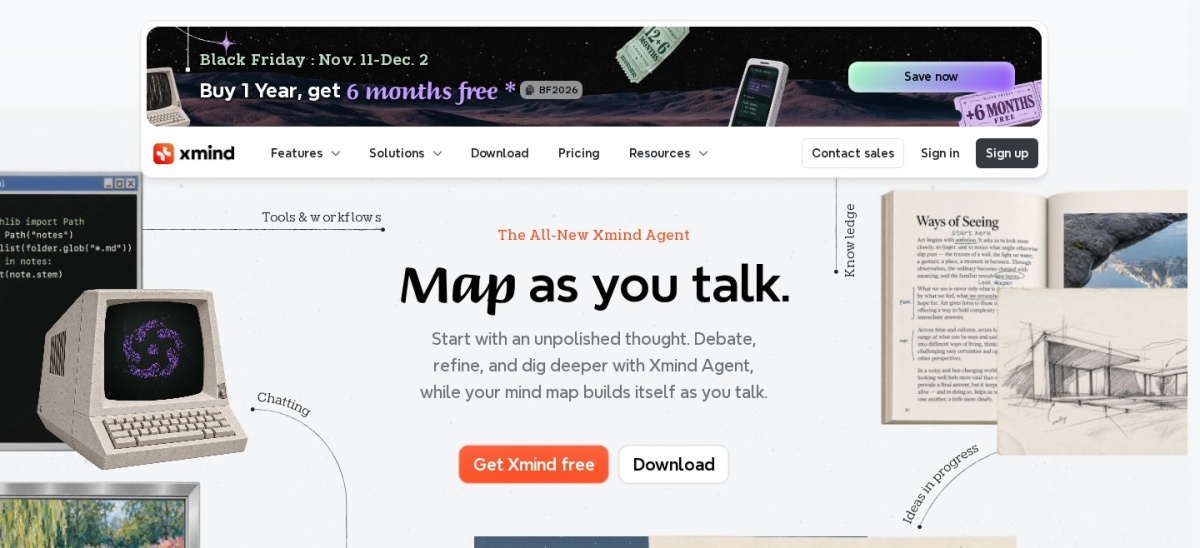
XMind is a dedicated mind mapping app for desktop and mobile, with templates for brainstorms, org charts and timelines. The free plan covers basic maps, while Pro at $59 a year adds full export options, more themes and AI map building.
The trade off is collaboration. Real-time co-editing is weaker than in browser-first tools, so sharing means sending files or links rather than editing together. It suits solo mappers and students who want a full-featured app for a flat yearly price.
What we like
Flat $59 a year with no per-seat charge
Works offline on desktop and mobile
474 G2 reviews, the most of any dedicated mapper here
AI-assisted mapping through Xmind Agent
Watch out for
Weaker live co-editing than browser tools
Some advanced features need the $99 Premium plan
Premium at $99 a year adds AI credits and team featuresVisit xmind.com
02
MindMeister
4.2/5on G2 (34 reviews, checked Nov 2026)
Paid from$3.50/mo
Closest match to Coggle
Free plan3 mind maps
Personal plan$3.50/user/mo
Live co-editingYes
PlatformsWeb, iOS, Android
mindmeister.com
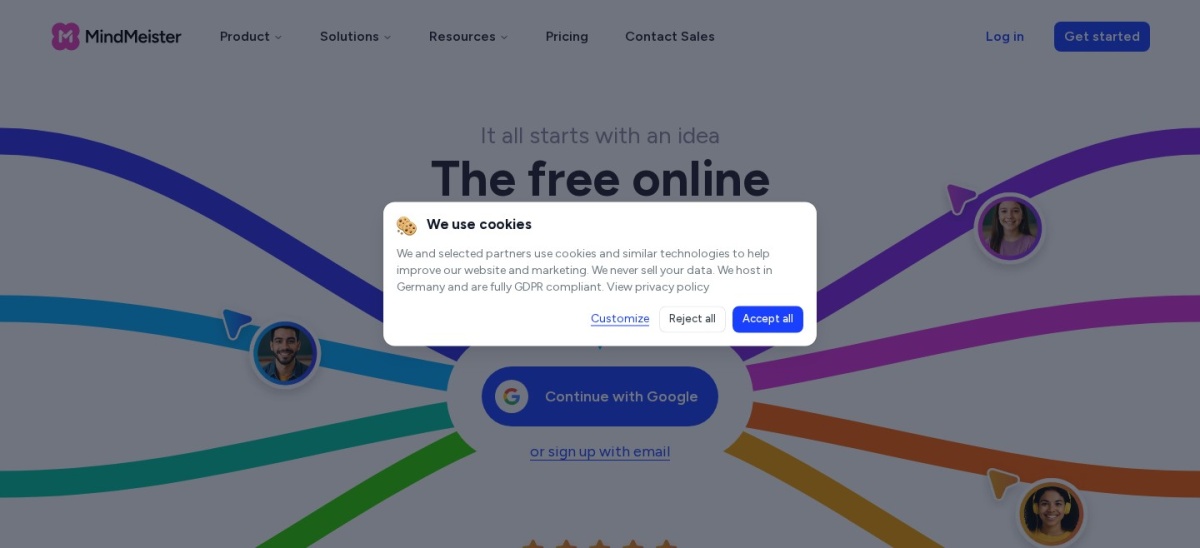
MindMeister homepage, captured Nov 2026.
MindMeister is a browser-based mind mapping tool built for teams that edit the same map at once. The free plan covers 3 mind maps with unlimited collaborators, and Personal at $3.50 a user a month adds unlimited maps, exports and version history.
The trade off is the small free plan and the thin review base. Three maps run out fast, and its 4.2 out of 5 G2 rating rests on only 34 reviews. It suits small teams that want the closest thing to Coggle in the browser.
Miro is a shared whiteboard where mind maps sit beside sticky notes, diagrams and docs. The free plan covers 3 editable boards, and Starter at $8 a user a month billed yearly adds unlimited boards, private sharing and version history.
The trade off is scope. Miro does far more than mind mapping, so a simple map takes more clicks than in a dedicated mapper, and the per-seat price adds up. It suits teams that brainstorm, plan and run workshops in one place.
What we like
13,503 G2 reviews, the most in this list
Unlimited boards from the first paid plan
Huge template library for workshops
Watch out for
Per-seat pricing adds up for large teams
More complex than a dedicated mind mapper
Business at $20 a user a month adds advanced collaboration toolsVisit miro.com
04
Lucidchart
4.5/5on G2 (9,142 reviews, checked Nov 2026)
Paid from$9/mo
Best for polished team diagrams
Free plan3 editable documents
Individual plan$9/mo, annual
Live collaborationYes
Visio import/exportYes
lucidchart.com
Lucidchart homepage, captured Nov 2026.
Lucidchart is a browser-based diagramming tool that handles mind maps, flowcharts and org charts in one canvas. The free plan covers 3 editable documents with about 60 shapes each, and Individual at $9 a month billed yearly removes the caps.
The trade off is the tight free plan and the per-seat team price. Three documents run out quickly, and Team costs $10 a user a month with a 3-user minimum. It suits teams that want neat, shareable diagrams with Visio compatibility.
What we like
4.5 out of 5 on G2 from 9,142 reviews
Imports and exports Visio files
Strong templates for org charts and processes
Watch out for
Free plan caps documents at 3 and shapes at about 60 each
Whimsical is a visual workspace that combines mind maps, flowcharts, wireframes and docs in one place. The free plan covers the basics with caps on boards and tasks, and Pro at $10 an editor a month adds unlimited files, more guests and 500 AI actions.
The trade off is that viewers are free but every editor pays. A team of five editors pays $50 a month, and the free plan's board cap pushes active teams to Pro quickly. It suits product teams that map, wireframe and document in the same tool.
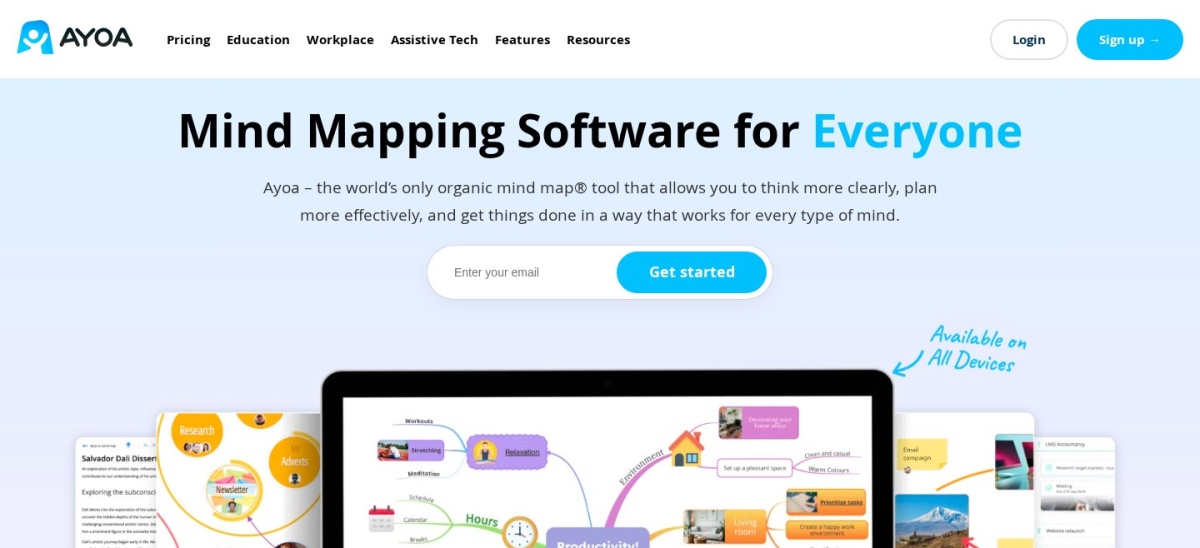
Ayoa is a visual workspace that pairs organic mind maps with task boards, whiteboards and a Gantt view. The free plan covers 10 mind maps, and the top plan at $13 a user a month billed yearly adds unlimited maps, AI brainstorming and video calls.
The trade off is price and busyness. The top plan costs more than most dedicated mappers here, and the mix of maps, tasks and whiteboards can feel crowded. It suits teams that want a brainstorm to turn straight into assigned work.
What we like
Maps link straight to task boards
AI can build maps from prompts and documents
Free plan covers 10 maps
Watch out for
The top plan is pricier than most mappers here
Only 63 G2 reviews
Mind Map plan at $10 a month covers mapping onlyVisit ayoa.com
07
MindNode
4.3/5on G2 (33 reviews, checked Nov 2026)
Paid from$2.49/mo
Best simple mapper for Apple users
Free versionBasic maps
Plus plan$2.49/mo
PlatformsMac, iOS
iCloud syncYes
mindnode.com
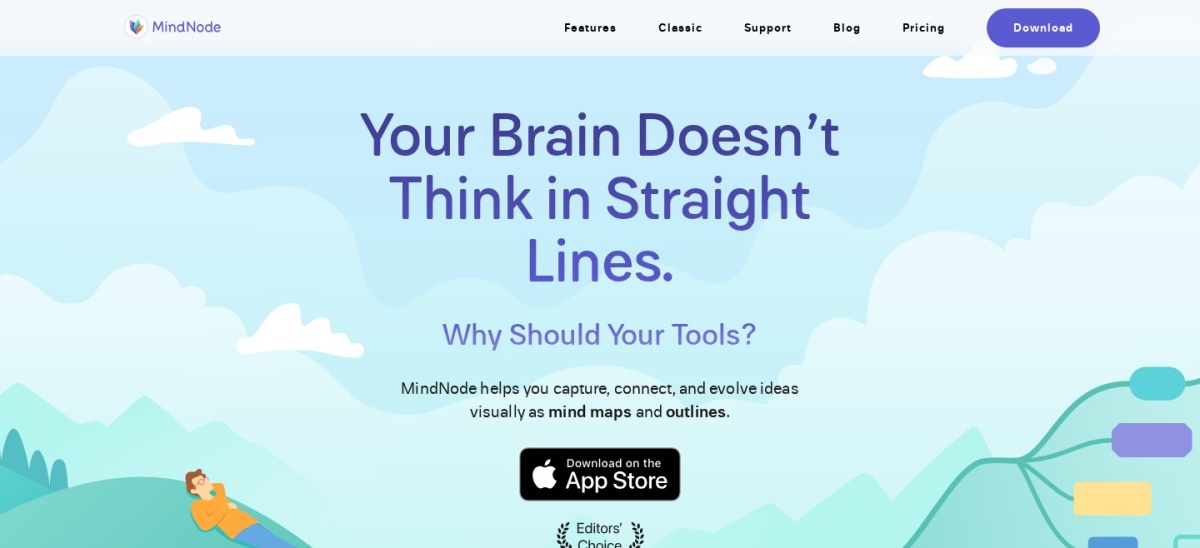
MindNode homepage, captured Nov 2026.
MindNode is a minimal mind mapping app for Mac and iOS, built around quick capture and clean layouts. The free version covers basic maps, and MindNode Plus at $2.49 a month adds themes, stickers, outlining and visual tags.
The trade off is the Apple-only limit. There is no Windows, Android or web app, and live co-editing is limited, so mixed-device teams should look elsewhere. It suits Apple users who want the cheapest paid plan in this list.
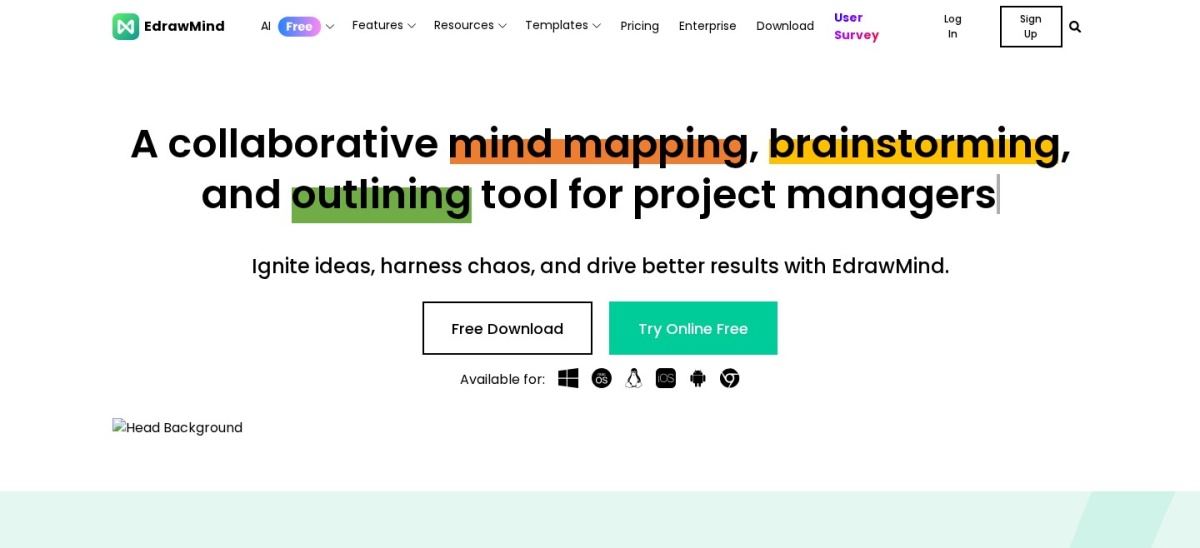
EdrawMind is a mind mapping tool from Wondershare with desktop, web and mobile apps, plus templates and AI map building. The free plan covers basic maps, and the subscription at $6.50 a month adds full export, AI features and cloud storage.
The trade off is the upsell path. Some AI use costs extra, and the $295 lifetime plan is a big one-off payment for a tool you may use lightly. It suits Windows users who want a full-featured mapper without a per-seat subscription.
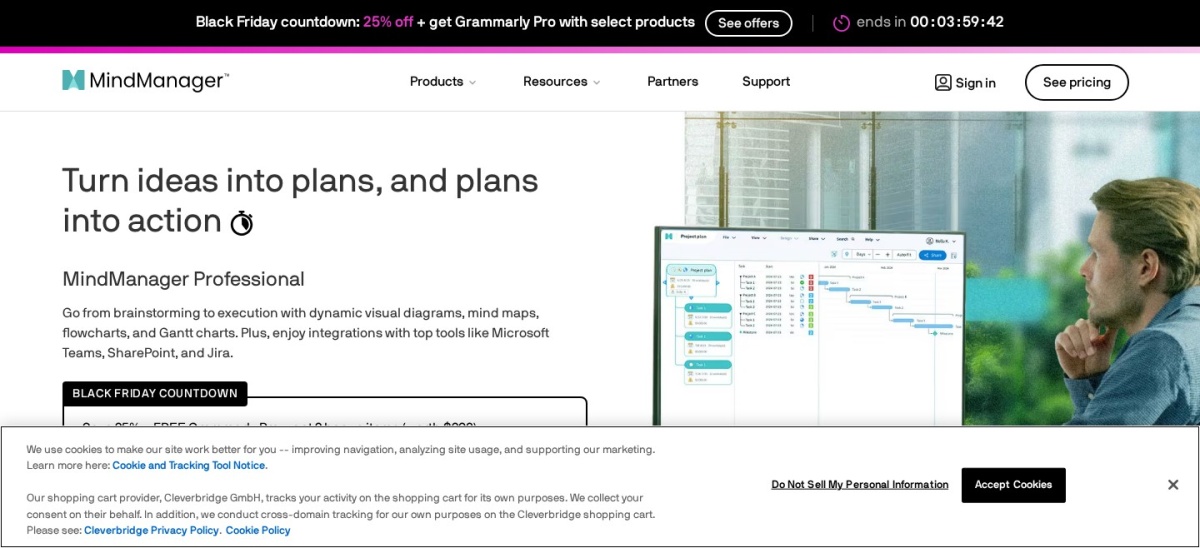
MindManager is a desktop mapping tool for business planning, with mind maps, flowcharts, Gantt charts and links to Microsoft Teams, SharePoint and Jira. Professional costs $169 a year, and there is a free trial but no free plan.
The trade off is price. At $169 a year it costs about three times XMind Pro, and the desktop-first design feels heavy beside browser tools. It suits corporate teams that plan projects in maps and live in Microsoft 365.
Free plans in this list are real but capped. MindMeister stops at 3 maps, Miro at 3 boards and Lucidchart at 3 documents.
Paid plans mostly add room and exports. Unlimited maps, full export options and version history sit behind the first paid tier.
MindManager is the exception: it has no free plan at all, only a trial. EdrawMind is the opposite, with a $295 lifetime plan instead of an endless subscription.
If you map every week, the cheapest paid plan that fits is usually MindNode at $2.49 a month or XMind Pro at $59 a year.
How we chose
We started from the mind mapping and whiteboard tools reviewers compare with Coggle most often, then kept those with a public rating and a published price.
Prices come from vendor pricing pages and vendor-supplied G2 listings, checked on 29 November 2026. Ratings and review counts come from G2 on the same day. Where a vendor shows a sale, the list shows the regular price.
We left out tools with no public rating and tools sold only by quote. No vendor paid for a place, and we do not claim to have used these tools ourselves.
How to choose a Coggle alternative
Start with where you map today, then match the tool to that habit.
Decide browser or desktop. Coggle lives in the browser. If you want that same feel, pick MindMeister, Miro, Whimsical or Lucidchart; if you map alone on a computer, XMind or MindNode cost less.
Count your free maps. Free plans cap maps or boards at 3 in most tools here. If you already have more than 3 live maps, budget for a paid plan from day one.
Check who edits with you. Live co-editing matters for teams. MindMeister, Miro and Whimsical let several people edit at once, while XMind and MindNode suit solo work.
Compare the yearly total, not the monthly price. A $2.49 monthly plan costs about $30 a year, while a $10 per-seat plan costs $120 a year for one person and far more for a team.
FAQ
What is the best Coggle alternative in 2026?
XMind is the best Coggle alternative for most people. It is rated 4.5 out of 5 on G2 from 474 reviews, costs $59 a year for Pro, and includes a free plan with basic maps.
What is the best free alternative to Coggle?
MindMeister is the closest free match, with 3 free maps and live co-editing in the browser. XMind also has a free plan, and Miro gives 3 free editable boards.
How much do Coggle alternatives cost?
Paid plans run from $2.49 a month for MindNode to $169 a year for MindManager. Most dedicated mappers sit between $3.50 and $13 a month, and seven of the nine picks here have a free plan.
Which Coggle alternative is best for small teams?
MindMeister suits small teams best, with browser-based maps and live co-editing from $3.50 a user a month. Miro is the stronger pick when the team also needs whiteboards and workshops.
Is XMind better than MindMeister?
XMind is better for solo mapping, with a 4.5 out of 5 G2 rating from 474 reviews and a flat $59 a year. MindMeister is better for live teamwork in the browser, with real-time co-editing and a lower starting price.
Do Coggle alternatives work on Mac and Windows?
Most do. XMind, EdrawMind and MindManager run on both Mac and Windows, while MindMeister, Miro, Lucidchart and Whimsical run in any browser. MindNode is the exception: it only runs on Mac and iOS.
Can I use a Coggle alternative without paying?
Yes. Seven of the nine tools here have a free plan, including XMind, MindMeister, Miro, Lucidchart and Whimsical. Free plans cap maps, boards or exports, so heavy users will need a paid plan.
SaaS SEO and WordPress specialist with about 8 years of experience. Rakib compares WordPress plugins, themes, hosting and software using public pricing, documentation and user reviews. See how we rank.