Miro is the best of the Conceptboard alternatives for most teams, with 3 free boards, Starter at $8 per member a month and a 4.6/5 G2 rating from 13,813 reviews. Pick FigJam for $3 a seat inside Figma, or Mural for facilitated workshops at $9.99 a member a month.
How we make this list: we compare pricing pages, product documentation and public user reviews, then re-check every price before each update. No product paid for a place. Disclosure.
Miro is the top pick: free for 3 boards, Starter at $8 per member a month, and a 4.6/5 G2 rating from 13,813 reviews.
FigJam is the cheapest paid option at $3 a Collab seat a month, but only inside a Figma plan.
Mural is the workshop pick, with a timer, voting and private mode on every plan from free up.
Conceptboard Starter costs $6 per user a month, so FigJam, Excalidraw and Microsoft Whiteboard all undercut it.
All 9 tools have a free plan. Paid plans run from $0 to $12 per user a month.
How do you choose the best Conceptboard alternative?
Conceptboard is a visual board for client work, with Starter at $6 per user a month and data centres in Germany. An alternative earns its place by matching that client-ready feel at a lower price, or by adding something Conceptboard lacks.
Start with the free plan. Every tool in this list has one, and the caps matter more than the price: Miro, Mural and Lucidspark all stop at 3 editable boards, while Whimsical caps free use at 50 objects a month.
Price is per person, per month, so a small team pays little and a large one pays a lot. FigJam costs $3 a seat, Miro $8 and Mural $9.99, all billed yearly. Check who counts as a paid seat before you invite clients to the board.
Think about where the board ends up. If the sketch becomes a task, ClickUp keeps it beside the work; if it becomes a design, FigJam hands it to Figma. Our guide on writing content that AI assistants cite covers turning rough notes into clear pages.
Miro is an online whiteboard with an infinite canvas for brainstorming, diagramming and planning. The free plan allows 3 editable boards with unlimited members, and paid plans add unlimited boards, voting, timers and 25 AI credits per member each month.
The trade off is cost at scale. Every member on a paid plan takes a paid seat, so a large team pays $8 per member each month on Starter, billed yearly. It suits teams that run workshops every week and want one board for brainstorming, planning and diagrams.
What we like
Free plan with unlimited members
Timer, voting and facilitation controls
250+ integrations with other tools
Watch out for
Free plan caps at 3 editable boards
Large boards can feel slow, per G2 reviews
Starter adds unlimited boards and visitor editingVisit miro.com
02
Mural
4.6/5on G2 (1,518 reviews, checked Nov 2026)
Paid from$9.99/mo
Best for facilitated workshops
Free murals3 editable murals
Paid planTeam+, $9.99/mo
Private roomsTeam+ only
GuestsUnlimited guests
mural.co
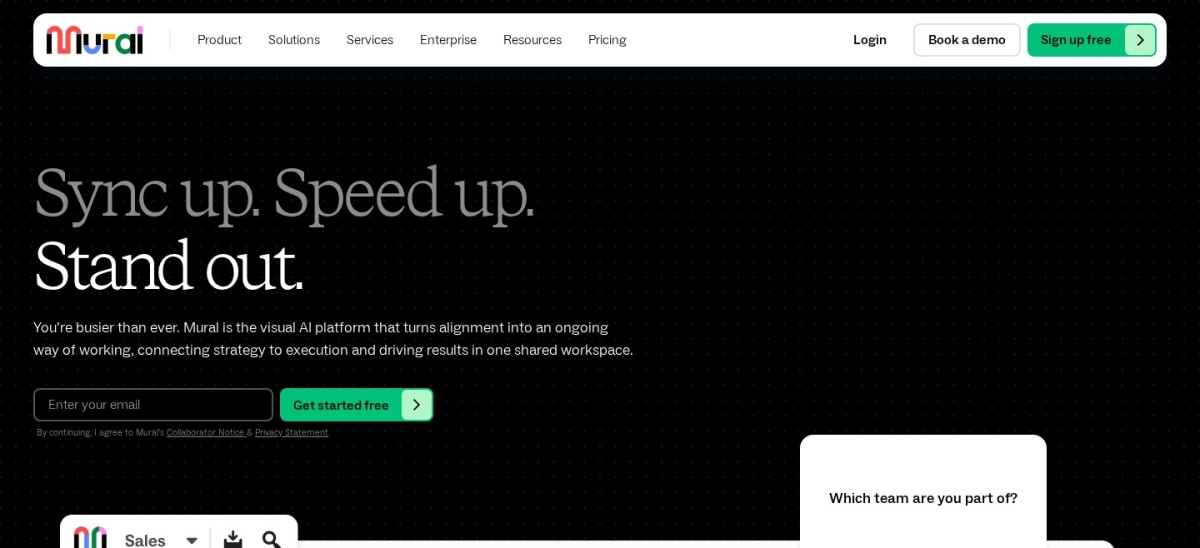
Mural homepage, captured Nov 2026.
Mural is a digital whiteboard built around facilitated workshops, with a timer, voting, private mode and an outline for each session. The free plan allows 3 editable murals with unlimited members and visitors, and Team+ adds unlimited murals, private rooms and Mural AI.
The trade off is price. Team+ costs $9.99 per member each month billed yearly, and the Business plan with single sign-on costs $17.99. It suits teams that run structured workshops and need to keep outside guests free.
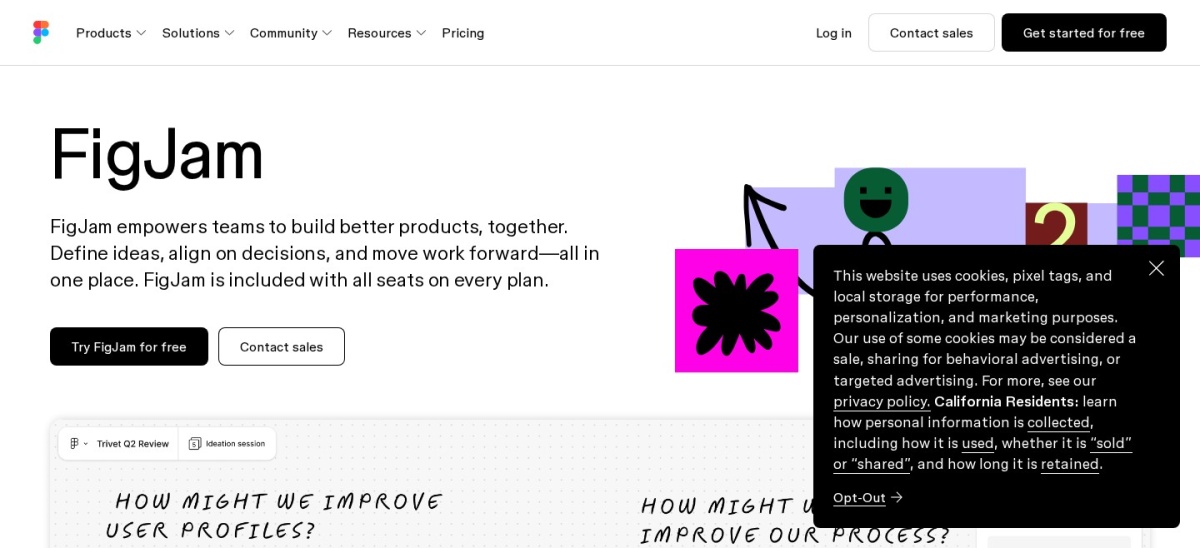
FigJam is Figma's online whiteboard for sticky notes, diagrams and workshops, with a timer, stamps and voting. The free Starter plan allows 3 FigJam files plus unlimited personal drafts, and a Collab seat on Professional unlocks unlimited files for $3 a month billed yearly.
The trade off is that FigJam is not sold on its own. You buy it as a Collab seat inside a Figma plan, so teams without Figma pay for a product set they may not use. It suits design and product teams that already work in Figma every day.
Lucidspark is Lucid's virtual whiteboard for brainstorming, with sticky notes, freehand drawing and templates for agile teams. The free plan allows 3 editable boards, and the Individual plan adds unlimited boards for $9 a month billed yearly.
The trade off is that team features cost more. Chat, voting and timers sit on the Team plan at $10 per user each month billed yearly. It suits teams that plan in Lucidchart already and want their boards beside their diagrams.
Whimsical is a visual workspace where flowcharts, wireframes, mind maps and sticky notes share one canvas. The free plan allows 50 board objects a month, and Pro removes that cap with unlimited objects and AI generation for $10 per editor each month billed yearly.
The trade off is the free cap. Fifty objects a month runs out fast on a busy board, so regular users soon need Pro. It suits product teams that sketch flows and wireframes before they open a design tool.
ClickUp is an all-in-one work platform with Whiteboards built beside tasks, docs, chat and goals. The free plan includes whiteboards with limits, and paid plans add unlimited storage, Gantt charts and more views, so a sketch can turn into a tracked task.
The trade off is breadth. ClickUp packs so many features into one workspace that new users face a steep learning curve, and private whiteboards sit on a higher plan. It suits teams that want brainstorming and delivery in one place.
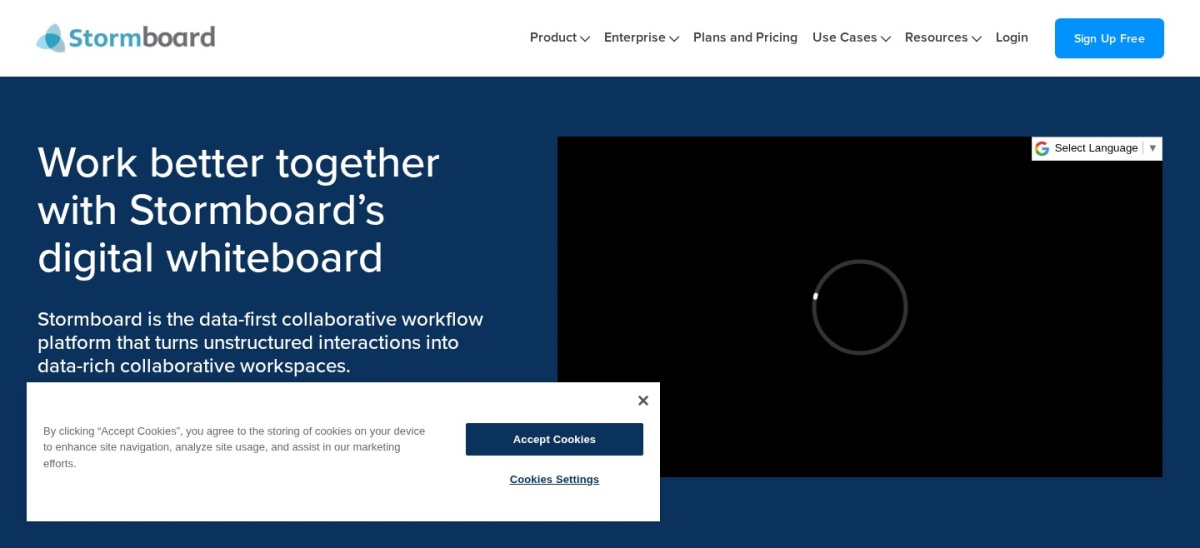
Stormboard is a data-first whiteboard that turns sticky notes into structured reports. It offers more than 250 templates for brainstorming and planning, and paid plans add reporting that exports a board as a PDF or Office document.
The trade off is reach. Stormboard has a smaller review base, with 78 G2 reviews, and fewer integrations than the leaders. It suits teams that need a written record of every workshop, not just a board.
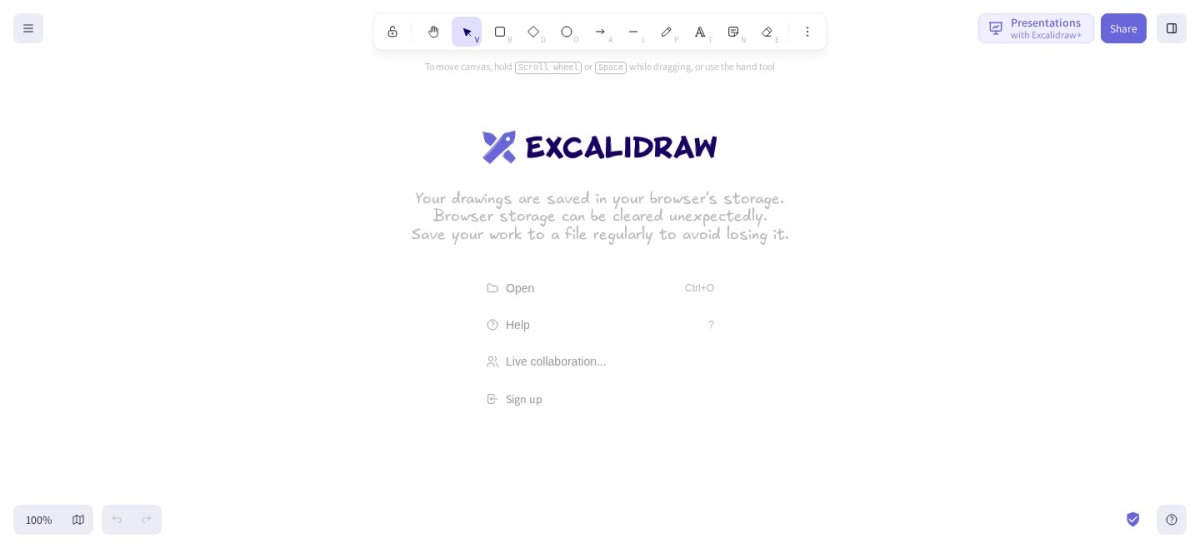
Excalidraw is a free, open-source whiteboard with a hand-drawn style for sketches and diagrams. It opens in the browser with no account, keeps one scene in the browser, and lets unlimited collaborators join by link.
The trade off is saving. The free editor holds one scene, so a team that wants saved boards, folders and comments needs Plus at $6 per user each month billed yearly. It suits engineers sketching systems and diagrams in a hurry.
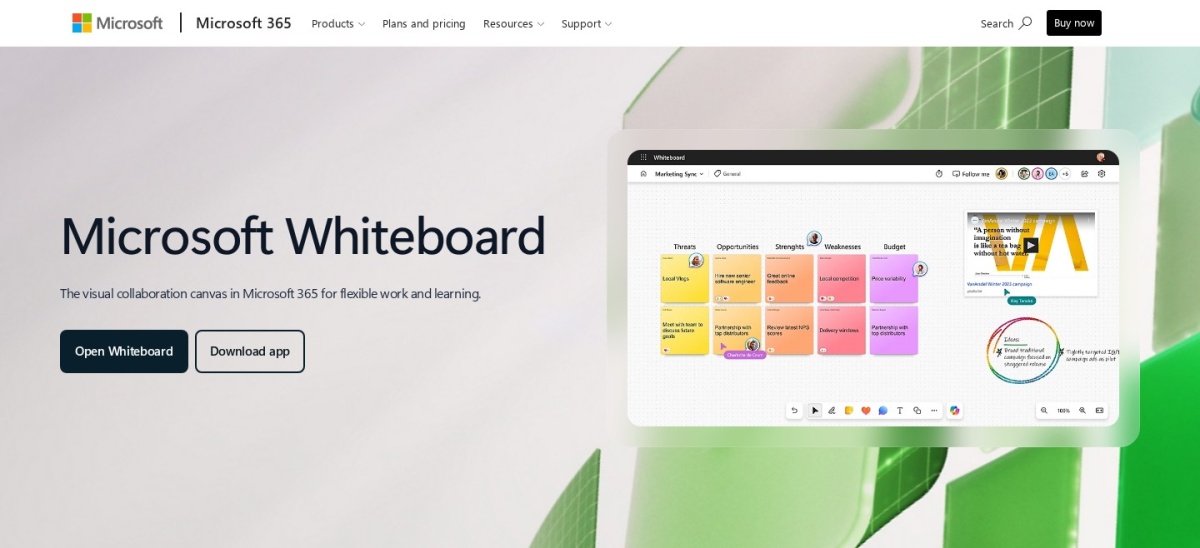
Microsoft Whiteboard is a simple digital canvas included with Microsoft 365 at no extra seat cost. It opens inside Teams meetings, so a team can sketch together during a call and keep the board with the meeting.
The trade off is depth. It has fewer templates and facilitation tools than Miro or Mural, and it works best inside Microsoft apps. It suits teams that already live in Microsoft 365 and want a free board without a new vendor.
Free plans are real whiteboards, not demos. You can run a full workshop on Miro, Mural or Lucidspark without paying, as long as 3 editable boards is enough.
The first paid step usually removes the board cap. Miro Starter is $8 a member a month, Mural Team+ is $9.99 and Lucidspark Individual is $9, all billed yearly.
The second step adds control: private rooms, single sign-on and guest rules. Those sit on higher plans, so check them before a client workshop, not during one.
How we chose
We started from the whiteboard tools with the largest review bases on G2 and Capterra, then kept 9 that cover workshops, design teams, project work and free sketching as replacements for Conceptboard.
Prices come from each vendor's pricing page, checked on 29 November 2026. Ratings and review counts come from G2 on the same day, except Lucidspark, which has no G2 rating yet, so its 4.7 comes from Capterra. Conceptboard's own Starter price of $6 per user a month comes from its pricing page. Where a vendor shows a sale, the list shows the regular price.
We left out tools that shut down or have no current pricing, such as Jamboard. No vendor paid for a place, and we do not claim to have used these tools ourselves.
How to choose a Conceptboard alternative
Start with the team you already have, then match the board to how you meet.
Count who needs to edit. Viewers and guests are often free, so only count the people who create and edit boards.
Check the free cap first. Three editable boards suits occasional workshops; weekly teams will hit the cap fast.
Match the board to the meeting. Pick Mural or Miro for facilitated workshops, FigJam for design work and ClickUp when ideas become tasks.
Try the free plan with a real workshop. Run one session end to end before paying, and check exports, templates and guest access.
FAQ
What is the best alternative to Conceptboard?
Miro is the best alternative to Conceptboard for most teams. Its free plan allows 3 editable boards with unlimited members, Starter costs $8 per member a month billed yearly, and it is rated 4.6 out of 5 on G2 from 13,813 reviews.
How much does it cost to switch from Conceptboard?
Most switches cost little. FigJam starts at $3 a seat a month inside Figma, Excalidraw Plus is $6 a user a month, and Microsoft Whiteboard costs nothing extra with Microsoft 365. Miro Starter is $8 a member a month, against Conceptboard Starter at $6.
Is there a free alternative to Conceptboard?
Yes. All 9 tools in this list have a free plan. Microsoft Whiteboard is free with Microsoft 365, and Excalidraw is free in the browser with no account needed.
Which Conceptboard alternative is best for small teams?
FigJam is the best pick for small design teams at $3 a seat a month, while Excalidraw suits small teams that want free sketching with no sign-up. Whimsical is the best small-team pick for flowcharts and wireframes at $10 an editor a month.
Is Miro or Mural better than Conceptboard?
Miro is the better all-round pick, with 250+ integrations, a bigger template library and a 4.6/5 G2 rating from 13,813 reviews. Mural is the better pick for facilitated workshops, with a timer, voting and private mode on every plan, including free.
Can I use FigJam without Figma?
No. FigJam is not sold on its own. It comes as a Collab seat inside a Figma plan, at $3 a seat a month on Professional billed yearly, or $5 billed monthly.
Which Conceptboard alternative is best for Microsoft Teams?
Microsoft Whiteboard is the best pick for Teams. It is included with Microsoft 365 at no extra seat cost and opens inside Teams meetings for live sketching.
SaaS SEO and WordPress specialist with about 8 years of experience. Rakib compares WordPress plugins, themes, hosting and software using public pricing, documentation and user reviews. See how we rank.