Notion is the best of the Quip alternatives for most teams, with docs, wikis and databases from $10 a user a month and a 4.6 out of 5 G2 rating. Coda is the closest match to Quip's docs-plus-tables, while Confluence fits larger teams that already use Jira.
How we make this list: we compare pricing pages, product documentation and public user reviews, then re-check every price before each update. No product paid for a place. Disclosure.
Quip is retiring: no new accounts since 17 February 2026, and subscriptions cannot be renewed after 1 March 2027.
Notion leads at $10 a user a month with docs, wikis and databases in one workspace.
Coda is the closest match to Quip, with tables, formulas and automations inside documents.
Confluence is the cheapest paid plan here at $5.78 a user a month, with a free plan for up to 10 users.
Paid plans run from $5.78 to $15 a user a month, and 8 of the 9 tools offer a free plan.
How do you choose between Quip alternatives?
Quip is going away, so the move is a matter of when, not if. Salesforce stopped new Quip accounts on 17 February 2026, and paying customers cannot renew after 1 March 2027, with free users losing access on 31 March 2027.
Start from what your team actually did in Quip. Most teams used it for shared docs, simple spreadsheets and comments in one place, so a wiki or docs tool covers the move without a full project platform.
Salesforce users need a second look at the CRM link. Quip's live Salesforce data was its standout feature, and none of these tools copies it exactly, so check each tool's Salesforce integration before you commit.
Export early and check what survives the move. Quip lets existing customers export their content, but formatting, comments and linked spreadsheets do not always carry over cleanly, so run a small trial export first.
Notion is an all-in-one workspace for docs, wikis and databases that replaces Quip's shared documents and adds structured data. The free plan covers unlimited pages for individuals with 10 guests, while Plus at $10 a user a month billed annually adds unlimited file uploads, charts and database syncs.
The trade off is setup time. Notion's blank canvas can feel slow to shape into a team wiki, and its AI features sit on the $20 Business plan. It suits teams that want one workspace for docs, notes and lightweight tracking.
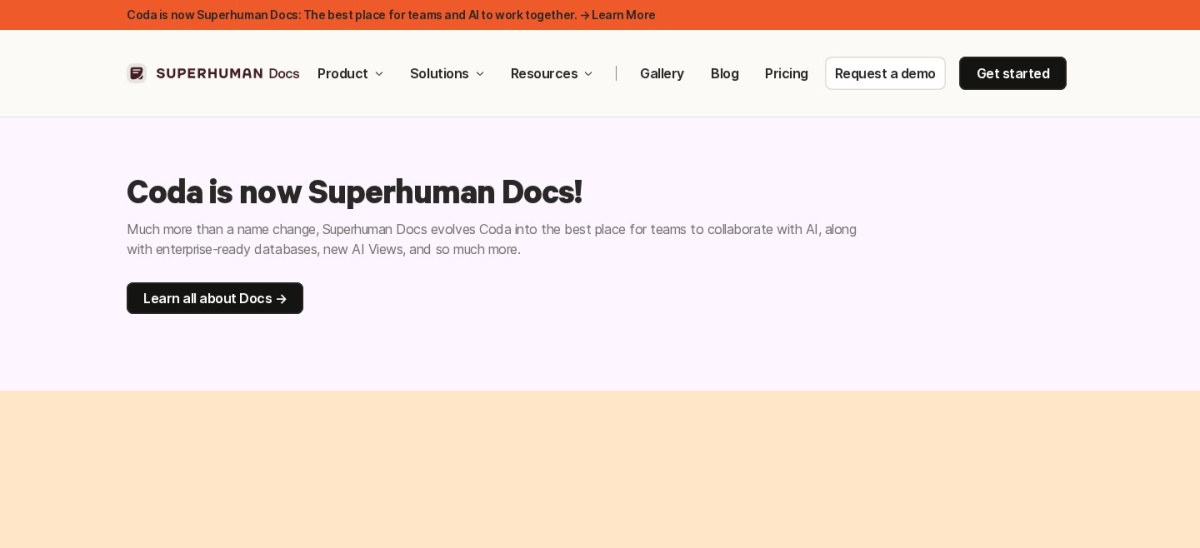
Coda is the closest match to Quip, blending documents, tables, formulas and automations so a doc can act like a spreadsheet. The free plan covers basic collaboration with doc size limits, while Pro at $15 per Doc Maker a month adds unlimited doc size, private folders and more Pack usage.
The trade off is the learning curve and the price. Coda is powerful once you learn its building blocks, but new users often find it harder to pick up than Notion, and $15 per Doc Maker is the highest starting price in this list. It suits small teams with one or two builders who design systems for everyone else.
What we like
Only Doc Makers pay, editors and viewers are free
Packs connect docs to other apps and data
Strong formulas and automations for custom workflows
Rated 4.6 out of 5 on G2 from 591 reviews
Watch out for
Steep learning curve for new users
Can feel slow on very large docs
Highest starting price in this list
Team adds unlimited automations and doc lockingVisit coda.io
03
Confluence
4.1/5on G2 (4,427 reviews, checked Nov 2026)
Paid from$5.78/mo
Best for large teams and Jira users
Cheapest paid planStandard, $5.78/user/mo
Free planYes, up to 10 users
Jira integrationNative, same vendor
Storage250 GB on Standard
atlassian.com
Confluence homepage, captured Nov 2026.
Confluence is Atlassian's team wiki, with spaces, page trees, templates and permissions that suit large documentation sets. The free plan covers up to 10 users with 2 GB of storage, while Standard at $5.78 a user a month adds advanced permissions, 250 GB of storage and Rovo AI search.
The trade off is weight. Confluence feels heavy for small teams, and its per-user price moves with team size, so the bill is hard to predict from the headline rate. It suits teams that already use Jira and need a wiki that scales past 100 people.
ClickUp is a work platform that pairs Docs with tasks, chat and dashboards, so a Quip doc can sit beside the work it describes. The free plan covers unlimited tasks with 100 MB of storage, while Core lists at $12 a user a month (currently $9 on sale) and adds unlimited storage, guest permissions and more automations.
The trade off is breadth. ClickUp covers so much that simple docs teams can find it busy, and the per-user price climbs steeply to Business at $25 regular. It suits teams that want their docs and their task lists in the same tool.
monday.com is a visual work platform whose Workdocs embed live board data, so a status doc updates when the board changes. The free plan covers up to 2 seats with 3 boards and 3 docs, while Basic at $9 a seat a month billed annually adds unlimited boards and items with a 3-seat minimum.
The trade off is the seat floor. Paid plans need at least 3 seats, and Basic has no automations or integrations, which start on Standard at $12 a seat. It suits visual teams that plan work on boards and write briefs beside them.
Asana is a work management platform where project docs, goals and status updates sit beside tasks and timelines. The free Personal plan covers 2 users, while Starter at $10.99 a user a month billed annually adds timeline views, dashboards and unlimited automations.
The trade off is that docs are not the main event. Asana's writing tools are thinner than Notion or Coda, and the monthly rate is $13.49 if you do not pay annually. It suits teams that already run projects in Asana and want their docs in the same place.
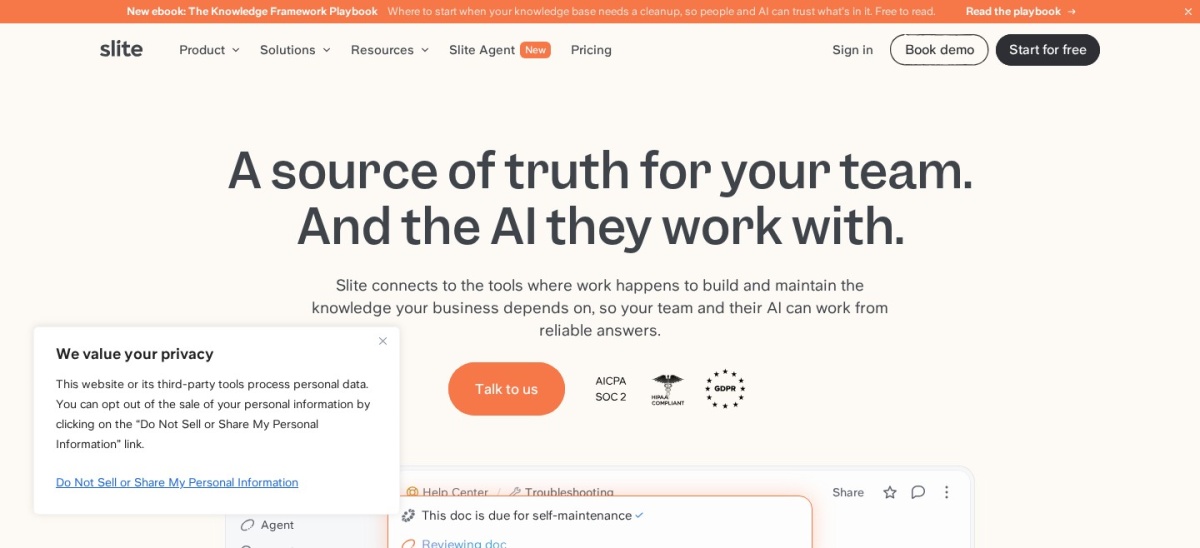
Slite is a simple team wiki for handbooks, meeting notes and standard procedures, with clean documents, search and permissions. Paid plans start at $10 a user a month, and the Standard plan adds AI answers grounded in verified docs, workspace analytics and more source connections.
The trade off is price clarity. Published prices disagree between $8 and $12.50 a user a month depending on the plan and the source, and there is no free plan, only a trial. It suits small teams that want a tidy wiki without Notion's setup work.
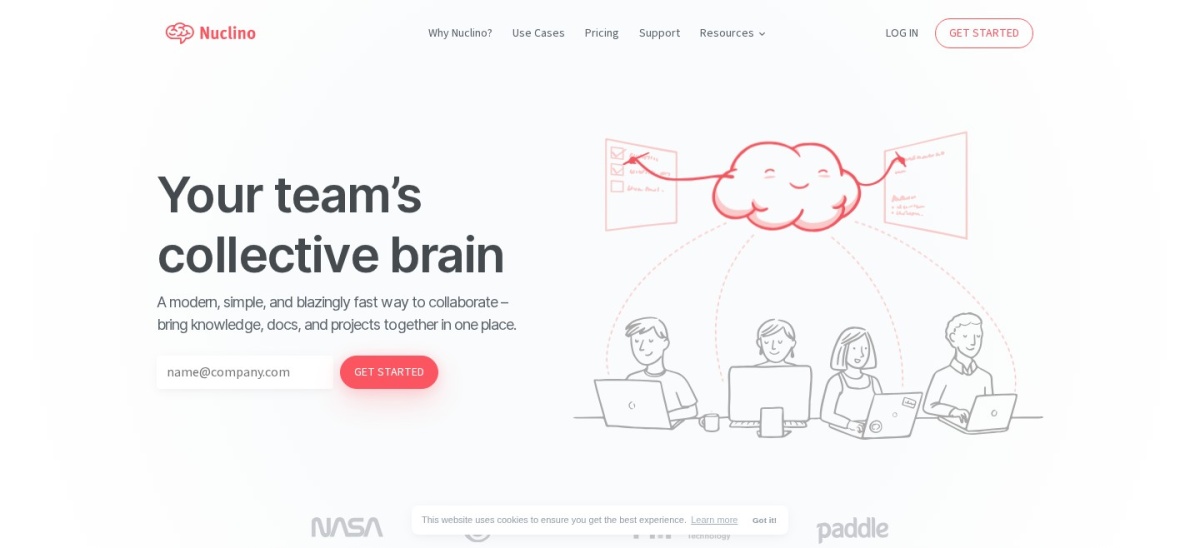
Nuclino is a fast, visual wiki that organises team knowledge in connected docs with a graph view. The free plan covers 50 items with 2 GB of storage, while Starter at $6 a user a month adds unlimited items, 10 GB of storage per user and private workspaces.
The trade off is depth. Nuclino is lighter than Notion or Confluence, with fewer integrations and no offline access, and its G2 review base is only 30 reviews. It suits small teams that want the cheapest tidy wiki that still feels modern.
Evernote is a classic note app built for capture, with notebooks, a web clipper and search that reads text inside images and PDFs. The free plan allows 50 notes and 1 notebook, while Personal at $10.83 a month billed annually adds unlimited notes, offline access and sync across unlimited devices.
The trade off is team fit. Evernote is built for personal archives, not shared team wikis, and Personal costs more than Notion Plus while doing less. It suits people with years of saved documents who need to find any note again fast.
Salesforce published the Quip retirement notice on 3 March 2026. New paid, free and trial accounts stopped on 17 February 2026, so nobody new can sign up.
Paying customers cannot renew after 1 March 2027, and free users lose access on 31 March 2027. Each paid site stays live until its own subscription term ends.
Content is not moved for you. After a subscription ends, Quip goes read-only for 90 days, then logins are blocked and the data is deleted, so export before your term ends.
How we chose
We started from the best-known collaborative docs and wiki tools that cover Quip's core jobs: shared documents, tables, comments and team wikis, then kept those with a public G2 rating and a published price.
Prices come from each vendor's pricing page or G2 pricing data, checked on 29 November 2026. Ratings and review counts come from G2 on the same day. Where a vendor shows a sale, the list shows the regular price.
We left out Microsoft Loop, whose G2 review base is only 3 reviews, and tools with no public rating. No vendor paid for a place, and we do not claim to have used these tools ourselves.
How to choose a Quip alternative
Start with your Quip export, then match the replacement to how your team worked.
List what Quip held for your team. Docs, spreadsheets, meeting notes and templates each point at a different tool, so count them before you compare prices.
Check the Salesforce link if you used it. Quip showed live CRM data inside docs, and only some replacements connect to Salesforce, so confirm the integration on a trial.
Trial the move with one real project. Export a shared doc with comments and a table, import it into your top two picks, and see what survives before you move the rest.
Price it per editor, not per reader. Coda charges Doc Makers only, while Notion and Confluence charge per user, so the cheapest headline price is not always the cheapest bill.
FAQ
What is the best Quip alternative in 2026?
Notion is the best Quip alternative for most teams in 2026. It covers docs, wikis and databases from $10 a user a month, holds 4.6 out of 5 on G2 from 13,976 reviews, and its free plan covers individuals and small teams.
Is Quip shutting down?
Yes. Salesforce is retiring all Quip products. New accounts stopped on 17 February 2026, subscriptions cannot be renewed after 1 March 2027, and free users lose access on 31 March 2027.
What is the best free alternative to Quip?
Notion has the best free Quip alternative for most teams, with unlimited pages for individuals and 10 guests on the free plan. Confluence is also free for up to 10 users, and Nuclino's free plan covers small teams with 50 items.
How much do Quip alternatives cost?
Paid plans in this list run from $5.78 a user a month for Confluence Standard to $15 a Doc Maker a month for Coda Pro. Most teams pay $6 to $12 a user a month, and 8 of the 9 tools offer a free plan.
Which Quip alternative is best for small teams?
Nuclino is the best Quip alternative for small teams that want a simple wiki, at $6 a user a month with a free plan. Notion is the better pick if the same team also wants databases and project tracking.
Notion vs Confluence: which is the better Quip alternative?
Notion is the better Quip alternative for most teams, with a simpler setup and databases at $10 a user a month. Confluence wins for large teams that already use Jira, with deeper permissions at $5.78 a user a month.
Can I export my Quip documents?
Yes, existing Quip customers can export their content before their subscription ends. Export early, because formatting, comments and linked tables do not always survive the move, and access ends after the read-only wind-down.
SaaS SEO and WordPress specialist with about 8 years of experience. Rakib compares WordPress plugins, themes, hosting and software using public pricing, documentation and user reviews. See how we rank.