Airtable is the best database platform with integration features for most teams, with a $20 Team plan billed annually, a 4.6 out of 5 G2 rating from 3,288 reviews, and sync integrations with other tools. Pick Notion for a cheaper workspace database and AppSheet for Google Workspace apps.
How we make this list: we compare pricing pages, product documentation and public user reviews, then re-check every price before each update. No product paid for a place. Disclosure.
Airtable leads on integrations: sync integrations, automations and an API come with the $20 Team plan.
Notion is the cheapest paid pick here at $10 per member a month, with a public API, webhooks and database syncs.
AppSheet has the highest G2 rating in this list at 4.8 out of 5, and its Starter plan costs $5 per user a month.
Every tool here charges per user or per maker except Knack, which charges a flat $49 a month with unlimited users.
Paid plans start at $5 a month and climb to $49 a month, so the cheapest plan is not always the cheapest bill at team size.
What integration features matter in a database platform
A database platform is only as useful as the tools it talks to. The best ones pull records in from forms, sheets and other apps, push changes out again, and run automations when a record changes.
Look for three things: native connectors to the apps you already use, an API or webhook support for the rest, and automations that move data without a person copying it by hand.
Two-way sync is the feature that separates a real platform from a fancy spreadsheet. Our guide on what the WordPress database is explains how records, tables and relationships fit together underneath.
Per-user pricing is the main trap. A $10 plan looks cheap until ten teammates need edit access, while a flat-rate plan such as Knack stays at $49 a month however many people use the apps.
The 9 best database platforms with integration features
01
Airtable
4.6/5on G2 (3,288 reviews, checked Nov 2026)
Paid from$20/mo
Best database platform with integrations overall
Cheapest paid planTeam, $20/user/mo
Records per base50,000 on Team
Automations25,000 runs on Team
IntegrationsSync, API, automations
airtable.com
Airtable homepage, captured Nov 2026.
Airtable is a spreadsheet-style database that teams use to build trackers, content calendars and client dashboards. The free plan covers 1,000 records per base and up to 5 editors, while the Team plan adds 50,000 records per base, 25,000 automation runs and standard sync integrations.
The trade off is per-seat pricing. Every editor on Team costs $20 a month billed annually, so the bill grows with each teammate who needs edit access. It suits small to mid-size teams that want a flexible database with strong connections to their other tools.
What we like
Largest review base in this list, 4.6 out of 5 on G2
Sync integrations and automations on the paid plans
Free plan works for a real first project
Views for grid, kanban, calendar, gallery and forms
Notion is an all-in-one workspace that pairs documents and wikis with databases, so a team can keep notes and structured data in one place. The free plan includes databases, basic forms and 10 guests, while Plus at $10 per member a month billed annually adds unlimited guests, charts, file uploads and database syncs.
The trade off is depth. Notion databases suit lightweight tracking, not heavy relational work, and large workspaces can feel slow. It suits freelancers and small teams that want a wiki and a database in one tool at a low price.
What we like
Cheapest paid plan in this list after AppSheet
Public API and webhooks for connecting other tools
Free plan covers databases and 10 guests
Largest G2 review base here at 13,770 reviews
Watch out for
Databases are lighter than a dedicated database tool
Large workspaces can run slowly
SAML single sign-on needs the $20 Business plan
Business adds the Notion Agent and enterprise searchVisit notion.com
03
AppSheet
4.8/5on G2 (405 reviews, checked Nov 2026)
Starts at$5/mo
Best for Google Workspace database apps
Cheapest paid planStarter, $5/user/mo
Free planPrototype free, 10 test users
Data sourcesGoogle Sheets, SQL, Excel
IntegrationsGoogle Workspace, 17 on G2
appsheet.com
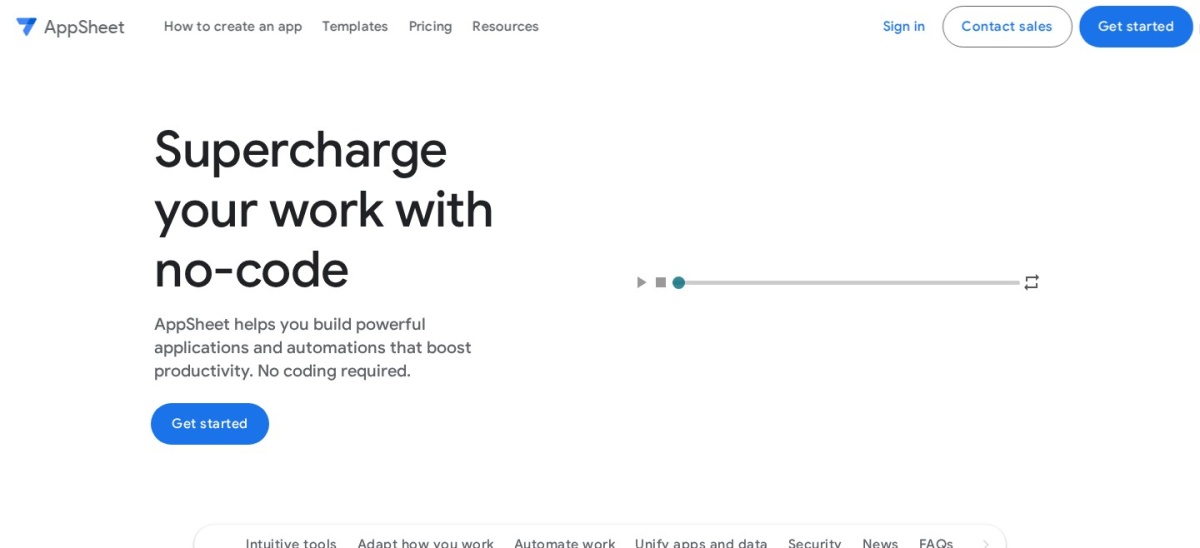
AppSheet homepage, captured Nov 2026.
AppSheet is a no-code app builder from Google that turns a spreadsheet or SQL table into a working mobile or desktop app. You can prototype for free with up to 10 test users, and the Starter plan at $5 per user a month adds offline mode, custom branding and Google Workspace integrations.
The trade off is the Google-shaped world it lives in. It works best when your data already sits in Google Sheets or a connected SQL database, and per-user pricing adds up for large field teams. It suits teams that run on Google Workspace and need field apps fast.
What we like
Highest G2 rating in this list at 4.8 out of 5
Lowest paid starting price here at $5 a user a month
Coda blends documents, tables and automations so teams can build trackers, wikis and lightweight apps in one place. The free plan covers basic collaboration with doc size limits, while Pro at $10 per Doc Maker a month billed annually adds unlimited doc size, private folders and more Pack usage.
The trade off is the learning curve. Coda is powerful once you learn its building blocks, but new users often find it harder to pick up than Notion or Airtable. It suits small teams with one or two builders who design systems for everyone else.
What we like
Only Doc Makers pay, editors and viewers are free
Packs connect docs to other apps and data
Strong formulas and automations for custom workflows
Rated 4.6 out of 5 on G2 from 492 reviews
Watch out for
Steep learning curve for new users
Can feel slow on very large docs
Smaller community than Notion or Airtable
Team adds unlimited automations and doc lockingVisit coda.io
05
Retool
4.6/5on G2 (380 reviews, checked Nov 2026)
Paid from$10/mo
Best for developers building on live databases
Cheapest paid planTeam, $10/builder/mo
Free planYes, up to 5 users
Data sourcesPostgreSQL, MySQL, REST APIs
Integrations74 listed integrations
retool.com
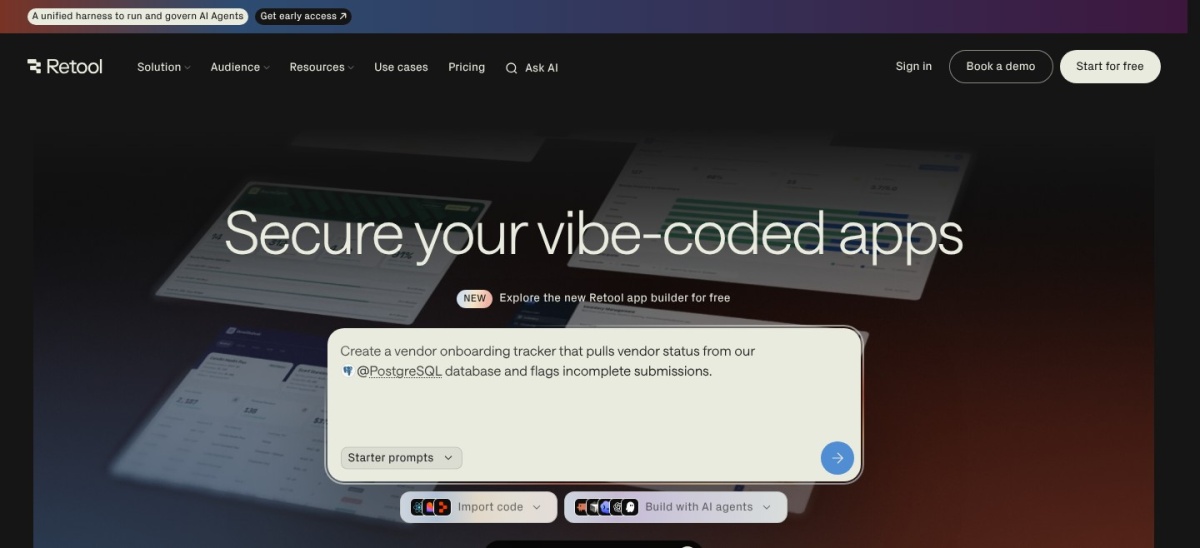
Retool homepage, captured Nov 2026.
Retool is a developer platform for building internal tools such as admin panels, support consoles and approval queues on top of live data. The free plan covers up to 5 users with full API and data source connectivity, while Team at $10 per builder a month billed annually adds a staging environment and app release versioning.
The trade off is the bill at scale. Internal users also cost $5 a month each on Team, so a team of builders plus viewers pays more than the headline price. It suits teams with at least one technical person whose tools touch several data sources.
What we like
Connects straight to SQL databases and APIs
Free plan includes full data source connectivity
Rated 4.6 out of 5 on G2 from 380 reviews
Ships internal tools far faster than custom code
Watch out for
Internal users cost extra on paid plans
Needs SQL or JavaScript skill to get the most from it
Access controls sit on the $50 Business plan
Business adds audit logging and app-level permissionsVisit retool.com
06
Smartsheet
4.4/5on G2 (23,251 reviews, checked Nov 2026)
Starts at$9/mo
Best spreadsheet-style database for projects
Cheapest paid planPro, $9/user/mo
Free planNo, 30-day trial
Automations250 a month on Pro
Integrations99 listed on G2
smartsheet.com
Smartsheet homepage, captured Nov 2026.
Smartsheet is a spreadsheet-style work platform built around the sheet, with forms for intake, reports and dashboards across many sheets. The Pro plan at $9 per member a month billed annually covers grid, Gantt, board and calendar views, 250 automations a month and 20 GB of storage, with a 30-day free trial instead of a free plan.
The trade off is the tier jump. Pro is limited to 10 members and caps reports at one sheet, so growing teams must move to Business at $19 a member. It suits program teams whose work already lives in structured trackers.
What we like
Largest G2 review base in this list at 23,251 reviews
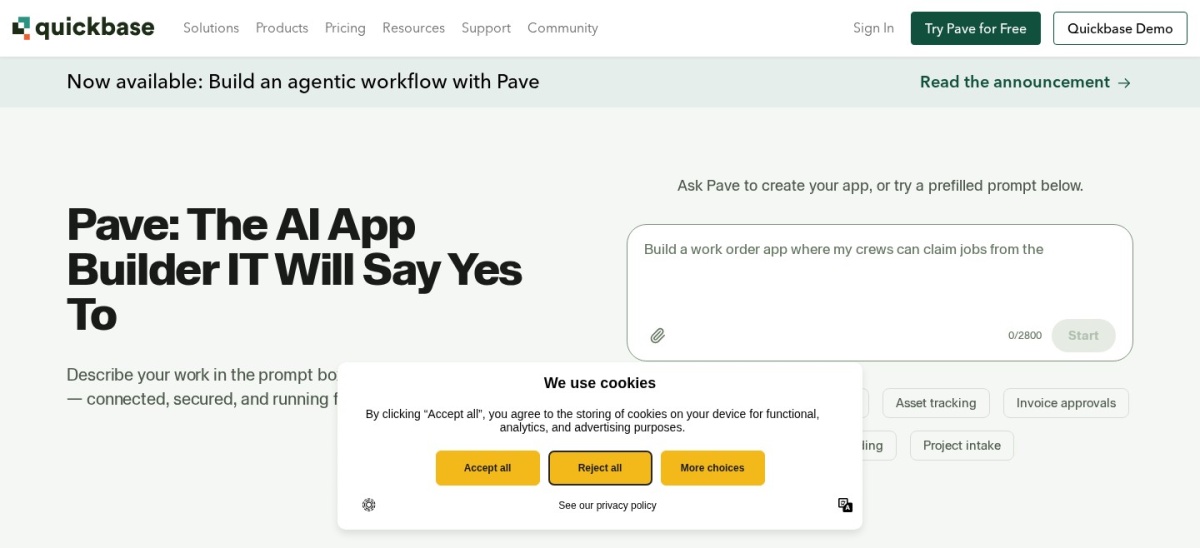
Quickbase is a low-code platform for building apps, automating workflows and tracking operational data, with audit logs and role-based access on every plan. The Team plan starts at $35 per user a month billed annually, with a 20-user minimum, and a 30-day free trial covers the Business plan features.
The trade off is cost and scale. The published rate excludes a platform minimum fee, and the 20-user floor makes it a poor fit for small teams. It suits mid-market teams in construction, manufacturing or field service with complex, multi-department workflows.
What we like
Flexible no-code customization and workflow automation
Audit logs and role-based access on every plan
AI Chat-to-App builds an app from a description
Rated 4.4 out of 5 on G2 from 1,645 reviews
Watch out for
20-user minimum on the Team plan
Platform minimum fee sits on top of the per-user price
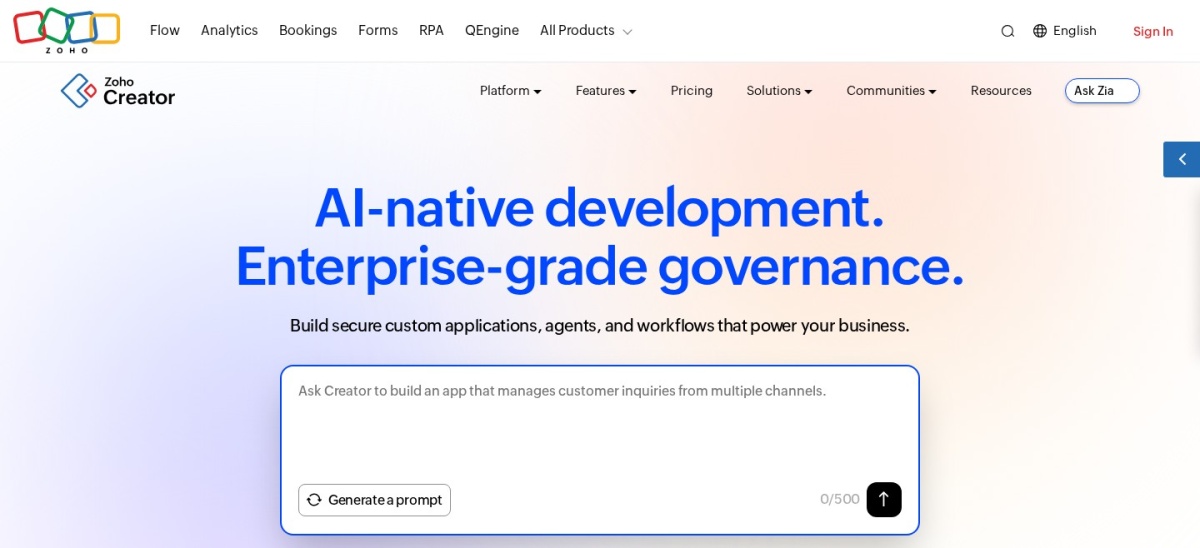
Zoho Creator is a low-code platform for building custom database apps with forms, reports and workflow automations, and it connects with the rest of the Zoho suite. The Standard plan at $8 per user a month billed annually covers one application with basic forms, reports and automations, with a free trial to start.
The trade off is scope. Standard allows only one application, and broad third-party integrations need the Enterprise plan at $25 a user. It suits small businesses that already use Zoho apps and want affordable custom apps without developers.
What we like
Lowest per-user price in this list after AppSheet
Fast prototyping and deployment for non-developers
Deep links into the Zoho ecosystem
Rated 4.3 out of 5 on G2 from 164 reviews
Watch out for
Standard plan allows only one application
Record limits push upgrades on lower plans
Interface customization can feel restrictive
Professional adds unlimited apps and 15 data sourcesVisit zoho.com
09
Knack
4.3/5on G2 (115 reviews, checked Nov 2026)
Starts at$49/mo
Best flat-rate database for unlimited users
Cheapest paid planStarter, $49/mo
Free planNo, free trial
Records on Starter20,000
IntegrationsFlows link 400+ platforms
knack.com
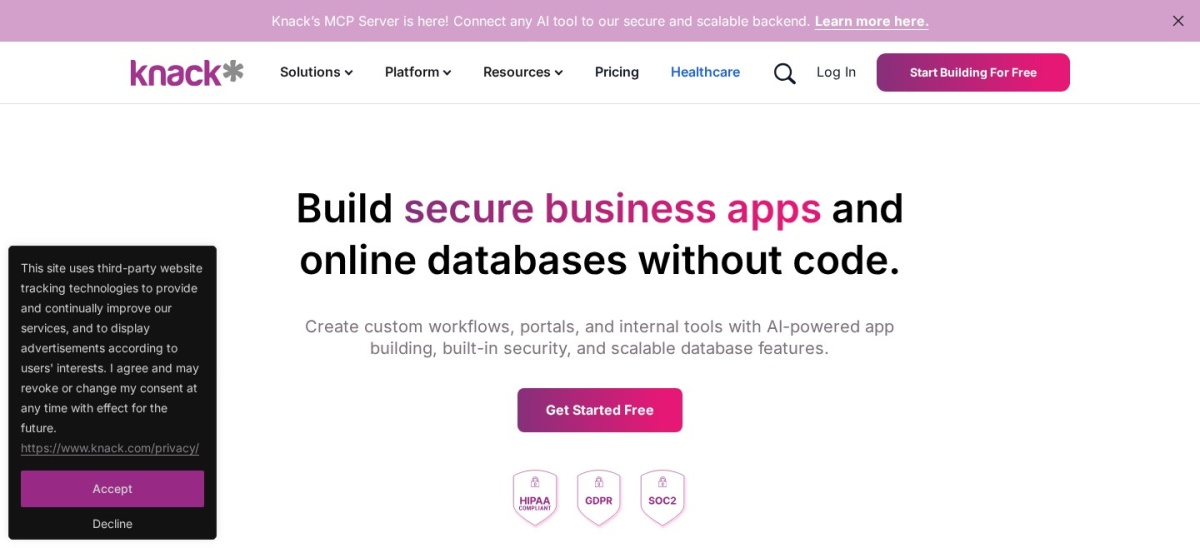
Knack homepage, captured Nov 2026.
Knack is a no-code relational database and app builder for internal business tools, operations dashboards, CRMs and portals. The Starter plan costs $49 a month billed annually and covers 20,000 records, 2 GB of storage and 3 apps, with unlimited app users and Flows that link to more than 400 platforms.
The trade off is the entry price. At $49 a month it is the highest starting price in this list, and G2 still shows an older $19 Starter price that no longer matches the vendor page. It suits teams with many users who want one flat bill instead of per-seat pricing.
Free plans cover the basics well. Airtable, Notion, Coda and Retool all let you build a real database without paying, though record counts and automation runs stay capped.
Paid plans mostly add scale and connections. You get more records, more automation runs, two-way sync and single sign-on.
If your data lives in several places, the paid tier is usually where the useful integrations sit. Our guide on exporting and importing WordPress content shows the same trade-off in a smaller setting: moving data out is easy, keeping it in sync is the paid part.
For a team of five or more editors, add up the per-seat cost before you commit. A flat-rate plan such as Knack can cost less than a $10 seat plan once everyone needs edit access.
How we chose
We started from the best-known database platforms that publish an integration story, then kept those with a public G2 rating and a published price.
Prices come from each vendor's pricing page or G2 pricing data, checked on 25 November 2026. Ratings and review counts come from G2 on the same day. Where a vendor shows a sale, the list shows the regular price.
We left out pure code-first databases and tools with no public rating. No vendor paid for a place, and we do not claim to have used these tools ourselves.
How to choose a database platform with integration features
Start with where your data already lives, then check which tools connect to it without custom code.
List the apps your data must reach. Write down the CRM, inbox, sheet and billing tool each record touches. If a platform has no native connector for one of them, check its API or webhook support.
Count the editors, not just the viewers. Most of these tools charge per editor or per maker. Viewers are often free, so a plan that looks dear can still be cheap for a read-heavy team.
Check whether sync runs both ways. One-way sync copies data in, two-way sync keeps both sides current. Two-way sync usually sits on a higher tier, as with Airtable Business.
Try the free plan or trial with real records. Import a sample of your own data and connect one app before you pay. See how to back up a WordPress database first if you are moving live data.
FAQ
What is the best database platform with integration features?
Airtable is the best pick for most teams. Its Team plan costs $20 per user a month billed annually, it is rated 4.6 out of 5 on G2 from 3,288 reviews, and it offers sync integrations, automations and an API.
Which database platform has the most integrations?
Knack lists Flows that connect to more than 400 platforms, the largest count in this list. Airtable, Retool and Smartsheet also publish broad integration catalogues, with 74 and 99 integrations listed for Retool and Smartsheet.
What is the cheapest database platform with integrations?
AppSheet Starter is the cheapest paid plan here at $5 per user a month. Notion Plus and Coda Pro both cost $10 a month, while Airtable, Notion, Coda and Retool all offer a free plan.
Do these database platforms work without code?
Yes, most of them do. Airtable, Notion, Coda, AppSheet, Knack, Zoho Creator, Smartsheet and Quickbase are built for non-developers, while Retool is aimed at teams with at least one technical person.
What is the difference between one-way and two-way sync?
One-way sync copies data from one tool into another and keeps it read-only there. Two-way sync updates both sides when a record changes, so neither copy goes stale, and it usually costs more.
Can I move my data out of a database platform later?
Yes, in most cases. The tools in this list export records to CSV or through their API, though some exports sit on paid plans, so check the export limits before you commit to a platform.
SaaS SEO and WordPress specialist with about 8 years of experience. Rakib compares WordPress plugins, themes, hosting and software using public pricing, documentation and user reviews. See how we rank.