Obsidian is the best Roam Research alternative for most people, with a free full app, local Markdown files and a graph view, rated 4.8 out of 5 on Capterra. Pick Notion for shared team docs at $10 a user a month, or Logseq if you want Roam's block links free and open source.
How we make this list: we compare pricing pages, product documentation and public user reviews, then re-check every price before each update. No product paid for a place. Disclosure.
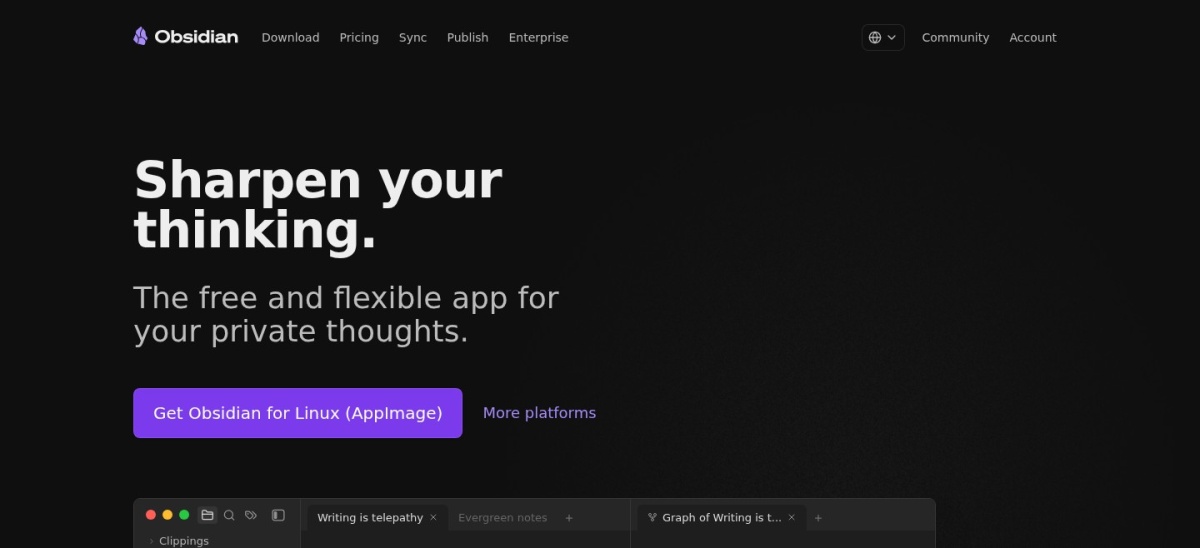
Obsidian is the closest free match to Roam, with local files, backlinks and a graph view; Sync costs $4 a month.
Logseq copies Roam's block model most directly and is free and open source, with Sync at $5 a month.
Notion is the best team pick, with docs, wikis and databases at $10 a user a month on Plus.
Paid prices run from $4 a month for Obsidian Sync to $10 a month for Notion Plus, and every tool here has a free plan.
Tana and Capacities add structure and AI, but both need paid plans for their best features.
How do you choose the best Roam Research alternative?
Start with how you took notes in Roam. If daily outlines and block links were the core of your system, Logseq and Obsidian copy that model most directly.
Local files matter more than they first seem. Obsidian, Logseq and Standard Notes keep notes on your own device, so a price rise or a shutdown cannot lock you out of your own thinking.
Free plans are a real test. Every tool in this list has one, so you can check the editor, sync and search with real notes before paying anything.
Price spreads are wide for the same job. Sync for Obsidian costs $4 a month, while Notion Plus costs $10 a user a month, so a solo note-taker and a team pay very different amounts for the same switch.
Obsidian is a free Markdown note app that stores every note as a plain file on your device, with backlinks and a graph view that work much like Roam. The full app is free, with no cap on notes or vaults, and a large plugin library adds calendars, tasks and outlines.
The trade off is sync. Cross-device sync needs Obsidian Sync at $4 a user a month billed yearly, or a sync service of your own, and the plain interface takes a day to set up. It suits people who want to own their notes as files and build a Roam-style graph without a subscription.
Notion is a block-based workspace that combines docs, wikis, databases and tasks in one place. The free plan includes databases with subtasks, Notion Calendar, basic forms and sites, and 7-day page history with file uploads up to 5 MB.
The trade off is structure. Notion links pages rather than blocks, so it never feels quite like Roam, and full AI features need Business at $20 per user a month. It suits teams that want shared docs and a knowledge base in the same workspace.
Logseq is a free, open-source outliner built on the same block model as Roam, with daily journals, block-level links, a graph view and a query language. Every note is a plain Markdown or Org file stored on your own device.
The trade off is sync and polish. Sync is a $5-a-month backer add-on still in beta, and the newer database version is also in beta, so backups matter. It suits people who want Roam's outline and block links without paying for them.
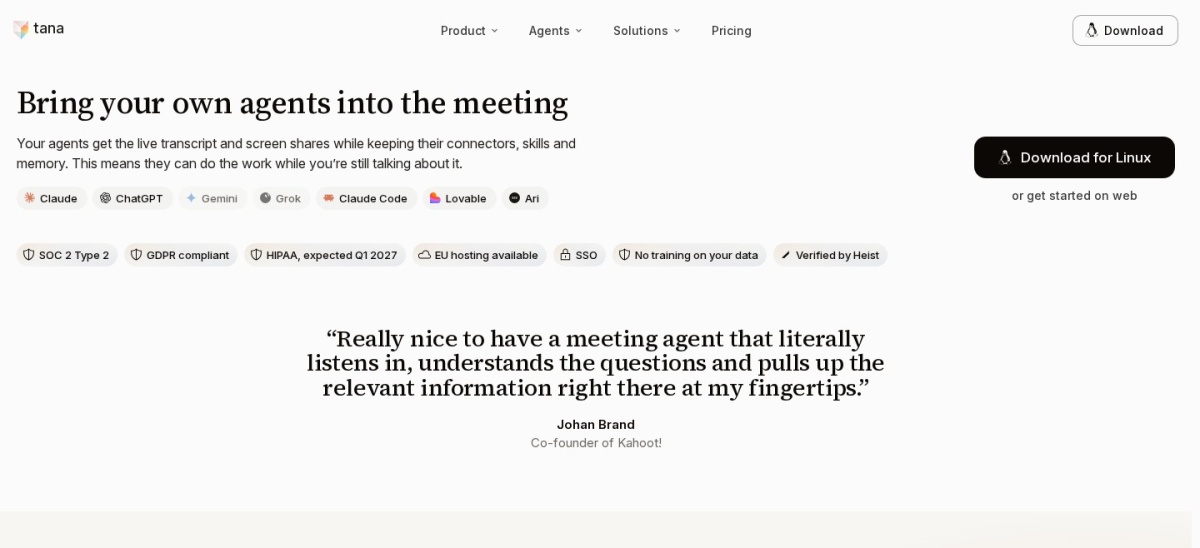
Tana is a node-based workspace where every note can carry fields, views and Supertags, so notes grow into databases without leaving the outline. The free plan covers core outlining, a daily journal and 500 AI credits a month.
The trade off is the learning curve. Supertags take days to click, the free plan caps custom Supertags at 5, and calendar sync needs Plus at $8 a month billed yearly. It suits people who want Roam's graph plus structured data and AI.
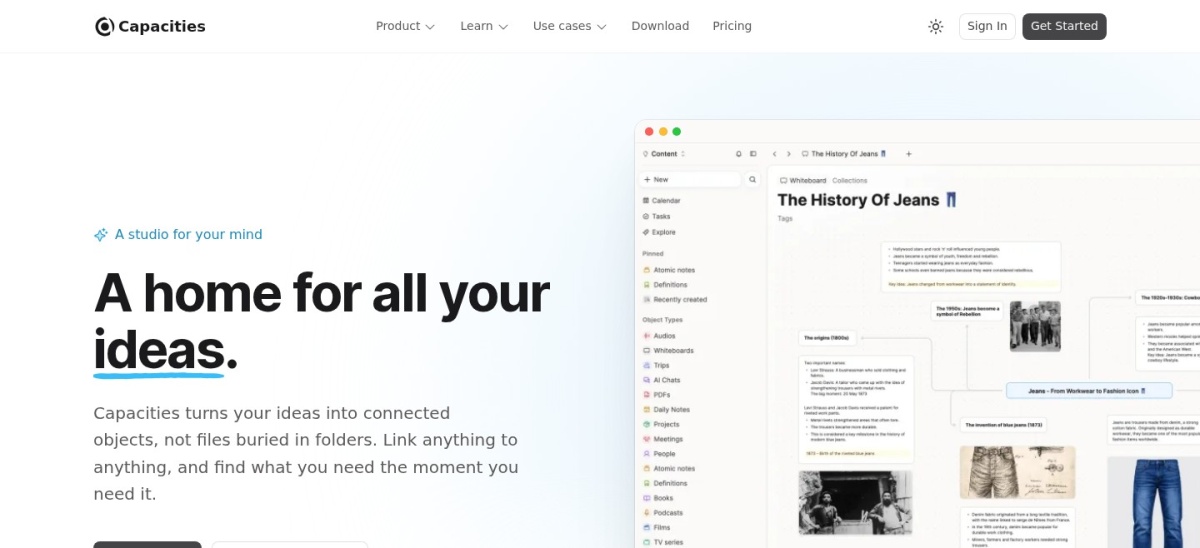
Capacities is an object-based note app that organises notes as typed objects, such as books, people and ideas, with daily notes, backlinks and a graph view. The free Basic plan includes unlimited objects, spaces and blocks, plus sync on every device.
The trade off is the paid layer. Tasks, calendar, smart queries and the AI assistant need Pro at $9.99 a month billed yearly, and the mobile app lags the desktop. It suits people who like Roam's links but want cleaner structure.
Amplenote is a productivity app that puts notes, tasks and a calendar in one place, with backlinks, tags and a graph view. The free Personal plan covers notes, tasks, calendar, mobile apps and 5 MB file uploads.
The trade off is that the best parts are paid. Graph view, calendar sync and native desktop apps need Pro at $5.84 a month billed yearly, and the interface feels busy. It suits people who plan their day inside their notes.
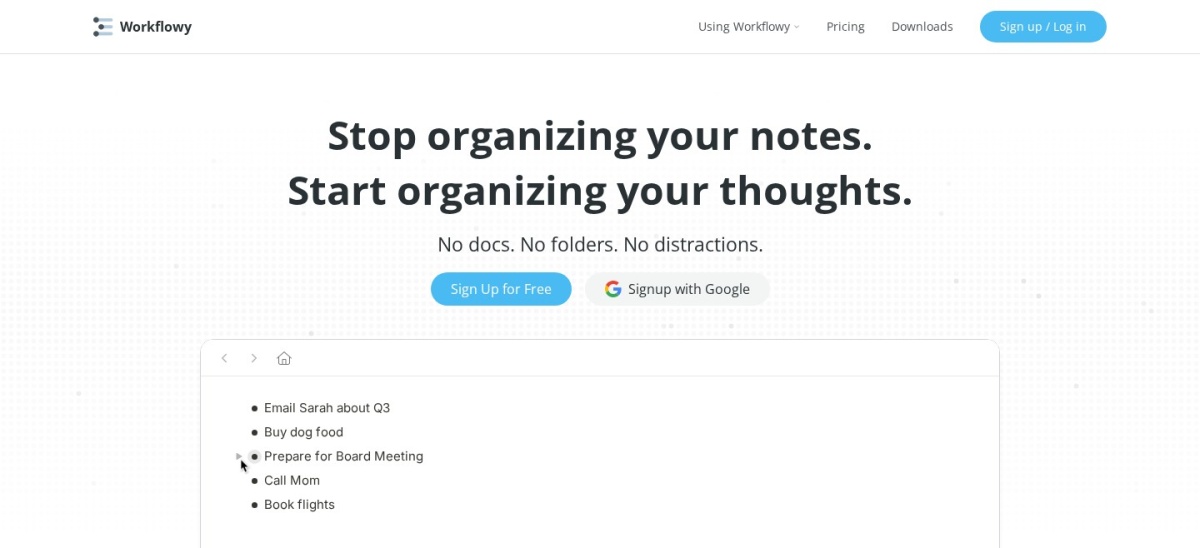
Workflowy is a minimalist outliner built around one infinitely nestable bullet list, with zoom-in focus, mirrored bullets and hashtag filters. The free Basic plan covers light outlining, and Pro removes the caps.
The trade off is scope. There is no graph view, no backlinks and no database, so it covers outlining only, and Pro costs $6.99 a month billed yearly. It suits people who loved Roam's daily outline but not its complexity.
Standard Notes is an open-source note app that encrypts every note end to end and syncs it across unlimited devices. The free plan covers plain text, rich text and Markdown notes with encrypted backups.
The trade off is features. Advanced editors, themes and file storage need Productivity at $90 a year, and there is no graph view or backlinking. It suits people who want private notes above all else.
Evernote is a long-running note app for capture and search, with a web clipper, document scanning and search inside PDFs and images. The free plan covers 50 notes, one notebook and one synced device.
The trade off is the free plan and the price. Free caps at 50 notes, and Starter costs $99 a year for 1,000 notes, 20 notebooks and 3 devices. It suits people with years of saved notes who need powerful search.
Free plans cover the basics well. Every tool here lets you write, link and search notes without paying.
Paid plans mostly add sync, AI and limits. Obsidian Sync, Logseq Sync and Tana Plus all charge for the parts that move notes between devices or add AI.
If you only write on one computer, a free plan may be enough for years. Obsidian and Logseq are free in full on one machine.
For a team or a phone-and-laptop setup, budget for sync. The cheapest useful paid plan here is Obsidian Sync at $4 a month, and the priciest is Notion Plus at $10 a user a month.
How we chose
We started from the tools most often named as Roam replacements in 2026, then kept those with a live product, a public price and a public rating.
Prices come from each vendor's pricing page, checked on 29 November 2026. Ratings and review counts come from G2, Capterra, Trustpilot or the App Store on the same day. Where a vendor shows a sale, the list shows the regular price.
We left out tools with no public rating, including RemNote, Anytype and Heptabase. No vendor paid for a place, and we do not claim to have used these tools ourselves.
How to choose a Roam Research alternative
Start with the notes you already have, then match the tool to how you work.
List what you used in Roam. Daily pages, block links, the graph or queries. The feature you miss most decides the shortlist.
Try the free plan first. Import a few real notes and check the editor, search and sync before you pay for anything.
Check where your notes live. Local files travel with you; cloud-only notes need an export you can trust.
Count the real yearly cost. Multiply the monthly price by 12 and add sync or AI extras, then compare it with the free plan you already tried.
FAQ
What is the best free alternative to Roam Research?
Obsidian is the best free alternative to Roam Research. The full app is free, with local Markdown files, backlinks and a graph view, and it holds a 4.8 out of 5 rating on Capterra from 46 reviews. Logseq is the closest free match to Roam's block model.
How much does a Roam Research alternative cost?
Most cost $4 to $10 a month on yearly billing. Obsidian Sync is $4 a month, Logseq Sync is $5, Workflowy Pro is $6.99, Tana Plus is $8 and Notion Plus is $10 a user a month. Every tool in this list also has a free plan.
Is there a free alternative to Roam Research?
Yes. Obsidian, Logseq, Notion, Tana, Capacities, Amplenote, Workflowy, Standard Notes and Evernote all have free plans. Obsidian and Logseq are the most generous, with no cap on notes in their free versions.
Which Roam Research alternative is best for beginners?
Notion is the easiest starting point, with templates, a familiar page editor and a large help community. Workflowy is simpler still if you only want outlines. Obsidian and Logseq are stronger, but take longer to set up.
Is Obsidian or Logseq better than Roam Research?
Obsidian is better for owning your notes, since it stores them as local Markdown files and the full app is free, while Logseq is better for Roam's block links, which it copies almost exactly. Roam's edge is its hosted daily pages and queries, which neither copies fully.
Is Obsidian better than Notion as a Roam Research alternative?
Obsidian is better for personal notes you own, with local files, a graph view and a free full app. Notion is better for teams, with shared docs, wikis and databases at $10 a user a month. Pick Obsidian for a private second brain and Notion for shared work.
SaaS SEO and WordPress specialist with about 8 years of experience. Rakib compares WordPress plugins, themes, hosting and software using public pricing, documentation and user reviews. See how we rank.