Process Street is the best Promapp alternative for most teams, turning SOPs into checklist workflows with approvals at a 4.6 out of 5 G2 rating from 463 reviews. Pick Pipefy for intake forms and approvals, or Lucidchart when the job is mainly process maps and diagrams.
How we make this list: we compare pricing pages, product documentation and public user reviews, then re-check every price before each update. No product paid for a place. Disclosure.
Process Street is the closest Promapp replacement for SOPs, turning procedures into checklist runs with approvals and an audit trail.
Pipefy is the strongest workflow pick for intake, with a free Starter plan and forms, phases, SLAs and approvals.
Lucidchart is the best pure mapping tool here, with BPMN shapes and real-time collaboration from $9 a month.
Scribe is the fastest way to document a process, capturing clicks into a step-by-step guide with screenshots.
Three tools cost nothing to start: diagrams.net is fully free, and Lucidchart, Miro and Creately all have free plans.
How do you pick the right Promapp alternatives for your team?
Promapp, now part of Nintex, is built around process maps that teams own, review and improve. A good replacement should cover the same ground: a clear map or procedure, named owners, and a way to keep it current.
Start with the kind of work you run most. Checklist tools such as Process Street and Tallyfy fit repeatable procedures that people run again and again, while diagramming tools such as Lucidchart and diagrams.net fit maps that are drawn once and reviewed on a schedule.
Ownership matters more than features. A map with no owner goes stale, so check who can edit, approve and retire a process before you compare prices. Our WordPress maintenance checklist shows the same idea in miniature: a checklist only works when someone owns each step.
Price spreads are wide here. Free diagramming covers a small team, while workflow tools charge per seat and quote-only plans such as Process Street need a sales call before you know the bill.
Process Street is the closest direct replacement for Promapp for most teams. A procedure becomes a template, and each run assigns tasks, collects form data, routes approvals and leaves an audit trail, with conditional logic that shows or hides steps as the run progresses.
The trade off is price clarity. Its pricing page now lists every plan as contact sales with no published per-seat price, so a small team cannot budget it without a sales call. It suits teams that run the same procedures every week and need approvals and a record of each run.
What we like
Closest match to Promapp for SOPs and repeatable work
Approvals, conditional logic and audit trails built in
Rated 4.6 out of 5 on G2 from 463 reviews
Unlimited workflows and tasks on every plan
Watch out for
No published price and no free plan, only a 14-day trial
Paid plans carry a 5-user minimum on Startup
Per-seat cost adds up for teams with many occasional users
Paid plans add more automations and custom reportingVisit process.st
02
Pipefy
4.6/5on G2 (231 reviews, checked Nov 2026)
Paid from$23/mo
Best for intake forms and approvals
Free planYes, Starter
Work modelPipes with phases
AutomationBuilt in on Business
Paid planBusiness, $23/user/mo
pipefy.com
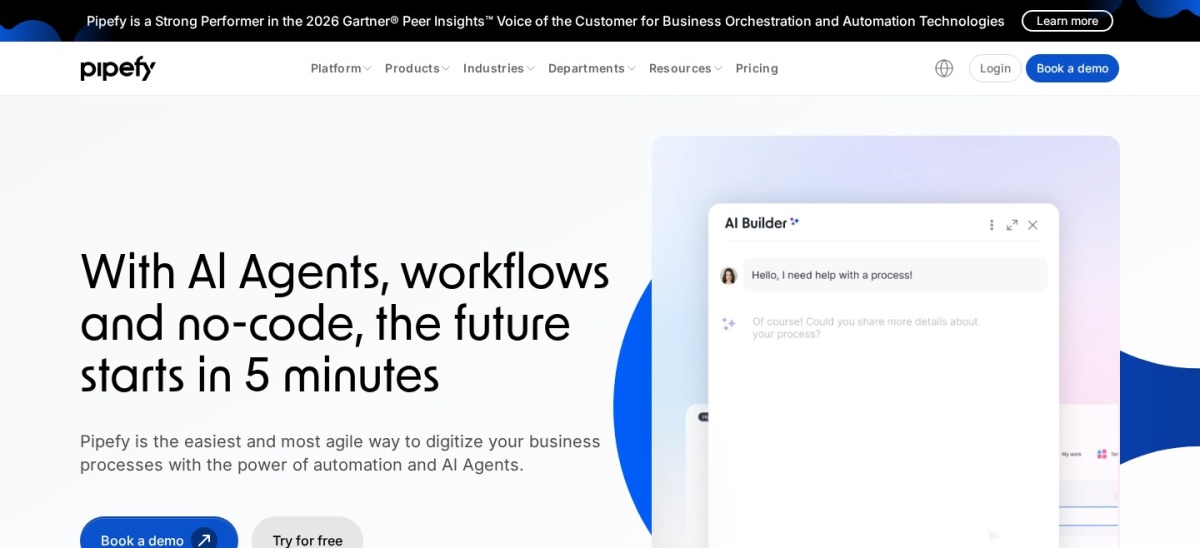
Pipefy homepage, captured Nov 2026.
Pipefy is a no-code platform that organises work as pipes. A request enters through a form, moves through phases, and automation handles handovers, notifications and SLA warnings, while the free Starter plan covers up to 10 users and 5 processes.
The trade off is price clarity. Pipefy's own pricing page does not publish the Business seat price, and directory listings range from $23 to $33 per user a month, so confirm the figure before you buy. It suits operations teams that take in requests and need approvals tracked in one place.
What we like
Free Starter plan for real processes
Forms, SLAs and approvals built in
No developers needed to build a pipe
Rated 4.6 out of 5 on G2 from 231 reviews
Watch out for
Business seat price is not published on its pricing page
Very freeform work fights the pipe structure
Deeper automations need admin setup
Business adds unlimited workflows, users and automationVisit pipefy.com
03
Lucidchart
4.5/5on G2 (8,846 reviews, checked Nov 2026)
Paid from$9/mo
Best for process maps and diagrams
Free plan3 editable documents
BPMN shapesYes
Real-time collaborationYes
Paid planIndividual, $9/mo
lucidchart.com
Lucidchart homepage, captured Nov 2026.
Lucidchart is a browser-based diagramming tool built for clean, professional process maps that teams edit together. The free plan covers 3 editable documents with about 60 shapes each, plus templates for flowcharts, swimlanes and BPMN diagrams.
The trade off is the free plan's size cap. A detailed end-to-end map soon needs the Individual plan at $9 a month billed yearly, or Team at $10 per user a month. It suits teams whose main need is the map itself, drawn well and kept in one shared place.
What we like
BPMN, swimlane and flowchart templates included
Real-time collaboration on every map
Largest review base in this list at 4.5 out of 5
Imports and exports Visio files
Watch out for
Free plan caps documents at 3 and shapes at about 60 each
No checklist runs or approvals like Process Street
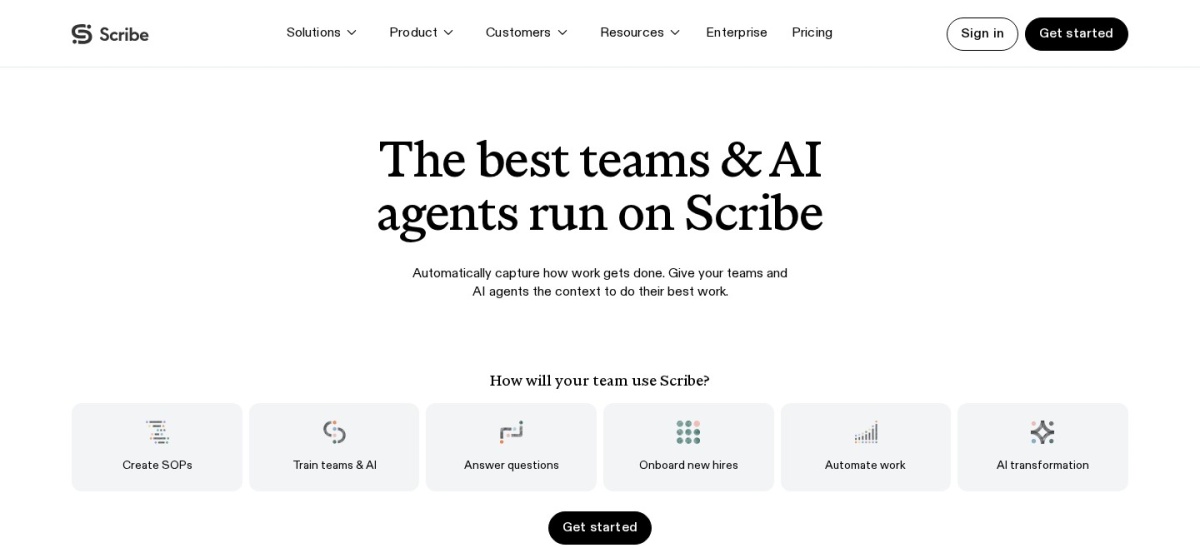
Scribe is a capture tool that turns a workflow into a step-by-step guide with screenshots as you click through it. The free Basic plan covers web-app capture, and guides can be shared by link or embedded in a wiki.
The trade off is seat maths. Pro Personal costs $25 a seat a month billed yearly, while Pro Team drops to $13 a seat but needs 5 seats, so a 2-person team pays for 5. It suits teams that document software steps and need a guide fast, without drawing a map first.
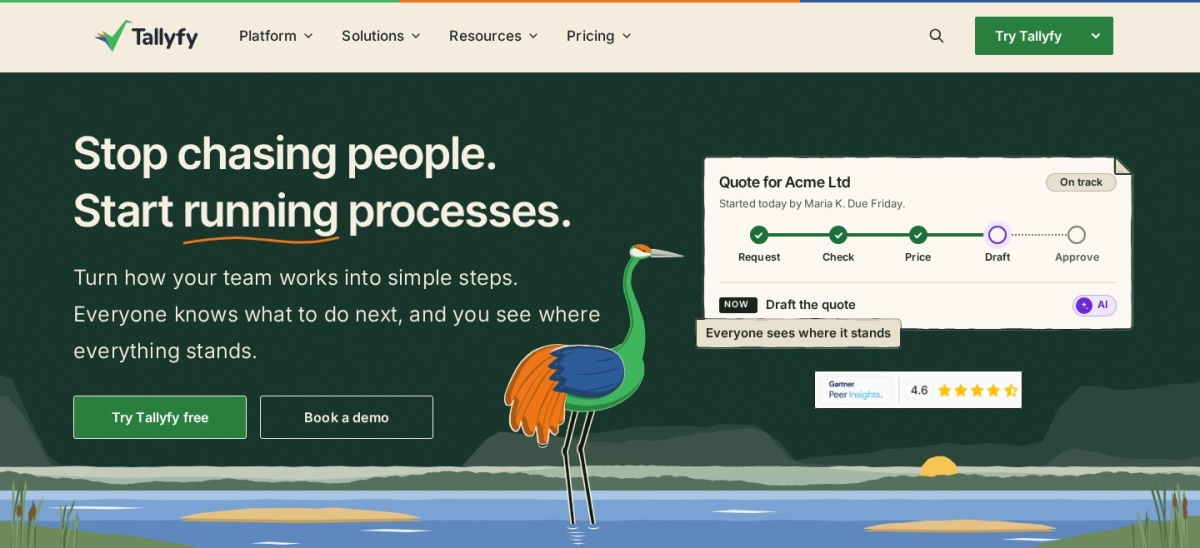
Tallyfy is built to turn static procedures into active, trackable workflows. You document the steps once, then Tallyfy runs them, assigning tasks, routing approvals and showing in real time who is doing what and where each run stands.
The trade off is the review base. Its 4.9 out of 5 G2 rating rests on only 6 reviews, so it says far less than the hundreds behind the tools above it. It suits small teams that want a cheap tracked workflow, with Light Seats at $10 a month for people who only complete tasks.
Miro is an online whiteboard where a team maps a process together in real time on an endless canvas. The free plan covers 3 editable boards, and Starter at $8 per member a month billed yearly adds unlimited private boards, visitor editing and high-resolution exports.
The trade off is rigour. Miro has no BPMN governance, versioned approvals or ownership rules, so maps can drift unless someone keeps them current. It suits workshops and mapping sessions where the conversation matters more than the notation.
What we like
Best live workshop canvas in this list
Huge template library for process maps
Rated 4.6 out of 5 on G2 from 13,631 reviews
Visitors can edit boards without a paid seat
Watch out for
Free plan caps at 3 editable boards
No BPMN governance or approval workflows
Business jumps to $20 per member a month
Starter adds unlimited boards and visitor editingVisit miro.com
07
Microsoft Visio
4.2/5on G2 (693 reviews, checked Nov 2026)
Starts at$5/mo
Best for Microsoft 365 shops
Free planNo, 1-month trial
BPMN shapesYes, on Plan 2
Desktop appPlan 2 only
Paid planPlan 1, $5/user/mo
microsoft.com
Microsoft Visio homepage, captured Nov 2026.
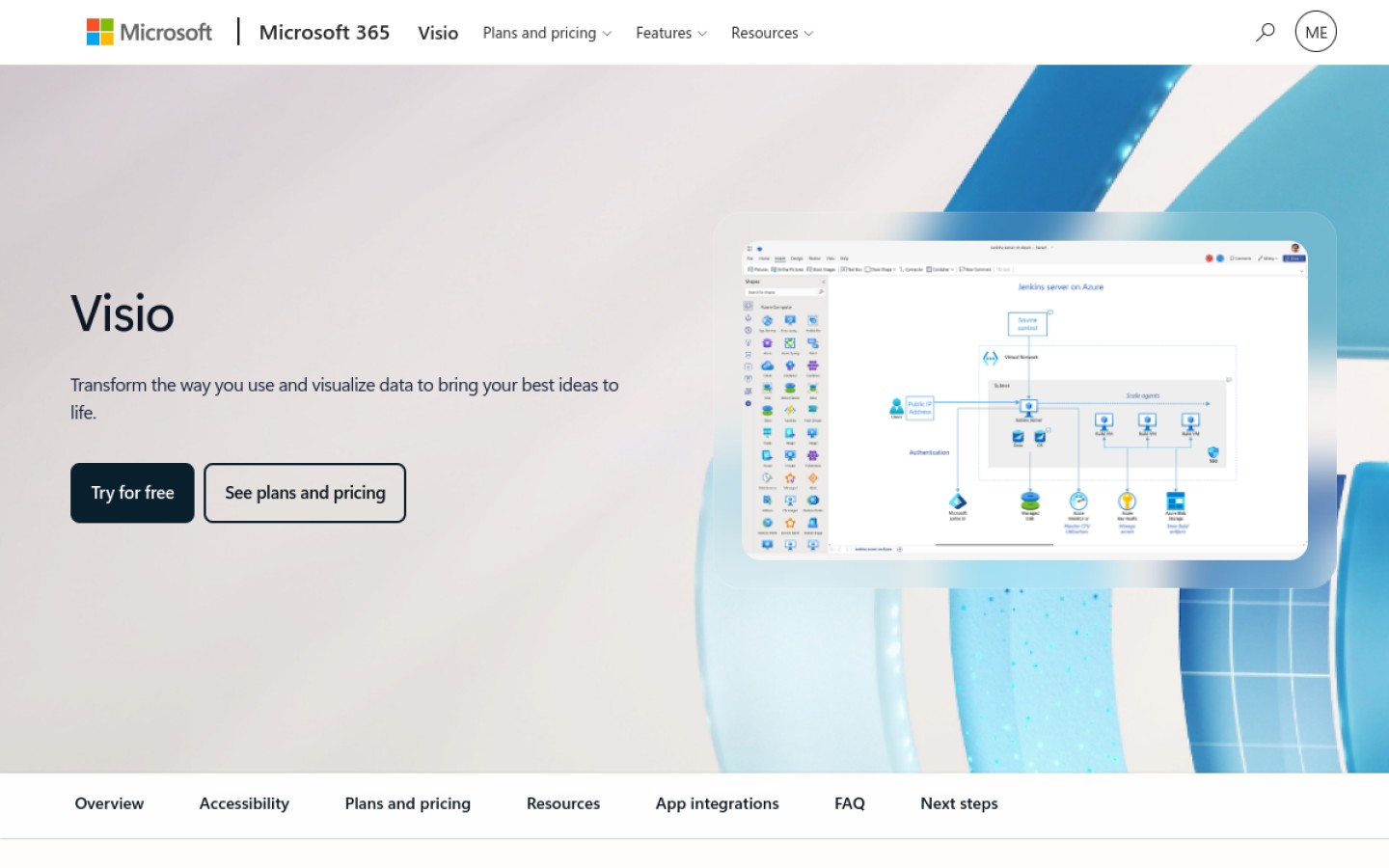
Microsoft Visio is the long-standing diagramming tool in the Microsoft world, and its .vsdx format is still the file many companies expect to exchange. Plan 1 at $5 per user a month billed yearly covers the web app, while Plan 2 at $15 adds the desktop app, BPMN 2.0 and data-linked diagrams.
The trade off is the desktop gap. Plan 1 is web only, so the full desktop app and BPMN support need Plan 2 at three times the price. It suits Microsoft 365 shops that already live in Teams and SharePoint and need formal, exchangeable diagrams.
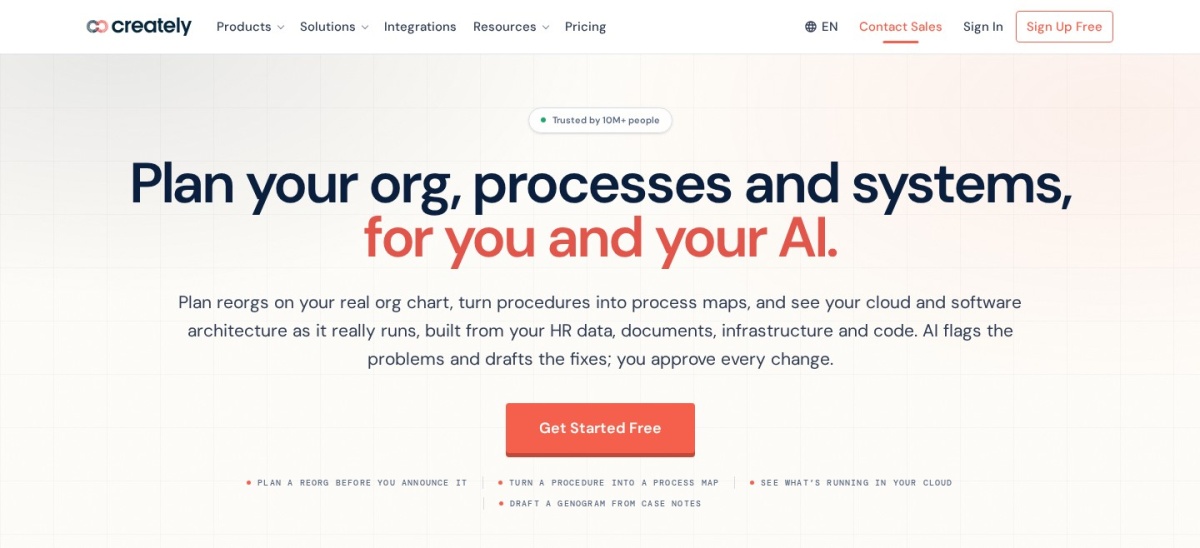
Creately is a diagramming and visual collaboration tool that covers flowcharts, process maps, mind maps and docs in one place. The free plan covers basic diagramming, and paid plans start at $5 per user a month for more features and integrations.
The trade off is polish. Its maps and interface feel less refined than Lucidchart, and some users find the learning curve steep at first. It suits small teams that want cheap diagramming plus visual project workspaces without paying Lucidchart prices.
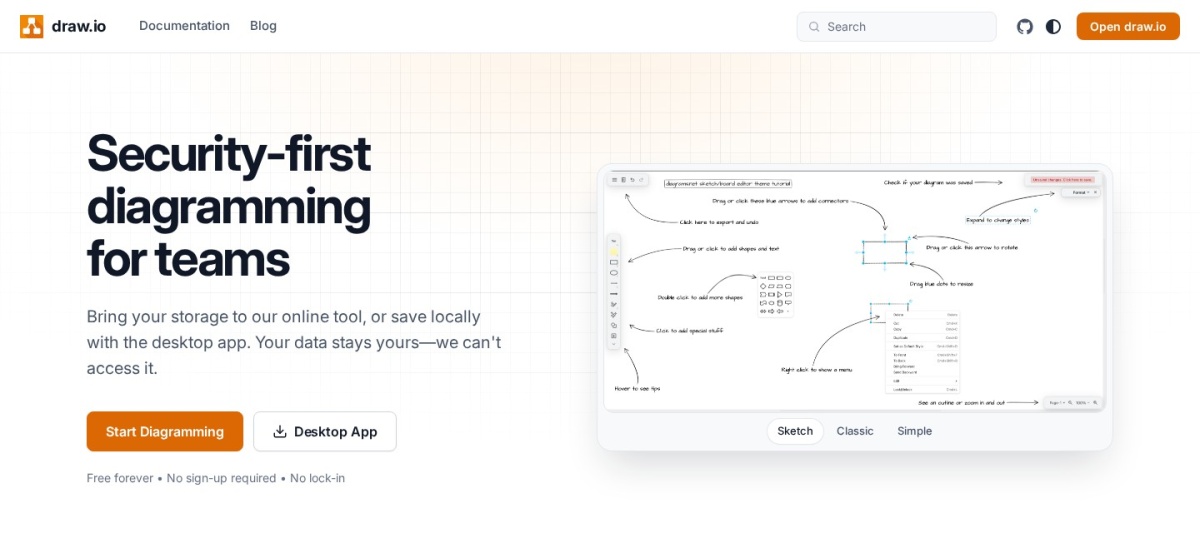
diagrams.net, formerly draw.io, is a free diagramming tool for flowcharts, process maps and BPMN diagrams that runs in the browser or offline on the desktop. There is no paid plan and no account needed, and files can be saved to Google Drive, OneDrive or a local disk.
The trade off is support and governance. There is no team admin, no approval workflow and no vendor support line, so a team that needs ownership rules will outgrow it. It suits anyone who only needs to draw a good process map and pay nothing for it.
A map shows how a process should run. A workflow runs it, assigns the steps and records what happened.
Promapp covers the map side well, with ownership and review built in. Most teams replacing it need one side more than the other, and buying a mapping tool for a workflow job, or the reverse, is the common mistake.
If your pain is out-of-date documents, pick Lucidchart, Visio or diagrams.net. If your pain is steps skipped or approvals lost, pick Process Street, Pipefy or Tallyfy.
How we chose
We started from the tools most often named as Promapp replacements in process management comparisons, then kept the ones with a live product, a public rating and a clear fit for process maps, SOPs or repeatable workflows.
Prices come from each vendor's pricing page or a directory listing where the vendor publishes no price, checked on 29 November 2026. Ratings come from G2 on the same day. Where a vendor shows a sale, the list shows the regular price.
We left out Promapp itself and its Nintex successor, since this list covers alternatives to it. No vendor paid for a place, and we do not claim to have used these tools ourselves.
How to choose a Promapp alternative
Decide what you are replacing first, then test the top two with a real process.
Name the job: map or workflow. If you need a document people read, pick a mapping tool. If you need steps people run, pick a checklist or workflow tool.
List who owns each process. A tool without owners, approvers and review dates will go stale whatever it costs. Check those roles exist before you pay.
Run one real process end to end. Take a procedure your team runs weekly and build it in the top two tools. The one that survives the first live run is the right pick.
Check the price at your team size. Per-seat prices look small until you multiply them. Add up the full team, including occasional users, before you commit.
FAQ
What is the best Promapp alternative in 2026?
Process Street is the best Promapp alternative for most teams. It turns SOPs into checklist workflows with approvals and an audit trail, and it is rated 4.6 out of 5 on G2 from 463 reviews.
What is the closest free alternative to Promapp?
diagrams.net is the closest free alternative for process maps, with BPMN shapes, offline desktop use and no paid plan at all. For free checklist-style work, Pipefy's Starter plan covers up to 10 users and 5 processes.
How much does a Promapp alternative cost?
Prices run from free for diagrams.net to $25 a seat a month for Scribe Pro Personal. Lucidchart starts at $9 a month, Miro at $8 a member a month, and Process Street no longer publishes a price, so its cost needs a sales quote.
Which Promapp alternative is best for small teams?
Pipefy is the best pick for small teams that run workflows, thanks to its free Starter plan for up to 10 users. For mapping only, Lucidchart's free plan or diagrams.net covers a small team at no cost.
Is Process Street or Pipefy better than the other?
Process Street is better for SOPs run as checklists with approvals, while Pipefy is better for intake work that arrives through forms and moves through phases with SLAs. Pick Process Street for repeatable procedures and Pipefy for requests and approvals.
Do I need a mapping tool or a workflow tool?
You need a mapping tool if the goal is a clear, owned document of how a process runs, and a workflow tool if the goal is getting steps done, assigned and tracked. Many teams need both, so start with the pain that costs more time.
SaaS SEO and WordPress specialist with about 8 years of experience. Rakib compares WordPress plugins, themes, hosting and software using public pricing, documentation and user reviews. See how we rank.