Process Street is the best process management software for most teams, turning SOPs into checklists with approvals at $25 per user a month. Pipefy suits intake and approval pipelines, while Kissflow suits mid-market teams that want one flat price for 50 users.
How we make this list: we compare pricing pages, product documentation and public user reviews, then re-check every price before each update. No product paid for a place. Disclosure.
Process Street is the best overall pick, turning SOPs into checklists with approvals at $25 per user a month.
Pipefy is the most approachable real BPM tool, with a free Starter plan and Business at $23 per user a month.
Kissflow charges one flat $1,500 a month for 50 users, cheaper per head than per-user tools once adoption spreads.
Appian, Pega and Nintex are enterprise tools, and three of them sell on quotes, so budget through a sales call.
monday.com holds the highest G2 rating here at 4.7 out of 5 from over 15,000 reviews.
Checklists or enterprise suites: which do you need
Process management splits into two kinds: repeatable checklists that run the same way every time, and enterprise suites that model complex processes across systems. Process Street and Pipefy cover the first kind, while Appian, Pega and Nintex cover the second.
Pricing in this category is mostly quote-based, because vendors price by users, runs and modules. The tools that do publish prices are the cheapest way in: monday.com from $9 a seat a month and Pipefy from $23 a user a month.
The free tier matters here. Pipefy, monday.com, Asana and Camunda all offer a free plan or a free download, so a small team can test the model before paying. Our guide on best business process management software covers the same tools in more depth.
Watch the minimums on enterprise suites. Appian lists $75 a user a month with a 100-user minimum, so a 50-user team pays for 100, and Pega lists $90 a user a month with a 500-user minimum.
Process Street is the clearest pick for repeatable work, turning SOPs into checklists with approvals. A procedure becomes a template, and each run assigns tasks, collects form data, routes approvals and leaves an audit trail, with conditional logic that shows or hides steps. The Pro plan costs $25 per user per month, with a 14-day free trial.
The trade off is scope and price. It is built for recurring procedures, not open-ended project planning, and $25 a user a month is high for teams that only need simple task lists. It suits operations teams that run the same process every week and need proof it was done right.
What we like
Checklists with approvals and conditional logic
Audit trail on every run
Highest-rated checklist tool here at 4.6 out of 5
Watch out for
Not designed for open-ended project planning
$25 a user a month is high for simple lists
No free plan, only a 14-day trial
Startup, Pro and Enterprise plans; no prices publishedVisit process.st
02
Pipefy
4.6/5on G2 (231 reviews, checked Nov 2026)
Paid from$23/user/mo
Best for intake forms and approvals
PriceBusiness, $23/user/mo
Free planYes, Starter
Work modelPipes with phases
G2 rating4.6/5 (231 reviews)
pipefy.com
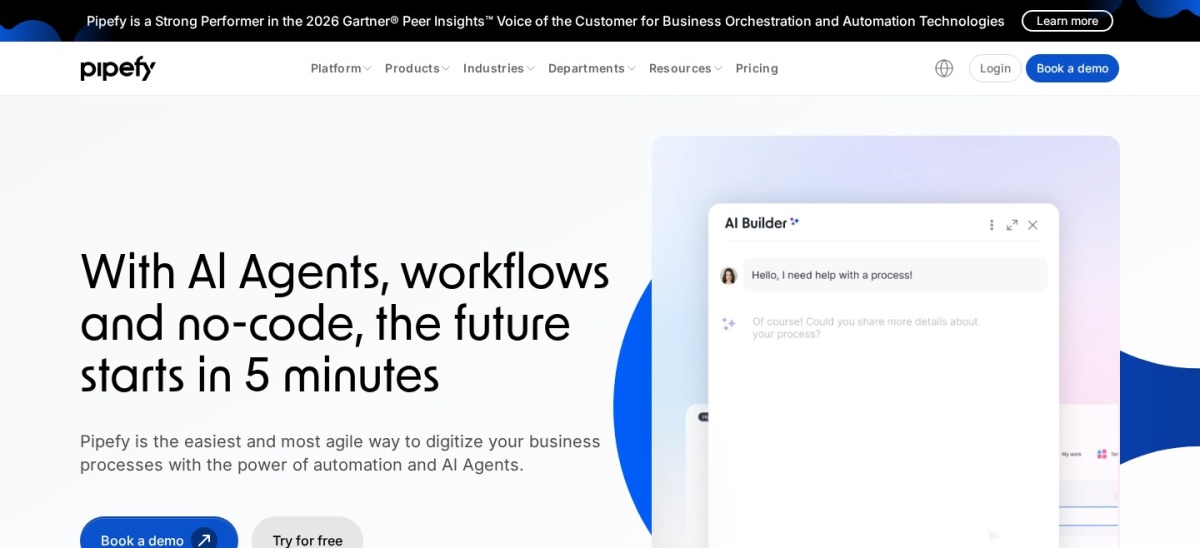
Pipefy homepage, captured Nov 2026.
Pipefy is the most approachable real BPM tool, with a free Starter plan and a Business plan at $23 per user per month. Work is organised as pipes: a request enters through a form, moves through phases, and automation handles handovers, notifications and SLA warnings.
The trade off is fit. Pipefy wants your process shaped like its pipes, and very freeform work fights the model. It suits HR, finance and operations teams replacing email and spreadsheet intake with something trackable.
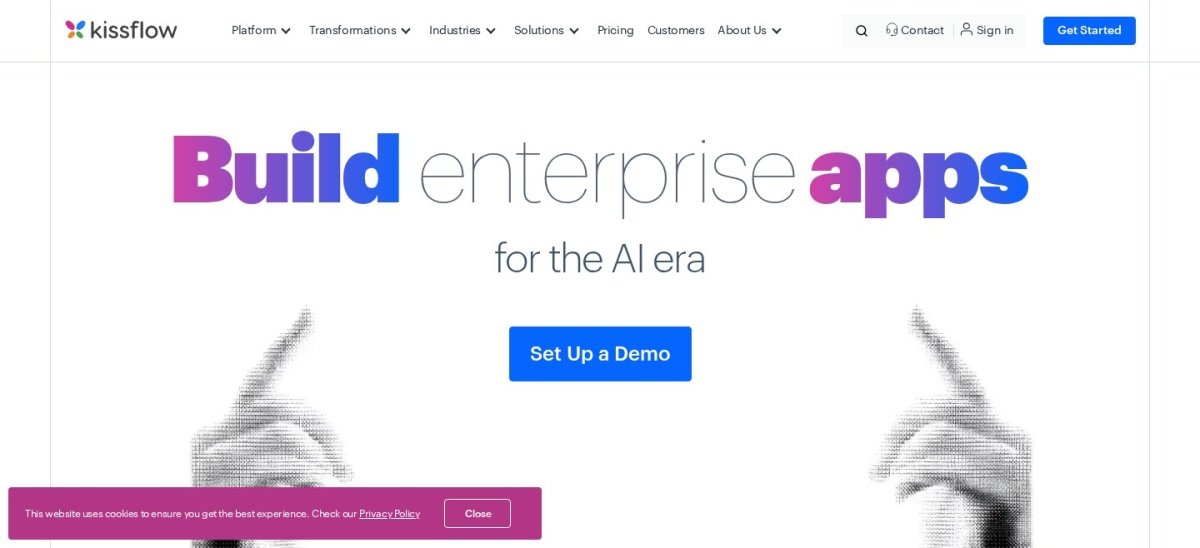
Kissflow is a low-code platform for process automation, case management and app building. It charges one platform price of $1,500 a month for 50 users instead of counting seats, which covers process automation and low-code apps under one flat fee, or $18,000 a year.
The trade off is the entry cost and the setup. $1,500 a month is a big commitment for a small team, and citizen developers need more setup work than a task board. It suits mid-size organisations that want business teams to own their processes with IT guardrails.
monday.com is a work platform that turns a workflow into a board where each row is a request and each column is a stage, owner or due date. Colour-coded statuses and dashboards show where work is stuck, and most teams start without training. Basic costs $9 a seat a month billed annually, or $12 monthly, with a free plan for two seats.
The trade off is automation depth. Basic has no automations at all, so a workflow buyer should price Standard at $12 a seat a month, which adds 250 automation actions a month. It suits teams that want visual, status-driven workflows that non-technical staff adopt quickly.
Asana is a work management platform that handles the classic workflow pattern well: a form collects the request, rules assign and route it, and the same project reads as a list, board, timeline or calendar. Starter costs $10.99 a user a month billed annually, or $13.49 monthly, and includes forms, custom fields, dashboards and unlimited automations.
The trade off is that Asana is a work manager, not a process modeller. It has no BPMN modelling or formal process notation, and goals sit on higher tiers. It suits teams that need intake forms, rules and reporting around cross-team workflows.
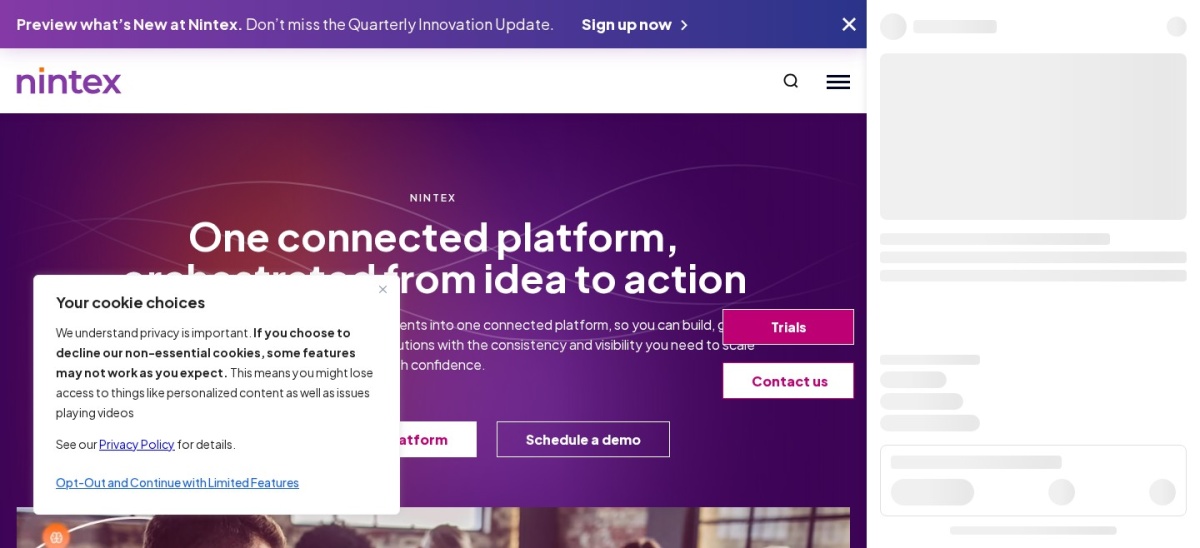
Nintex is the enterprise suite for document-heavy Microsoft shops, combining process mapping, automation, forms and document generation. It fits organisations that run SharePoint and Teams and need process automation tied to documents and e-signatures.
The trade off is price opacity. Nintex publishes no list prices, and entry figures range from around $2,400 a year in one guide to $15,000 a year in another, with some sources near $25,000 a year, so budget through a sales call. It suits enterprises with dedicated process teams and Microsoft estates.
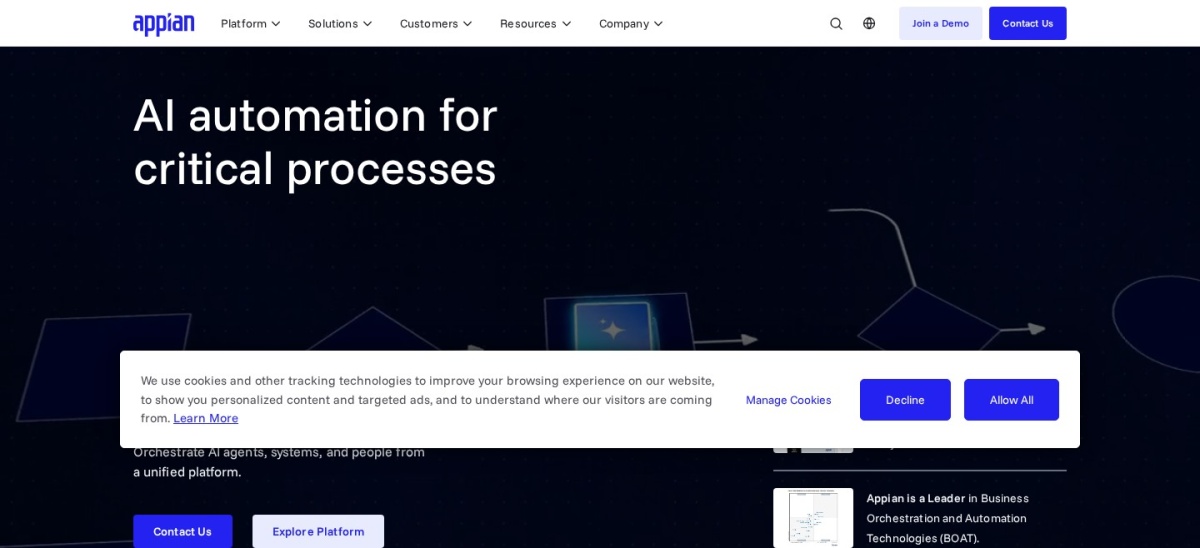
Appian is a low-code platform that combines process modelling, case management, data fabric and AI for large organisations. It is the platform banks, insurers and government agencies use where audit trails and security matter as much as speed.
The trade off is cost and scale. Appian lists $75 per user per month with a 100-user minimum, so a 50-user team pays for 100, or around $90,000 a year, and implementations need partners and months. It suits regulated enterprises with complex, case-heavy processes.
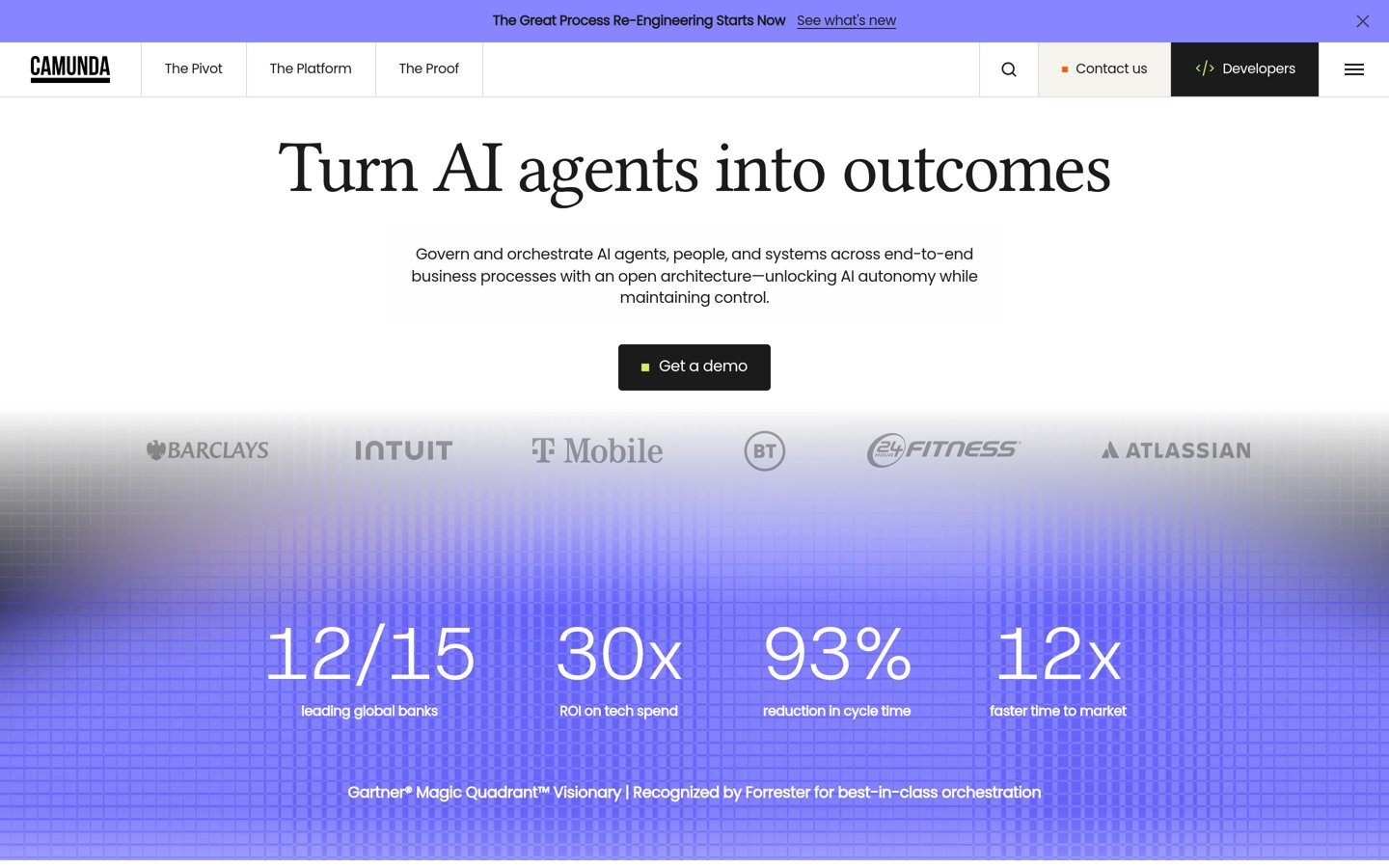
Camunda is a BPMN-based process orchestration platform built for developers who embed workflows in their own software. You model processes in BPMN, run them in an engine that scales, and connect them to your own services through code, with a free self-managed download and a free SaaS trial.
The trade off is the audience. Camunda is built for engineering-led teams, and business users without developers will find it hard to adopt. It suits teams that orchestrate processes across many systems and want the engine to disappear into their own software.
Pega Platform is a case management and workflow platform that combines workflow, case management and real-time decisioning for large service operations. It is strongest where the process meets a customer decision: which offer to show, how to route a claim, what to do next with a dispute.
The trade off is size and cost. Pega lists $90 per user per month with a 500-user minimum, implementations average about seven months, and annual licences run $150,000 to $500,000 or more. It suits large service and claims operations with dedicated process teams.
Free plans cover the basics well. Pipefy Starter is free, monday.com and Asana both run free plans, and Camunda offers a free self-managed download.
Paid plans mostly add automation and scale. Approvals, conditional logic, SLAs and unlimited runs sit behind the paywall.
If the team runs more than a handful of processes a month, a free plan rarely fits. Process Street Pro starts at $25 a user a month with unlimited workflows.
For an enterprise rollout, budget through a sales call, not a headline figure. Nintex, Pega and Appian all sell on quotes with minimums.
How we chose
We started from the process management tools most often compared for teams in 2026, then kept those with a verifiable G2 rating, published US pricing or a clear quote-only model, and a real process feature set.
Prices come from each vendor's pricing page as read in November 2026 by several independent guides, checked on 26 November 2026. Ratings and review counts come from G2 on the same day. Where a vendor sells on quotes, the list says Custom rather than guessing a figure.
We left out tools with no verifiable rating and tools that are project boards with no process modelling. No vendor paid for a place, and we do not claim hands-on testing for this list.
How to choose process management software
Start with whether the work repeats the same way every time, then match the tool to that shape.
Decide whether the work repeats the same way. Checklists suit repeatable SOPs, while suites suit complex processes across systems.
Check the pricing model. Per-user tools suit small teams, while flat pricing suits teams with wide adoption.
Test the approval flow, not just the form. Run one real approval end to end during the trial, before you trust the tool with a live process.
Confirm the minimums and the quote. Check seat minimums on enterprise suites and get a written quote before budgeting.
FAQ
What is the best process management software?
Process Street is the best overall pick for most teams. It turns SOPs into checklists with approvals, conditional logic and an audit trail at $25 per user per month, with a 14-day free trial of Pro.
Is there free process management software?
Yes. Pipefy Starter is free, monday.com and Asana both run free plans, and Camunda offers a free self-managed download with a free SaaS trial. Appian also offers a free Community Edition.
How much does Pipefy cost?
Pipefy Business costs $23 per user per month, with a free Starter plan for small teams. One comparison source lists $26 a user a month, so confirm the current figure on the vendor pricing page before buying.
How much does Kissflow cost?
Kissflow charges one flat platform price of $1,500 a month for 50 users, or $18,000 a year, covering process automation and low-code apps. There is no free plan and no per-user tier.
Which process management tool is best for enterprises?
Appian, Pega and Nintex are the enterprise picks here. Appian lists $75 a user a month with a 100-user minimum, Pega lists $90 a user a month with a 500-user minimum, and Nintex sells on quotes from around $15,000 a year.
What is the difference between process management and workflow management?
Workflow management moves tasks between people, such as approvals and handoffs. Process management is the broader discipline of modelling, running and improving end-to-end processes, often with formal notation and compliance requirements.
SaaS SEO and WordPress specialist with about 8 years of experience. Rakib compares WordPress plugins, themes, hosting and software using public pricing, documentation and user reviews. See how we rank.