Best Workflow Management Software in 2026: 7 Tools Compared
WLWPLegible EditorsLast verified 22 Nov 2026How we rank12 min read
★ Short answer
monday.com is our top workflow management pick, with a 4.7/5 G2 rating from 17,974 reviews and a $9/seat/month Basic plan billed annually. ClickUp offers more task management features on its free plan, while Asana is better for coordinating cross-functional projects and approvals.
How we make this list: we compare pricing pages, product documentation and public user reviews, then re-check every price before each update. No product paid for a place. Disclosure.
monday.com leads with a 4.7/5 G2 rating from 17,974 reviews. Basic starts at $9/seat/month billed annually.
ClickUp offers unlimited tasks and free members, while its Core plan has a regular price of $12/user/month before the advertised discount.
Asana Starter costs $10.99/user/month billed annually and adds Gantt charts, workflow automation, and custom fields.
Airtable Team costs $20/user/month billed annually and supports custom databases, interfaces, and automated workflows.
Smartsheet Pro starts at $9/member/month billed annually and includes 250 automations per month.
Trello has the lowest paid entry price at $5/user/month billed annually, with unlimited boards and 1,000 automation runs per month.
What to look for in workflow management software
Workflow management software helps teams organize repeatable processes, assign responsibilities, track progress, and move work between people or departments. Common uses include project approvals, client onboarding, content production, employee requests, and recurring operations.
The first consideration is workflow complexity. Simple processes may only need task lists and Kanban boards. More involved workflows benefit from dependencies, custom statuses, approval stages, forms, and automation rules.
Automation is another important difference. Some platforms include only basic notifications and task updates, while others support conditional triggers, external integrations, and automated handoffs. Compare the number of included automation actions before selecting a plan.
Reporting and collaboration also matter. Dashboards, workload views, timelines, permissions, and shared documents help managers understand progress without requesting separate status updates.
Finally, compare the total team cost, not just the advertised seat price. Consider minimum seat requirements, annual billing commitments, paid integrations, automation limits, and whether occasional collaborators need paid accounts.
monday.com is a visual work management platform for organizing projects, recurring processes, and team responsibilities. Its free plan supports up to 2 seats, 3 boards, and 3 documents, while Basic costs $9/seat/month billed annually and adds unlimited items, unlimited free viewers, and additional workspace features.
The trade off is that Basic does not include the workflow automation allowance available on Standard, which costs $12/seat/month billed annually and includes 250 automation actions per month. Paid subscriptions also use seat-based pricing. It suits growing teams that want customizable workflows, dashboards, and clear task ownership.
What we like
Flexible visual boards and customizable workflows
Free plan available for small teams
Large template library with more than 200 templates
Dashboards, forms, and collaboration features
Workflow automation available on higher plans
Watch out for
Basic does not include Standard's automation allowance
Seat-based billing can increase team costs
Advanced reporting and integrations require upgrades
Basic adds unlimited items and viewers; Standard unlocks workflow automations and integrations.Visit monday.com
02
ClickUp
4.6/5on G2 (15,869 reviews, checked Nov 2026)
Paid from$12/mo
Best for combining tasks, documents, and workflows
Free planUnlimited tasks and members
Core regular price$12/user/month
Core automation1,000 actions/month
G2 rating4.6/5 from 15,869 reviews
clickup.com
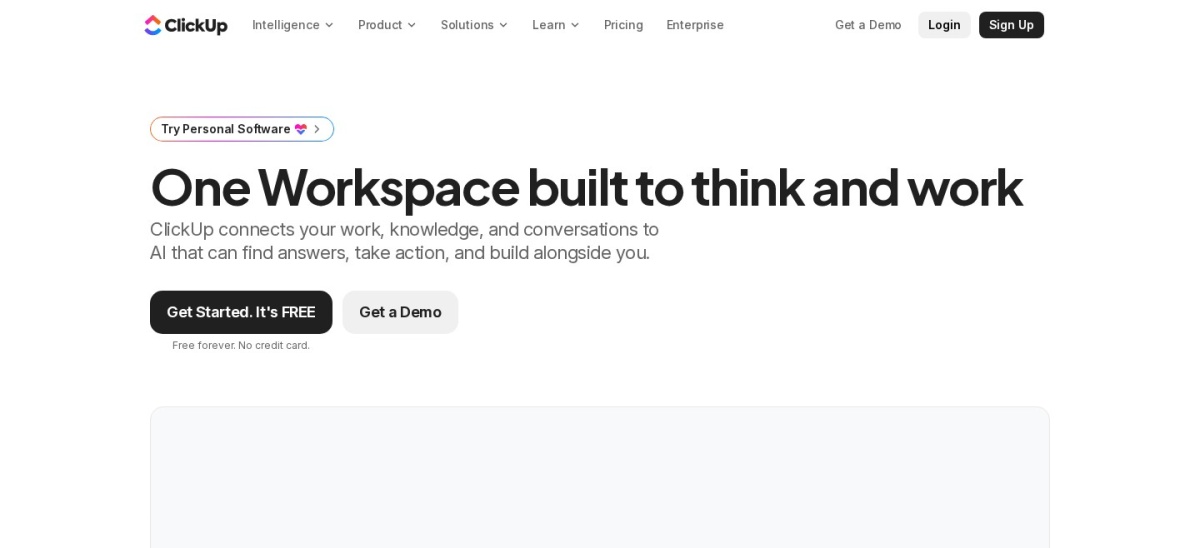
ClickUp homepage, captured Nov 2026.
ClickUp is a work management platform combining tasks, documents, calendars, dashboards, and team collaboration. Free Forever includes unlimited tasks, unlimited free members, Kanban boards, and 60 MB of storage. The Core plan has a regular listed price of $12/user/month and adds unlimited storage, custom fields, Gantt charts, and 1,000 monthly automation actions.
The trade off is configuration complexity, because its many views and features can take time to organize. Core is currently advertised at a discounted $9/user/month billed annually, compared with its $12 regular price. It suits teams that want project tracking, documentation, and recurring workflow automation in one workspace.
What we like
Feature-rich free plan
Tasks, documents, and collaboration together
Custom fields and workflow statuses
Automation allowances on paid plans
Multiple project and reporting views
Watch out for
Large feature set creates an initial learning curve
Advanced dashboards and resource management require Business
Storage is limited on the free plan
Some integrations and advanced automation features require upgrades
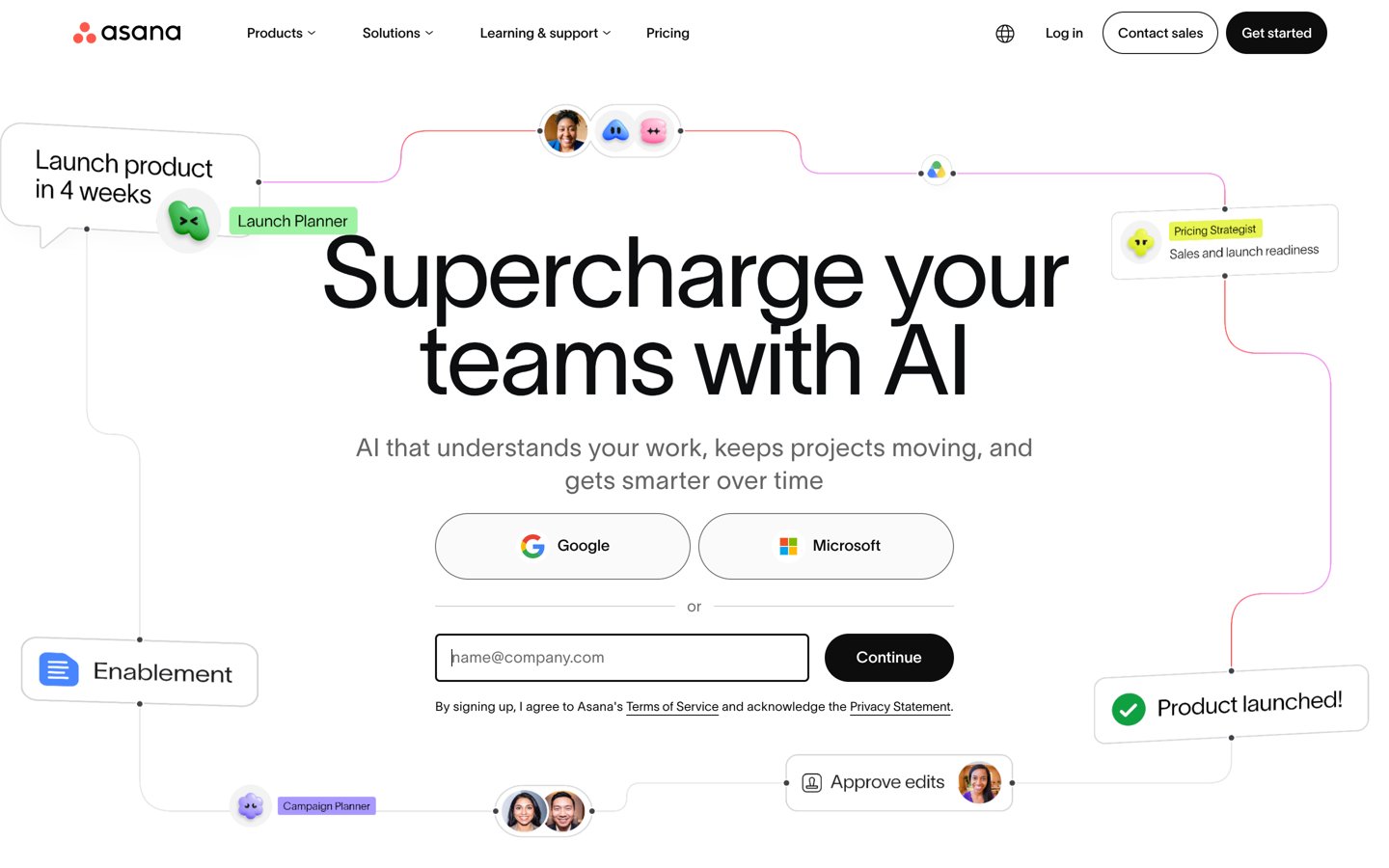
Asana is a work management platform for coordinating projects, tasks, deadlines, and responsibilities across teams. Personal is free for 2 users with unlimited tasks and projects, while Starter costs $10.99/user/month billed annually and adds timeline views, Gantt charts, custom fields, workflow automation, and additional reporting features.
The trade off is that Starter costs $13.49/user/month when billed monthly, and advanced portfolio management and resource planning require higher plans. Teams also need to configure project conventions before scaling. It suits marketing, operations, and product teams coordinating work across departments.
What we like
Clear task ownership and project visibility
Multiple project views
Workflow automation and custom fields on Starter
Free plan for small teams
Integrations with common collaboration applications
Watch out for
Paid plans become expensive as teams grow
Advanced portfolio features require higher tiers
Complex approval workflows need careful setup
Starter adds timeline and Gantt views, custom fields, workflow automation, and reporting.Visit asana.com
04
Airtable
4.6/5on G2 (3,306 reviews, checked Nov 2026)
Paid from$20/mo
Best for database-driven workflow management
Free planAvailable
Team plan$20/user/mo, billed annually
Monthly billing$24/user/month
G2 rating4.6/5 from 3,306 reviews
airtable.com
Airtable homepage, captured Nov 2026.
Airtable is a database-based workflow platform for organizing structured information, building business applications, and automating recurring processes. Its free plan supports lightweight team workflows, while Team costs $20/user/month billed annually and adds higher data capacity, advanced views, integrations, and expanded collaboration capabilities.
The trade off is that designing connected databases and interfaces takes more planning than creating a basic task board. Team costs $24/user/month with monthly billing, and editing collaborators are billable. It suits operations, content, product, and marketing teams managing data-heavy workflows.
What we like
Flexible relational databases
Custom interfaces for different teams
Automation and integration capabilities
Useful for structured operational data
Free plan for lightweight projects
Watch out for
Database design requires initial planning
Paid editing seats can become costly
Advanced governance and scale require higher tiers
Team expands record capacity, collaboration, automation, and advanced views.Visit airtable.com
05
Wrike
4.2/5on G2 (4,648 reviews, checked Nov 2026)
Paid from$10/mo
Best for structured project delivery and operations
Free planTask and project management
Team plan$10/user/month
Team size2–15 users
G2 rating4.2/5 from 4,648 reviews
wrike.com
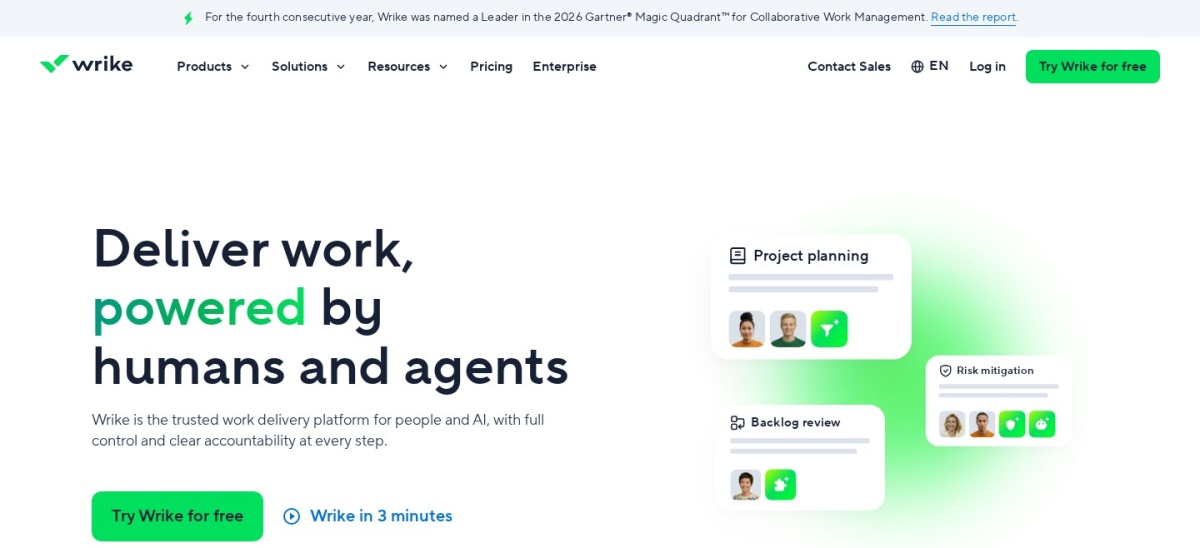
Wrike homepage, captured Nov 2026.
Wrike is a work management platform built around project delivery, team collaboration, and repeatable business processes. Its free plan includes task management, board views, and table views. Team costs $10/user/month, supports 2–15 users, and adds interactive Gantt charts, shareable dashboards, and AI-assisted features.
The trade off is that Wrike's more extensive workflow customization is concentrated in Business at $25/user/month. Subscriptions also use seat groups, which can affect the final cost for smaller teams. It suits project managers and operations teams that need structured planning, accountability, and reporting.
What we like
Structured project and task management
Interactive Gantt charts on Team
Shareable dashboards
Free plan for basic collaboration
Advanced workflow options on higher tiers
Watch out for
Advanced workflow customization requires Business
Seat-group billing can complicate purchasing
Initial workspace configuration takes effort
Team adds Gantt charts, dashboards, and AI Essentials; Business expands workflow customization.Visit wrike.com
06
Smartsheet
4.4/5on G2 (23,291 reviews, checked Nov 2026)
Starts at$9/mo
Best for spreadsheet-style workflow management
Free trialAvailable
Pro plan$9/member/mo, billed annually
Automations250/month on Pro
G2 rating4.4/5 from 23,291 reviews
smartsheet.com
Smartsheet homepage, captured Nov 2026.
Smartsheet is a work management platform that combines spreadsheet-style organization with project tracking and workflow automation. Pro costs $9/member/month billed annually and includes unlimited sheets, forms, reports, Gantt views, and 250 monthly automation actions. It supports 1–10 paid members and unlimited free contributors.
The trade off is that Pro costs $12/member/month with monthly billing, while advanced workload tracking, administration, and unlimited automations require Business. Business starts at $19/member/month billed annually. It suits teams that prefer spreadsheet-based planning but need automated workflows and shared project visibility.
What we like
Familiar spreadsheet-style interface
Forms, reports, and Gantt views
250 monthly automations on Pro
Unlimited free contributors
Useful for structured operational tracking
Watch out for
No permanent free plan
Advanced workload tracking requires Business
Complex sheets can become difficult to maintain
Pro includes forms, reports, and 250 automations; Business adds unlimited automations.Visit smartsheet.com
07
Trello
4.4/5on G2 (14,078 reviews, checked Nov 2026)
Paid from$5/mo
Best for simple Kanban workflows and small teams
Free plan10 collaborators per workspace
Standard plan$5/user/mo, billed annually
Automation1,000 runs/month on Standard
G2 rating4.4/5 from 14,078 reviews
trello.com
Trello homepage, captured Nov 2026.
Trello is a visual task management tool built around Kanban boards, lists, and cards. Its free plan supports up to 10 collaborators, 10 boards per workspace, unlimited cards, and 250 automation command runs per month. Standard costs $5/user/month billed annually and adds unlimited boards, custom fields, and 1,000 monthly automation runs.
The trade off is limited depth for complex project management. Standard costs $6/user/month with monthly billing, while timeline, dashboard, and additional workspace views require Premium at $10/user/month billed annually. It suits freelancers and small teams managing straightforward tasks and repeatable processes.
What we like
Simple visual Kanban interface
Free plan with automation
Lowest paid entry price in this comparison
Custom fields and advanced checklists on Standard
Integrations through Power-Ups
Watch out for
Limited built-in reporting on lower plans
Advanced project views require Premium
Complex dependencies are harder to manage
Standard adds unlimited boards, custom fields, card mirroring, and more automation runs.Visit trello.com
Workflow management vs project management software
Workflow management and project management overlap, but they solve slightly different problems. Project management focuses on delivering a defined outcome with deadlines, tasks, resources, and milestones. Workflow management focuses on the steps and responsibilities involved in getting work done repeatedly.
For example, launching a website is a project. Reviewing and publishing every new blog post is a workflow. The project has a defined completion point, while the publishing workflow continues as new content enters the process.
Many platforms support both approaches. Asana, monday.com, ClickUp, and Wrike organize project timelines alongside repeatable processes. Airtable and Smartsheet are particularly useful when workflows depend on structured records or operational data.
Choose a project-centered platform when deadlines and dependencies dominate. Choose a workflow-centered setup when forms, approval stages, automated handoffs, and recurring processes matter more.
How workflow automation limits affect total costs
Workflow automation reduces manual tasks such as assigning owners, changing statuses, sending reminders, and moving requests between stages. However, an advertised automation feature does not necessarily mean unlimited usage.
ClickUp Core includes 1,000 monthly automations, while Smartsheet Pro includes 250. Trello Standard provides 1,000 workspace command runs per month, and monday.com Standard includes 250 automation actions. These allowances use different counting methods and are not directly interchangeable.
The cheapest plan may also exclude the automation feature your team needs. For example, monday.com Basic starts at $9/seat/month billed annually, but its Standard tier is needed for the documented automation allowance.
Before purchasing, estimate how often each trigger fires and how many actions a typical workflow executes. Check whether unused allowances roll over, how limits are enforced, and what happens when automation usage increases.
How we chose
We selected established workflow management platforms that support task ownership, structured processes, collaboration, automation, or operational reporting. The shortlist includes project-focused tools, visual boards, database-driven platforms, and spreadsheet-style work management. We compared official feature documentation and published G2 feedback.
Prices and ratings were checked against official vendor pricing pages and G2 listings on 22 Nov 2026. We used the cheapest published paid plans at regular prices, excluding advertised promotional discounts. Annual prices represent the published annual-billing rate multiplied by 12, except where a clearly identified regular price overrides a temporary promotion.
We excluded products without verifiable published entry pricing, tools focused mainly on unrelated functions, and platforms with insufficient evidence of ongoing support. We also considered limitations such as minimum seats, paid automation tiers, and restricted free plans. No vendor paid for a place, and we do not claim testing for this list.
How to choose the best workflow management software
Map your current process, identify repetitive tasks, and compare tools against your team's actual workflow before choosing a subscription.
Document your workflow and responsibilities. Identify the stages, owners, approval requirements, and expected outcomes of each process. Determine whether your team mainly needs simple task tracking, complex project dependencies, recurring approvals, or structured operational records.
Prioritize the features your team will actually use. Compare boards, lists, timelines, forms, custom fields, automation triggers, reporting, and permission controls. A team handling straightforward assignments may prefer Trello, while departments managing linked records may benefit from Airtable or Smartsheet.
Calculate costs for your complete team. Compare the regular price per seat, annual commitment, minimum seat quantities, collaborator access, and automation allowances. Account for the plan required to unlock your essential features rather than budgeting around the cheapest advertised tier.
Run a representative workflow before committing. Configure a real process using a free plan or trial. Check how tasks move between stages, whether notifications reach the correct owners, how approvals work, and whether managers can understand progress without maintaining additional reports.
FAQ
What is the best workflow management software overall?
monday.com is our top overall recommendation because it combines customizable boards, collaboration, templates, and higher-tier workflow automation. Its Basic plan starts at $9/seat/month billed annually, while Standard adds automation capabilities. ClickUp and Asana are strong alternatives for teams needing broader task management or structured project coordination.
What is the best free workflow management software?
ClickUp offers one of the most feature-rich free plans, including unlimited tasks and free members. Trello is better for straightforward Kanban workflows, while Asana Personal supports small-team project coordination. The best free option depends on whether you prioritize task capacity, visual simplicity, or structured planning.
What is the difference between workflow management and task management?
Task management focuses on creating assignments, setting deadlines, and tracking individual work items. Workflow management covers the wider process, including how tasks are created, assigned, reviewed, approved, and completed. Workflow tools often add automation, conditional steps, forms, and reporting to reduce manual coordination.
How much does workflow management software cost?
Paid entry plans in this comparison range from Trello Standard at $5/user/month billed annually to Airtable Team at $20/user/month billed annually, with ClickUp's regular Core price at $12/user/month. Final costs depend on the number of paid seats, billing frequency, automation limits, and features required.
Which workflow management software is best for small businesses?
Trello is suitable for small businesses that need simple boards and recurring task lists. ClickUp provides broader project features, while monday.com offers customizable workflows and templates. Compare the free plans first, then check whether the paid tier includes the automations and reporting your business needs.
Which workflow management software is best for marketing teams?
Asana, monday.com, and ClickUp are suitable for managing editorial calendars, campaign tasks, approvals, and deadlines. Airtable is especially useful when campaigns involve structured records, assets, or multiple related datasets. The right choice depends on how your team coordinates production and measures progress.
Can workflow management software automate approvals?
Yes. Many workflow platforms support approval stages, status changes, assignments, notifications, and conditional automation. The exact capabilities depend on the plan. Some platforms offer basic rules on entry tiers, while more advanced routing, permissions, and approval controls may require higher subscriptions.
Is workflow management software suitable for remote teams?
Yes. Shared task boards, comments, documents, notifications, and dashboards help distributed teams coordinate work without relying entirely on meetings. Asana, ClickUp, monday.com, and Wrike all support collaborative project workflows. Clear ownership and consistent status updates remain important regardless of the software.
Do I need workflow automation or just project management software?
If your team mainly tracks deadlines, tasks, and milestones, standard project management features may be enough. If work repeatedly moves through the same stages, involves approvals, or requires notifications and handoffs, automation becomes more valuable. Many modern platforms combine both approaches.