Best Team Collaboration Software in 2026: 7 Tools Compared
WLWPLegible EditorsLast verified 22 Nov 2026How we rank5 min read
★ Short answer
Slack is the top pick for real-time team messaging, backed by 40,595 G2 reviews and a 4.5 out of 5 rating. For structured docs and wikis, Notion leads with 14,020 G2 reviews, while ClickUp fits teams combining tasks, docs, and chat.
How we make this list: we compare pricing pages, product documentation and public user reviews, then re-check every price before each update. No product paid for a place. Disclosure.
Slack Pro starts at $7.25/user/mo billed annually ($87/yr per user) with unlimited message history and apps.
Notion Plus starts at $10/member/mo ($120/yr per member) and pairs wikis, docs, and project databases.
ClickUp Core starts at $9/user/mo billed annually ($108/yr per user) with unlimited storage and Gantt charts.
Trello Standard starts at $5/user/mo billed annually ($60/yr per user) for visual Kanban boards and card mirroring.
Miro Starter starts at $8/member/mo ($96/yr per member) for shared whiteboards and visual planning.
What to look for in team collaboration software
Teams rarely fail because they lack chat or task boards; they lose time when conversations, project specs, and status updates live in separate apps. Pick the primary mode your group relies on every day, whether that is fast channel chat, long-form documentation, visual whiteboards, or structured task tracking.
Free plans look generous on paper until you hit a hard ceiling. Some tools cap searchable message history or active boards, while others restrict free tiers to two seats or a small file upload limit.
Per-seat pricing adds up quickly as headcount grows, especially when a tool forces you onto a higher tier for a single feature or sets a minimum seat count. Check annual versus monthly billing rates and see how external guests or freelancers are billed before rolling a workspace out company-wide.
For visual brainstorming, diagramming, and workshops
$8/mo
Free plan
4.6/5
Price ladder: cheapest paid plan per year
List prices, USD, checked Nov 2026
TrelloFREE$60
SlackFREE$87
MiroFREE$96
ClickUpFREE$108
monday.comFREE$108
NotionFREE$120
AsanaFREE$132
The 7 best team collaboration software
01
Slack
4.5/5on G2 (40,595 reviews, checked Nov 2026)
Paid from$7.25/mo
Best for real-time channel chat and app workflows
Free tier90-day history & 10 apps
Entry paid planPro at $7.25/user/mo annual
G2 rating4.5/5 (40,595 reviews)
Integrations2,600+ apps in directory
slack.com
Slack homepage, captured Nov 2026.
Slack is a messaging and collaboration hub built around topic channels, direct messages, and audio or video huddles. Its free plan includes 90 days of searchable message history, 1:1 huddles, and up to 10 app integrations.
The trade off is that hitting the 90-day history cap or 10-app limit pushes teams onto Pro at $7.25 per user per month billed annually ($8.75 monthly). It suits distributed teams that coordinate fast decisions in channels and rely on external app alerts.
What we like
Organized channels, threads, and huddles keep daily discussions easy to follow
Connects with over 2,600 apps including Jira, Google Drive, and Salesforce
Pro tier unlocks unlimited message history and group huddles
Watch out for
Free plan hides messages older than 90 days and caps app connections at 10
Per-seat pricing scales noticeably as teams add members or move to Business+
Pro ($7.25/user/mo annual) adds unlimited message history, unlimited apps, and group huddles.Visit slack.com
02
Notion
4.6/5on G2 (14,020 reviews, checked Nov 2026)
Paid from$10/mo
Best for team wikis, docs, and linked databases
Free tier5 MB file uploads & 7-day history
Entry paid planPlus at $10/member/mo
G2 rating4.6/5 (14,020 reviews)
Core building blocksPages, wikis, tasks & databases
notion.com
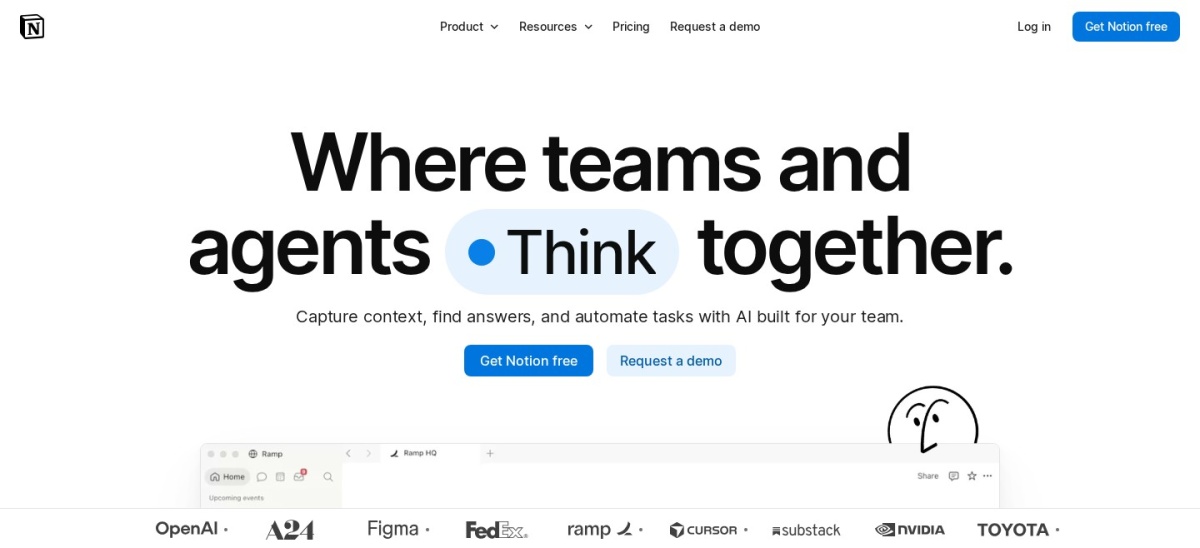
Notion homepage, captured Nov 2026.
Notion is a connected workspace that combines editable documents, company wikis, meeting notes, and customizable databases in one place. Its free plan supports collaborative pages with a 5 MB per-file upload cap and 7 days of page history.
The trade off is that file uploads are capped at 5 MB on the free tier and Plus starts at $10 per member per month ($120 per year per member), with higher tiers needed for longer history and broader permissions. It suits teams that want documentation and project tracking side by side.
What we like
Keeps meeting notes, SOPs, and task databases inside the same workspace
Supports granular page comments and structured views for different departments
Offers large template libraries for roadmaps, specs, and team hubs
Watch out for
Free plan limits file attachments to 5 MB and keeps 7 days of history
Flexible workspaces can take initial setup effort so pages stay consistent
Plus ($10/member/mo) raises file upload limits to 5 GB and expands page history to 30 days.Visit notion.com
03
ClickUp
4.6/5on G2 (15,869 reviews, checked Nov 2026)
Paid from$9/mo
Best for combining tasks, docs, and chat in one app
Free tierFree Forever plan with core tasks
Entry paid planCore at $9/user/mo billed yearly
G2 rating4.6/5 (15,869 reviews)
Paid entry perksUnlimited storage & Gantt charts
clickup.com
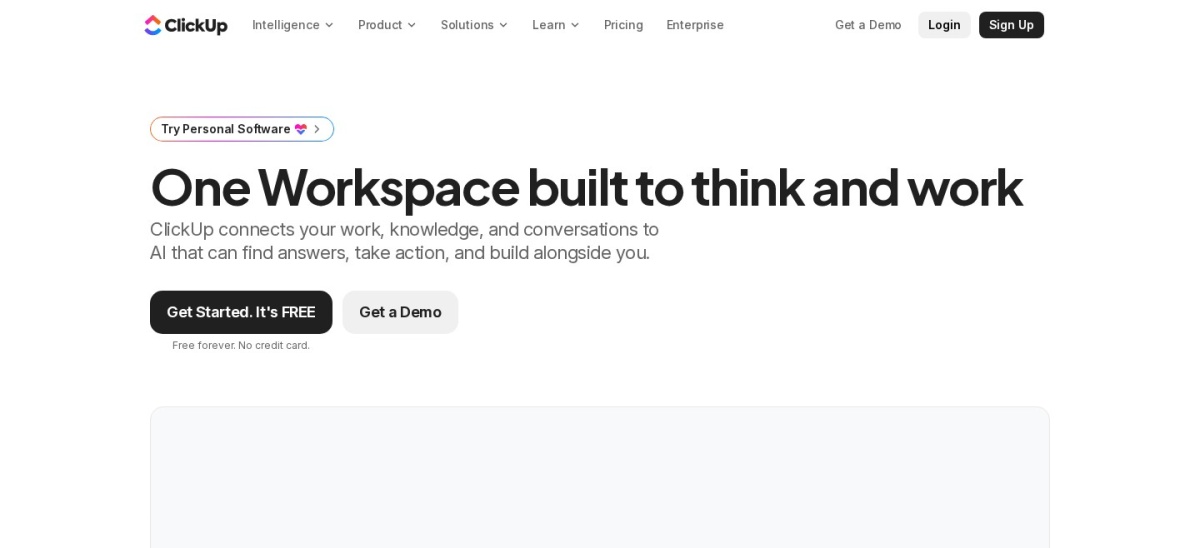
ClickUp homepage, captured Nov 2026.
ClickUp is a work management platform that brings tasks, docs, chat, goals, and custom views together under one login. It offers a Free Forever tier for basic task tracking before upgrading to paid plans.
The trade off is that custom fields, guest permissions, and unlimited storage require Core at $9 per user per month billed yearly ($12 monthly), and deep settings can feel dense at first. It suits teams trying to consolidate separate task and doc tools.
What we like
Combines task lists, docs, chat, and goals without switching apps
Core plan includes unlimited storage, spaces, forms, and Gantt charts
Supports workflow automations and custom task types as processes mature
Watch out for
Many customization options create a noticeable learning curve for new members
Free plan restricts custom fields, guest access, and higher automation limits
Best for visual project boards and cross-team tracking
Free tierUp to 2 seats, 3 boards & 3 docs
Entry paid planBasic at $9/seat/mo billed annually
G2 rating4.7/5 (17,974 reviews)
Templates200+ ready-made board templates
monday.com
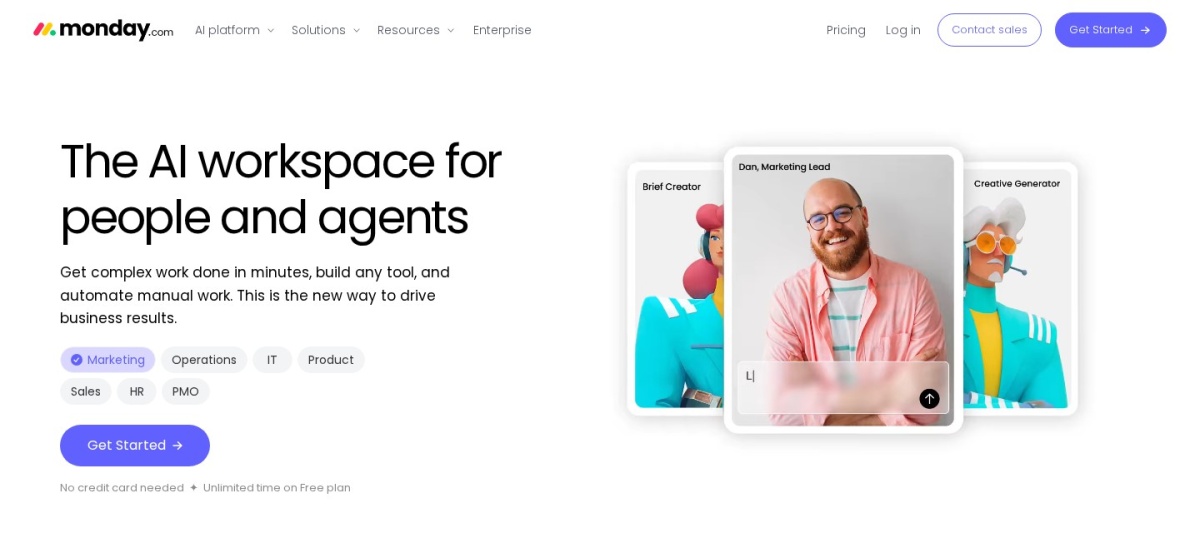
monday.com homepage, captured Nov 2026.
monday.com is a visual work management platform built around customizable boards, status columns, and docs. Its free plan covers up to 2 seats with up to 3 boards and 3 docs plus 200+ templates.
The trade off is that the free tier caps seats at 2 and Basic starts at $9 per seat per month billed annually with a 3-seat minimum and no automations until Standard. It suits teams that want clear visual status tracking across projects.
What we like
High 4.7 out of 5 rating across 17,974 G2 reviews for ease of use and boards
Includes 200+ templates and real-time board and doc collaboration
Basic plan adds unlimited items and unlimited free read-only viewers
Watch out for
Free plan stops at 2 seats, 3 boards, and 3 docs
Automations and integrations start on Standard rather than the Basic tier
Basic ($9/seat/mo billed annually) adds unlimited items and unlimited free viewers with a 3-seat minimum.Visit monday.com
05
Asana
4.4/5on G2 (14,143 reviews, checked Nov 2026)
Paid from$10.99/mo
Best for structured task ownership and project timelines
Free tierPersonal plan for up to 2 users
Entry paid planStarter at $10.99/user/mo annual
G2 rating4.4/5 (14,143 reviews)
ViewsList, board, calendar & timeline
asana.com
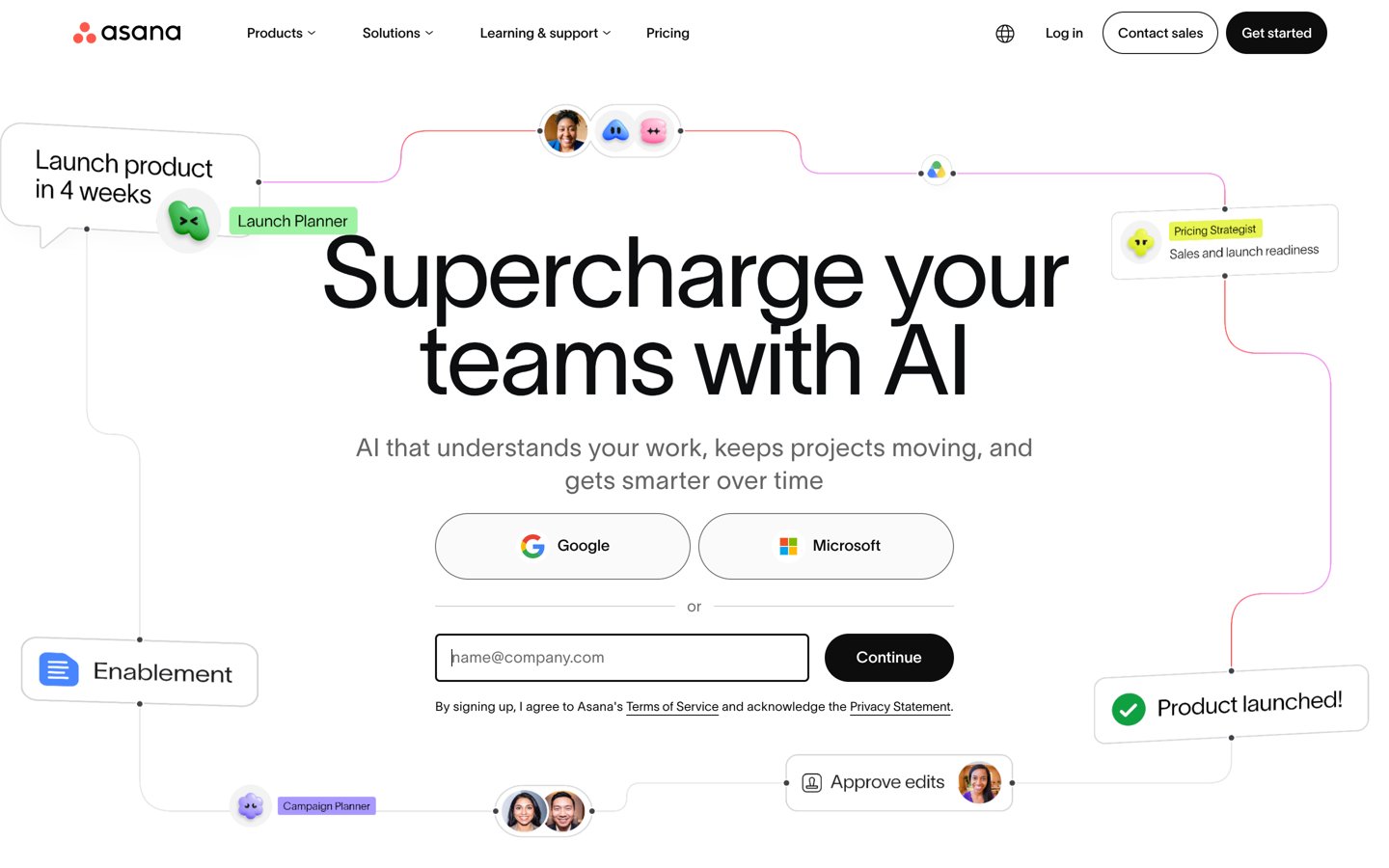
Asana homepage, captured Nov 2026.
Asana is a work and project management platform focused on clear task owners, deadlines, status updates, and cross-team goals. Its free Personal plan supports up to 2 users with unlimited tasks, projects, and 100 MB file uploads.
The trade off is that the free tier limits workspaces to 2 users and Starter costs $10.99 per user per month billed annually ($13.49 monthly). It suits teams that need clear accountability from daily tasks up to quarterly goals.
What we like
Keeps task assignees, due dates, comments, and status updates in one place
Free plan includes unlimited tasks, projects, and 100+ integrations for up to 2 users
Strong structure for multi-step cross-functional initiatives and goal tracking
Watch out for
Free plan is capped at 2 users, requiring a paid upgrade for 3 or more people
Advanced capacity planning and portfolios sit on higher tiers above Starter
Starter ($10.99/user/mo billed annually) expands beyond 2 users and adds workflow tools and project views.Visit asana.com
06
Trello
4.4/5on G2 (14,078 reviews, checked Nov 2026)
Paid from$5/mo
Best for lightweight Kanban boards and quick card setup
Free tierUp to 10 collaborators per workspace
Entry paid planStandard at $5/user/mo annual
G2 rating4.4/5 (14,078 reviews)
Power-Ups200+ app integrations supported
trello.com
Trello homepage, captured Nov 2026.
Trello is a visual task board tool built around lists and movable cards with checklists, due dates, and built-in automation. Its free plan covers up to 10 collaborators per workspace with unlimited cards and 200+ Power-Ups.
The trade off is that unlimited boards, custom fields, and card mirroring require Standard at $5 per user per month billed annually ($6 monthly). It suits small teams that want straightforward Kanban boards without heavy process overhead.
What we like
Low entry price at $5 per user per month billed annually on Standard
Free tier supports up to 10 collaborators per workspace with no training needed
Connects with 200+ Power-Ups plus Slack and Google Drive
Watch out for
Free plan restricts board count and advanced card controls
Large, multi-team portfolios can feel flat compared to dedicated project suites
Standard ($5/user/mo billed annually) unlocks unlimited boards, custom fields, and card mirroring.Visit trello.com
07
Miro
4.6/5on G2 (13,873 reviews, checked Nov 2026)
Paid from$8/mo
Best for visual brainstorming, diagramming, and workshops
Free tierStarter canvas with 3 editable boards
Entry paid planStarter at $8/member/mo annual
G2 rating4.6/5 (13,873 reviews)
Best workflowVisual mapping & live workshops
miro.com
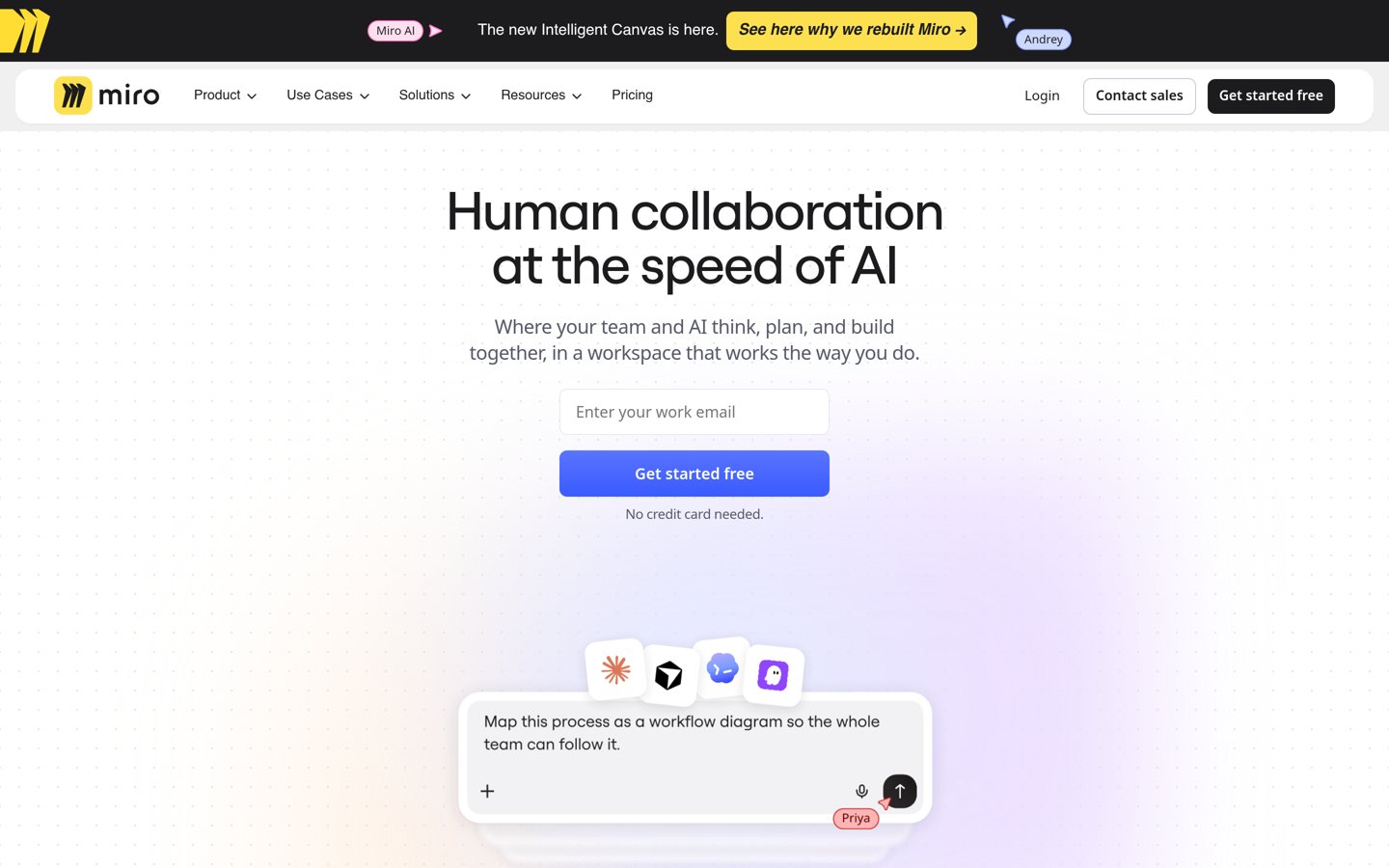
Miro homepage, captured Nov 2026.
Miro is an online whiteboard platform where teams map workflows, run workshops, and collaborate on visual diagrams in real time. Its free plan lets small teams try canvases with up to 3 editable boards and ready-made templates.
The trade off is that keeping more than 3 editable boards and private board controls requires Starter at $8 per member per month billed annually ($96 per year per member). It suits product, design, and strategy teams that think visually before writing specs.
What we like
Strong visual canvas for user flows, system maps, and collaborative workshops
4.6 out of 5 rating across 13,873 G2 reviews for visual collaboration
Starter plan is under $100 per member per year on annual billing
Watch out for
Free tier caps editable boards at 3 and has tighter privacy controls
Not a replacement for structured day-to-day task queues or long-form wikis
Chat tools like Slack shine when answers need to happen in minutes across channels and app alerts, but decisions buried in busy threads can be hard to find months later. Documentation workspaces like Notion keep specs, meeting notes, and reference guides structured so new teammates can read context on their own.
Project boards and task tools such as ClickUp, monday.com, Asana, and Trello track owners, stages, and due dates, while Miro gives groups an open canvas to map ideas first. Many teams pair a chat or doc hub with one task board rather than forcing one tool to do every job poorly.
How we chose
We built this shortlist from established team collaboration platforms widely used for messaging, documentation, whiteboarding, and project tracking, focusing on tools with active development and large verified review sets.
We checked pricing pages, plan limits, and G2 ratings and review counts on 22 Nov 2026, using regular published prices rather than temporary discounts.
We excluded niche or single-purpose tools that do not fit general team collaboration, as well as any option whose pricing or tier terms could not be verified directly. No vendor paid for a place, and we do not claim testing for this list.
How to pick the right collaboration tool for your team
Follow four checks to match a platform to how your team actually works:
Start with your main coordination bottleneck. Choose a chat app if fast back-and-forth slows you down, a doc hub if specs and handoffs get lost, or a board tool if deadlines and owners slip.
Test real limits on the free plan first. Check seat caps, message history cutoffs, board limits, and upload caps before committing your team to a new workspace.
Model your real headcount at annual rates. Multiply the regular per-user or per-seat price by active members, and watch out for seat minimums or tiers that lock key features behind higher plans.
Check external guests and core integrations. Confirm how contractors or clients join projects and whether your calendar, file storage, and issue trackers connect cleanly.
FAQ
What is the best team collaboration software overall?
Slack is a top choice for real-time team chat and app alerts, with a 4.5 out of 5 rating across 40,595 G2 reviews. Teams that prioritize shared docs and wikis often prefer Notion, while ClickUp and monday.com fit teams centered on task boards.
Which team collaboration tools have a free plan?
All seven tools on this list offer a free tier, including Slack, Notion, ClickUp, monday.com, Asana, Trello, and Miro. Each free plan has limits, such as 90-day message history on Slack, 2-seat caps on monday.com and Asana, or 3 editable boards on Miro.
What is the cheapest paid option on this list?
Trello Standard starts at $5 per user per month billed annually ($60 per year per user), followed by Slack Pro at $7.25 per user per month billed annually ($87 per year) and Miro Starter at $8 per member per month billed annually ($96 per year).
Should a small team pick a chat app or a project board?
Pick a chat app if your team mostly needs quick questions, updates, and live huddles throughout the day. Pick a project board or workspace if work spans multiple steps, due dates, and owners that need to stay visible without scrolling through chat.
Why do per-seat prices jump when teams upgrade tiers?
Collaboration tools often bundle automations, guest permissions, larger file limits, or deeper history into mid-tier plans. Because pricing is usually charged per user or per seat, moving an entire team up a tier multiplies the cost across every member.
Can one tool replace every separate app a team uses?
All-in-one workspaces like ClickUp and Notion reduce tool switching by combining tasks, docs, and tracking, which helps smaller or unified teams. Still, many organizations keep a dedicated chat app or specialized design and engineering tools alongside their workspace.