Best Business Process Management Software in 2026: 9 Tools Compared
WLWPLegible EditorsLast verified 23 Nov 2026How we rank13 min read
★ Short answer
Process Street is the best business process management software for most teams. Its Pro plan costs $25 per user per month and turns SOPs into checklists with approvals and conditional logic, rated 4.6 out of 5 on G2. Pick Pipefy for intake forms with a free plan, or Kissflow for low-code apps at scale.
How we make this list: we compare pricing pages, product documentation and public user reviews, then re-check every price before each update. No product paid for a place. Disclosure.
Process Street is the clearest pick for repeatable work, turning SOPs into checklists with approvals at $25 per user per month.
Pipefy is the most approachable real BPM tool, with a free Starter plan and a Business plan at $23 per user per month.
Kissflow charges one flat $1,500 a month for 50 users, which can be cheaper per head than per-user tools once adoption spreads.
monday.com and Asana cover light approval flows from $9 and $10.99 per user per month, with free plans for two users.
Appian, Pega, Nintex and Camunda are enterprise tools, and three of them sell on quotes, so budget through a sales call.
What business process management software should cover
Business process management software turns a repeatable procedure into a workflow that runs the same way every time. It assigns tasks, routes approvals, collects form data and leaves an audit trail.
The tools split into two kinds. Checklist tools such as Process Street and Pipefy run human procedures step by step. Suites such as Appian, Pega and Nintex model complex processes and automate them across systems.
Pricing is mostly per user or per platform, and several enterprise tools here sell on quotes. Small teams should budget from the published per-user prices, while large firms should expect a sales conversation.
Our guide on managing multiple WordPress sites covers the same discipline these tools enforce: a written process that every site, and every team member, follows.
The 9 best business process management software tools
01
Process Street
4.6/5on G2 (463 reviews, checked Nov 2026)
Starts at$25/mo
Best business process management software overall
Entry price$25 per user/mo, Pro
Free planNo, 14-day trial
Automation runs2,000 a month on Pro
WorkflowsUnlimited on Pro
process.st
Process Street homepage, captured Nov 2026.
Process Street is a checklist workflow tool for recurring procedures. A procedure becomes a template, and each run assigns tasks, collects form data, routes approvals and leaves an audit trail. The Pro plan costs $25 per user per month. It is rated 4.6 out of 5 on G2 from 463 reviews.
The trade off is depth against accessibility. There is no process mining or heavy orchestration, and newer reports put pricing on plan-based quotes instead of a per-user figure. It suits onboarding, client intake and month-end close without hiring a process team.
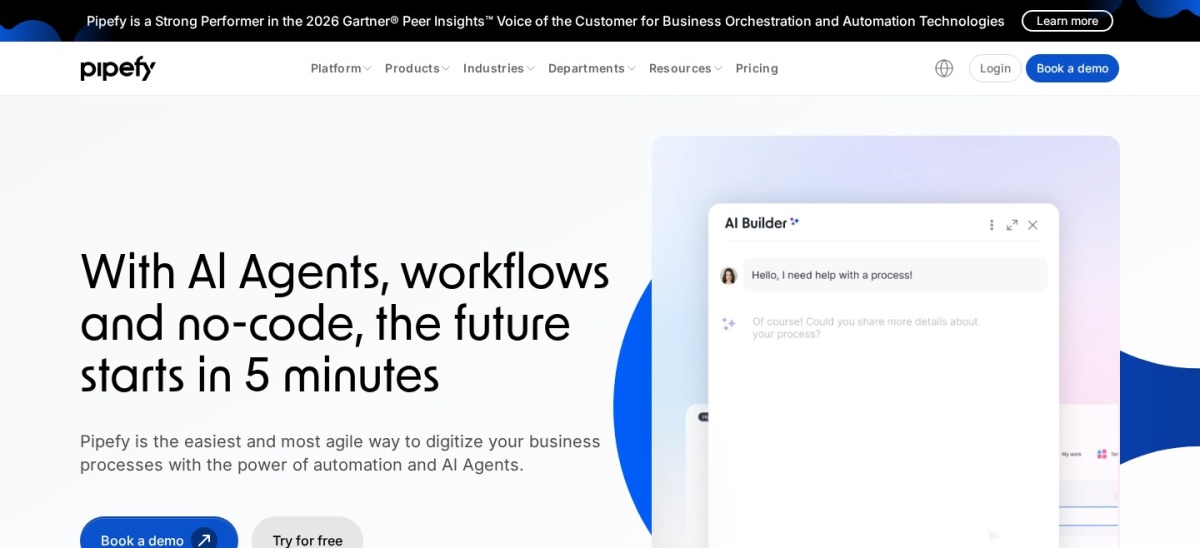
Pipefy is an AI-powered platform for designing, automating and managing workflows. Work is organised as pipes: a request enters through a form, moves through phases, and automation handles handovers, notifications and SLA warnings. It is rated 4.6 out of 5 on G2 from 231 reviews.
The trade off is the pipe model. Very freeform work fights the structure, and the Business plan price is reported at $23 to $26 per user per month across sources. It suits operations teams replacing email and spreadsheet intake with something trackable.
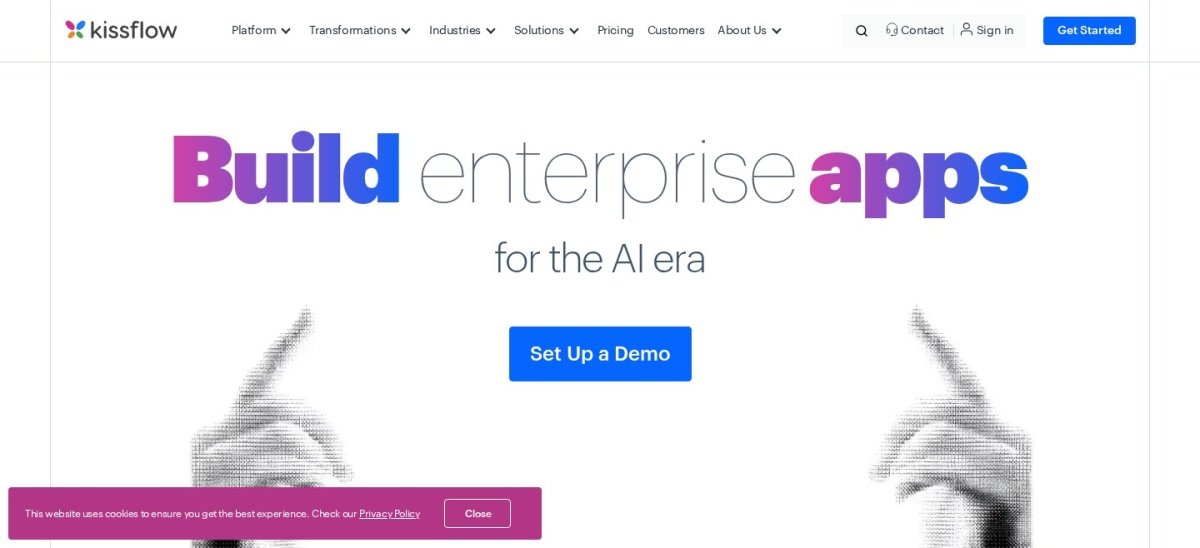
Kissflow is a low-code platform for process automation, case management and app building. It charges one platform price of $1,500 a month for 50 users instead of counting seats, which covers process automation and low-code apps under one roof. It is rated 4.3 out of 5 on G2 from 590 reviews.
The trade off is the entry cost. At $1,500 a month it rules out small teams, and package pricing needs a quote for exact scope. It suits mid-market firms standardising processes across departments.
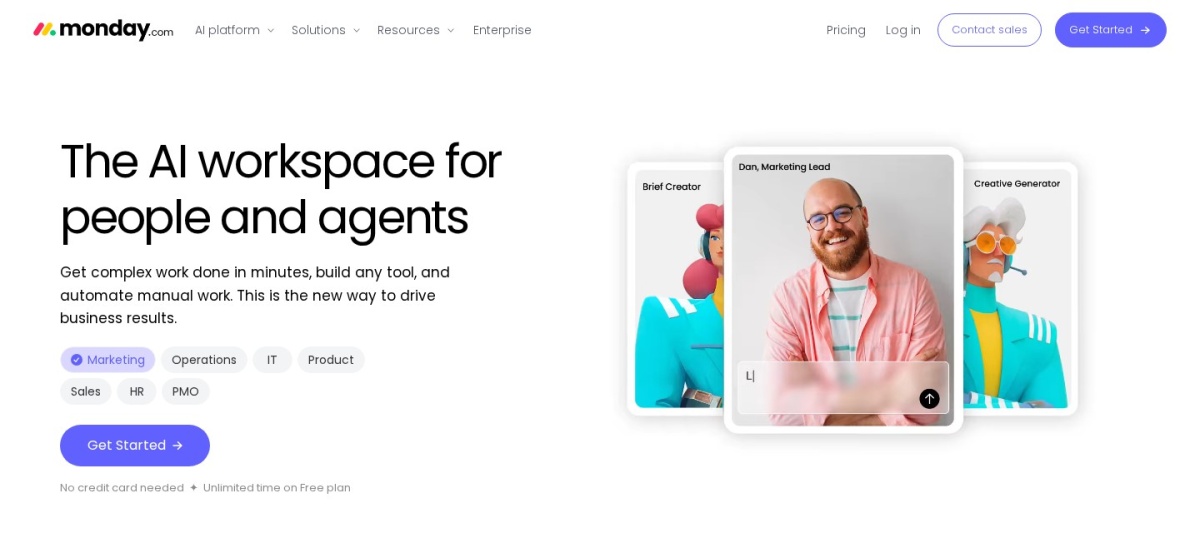
monday.com is a work management platform with boards, automations and forms. Teams track work visually, set owners and triggers, and hand work across departments with clear status. The Basic plan costs $9 per seat per month billed yearly, with a 3-seat minimum. It is rated 4.7 out of 5 on G2 from 17,182 reviews.
The trade off is that it is project software, not a BPM suite. It lacks formal process modelling, and the price scales steeply as seats are added. It suits teams that mainly need project visibility with some automation.
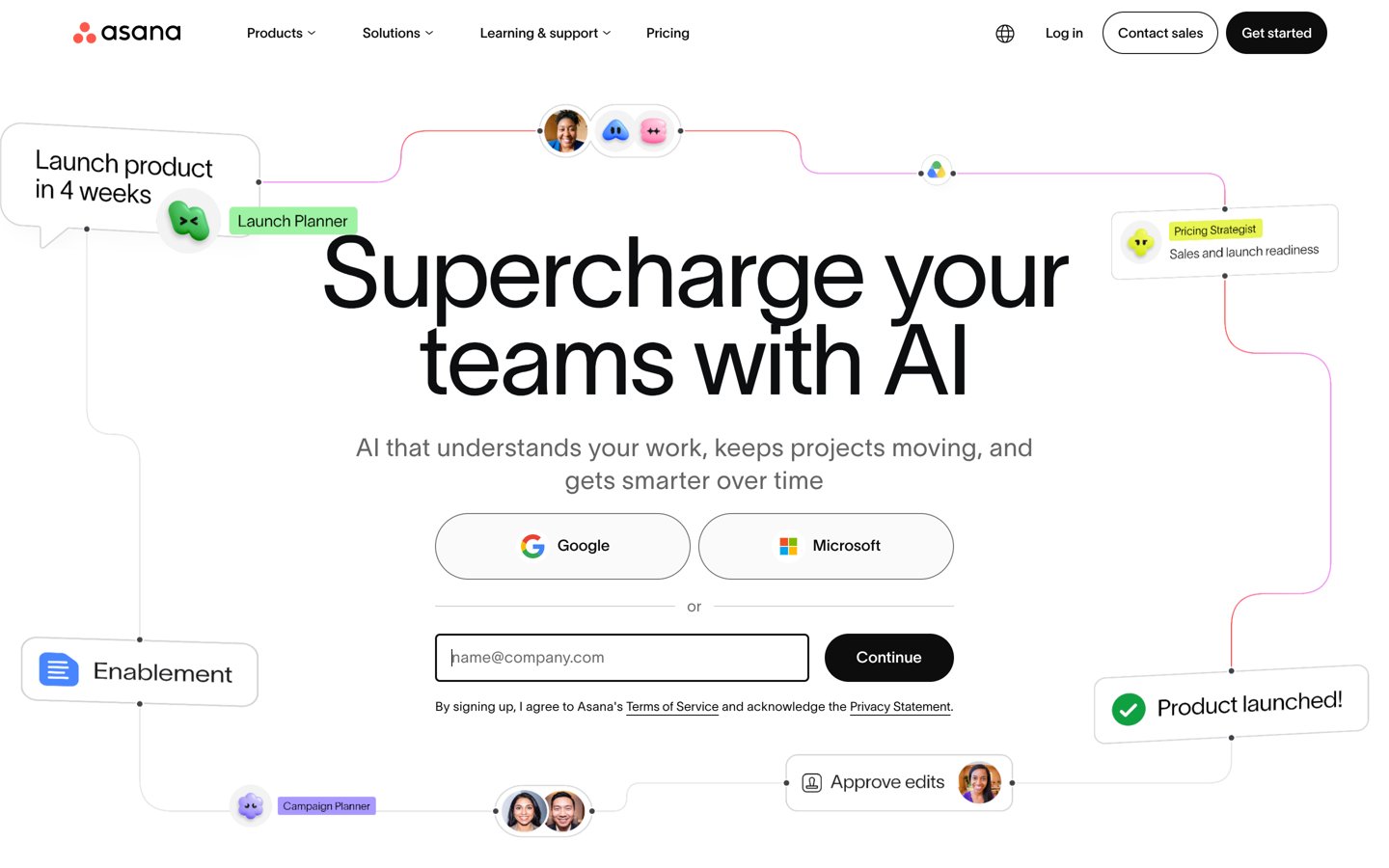
Asana is a task and project platform with rules-based automation, forms and AI features. It connects work from goals down to tasks through its Work Graph, so teams see who owns what and when it is due. The Starter plan costs $10.99 per user per month billed yearly. It is rated 4.4 out of 5 on G2 from 14,123 reviews.
The trade off is that Asana tracks tasks, it does not run processes. Handoffs still need manual assignment, and seats are sold in bands rather than singly. It suits teams that need clear task ownership across departments.
What we like
Clear goals-to-tasks visibility
Rules-based automation on paid plans
Free plan for up to 2 users
Rated 4.4 out of 5 from 14,123 G2 reviews
Watch out for
Tracks tasks, does not run processes
Seats are sold in bands, not singly
Free plan now stops at 2 users
Advanced adds Goals, Portfolios and more automationsVisit asana.com
06
Nintex
4.2/5on G2 (1,328 reviews, checked Nov 2026)
Starts at$2,400/yr
Best for document-heavy Microsoft shops
Entry priceAbout $2,400/yr reported
Free planNo, free trial and demo
Process mappingYes, with automation
ImplementationAbout 3 months average
nintex.com
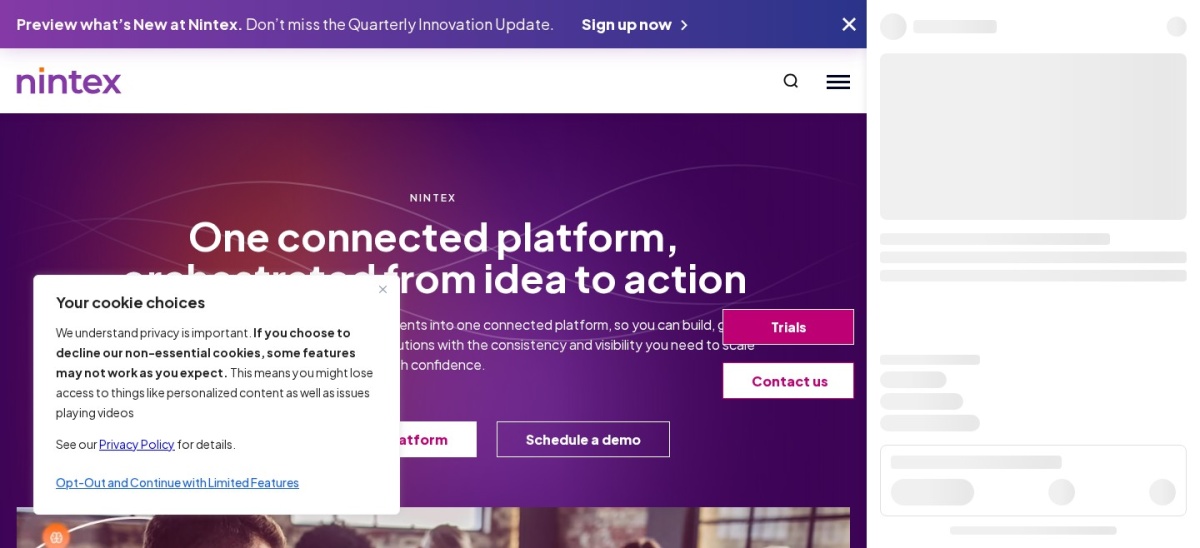
Nintex homepage, captured Nov 2026.
Nintex is a long-standing process automation vendor for Microsoft 365 and Salesforce environments. It combines process mapping, workflow automation, forms, document generation and RPA in one platform, with deep SharePoint links. It is rated 4.2 out of 5 on G2 from 1,328 reviews.
The trade off is buying. Nintex lists no public prices, so budgeting needs a sales call, and implementation averages about three months. A simple plan is reported at $2,400 a year. It suits firms automating document-heavy processes in Microsoft 365.
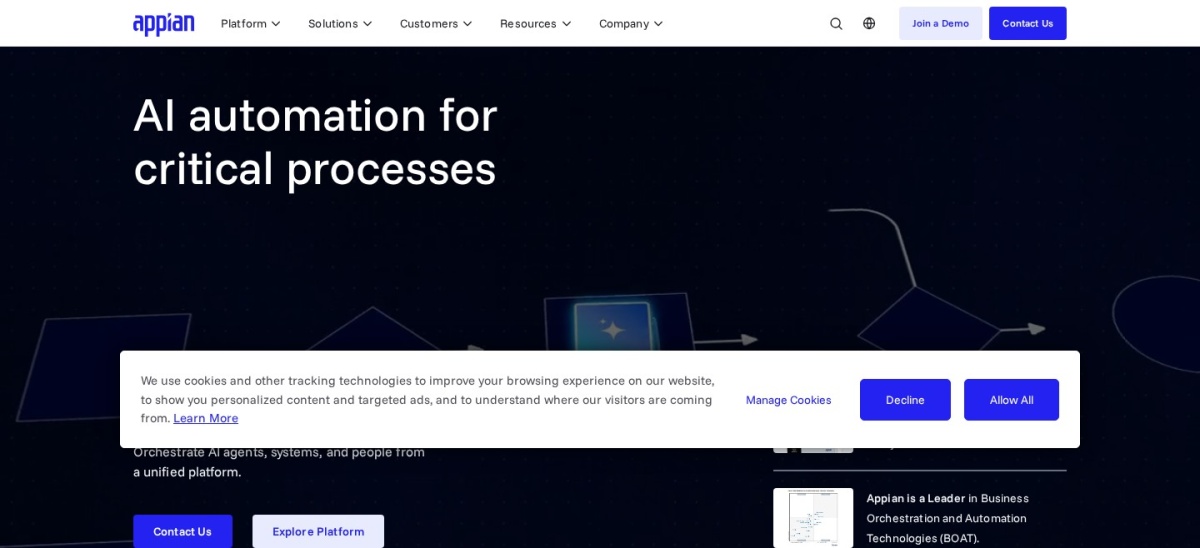
Appian is a low-code platform for process-driven applications at scale. One licence covers process modelling, a data fabric, case management and RPA bots, with AI agents that work inside governed processes. It is rated 4.5 out of 5 on G2 from 525 reviews.
The trade off is price transparency. Its pricing page shows no figures, with tiers priced per user, per month, per app, and a Standard figure of $75 per user per month is only reported. It suits banks, insurers and government teams where audit trails matter.
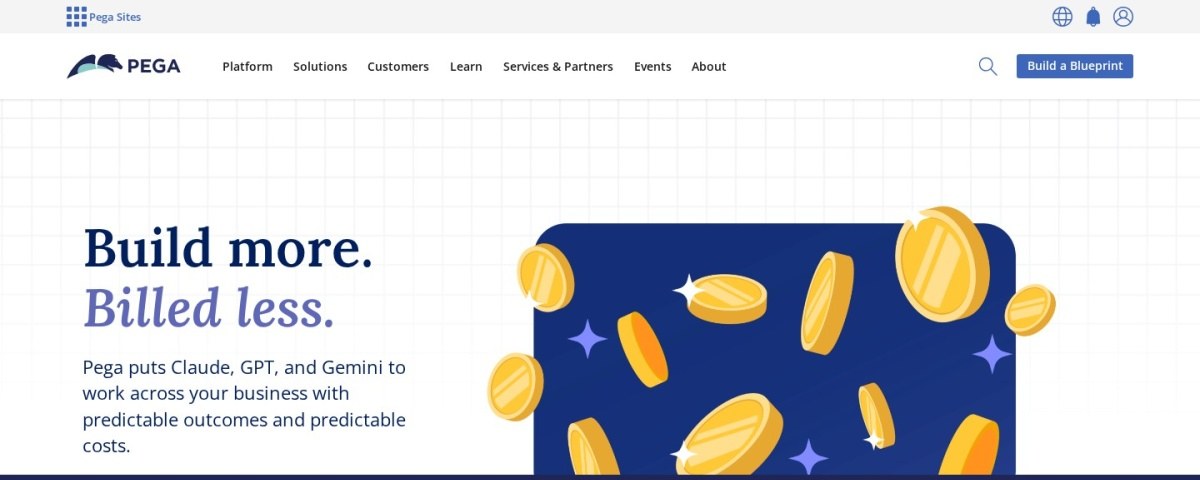
Pega Platform is a BPM suite for large firms managing complex, rule-heavy casework. It models processes, automates decisions and handles case management across departments, with AI-assisted process design. It is rated 4.2 out of 5 on G2 from 278 reviews.
The trade off is cost and time. Pega publishes no prices, a Factory figure of $35 per user per month is only reported, and implementation averages about seven months. It suits large regulated firms with casework no simpler tool can model.
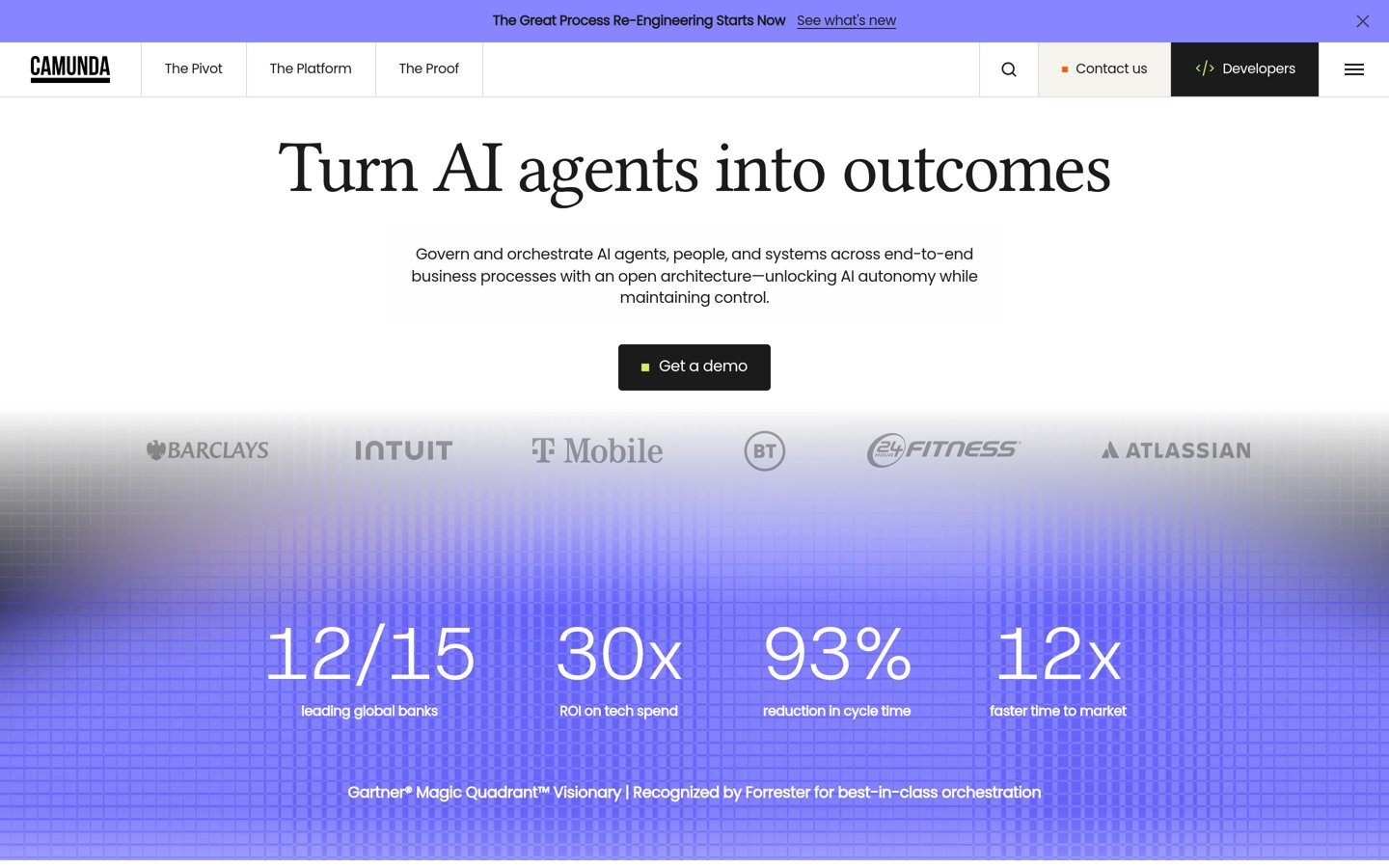
Camunda is an open-source BPMN platform for orchestrating microservices, APIs and human tasks. Developers model processes in BPMN, run them in an engine that scales, and connect them to their own services through code. It is rated 4.5 out of 5 on G2 from 328 reviews.
The trade off is the audience. It is built for engineering teams, so business users will struggle without developers, and the Starter plan is reported at $99 a month. It suits teams orchestrating processes across many systems.
If your problem is that onboarding, month-end close or client intake runs differently each time, a checklist tool is enough. Process Street and Pipefy get a team running in days.
If your problem spans departments, systems and regulations, you need a suite. Appian, Pega, Nintex and Camunda model processes in BPMN and automate them across tools.
The middle ground is monday.com and Asana. They are work tools with rules and forms, not true BPM suites, but they cover light approval flows without a BPM budget.
How we chose
We started from the BPM tools that appear most often in current roundups, then kept the nine with the strongest review record and a published price or a widely reported one.
Prices come from each vendor's pricing page or vendor-supplied listings, checked on 23 November 2026. Ratings come from G2 on the same day. Where a vendor shows a sale, the list shows the regular price.
We left out tools with no public review record. No vendor paid for a place, and we do not claim hands-on testing for this list.
How to choose business process management software
Pick one process that fails most often, then choose the tool that runs that process well before you buy for the whole firm.
Pick one failing process first. Choose the procedure that breaks most often, such as onboarding or month-end close, and judge every tool on that process alone.
Run it as a checklist before modelling it. If a checklist tool runs the process well, you do not need a BPM suite. Buy the suite only when rules span departments.
Check the automation limits. Free and entry plans cap automation runs and integrations, so count the runs your process needs before choosing a tier.
Trial with the real team. Give the people who run the process a two-week trial, since they will live in the tool daily and their verdict matters most.
FAQ
What is the best business process management software?
Process Street is the best pick for most teams. Its Pro plan costs $25 per user per month, it turns SOPs into checklists with approvals and conditional logic, and it is rated 4.6 out of 5 on G2 from 463 reviews.
What is the cheapest BPM software?
monday.com is the cheapest paid tool here at $9 per seat per month, with a free plan for two seats. Asana follows at $10.99 per user per month, also with a free plan for two users.
Is there free BPM software?
Yes. Pipefy has a free Starter plan, monday.com and Asana both have free plans for two users, and Camunda has a free tier for developers. Kissflow, Nintex, Appian and Pega have no free plan.
What is the difference between BPM and workflow software?
Workflow software moves tasks between people. BPM software also models the process, enforces its rules, tracks every step and proves compliance, which matters for regulated work.
How much does BPM software cost for a small team?
Expect $225 to $500 a month. Pipefy costs $23 per user per month, Process Street $25, and monday.com $9, all with free plans or trials to test first.
Do I need a BPM suite or just checklists?
Start with checklists if the problem is repeatability, such as onboarding or month-end close. Move to a suite such as Appian or Pega only when processes span departments and need formal modelling.