Best Business Process Mapping Software in 2026: 9 Tools Compared
WLWPLegible EditorsLast verified 24 Nov 2026How we rank13 min read
★ Short answer
Lucidchart is the best business process mapping software for most teams, with a free plan for 3 editable documents and paid plans from a month. Pick Miro for workshops and Bizagi when strict BPMN matters most.
How we make this list: we compare pricing pages, product documentation and public user reviews, then re-check every price before each update. No product paid for a place. Disclosure.
Lucidchart leads on balance: BPMN shapes, real-time collaboration and a free plan, from $9 a month.
Miro is the best workshop canvas, with a 4.6 out of 5 G2 rating from more than 13,600 reviews.
Bizagi pairs a free BPMN 2.0 modeler with a quote-only automation platform, so mapping costs nothing to start.
diagrams.net is the only fully free tool here, with no paid plan at all for the core editor.
SAP Signavio and Bizagi publish no prices, so budget for a sales quote and a longer buying cycle.
What to look for in a process mapping tool
A process map is only useful if people can read it and keep it current. The best tools make the steps, owners and handoffs obvious at a glance, without a training course.
BPMN 2.0 support matters when maps must follow a shared standard. Lucidchart, Bizagi, SAP Signavio and Visio on Plan 2 all cover BPMN shapes, while whiteboards such as Miro trade strict notation for speed.
Collaboration decides whether a map survives first contact with the team. Shared editing, comments and version history keep one diagram from splitting into five conflicting copies.
Free plans are a fair way to start, but check the limits before you commit. Our guide on writing a WordPress maintenance plan shows the same habit that keeps process maps useful: a named owner and a regular review.
Price is usually per editor, not per viewer. Count only the people who draw and edit, then check whether guests and viewers are free on the plan you choose.
The 9 best business process mapping software tools
01
Lucidchart
4.5/5on G2 (8,846 reviews, checked Nov 2026)
Paid from$9/mo
Best business process mapping software overall
BPMN 2.0 shapesYes
Free plan3 editable documents
Real-time collaborationYes
Paid planIndividual, $9/mo
lucidchart.com
Lucidchart homepage, captured Nov 2026.
Lucidchart is a browser-based diagramming tool built for clean, professional process maps that teams edit together. The free plan covers 3 editable documents with about 60 shapes each, plus templates for flowcharts, swimlanes and BPMN diagrams.
The trade off is the free plan's size cap. A detailed end-to-end map soon needs the Individual plan at $9 a month billed yearly, or Team at $10 per user a month. It suits most teams that want one shared place for process maps.
What we like
Strong BPMN and swimlane templates
Real-time co-editing with comments
Imports and exports Visio files
Large template library beyond processes
Watch out for
Free plan caps documents at 3 and shapes at about 60 each
Miro is an online whiteboard where a team can run a workshop, map a process and leave comments on the same board. The free plan covers 3 editable boards, and Starter at $8 per member a month billed yearly adds unlimited boards, private boards and visitor editing.
The trade off is structure. Miro is flexible, so diagrams can drift into messy boards unless someone owns the layout, and strict BPMN notation is not its strength. It suits teams that map processes live in workshops.
What we like
Highest G2 rating in this list, 4.6 out of 5
Huge template library for workshops and flows
250+ integrations with common work tools
Guests can view boards without a paid seat
Watch out for
Free plan limits you to 3 editable boards
Guest editing needs the Business plan
Loose notation for formal BPMN documentation
Business adds SSO, unlimited guests and more AI creditsVisit miro.com
03
Bizagi
4.6/5on G2 (329 reviews, checked Nov 2026)
PricingCustom/yr
Best free BPMN modeler with an automation path
BPMN 2.0 shapesYes, with error checks
Free planModeler, free
AutomationPaid platform, by quote
Paid planQuote only
bizagi.com
Bizagi homepage, captured Nov 2026.
Bizagi is a process platform built around BPMN 2.0, and its Modeler is free for drawing, documenting and publishing process diagrams. The Modeler checks diagrams against BPMN 2.0 rules, which helps teams that need maps to follow a shared standard.
The trade off is price and setup. The automation platform is quote-only with consumption-based pricing, and turning models into working apps takes more setup than a simple diagram tool. It suits teams that start with documentation and later want automation.
What we like
Free Modeler with BPMN 2.0 validation
Models carry over into automation
Rated 4.6 out of 5 on G2
Desktop and cloud modeling options
Watch out for
Platform pricing is quote-only
Automation setup needs technical skill
Free version limits collaboration features
Paid platform adds automation, AI agents and integrationsVisit bizagi.com
04
SAP Signavio
4.4/5on G2 (67 reviews, checked Nov 2026)
PricingCustom/yr
Best for governed enterprise process libraries
BPMN 2.0 shapesYes
Free planNo
Process miningSeparate module
Paid planQuote only
signavio.com
SAP Signavio homepage, captured Nov 2026.
SAP Signavio is an enterprise modeling platform for capturing, improving and governing business processes at scale. Process Manager covers BPMN 2.0 and DMN modeling with collaboration, versioning and a shared process library, so large teams work from one approved map.
The trade off is cost and complexity. Pricing is by quote, reviewers report high per-user costs, and process mining is a separate module. It suits large organisations that need governed process libraries, not small teams mapping one workflow.
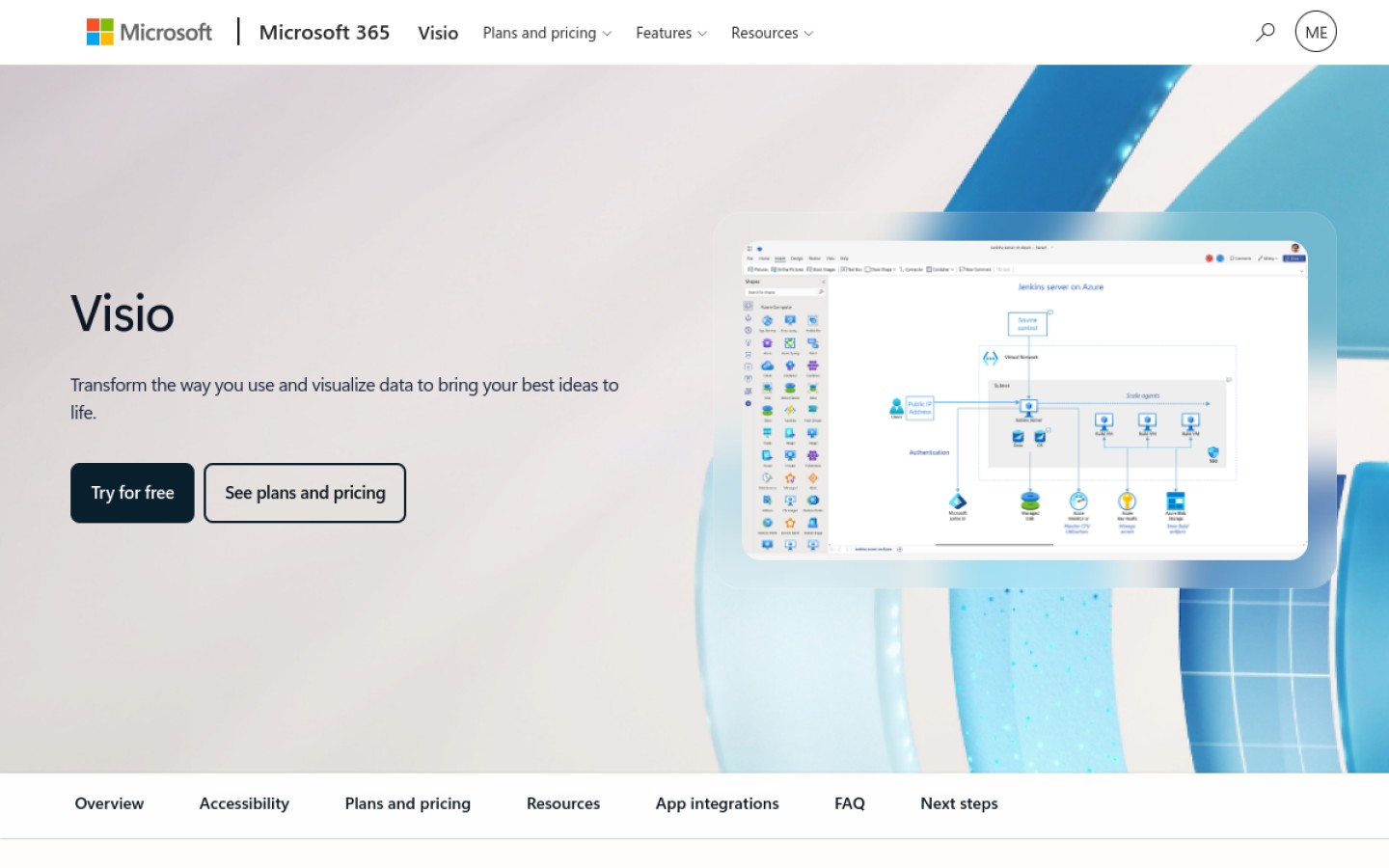
Microsoft Visio is the long-standing diagramming tool in the Microsoft world, and its .vsdx format is still the file many companies expect to exchange. Plan 1 at $5 per user a month billed yearly covers the web app, while Plan 2 at $15 adds the desktop app, BPMN 2.0 and data-linked diagrams.
The trade off is licensing. There is no free plan beyond a one-month trial, and the desktop app, BPMN support and offline files all sit on Plan 2. It suits teams already on Microsoft 365 that exchange Visio files.
What we like
Deep shape libraries for formal diagrams
Strong links to Excel, Teams and SharePoint
Standard .vsdx format for file exchange
Basic web version included in some Microsoft 365 plans
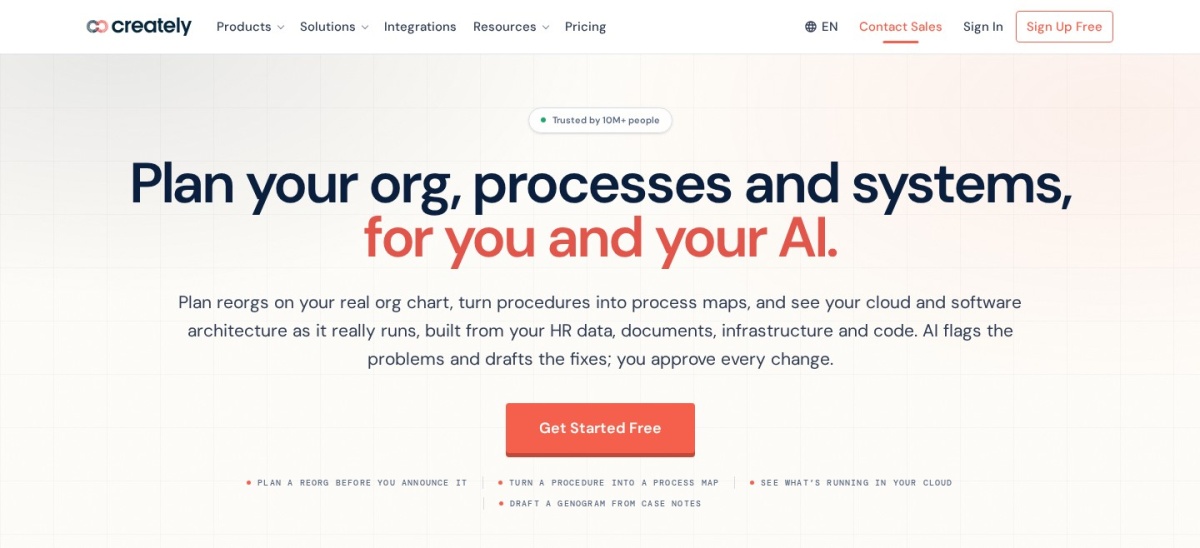
Creately is a visual planning tool between a whiteboard and a formal diagram editor, with templates for flowcharts, org charts, UML and project timelines. The free plan covers unlimited canvases, and the Starter plan at $5 per user a month billed yearly raises the limits.
The trade off is the free plan's 45-item cap per canvas. A detailed process map hits that cap fast, so heavy diagrammers will pay, and the Business plan uses flat monthly pricing instead. It suits small teams that map different things each week.
What we like
Large template set across business diagrams
Live collaboration with comments
Lowest paid starting price in this list, tied with Visio
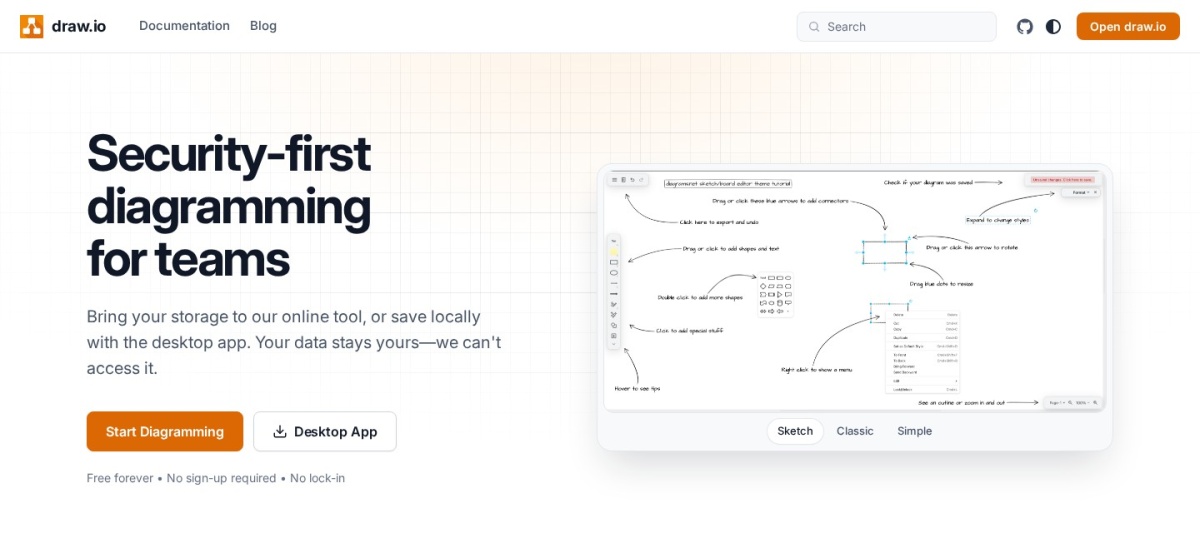
diagrams.net is a free diagramming tool, formerly known as draw.io, with no subscription for the core editor. You can draw flowcharts and BPMN diagrams in a browser or desktop app and save files to Google Drive, OneDrive, Dropbox or local storage, with no account wall for basic use.
The trade off is collaboration and polish. Shared editing works through cloud storage but feels less smooth than cloud-first tools, and the interface shows its open-source roots. It suits anyone who wants clear process maps at zero cost.
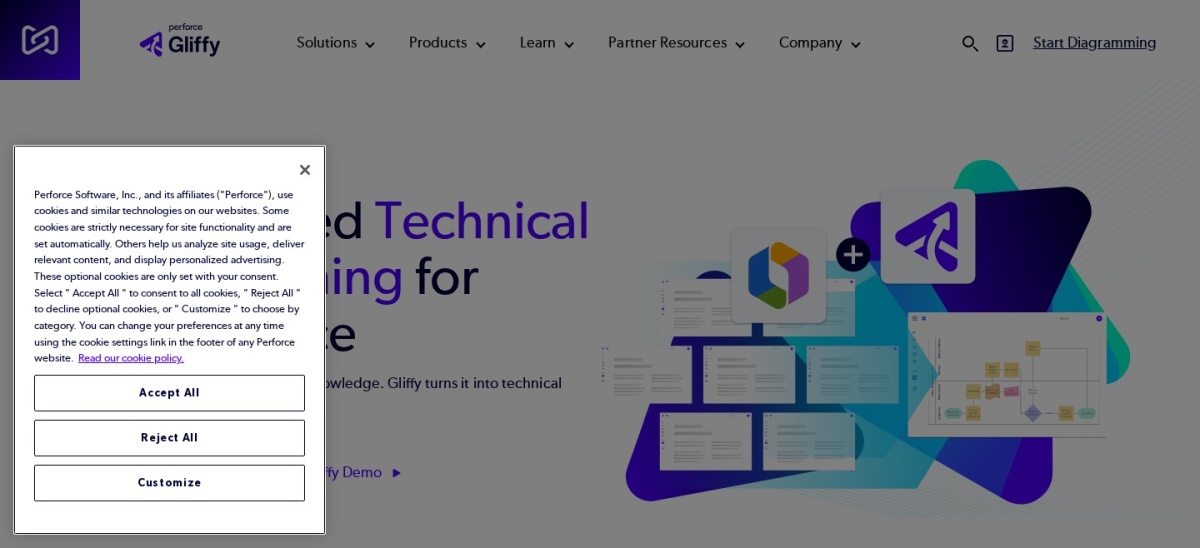
Gliffy is a diagramming tool that lives inside Atlassian Confluence and Jira, so process maps sit next to the docs and tickets they describe. Gliffy Diagrams for Confluence is free for up to 10 users, then $3.80 per user a month billed yearly, while standalone Professional is $6 a month billed yearly.
The trade off is scope. The editor is simple on purpose, with a smaller shape library than Visio, and pricing follows your Confluence user count. It suits teams whose documentation already lives in Confluence.
What we like
Diagrams live inside Confluence pages
Free for up to 10 users on Confluence
Simple editor that new users learn fast
Imports Visio and draw.io diagrams
Watch out for
Only makes sense with Confluence or Jira
Smaller shape library than Visio
Price follows Confluence user count, not drawers
Paid plans add unlimited diagrams and admin controlsVisit gliffy.com
09
SmartDraw
4.5/5on G2 (394 reviews, checked Nov 2026)
Starts at$9.95/mo
Best for template-heavy business diagrams
BPMN 2.0 shapesVia flowchart templates
Free planNo, free trial
TemplatesThousands
Paid planIndividual, $9.95/mo
smartdraw.com
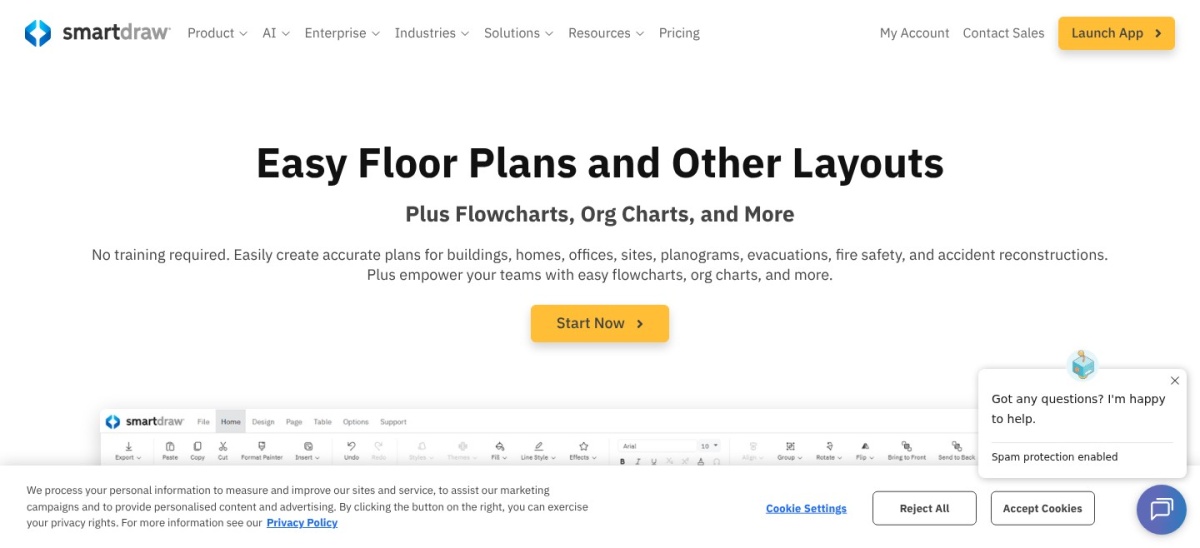
SmartDraw homepage, captured Nov 2026.
SmartDraw is a long-running diagram tool whose template depth shows, with ready-made examples for business diagrams, org charts, floor plans and project visuals. The Individual plan at $9.95 a month billed yearly includes automatic formatting, and Visio import and export make it a practical swap from Visio.
The trade off is collaboration and cost. Live co-editing exists but is not the main strength, and there is no free tier beyond a trial. It suits solo users and small teams that value templates over live workshops.
Free plans cover everyday mapping well. Lucidchart, Miro, Creately and diagrams.net all let you draw and share real process maps without paying.
Paid plans mostly add room and control. You get more documents, more shapes per canvas, private sharing, admin controls and version history.
Bizagi Modeler is free, while Signavio modeling sits inside its quote, and the bill grows when you add automation or governance.
If a map guides daily work, pay for the plan that keeps it editable and owned. A map that turns read-only when a trial ends is worse than no map.
How we chose
We started from the diagramming and BPM tools most often recommended for process mapping, then kept nine that exist today and cover BPMN, flowcharts or swimlanes.
Prices come from each vendor's pricing page as reported on 24 November 2026, and ratings come from G2 on the same day. Where a vendor shows a sale, the list shows the regular price.
We left out tools with no published price and no free starting point, and tools whose homepage did not clearly belong to the product. No vendor paid for a place, and we do not claim hands-on testing for this list.
How to choose business process mapping software
Start with the map you make most often, then pick the tool that fits that job.
Check whether you need strict BPMN. If maps must follow a shared standard, pick Lucidchart, Bizagi or SAP Signavio. For informal flows, Miro or Creately is faster.
Count editors, not viewers. Most tools charge per editor and let viewers in free. Count only the people who draw before comparing monthly prices.
Draw your real process in two finalists. Build the same approval or onboarding flow in each, share it with a colleague and export it in the format your team uses.
Name an owner and a review date. A map goes stale fast. Assign one owner and a regular review, so the diagram stays true to how work actually happens.
FAQ
What is the best business process mapping software?
Lucidchart is the best pick for most teams. It covers BPMN shapes, swimlanes and real-time collaboration, offers a free plan for 3 documents, and holds a 4.5 out of 5 rating on G2 from more than 8,800 reviews.
What is the difference between BPMN and a flowchart?
A flowchart is a general diagram of steps and decisions, while BPMN is a shared standard with fixed symbols for events, gateways and swimlanes. BPMN maps are easier to hand between teams and tools because everyone reads the same symbols.
Is there free business process mapping software?
Yes. diagrams.net is fully free with no paid plan for the core editor, and Lucidchart, Miro, Bizagi, Creately and Gliffy all offer free plans with limits on documents, boards or canvas items.
Do I need BPMN 2.0 for process mapping?
Not always. BPMN 2.0 matters when maps must follow a standard across teams, tools or audits. For a small team documenting one workflow, a simple flowchart in Miro or diagrams.net is usually enough.
Can I import Visio files into these tools?
Most of them can. Lucidchart, SmartDraw, Gliffy and diagrams.net all import Visio files, so you can move existing diagrams without redrawing them. Check the format support on the plan you choose before migrating a large library.
How much does process mapping software cost?
Paid plans in this list start at $5 a month for Visio Plan 1 and Creately, and climb to $15 a month for Visio Plan 2. Two enterprise tools, Bizagi and SAP Signavio, publish no prices and sell by quote.