Tally is the best Google Forms alternative for most users because it offers unlimited free forms and submissions under its fair usage policy, with a 4.9/5 G2 rating. Choose Fillout for database-connected forms and advanced integrations or Cognito Forms for calculated fields, payment collection and business workflows.
How we make this list: we compare pricing pages, product documentation and public user reviews, then re-check every price before each update. No product paid for a place. Disclosure.
Tally earns 4.9/5 from 164 G2 reviews and offers unlimited free submissions under its fair usage policy.
Fillout includes 1,000 monthly responses and unlimited team seats for free, with paid plans starting at $180 annually.
Cognito Forms Pro costs $228 annually and supports 2,000 monthly entries, electronic signatures and saved progress.
Jotform has 6,004 G2 reviews and offers 100 monthly submissions across 5 forms on its free plan.
Typeform limits free accounts to 10 monthly responses, while its advertised Basic annual rate is $28 monthly.
Paperform Pro offers unlimited submissions under fair usage for $588 annually, while Formstack starts at $996 annually.
What should you look for in Google Forms alternatives?
The best Google Forms replacement should improve your data collection workflow without introducing unnecessary subscription costs. Common reasons to switch include more flexible designs, integrated payments, conditional calculations, customer-facing forms and automated business processes.
Free response allowances vary considerably between form builders. Tally provides unlimited submissions under its fair usage policy, Fillout includes 1,000 monthly responses, and Typeform limits free accounts to 10 monthly responses. These differences can determine whether upgrading becomes necessary.
Conditional logic and payment collection are available without a subscription on several alternatives. Tally and Fillout include these capabilities in their free plans, making them useful for registration forms, simple order forms, applications and interactive questionnaires.
Branding restrictions often matter more than form creation limits. Removing vendor logos, connecting custom domains and applying custom CSS can require different subscription levels even when basic design customization is available for free.
Business workflows require more than collecting responses. Consider whether your forms must trigger approvals, generate documents, collect electronic signatures, update database records or connect with external applications before choosing a replacement.
For established organizations and formal data collection
$83/mo
No free plan
4.3/5
Price ladder: cheapest paid plan per year
List prices, USD, checked Nov 2026
FilloutFREE$180
CognitoFREE$228
TallyFREE$290
TypeformFREE$336
JotformFREE$408
PaperformFREE$588
Formstack$996
The 7 best Google Forms alternatives
01
Tally
4.9/5on G2 (164 reviews, checked Nov 2026)
Paid from$290/yr
Best Google Forms alternative overall
Free formsUnlimited, subject to fair usage
Free submissionsUnlimited, subject to fair usage
Conditional logicIncluded in Free
Paid planPro, $290/yr
tally.so
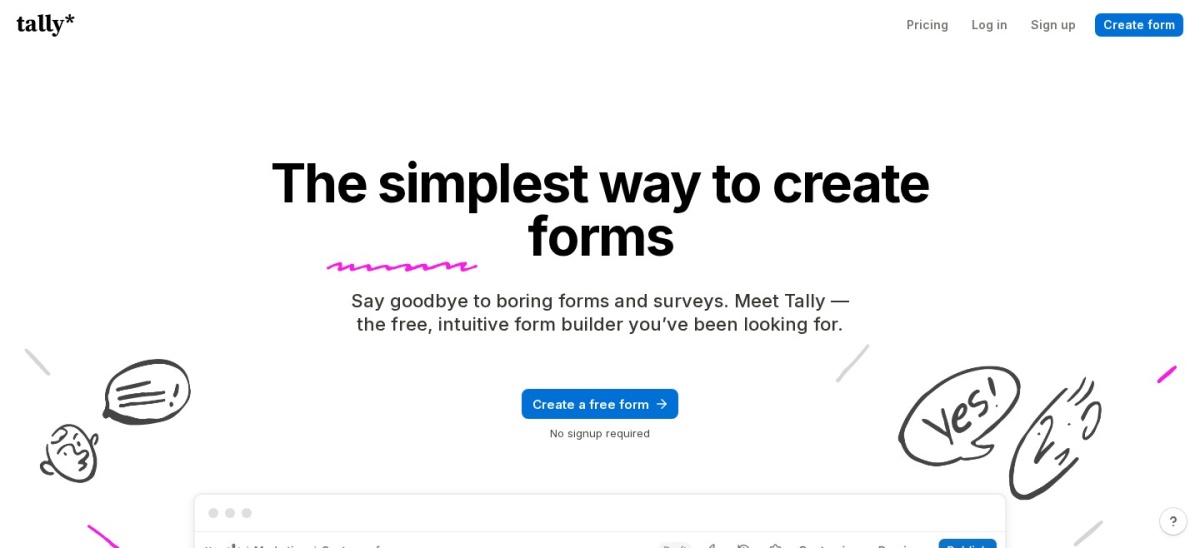
Tally homepage, captured Nov 2026.
Tally is a document-style online form builder that includes unlimited forms and submissions under its free plan's fair usage policy. It supports conditional logic, calculations, payment collection, signatures, file uploads and connections to applications such as Google Sheets, Notion and Airtable.
The trade off is branding and advanced collaboration. Pro costs $290 annually or $29 with monthly billing and adds branding removal, custom domains, shared workspaces and partial submission capture. It suits freelancers, startups, educators and businesses that need flexible forms without restrictive response allowances.
What we like
Unlimited free submissions under fair usage
Highest G2 rating in this comparison
Conditional logic and calculated fields included for free
Payment and signature collection
Document-style form editing
Watch out for
Free forms display Tally branding
Advanced collaboration requires Pro
Unlimited usage remains subject to fair usage restrictions
Pro adds branding removal, custom domains, shared workspaces, custom CSS and partial submissions.Visit tally.so
02
Fillout
4.6/5on G2 (30 reviews, checked Nov 2026)
Paid from$15/mo
Best for database-connected forms and affordable upgrades
Free monthly responses1,000
Starter monthly responses2,000
Team seatsUnlimited on every plan
Free maximum upload size20 MB per file
fillout.com
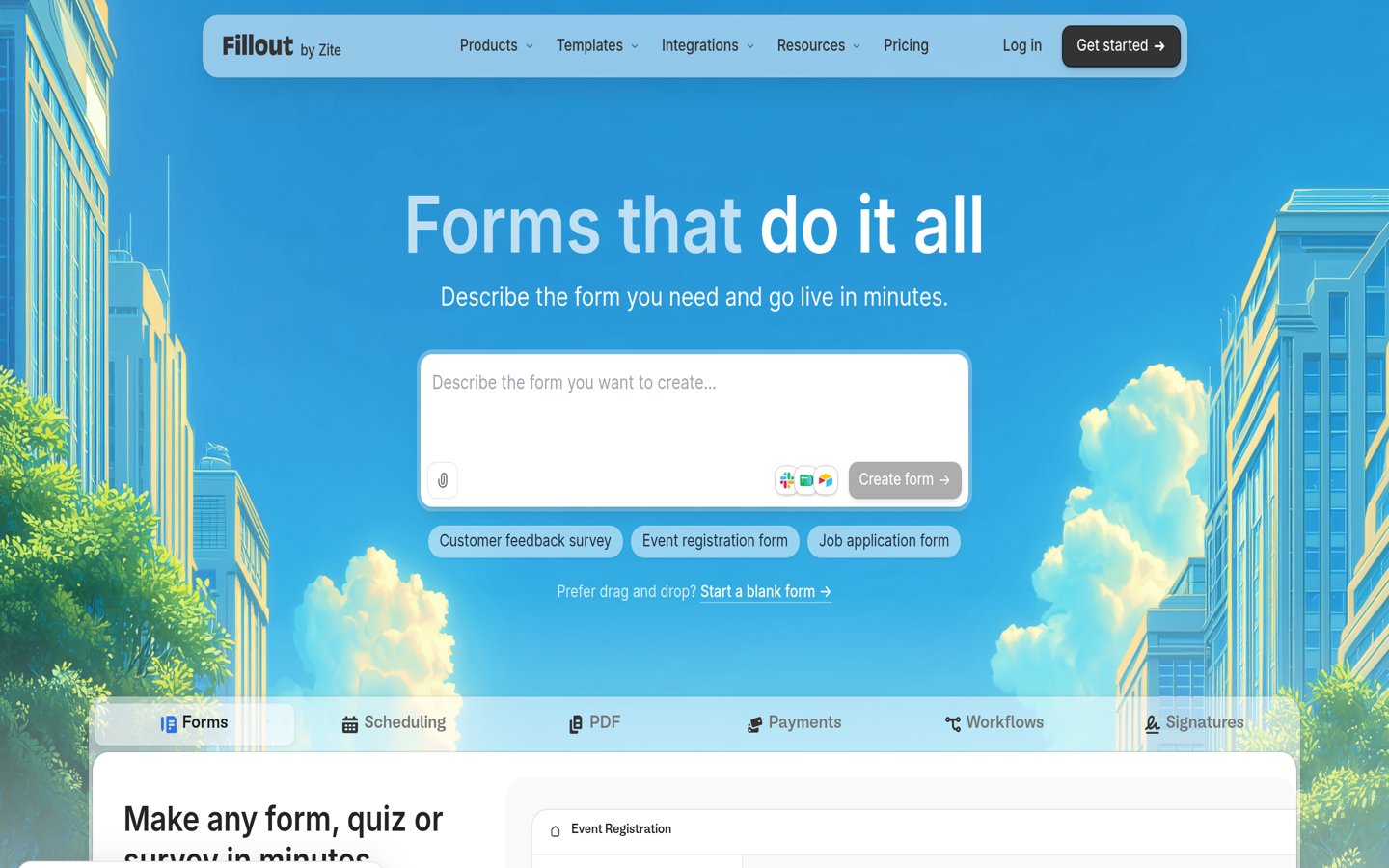
Fillout homepage, captured Nov 2026.
Fillout is an online form builder for collecting information, connecting databases and automating data entry. Its free subscription includes unlimited forms and seats, 1,000 monthly responses, conditional logic, payment collection, scheduling forms, PDF generation and file uploads of up to 20 MB per file.
The trade off is that Starter at $15 monthly with annual billing still retains some Fillout branding. Complete branding removal requires Pro at $40 monthly with annual billing. Starter suits small teams that need flexible forms, external data connections and advanced question types without expensive subscriptions.
What we like
Lowest regular paid entry price in this comparison
Unlimited team seats across all plans
Generous free monthly response allowance
Payment and scheduling forms available for free
Conditional logic and database-oriented workflows
Watch out for
Free plan excludes CAPTCHA protection
Complete branding removal requires Pro
Unlimited responses require Business
Relatively small G2 review sample
Starter adds expanded response capacity, premium question types, login forms and custom completion redirects.Visit fillout.com
03
Cognito Forms
4.7/5on G2 (206 reviews, checked Nov 2026)
Paid from$19/mo
Best for calculations, approvals and business workflows
Free monthly entries100
Pro monthly entries2,000
Electronic signaturesIncluded in Pro
Save and resumeIncluded in Pro
cognitoforms.com
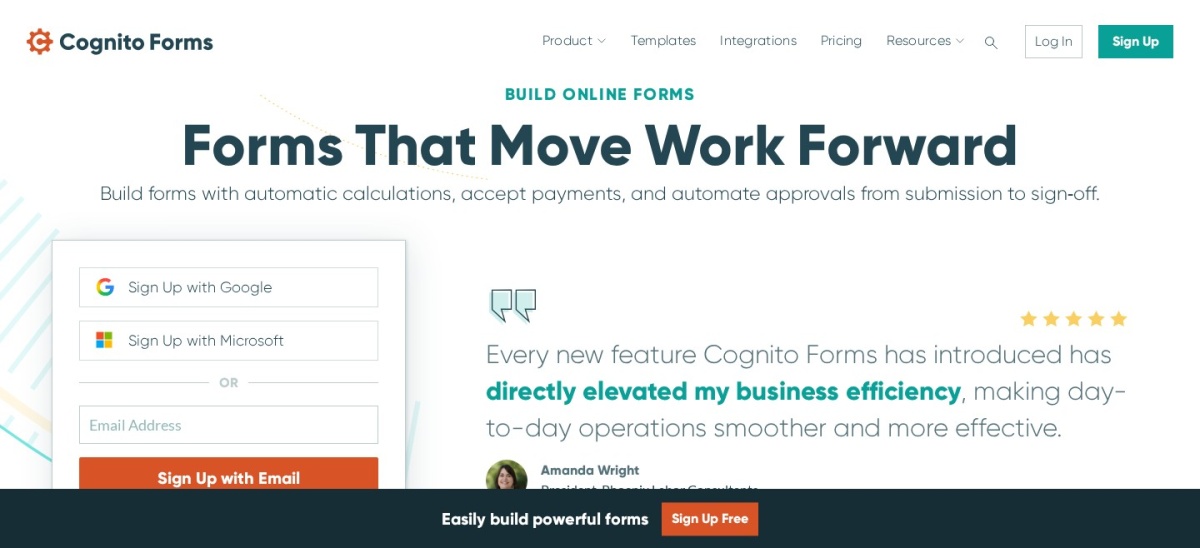
Cognito Forms homepage, captured Nov 2026.
Cognito Forms is an online form builder designed for data collection, calculations and automated business processes. Its free Individual subscription supports 100 monthly entries and payment collection, while Pro costs $19 monthly with annual billing and increases capacity to 2,000 monthly entries.
The trade off is that more complex business processes require additional configuration and potentially higher subscriptions. Pro costs $24 with monthly billing and adds electronic signatures, saved progress and branding removal. It suits businesses collecting applications, processing orders, calculating quotations or managing structured approval workflows.
What we like
Affordable paid subscription with substantial entry capacity
Calculated fields and conditional form behavior
Payment collection on the free subscription
Electronic signatures available on Pro
Business process and approval automation capabilities
Pro adds branding removal, electronic signatures, saved progress and expanded monthly entry capacity.Visit cognitoforms.com
04
Jotform
4.6/5on G2 (6,004 reviews, checked Nov 2026)
Paid from$34/mo
Best for templates and versatile business forms
Free forms5
Free monthly submissions100
Bronze monthly submissions1,000
Bronze payment submissions100/mo
jotform.com
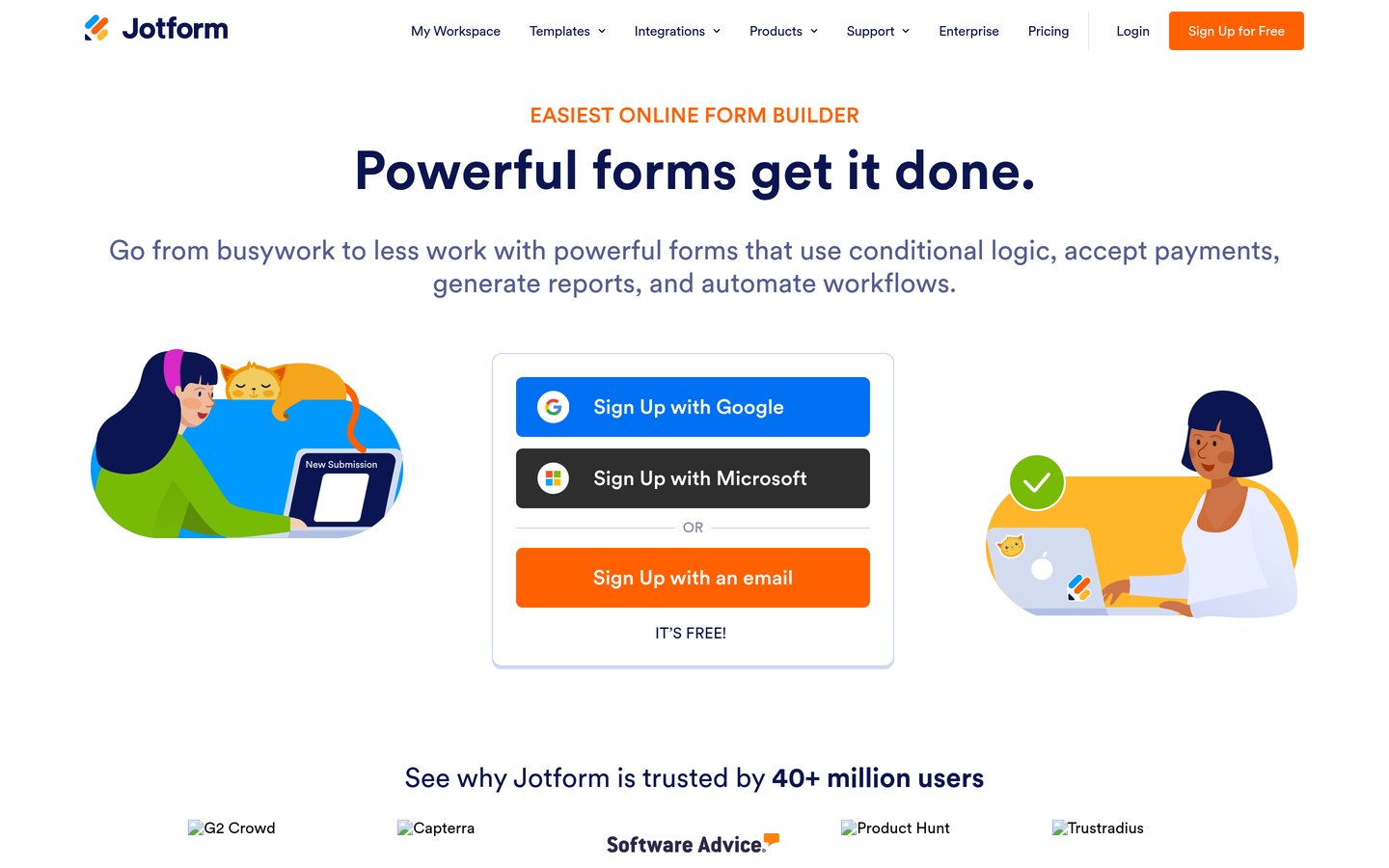
Jotform homepage, captured Nov 2026.
Jotform is a no-code form builder for surveys, registrations, payments, applications and automated business workflows. Its free Starter plan supports five forms and 100 monthly submissions. Bronze costs $34 monthly with annual billing and includes 25 forms, 1,000 monthly submissions and branding removal.
The trade off is that form submissions, payments and signed documents have separate usage limits. Bronze normally costs $39 with monthly billing, and the vendor currently advertises a separate Black Friday promotion. It suits businesses that value ready-made templates and versatile integrations over unlimited submission allowances.
What we like
Largest G2 review count in this comparison
Extensive ready-made form template library
Payment and electronic signature functionality
Drag-and-drop form customization
Wide selection of external application integrations
Watch out for
Free plan supports only five forms
Payment submissions have separate monthly limits
Standard subscriptions are individual-user plans
Higher submission volumes require more expensive plans
Bronze removes Jotform branding and expands form, submission, payment and document-signing allowances.Visit jotform.com
05
Typeform
4.5/5on G2 (1,027 reviews, checked Nov 2026)
Paid from$28/mo
Best for conversational surveys and lead qualification
Free monthly responses10
Basic monthly responses100
Basic users1
Branding removalPlus subscription
typeform.com
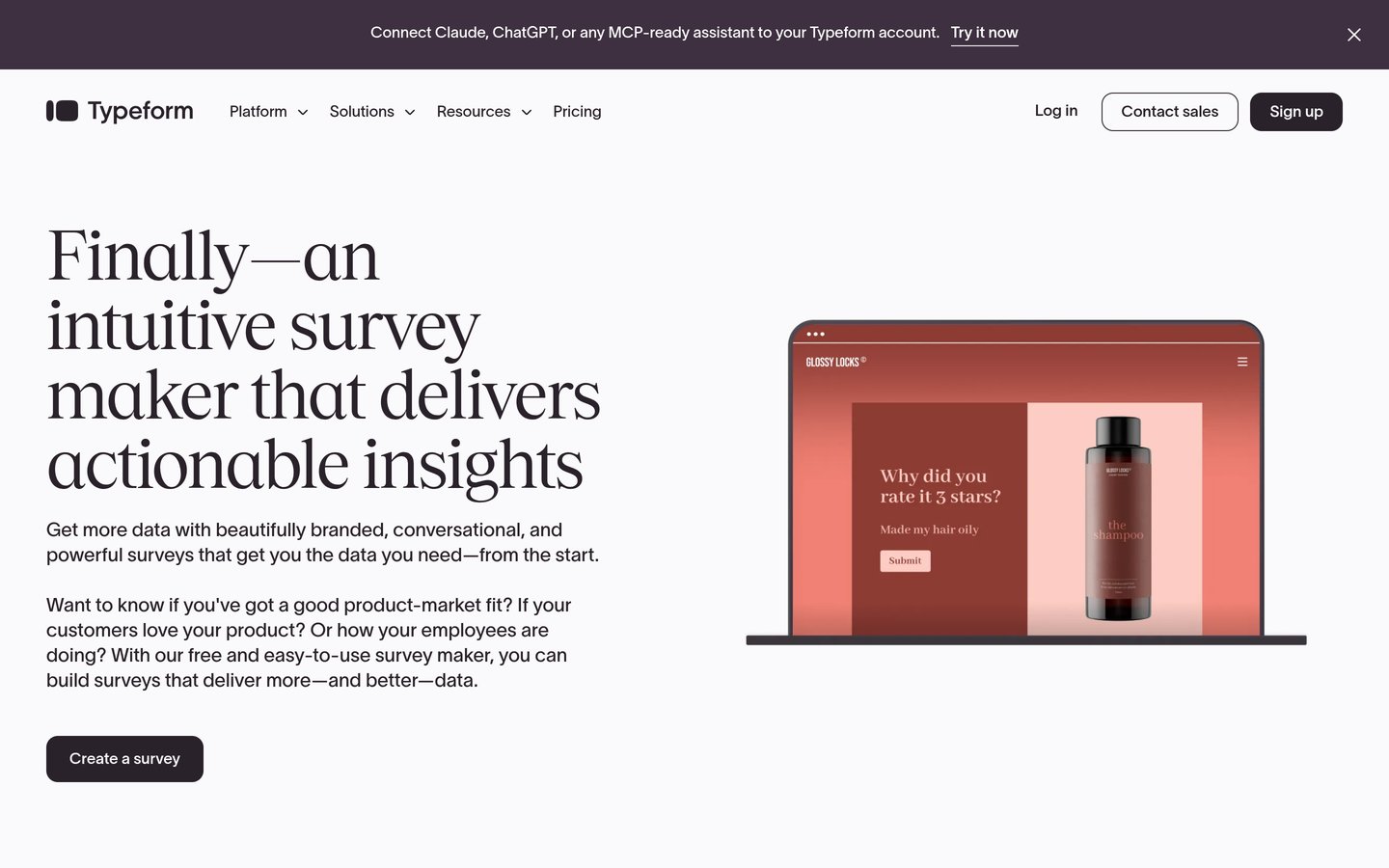
Typeform homepage, captured Nov 2026.
Typeform is a conversational form builder designed for interactive surveys, quizzes, customer feedback and lead qualification. Its free subscription includes unlimited forms but only 10 monthly responses across the account. The main pricing table advertises Basic at $28 monthly with annual billing, including 100 monthly responses.
The trade off is the comparatively restrictive response allowance and higher cost of branded forms. Basic normally costs $39 with monthly billing, while the advertised annual Plus rate is $56 monthly and adds branding removal. It suits marketing teams that prioritize an interactive respondent experience over maximum response capacity.
What we like
Conversational form presentation
Customizable respondent experience
Conditional branching and calculations
Established marketing integrations
Unlimited form creation
Watch out for
Free plan allows only 10 monthly responses
Basic includes only one user
Branding removal requires Plus
Official pricing page contains inconsistent secondary pricing figures
Basic expands response capacity and includes interactive forms, AI-assisted creation and workflow integrations.Visit typeform.com
06
Paperform
4.8/5on G2 (86 reviews, checked Nov 2026)
Paid from$49/mo
Best for branded order forms and document workflows
Free monthly submissions30
Pro submissionsUnlimited, subject to fair usage
Pro signed documents25/mo
Team seatsUnlimited
paperform.com
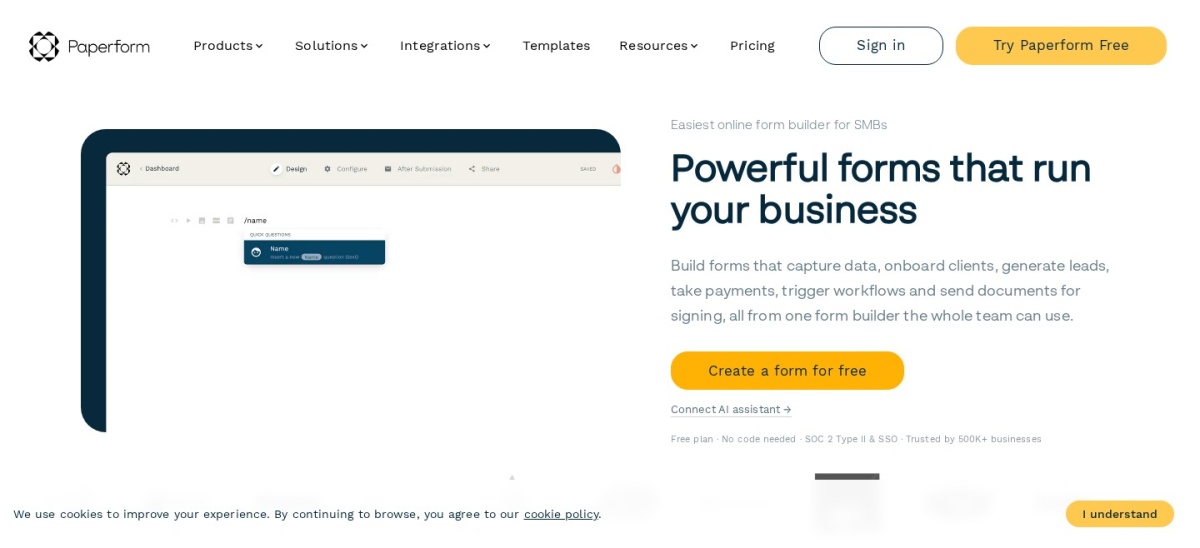
Paperform homepage, captured Nov 2026.
Paperform is a document-style form builder combining customer-facing forms, electronic signatures and workflow automation. Its permanent free subscription supports 30 monthly submissions and unlimited team seats. Pro costs $49 monthly with annual billing and removes the submission limit, subject to fair usage, while including 25 signed documents monthly.
The trade off is its higher subscription price and additional cost for custom domains. Pro costs $588 annually, and connecting a custom domain adds $20 monthly. It suits businesses that want forms resembling branded webpages, alongside order collection, appointment booking and document-signing workflows.
What we like
Unlimited team seats on every subscription
Flexible document-style form design
Unlimited paid submissions under fair usage
Integrated electronic signature and automation products
Payment and booking capabilities
Watch out for
Free plan limited to 30 monthly submissions
Custom domains cost extra on Pro
Advanced team permissions require Business or Enterprise
Pro adds unlimited submissions, branding removal, custom styling, expanded automation credits and priority support.Visit paperform.com
07
Formstack
4.3/5on G2 (476 reviews, checked Nov 2026)
Starts at$83/mo
Best for established organizations and formal data collection
Entry paid planForms
Included forms25
Submissions1,000 per form
Included storage2 GB
formstack.com
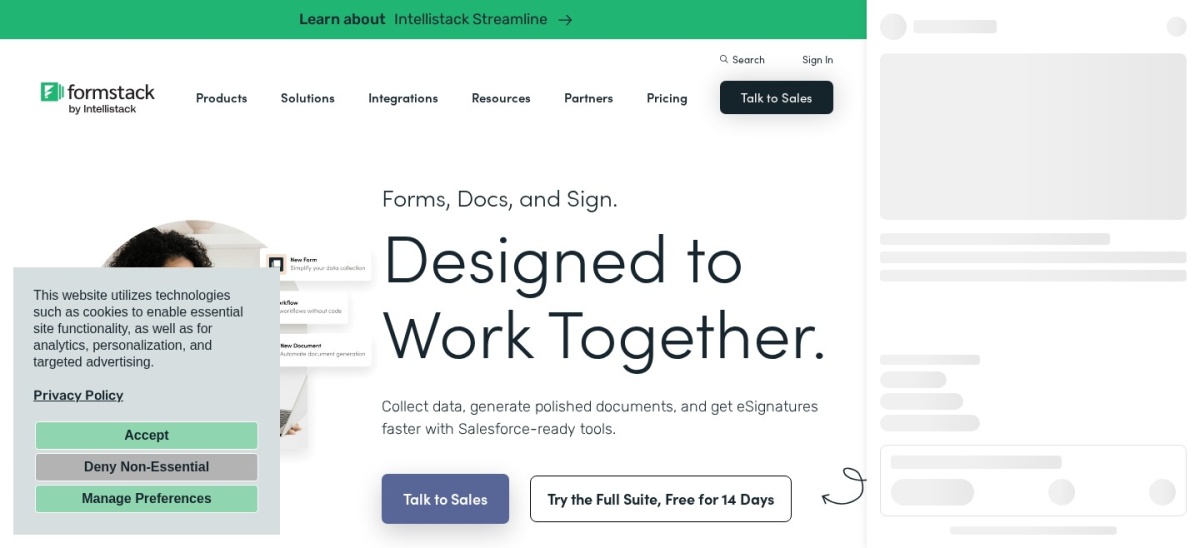
Formstack homepage, captured Nov 2026.
Formstack is a business data collection platform for creating digital forms, automating information routing and managing structured workflows. Its Forms subscription starts at $83 monthly with annual billing and includes one builder user, 25 forms, 1,000 submissions per form and 2 GB of storage.
The trade off is the high starting subscription cost and limited builder access. Forms costs $99 with monthly billing, while the broader Suite starts at $250 monthly with annual billing. It suits established organizations that need structured data collection, document automation and formal business process management.
What we like
Business-focused data collection capabilities
Conditional data routing and form automation
Payment and file upload functionality
Document generation and electronic signature products available
Established enterprise and Salesforce integration options
Forms provides secure data collection, conditional workflows and integrations, while Suite adds document generation and signatures.Visit formstack.com
Which Google Forms alternatives offer the most free submissions?
Tally provides the most generous free submission allowance in this comparison because it does not impose a fixed numerical response limit under its fair usage policy. This makes it particularly useful for surveys, event registrations and public-facing forms with unpredictable traffic.
Fillout offers the next most generous fixed allowance, with 1,000 monthly responses. It also includes unlimited forms, team seats and useful functionality such as conditional logic and payment collection.
Jotform and Cognito Forms each provide 100 monthly submissions on their free subscriptions. Paperform includes 30, while Typeform includes 10. These plans are more appropriate for occasional data collection than frequently used public forms.
Response allowances are not the only limits to check. Payment submissions, electronic signatures, file storage, automation actions and team permissions may have separate restrictions even when ordinary form submissions are unlimited.
How do you switch from Google Forms without losing your responses?
Start by exporting existing Google Forms responses to a spreadsheet or CSV file. Preserve the original submission dates, question labels and any associated identifiers needed for reporting.
Recreate essential forms in your chosen replacement and review conditional branching, required fields, validation rules and completion messages. Import capabilities vary, so rebuilding complex forms manually may be necessary.
Check how the new form connects with your current spreadsheets, databases and automation tools. Existing Google Sheets workflows may require updated field mappings or new integration settings.
Replace embedded forms and public sharing links only after verifying that the replacement collects information correctly. Keep historical response exports and avoid deleting original records until your migration is complete.
How we chose
We selected established online form builders covering Google Forms' primary use cases, including surveys, registrations, questionnaires, customer feedback and business data collection. Rankings emphasize free response allowances, regular subscription costs, conditional logic, payment functionality, collaboration and public user ratings.
Official vendor pricing pages and individual G2 review profiles were opened on 29 Nov 2026. Annualized prices use regular annual billing where available. Tally's annual price comes from its official Pro documentation. Typeform's main pricing table displays $28 monthly for annual Basic, but its secondary comparison table contains conflicting figures, so buyers should confirm the checkout price.
We excluded products lacking sufficient public reviews or accessible official pricing. Jotform's advertised Black Friday offer was excluded from its regular subscription price, and conflicting Cognito Forms seat allowances were omitted from the comparison. Unlimited allowances remain subject to vendor usage policies where applicable. No vendor paid for a place, and we do not claim testing for this list.
How to choose the right alternative to Google Forms
Identify your expected response volume, required form functionality, design preferences and integration needs before comparing free and paid subscriptions.
Estimate your monthly response volume. Choose Tally if unpredictable response volumes make fixed limits inconvenient. Fillout is another attractive free option for organizations collecting up to 1,000 responses monthly. More restrictive free plans may still work for occasional surveys and internal questionnaires.
Identify your required form capabilities. Decide whether you need calculated fields, conditional branching, payments, file uploads, electronic signatures or approval workflows. Cognito Forms is particularly useful for calculations and structured business processes, while Jotform offers extensive ready-made templates and integrations.
Check branding and collaboration costs. Determine whether forms must use your company logo, custom domain and visual styling without vendor branding. Check how many employees require editing access because some subscriptions restrict builder seats even when they allow unlimited respondents.
Verify integrations and migration requirements. Confirm compatibility with your spreadsheets, databases, CRM and automation applications. Export existing responses and establish a process for transferring form links, embedded forms and historical records without interrupting ongoing data collection.
FAQ
What is the best Google Forms alternative in 2026?
Tally is the best Google Forms alternative for most users because it offers unlimited free forms and submissions under fair usage, conditional logic, payments and file uploads. It earns 4.9/5 from 164 G2 reviews. Fillout and Cognito Forms are strong alternatives for advanced business workflows.
What is the best free alternative to Google Forms?
Tally is the best free alternative because it does not impose a fixed numerical form or response allowance under its fair usage policy. Fillout is another suitable option, providing unlimited free forms and team seats alongside 1,000 monthly responses and advanced data collection functionality.
How much do Google Forms alternatives cost?
Google Forms alternatives range from permanent free subscriptions to business plans costing hundreds of dollars annually. Fillout Starter costs $180 annually, Cognito Forms Pro costs $228 annually, and Tally Pro costs $290 annually. Formstack starts at $996 annually using its published annual billing rate.
Is Tally better than Fillout?
Tally is better for users who need unlimited free submissions and a simple document-style form editor. Fillout is better for database-connected workflows and teams requiring advanced form behavior. Fillout's paid Starter plan costs $180 annually, compared with $290 annually for Tally Pro.
Is there a Google Forms alternative with unlimited free responses?
Yes. Tally offers unlimited free responses and forms as long as usage complies with its fair usage policy. Most other established form builders impose fixed monthly response allowances or reserve unlimited submissions for higher paid plans.
What is the easiest Google Forms alternative for beginners?
Tally is an accessible starting point for beginners because creating a form resembles editing a document. Jotform is another practical option for beginners who prefer selecting a ready-made template and customizing its fields rather than designing a form from scratch.
Which Google Forms alternative lets me accept payments?
Tally, Fillout, Cognito Forms, Jotform and Paperform all support payment collection. Their free subscription allowances and payment-related features vary. Check supported payment processors, transaction fees, payment submission limits and any additional restrictions before choosing a platform for order forms or paid registrations.
Is Typeform better than Google Forms?
Typeform is better for businesses prioritizing conversational questionnaires, interactive lead qualification and visually customized customer surveys. Google Forms remains more convenient for straightforward questionnaires and spreadsheet-based data collection. Typeform's free subscription allows only 10 monthly responses, making response volume an important consideration.
What is the best Google Forms alternative for small businesses?
Fillout is a practical option for small businesses because its free subscription includes 1,000 monthly responses, unlimited seats, payment collection and conditional logic. Cognito Forms is preferable when businesses need calculated quotations, electronic signatures and structured workflows, with Pro starting at $19 monthly with annual billing.
SaaS SEO and WordPress specialist with about 8 years of experience. Rakib compares WordPress plugins, themes, hosting and software using public pricing, documentation and user reviews. See how we rank.