Microsoft 365 is the best Google Workspace alternative for most teams, with web and mobile Office apps, custom-domain email and 1 TB of storage for $7 per user a month. Pick Zoho Mail for the lowest price at $3 a user a month, or Proton for encrypted mail and files at $12.99.
How we make this list: we compare pricing pages, product documentation and public user reviews, then re-check every price before each update. No product paid for a place. Disclosure.
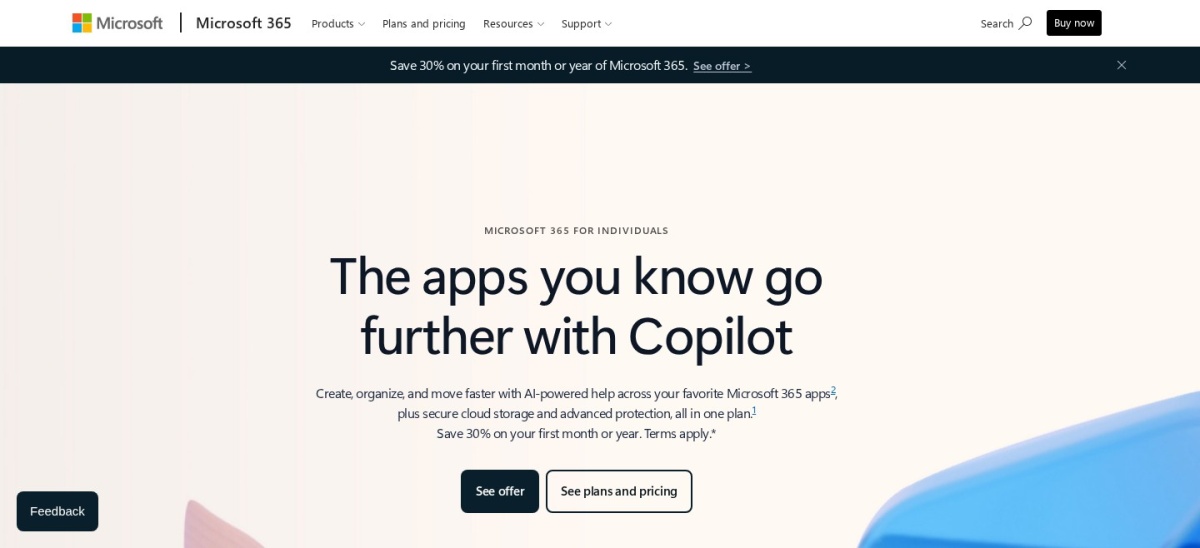
Microsoft 365 is the closest match: Office web apps, Outlook email, Teams and 1 TB of storage for $7 per user a month.
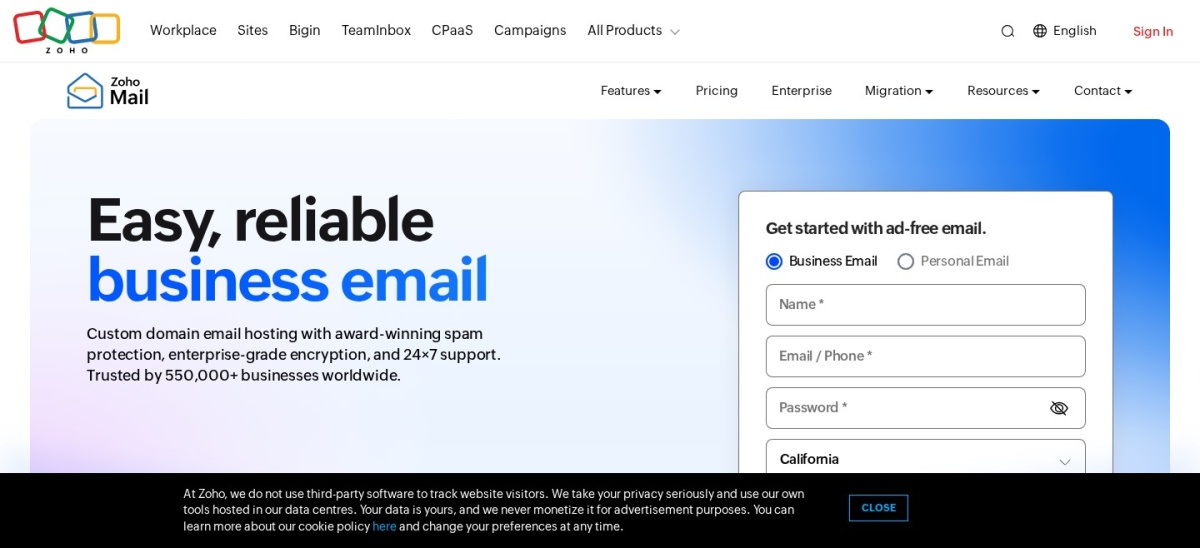
Zoho Mail is the cheapest route in, with the full Workplace suite at $3 per user a month and a free plan for up to 5 users.
Proton is the privacy pick: end-to-end encrypted mail, Drive, Docs and Meet for $12.99 per user a month.
Nextcloud and LibreOffice cost $0 in licence fees, but you host Nextcloud yourself and LibreOffice has no built-in cloud or mail.
Only two tools in this list have no free plan: Microsoft 365 and Fastmail. Every other pick lets you start free.
How do you choose the best Google Workspace alternative?
The best alternative is the one that covers the three jobs Workspace does: mail, documents and storage. A tool that only does one of the three is not a replacement, it is a companion, so start by listing which of the three your team uses every day.
Price is not the sticker price. Every suite here bills per user per month, so a $3 plan and a $13 plan are $360 and $1,559 a year apart for a team of ten, before you count storage add-ons or desktop apps.
Privacy is the sharpest dividing line. Proton encrypts mail and files so even Proton cannot read them, and Nextcloud keeps data on your own server, while the other suites hold your files on their own systems.
Migration is where switches fail. Check that mail labels, shared document links and calendar events move across before you cancel Google, and see how collaboration works outside Google Docs if your team edits together daily.
Microsoft 365 is the suite of Word, Excel, PowerPoint, Outlook, Teams and OneDrive, with 1 TB of cloud storage per user on Business Basic. Files save to OneDrive and several people can edit the same document in the web apps at once, with comments and version history built in.
The trade off is price and scope. Business Basic rose from $6 to $7 per user a month on 1 July 2026, and it includes only the web and mobile apps, not the desktop versions, which need Standard at $14. It suits teams that already live in Office files and meet in Teams every day.
Zoho Mail is the mail and office suite from Zoho, with custom-domain email, calendar, contacts and the Writer, Sheet and Show apps in the Workplace Standard plan. The free plan covers up to 5 users on one domain with 5 GB of mail storage each, and Standard adds 30 GB of mail storage per user plus WorkDrive file storage.
The trade off is polish. Zoho's apps cover the same jobs as Gmail and Docs, but reviewers note slower performance and a steeper admin setup than Google's. It suits small teams that want the lowest per-user price and do not mind learning a new interface.
What we like
Lowest paid price in this list
Free plan for up to 5 users
Full office suite in one plan
Mail-only Lite plan costs $1 a month
Watch out for
Reviewers report slower performance
Admin setup has a learning curve
Fewer third-party integrations
Workplace Professional adds 100 GB mail and 1 TB team storageVisit zoho.com
03
Proton
4.6/5on G2 (503 reviews, checked Nov 2026)
Starts at$12.99/mo
Best for privacy
Free planNo, 14-day trial
EncryptionEnd-to-end, zero-access
Storage1 TB per user
Paid planWorkspace Standard, $12.99/user/mo
proton.me
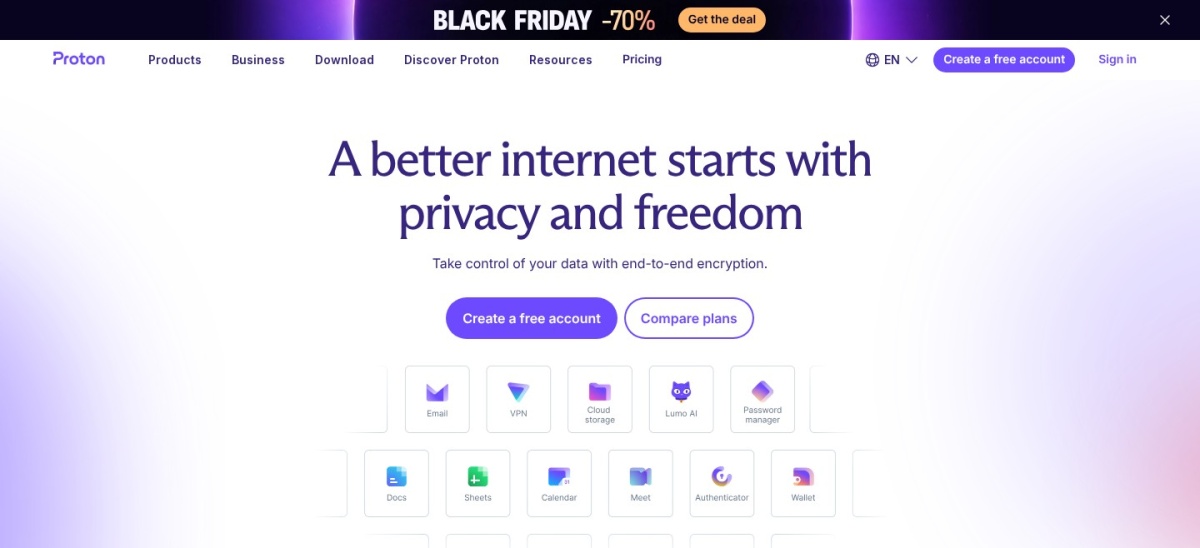
Proton homepage, captured Nov 2026.
Proton is the privacy-first suite from Proton AG, with encrypted Mail, Calendar, Drive, Docs, Sheets, Meet video calls, a password manager and a VPN in one Workspace Standard plan. Each user gets 1 TB of storage and 15 custom email domains, and even Proton cannot read stored mail or files.
The trade off is price and integrations. At $12.99 per user a month it is the dearest pick here, and reviewers note fewer third-party integrations than Google or Microsoft. A sale price of $8.99 applied to new small teams at the time of writing. It suits teams that handle sensitive client mail.
What we like
End-to-end encryption across mail and files
VPN and password manager included
Rated 4.6 out of 5 on G2
No price rises for existing customers, per Proton
Watch out for
Highest price in this list
Fewer integrations than Google or Microsoft
Encrypted search is less flexible
Workspace Premium adds 3 TB storage and Meet for 250 peopleVisit proton.me
04
ONLYOFFICE Docs
4.6/5on G2 (26 reviews, checked Nov 2026)
Paid from$8/mo
Best for Microsoft file formats
Free planYes, desktop and DocSpace
Real-time editingYes, in DocSpace
Storage2 GB on free DocSpace
Paid planDocs Cloud Business, $8/user/mo
onlyoffice.com
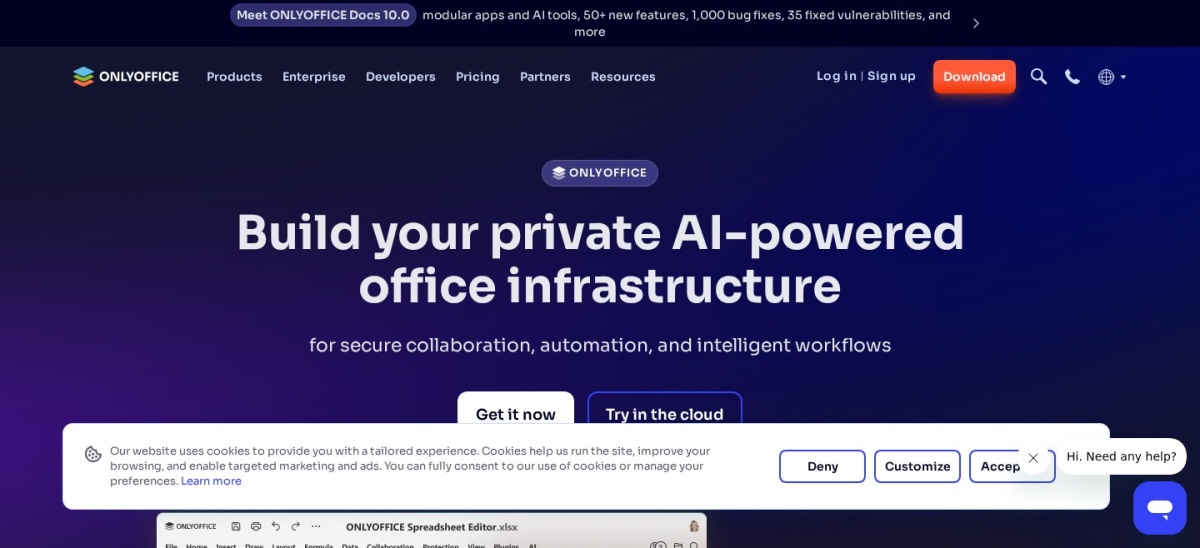
ONLYOFFICE Docs homepage, captured Nov 2026.
ONLYOFFICE Docs is a set of document, spreadsheet and presentation editors that keep Microsoft file formats intact, so Word, Excel and PowerPoint files open and save without conversion. The desktop editors are free, and the DocSpace cloud adds real-time co-editing, rooms and sharing with a free Startup plan.
The trade off is that the free cloud plan stops at 3 admins, 12 rooms and 2 GB of storage, and there is no built-in mail or calendar. Paid Docs Cloud Business costs $8 per user a month. It suits teams that share Office files and want a self-hosted option.
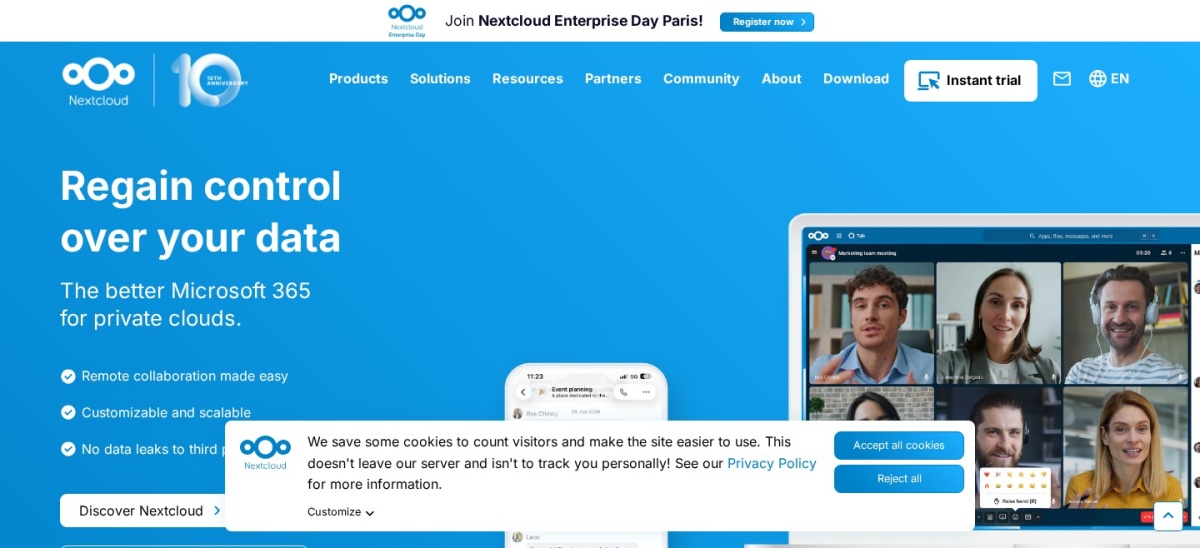
Nextcloud is an open-source collaboration platform you run on your own server, with file sync and sharing, calendar, contacts, mail, Talk video calls and in-browser document editing. The community edition is free with no user limit in the code, and hundreds of apps extend it.
The trade off is that you run it. Updates, backups and security are your job, and paid Enterprise support starts at 100 users, so small teams rely on community help. It suits teams that want full control of their data and have someone to look after a server.
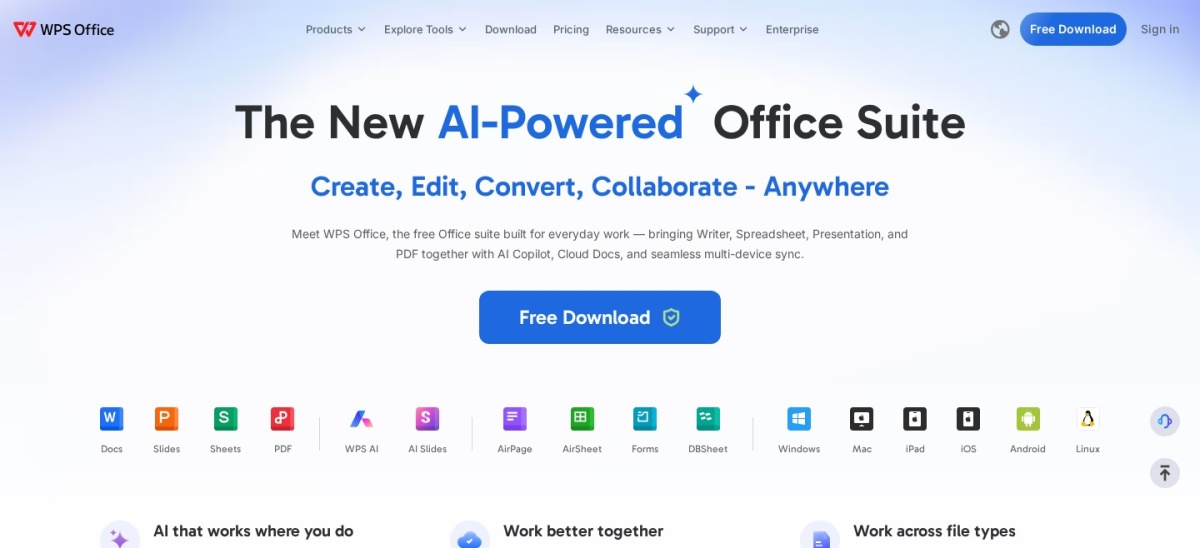
WPS Office is a low-cost office suite with Writer, Presentation and Spreadsheets that open and save Microsoft formats. The free version covers the core editors on Windows, Mac, Linux, iOS and Android, and Premium at $29.99 a year adds cloud storage, PDF tools and removes ads.
The trade off is that it is an office suite, not a Workspace replacement. There is no business mail, calendar or video meetings, so you still need a separate inbox. It suits individuals and small teams that mainly need cheap document editing.
What we like
Cheapest paid office suite here
Strong Microsoft format support
Apps on desktop and mobile
Free version covers the core editors
Watch out for
No mail, calendar or meetings
Free version shows ads
Cloud features need the paid plan
Premium adds cloud storage, PDF tools and no adsVisit wps.com
07
LibreOffice
4.3/5on G2 (271 reviews, checked Nov 2026)
PriceFree
Best completely free office suite
Free planYes, fully free
Real-time editingNo, desktop only
StorageLocal files, your choice
Paid planNone, donations only
libreoffice.org
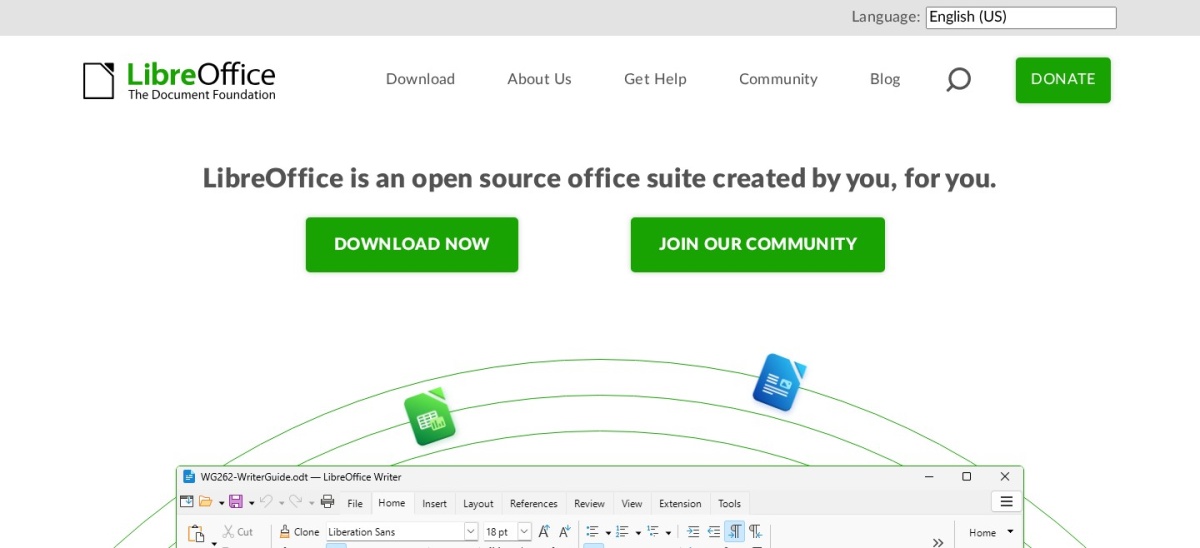
LibreOffice homepage, captured Nov 2026.
LibreOffice is a free, open-source office suite with Writer, Calc and Impress for documents, spreadsheets and presentations. It runs on Windows, Mac and Linux, opens Microsoft formats, and costs nothing, with no account, ads or subscription.
The trade off is that it is desktop software only. There is no built-in cloud storage, mail, calendar or real-time co-editing, so files move by email or a separate drive. It suits anyone who wants free offline editing and already has mail and storage sorted.
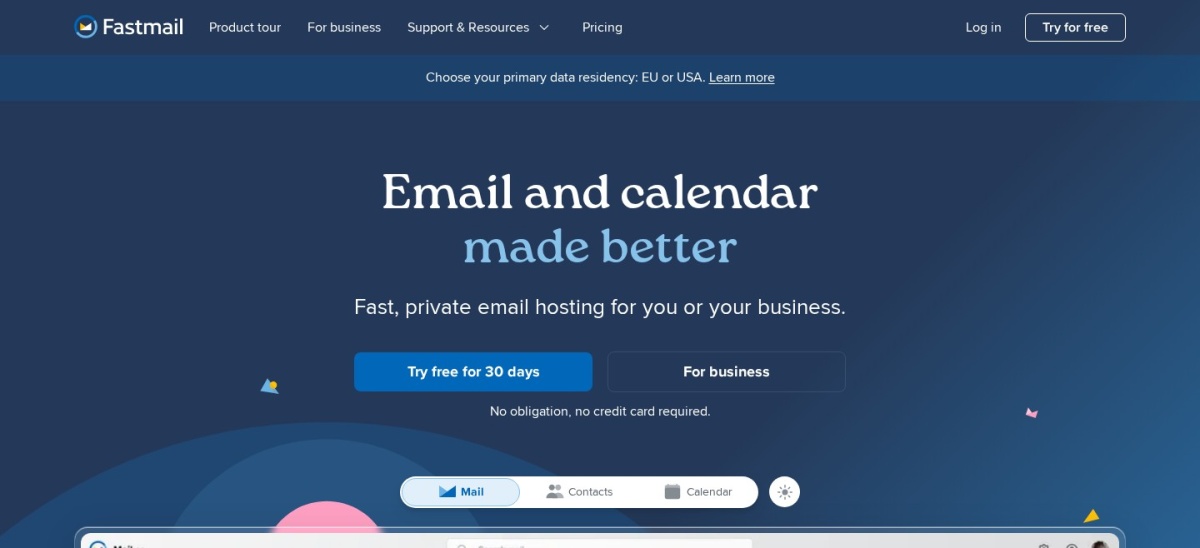
Fastmail is an independent email service with custom-domain mail, calendar and contacts, Masked Email aliases and strong search, with no ads or tracking. Standard at $5 per user a month gives 60 GB per user, while Basic at $3 lacks custom domains.
The trade off is scope. There are no office apps, file storage or meetings, so it replaces Gmail only, not the whole of Workspace. It suits teams that want a fast private inbox and already use other tools for documents.
Mail migration is the first job. Check that the new service imports Gmail labels and folders, and move one mailbox first as a test.
Shared Docs links break. Files shared from Google Drive need new links, so list the documents other people open before you move.
Calendar invites follow the mail move. Make sure the new calendar keeps recurring events and shared calendars intact.
Keep Google for a month. Run both services side by side until every mailbox and shared file is confirmed moved, then cancel.
How we chose
We started from the suites and tools most often named as Google Workspace replacements, then kept those with a published price and a public rating.
Prices come from each vendor's pricing page, checked on 29 November 2026. Ratings come from G2 listings for each product. Where a vendor shows a sale, the list shows the regular price.
We left out tools with no published price or no public rating. No vendor paid for a place, and we do not claim to have used these tools ourselves.
How to choose a Google Workspace alternative
Start with the three jobs Workspace does for you, then match a tool to the one that matters most.
List what your team actually uses. Mail, documents, storage, calendar and meetings are five different needs. A mail-only tool is fine if documents already live elsewhere.
Count the real monthly cost. Multiply the per-user price by your team size and by 12. A $3 plan for 10 people costs $360 a year; a $12.99 plan costs $1,559.
Test mail migration on one mailbox. Move a single account first and check labels, folders and calendar events arrive intact before moving the team.
Check the exit as well as the entry. Make sure you can export mail and files in open formats, so the next move is not harder than this one.
FAQ
What is the best free alternative to Google Workspace?
Nextcloud is the best free alternative if you can host it yourself, with mail, files, calendar and calls at no licence cost. If you want a hosted free plan, Zoho Mail is free for up to 5 users, and LibreOffice is free for offline documents.
How much does a Google Workspace alternative cost?
Prices in this list run from $0 to $12.99 per user a month. Zoho Mail starts at $1 for mail only and $3 for the full suite, Microsoft 365 costs $7, and Proton costs $12.99 for its privacy-first suite.
Is Microsoft 365 better than Google Workspace?
Microsoft 365 is the closest match for teams that work in Office files, with desktop-class apps, Outlook mail and Teams. Google Workspace is simpler to run and stronger on real-time document sharing, so the better pick depends on the files your team already uses.
What is the best Google Workspace alternative for a small team?
Zoho Mail is the best pick for a small team on price, with the full Workplace suite at $3 per user a month and a free plan for up to 5 users. Microsoft 365 is the better pick if the team already uses Word and Excel files daily.
Is Proton better than Microsoft 365?
Proton is better for privacy, with end-to-end encryption across mail, Drive and Docs, plus a VPN and password manager. Microsoft 365 is better for most teams on features and price, at $7 against Proton's $12.99 per user a month.
Can I keep my Gmail address after switching?
Yes, you can keep receiving mail at a Gmail address by forwarding it, but most teams move to mail on their own domain instead. Every paid tool in this list supports custom domains, and migration tools move old mail across.
SaaS SEO and WordPress specialist with about 8 years of experience. Rakib compares WordPress plugins, themes, hosting and software using public pricing, documentation and user reviews. See how we rank.