Supabase is the best database software for development tools, with a Postgres database, auto-generated APIs, auth, storage and edge functions in one dashboard. Neon is the best pick for Git-style database branching, while MongoDB Atlas leads for document data.
How we make this list: we compare pricing pages, product documentation and public user reviews, then re-check every price before each update. No product paid for a place. Disclosure.
Supabase leads with a full backend on real Postgres, from $25 a month with a free plan.
Neon branches databases like code and scales to zero, but its G2 rating rests on only 4 reviews.
MongoDB Atlas has the largest review base here at 904, with Flex from about $8 a month.
PostgreSQL and MySQL are free and open source, and they power most of the managed tools in this list.
PlanetScale and CockroachDB have the thinnest evidence, with 4 and 29 G2 reviews behind their ratings.
How do you choose database software with the best development tools?
Development tools decide which database a team actually enjoys using. A CLI, a local emulator, database branching and auto-generated APIs save more hours than any benchmark, so this list ranks databases on the tooling around the engine.
Free plans are generous here. Supabase gives 2 projects, Neon gives 100, MongoDB Atlas gives 512 MB forever, and PostgreSQL and MySQL cost nothing at all. Our guide on backend as a service compares the managed options on price and free tiers.
Branching is the feature that changed database development in 2026. Neon branches a full database in seconds for every pull request, and PlanetScale does the same for MySQL schema changes with deploy requests. Both let a team test migrations without touching production.
Usage billing is the trap to watch. Neon, Firebase and CockroachDB all bill by use with no flat monthly price, so a database that idles costs almost nothing and a busy one can surprise you. Start on the free tier, measure real usage, then pick the plan that matches it.
Supabase is an open-source backend built on PostgreSQL, with auth, file storage, realtime data and auto-generated REST and GraphQL APIs in one dashboard. The free plan covers 2 projects with 500 MB of database, and Pro costs $25 a month per project.
The trade off is usage above the included quotas. Compute and egress are billed on top of the $25 base price, and free projects pause after a week of inactivity. It suits teams that want real Postgres with a full backend, without running servers.
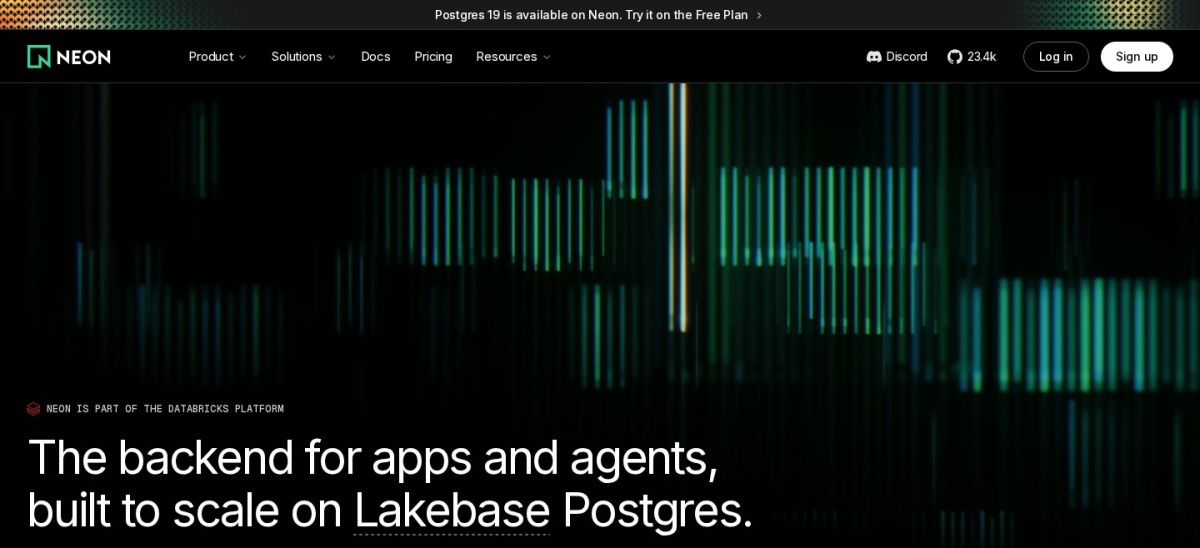
Neon is serverless Postgres that behaves like code: databases branch in seconds for every pull request, scale to zero when idle, and recover instantly to any point in time. It holds a 4.8 out of 5 rating on G2, though from only 4 reviews.
The trade off is usage-based billing. Launch has no monthly minimum and bills $0.106 per compute hour, with a typical spend of about $15 a month, so the bill moves with traffic. It suits teams that branch databases the way they branch code.
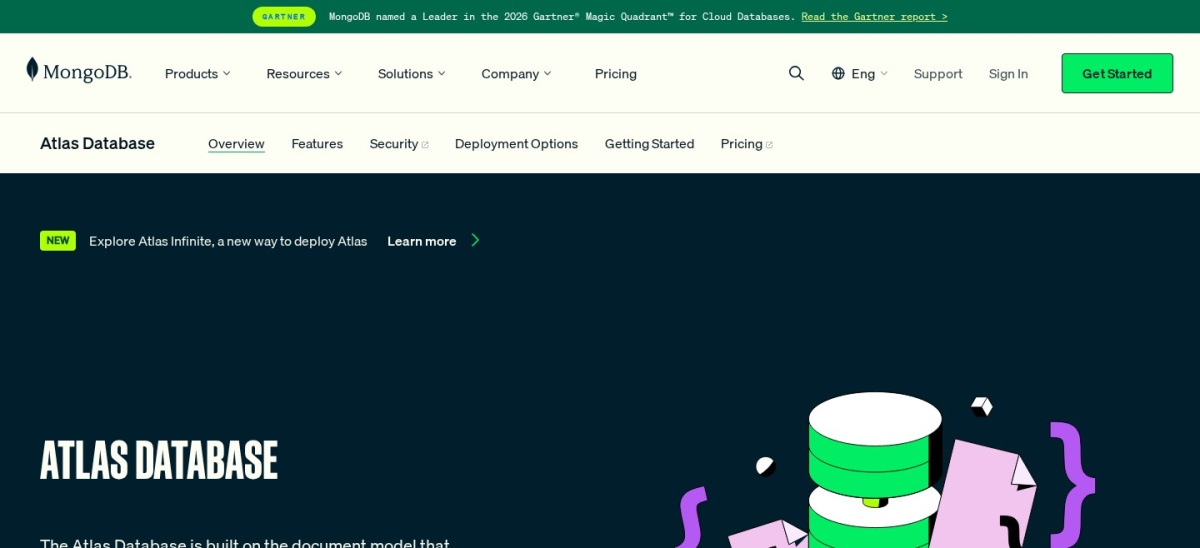
MongoDB Atlas is the managed cloud version of MongoDB, a document database that stores data as flexible JSON-like documents instead of fixed tables. The free M0 tier gives 512 MB of storage, Flex starts at about $8 a month, and it holds a 4.5 out of 5 rating on G2 from 904 reviews.
The trade off is that dedicated pricing climbs fast. Dedicated M10 clusters start at $56.94 a month, and storage, I/O and backups cost extra on top. It suits apps with flexible, nested data and teams that want vector search next to app data.
Firebase is Google's app backend, with Firestore, Realtime Database, Auth, Hosting and Cloud Functions behind mature iOS, Android and Flutter SDKs. It holds a 4.5 out of 5 rating on G2 from 278 reviews, and its realtime sync is still the gold standard.
The trade off is pay-as-you-go billing. Blaze has no flat monthly price and no spending cap, only budget alerts, so inefficient Firestore reads can spike the bill. It suits mobile-first teams already living in Google Cloud.
PostgreSQL is a free, open-source relational database with advanced SQL, JSONB support, full-text search and a huge extension ecosystem led by PostGIS, pgvector and TimescaleDB. It holds a 4.4 out of 5 rating on G2 from 682 reviews.
The trade off is that you run it yourself. There is no managed dashboard, no hosted CLI and no support line, so backups, upgrades and tuning are your job. It suits teams that want the most capable free database and the skills to run it.
What we like
Free forever, no licence cost
Richest extension ecosystem here
Most used database in the 2025 Stack Overflow survey
PlanetScale is a serverless MySQL platform built on Vitess, the sharding technology behind YouTube, with Git-style database branching and deploy requests for schema changes. The cheapest plan is Scaler at $39 a month per database, with 10 GB of storage.
The trade off is the thin public record. Only 4 G2 reviews back its 4.3 rating, there is no free tier since the Hobby plan ended in April 2024, and Vitess does not enforce foreign keys on sharded tables. It suits MySQL teams that ship schema changes weekly.
Redis Cloud is a managed in-memory database for caching, session storage, messaging and search, with sub-millisecond reads that take load off a primary database. It holds a 4.6 out of 5 rating on G2 from 44 reviews, and its Essentials tier starts at $5 a month.
The trade off is that memory is the cost. Essentials runs on shared infrastructure from 250 MB, and dedicated Pro deployments need a $200 monthly minimum. It suits teams that need the fastest reads in the stack, not a primary store.
MySQL is a free, open-source relational database that powers most of the web, from WordPress to Magento, with the widest shared hosting support of any database here. It holds a 4.4 out of 5 rating on G2 from 1,682 reviews.
The trade off is scale and complexity. Reviewers cite difficulty with very large datasets and complex queries, and managed MySQL from Oracle starts at about $178 a month. It suits teams on legacy LAMP stacks that already standardise on MySQL.
CockroachDB is a distributed SQL database built for cloud-native apps that need global consistency and horizontal scaling across regions. It holds a 4.3 out of 5 rating on G2 from 29 reviews, and its Standard tier carries a 99.99% availability SLA.
The trade off is cost and complexity. The vendor estimates $203 a month for a Standard deployment with 2 vCPUs and 100 GB of storage, and the bill rises with regions, backups and egress. It suits global apps that cannot afford a single-region outage.
Neon is the most generous free tier here: 100 projects, each with 100 compute hours and storage, and compute that suspends after five minutes idle.
Supabase gives 2 projects with 500 MB of database each, but free projects pause after a week of inactivity. MongoDB Atlas gives 512 MB forever, with no backups.
Firebase Spark needs no card and covers Firestore, Auth and Hosting quotas, while Redis Cloud gives a 30 MB database. PostgreSQL and MySQL are free without limits, because you run them yourself.
PlanetScale is the exception: its free Hobby tier ended in April 2024, so the cheapest way in is Scaler at $39 a month.
How we chose
We started from every database named in 2026 comparisons for developer tooling, then kept those with a verifiable rating on G2 and a reachable homepage. The nine here all hold G2 ratings from 4.3 to 4.8, with review bases from 4 to more than 1,600.
Prices come from vendor pricing pages and G2 provider data, checked on 29 November 2026. Supabase lists Pro at $25 a month, MongoDB Atlas lists Flex from about $8 a month, and Neon bills usage at $0.106 per compute hour with a typical spend of about $15 a month.
We left out tools with no verifiable rating on G2, Capterra or Trustpilot, including Turso, which has no published rating. No vendor paid for a place, and we do not claim hands-on testing for this list.
How to choose database software for development tools
Start with the data model, then judge the tooling on a real migration.
Pick the data model first. Relational data belongs in Postgres or MySQL. Flexible, nested documents belong in MongoDB Atlas. Caching belongs in Redis, not in your primary store.
Test branching on a real migration. Branch the database, run a schema change, and merge it back. The tools that make that safe are the ones your team will keep.
Measure usage on the free tier before you pay. Run your real queries for two weeks and read the usage meter. Usage-billed tools reward idle databases and punish busy ones.
Check the exit path. Ask how you export the data and the schema. Open-source engines like PostgreSQL and MySQL move anywhere; managed platforms need a migration plan.
FAQ
What is the best database software for development tools?
Supabase is the best database software for development tools, with a Postgres database, auto-generated APIs, auth, storage and edge functions in one dashboard. Neon is the best pick for Git-style database branching, while MongoDB Atlas leads for document data.
How much does database software cost?
Managed plans run from $5 a month for Redis Cloud Essentials and about $8 a month for MongoDB Atlas Flex to $25 a month for Supabase Pro and $39 a month for PlanetScale Scaler. PostgreSQL and MySQL are free and open source.
Is there a free database with good development tools?
Yes. PostgreSQL and MySQL are free and open source, Supabase gives 2 free projects, Neon gives 100 free projects, and MongoDB Atlas gives 512 MB free forever. PlanetScale is the only tool here with no free tier.
What is database branching?
Database branching copies a database the way Git branches copy code, so a team can test a schema change in isolation and merge it back without touching production. Neon does it for Postgres and PlanetScale does it for MySQL, both in seconds.
Supabase vs Neon: which is better?
Supabase is better for teams that want a full backend with auth, storage and functions beside the database, while Neon is better for pure Postgres with branching and scale-to-zero billing. Supabase Pro costs $25 a month; Neon Launch is usage-based at about $15 a month typical.
Which database is best for AI apps?
MongoDB Atlas is the best pick for AI apps that need vector search beside document data, and Neon and Supabase both support pgvector for Postgres. Firebase suits mobile AI apps that need realtime sync, while Redis Cloud handles the fast caching layer.
SaaS SEO and WordPress specialist with about 8 years of experience. Rakib compares WordPress plugins, themes, hosting and software using public pricing, documentation and user reviews. See how we rank.