Supabase is the best database software for ecosystem support for most application developers, combining PostgreSQL with authentication and APIs on a $25 monthly Pro plan. MongoDB Atlas is better for document-based applications, while Redis Cloud suits developers who need caching and real-time data processing.
How we make this list: we compare pricing pages, product documentation and public user reviews, then re-check every price before each update. No product paid for a place. Disclosure.
Supabase combines the PostgreSQL ecosystem with backend services for $25/month and holds a 4.6/5 G2 rating.
MongoDB Atlas has 910 G2 reviews, with Flex clusters starting at $8 per month.
Redis Cloud offers a 30 MB free database and paid deployments starting at $5/month.
Microsoft SQL Server has 2,289 G2 reviews and extensive integrations with Microsoft development and analytics tools.
CockroachDB offers distributed SQL infrastructure, with a published Standard deployment estimate of $203/month.
What makes a database ecosystem worth investing in?
A database ecosystem includes more than the database engine. It covers programming language drivers, libraries, management interfaces, cloud services, documentation, extensions and the developers who maintain them.
Compatibility with your existing technology stack matters more than the total number of available integrations. A database that works with your application framework, monitoring service and deployment pipeline can reduce development and maintenance work.
Look beyond the official documentation. Community forums, established tutorials, migration guides and maintained software packages make it easier to solve problems without depending entirely on vendor support.
Pricing also depends on how you deploy the database. Managed services generally charge for computing resources, storage or usage, while self-hosted databases may involve commercial licenses and separate infrastructure costs.
The right ecosystem should leave room for your application to grow. Check whether you can export your data, change hosting providers and replace supporting services without rewriting your entire application.
The 7 best database software options for ecosystem support
01
Supabase
4.6/5on G2 (242 reviews, checked Nov 2026)
Paid from$25/mo
Best for modern application development
Database modelRelational PostgreSQL
Free database storage500 MB
Backend servicesAuthentication, APIs and storage
Entry paid planPro, $25/month
supabase.com
Supabase homepage, captured Nov 2026.
Supabase is a PostgreSQL-based backend platform that combines database hosting with authentication, file storage and real-time application features. Its free plan includes 500 MB of database storage, unlimited API requests and 50,000 monthly active users, making it suitable for building early-stage applications.
The trade off is that free projects pause after a week of inactivity, while the $25 monthly Pro plan can incur additional resource charges. Developers also need to understand PostgreSQL permissions and row-level security. It suits teams that want a familiar SQL ecosystem without maintaining separate backend services.
What we like
Access to PostgreSQL libraries and extensions
Integrated authentication and database APIs
Free plan for application prototypes
Portable relational database structure
Watch out for
Inactive free projects are paused
Additional computing and storage can increase costs
Pro increases included resources and provides additional computing credits.Visit supabase.com
02
MongoDB Atlas
4.5/5on G2 (910 reviews, checked Nov 2026)
Paid from$8/mo
Best for document databases and flexible schemas
Database modelDocument
Free storage512 MB
Flex storage5 GB
Entry paid planFlex, from $8/month
mongodb.com
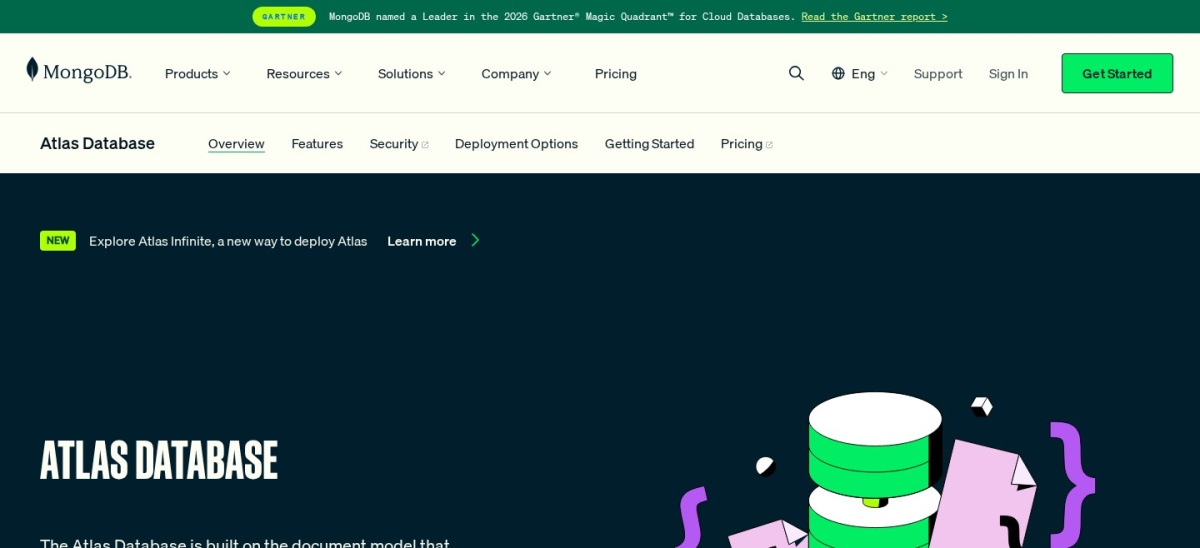
MongoDB Atlas homepage, captured Nov 2026.
MongoDB Atlas is a managed document database platform with programming language drivers, search capabilities and integrations for application development. The free database includes 512 MB of storage, while the Flex tier supports 5 GB and starts with an allowance of 100 operations per second.
The trade off is that Flex pricing increases from $8 to $30 per month depending on database activity, and larger workloads need dedicated resources. Applications with complex relational requirements may also require different data modeling approaches. It suits developers building products with changing document structures.
What we like
Established document database ecosystem
Official drivers for common programming languages
Integrated text and vector search
Managed database deployment
Watch out for
Usage-based pricing complicates cost forecasts
Flex databases have storage and throughput limits
Relational workloads may require additional modeling
Flex adds storage capacity and access to additional database services.Visit mongodb.com
03
Redis Cloud
4.6/5on G2 (44 reviews, checked Nov 2026)
Paid from$5/mo
Best for caching and real-time applications
Database modelIn-memory data structures
Free capacity30 MB
DeploymentManaged cloud
Entry paid planEssentials, from $5/month
redis.io
Redis Cloud homepage, captured Nov 2026.
Redis Cloud is a managed database service designed for caching, session management, messaging and low-latency data access. Its free plan provides a 30 MB database on shared infrastructure, allowing developers to explore the Redis ecosystem without maintaining a dedicated server.
The trade off is that the $5 monthly Essentials starting price increases with resource requirements, and memory-intensive applications can become expensive. Redis also complements traditional relational databases rather than replacing them for every workload. It suits teams that need faster access to frequently requested application data.
What we like
Established client library ecosystem
Low-cost entry plan
Useful for caching and session management
Managed infrastructure reduces administration
Watch out for
Memory requirements can increase costs
Small free database allowance
Not a universal replacement for relational databases
Essentials adds capacity, security controls and basic vendor support.Visit redis.io
04
SQL Server
4.4/5on G2 (2,289 reviews, checked Nov 2026)
Paid from$73/mo
Best for the Microsoft software ecosystem
Database modelRelational
Free editionsExpress and Developer
Key integrations.NET, Azure and Power BI
Paid optionStandard pay-as-you-go, $73/core/month
microsoft.com
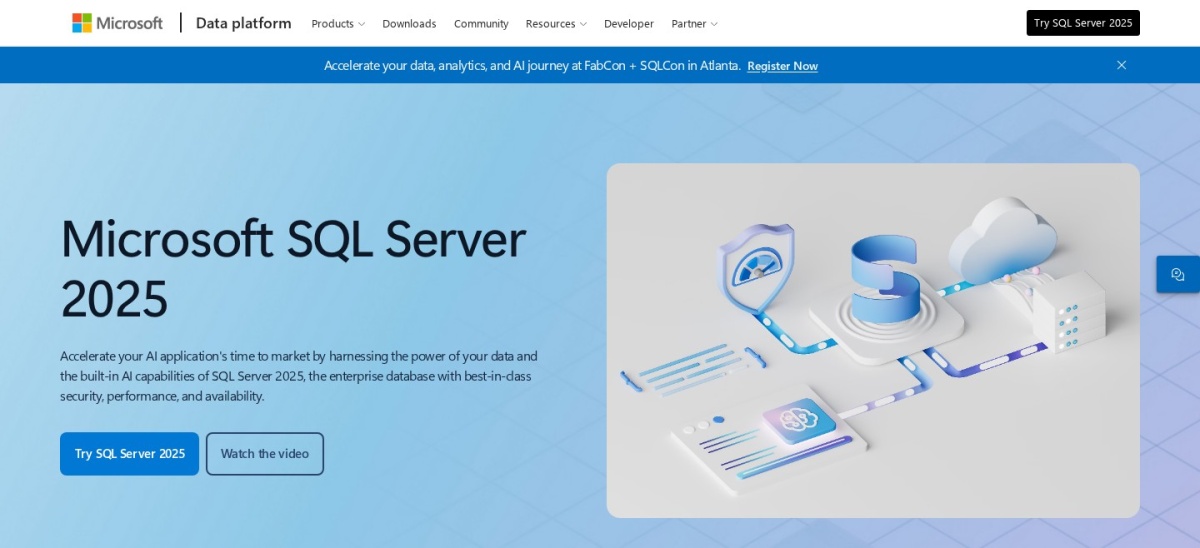
SQL Server homepage, captured Nov 2026.
SQL Server is Microsoft's relational database platform for business applications, transaction processing and reporting. Its free Express edition supports smaller deployments, while Developer edition provides an environment for development and testing. G2 records 2,289 reviews for the product.
The trade off is licensing complexity, with SQL Server 2022 Standard pay-as-you-go pricing starting at $73 per core per month through Azure Arc. Server licensing and infrastructure introduce other costs. It suits organizations already using Microsoft development frameworks, reporting products and identity management services.
Standard licensing supports commercial workloads beyond free-edition restrictions.Visit microsoft.com
05
MySQL
4.4/5on G2 (1,686 reviews, checked Nov 2026)
PricingCustom pricing
Best for established web applications and CMS platforms
Database modelRelational
Free editionCommunity Server
Administration toolsMySQL Workbench and Shell
Commercial licensingStandard and Enterprise
mysql.com
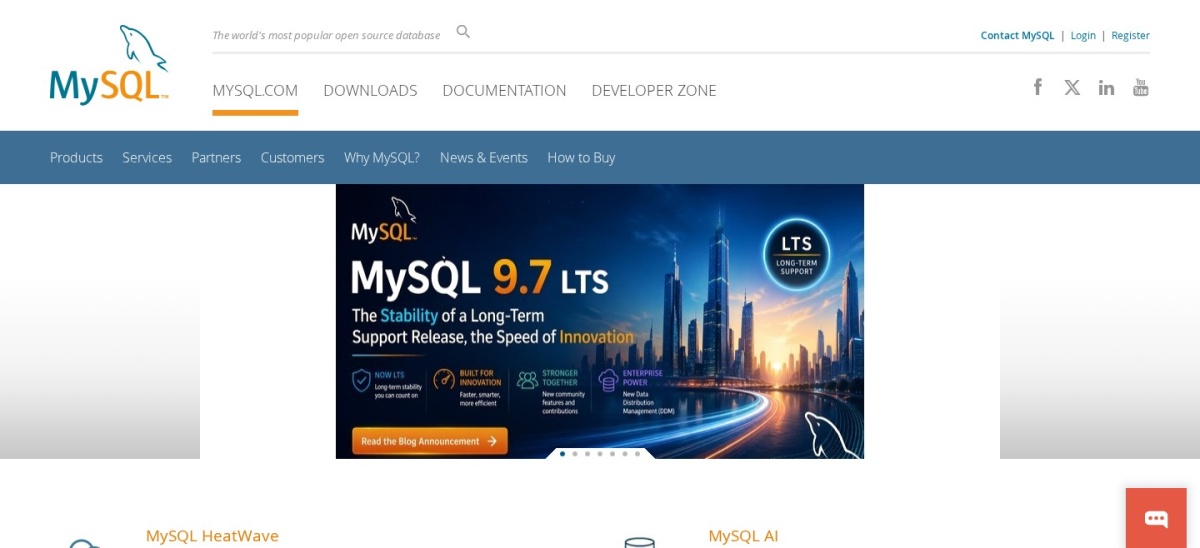
MySQL homepage, captured Nov 2026.
MySQL is an established relational database with extensive support across web hosting providers, programming frameworks and content management systems. Its Community Server provides a free starting point, while its 4.4/5 G2 rating across 1,686 reviews reflects a substantial public user base.
The trade off is that commercial deployments may require custom subscription pricing, while self-hosted installations leave database administration with your team. Enterprise management and security features depend on the commercial edition selected. It suits organizations maintaining established web applications and database-backed websites.
Commercial editions offer vendor support and edition-specific database features.Visit mysql.com
06
Neo4j
4.5/5on G2 (133 reviews, checked Nov 2026)
Paid from$65.70/mo
Best for graph databases and connected data
Database modelProperty graph
Query languageCypher
Free optionAuraDB Free
Paid rate$0.09/GB/hour, 1 GB minimum
neo4j.com
Neo4j homepage, captured Nov 2026.
Neo4j is a graph database platform designed to represent relationships between entities directly. Its ecosystem includes the Cypher query language, GraphAcademy learning resources, graph visualization and programming language drivers. AuraDB Free provides an entry point, and Professional deployments start with a minimum 1 GB instance.
The trade off is a specialized query language and resource-based billing, with an estimated $65.70 monthly cost for a continuously running minimum Professional instance. The actual charge depends on running hours and allocated capacity. It suits teams developing recommendation systems, knowledge graphs and relationship-focused applications.
What we like
Dedicated ecosystem for graph data
GraphAcademy developer training
Managed and self-hosted deployment options
Useful for relationship-heavy queries
Watch out for
Cypher requires additional learning
Resource-based pricing increases with capacity
Not necessary for simple relational workloads
AuraDB Professional increases capacity and adds best-effort vendor support.Visit neo4j.com
07
CockroachDB
4.3/5on G2 (29 reviews, checked Nov 2026)
Starts at$203/mo
Best for distributed SQL and resilient applications
Database modelDistributed relational
CompatibilityPostgreSQL wire protocol
Standard availability SLA99.99%
Reference configuration2 vCPU and 100 GB
cockroachlabs.com
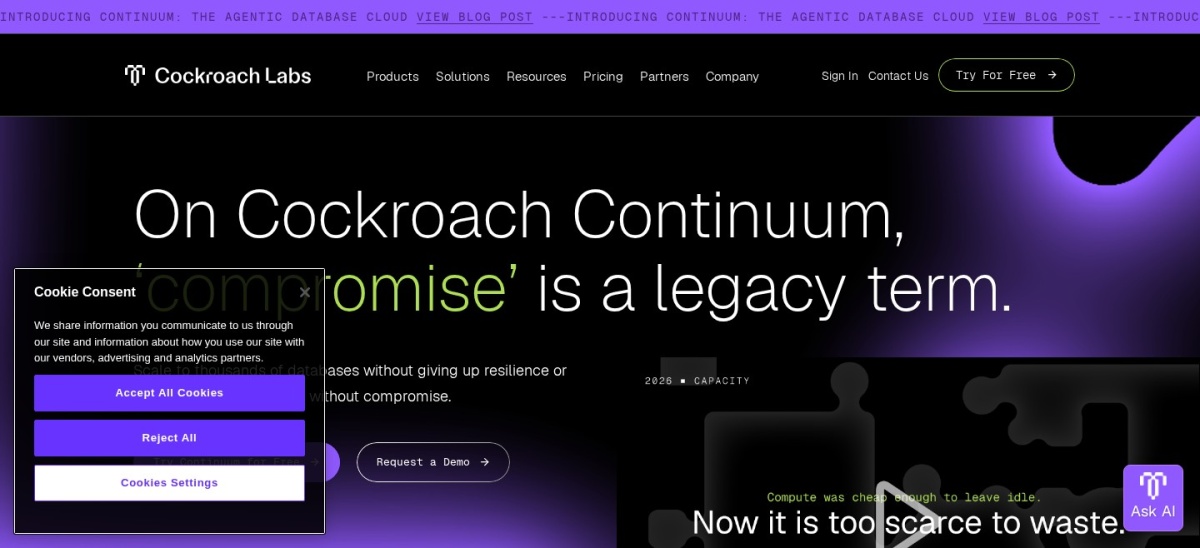
CockroachDB homepage, captured Nov 2026.
CockroachDB is a distributed SQL database designed for applications that need resilient data storage across infrastructure locations. Its managed Standard offering supports PostgreSQL-compatible development workflows and includes a 99.99% availability SLA, encryption features and access to multi-region deployments.
The trade off is additional cost and distributed database complexity, with the vendor estimating $203 per month for a Standard deployment with 2 vCPU and 100 GB of storage. PostgreSQL compatibility also does not guarantee support for every extension. It suits teams prioritizing availability and distributed transaction processing.
Standard provides managed distributed infrastructure, security features and vendor support.Visit cockroachlabs.com
Which database ecosystem fits your application?
Relational databases such as MySQL and SQL Server work well when applications depend on structured records, transactions and established reporting workflows. Supabase adds backend services to PostgreSQL, while CockroachDB extends relational development toward distributed infrastructure.
Document databases such as MongoDB Atlas are useful when applications store nested or frequently changing records. Their development ecosystems focus on document modeling, application drivers and integrations for flexible data retrieval.
Redis Cloud and Neo4j address more specialized requirements. Redis focuses on quick data access and application state, while Neo4j focuses on connections between records. Both can complement an existing relational database rather than requiring a complete replacement.
How database ecosystem costs change as you scale
An inexpensive database subscription does not necessarily mean inexpensive application infrastructure. Computing resources, storage, backups, network traffic and support agreements may all contribute to the final bill.
Annual prices in this comparison use published entry rates or explicitly identified reference configurations. Monthly rates are multiplied by twelve, and Neo4j's estimate assumes continuous operation throughout a year. Usage-based charges and additional infrastructure are excluded.
SQL Server pricing represents its published per-core subscription rate rather than a complete production deployment. CockroachDB pricing represents a specific sample configuration, and MySQL commercial subscriptions require a separate licensing assessment.
How we chose
We selected established database platforms covering relational, document, in-memory, graph and distributed SQL ecosystems. We compared programming language compatibility, database management tools, community resources, deployment flexibility and integrations with application development services.
Official vendor pricing pages and public G2 ratings were checked on 25 Nov 2026. Annualized prices represent entry subscriptions or identified reference configurations rather than guaranteed invoices. Supabase's rating and review count come from G2's relational database category listing.
We excluded narrowly focused database utilities, products without an established review base and services that do not provide a meaningful database development ecosystem. Rankings prioritize practical ecosystem compatibility rather than star ratings alone. No vendor paid for a place, and we do not claim testing for this list.
How to choose database software for ecosystem support
Evaluate your application requirements and existing development environment before committing to a database platform.
Identify your primary data model. Decide whether your application primarily needs structured transactions, flexible documents, connected entities or rapid access to temporary data. Choose a database designed for that workload.
Check your programming framework compatibility. Confirm that maintained database drivers, object-relational mapping libraries and migration tools exist for your preferred programming languages. Review compatibility with your deployment and monitoring services.
Estimate your production costs. Account for computing resources, data storage, backups, network traffic and licensing. Compare realistic application requirements rather than relying exclusively on free-tier allowances or advertised starting prices.
Review support and migration options. Check the quality of documentation, community discussions and commercial support. Confirm that your database can export records in usable formats and that migration to another provider is practical.
FAQ
What is the best database software for ecosystem support?
Supabase is our top pick for modern application development because it combines PostgreSQL compatibility with authentication, APIs and file storage. SQL Server is a better fit for Microsoft-based business applications, while MongoDB Atlas supports developers working with flexible document structures.
Which database software has the most established developer community?
MySQL and SQL Server have mature developer communities supported by extensive documentation, tutorials and third-party software. PostgreSQL also has an established ecosystem, which developers can access through platforms such as Supabase. The most useful community depends on your programming framework and workload.
What is the cheapest database software for ecosystem support?
Redis Cloud starts at $5 per month, making it an inexpensive managed option for caching and related workloads. MongoDB Atlas Flex starts at $8 per month. MySQL Community Server is free to use, although hosting and maintenance still introduce costs.
Is PostgreSQL compatibility important when choosing a database?
PostgreSQL compatibility can help developers reuse familiar drivers, SQL skills and administration tools. Supabase uses PostgreSQL directly, whereas CockroachDB supports its wire protocol and many SQL features. Check individual extensions and functions before assuming that compatible databases are interchangeable.
Should I choose a managed or self-hosted database?
Managed databases reduce infrastructure administration by assigning many operational responsibilities to the provider. Self-hosted databases give your team greater control over configuration and deployment but require expertise in security, backups, monitoring, software updates and recovery.
Can I use multiple database ecosystems in one application?
Yes. Applications can use a relational database for transactions, Redis for caching and a graph database for connected data analysis. This approach can improve workload-specific performance, although every additional database introduces maintenance, integration and data consistency responsibilities.
Is MongoDB Atlas better than Supabase?
MongoDB Atlas is a better fit for applications that primarily store flexible documents and nested records. Supabase is more suitable for relational applications requiring SQL queries, integrated authentication and automatically generated database APIs. Their data models address different development needs.
Does a free database plan include technical support?
Free database plans generally prioritize community resources, documentation and self-service troubleshooting. Paid subscriptions may provide additional vendor assistance, but response commitments vary by product and plan. Review support terms separately before deploying a business-critical application.
SaaS SEO and WordPress specialist with about 8 years of experience. Rakib compares WordPress plugins, themes, hosting and software using public pricing, documentation and user reviews. See how we rank.