Supabase is the best database software for intuitive development, offering a managed PostgreSQL database, authentication and automatically generated APIs from $25 per month. Choose Xano for visual backend development without extensive coding or Airtable for spreadsheet-style database management and collaborative business applications.
How we make this list: we compare pricing pages, product documentation and public user reviews, then re-check every price before each update. No product paid for a place. Disclosure.
Supabase Pro starts at $25 per month and includes 8 GB of database disk space per project.
Xano Essential costs $85 per month with annual billing and supports unlimited database records.
Airtable Team costs $20 per user per month with annual billing and earns 4.6/5 from 3,306 G2 reviews.
Baserow Premium starts at $10 per user per month and holds a 4.7/5 Capterra rating from 70 reviews.
Knack Starter supports 20,000 database records and unlimited users for $49 per month with annual billing.
MongoDB Atlas Flex starts at $8 per month and includes 5 GB of storage.
What makes database software intuitive for developers?
Intuitive database software reduces the work involved in designing schemas, managing records, connecting applications and maintaining database infrastructure. The right platform depends on your technical experience and application requirements.
Visual table editors, relationship management and automatic API generation simplify common development tasks. Developers should also look for documentation, software development kits and integrations with their preferred frontend frameworks.
Relational databases suit structured information with defined relationships, while document databases provide flexibility for records with varying fields. No-code platforms offer visual interfaces that make database management accessible to less technical users.
Consider deployment requirements before choosing a provider. Managed cloud databases reduce infrastructure maintenance, while self-hosted options offer greater control over deployment and data management.
Compare the complete cost of development and production. Storage, compute resources, API requests, user seats and additional environments can increase expenses beyond an advertised subscription price.
For enterprise-oriented no-code database applications
$270/mo
No free plan
4.5/5
Price ladder: cheapest paid plan per year
List prices, USD, checked Nov 2026
MongoDBFREE$96
BaserowFREE$120
AirtableFREE$240
SupabaseFREE$300
Knack$588
XanoFREE$1,020
Caspio$3,240
The 7 best database software tools for intuitive development
01
Supabase
4.6/5on G2 (242 reviews, checked Nov 2026)
Paid from$25/mo
Best for overall intuitive application development with PostgreSQL
Database enginePostgreSQL
Free database size500 MB
Pro database disk8 GB per project
Pro backup retention7 days
supabase.com
Supabase homepage, captured Nov 2026.
Supabase is an open-source backend platform combining PostgreSQL, authentication, file storage, real-time updates and automatically generated APIs. Its free plan supports two active projects, a 500 MB database per project and 50,000 monthly active authentication users.
The trade off is that developers still need to understand SQL, database relationships and access policies for more complex applications. Pro starts at $25 per month, with additional projects and usage charged separately. It suits developers building modern web and mobile applications.
What we like
Standard PostgreSQL database engine
Automatically generated database APIs
Integrated authentication and file storage
Visual table and SQL editors
Open-source backend components
Watch out for
Inactive free projects pause after one week
Additional compute and storage increase costs
Access policies require careful configuration
Pro adds larger resource allowances, daily backups and email support.Visit supabase.com
02
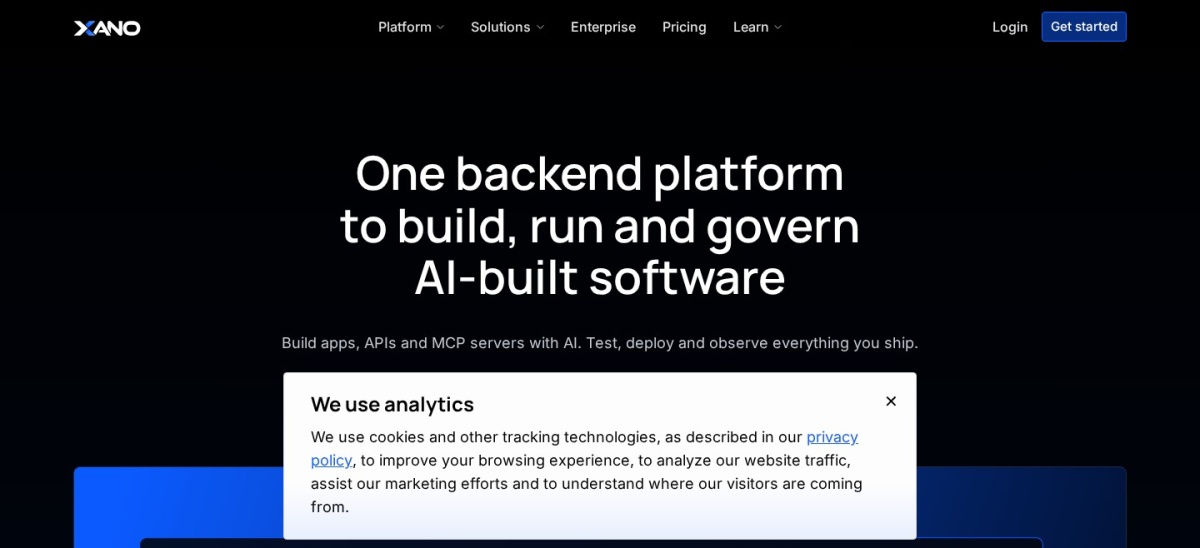
Xano
4.7/5on G2 (68 reviews, checked Nov 2026)
Paid from$85/mo
Best for visual backend development and custom APIs
Free database records100,000
Essential database recordsUnlimited
Essential database storage10 GB
Essential team seats5
xano.com
Xano homepage, captured Nov 2026.
Xano is a visual backend development platform offering a PostgreSQL-based database, API builder and server-side business logic. Its free plan supports up to 100,000 database records, while Essential adds direct database access, dedicated infrastructure and unlimited records within storage limits.
The trade off is that the free plan restricts API traffic to 10 requests every 20 seconds. Essential costs $85 per month with annual billing and removes that rate limit. It suits developers and agencies building application backends without writing extensive server-side code.
What we like
Visual API and business logic builder
Managed PostgreSQL infrastructure
Generous free database record allowance
Workflow branching and version rollback
Connects with independent frontend applications
Watch out for
Higher starting subscription than Supabase
Free API rate limits restrict production use
Essential adds dedicated infrastructure, direct database access and background tasks.Visit xano.com
03
Airtable
4.6/5on G2 (3,306 reviews, checked Nov 2026)
Paid from$20/mo
Best for spreadsheet-style database development and collaboration
Database interfaceSpreadsheet-style
Relationship managementLinked records
Application builderInterfaces
Entry planTeam, per user, billed annually
airtable.com
Airtable homepage, captured Nov 2026.
Airtable is a visual database and application-building platform that combines spreadsheet-style record management with linked tables, forms, interfaces and automations. Its free plan supports basic database workflows, while Team expands capacity for collaborative development and business operations.
The trade off is that Airtable applies record, attachment and automation limits rather than offering unrestricted database infrastructure. Team costs $20 per user per month with annual billing, while Business costs $45. It suits teams building internal applications without maintaining a traditional database server.
What we like
Familiar spreadsheet-style interface
Linked records and configurable relationships
Integrated application interface builder
Workflow automation and collaboration
Accessible to nontechnical users
Watch out for
Per-user pricing increases team expenses
Record and API limits restrict larger workloads
Less control than a conventional SQL database
Team adds expanded capacity, automation allowances and collaboration features.Visit airtable.com
04
Baserow
4.7/5on Capterra (70 reviews, checked Nov 2026)
Paid from$10/mo
Best for open-source visual database development and self-hosting
DeploymentCloud or self-hosted
Free cloud storage2 GB per workspace
Premium cloud storage20 GB
Entry planPremium, per user, billed annually
baserow.io
Baserow homepage, captured Nov 2026.
Baserow is an open-source visual database platform with spreadsheet-style tables, linked records, APIs and an application builder. Its free cloud plan includes 2 GB of workspace storage, while Premium increases storage to 20 GB and adds database features.
The trade off is that granular role-based permissions require Advanced, and self-hosted installations need infrastructure maintenance. Premium starts at $10 per user per month with annual billing or $12 monthly. It suits developers who want an approachable database interface with greater deployment flexibility.
Best for building database applications with unlimited users
Starter database records20,000
Application usersUnlimited
Tables and fieldsUnlimited
Entry planStarter, billed annually
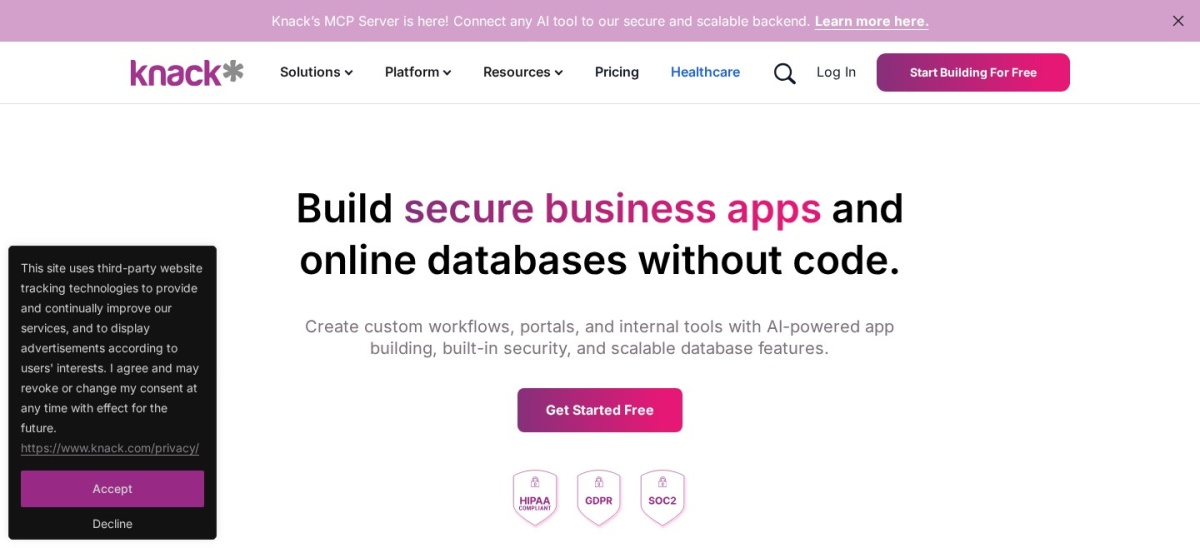
knack.com
Knack homepage, captured Nov 2026.
Knack is a no-code database and web application development platform offering visual interfaces, forms, API access and workflow automation. Starter supports 20,000 database records, unlimited application users and unlimited tables, fields and pages.
The trade off is that custom domains, scheduled tasks and application user two-factor authentication require Pro. Starter costs $49 per month with annual billing or $59 monthly, excluding temporary introductory discounts. It suits organizations developing portals and internal applications with many users.
What we like
Unlimited application users
Integrated visual application designer
Configurable database relationships
API and workflow automation tools
Watch out for
Entry plan limits database records to 20,000
Custom domains require Pro
No permanent free plan
Pro adds custom domains, scheduled tasks, additional records and user authentication features.Visit knack.com
06
MongoDB Atlas
4.5/5on G2 (910 reviews, checked Nov 2026)
Paid from$8/mo
Best for flexible document-based application development
Database modelDocument-oriented
Flex storage limit5 GB
Base Flex throughput100 operations/sec
Flex monthly price cap$30
mongodb.com
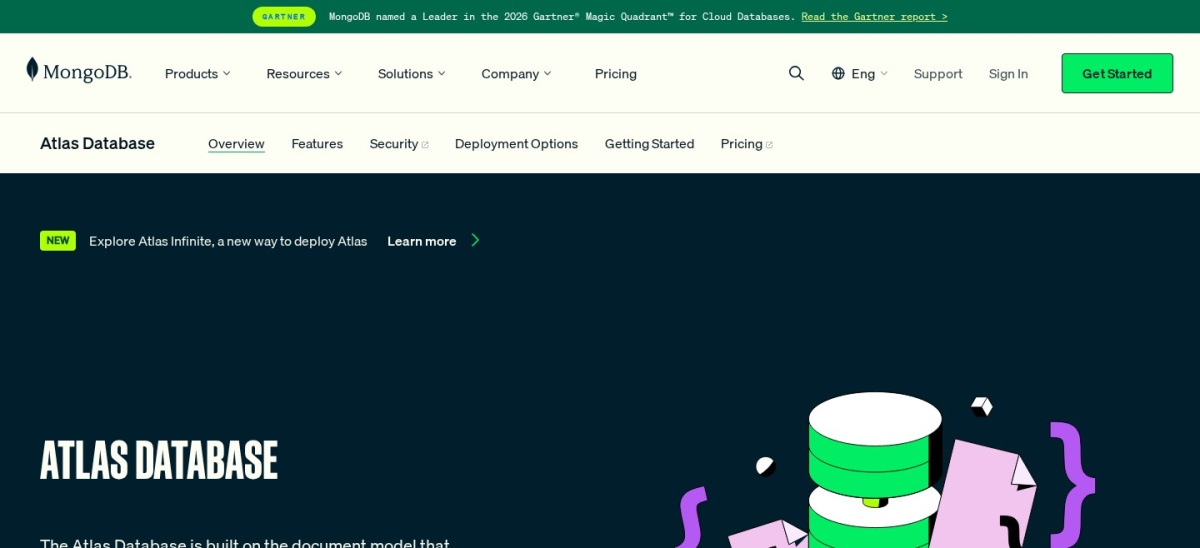
MongoDB Atlas homepage, captured Nov 2026.
MongoDB Atlas is a managed document database platform designed for applications with flexible data structures. Its Flex tier includes 5 GB of storage, unlimited data transfer and a base allowance of 100 operations per second, alongside integrated search capabilities.
The trade off is that Flex pricing varies with usage, from $8 to $30 per month, and storage cannot exceed 5 GB. Larger workloads require Dedicated clusters. It suits developers building applications around evolving document structures rather than strictly defined relational tables.
What we like
Flexible document-based data model
Managed database infrastructure
Integrated text and vector search
Published Flex pricing cap
Free cluster for learning and prototyping
Watch out for
Flex storage is limited to 5 GB
Monthly costs vary with usage
Relational data requires different modeling approaches
Flex adds modern database features; Dedicated supports larger production workloads.Visit mongodb.com
07
Caspio
4.5/5on G2 (175 reviews, checked Nov 2026)
Starts at$270/mo
Best for enterprise-oriented no-code database applications
Team database records250,000 included
Team application authors5
Application usersUnlimited
Entry planTeam, billed annually
caspio.com
Caspio homepage, captured Nov 2026.
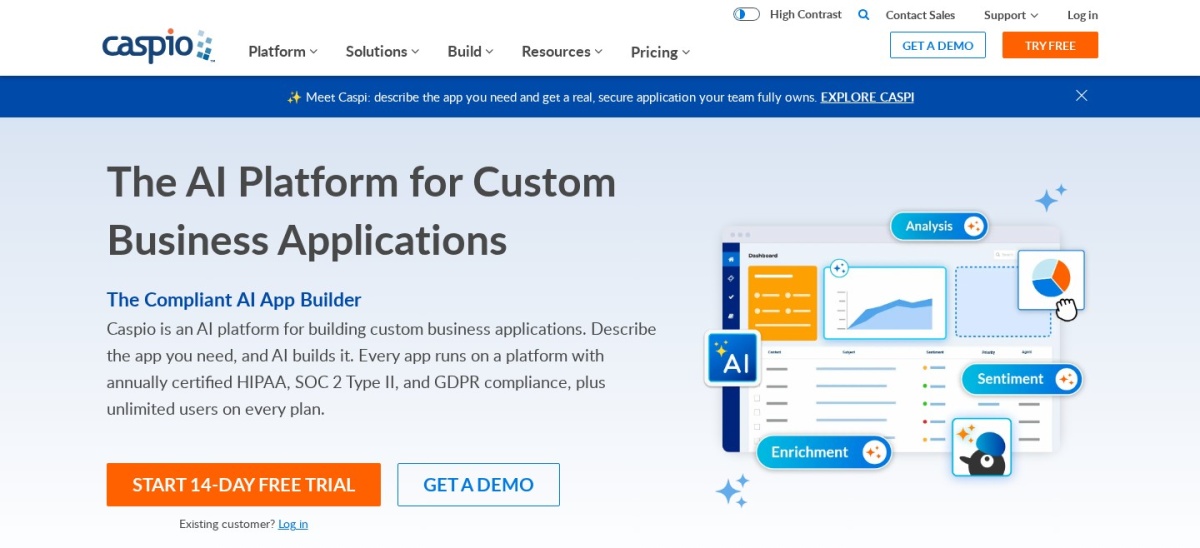
Caspio is a managed database application development platform offering visual tools for creating business forms, reports, dashboards and portals. Its Team subscription includes 250,000 database records, five application authors and unlimited application users.
The trade off is that Team costs $270 per month with annual billing or $300 monthly, making it expensive for individual developers. Custom domains and additional capabilities require higher subscriptions. It suits organizations replacing manual workflows with centrally managed business applications.
What we like
Unlimited internal and external application users
Visual forms, reports and application interfaces
Integrated identity management
Managed infrastructure and deployment
Supports external website embedding
Watch out for
High entry-level subscription cost
Additional database capacity can cost extra
Team does not include custom domains
Business adds larger record allowances, unlimited authors and premium application features.Visit caspio.com
SQL vs NoSQL vs no-code database software
SQL databases organize information into structured tables and support relationships, transactions and standardized queries. Supabase uses PostgreSQL, making it suitable for applications requiring consistent data relationships and complex queries.
NoSQL document databases store flexible records that can contain nested information and varying fields. MongoDB Atlas is suitable for applications where document structures evolve during development.
No-code database platforms such as Airtable, Baserow, Knack and Caspio provide visual environments for managing data and building applications. They reduce coding requirements but may introduce platform-specific limitations.
How much does intuitive database software cost?
MongoDB Atlas Flex starts at $8 per month, while Baserow Premium starts at $10 per user per month with annual billing. Supabase Pro starts at $25 monthly, and Airtable Team costs $20 per user per month with annual billing.
Visual backend and application platforms generally cost more because they include development tools beyond database storage. Xano Essential costs $1,020 annually, while Knack Starter costs $588 and Caspio Team costs $3,240.
The price ladder represents entry-level subscription costs or minimum usage charges. Actual expenses depend on database capacity, additional projects, user seats, API activity and infrastructure requirements.
How we chose
We selected established database platforms that simplify application development through visual interfaces, managed infrastructure, automatically generated APIs or no-code development tools. Rankings consider developer accessibility, database flexibility, deployment options and pricing.
Official pricing documentation and independent G2 or Capterra ratings were checked on 25 Nov 2026. Annual costs use regular subscription rates or published minimum monthly charges multiplied by twelve. Usage-based expenses and temporary introductory offers are identified separately.
We excluded spreadsheet applications without dedicated database capabilities, database administration utilities without suitable development features and products with insufficient independent review histories. No vendor paid for a place, and we do not claim testing for this list.
How to choose database software for intuitive development
Evaluate each database platform against your application architecture, development experience, deployment requirements and anticipated production workload.
Choose the appropriate database model. Use relational databases for structured records and defined relationships. Consider document databases for flexible information or visual database platforms when nontechnical users need direct access.
Compare development interfaces and API capabilities. Review visual schema editors, API generation, query tools, documentation and frontend integrations. Choose a platform compatible with your existing development environment.
Evaluate security and deployment requirements. Check authentication, access permissions, backup retention, data export capabilities and hosting options. Confirm that the platform supports your application's data protection requirements.
Estimate production costs before scaling. Calculate expected storage, compute, API traffic and user expenses. Free development plans can support prototypes, but production applications may require additional resources and higher subscription tiers.
FAQ
What is the best database software for intuitive development?
Supabase is our top pick because it combines PostgreSQL with visual database management, authentication and automatically generated APIs. Xano is preferable for visual backend development, while Airtable suits collaborative database applications with minimal coding.
Which database software is easiest for beginners?
Airtable and Baserow offer familiar spreadsheet-style interfaces that help beginners organize records and create table relationships. Knack is another option for users who want to build complete database applications without learning conventional backend programming.
Is Supabase better than MongoDB Atlas?
Supabase is generally preferable for relational applications requiring SQL, structured relationships and integrated authentication. MongoDB Atlas is suitable for flexible document-based applications. The better platform depends on your data model, query requirements and application architecture.
Can I develop database applications without coding?
Yes. Platforms such as Knack, Airtable, Baserow and Caspio provide visual interfaces for creating databases, forms and applications. Xano also supports visual backend development, allowing developers to connect custom APIs with independently built frontend applications.
What is the cheapest database software for application development?
MongoDB Atlas Flex starts at $8 per month, while Baserow Premium starts at $10 per user per month with annual billing. Supabase, Xano, Airtable and Baserow also provide free plans suitable for exploring database development.
Which intuitive database platforms support self-hosting?
Supabase and Baserow provide open-source components that support self-hosted deployment. Self-hosting offers greater infrastructure control but requires administrators to maintain servers, manage updates, configure security and implement reliable database backup procedures.
SaaS SEO and WordPress specialist with about 8 years of experience. Rakib compares WordPress plugins, themes, hosting and software using public pricing, documentation and user reviews. See how we rank.