Cryptomator is the top pick for encrypting existing cloud drives with open-source client-side vaults and zero-knowledge key control. Tresorit fits teams needing built-in encrypted storage and compliance controls, while MEGA suits users wanting generous free storage and bundle perks.
How we make this list: we compare pricing pages, product documentation and public user reviews, then re-check every price before each update. No product paid for a place. Disclosure.
Cryptomator offers free open-source desktop encryption with optional mobile upgrades at €29.99.
Tresorit starts at $5.59/mo on Capterra with 50 GB encrypted storage and a 4.8 rating from 130 reviews.
MEGA provides 20 GB free storage and paid plans starting at $3.87/mo for 200 GB.
NordLocker includes a 3 GB free tier and paid storage plans starting at $59.88/yr after intro pricing.
Sync starts at $8/mo regular price on its Personal 2TB tier with a 5 GB free plan.
What to look for in cloud storage encryption software
Client-side encryption scrambles files on your device before they reach a cloud server, so storage providers cannot read your data even if their infrastructure is compromised. This differs from standard transport encryption or server-managed keys where the host can access or be compelled to hand over files.
Some tools wrap existing cloud drives like Google Drive, Dropbox, or OneDrive in encrypted vaults, while others act as complete zero-knowledge cloud storage services. Vault wrappers let you keep your current cloud account, whereas all-in-one services bundle storage, sync, and sharing under one roof.
Check how a tool handles filenames, folder structures, and file updates. Uploading an entire multi-gigabyte container every time you edit one small file wastes bandwidth and causes sync conflicts, so look for per-file encryption or incremental sync.
Review pricing structures carefully before committing. Many cloud services advertise steep introductory discounts for the first year or multi-year terms before renewing at a higher regular rate, and mobile apps or team features may cost extra.
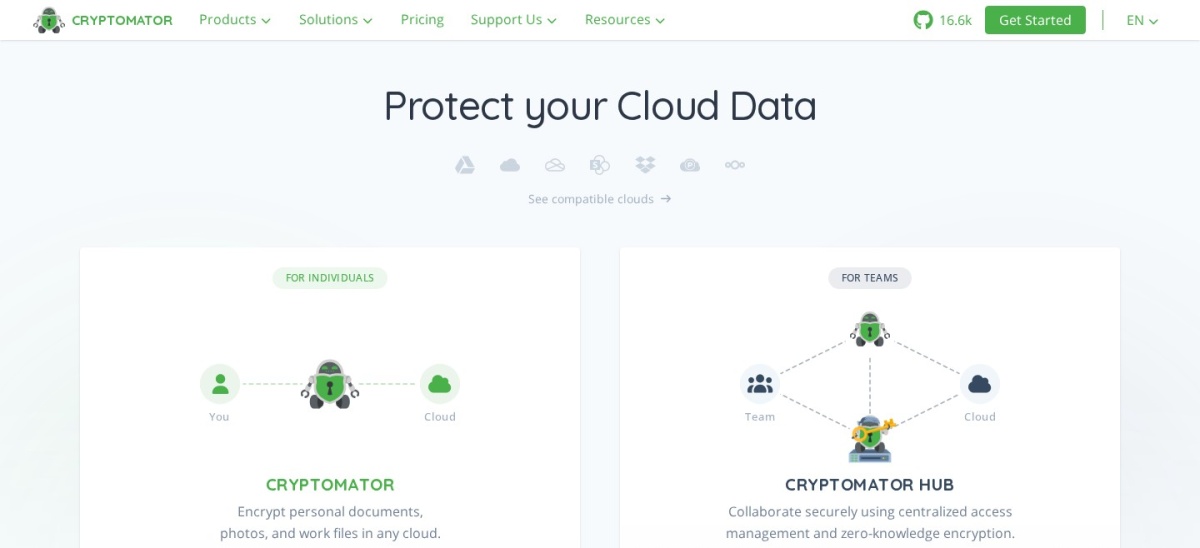
Cryptomator is an open-source client-side encryption tool that creates encrypted vaults inside existing cloud drives with a free personal desktop edition. You keep your current cloud storage provider while controlling your own encryption keys locally.
The trade off is that full access on Android or iOS costs €29.99 per platform as a separate upgrade, and paid Cryptomator Hub team plans price per seat. It suits individuals and technical users who want free desktop encryption over existing cloud accounts.
What we like
Open-source client-side encryption for personal cloud vaults
Free personal edition works alongside existing cloud drives
Supports unlimited vaults and local key control
Offers Cryptomator Hub for team user and group management
Watch out for
Free mobile apps are read-only without a paid upgrade
Separate licenses apply across platforms rather than a single bundle
Small review count on Capterra compared to larger vendors
Paid mobile upgrades (€29.99 each) and Cryptomator Hub add full mobile editing and team access controls.Visit cryptomator.org
02
Tresorit
4.8/5on Capterra (130 reviews, checked Nov 2026)
Starts at$5.59/mo
Best for zero-knowledge business compliance
Entry plan50 GB storage
Max file size2 GB on Lite
Devices2 devices on Lite
ComplianceGDPR, HIPAA, FINRA
tresorit.com
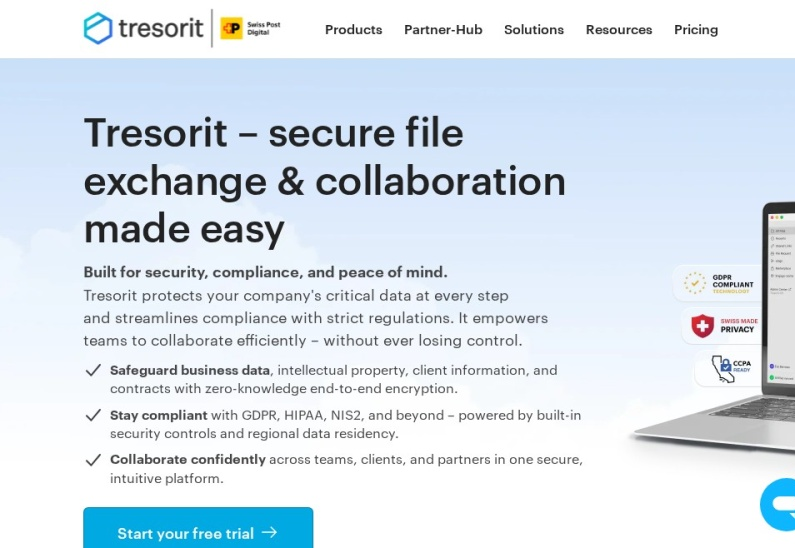
Tresorit homepage, captured Nov 2026.
Tresorit is an encrypted cloud storage and file-sharing platform built around zero-knowledge security, with entry pricing starting at $5.59 per month for 50 GB of storage and 2 GB max file uploads on Capterra. It includes link sharing, version history, and email plugins.
The trade off is that there is no permanent free tier beyond a 14-day trial, and higher tiers rise quickly to $13.59 per month and above. It suits teams and regulated businesses that need encrypted cloud storage and audit controls.
What we like
Zero-knowledge encryption across storage, sync, and sharing
Strong compliance support including GDPR, HIPAA, and FINRA
Includes Gmail and Outlook plugins for encrypted attachments
4.8 out of 5 rating across 130 Capterra reviews
Watch out for
No free tier after the 14-day trial ends
Personal Lite caps sync at 2 devices and 2 GB file sizes
Higher storage tiers cost noticeably more than budget rivals
Higher plans expand storage up to 4 TB and add remote wipe, detailed access logs, and data rooms.Visit tresorit.com
03
MEGA
4.5/5on Capterra (171 reviews, checked Nov 2026)
Paid from$3.87/mo
Best for free encrypted storage space
Free storage20 GB plan
Entry paid plan200 GB at $3.87/mo
Transfer cap2.4 TB on Essential
ExtrasVPN and Pass included
mega.io
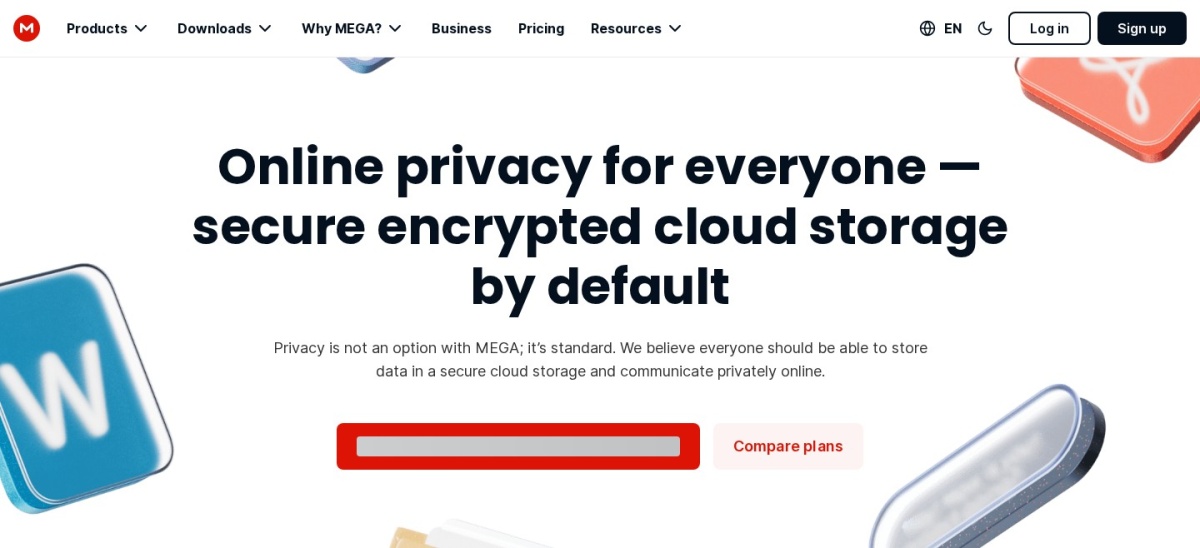
MEGA homepage, captured Nov 2026.
MEGA is an encrypted cloud storage service that starts with a 20 GB free plan and entry paid plans listed at $3.87 per year for 200 GB on Capterra. It combines file sync, link sharing, and 100-version file history across desktop and mobile apps.
The trade off is that transfer limits apply to sharing and syncing, and reviewers note bandwidth caps or occasional large-file upload slowdowns. It suits budget-minded users who want substantial free encrypted storage without managing separate vaults.
What we like
20 GB free tier and low entry annual pricing on Capterra
Bundles VPN and password tools on listed paid tiers
Supports desktop, mobile, and web access with file versioning
4.5 out of 5 rating across 171 Capterra reviews
Watch out for
Transfer quotas can restrict heavy sharing or large downloads
Reviewers report occasional slow loading on large media files
Storage stays inside MEGA rather than your existing drive
Paid tiers add larger storage quotas, higher transfer limits, and bundled VPN and password features.Visit mega.io
04
NordLocker
4.4/5on Capterra (5 reviews, checked Nov 2026)
Paid from$59.88/yr
Best for simple encrypted cloud lockers
Free storage3 GB locker
500 GB regular$59.88/yr renewal
2 TB regular$179.88/yr renewal
Refund window30-day guarantee
nordlocker.com
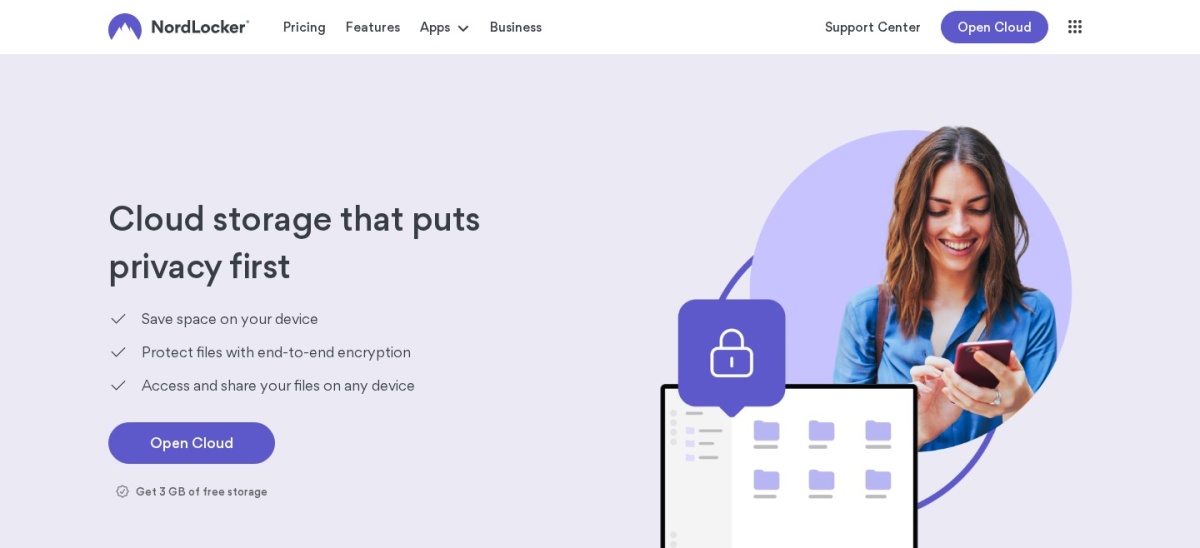
NordLocker homepage, captured Nov 2026.
NordLocker is a zero-knowledge file encryption and cloud storage tool from the NordVPN team with a 3 GB free plan and a 500 GB tier that renews at $59.88 per year. It encrypts files into lockers for safe cloud sync and sharing.
The trade off is that first-year introductory prices are lower than the $59.88 per year renewal rate, and Capterra shows only a small review sample. It suits users who want straightforward locker-based encryption with a free starting tier.
What we like
Free 3 GB plan available without a credit card
Uses zero-knowledge encryption with AES-256 and XChaCha20
Backed by a 30-day money-back guarantee on paid plans
Watch out for
Renewal rates rise after discounted first-year pricing
Free plan caps storage at 3 GB
Small review count on Capterra
Paid plans expand cloud storage to 500 GB or 2 TB and include priority support.Visit nordlocker.com
05
Sync
4.3/5on Capterra (57 reviews, checked Nov 2026)
Paid from$8/mo
Best for privacy-focused multi-terabyte sync
Free storage5 GB plan
Personal 2TB regular$8/mo regular
Solo 5TB regular$28/mo regular
Personal Unlimited$45/mo regular
sync.com
Sync homepage, captured Nov 2026.
Sync is an encrypted cloud storage and file-syncing service offering a 5 GB free plan and a Personal 2TB plan listed at an $8 per month regular rate. It focuses on private file syncing, folder sharing, and backup across devices.
The trade off is that multi-year promotional bundles look much cheaper than the $8 per month regular rate, and the free tier holds 5 GB. It suits users who want 2 TB or more of encrypted cloud sync with granular sharing controls.
What we like
Includes a free tier alongside multi-terabyte storage plans
Offers sharing controls and file recovery options
4.3 out of 5 rating across 57 Capterra reviews
Watch out for
Regular monthly pricing is higher than multi-year promotional offers
5 GB free storage fills up quickly with media or backups
Requires moving files into Sync rather than wrapping another drive
Paid plans scale storage to 2 TB, 5 TB, or unlimited tiers and add advanced sharing controls.Visit sync.com
06
Virtru
4.5/5on Capterra (39 reviews, checked Nov 2026)
Paid from$119/mo
Best for controlled sharing and email files
Starter plan$119/mo for 5 users
Business plan$219/mo for 5 users
Free versionBasic emailing available
Access controlsRevoke and expiration
virtru.com
Virtru homepage, captured Nov 2026.
Virtru is a data protection and encryption platform for files and emails, with a free version for basic emailing and paid Starter plans starting at $119 per month for up to five users on Capterra. It lets senders control access, set expiration dates, and revoke shared content.
The trade off is that paid plans start at $119 per month, making it costly for solo users or small personal cloud vaults. It suits organizations that need strict post-share access revocation and compliance controls on sensitive files.
What we like
Granular access controls including expiration and revocation
Integrates with email and cloud workflows for sensitive files
4.5 out of 5 rating across 39 Capterra reviews
Watch out for
Paid plans start at $119 per month for up to five users
Overkill if you only need simple local or personal cloud encryption
Browser extension workflows can occasionally lag
Paid plans expand team controls, administrative policies, and broader data protection features.Visit virtru.com
07
pCloud
4.5/5on Capterra (178 reviews, checked Nov 2026)
Paid from$49.99/yr
Best for one-time lifetime cloud storage
Free storage10 GB account
Premium storage500 GB at $49.99/yr
Crypto add-onPaid zero-knowledge folder
Billing optionsMonthly, annual, lifetime
pcloud.com
pCloud homepage, captured Nov 2026.
pCloud is a cloud storage drive that starts with a 10 GB free plan and entry storage tiers from $49.99 per year, with optional zero-knowledge encryption via pCloud Crypto. It mounts as a virtual drive on desktop and syncs files across devices.
The trade off is that zero-knowledge Crypto costs extra on individual plans rather than covering all files by default, and promotional lifetime prices vary. It suits users who want a virtual cloud drive with optional lifetime pricing.
What we like
10 GB free tier and flexible monthly, annual, or lifetime options
Virtual drive mounting saves local disk space during sync
4.5 out of 5 rating across 178 Capterra business reviews
Watch out for
Zero-knowledge encryption is an extra paid add-on on personal plans
Lifetime pricing figures change across promotions
Crypto folders require separate handling from standard cloud files
pCloud Crypto adds client-side zero-knowledge encryption for sensitive folders on top of storage plans.Visit pcloud.com
Vault wrappers vs encrypted cloud drives
Choosing between a vault wrapper like Cryptomator and an encrypted cloud drive like Tresorit or MEGA depends on where your storage quota lives. Vault wrappers encrypt files before they hit a third-party drive you already pay for, keeping your existing workflows and storage balance intact.
All-in-one encrypted cloud services handle storage, sync, and encrypted sharing in a single account. They simplify setup when starting fresh, though migrating large existing libraries from another cloud provider can take time.
How we chose
We compiled this list by reviewing established encryption tools and encrypted cloud storage platforms across Capterra and vendor pricing pages, focusing on active products with clear encryption models and public user ratings.
All pricing figures, plan tiers, and review ratings were checked on 22 Nov 2026 from the sources listed below, noting regular rates where promotional or renewal pricing differs.
We excluded discontinued tools, local-only disk encryptors not built for cloud sync, and products without verifiable public pricing or current maintenance signals. No vendor paid for a place, and we do not claim testing for this list.
How to choose cloud storage encryption software
Follow four practical steps to match an encryption tool to your files and budget.
Decide whether you want to encrypt an existing cloud drive or switch cloud providers. Use a vault tool if you already have paid storage on Google Drive, Dropbox, or OneDrive, or pick a zero-knowledge cloud drive if you want storage and encryption together.
Check how the software handles file updates and sharing. Look for per-file encryption if you edit documents or media frequently so small changes do not force huge re-uploads, and verify whether recipients need an account.
Compare regular renewal prices against first-year discounts. Many cloud storage and security services discount the first billing cycle, so check the standard monthly or annual renewal rate before committing.
Confirm device support and recovery options. Check desktop and mobile platform support, file version history, and key-recovery rules so you do not lock yourself out of important records.
FAQ
What is zero-knowledge encryption for cloud storage?
Zero-knowledge encryption means your files are encrypted with keys controlled on your side before or as they are stored, so the service provider cannot read your unencrypted files. If you lose your master password or recovery key without a backup, the provider usually cannot unlock the data for you.
Can I encrypt files already stored in Google Drive or Dropbox?
Yes, tools like Cryptomator let you create encrypted vaults inside existing cloud drives such as Google Drive or Dropbox. Files inside the vault are encrypted locally before syncing, while files outside the vault remain standard cloud files.
Is standard cloud encryption enough for sensitive files?
Standard cloud encryption usually protects data in transit and at rest on the provider's servers, but the provider often manages the encryption keys. For highly sensitive tax, legal, or client records, client-side or zero-knowledge encryption reduces reliance on the host.
Why do cloud encryption prices look lower in the first year?
Many storage and security vendors advertise discounted introductory rates for the first year or multi-year term and renew at a higher regular rate. Always check the standard renewal rate so ongoing annual costs do not surprise you.
Do I need a paid plan to encrypt cloud files?
Not always, as several tools offer free tiers or free personal editions, such as Cryptomator for personal desktop vaults or free storage tiers on MEGA, NordLocker, Sync, and pCloud. Paid plans mainly add more storage space, mobile full access, or team administration.
What happens if I forget my encryption password?
With true client-side or zero-knowledge encryption, vendors do not hold a backdoor copy of your encryption key to reset a forgotten password. Store your master password and any recovery key in a secure password manager or offline backup.
SaaS SEO and WordPress specialist with about 8 years of experience. Rakib compares WordPress plugins, themes, hosting and software using public pricing, documentation and user reviews. See how we rank.