Snyk is the best cloud platform for securing code for most teams, with Team at $25 per developer a month covering code, dependencies, containers and infrastructure checks, rated 4.5/5 on G2. Pick GitHub Code Security if your code already lives on GitHub, and Semgrep if you want to write your own security rules.
How we make this list: we compare pricing pages, product documentation and public user reviews, then re-check every price before each update. No product paid for a place. Disclosure.
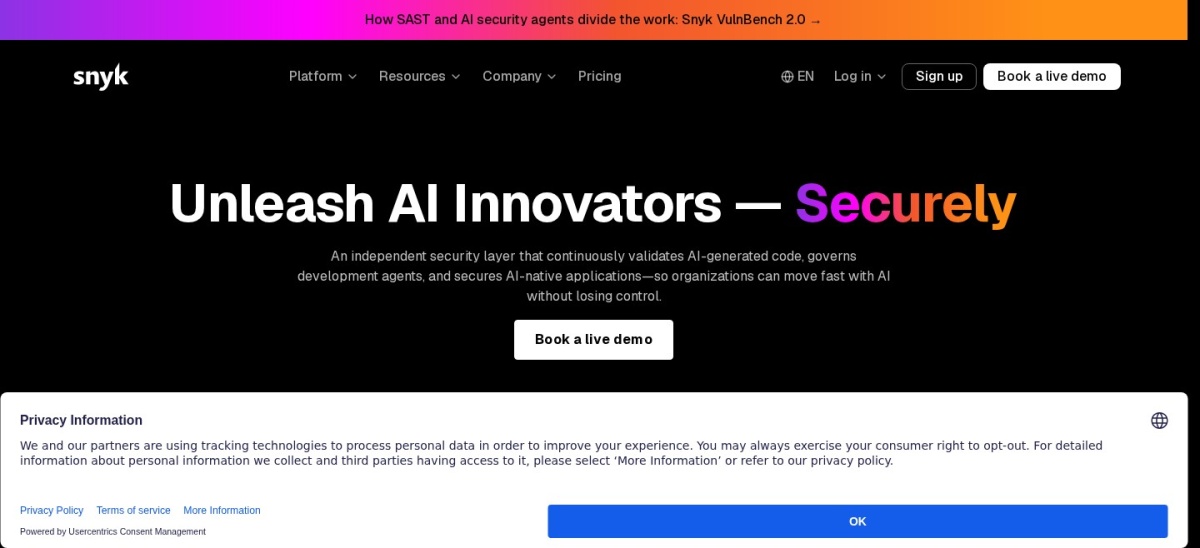
Snyk covers code, dependencies, containers and infrastructure in one platform, with Team at $25 per developer a month.
GitHub Code Security brings CodeQL scanning and Copilot Autofix to private repos at $30 per active committer a month, and it is free for public repos.
Semgrep is the pick for custom rules, with a free open-source engine and Teams Code at $30 per contributor a month.
SonarQube Cloud is the cheapest flat entry for quality plus security, with Team at $34 a month priced by lines of code.
Checkmarx One publishes no price and needs a sales quote, so budget for an enterprise contract; the other 8 tools all offer a free tier.
What a cloud platform for securing code should cover
Securing code in the cloud means scanning before code ships, not after. A platform should run in the pull request and flag problems while the developer still has the file open.
A good platform should cover static analysis, known as SAST, plus vulnerable dependencies and leaked secrets. One scan type alone leaves gaps that attackers use.
The flaw classes these tools look for are the same ones that hit WordPress sites: injection, cross-site scripting and broken access control. Our guide on the most common WordPress vulnerabilities explains each one.
Pricing models differ more than features do. Some tools charge per developer, some per active committer and some per line of code, so the cheapest list price is not always the cheapest bill.
Snyk is a developer security platform that scans code, open-source dependencies, containers and infrastructure configuration. The free plan covers 5 projects with 100 Snyk Code tests a month, and Team raises that to 100 projects and 1,000 Code tests a month.
The trade off is the Team cap. Team costs $25 per contributing developer a month, needs at least 5 developers and stops at 10, so larger teams move to credit-based Enterprise pricing. It suits teams that want code, dependency and container checks in one place.
What we like
Free SAST scanning allowance
Covers code, dependencies, containers and IaC
Fix guidance arrives with each finding
IDE and CI integrations
Watch out for
Team plan caps at 10 contributing developers
Test allowances differ by security product
Enterprise pricing is credit-based
Team raises test allowances across all scan typesVisit snyk.io
02
GitHub Code Security
4.5/5on G2 (2,399 reviews, checked Nov 2026)
Paid from$30/mo
Best for teams already on GitHub
EngineCodeQL semantic analysis
Free planPublic repositories
Secret Protection$19/committer/mo
Paid planCode Security, $30/mo
github.com
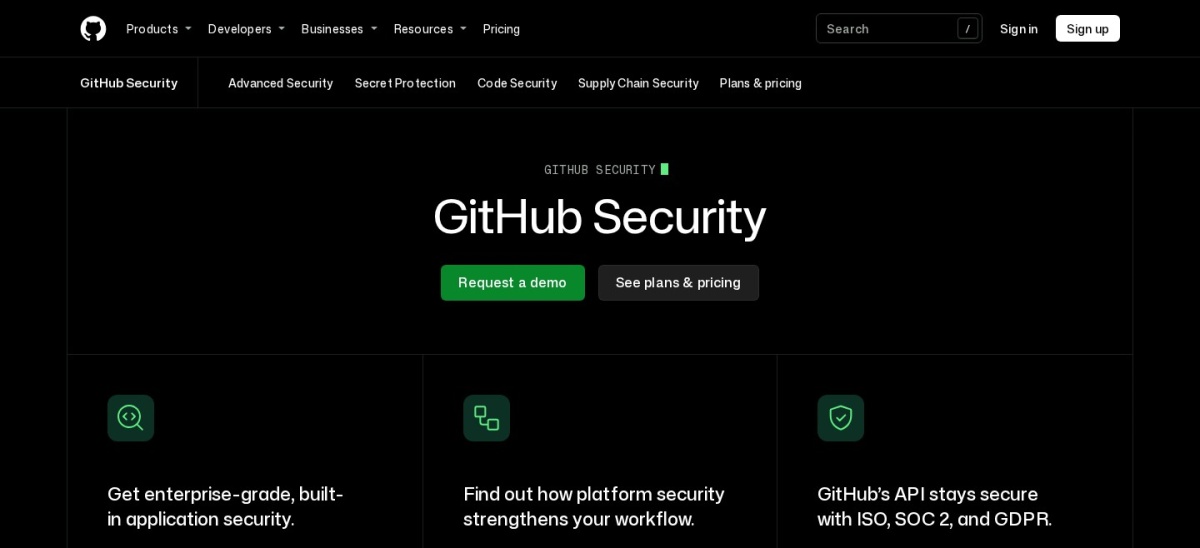
GitHub Code Security homepage, captured Nov 2026.
GitHub Code Security is GitHub's own scanning product, built on the CodeQL engine. It traces data flow across files, files findings as pull request alerts and suggests fixes with Copilot Autofix. It is free for public repositories.
The trade off is price and lock-in. Code Security costs $30 per active committer a month on private repositories, and it only fits code that already lives on GitHub. It suits GitHub teams that want scanning without adding another dashboard.
What we like
Deep semantic analysis with custom queries
Copilot Autofix suggests code changes
No extra tool to set up for GitHub teams
Free for public repositories
Watch out for
Needs a GitHub Team or Enterprise plan
Scans take longer than pattern-based tools
Active-committer billing counts infrequent committers for 90 days
Code Security adds CodeQL scanning and Copilot AutofixVisit github.com
03
Semgrep
4.6/5on G2 (56 reviews, checked Nov 2026)
Paid from$30/mo
Best for custom security rules
Free edition10 contributors, 10 repos
Languages35+
Custom rulesYes, readable rule language
Paid planTeams Code, $30/mo
semgrep.dev
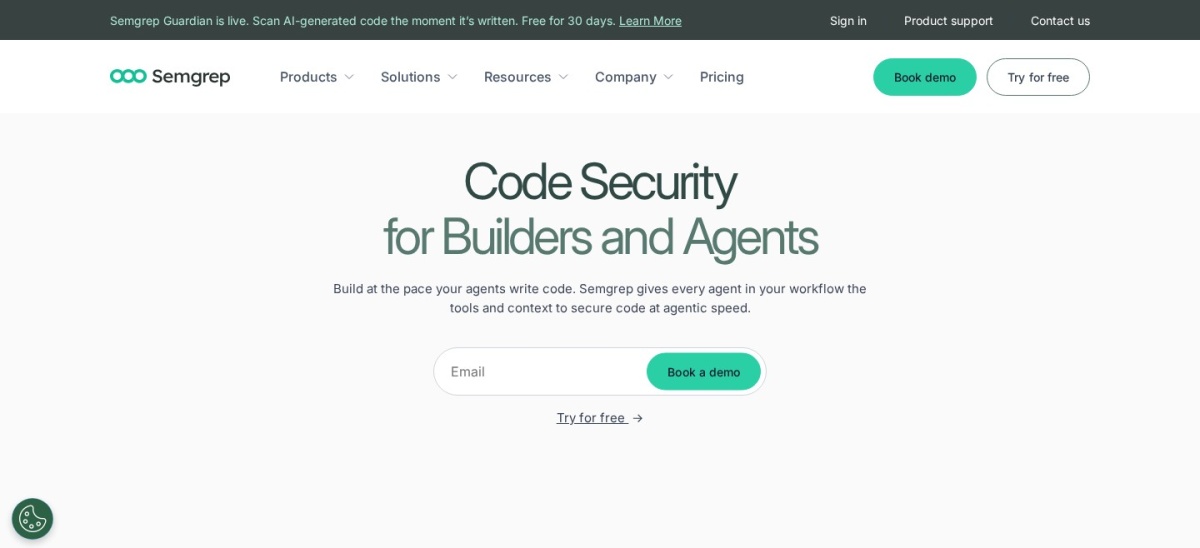
Semgrep homepage, captured Nov 2026.
Semgrep is a rule-based scanner with a free open-source engine and a commercial platform on top. Its rule language reads like the code it matches, so teams can write their own checks for internal APIs. The free edition covers 10 contributors and 10 repositories.
The trade off is that products are sold separately. Code, Supply Chain and Secrets cost $30, $30 and $15 per contributor a month, so buying all three triples the bill. It suits security teams that want custom rules and fast scans in CI.
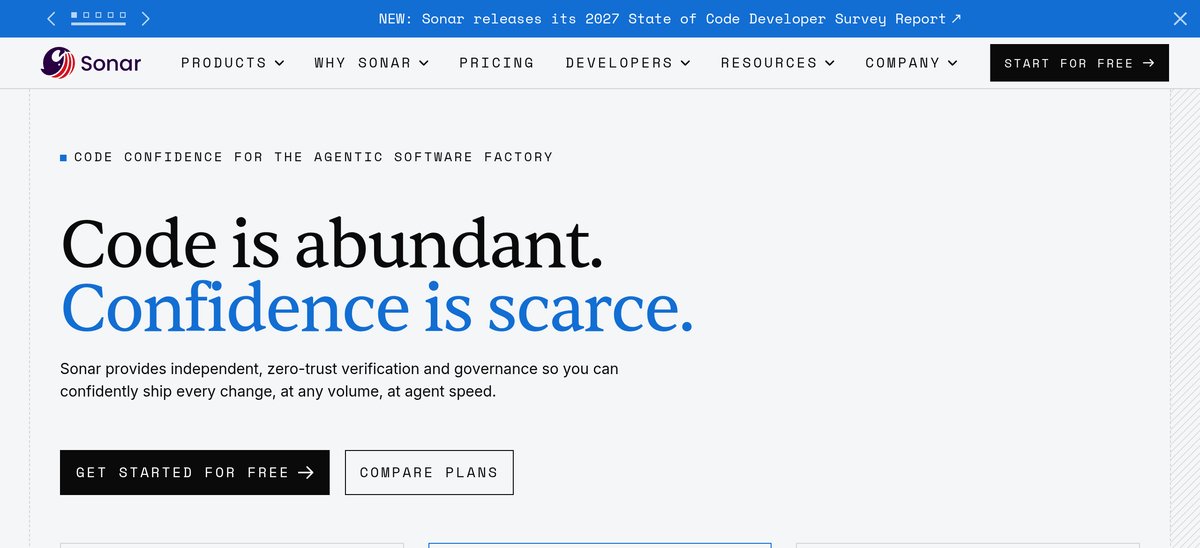
SonarQube Cloud is the hosted version of SonarQube from SonarSource, and it pairs code quality checks with security scanning in one place. The free plan covers private projects up to 50,000 lines of code, and the Team plan starts at $34 a month for up to 100,000 lines.
The trade off is the meter. The bill follows lines of code, so a large codebase costs more even with a small team, and dependency scanning sits in a paid add-on. It suits teams that want quality gates on every pull request.
What we like
Combines SAST and code quality analysis
Free private-project allowance
Quality gates can block a failing pull request
No seat limit on the Team plan
Watch out for
Cost rises with lines of code, not team size
Dependency scanning needs the Advanced Security add-on
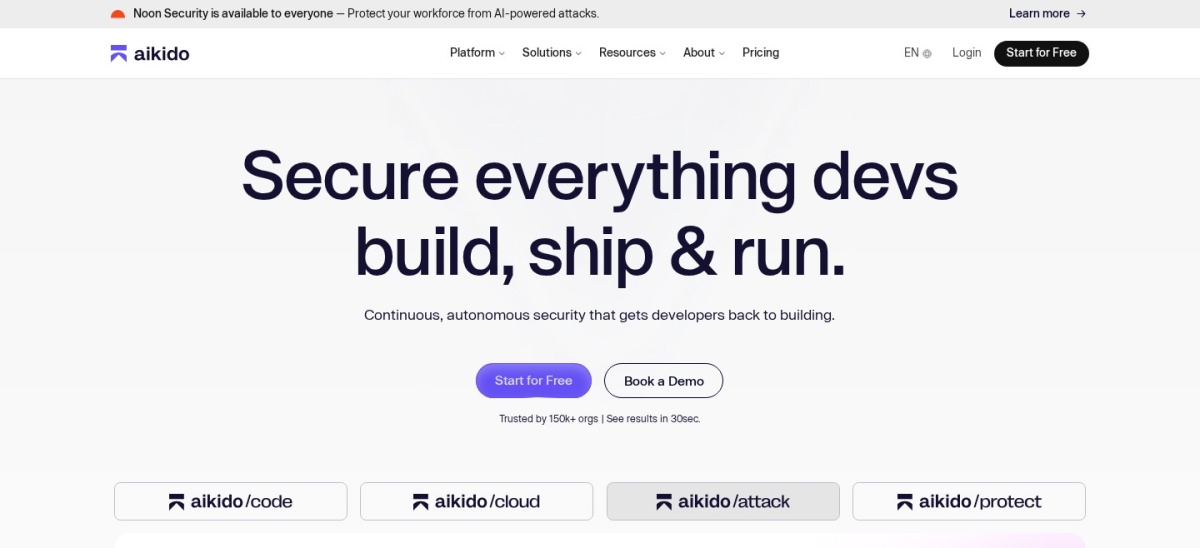
Aikido Security is a code-to-cloud platform that combines SAST, dependency scanning, secrets detection, container scanning and cloud checks in one dashboard. The free Developer plan covers 2 users and 10 repositories, with a small monthly allowance of AI AutoFixes.
The trade off is the flat price. Basic starts at $350 a month for 10 users and 100 repositories, which is steep for a solo developer but flat no matter how many of those users commit code. It suits small teams that want one platform instead of five separate scanners.
What we like
One dashboard for code, cloud, containers and runtime
Flat monthly price, not per developer
Flat price covers up to 10 users and 100 repos
Watch out for
Basic plan is pricey for very small teams
Free plan is limited to 2 users and 10 repos
Basic adds PR security review, Jira sync and reportsVisit aikido.dev
06
GitLab
4.5/5on G2 (905 reviews, checked Nov 2026)
Paid from$29/mo
Best for SAST inside DevSecOps pipelines
Free SASTIncluded
Free group users5
Free compute minutes400/month
Paid planPremium, $29/user/mo
gitlab.com
GitLab homepage, captured Nov 2026.
GitLab is a DevSecOps platform combining source control, CI/CD, code review and application security scanning. Its free cloud plan supports 5 users per top-level group, includes 400 compute minutes a month and provides SAST scanning.
The trade off is that the full security suite sits higher. Premium costs $29 per user a month with annual billing, while advanced vulnerability management needs the top tier at $99 per user a month. It suits teams already building and deploying through GitLab.
What we like
SAST included in the free plan
Scanning connects directly with CI/CD
Source control and security in one platform
Premium adds advanced development workflows
Watch out for
Free cloud plan has user and compute limits
Advanced vulnerability management needs the top tier
Premium does not unlock the complete security suite
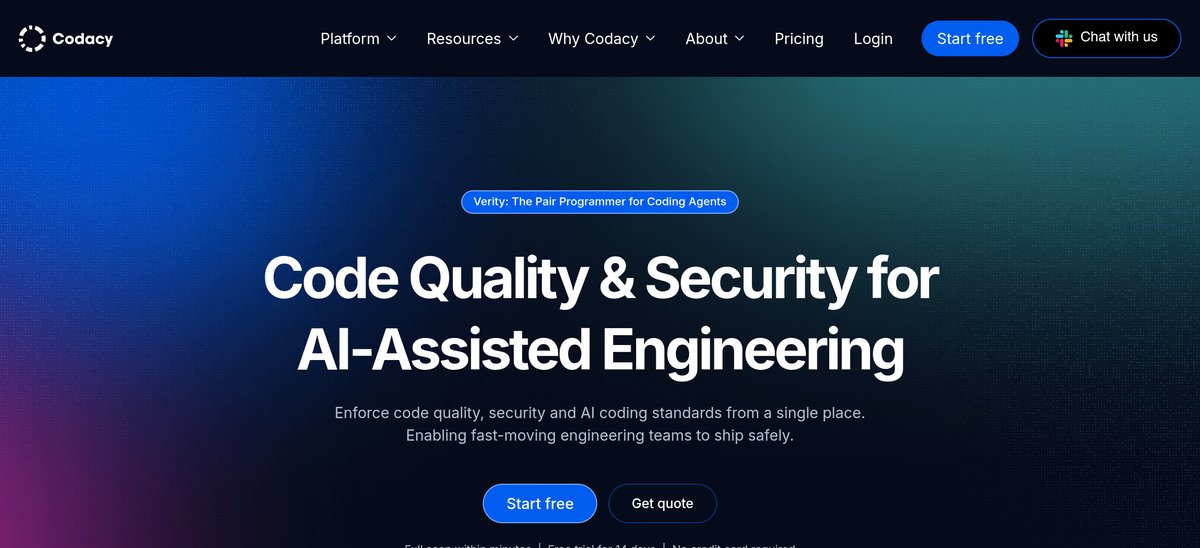
Codacy is an automated code quality and security platform that scans source code, identifies vulnerabilities and applies coding standards. Its free Developer edition supports local IDE, CLI and coding-agent checks. Team starts at $18 per developer a month with annual billing.
The trade off is the ceiling. Team supports up to 30 developers and 100 private repositories, and advanced vulnerability management needs the Business plan. It suits teams under 30 developers that want one bill for quality and security.
What we like
Free local developer security scanning
Team supports up to 100 private repositories
Unlimited lines of code on Team
Supports 49 programming languages
Watch out for
Team is limited to 30 developers
Advanced enterprise security features need Business
Cloud integrations exclude some self-hosted repositories
DeepSource is a code analysis and review platform that identifies security issues, coding problems and maintainability concerns in pull requests. Team costs $24 per user a month with annual billing and includes unlimited repositories, unlimited pull request reviews and 3 dependency-scanning targets.
The trade off is the free tier. Private repository analysis needs the paid Team plan, and AI Review usage beyond included credits costs extra. It suits teams that process many pull requests a day and want review comments they can trust.
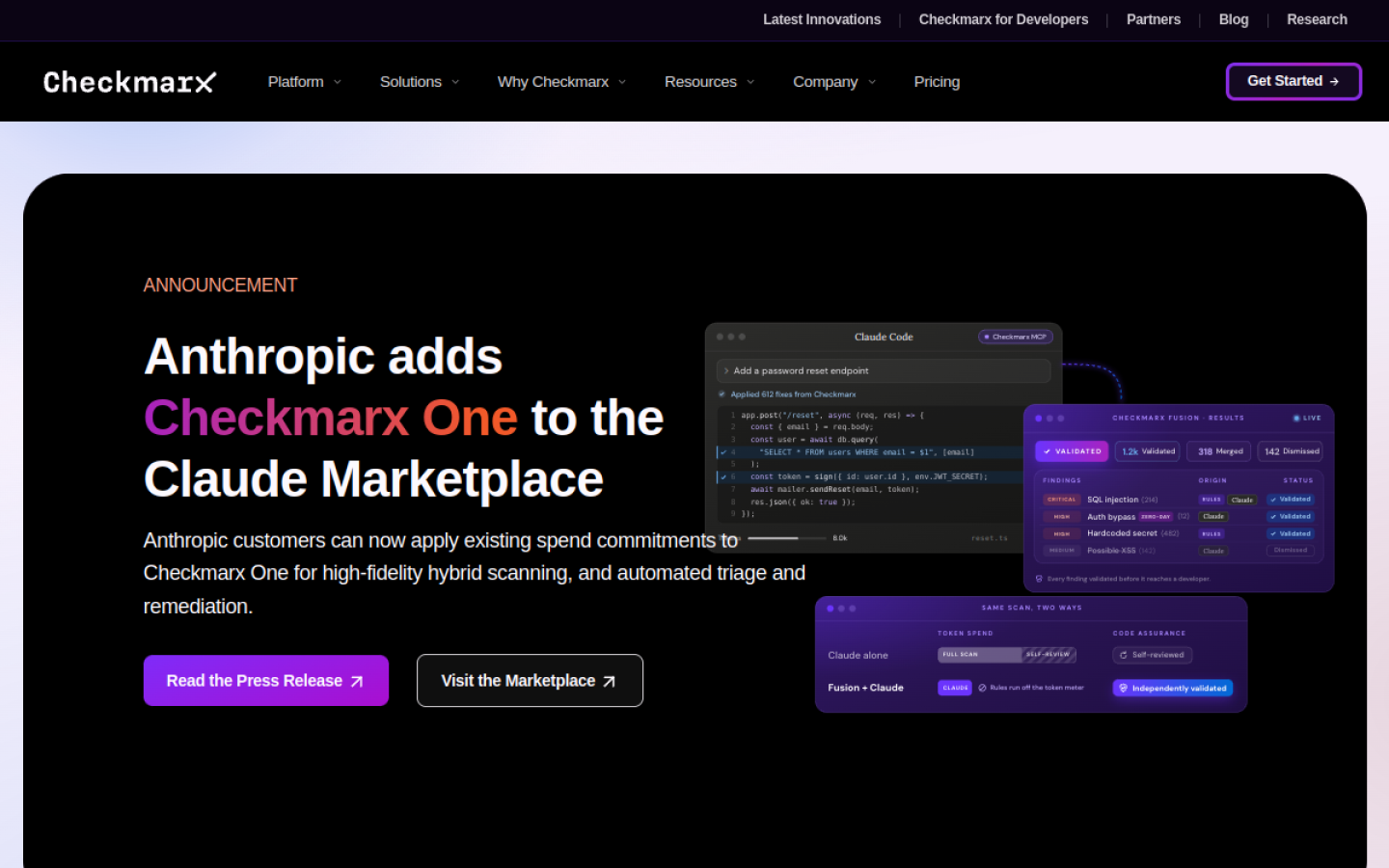
Checkmarx One is a cloud AppSec platform with SAST at its core, plus software composition analysis, API security, container scanning and ASPM in one dashboard. Its CxQL query language lets security teams write their own SAST rules, and it covers more than 30 languages.
The trade off is cost and process. Checkmarx publishes no list price, so every deal is a custom quote, and there is no self-service free trial. It suits enterprises running a formal AppSec program that need deep SAST customization.
What we like
CxQL custom query language for own rules
SAST, SCA, API security and ASPM in one place
Self-hosted and hybrid deployment options
Watch out for
No published price and no self-service trial
Minimum deal sizes put it out of reach for small teams
Free plans cover the basics well. Eight of the nine tools in this list offer a free tier, and most include SAST scanning on at least some repositories.
Paid plans mostly add scale and speed. You get more projects, more tests, cross-file analysis and faster support.
Secret scanning and dependency scanning are where free plans differ most. Some include them, some charge per product, and GitHub splits them into two add-ons at $19 and $30 a month.
For a team shipping code every day, the first year of a paid plan often costs less than one missed vulnerability. Our WordPress security audit guide shows the checks to run before you pay for a second scanner.
How we chose
We started from the cloud code-security platforms with a public G2 rating and a published pricing page, then kept the nine that cover SAST alongside dependency or secret scanning.
Prices come from each vendor's pricing page, checked on 25 November 2026. Ratings and review counts come from G2 on the same day. Where a vendor shows a sale, the list shows the regular price.
We left out tools with no public rating and enterprise platforms that publish no price, except Checkmarx One, which anchors the enterprise end of the list. No vendor paid for a place, and we do not claim to have used these tools ourselves.
How to choose a cloud platform for securing code
Start with where your code already lives, then match the scanner to the team.
Check where your code lives. If it is on GitHub, Code Security needs no new dashboard. GitLab teams get SAST in the free plan, so start there before adding a second tool.
List the scans you need. SAST alone misses vulnerable dependencies and leaked secrets. Pick a platform that covers at least two of the three, or budget for a second tool.
Work out the real billing unit. Per-developer, per-committer and per-lines-of-code pricing behave very differently as a team grows. Run the numbers on your own headcount and codebase before you commit.
Trial the free tier on a real repository. Free tiers cap projects, contributors or lines of code. Run one real repository through before you commit to a paid plan.
FAQ
What is the best cloud platform for securing code?
Snyk is the strongest overall pick for most teams. Its Team plan costs $25 per developer a month and covers code, dependencies, containers and infrastructure checks, and it is rated 4.5 out of 5 on G2 from 136 reviews.
Is there a free cloud platform for securing code?
Yes. Eight of the nine tools in this list offer a free tier, including Snyk, Semgrep, SonarQube Cloud and GitLab. Free tiers cap projects, contributors or lines of code, so check the limits before you rely on one.
What is the difference between SAST and SCA?
SAST reads your own source code for insecure patterns such as injection and unsafe data handling. SCA checks the open-source libraries your code depends on against known vulnerability lists. Most teams need both, and several tools in this list bundle them.
How much does GitHub Code Security cost?
GitHub Code Security costs $30 per active committer a month for private repositories. Secret Protection is a separate add-on at $19 per active committer a month, and both are free for public repositories.
Do these platforms scan for leaked secrets?
Most do. Semgrep sells Secrets detection at $15 per contributor a month, GitHub offers Secret Protection at $19, and Snyk and Aikido include secrets checks in their platforms. Check the plan details, because secrets scanning is sometimes a separate product.
Which platform is best for enterprises?
Checkmarx One is the enterprise pick in this list, with SAST, dependency and API scanning plus ASPM in one dashboard. It publishes no list price, so expect a custom quote and a formal sales process rather than self-service signup.
SaaS SEO and WordPress specialist with about 8 years of experience. Rakib compares WordPress plugins, themes, hosting and software using public pricing, documentation and user reviews. See how we rank.