New Relic is the best digital experience monitoring company for most engineering teams, offering browser, mobile and synthetic monitoring alongside 100 GB of free data ingestion. Choose Site24x7 for affordable website and infrastructure monitoring or Checkly for developer-focused synthetic monitoring integrated into software deployment workflows.
How we make this list: we compare pricing pages, product documentation and public user reviews, then re-check every price before each update. No product paid for a place. Disclosure.
New Relic offers 100 GB of free data ingestion and paid full-platform access starting at $10 per user monthly.
Site24x7 starts at $108 annually and earns 4.6/5 from 486 G2 reviews.
Checkly Starter costs $288 annually and includes 3,000 browser check runs and 25,000 API check runs.
Pingdom offers synthetic monitoring starting at $10 monthly and retains real-user monitoring data for 13 months.
Dynatrace charges $2.25 per 1,000 real-user sessions and earns 4.5/5 from 1,377 G2 reviews.
Datadog RUM Measure starts at $0.15 per 1,000 monthly sessions under annual commitment.
What makes a good digital experience monitoring company?
Digital experience monitoring, or DEM, measures how users experience websites, applications and digital services. It helps engineering teams detect performance problems that conventional infrastructure monitoring may overlook.
Real user monitoring collects performance information from actual visitors, including loading times, browser errors and interaction delays. Synthetic monitoring uses automated checks to identify problems even when customers are not actively using an application.
Look for integrations between frontend performance data, backend application traces and network monitoring. Connecting these sources helps engineering teams distinguish application defects from infrastructure problems and external connectivity issues.
Pricing varies considerably across vendors. Some charge fixed monthly subscriptions, while others charge according to monitored sessions, test executions, data ingestion or user accounts. Compare costs using your anticipated monitoring volume.
The 7 best digital experience monitoring companies
01
New Relic
4.4/5on G2 (599 reviews, checked Nov 2026)
Paid from$10/mo
Best for full-stack digital experience monitoring
Free data ingestion100 GB/month
Free full-platform users1
Platform capabilities50+
Paid accessFrom $10/user/mo
newrelic.com
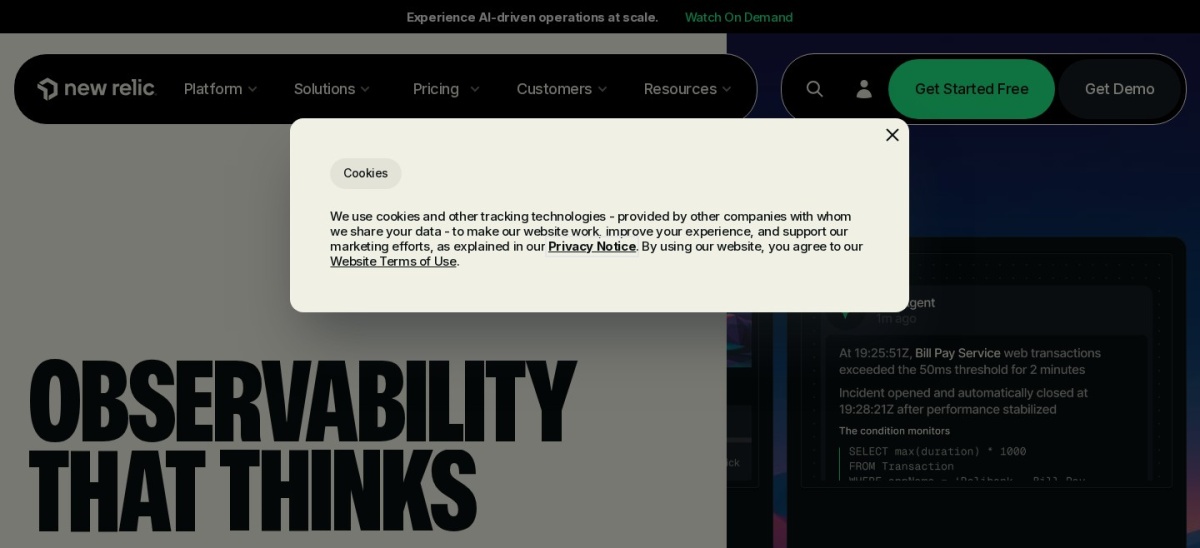
New Relic homepage, captured Nov 2026.
New Relic is an observability platform that connects browser performance, mobile monitoring, synthetic checks and backend application diagnostics. Its free offering includes 100 GB of data ingestion and one full-platform user with access to more than 50 platform capabilities.
The trade off is that additional data ingestion and user access can increase costs. Paid full-platform access starts at $10 per user monthly, depending on the edition. It suits engineering teams seeking digital experience monitoring within a broader observability environment.
Paid subscriptions expand platform access and monitoring capacity, with data charges calculated separately.Visit newrelic.com
02
Site24x7
4.6/5on G2 (486 reviews, checked Nov 2026)
Paid from$9/mo
Best for affordable unified monitoring
Entry planLite, billed annually
Lite website monitors5
Lite server monitors2
Professional RUM allowance100,000 pageviews
site24x7.com
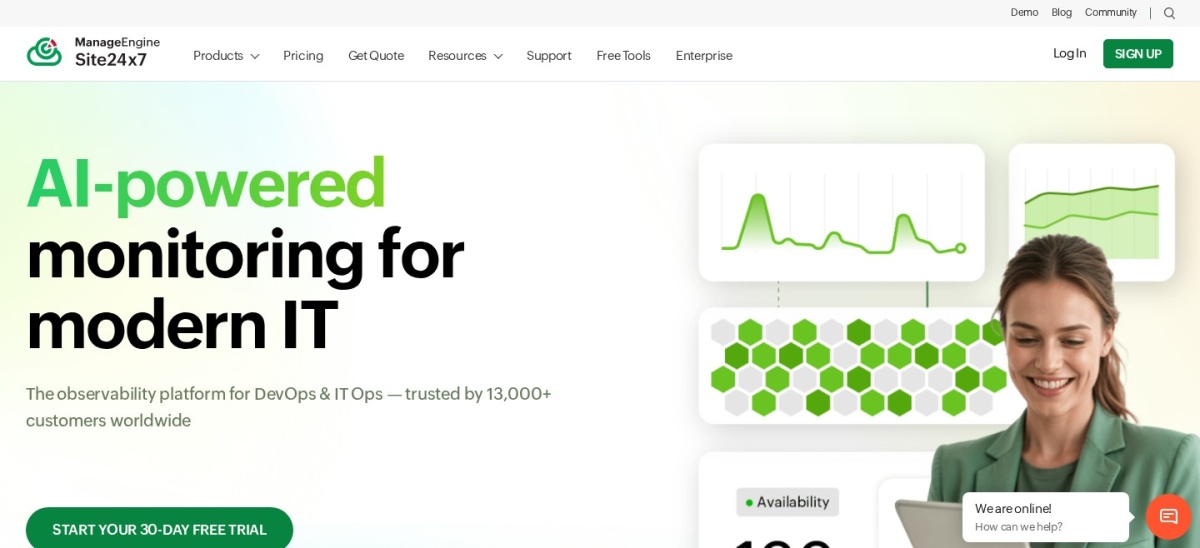
Site24x7 homepage, captured Nov 2026.
Site24x7 is a unified monitoring platform covering website availability, application performance, infrastructure and end-user experience. Its all-in-one Lite subscription costs $9 monthly with annual billing and includes monitoring for five websites and two servers.
The trade off is that comprehensive real-user analytics require additional capacity. The all-in-one Professional subscription costs $42 monthly when billed annually and includes 100,000 monitored pageviews. It suits smaller IT teams seeking affordable monitoring across multiple technology layers.
What we like
Affordable annual entry subscription
Permanent free uptime monitoring option
Combined website and infrastructure monitoring
Real-user and synthetic monitoring capabilities
Watch out for
Lite excludes some advanced monitoring capabilities
Additional monitors and pageviews increase costs
Professional adds application monitoring, network components, log ingestion and real-user monitoring.Visit site24x7.com
03
Checkly
4.6/5on G2 (33 reviews, checked Nov 2026)
Paid from$24/mo
Best for developer-led synthetic monitoring
Starter uptime monitors50
Starter browser check runs3,000
Starter API check runs25,000
Starter maximum frequency1 minute
checklyhq.com
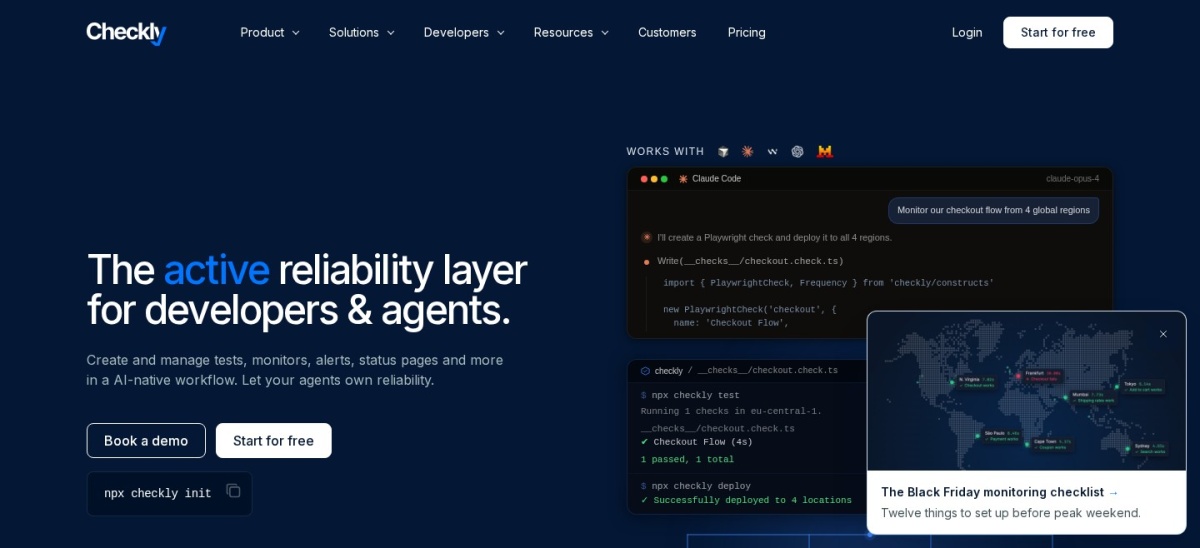
Checkly homepage, captured Nov 2026.
Checkly is a developer-focused monitoring platform that supports programmable browser checks, API testing and uptime monitoring. Its Starter subscription costs $24 monthly with annual billing and includes 50 uptime monitors, 3,000 browser check runs and 25,000 API check runs.
The trade off is its emphasis on simulated interactions rather than comprehensive real-user analytics. Starter also charges $6.50 per additional 1,000 browser check runs beyond the included allowance. It suits engineering teams that maintain monitoring configurations alongside application code.
What we like
Playwright-based browser monitoring
Monitoring configurations managed as code
Permanent free Hobby subscription
Integration with development workflows
Transparent overage pricing
Watch out for
Not a comprehensive real-user monitoring platform
Frequent checks increase consumption costs
Starter expands monitoring allowances and adds SMS notifications.Visit checklyhq.com
04
Pingdom
4.5/5on Capterra (78 reviews, checked Nov 2026)
Starts at$10/mo
Best for straightforward website monitoring
Synthetic monitoringFrom $10/month
RUM data retention13 months
Monitoring locations100+
Free trial30 days
pingdom.com
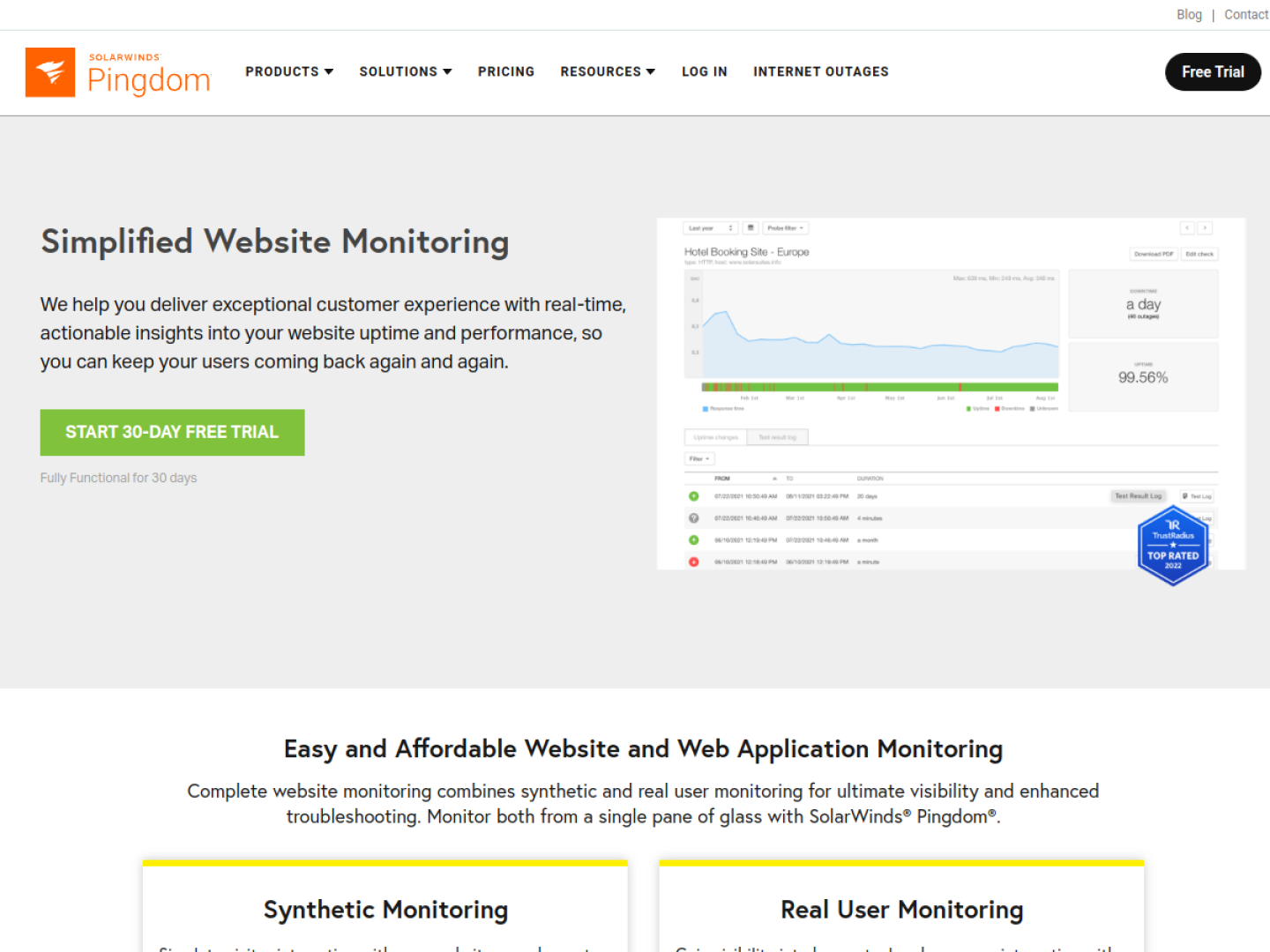
Pingdom homepage, captured Nov 2026.
Pingdom is a website performance monitoring product from SolarWinds that combines availability checks, transaction testing and visitor experience analytics. Synthetic monitoring starts at $10 per month, and its separate real-user monitoring offering supports unlimited websites and users.
The trade off is that synthetic and real-user monitoring are separately priced capabilities, so combining them increases subscription costs. The entry synthetic subscription starts at $120 annually. It suits website operators who prioritize uptime alerts, page performance and critical customer journey monitoring.
What we like
Straightforward website availability monitoring
Transaction and page speed checks
Long real-user data retention period
Email and SMS notifications
Watch out for
No permanent free subscription
Separate charges for synthetic and real-user monitoring
Paid subscriptions provide continuous monitoring, performance reports and configurable alerting.Visit pingdom.com
05
Datadog
4.4/5on G2 (747 reviews, checked Nov 2026)
Starts at$0.15/1,000 sessions/mo
Best for cloud-native observability
RUM Measure$0.15/1,000 monthly sessions
RUM Investigate$3/1,000 filtered sessions
Synthetic browser tests$12/1,000 runs
Session replay add-on$2.50/1,000 sessions
datadoghq.com
Datadog homepage, captured Nov 2026.
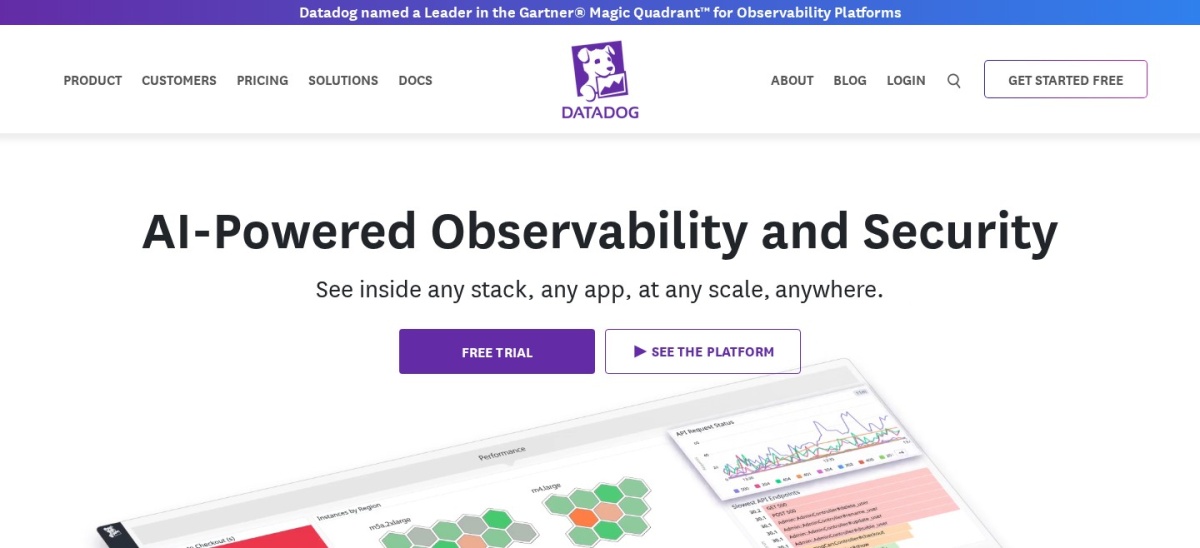
Datadog is a cloud observability platform with dedicated real-user monitoring, session replay and synthetic testing products. Its RUM Measure offering starts at $0.15 per 1,000 monthly sessions under annual commitment, providing a consumption-based entry point for frontend performance analytics.
The trade off is that separate monitoring capabilities have individual charges. RUM Investigate costs $3 per 1,000 filtered sessions, while session replay adds $2.50 per 1,000 sessions. It suits cloud-native engineering teams that want to connect frontend experience with infrastructure and application diagnostics.
What we like
Detailed browser and mobile performance analytics
Integration with cloud infrastructure monitoring
Separate synthetic API and browser testing options
Published consumption-based rates
Established observability ecosystem
Watch out for
Multiple pricing dimensions complicate budgeting
Advanced diagnostics and replay incur additional charges
Annual figure represents 1,000 RUM Measure sessions monthly, not a fixed subscription minimum.Visit datadoghq.com
06
Dynatrace
4.5/5on G2 (1,377 reviews, checked Nov 2026)
Starts at$2.25/1,000 sessions
Best for enterprise performance diagnostics
Real-user session$0.00225/session
Session replay capture$0.0045/capture
Synthetic browser action$0.0045/action
HTTP synthetic request$0.001/request
dynatrace.com
Dynatrace homepage, captured Nov 2026.
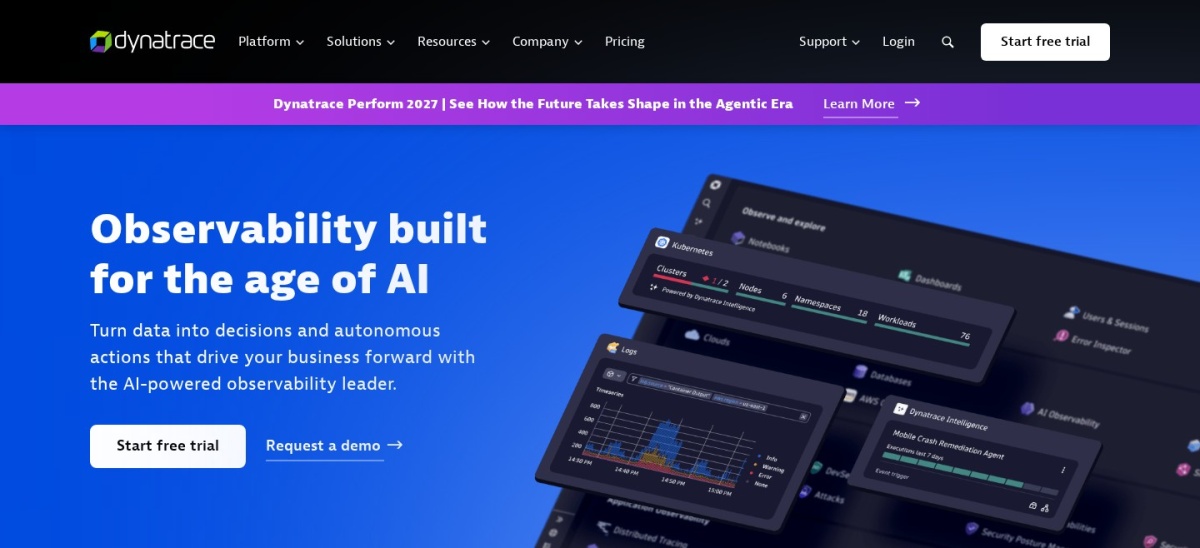
Dynatrace is an enterprise observability platform that connects digital experience monitoring with application performance analysis and automated problem detection. Its published rate card prices real-user monitoring at $0.00225 per session, equivalent to $2.25 per 1,000 sessions.
The trade off is that actual subscription costs depend on consumption commitments and additional monitoring capabilities. Session replay captures cost $0.0045 each, and synthetic browser actions are charged separately. It suits enterprises operating distributed applications that require detailed performance diagnostics.
Annual figure illustrates 1,000 real-user sessions monthly before contractual commitments and other charges.Visit dynatrace.com
07
Catchpoint
4.5/5on G2 (112 reviews, checked Nov 2026)
PricingCustom pricing
Best for internet performance monitoring
Synthetic monitoringSupported
Real-user monitoringSupported
Internet routing monitoringBGP visibility
SubscriptionSales consultation
catchpoint.com
Catchpoint homepage, captured Nov 2026.
Catchpoint is an internet performance monitoring platform that helps businesses investigate digital service problems beyond their own application infrastructure. Its offering includes synthetic monitoring, real-user analytics, routing visibility and distributed tracing, with a 4.5/5 rating from 112 G2 reviews.
The trade off is that commercial packages require consultation, and its pricing page directs buyers to LogicMonitor's pricing portal. Smaller teams may prefer a predictable self-service subscription. It suits organizations that depend on external networks, content delivery infrastructure and reliable internet connectivity.
What we like
External internet performance visibility
Network routing and connectivity monitoring
Combined real-user and synthetic analytics
Useful for investigating third-party service problems
Watch out for
Requires consultation for package pricing
May exceed basic website monitoring requirements
Commercial packages support internet performance monitoring and digital service diagnostics.Visit catchpoint.com
Real user monitoring vs. synthetic monitoring
Real user monitoring collects performance information from actual application visitors. It reveals differences in loading times, errors and user experience across browsers, devices and network conditions.
Synthetic monitoring executes predefined tests independently of real visitor traffic. It can detect broken checkout flows, unavailable endpoints and performance regressions before customers report problems.
Combining both approaches provides broader visibility. Use synthetic monitoring for continuous availability checks and real-user monitoring to understand how performance problems affect actual customers.
Understanding digital experience monitoring pricing
Fixed entry subscriptions in this comparison start at $108 annually for Site24x7 and reach $288 annually for Checkly Starter. These subscriptions include different monitoring features and consumption allowances.
Datadog and Dynatrace publish consumption-based rates rather than directly comparable fixed DEM subscriptions. Their annual figures illustrate 1,000 monitored real-user sessions each month and should not be interpreted as minimum annual contract prices. Calculate expected session volumes, data retention and synthetic testing costs before purchasing.
How we chose
We selected established monitoring companies offering real-user analytics, synthetic monitoring or broader digital performance diagnostics. Rankings prioritize monitoring coverage, pricing transparency, integration capabilities and suitability for engineering and IT operations teams.
Official pricing pages and G2 or Capterra ratings were checked on 25 Nov 2026. Fixed monthly subscriptions are annualized, while consumption-based services use explicitly identified monitoring volumes. These usage examples are not fixed annual subscription commitments.
We excluded discontinued monitoring products, basic status-page services without meaningful performance monitoring and vendors with insufficient public reviews. No vendor paid for a place, and we do not claim testing for this list.
How to choose a digital experience monitoring company
Identify your application's performance risks and monitoring requirements before comparing vendor subscriptions and technical capabilities.
Define your monitoring scope. Identify whether you need website availability checks, mobile application performance analytics, employee experience monitoring or external internet diagnostics. Select a platform covering your critical digital services.
Choose appropriate monitoring methods. Use real-user monitoring for actual customer experience data and synthetic monitoring for proactive availability checks. Consider combining both methods when application reliability directly affects revenue.
Estimate annual monitoring consumption. Calculate expected pageviews, user sessions, synthetic test runs, data ingestion and required accounts. Include overage rates and contractual commitments when estimating the complete annual cost.
Evaluate diagnostics and integrations. Confirm that the platform integrates with your application infrastructure, incident management software and development workflows. Prioritize tools that connect performance symptoms with actionable diagnostic information.
FAQ
What is the best digital experience monitoring company?
New Relic is the best overall choice for engineering teams seeking connected frontend and backend monitoring. Site24x7 is suitable for smaller budgets, while Dynatrace provides extensive enterprise application diagnostics and automated problem detection.
What does digital experience monitoring software do?
Digital experience monitoring software measures application responsiveness, website availability, transaction reliability and actual user experience. It helps IT teams identify performance issues, investigate their causes and understand their impact on digital services.
How much does digital experience monitoring software cost?
Fixed entry subscriptions start at $9 per month in this comparison. Other vendors charge according to monitored sessions, test executions or data ingestion, making the total cost dependent on application traffic and monitoring requirements.
What is the difference between DEM and APM?
Digital experience monitoring focuses on how users interact with applications and digital services. Application performance monitoring primarily examines backend application health, transaction processing and dependencies. Combining both methods helps teams connect user-facing problems with technical causes.
Are there free digital experience monitoring tools?
Yes. New Relic offers a free allowance of 100 GB of monthly data ingestion, while Checkly provides a free Hobby plan with 1,000 browser check runs and 10,000 API check runs. Site24x7 also offers free uptime monitoring.
Which digital experience monitoring company is best for enterprises?
Dynatrace is particularly suitable for enterprises requiring detailed application diagnostics and connected observability. Datadog supports cloud-native environments, while Catchpoint is useful for organizations concerned about external internet connectivity and third-party network performance.
SaaS SEO and WordPress specialist with about 8 years of experience. Rakib compares WordPress plugins, themes, hosting and software using public pricing, documentation and user reviews. See how we rank.