WLWPLegible EditorsLast verified 22 Nov 2026How we rank14 min read
★ Short answer
Supabase is the best database software for most web application developers, combining managed PostgreSQL with authentication, storage and APIs. Its free plan includes 500 MB of database storage, while Pro starts at $25/month. MongoDB Atlas is better for document databases, and Railway suits developers deploying databases alongside applications.
How we make this list: we compare pricing pages, product documentation and public user reviews, then re-check every price before each update. No product paid for a place. Disclosure.
Supabase provides 500 MB of PostgreSQL storage and 50,000 monthly active users on its free plan; Pro starts at $25/month.
MongoDB Atlas offers 512 MB of free document storage, with Flex starting at approximately $8/month for continuous base-tier usage.
Railway supports PostgreSQL, MySQL, MongoDB and Redis, with a free tier and Hobby starting at $5/month in minimum usage.
DigitalOcean Managed Databases starts at $15.15/month for a PostgreSQL or MySQL instance with 1 GiB RAM and 1 vCPU.
PlanetScale offers single-node PostgreSQL from $5/month, while Redis Cloud Essentials starts at $5/month for in-memory workloads.
Airtable offers a free visual database workspace, with Team priced at $24 per billable collaborator monthly.
What to look for in database software
Database software stores, organizes and retrieves information for applications, websites and business operations. The right choice depends on your data structure, expected traffic, query patterns and technical experience. A developer building a transactional application needs different capabilities from a team organizing marketing records.
Start with the database model. Relational databases such as PostgreSQL and MySQL use structured tables, SQL queries and relationships. Document databases such as MongoDB store flexible records, while in-memory databases such as Redis prioritize fast data access. Visual databases such as Airtable focus on business workflows rather than application infrastructure.
Next, consider management and scalability. Managed services handle much of the infrastructure, but their pricing may depend on compute, storage, network traffic or database operations. Examine backup retention, connection limits, replication, restore options and whether the database can accommodate future workloads.
Security and portability are equally important. Look for encryption, access controls, network restrictions, audit capabilities and dependable export options. Open database engines often make migration easier than proprietary systems, although moving applications can still require changes to queries, integrations and deployment architecture.
Finally, compare the actual workload costs rather than advertised entry prices alone. A database that costs very little during development may become expensive under continuous traffic. Usage-based services need particular attention because their monthly bills can change as applications grow.
Supabase is a managed PostgreSQL database platform that combines SQL storage with authentication, file storage, realtime features and automatically generated APIs. Its free plan supports 2 active projects, 500 MB of database storage per project, 50,000 monthly active users and unlimited API requests. Developers can build application backends without managing a separate authentication server or API infrastructure.
The trade off is that free projects pause after 1 week of inactivity, and production-focused features require Pro at $25 per month. Pro includes 8 GB of database storage per project, 100,000 monthly active users and daily backups. It suits developers building web applications, SaaS products and mobile backends.
What we like
Full PostgreSQL database with SQL support
Authentication, storage and APIs in one platform
Free plan supports 2 active projects
Realtime functionality and edge functions
Open-source foundation improves portability
Watch out for
Free projects pause after inactivity
Usage beyond included allowances creates additional charges
More backend services mean additional configuration and security responsibilities
Pro adds larger database allowances, daily backups, longer log retention and email support.Visit supabase.com
02
MongoDB Atlas
4.5/5on G2 (909 reviews, checked Nov 2026)
Paid from$8/mo
Best for flexible document databases
Database modelDocument-oriented NoSQL
Free storage512 MB
Flex storage5 GB
Paid entryFlex, about $8/mo base usage
mongodb.com
MongoDB Atlas homepage, captured Nov 2026.
MongoDB Atlas is a managed document database service designed for applications that store flexible, JSON-like records. Its free M0 tier includes 512 MB of storage and shared computing resources. Atlas also provides database management, monitoring, search capabilities and options for scaling from development projects to larger production workloads.
The trade off is variable pricing and additional complexity when applications need extensive relational joins or strict table-based models. Flex starts at $0.011 per hour, equivalent to approximately $8 for a 30-day month of continuous base-tier usage, and can reach $30 monthly. It suits applications with changing document structures and developers who prefer NoSQL.
What we like
Flexible document schema for evolving applications
Permanent free database tier
Managed infrastructure and monitoring
Search and vector search capabilities
Scaling options for larger production applications
Watch out for
Flex costs depend on database operations
Dedicated clusters cost considerably more
Relational workloads may require more complex data modeling
Free tier has limited storage and shared resources
Flex adds 5 GB storage and usage-based capacity; Dedicated adds isolated resources and advanced production capabilities.Visit mongodb.com
03
Railway
4.4/5on G2 (96 reviews, checked Nov 2026)
Paid from$5/mo
Best for deploying databases with applications
Database optionsPostgreSQL, MySQL, MongoDB, Redis
Free usage credit$1/mo
Hobby included usage$5/mo
Paid entryHobby, $5 minimum/mo
railway.com
Railway homepage, captured Nov 2026.
Railway is a cloud deployment platform that lets developers run databases alongside application services. Its free plan includes $1 in recurring monthly usage credits and supports PostgreSQL, Redis, MySQL and MongoDB deployments. Hobby includes $5 in monthly usage credits, a single-developer workspace and resources for running small applications and supporting databases.
The trade off is that Railway charges for actual resource consumption beyond included credits, so $5 is a minimum rather than a fixed database hosting price. Storage and compute usage can increase the bill. It suits developers who want to deploy their backend code and database through the same workflow.
What we like
Supports several established database engines
Databases and application services share one platform
Free tier for small development projects
GitHub-connected deployment workflow
Low minimum monthly paid commitment
Watch out for
Database hosting is usage-based
Resource consumption can make costs unpredictable
Less specialized database management than dedicated DBaaS services
Free resources are limited
Hobby adds higher resource allowances, more storage capacity and included monthly usage credits.Visit railway.com
04
DigitalOcean
4.6/5on G2 (762 reviews, checked Nov 2026)
Starts at$15.15/mo
Best for straightforward managed database hosting
Supported enginesPostgreSQL, MySQL, MongoDB and more
Entry memory1 GiB RAM
Entry compute1 vCPU
Paid entryPostgreSQL Standard, $15.15/mo
digitalocean.com
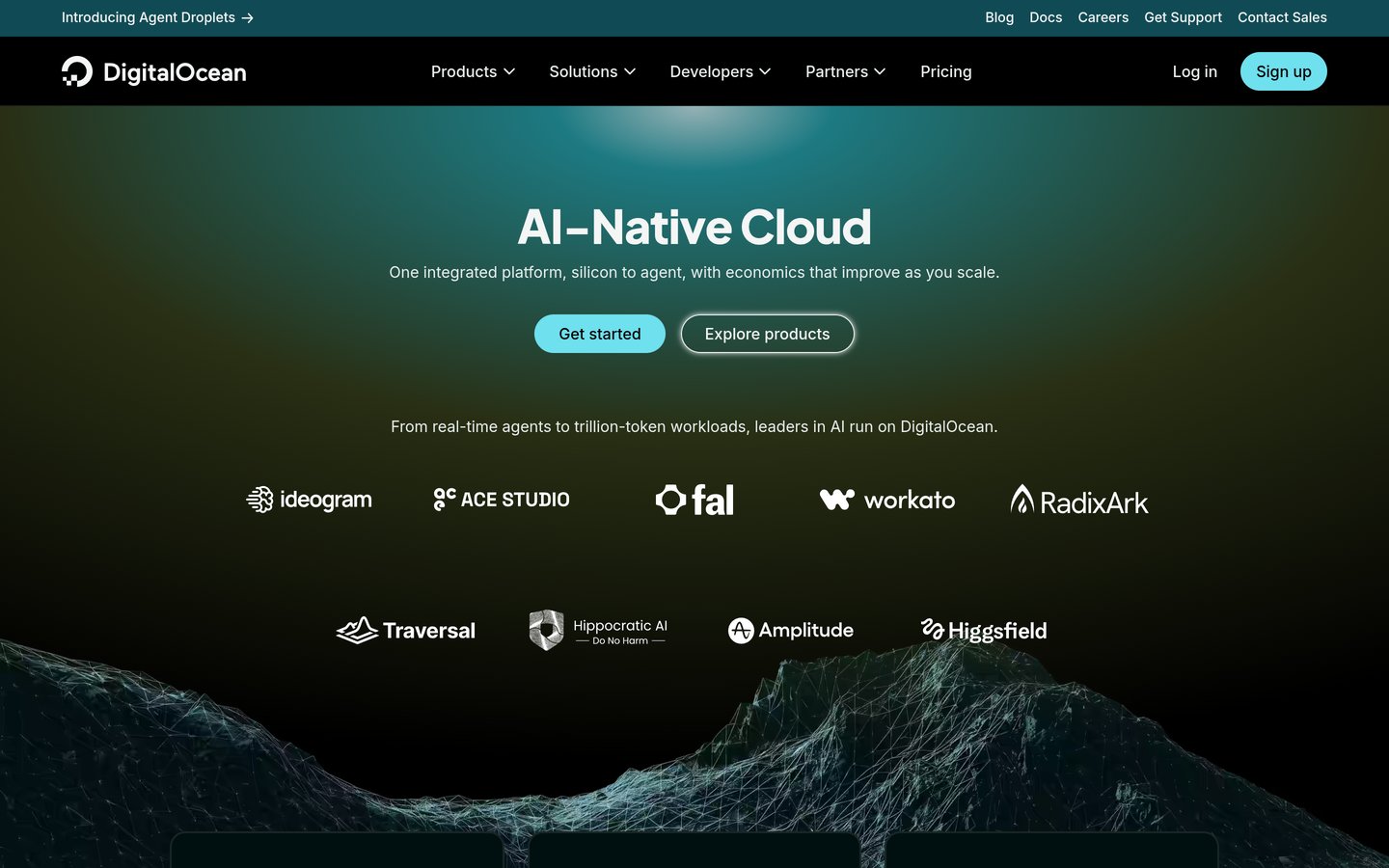
DigitalOcean homepage, captured Nov 2026.
DigitalOcean is a cloud infrastructure provider offering managed PostgreSQL, MySQL, MongoDB and other database services. Its entry PostgreSQL Standard configuration costs $15.15 monthly with 1 GiB RAM, 1 vCPU and configurable disk storage starting at 10 GiB. The service provides managed database infrastructure without requiring teams to maintain the underlying database server themselves.
The trade off is that production resilience and higher performance may require larger clusters, additional nodes and more storage, increasing costs beyond $15.15 monthly. Unlike some developer-focused alternatives, there is no permanent free managed database tier. It suits teams that want familiar database engines and straightforward infrastructure management.
What we like
Supports established relational and document databases
Published instance specifications and pricing
Managed infrastructure reduces server maintenance
Multiple compute and storage configurations
Works alongside other cloud infrastructure services
Watch out for
No permanent free managed database plan
High availability can require additional nodes
Storage and compute upgrades increase monthly costs
More infrastructure knowledge needed than no-code alternatives
Larger configurations add RAM, CPU capacity, storage and options for more resilient deployments.Visit digitalocean.com
05
PlanetScale
4.3/5on G2 (5 reviews, checked Nov 2026)
Starts at$5/mo
Best for scalable SQL database infrastructure
Database optionsPostgres, Vitess and Neki
Entry configurationSingle-node Postgres
High availabilityPrimary plus 2 replicas
Paid entryFrom $5/mo
planetscale.com
PlanetScale homepage, captured Nov 2026.
PlanetScale is a managed database platform offering PostgreSQL, Vitess-based MySQL compatibility and distributed PostgreSQL infrastructure through Neki. Its Base plan provides resource-based billing, with single-node PostgreSQL starting at $5 monthly for development and low-traffic workloads. The platform also supports database branching, query visibility and options for horizontal scaling.
The trade off is that the $5 entry configuration does not represent a highly available production deployment, and costs depend on compute, storage, replicas and network usage. More demanding workloads require larger configurations. It suits database-focused development teams preparing for schema changes, increasing traffic or distributed SQL requirements.
What we like
Low entry price for managed PostgreSQL
PostgreSQL and MySQL-compatible options
Database branching for development workflows
Horizontal scaling options
Advanced query and infrastructure capabilities
Watch out for
No permanent free database plan
High availability costs more than the entry configuration
Resource-based pricing requires cost monitoring
G2 rating is based on a small review sample
Larger deployments add high availability, additional replicas, Metal infrastructure and expanded scaling options.Visit planetscale.com
06
Redis Cloud
4.5/5on G2 (137 reviews, checked Nov 2026)
Paid from$5/mo
Best for caching and low-latency data access
Database typeIn-memory key-value
Free capacity30 MB
Essentials capacityFrom 250 MB
Paid entryEssentials, $5/mo
redis.io
Redis Cloud homepage, captured Nov 2026.
Redis Cloud is a managed in-memory database service designed for fast data retrieval, caching, session management and other latency-sensitive workloads. Its free shared deployment includes a 30 MB database and community support. Essentials starts at $5 monthly and provides larger shared deployments, access controls and encryption features.
The trade off is that Redis is not a direct replacement for a relational database when an application requires extensive SQL joins or traditional relational reporting. Essentials starts at $5 monthly, while dedicated Pro deployments require a higher commitment. It suits developers improving application response times and managing frequently accessed data.
What we like
Fast in-memory data access
Permanent free cloud tier
Affordable Essentials entry plan
Useful for caching and session management
Supports advanced data structures and search workloads
Watch out for
Free tier is limited to 30 MB
Not a direct replacement for relational SQL databases
Dedicated production infrastructure costs considerably more
Database interfaceVisual tables and linked records
Free collaboratorsUp to 5 editors
Paid billingPer billable collaborator
Paid entryTeam, $24/user/mo
airtable.com
Airtable homepage, captured Nov 2026.
Airtable is a visual database and application-building platform for organizing business information without writing SQL or managing servers. Its free plan supports lightweight team workflows, linked records, forms and shared views, with up to 5 collaborators holding editing permissions. Teams can organize information and create custom interfaces for operational processes.
The trade off is that Airtable is not intended to replace a traditional application database for demanding transactional workloads. Team costs $24 per billable collaborator monthly, or $20 monthly when billed annually, so expenses increase as editors join. It suits marketing, operations and project teams needing accessible structured information.
What we like
Accessible visual database interface
Free plan for small teams
Linked records and customizable views
Forms, automations and application interfaces
Large independent review sample
Watch out for
Seat-based pricing becomes expensive for larger teams
Not suited to high-throughput transactional backends
Data and automation limits depend on the plan
Advanced governance requires higher subscriptions
Team increases workspace capacity and adds expanded automation, collaboration and customization features.Visit airtable.com
SQL vs NoSQL databases: which should you choose?
SQL databases organize data into tables with defined relationships. PostgreSQL and MySQL are common choices for applications involving transactions, accounts, inventory and reporting. Their query languages and established tooling make them suitable for a broad range of business applications.
NoSQL databases use alternative data models. MongoDB stores document-oriented records that can evolve without requiring every document to share the same structure. Redis uses in-memory data structures suited to caching, queues, session information and fast access patterns.
Neither model is automatically better. The deciding factors are the relationships in your data, expected queries, consistency requirements and development team's experience. Some applications combine relational databases with specialized NoSQL systems.
Visual database tools occupy another category. Airtable is useful for collaborative business records and workflow automation, but it does not provide the same backend architecture as PostgreSQL or MongoDB. Choose it when usability matters more than server-level database control.
What determines the real cost of managed database software?
The advertised entry price is only the starting point. Managed database services may charge for compute capacity, running time, storage, operations, backups and network traffic. The same application can have different monthly costs depending on its query patterns and uptime requirements.
Flat-rate entry plans are easier to estimate, but they still have limitations. Supabase Pro starts at $25 monthly with defined usage allowances, while DigitalOcean publishes instance specifications and monthly prices. Additional capacity can create further charges.
Usage-based services require extra planning. MongoDB Atlas Flex starts at approximately $8 for a 30-day month of continuous base-tier usage, while Railway charges according to consumed resources beyond monthly credits. PlanetScale uses resource-based pricing for its database configurations.
High availability also changes costs. Production databases may need replicas, backup retention, point-in-time recovery and larger compute allocations. Estimate these requirements before comparing annual totals, and monitor usage after deployment to avoid unexpected bills.
How we chose
We selected established database software platforms covering managed SQL databases, document databases, in-memory data stores, application deployment and visual business databases. The shortlist emphasizes maintained services with documented product capabilities, publicly available pricing and independent customer feedback. It includes specialized products rather than treating every database architecture as interchangeable.
Prices and ratings were checked on 22 Nov 2026 using official vendor pricing pages and G2 review listings. Published monthly entry prices were multiplied by twelve for annual comparisons, with usage-based minimums clearly identified. The G2 ratings cover the corresponding vendor or product listings, including broader platform listings where separate managed-database ratings were unavailable.
We excluded database services without an accessible public USD entry price and did not use promotional credits or temporary discounts as normal subscription prices. PlanetScale remains included as an established database provider despite its smaller G2 review sample. No vendor paid for a place, and we do not claim testing for this list.
How to choose the best database software
Define your data requirements and expected workload before comparing database engines, managed hosting features and recurring subscription costs.
Choose the database model first. Identify whether your application needs SQL relationships, flexible document storage, fast key-value access or a visual business database. PostgreSQL is suitable for many transactional applications, MongoDB handles flexible documents, Redis supports low-latency access, and Airtable provides accessible business workflows.
Estimate storage and processing requirements. Consider database size, concurrent connections, query volume, application traffic and how quickly those requirements might increase. Compare free-tier allowances with realistic production usage. A small development database and a continuously running business application may have very different infrastructure costs.
Check reliability and security features. Review backup frequency, recovery options, encryption, access permissions, monitoring and replication. Determine whether you need high availability or whether a basic single-node deployment is sufficient. Also verify whether support and security features are included in the entry plan.
Calculate the full recurring cost. Compare monthly compute and storage charges, data transfer, backup storage, additional database instances and team seats. For usage-based platforms, estimate low and high workload scenarios. Favor an architecture that your team can maintain and migrate without excessive cost or operational disruption.
FAQ
What is the best database software in 2026?
Supabase is a strong overall choice for developers creating modern web and mobile applications because it combines PostgreSQL with authentication, storage and APIs. Its free tier supports small projects, while Pro starts at $25 monthly. MongoDB Atlas is a better fit when flexible document storage is the primary requirement.
What is the best free database software?
Supabase, MongoDB Atlas, Railway, Redis Cloud and Airtable all provide free entry options. Supabase includes 500 MB of database storage per free project, while MongoDB Atlas offers 512 MB. The best option depends on whether you need SQL, document storage, in-memory access or a visual workspace.
What is the difference between SQL and NoSQL databases?
SQL databases such as PostgreSQL organize records into relational tables and support structured queries. NoSQL databases use different models, including documents and key-value structures. SQL is often useful for transactional relationships, while NoSQL can suit flexible data structures or specialized access patterns. Both approaches can support substantial applications.
Is PostgreSQL better than MongoDB?
Neither database is universally better. PostgreSQL is often appropriate for applications requiring relational integrity, complex SQL queries and structured transactions. MongoDB works well with document-oriented data and evolving record structures. Choose according to query requirements, consistency needs, development expertise and the effort involved in changing your data model.
How much does cloud database software cost?
Cloud database costs vary by architecture and workload. PlanetScale starts at $5 monthly for single-node PostgreSQL, while DigitalOcean Managed PostgreSQL starts at $15.15 monthly. Supabase Pro begins at $25 monthly. Storage, compute consumption, replicas, backups and network traffic may increase the final bill.
Can I use database software without coding?
Yes. Airtable provides a visual database interface where users organize records, connect tables, create forms and automate workflows without SQL. Traditional database services generally require more technical knowledge, although many offer graphical administration tools. Visual platforms are usually better for collaborative business workflows than high-volume application backends.
What is the best database software for a SaaS application?
Supabase is a practical starting point for SaaS products needing PostgreSQL, authentication and application APIs. Railway is useful when developers want application services and databases in one deployment environment. MongoDB Atlas is worth considering when the application relies on document-oriented data. Security, workload growth and database portability should guide the final decision.
Do I need a managed database or a self-hosted database?
Managed databases reduce the responsibility for infrastructure maintenance and commonly provide automated operational features. Self-hosting gives you more control over configuration and deployment but requires ongoing administration, monitoring and backup planning. A small team without dedicated database administrators may find a managed service easier to maintain.
Can I migrate from one database platform to another?
Migration is usually possible, but complexity depends on database compatibility and application architecture. Moving between PostgreSQL hosting providers is generally simpler than changing from a relational database to a document database. Check export formats, extensions, authentication dependencies and downtime requirements before choosing a provider.