Krita is the best ArtRage alternative for most desktop artists, offering free, open-source painting and animation tools with a 4.4 out of 5 G2 rating. Adobe Fresco is better for free natural-media painting on compatible tablets, while Procreate offers an affordable one-time purchase for iPad artists.
How we make this list: we compare pricing pages, product documentation and public user reviews, then re-check every price before each update. No product paid for a place. Disclosure.
Krita provides free digital painting and animation tools, earning 4.4 out of 5 from 64 G2 reviews.
Adobe Fresco includes unlimited layers and its premium drawing features without a paid subscription.
Procreate costs $12.99 as a one-time purchase and earns 4.4 out of 5 from 51,000 App Store ratings.
Clip Studio Paint subscriptions start at $0.99 per month, with device restrictions on the cheapest plan.
Sketchbook offers a $2.99 one-time mobile upgrade and earns 4.8 out of 5 from 221,000 App Store ratings.
How do you choose the best ArtRage alternatives?
The best ArtRage alternative depends on how closely you want digital painting to resemble traditional art. Natural-media artists should prioritize paint mixing, brush texture and pressure sensitivity. Comic artists and illustrators may benefit more from precise line tools, layers and reusable drawing assets.
Subscription-free software is widely available for digital artists. Krita and Adobe Fresco provide extensive drawing features without mandatory payments. Procreate charges $12.99 once, while Sketchbook offers an inexpensive optional mobile upgrade.
Device compatibility can determine your software choice before you compare features. Krita supports major desktop operating systems but does not support iPads or iPhones. Procreate focuses on iPad, while Clip Studio Paint supports desktop and mobile workflows.
File compatibility matters when switching from ArtRage. Export important artwork into commonly supported formats before changing applications. Proprietary brush settings, paint behavior and some layer properties may not transfer accurately between different painting engines.
Public ratings provide useful context about drawing experiences and application usability. However, software review platforms and mobile app stores represent different audiences. Consider the review source alongside the score, especially when comparing desktop painting programs with mobile applications.
Krita is a free, open-source painting application for illustrators, concept artists and digital painters. Its complete desktop application includes customizable brush engines, layer management and frame-based animation, with 16 GB of RAM recommended for a comfortable working environment.
The trade off is that Krita's extensive brush and workspace settings require some learning, despite having no mandatory subscription cost. Optional paid storefront downloads support development without introducing an exclusive feature tier. It suits desktop artists seeking extensive painting capabilities without recurring software expenses.
What we like
Complete painting application available for free
Customizable brush engines
Supports frame-by-frame animation
Available on major desktop operating systems
Open-source development model
Watch out for
No iPad or iPhone version
Interface requires time to learn
Complex artwork benefits from additional system memory
Optional paid storefront editions support development and provide automatic updates.Visit krita.org
02
Adobe Fresco
4.4/5on G2 (37 reviews, checked Nov 2026)
PriceFree
Best for free natural-media painting
Brush categoriesPixel, vector and live
Layer allowanceUnlimited
PlatformsWindows, iPadOS, iOS
AnimationMotion tools included
adobe.com
Adobe Fresco homepage, captured Nov 2026.
Adobe Fresco is a free drawing and painting application that combines traditional-looking media with digital illustration tools. Its live brushes simulate watercolor and oil painting, while unlimited layers, vector brushes and motion features are available without a separate Fresco subscription.
The trade off is that Fresco does not support every desktop operating system or mobile device, even though its painting features are free. Artists needing broader photo editing or design workflows may require separate applications. It suits watercolor artists and illustrators using compatible touchscreens and styluses.
What we like
All Fresco painting features are free
Watercolor and oil paint simulation
Supports vector and raster drawing
Unlimited layers
Animation and motion tools
Watch out for
No native Linux application
No Android version
Not a complete photo editing application
No paid Fresco upgrade is required to unlock its drawing features.Visit adobe.com
03
Procreate
4.4/5on App Store (51,000 reviews, checked Nov 2026)
Starts at$12.99 one-time
Best for professional iPad illustration
PlatformiPadOS
Maximum canvas16,000 × 8,000 on compatible devices
Custom brush settings100+
AnimationAnimation Assist
procreate.com
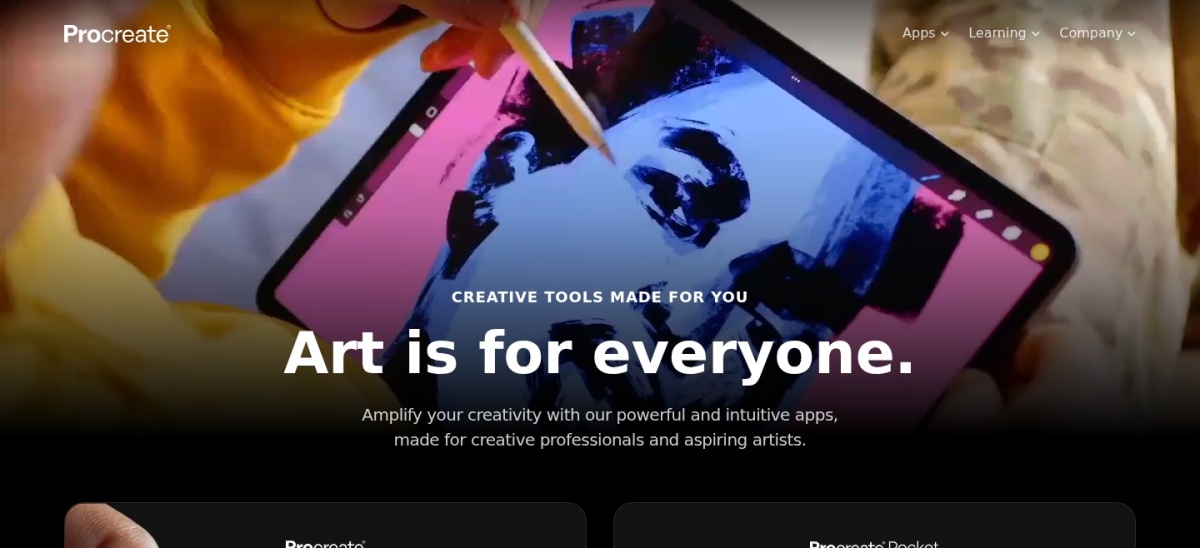
Procreate homepage, captured Nov 2026.
Procreate is an iPad drawing and painting application offering customizable brushes, layer masks, animation and illustration tools for a $12.99 one-time purchase. Compatible iPad Pro models support canvases measuring up to 16,000 by 8,000 pixels, while Brush Studio provides more than 100 customization settings.
The trade off is that the $12.99 application is restricted to iPad, with canvas and layer capacity depending on hardware. Procreate Pocket and Procreate Dreams are separate products. It suits artists who prefer a portable drawing workspace and predictable software costs.
What we like
Affordable one-time purchase
Extensive brush customization
Responsive stylus-oriented interface
Built-in artwork time-lapse recording
PSD import and export
Watch out for
No Windows or macOS desktop version
Layer capacity depends on device and canvas size
No permanent free edition
The one-time purchase unlocks the complete Procreate painting application.Visit procreate.com
04
Clip Studio Paint
4.4/5on G2 (56 reviews, checked Nov 2026)
Starts at$0.99/mo
Best for comics, manga and character illustration
Starting subscription$0.99/mo
Cloud storage10 GB
Desktop perpetual licenseAvailable
Drawing references3D models
clipstudio.net
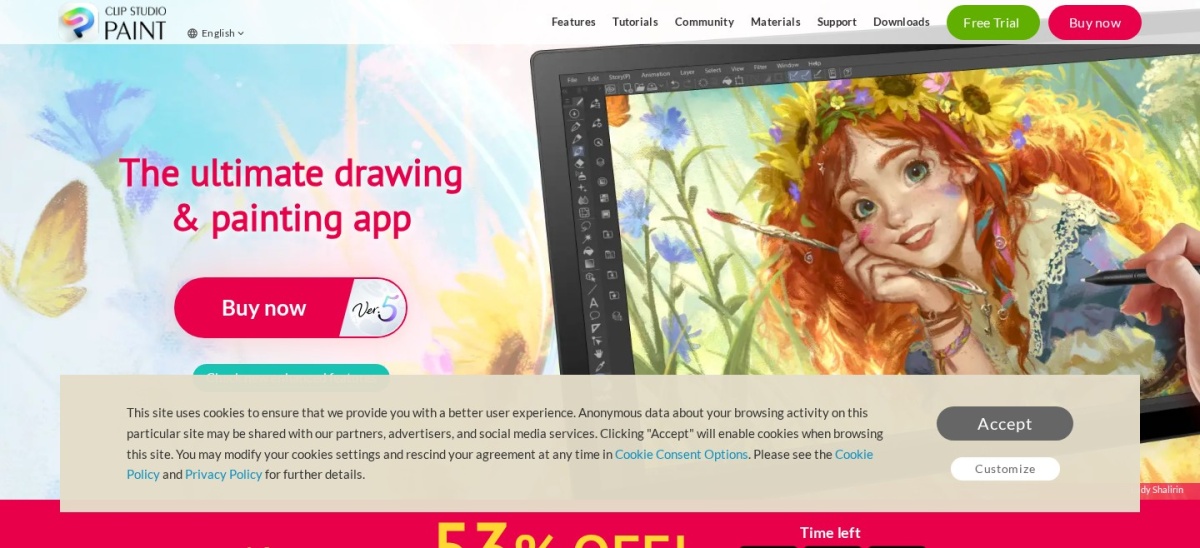
Clip Studio Paint homepage, captured Nov 2026.
Clip Studio Paint is a drawing and illustration application specializing in comics, character artwork and animation. Subscriptions start at $0.99 per month for eligible device plans, and the vendor advertises 10 GB of cloud storage with its subscription offerings.
The trade off is that the $0.99 starting subscription applies to restricted device configurations rather than full desktop access. Desktop perpetual licenses are available separately, and advanced comic publishing features require higher product editions. It suits illustrators who need dedicated line art, reference models and comic production tools.
What we like
Dedicated comic and manga creation features
Customizable brushes and stroke stabilization
Posable 3D drawing references
Supports desktop and mobile devices
Desktop perpetual license option
Watch out for
Complex licensing and device restrictions
Advanced features depend on product edition
Mobile access generally requires a subscription
Paid subscriptions provide drawing tools, cloud storage and eligible feature updates.Visit clipstudio.net
05
Sketchbook
4.8/5on App Store (221,000 reviews, checked Nov 2026)
Paid from$2.99 one-time
Best for beginners and distraction-free sketching
Mobile pricingFree
Mobile Premium Bundle$2.99
Desktop applicationSketchbook Pro
Drawing aidsGuides, rulers and symmetry
sketchbook.com
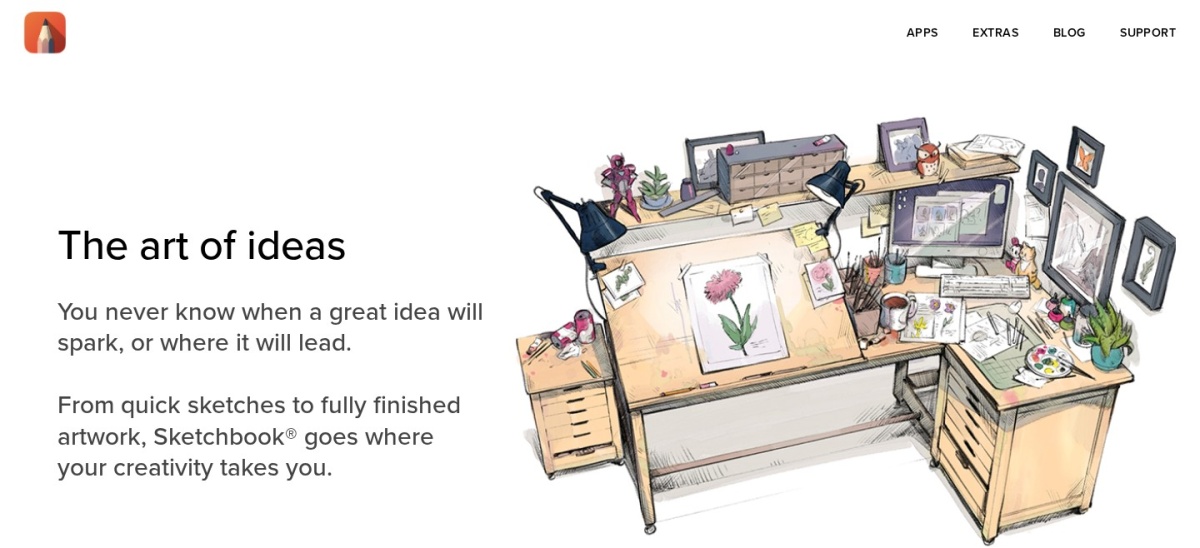
Sketchbook homepage, captured Nov 2026.
Sketchbook is a digital drawing application focused on quick sketches, finished illustrations and stylus-based painting. Its free mobile edition includes customizable brushes, layers and precision guides, while the $2.99 Premium Bundle adds further drawing and editing features.
The trade off is that the $2.99 mobile upgrade does not include the separately sold desktop application. Sketchbook also offers fewer specialized comic production and natural paint simulation tools than dedicated alternatives. It suits beginners, hobbyists and professionals who prefer a clean sketching workspace.
What we like
Permanent free mobile edition
Inexpensive one-time premium upgrade
Accessible drawing interface
Customizable brushes and precision guides
Large mobile customer rating sample
Watch out for
Desktop software requires a separate purchase
Advanced mobile features require Premium Bundle
Limited dedicated comic production features
Premium Bundle adds advanced mobile brush, color and layer features.Visit sketchbook.com
06
GIMP
4.3/5on G2 (1,437 reviews, checked Nov 2026)
PriceFree
Best for combining painting and image editing
LicenseGNU GPL
Desktop platformsWindows, macOS, Linux
Painting toolsCustom brushes and pressure support
Stable version3.2.8
gimp.org
GIMP homepage, captured Nov 2026.
GIMP is a free, open-source image editor supporting digital artwork, photo retouching, compositing and raster illustration. Its stable version 3.2.8 was released in November 2026, and artists can access its drawing, image processing and layer tools without purchasing a software subscription.
The trade off is that GIMP's free toolset emphasizes general raster image editing rather than realistic paint behavior. Traditional oil and watercolor artists may prefer a dedicated painting engine. It suits designers who combine illustration, image manipulation and artwork finishing within the same desktop application.
What we like
Completely free desktop application
Extensive image editing capabilities
Custom brushes and pressure-sensitive input
Supports major desktop operating systems
Established open-source community
Watch out for
Less focused on natural-media simulation
Interface can be difficult for beginners
No dedicated comic publishing workflow
All official image editing and painting features are available without a paid plan.Visit gimp.org
07
Rebelle
4.8/5on G2 (94 reviews, checked Nov 2026)
Starts at$89.99 one-time
Best for realistic oil and watercolor simulation
Entry editionRebelle 8
Included updates12 months
Computer allowance3 computers
Pro edition$149.99
escapemotions.com
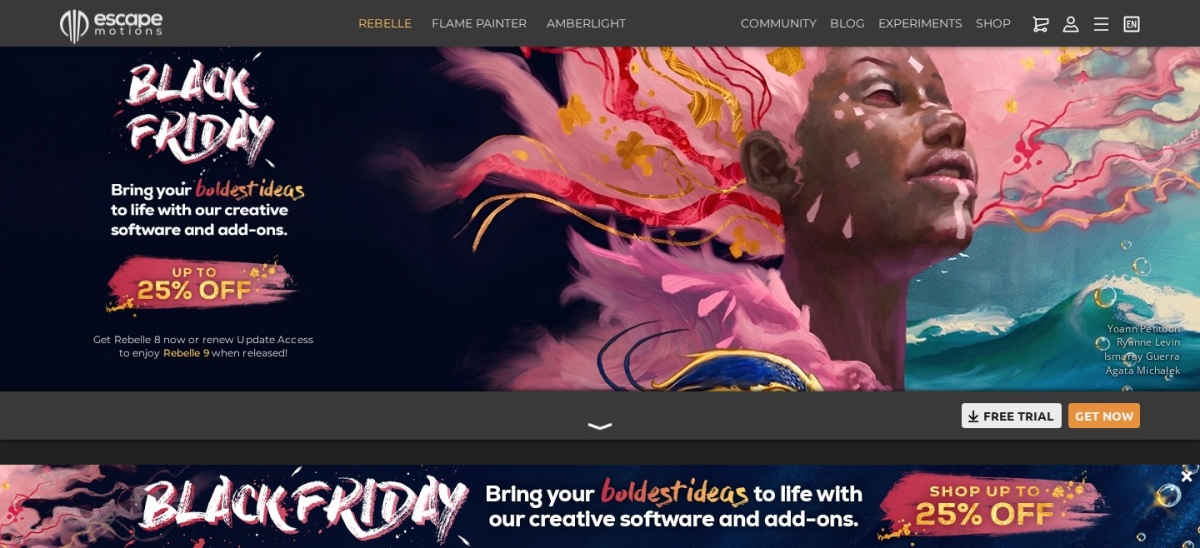
Rebelle homepage, captured Nov 2026.
Rebelle is a digital painting application designed around realistic watercolor diffusion, oil painting and textured surfaces. Its standard Rebelle 8 license costs $89.99, supports installation on 3 computers and includes 12 months of software updates.
The trade off is that advanced pigment mixing and rendering technologies require Rebelle 8 Pro at $149.99. Continuing to receive updates beyond the included period also requires an optional renewal payment. It suits traditional artists who prioritize believable paint behavior and textured digital artwork.
What we like
Realistic watercolor and oil painting behavior
Perpetual software license
Textured paper and canvas simulation
Regular software improvements
High G2 customer rating
Watch out for
Higher initial purchase cost than several alternatives
Advanced pigment features require Pro
Continued updates require optional renewal
The standard license includes painting tools and 12 months of updates; Pro adds advanced simulation features.Visit escapemotions.com
Which ArtRage alternatives feel most like traditional painting?
Rebelle is particularly relevant for artists who enjoy ArtRage's simulation of traditional materials. Its painting engine focuses on watercolor diffusion, oil paint and textured surfaces. The standard edition costs $89.99, while Pro adds further pigment and rendering capabilities.
Adobe Fresco provides a free alternative for artists interested in watercolor and oil simulation. Its live brushes reproduce aspects of wet-media behavior, and artists can combine these brushes with vector and raster drawing tools.
Krita offers flexible brush engines and extensive customization rather than concentrating exclusively on physical paint simulation. Artists who enjoy designing their own brushes or combining different illustration styles may prefer its open-source approach.
Can you replace ArtRage without paying a monthly subscription?
Yes. Krita, Adobe Fresco and GIMP provide complete applications without mandatory subscriptions. Krita concentrates on painting and illustration, Fresco combines different brush technologies, and GIMP provides broader image editing capabilities.
Procreate costs $12.99 as a one-time purchase, while Sketchbook's mobile Premium Bundle costs $2.99. Rebelle costs $89.99 for a perpetual standard license with 12 months of included updates.
The annual price ladder treats one-time purchases as first-year expenses rather than recurring annual charges. Krita's optional paid storefront editions distribute the same open-source application, so they are not classified as separate premium feature plans. Clip Studio Paint also offers desktop perpetual licensing alongside subscriptions.
How we chose
We shortlisted established drawing and painting applications with features relevant to ArtRage users. Rankings prioritize digital painting capabilities, brush customization, natural-media support, operating system compatibility, licensing flexibility and public customer feedback.
We opened official product pages, vendor pricing information, G2 drawing software listings and publisher-operated App Store listings on 29 Nov 2026. Mobile rating counts use the rounded figures displayed by the App Store. Monthly prices are multiplied by twelve, while perpetual licenses represent first-year purchase costs.
We excluded PaintTool SAI and Corel Painter because their opened product pages did not provide confirmable regular USD prices. Clip Studio Paint's entry price is device-specific, and Sketchbook's listed upgrade applies to mobile devices. Rebelle's regular price comes from its official release announcement because the shop did not display prices. No vendor paid for a place, and we do not claim testing for this list.
How to choose the right ArtRage alternative
Compare your preferred painting style, available hardware, licensing preferences and existing artwork formats before choosing a replacement for ArtRage.
Choose software that matches your artistic medium. Select Rebelle or Adobe Fresco for realistic watercolor and oil painting. Choose Krita for customizable digital brushes, Clip Studio Paint for comic production, or GIMP when artwork requires extensive image editing.
Verify compatibility with your drawing hardware. Check supported operating systems, stylus pressure sensitivity, graphics tablet compatibility and system requirements. Procreate requires an iPad, while Krita supports desktop platforms and recommends 16 GB of RAM.
Compare recurring subscriptions with permanent licenses. Consider free applications before purchasing software. Compare Procreate's $12.99 one-time purchase with Rebelle's $89.99 perpetual license, and examine whether future feature updates or additional devices require separate payments.
Check file compatibility and artwork portability. Export representative ArtRage projects into supported image formats before switching. Check whether your replacement preserves layers, transparency, resolution and color information. Keep original project files because proprietary brush behavior may not transfer.
FAQ
What is the best ArtRage alternative in 2026?
Krita is the best ArtRage alternative for most desktop artists because it provides free digital painting, customizable brushes and animation tools without mandatory subscriptions. Adobe Fresco is better for free natural-media painting, while Procreate offers a dedicated iPad drawing experience for $12.99.
What is the best free alternative to ArtRage?
Krita is the best free ArtRage alternative for desktop illustration and painting. It provides a complete open-source drawing application without paid feature restrictions. Adobe Fresco is another excellent free option for artists who prioritize watercolor simulation, oil brushes and stylus-based drawing.
Is Rebelle better than ArtRage for realistic painting?
Rebelle is a strong alternative for artists who prioritize watercolor diffusion, pigment behavior and textured surfaces. Its standard edition costs $89.99, while Pro costs $149.99. Whether it is better than ArtRage depends on your preferred materials, hardware and painting workflow.
Is Krita better than Adobe Fresco?
Krita is better for desktop artists who need flexible brush engines, open-source software and broader operating system compatibility. Adobe Fresco is better for artists who prefer live watercolor and oil brushes alongside vector drawing. Both applications provide their main painting features for free.
Which ArtRage alternative is best for beginners?
Sketchbook is a good choice for beginners because its interface focuses on drawing rather than complicated editing workflows. The mobile version is free, with an optional $2.99 Premium Bundle. Adobe Fresco is another accessible option for learning digital painting with realistic media.
Which ArtRage alternative is best for iPad?
Procreate is a strong ArtRage alternative for iPad artists because it combines customizable brushes, animation tools and a stylus-oriented interface for $12.99. Adobe Fresco is preferable if you specifically want free watercolor simulation, live oil brushes or vector drawing features.
Can I buy digital painting software without a subscription?
Yes. Procreate costs $12.99 once, Sketchbook's mobile Premium Bundle costs $2.99, and Rebelle 8 costs $89.99 for a perpetual license. Krita, GIMP and Adobe Fresco also provide painting capabilities without mandatory subscription payments.
Which ArtRage alternative is best for drawing comics?
Clip Studio Paint is a strong choice for comics and manga because it includes specialized illustration tools, customizable brushes, drawing references and comic production features. Subscriptions start at $0.99 per month for eligible device configurations, with desktop perpetual licenses also available.
Can ArtRage project files be opened in other painting applications?
ArtRage's native project files are not generally interchangeable with other painting applications. Export artwork into formats supported by your replacement software, such as layered PSD where available or standard PNG files. Retain the original projects to preserve application-specific painting information.
SaaS SEO and WordPress specialist with about 8 years of experience. Rakib compares WordPress plugins, themes, hosting and software using public pricing, documentation and user reviews. See how we rank.