Canva is the best of these alternatives to Microsoft Publisher for most people, with a free plan, 1.6M+ free templates and Pro at $144 a year. Affinity is the closest free desktop publishing replacement, while Adobe InDesign suits professionals who need full print controls.
How we make this list: we compare pricing pages, product documentation and public user reviews, then re-check every price before each update. No product paid for a place. Disclosure.
Canva is the easiest switch, with a free plan, 1.6M+ free templates and Pro at $144 a year.
Affinity is free for individuals and the closest desktop replacement, with master pages, CMYK and PDF/X export.
Adobe InDesign is the professional standard at $20.99 a month, with no free plan beyond a trial.
Scribus and LibreOffice cost nothing and cover print layout and everyday flyers on Windows, Mac and Linux.
Paid plans in this list run from $9.99 a month for Adobe Express to $279 a year for QuarkXPress.
How do you choose among alternatives to Microsoft Publisher?
Microsoft removed Publisher from Microsoft 365 on 1 October 2026, and support for the perpetual Publisher 2021 ends on 13 October 2026, so a replacement is now a deadline, not a preference. Publisher was built for quick print jobs, not long books. Most people replacing it need flyers, brochures, newsletters and booklets, so a template tool or a light layout app covers the job without a professional suite.
Print work and screen work need different tools. If a printer asks for CMYK colour and PDF/X files, pick a desktop layout app such as Affinity, Scribus or InDesign rather than a browser template editor.
Moving old files takes planning. No tool in this list opens Publisher .pub files directly, so export your old work as PDF from Publisher before you switch.
Canva is a browser-based design platform with drag-and-drop templates for flyers, brochures, posters and newsletters. The free plan includes 1.6M+ templates, 4.7M+ free assets and 5 GB of storage, so most Publisher-style jobs need no payment.
The trade off is print depth. CMYK export, background removal and brand kits need Pro at $144 a year billed yearly, or $18 a month billed monthly. It suits non-designers and small teams who want finished flyers fast.
What we like
Huge free template library for flyers and brochures
Easiest editor in this list for beginners
Free plan covers most casual jobs
Works in the browser and on mobile
Watch out for
No master pages or threaded text frames
CMYK export needs the paid plan
Pro adds CMYK export, background removal and brand kitsVisit canva.com
02
Affinity
4.7/5on GetApp (62 reviews, checked Nov 2026)
PriceFree
Best free desktop publishing app
Free planYes, individuals
Print controlsCMYK, spot, PDF/X
PlatformsmacOS, Windows, iPad
File importIDML, PSD, AI, PDF
affinity.studio
Affinity homepage, captured Nov 2026.
Affinity is a free creative suite that combines page layout, vector design and photo editing in one desktop app. Individuals get master pages, data merge, CMYK colour, spot colours and PDF/X export for free with a Canva account.
The trade off is the learning curve. It is a professional layout tool, so beginners face more panels and settings than a template editor, and there is no Linux version. It suits designers who want a real Publisher replacement without a subscription.
What we like
Full desktop publishing free for individuals
CMYK, spot colours and PDF/X export
Opens IDML, PSD, AI and PDF files
Runs offline after activation
Watch out for
Needs a free Canva account to download
No native Linux version
Fewer templates than Canva
Free for individuals; Publisher 2 still sells separately at $69.99 onceVisit affinity.studio
03
Adobe InDesign
4.6/5on G2 (3,529 reviews, checked Nov 2026)
Starts at$20.99/mo
Best for professional print work
Free planNo, 7-day trial
Print controlsCMYK, PDF/X, preflight
PlatformsmacOS, Windows, iPad
Paid plan$20.99/mo
adobe.com
Adobe InDesign homepage, captured Nov 2026.
Adobe InDesign is the layout standard for books, magazines and brochures, with master pages, threaded text frames, styles and preflight checks. It handles long documents and press-ready PDF/X export better than any other tool in this list.
The trade off is cost and complexity. There is no free plan beyond a 7-day trial, and the single-app price is $20.99 a month. It suits publishers, designers and teams who produce print work every week.
What we like
Deepest print and long-document controls
Best preflight and PDF/X export
Works with Photoshop and Illustrator files
Huge template and tutorial library
Watch out for
Most expensive tool in this list
Steep learning curve for casual users
Subscription only; a 7-day free trial is availableVisit adobe.com
04
Scribus
4.1/5on G2 (27 reviews, checked Nov 2026)
PriceFree
Best free open-source print layout
Free planYes, open source
Print controlsCMYK, spot, PDF/X
PlatformsLinux, macOS, Windows
Paid planNone
scribus.net
Scribus homepage, captured Nov 2026.
Scribus is a free open-source desktop publishing program for brochures, newsletters and books. It provides master pages, CMYK colour separations, spot colours, ICC colour management and PDF/X export with no licensing fees.
The trade off is polish. The interface feels dated, the learning curve is steep, and there are no built-in collaboration tools. It suits small presses, newsletters and Linux users who need real prepress controls for free.
Adobe Express is a browser and mobile design app for quick flyers, social graphics and simple documents. Its free plan includes 345,000+ templates, 5,000+ fonts and 5 GB of storage, with no desktop software to install.
The trade off is depth. It is not built for multi-page print layout or commercial prepress, and Premium costs $9.99 a month billed monthly. It suits marketers and non-designers making fast promotional graphics.
What we like
Free plan with 345,000+ templates
Runs in any browser with no install
Includes Adobe fonts and stock assets
Cheapest paid plan in this list
Watch out for
No multi-page layout or preflight tools
Free exports carry limits on assets
Premium adds 100 GB storage, brand kits and 250 AI credits a monthVisit adobe.com
06
Marq
4.5/5on G2 (210 reviews, checked Nov 2026)
Starts at$10/mo
Best for brand-locked templates
Free planNo
Paid planPro, $10/mo
TemplatesBrand-locked designs
AccessBrowser editor
marq.com
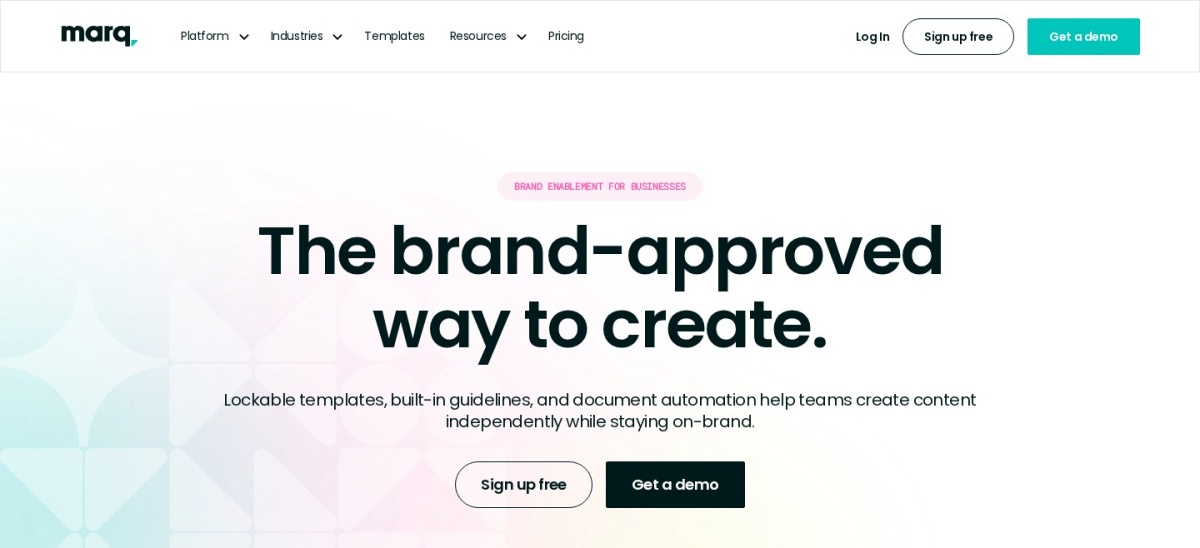
Marq homepage, captured Nov 2026.
Marq is a browser design tool built for teams that reuse the same flyers, brochures and sales sheets. Its drag-and-drop editor and brand-locked templates let non-designers produce on-brand material without touching the layout.
The trade off is scope. Pro costs $10 a month, and Marq is weaker than desktop layout apps for long print documents. It suits small teams and franchises that need consistent marketing material from shared templates.
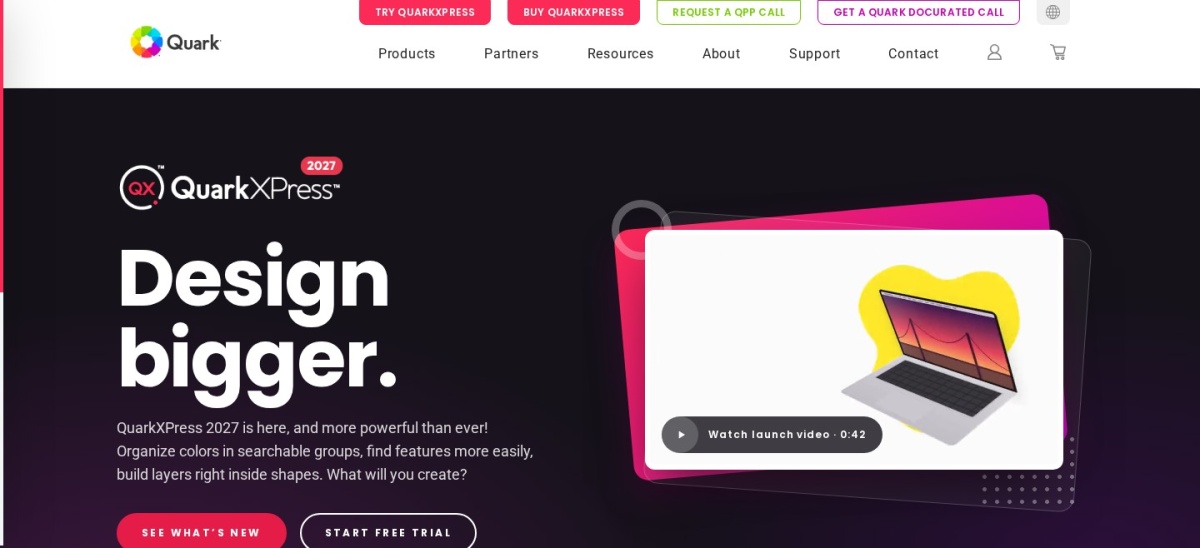
QuarkXPress is a long-standing desktop publishing app for print and digital layouts, with precise typography, master pages and variable fonts. It imports InDesign files well, which helps teams leaving Adobe behind.
The trade off is price. The annual subscription costs $279 a year, and the perpetual licence is $699 one-time. It suits print shops and publishers who want to own their layout software outright.
What we like
Perpetual licence avoids a subscription
Strong InDesign file import
Precise typography and print controls
Watch out for
Expensive for casual users
Smaller community than InDesign
Subscription $279 a year, or $699 for a perpetual licenceVisit quark.com
08
Kittl
4.7/5on G2 (43 reviews, checked Nov 2026)
Paid from$144/yr
Best for posters and merch graphics
Free planYes, personal use
Paid planPro, $144/yr
AI allowance100 tokens once, free
AccessBrowser editor
kittl.com
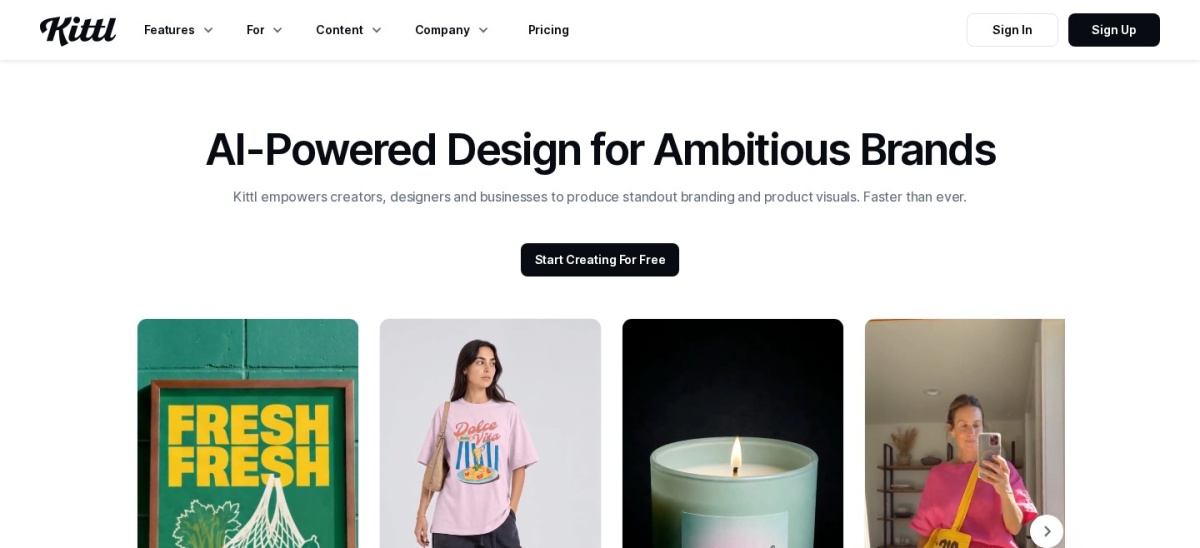
Kittl homepage, captured Nov 2026.
Kittl is a browser design tool focused on posters, branding, typography and merchandise graphics. Its free plan grants 100 one-time AI tokens, so you can test templates and layout tools before paying.
The trade off is licensing. The free plan covers personal use only, and Pro costs $144 a year billed yearly. It suits creators and small sellers making posters, logos and print-on-demand designs.
What we like
Strong typography and poster templates
Free tier to try the editor
Vector exports on the paid plan
Watch out for
Free plan is personal use only
Not built for multi-page print layout
Pro adds commercial licensing and 2,000 AI tokens a monthVisit kittl.com
09
LibreOffice
4.3/5on Capterra (2,245 reviews, checked Nov 2026)
PriceFree
Best free office-suite fallback
Free planYes, open source
ModulesWriter, Draw, Impress
PlatformsWindows, macOS, Linux
ExportPDF, DOCX, SVG
libreoffice.org
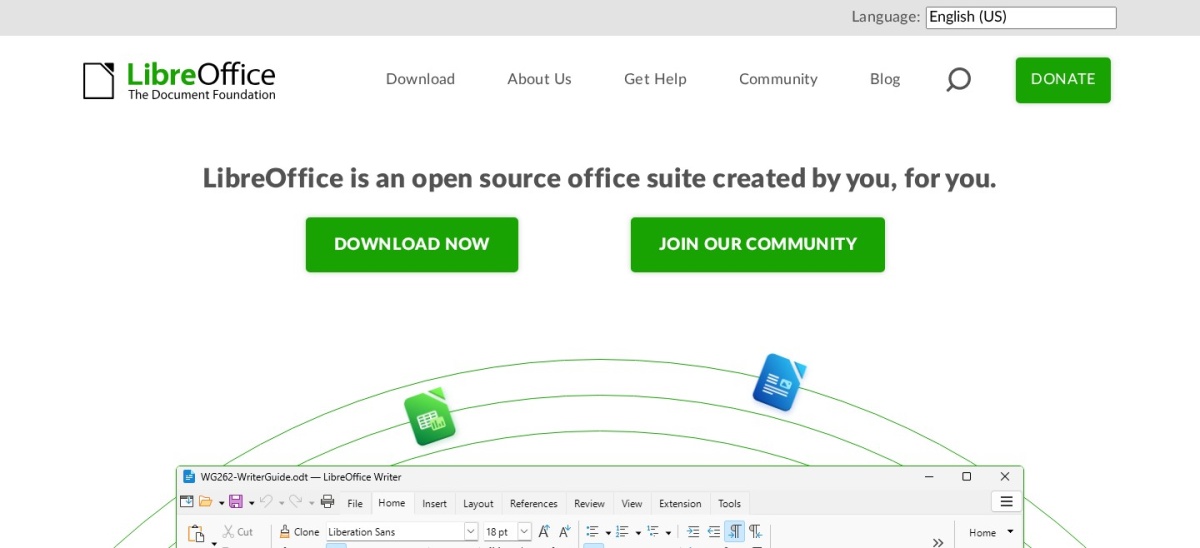
LibreOffice homepage, captured Nov 2026.
LibreOffice is a free open-source office suite whose Writer and Draw modules handle everyday brochures, flyers, multi-page documents and diagrams. It supports styles, frames, columns, tables and PDF export across Windows, macOS and Linux.
The trade off is layout depth. It lacks CMYK colour separation and PDF/X controls, so it is not a prepress tool. It suits offices, schools and anyone making straightforward flyers and handouts for free.
No tool in this list opens Publisher .pub files directly. Export each file from Publisher as a PDF while you still have access, and keep the original .pub files as backups.
PDFs work as a starting point, not an editable layout. Most tools here can place or trace a PDF, but text and images usually need rebuilding in the new tool.
Rebuild the templates you reuse most first. A one-page flyer takes minutes in Canva or Adobe Express, while a 20-page newsletter is worth rebuilding once in Affinity or Scribus.
How we chose
We started from the desktop publishing and template tools most often named as Publisher replacements, then kept nine with a live product, public pricing and a public rating.
Prices come from each vendor's pricing page, checked on 29 November 2026. Ratings and review counts come from G2, Capterra or GetApp on the same day. Where a vendor shows a sale, the list shows the regular price.
We left out tools with no public rating and tools that only edit photos or video. No vendor paid for a place, and we do not claim to have used these tools ourselves.
How to choose an alternative to Microsoft Publisher
Match the tool to the job, not to the brand name.
Decide print or screen first. If a printer needs CMYK and PDF/X, pick Affinity, Scribus or InDesign. If the flyer lives online, a template tool is faster.
Try the free plan before paying. Canva, Adobe Express and Affinity all cost nothing to start, so rebuild one real flyer in each and compare the result.
Check how your old files move. Export Publisher files as PDF first, since no tool here opens .pub files directly.
Count the cost per year, not per month. Monthly billing looks cheap, but yearly totals in this list run from $0 to $279, so compare the annual figure.
FAQ
What is the best alternative to Microsoft Publisher?
Canva is the best alternative to Microsoft Publisher for most people. Its free plan covers flyers, brochures and posters with 1.6M+ templates, and Pro costs $144 a year. Affinity is the closer free desktop replacement for print work.
Is there a free alternative to Microsoft Publisher?
Yes. Affinity, Scribus and LibreOffice are all free, and Canva, Adobe Express and Kittl offer free plans. Affinity is the strongest free pick for print layout, while Canva is the easiest free pick for quick flyers.
How much does a Microsoft Publisher alternative cost?
Free tools cover most casual jobs, and paid plans in this list run from $9.99 a month for Adobe Express to $279 a year for QuarkXPress. Canva Pro costs $144 a year, while InDesign costs $20.99 a month with no free plan.
Which alternative is best for beginners?
Canva is the easiest for beginners, with drag-and-drop templates and no software to install. Adobe Express is nearly as simple for quick flyers, while Affinity and Scribus need more learning before they feel fast.
Canva vs Affinity: which replaces Publisher better?
Canva wins for speed and ease, with templates and a free plan that cover most flyers in minutes. Affinity wins for print control, with master pages, CMYK and PDF/X export for free. Pick Canva for quick jobs and Affinity for serious print work.
Can I open my Publisher files in these tools?
No. None of these tools opens Publisher .pub files directly, so export your files as PDF from Publisher first. You can place the PDF as a reference, but text and images usually need rebuilding in the new tool.
Do I need InDesign to replace Publisher?
No, unless you produce print work every week. InDesign is the professional standard at $20.99 a month, but Affinity and Scribus cover the same print controls for free, and Canva covers everyday flyers faster.
SaaS SEO and WordPress specialist with about 8 years of experience. Rakib compares WordPress plugins, themes, hosting and software using public pricing, documentation and user reviews. See how we rank.