BricsCAD is the best of the alternatives to AutoCAD for most drafters, with native DWG files, LISP support and a 4.5/5 G2 rating from 135 reviews at $345 a year for Lite. Pick DraftSight at $299 a year for the closest AutoCAD feel, or FreeCAD if you want a free option.
How we make this list: we compare pricing pages, product documentation and public user reviews, then re-check every price before each update. No product paid for a place. Disclosure.
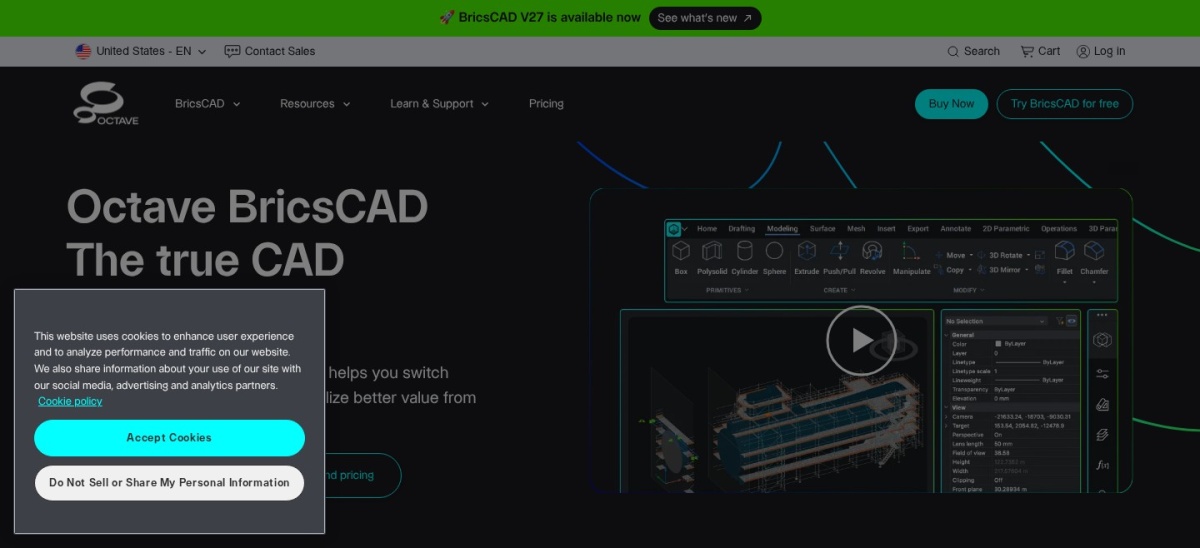
BricsCAD Lite at $345 a year is the closest full replacement, with native DWG, LISP and a perpetual licence option.
DraftSight Professional costs $299 a year and comes from Dassault Systemes, the maker of SOLIDWORKS.
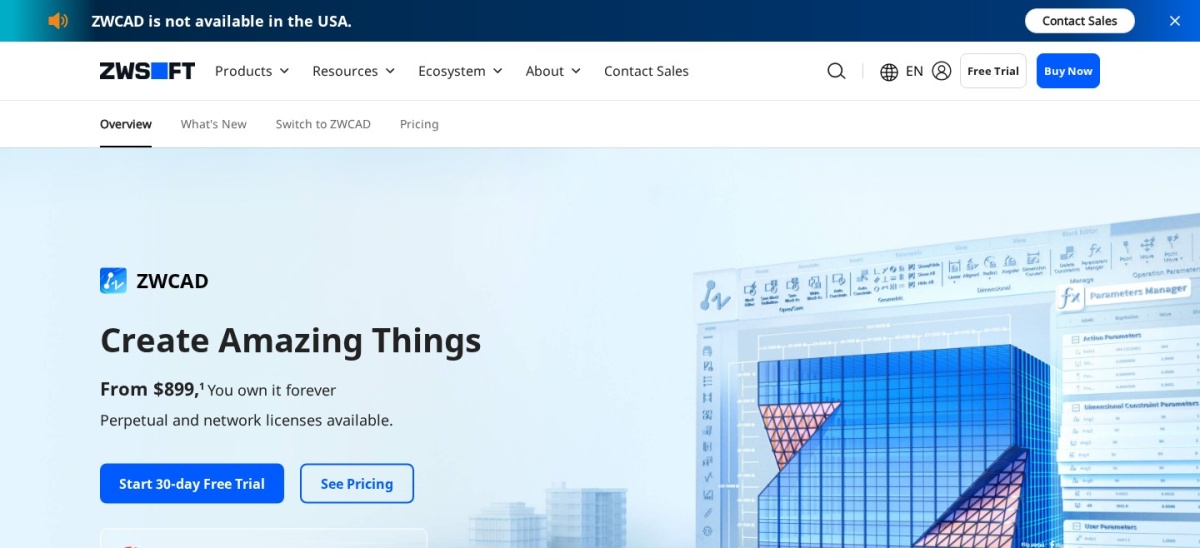
ZWCAD Standard costs $899 once, but perpetual licences are not sold in the US and Canada.
FreeCAD and LibreCAD cost nothing and cover 3D modelling and 2D drafting, with G2 ratings of 4.1 and 3.8.
Paid prices in this list run from $129 a year for SketchUp Go to $1,500 a year for Onshape Standard.
What should you look for in alternatives to AutoCAD?
DWG compatibility decides most switches. If your team shares DWG files with clients or consultants, a native DWG tool such as BricsCAD, DraftSight or ZWCAD keeps layers, xrefs and fonts intact without conversion.
Price is the second decider. AutoCAD costs over $2,000 a year, while this list runs from free tools to $1,500 a year, and two tools sell perpetual licences you pay for once.
Free tools cover real work, with limits. FreeCAD handles parametric 3D modelling and LibreCAD handles 2D drawings, but neither matches the polish or support of a paid DWG drafter.
Match the tool to the job, not the brand. A 2D drafter, a 3D modeller and a concept tool solve different problems, so start from the work you do most days.
BricsCAD is a DWG-native CAD platform from Octave, formerly Bricsys, with levels for 2D drafting, 3D modelling, mechanical design and BIM. Lite covers 2D drafting, blocks, sheet sets and LISP routines for $345 a year, and the free BricsCAD Shape covers basic 3D modelling.
The trade off is the learning curve for AutoCAD users. Commands and menus are close to AutoCAD but not identical, so muscle memory needs a few weeks to adjust. It suits drafters who want a full AutoCAD replacement without the subscription price.
What we like
Native DWG files with no conversion step
LISP routines carry over from AutoCAD
Perpetual licences available as well as subscriptions
DraftSight is a 2D CAD program from Dassault Systemes, the maker of SOLIDWORKS, built for creating, editing and sharing DWG drawings. Professional costs $299 a year and includes 2D drafting tools, AutoLISP support and DGN file support, with a 30-day free trial of Premium.
The trade off is price over time. There is no free plan and no perpetual licence for named users, so the $299 repeats every year. It suits teams that want the closest AutoCAD feel from the SOLIDWORKS maker.
ZWCAD is a DWG-compatible CAD platform from ZWSOFT with a familiar ribbon interface and fast performance on large files. Standard costs $899 once and covers 2D drafting with LISP routines, while Professional adds 3D modelling for $1,399 once.
The trade off is availability. Perpetual licences are not sold in the US and Canada, where buyers use the Flex subscription from $269 a year instead. It suits buyers outside those regions who want to own their licence outright.
SketchUp is a 3D modelling tool from Trimble, best known for fast concept models in architecture and interior design. Go costs $129 a year and adds SketchUp for iPad and web, while the free web version covers basic modelling with no download.
The trade off is precision drafting. SketchUp is not a DWG drafting replacement, and 2D documentation needs the Pro plan at $399 a year. It suits architects and designers who model in 3D first and draft second.
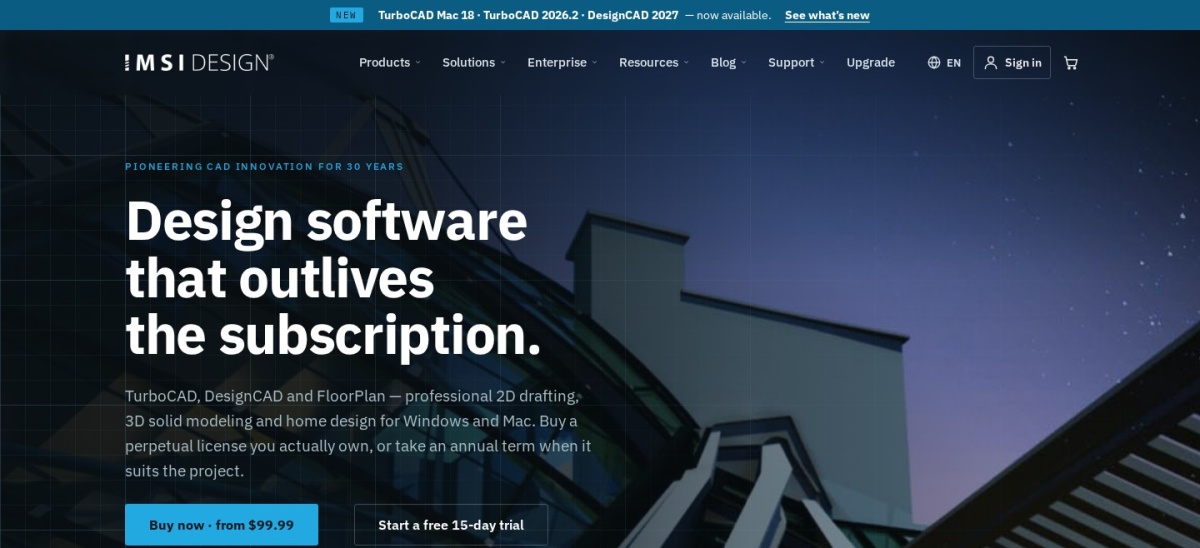
TurboCAD is a 2D and 3D CAD program from IMSI Design with 30 years of history, covering drafting, mechanical design and architectural layouts. Deluxe costs $149.99 once and includes 2D drafting and 3D modelling, with a 15-day free trial.
The trade off is polish. Reviewers praise the value but note crashes and a dated interface, and advanced features sit in higher editions up to $1,499.99. It suits hobbyists and small firms that want a cheap perpetual licence.
Onshape is a cloud-native CAD and product development platform from PTC that runs in the browser, with built-in version control and real-time collaboration. Standard costs $1,500 a year per user and covers core modelling, drawings and support.
The trade off is price and 2D depth. It costs far more than the DWG drafters here, and heavy 2D drawing work still suits a desktop tool better. It suits distributed engineering teams that need shared CAD without servers.
FreeCAD is a free, open-source parametric 3D CAD modeller for designing real objects of any size. It costs nothing, runs on Windows, Mac and Linux, and supports Python scripting plus add-on workbenches for architecture, parts and meshes.
The trade off is the learning curve. The interface is less polished than paid CAD, and large projects can slow down or crash. It suits learners, makers and small teams with no CAD budget.
nanoCAD is a DWG-compatible CAD platform from Nanosoft with 2D drafting and 3D modelling plus add-on modules for construction and mechanics. The free version covers basic DWG editing, and the paid Platform starts at $289 a year.
The trade off is review depth. Its G2 rating of 4.2/5 comes from 23 reviews of the free version, so there is less public feedback than for BricsCAD or ZWCAD. It suits budget buyers who want a free DWG editor with a cheap upgrade path.
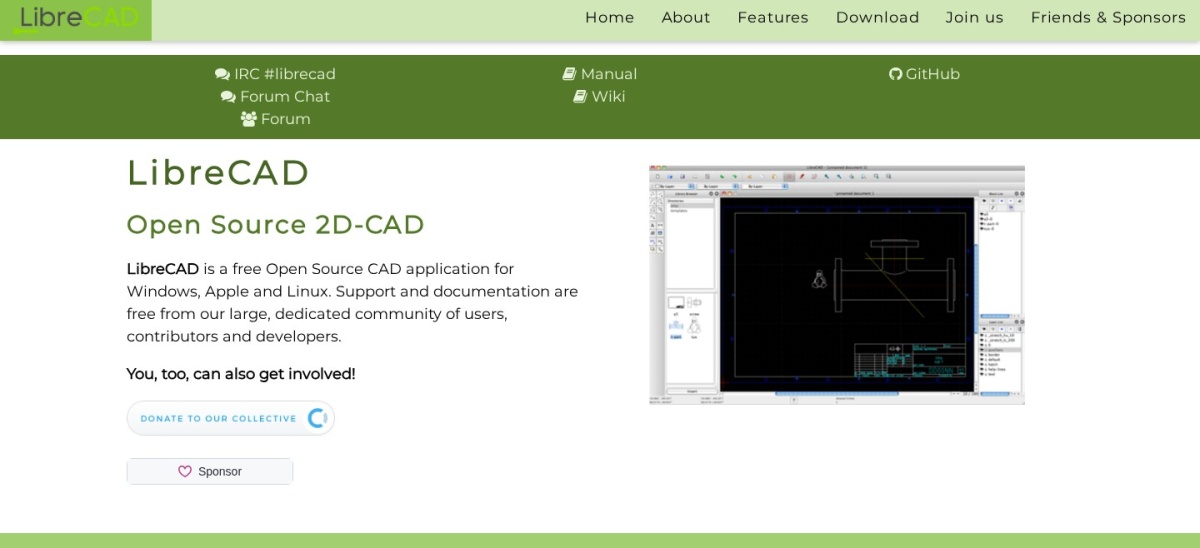
LibreCAD is a free, open-source 2D CAD application for technical drawings, plans and schematics. It costs nothing, runs on Windows, Mac and Linux in more than 30 languages, and reads and writes DXF with DWG support.
The trade off is scope. It handles 2D only, with no 3D modelling, and its G2 rating of 3.8/5 is the lowest in this list. It suits anyone who needs simple 2D drawings and will never pay for CAD.
Perpetual licences vs subscriptions: what to weigh
A perpetual licence costs once and stays yours. ZWCAD Standard at $899 and TurboCAD Deluxe at $149.99 are the two in this list, and both keep working without a yearly bill.
A subscription buys updates and support for as long as you pay. BricsCAD Lite at $345 a year and DraftSight Professional at $299 a year include new versions and support in the price.
Check the fine print before you choose. ZWCAD perpetual licences are not sold in the US and Canada, and yearly maintenance is optional, so confirm the terms in the cart before you budget.
How we chose
We started from the CAD tools most often named as AutoCAD replacements, then kept the nine with a public price and a public rating.
Prices come from each vendor's pricing page or G2 pricing data, checked on 29 November 2026. Ratings and review counts come from G2 on the same day. Where a vendor shows a sale, the list shows the regular price.
We left out tools with no public rating or no public price. No vendor paid for a place, and we do not claim to have used these tools ourselves.
How to choose an alternative to AutoCAD
Start with the files you already have, then match the tool to the work you do most.
Check your DWG files first. Open a typical drawing in the free trial or free version and check layers, xrefs and fonts survive the round trip.
Match the tool to the job. Pick a DWG-native drafter for 2D plans, a 3D modeller for parts, or SketchUp for fast concept models.
Add up the real yearly cost. Compare the regular yearly price, not a sale price, and check whether a perpetual licence or a subscription fits your budget.
Try before you pay. Use the free plan or trial for a real project, then check export quality and printing before you buy a seat.
FAQ
What is the best alternative to AutoCAD in 2026?
BricsCAD is the best alternative to AutoCAD for most drafters. Its Lite plan costs $345 a year, opens native DWG files, runs LISP routines and holds a 4.5/5 G2 rating from 135 reviews, making it the closest full replacement in this list.
Is there a free alternative to AutoCAD?
Yes. FreeCAD is the best free alternative for 3D work and LibreCAD is the best free option for 2D drawings, and both cost nothing. FreeCAD is rated 4.1/5 on G2 and LibreCAD 3.8/5, so expect a simpler interface than paid CAD.
How much does an alternative to AutoCAD cost?
Alternatives to AutoCAD cost from $0 to $1,500 a year. FreeCAD and LibreCAD are free, SketchUp Go starts at $129 a year, BricsCAD Lite at $345, and Onshape Standard at $1,500, while ZWCAD Standard costs $899 once.
Which alternative to AutoCAD is best for beginners?
SketchUp is the best alternative to AutoCAD for beginners. Its free web version needs no download, modelling feels direct, and Go costs $129 a year when you need more. FreeCAD is free too, but its interface takes longer to learn.
BricsCAD vs DraftSight: which is better?
BricsCAD is the better pick for most buyers. It costs $345 a year against DraftSight at $299, but adds 3D levels, BIM and a perpetual licence option, with a higher G2 rating of 4.5/5 against 4.2/5. DraftSight wins only on price and AutoCAD familiarity.
Can I open DWG files without AutoCAD?
Yes. BricsCAD, DraftSight, ZWCAD, nanoCAD and TurboCAD all open DWG files, and the first three use native DWG with no conversion. Open a typical drawing in the free trial first and check layers, xrefs and fonts before you switch.
SaaS SEO and WordPress specialist with about 8 years of experience. Rakib compares WordPress plugins, themes, hosting and software using public pricing, documentation and user reviews. See how we rank.