Figma is the best Adobe XD alternative for most teams, with a free Starter plan and a Professional Full seat at $16 a month, rated 4.7/5 on G2 from 1,597 reviews. Choose Sketch for Mac-only work at $12 a month, or Penpot if you want a free, open-source design tool.
How we make this list: we compare pricing pages, product documentation and public user reviews, then re-check every price before each update. No product paid for a place. Disclosure.
Figma is the closest full replacement, with real-time collaboration, a free Starter plan and a $16 a month Full seat.
Sketch costs $12 an editor a month, but it only runs on Mac and has no free plan beyond a 30-day trial.
Penpot and Lunacy are free to start, and Penpot is the only open-source option with self-hosting.
Framer turns designs into live sites from $10 a site a month, so it suits designers who also publish.
Axure RP, UXPin and Proto.io are prototyping specialists, and they cost more per seat than the design tools.
Paid plans in this list run from $7 to $29 a month, so most teams can switch without paying more than XD cost.
How do you choose from the Adobe XD alternatives?
Adobe XD stopped taking new sign-ups, so the choice is no longer whether to switch but what to switch to. Most teams need the same three things XD offered: vector design, clickable prototypes and a way to hand work to developers.
Start with where your team works. Figma and Penpot run in any browser, Sketch needs a Mac, and Lunacy runs as a desktop app on Windows, Mac and Linux.
Price is the next split. Free plans from Figma, Framer, Penpot, Lunacy and UXPin cover solo work, while paid plans start at $7 an editor a month for Penpot and reach $29 a month for Axure RP and UXPin.
Prototyping depth is where the specialists earn their price. Our guide on can you use Figma with WordPress shows how far a general design tool goes, but Axure RP and Proto.io still handle logic and conditional flows that Figma does not.
Check the file question before you commit. Penpot and Lunacy open Sketch files, Figma imports XD files, and every tool here exports designs your developers can inspect.
Figma is a browser-based design tool for interface design, prototyping and developer handoff in one place. The free Starter plan covers 3 design files, and the Professional plan adds unlimited files and projects, team libraries and advanced Dev Mode for a Full seat at $16 a month billed yearly.
The trade off is per-seat pricing. Every designer needs a Full seat, so a team of five pays about $80 a month, and paying monthly instead of yearly raises a Full seat to $20. It suits teams of any size that want the closest direct replacement for XD.
What we like
Runs in any browser with real-time collaboration
Free Starter plan for solo work
Largest plugin and template library in this list
Rated 4.7 out of 5 from 1,597 G2 reviews
Watch out for
Per-seat cost grows fast on large teams
Needs an internet connection for full features
Large files can slow down in the browser
Professional adds unlimited files, team libraries and Dev ModeVisit figma.com
02
Sketch
4.5/5on G2 (1,226 reviews, checked Nov 2026)
Starts at$12/mo
Best for Mac-only design teams
Free planNo, 30-day trial
Paid planStandard, $12/editor/mo
PlatformmacOS only
One-time licence$120 Mac-only licence
sketch.com
Sketch homepage, captured Nov 2026.
Sketch is a native Mac app for interface design and prototyping, with a web app for sharing and comments. Standard costs $12 an editor a month billed yearly and includes real-time collaboration, unlimited documents, version history and free developer handoff, with free viewers on every plan.
The trade off is the Mac requirement. There is no Windows or Linux app, and there is no free plan beyond the 30-day trial, though a one-time Mac-only licence costs $120. It suits Mac-based designers who want fast offline performance.
What we like
Fast native Mac app with offline editing
Cheaper than Figma per editor
One-time $120 licence for solo Mac users
Free viewers and commenters on every plan
Watch out for
Mac only, so mixed-platform teams cannot use it
No free plan beyond the 30-day trial
Smaller plugin library than Figma
Professional adds SSO and permission groups at $24 an editor a monthVisit sketch.com
03
Framer
4.5/5on G2 (144 reviews, checked Nov 2026)
Paid from$10/mo
Best for turning designs into live sites
Free planYes, on a Framer domain
Paid planBasic, $10/site/mo
PlatformWeb
PublishingBuilt-in hosting and CMS
framer.com
Framer homepage, captured Nov 2026.
Framer is a design-led website builder that turns a design canvas into a published site with hosting, a CMS and built-in SEO. The free plan covers designing on a Framer domain, and Basic costs $10 a site a month billed yearly for a custom domain, 30 pages and 2 CMS collections.
The trade off is per-site pricing. Each published site needs its own plan, and extra editors cost $20 a month each, so costs add up across client sites. It suits designers and small teams who publish marketing sites themselves.
What we like
Design and publish in the same tool
Free plan for trying the canvas
Built-in CMS, hosting and SEO
Rated 4.5 out of 5 on G2
Watch out for
Priced per site, not per designer
Basic caps at 30 pages and 2 CMS collections
Extra editors cost $20 a month each
Pro adds staging, more pages and CMS capacity at $30 a site a monthVisit framer.com
04
Penpot
4.5/5on G2 (10 reviews, checked Nov 2026)
Paid from$7/mo
Best free open-source alternative
Free planProfessional, up to 8 users
Paid planUnlimited, $7/editor/mo
Open sourceYes, self-host free
PlatformWeb, self-hosted
penpot.app
Penpot homepage, captured Nov 2026.
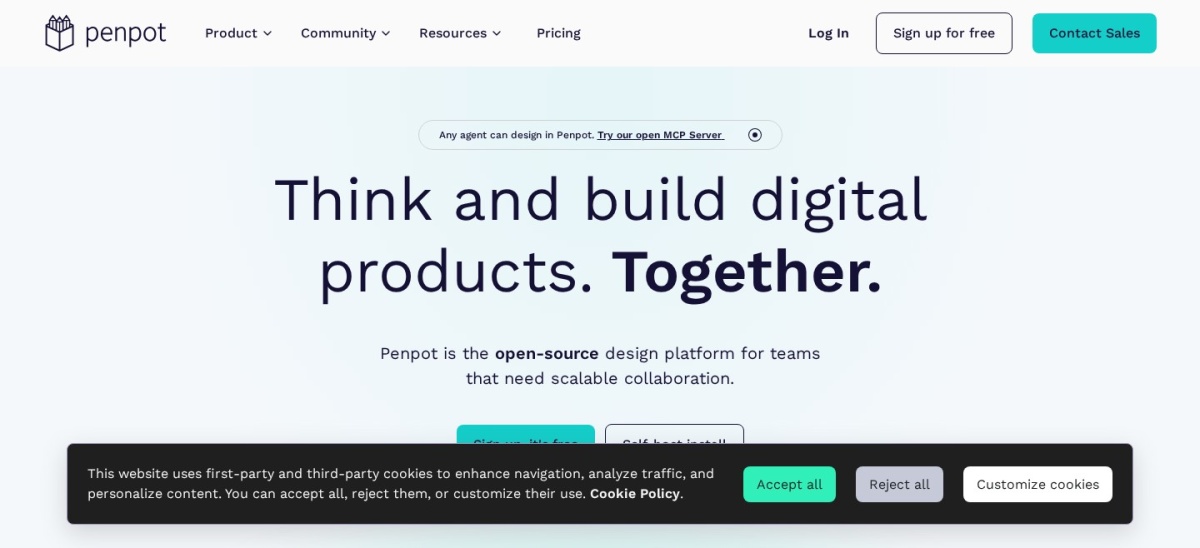
Penpot is an open-source design and prototyping platform that runs in the browser and stores designs in an open SVG-based format. The cloud Professional plan is free for up to 8 team members, and the paid Unlimited plan costs $7 an editor a month, capped at $175 a month.
The trade off is a small review base and a younger ecosystem. Only 10 G2 reviews back its 4.5 rating, and its plugin library is thinner than Figma's. It suits teams that want full control over their files and no vendor lock-in.
What we like
Free and open source with self-hosting
Cheapest paid plan in this list
Real-time collaboration in the browser
Open file format with no lock-in
Watch out for
Small review base, only 10 G2 reviews
Thinner plugin library than Figma
Fewer templates and community resources
Unlimited adds more editors at $7 a month, capped at $175 a monthVisit penpot.app
05
Lunacy
4.3/5on G2 (28 reviews, checked Nov 2026)
Paid from$11.99/mo
Best free desktop alternative
Free planYes, 10 cloud documents
Paid planPro, $11.99/user/mo
PlatformWindows, Mac, Linux
Sketch filesOpens and edits .sketch
icons8.com
Lunacy homepage, captured Nov 2026.
Lunacy is a free desktop design app from Icons8 for vector graphics, interface design and prototyping. The free plan includes 10 cloud documents, offline editing and built-in icons, illustrations and photos, and it opens and edits Sketch files on Windows, Mac and Linux.
The trade off is collaboration depth. Real-time co-editing and design-system features are thinner than Figma's, and Pro costs $11.99 a user a month billed yearly. It suits solo designers and Windows users who want a free desktop tool.
What we like
Completely free to start, with offline use
Built-in icons, illustrations and photos
Opens Sketch files on Windows
Runs on Windows, Mac and Linux
Watch out for
Weaker real-time collaboration than Figma
No plugin ecosystem to speak of
Small review base, 28 G2 reviews
Pro adds unlimited cloud documents, version history and AI image toolsVisit icons8.com
06
Axure RP
4.2/5on G2 (277 reviews, checked Nov 2026)
Starts at$29/mo
Best for logic-driven prototypes
Free planNo, 30-day trial
Paid planPro, $29/user/mo
PlatformWindows, Mac
PrototypingConditional logic, variables
axure.com
Axure RP homepage, captured Nov 2026.
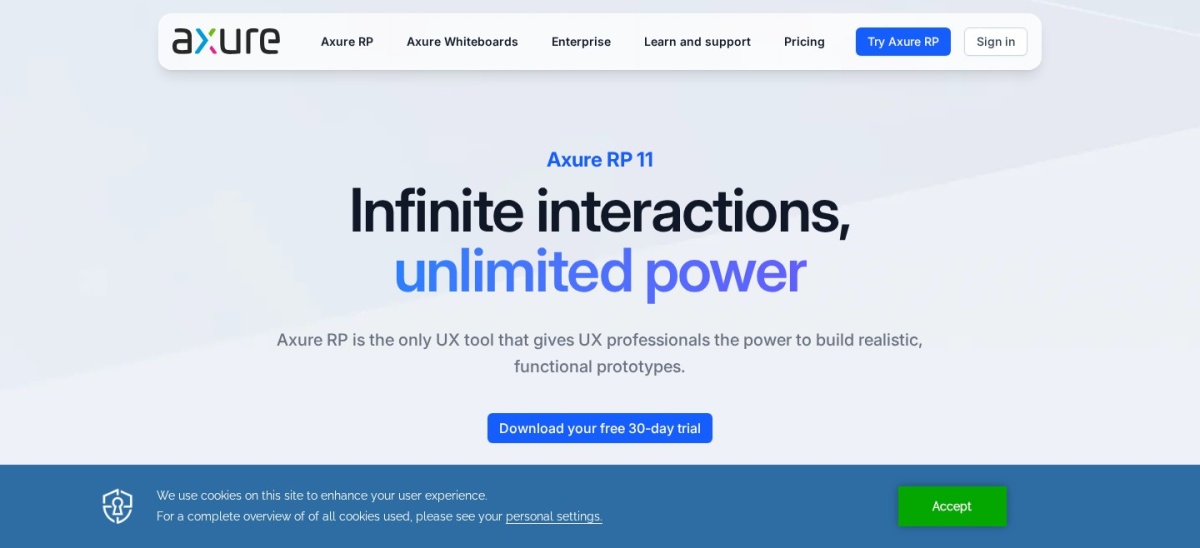
Axure RP is a prototyping platform for realistic, logic-driven prototypes with conditional flows, variables and data-driven screens. Pro costs $29 a user a month billed yearly and includes Axure Cloud sharing, annotations and specifications for developer handoff.
The trade off is price and learning curve. It costs more than the design tools here, its interface feels dated next to Figma, and new users need time to learn its logic features. It suits UX teams that must validate complex flows before development.
What we like
Deepest interaction logic in this list
Conditional flows and variables built in
Annotations and specs for handoff
Long track record with enterprise teams
Watch out for
Expensive at $29 a user a month
Steep learning curve for logic features
Dated interface and weaker real-time collaboration
Team adds shared projects and more cloud features at $49 a user a monthVisit axure.com
07
Balsamiq
4.2/5on G2 (501 reviews, checked Nov 2026)
Starts at$9/mo
Best for fast low-fidelity wireframes
Free planNo, 30-day trial
Paid planCloud, $9/mo
PlatformWeb, desktop
StyleHand-drawn low fidelity
balsamiq.com
Balsamiq homepage, captured Nov 2026.
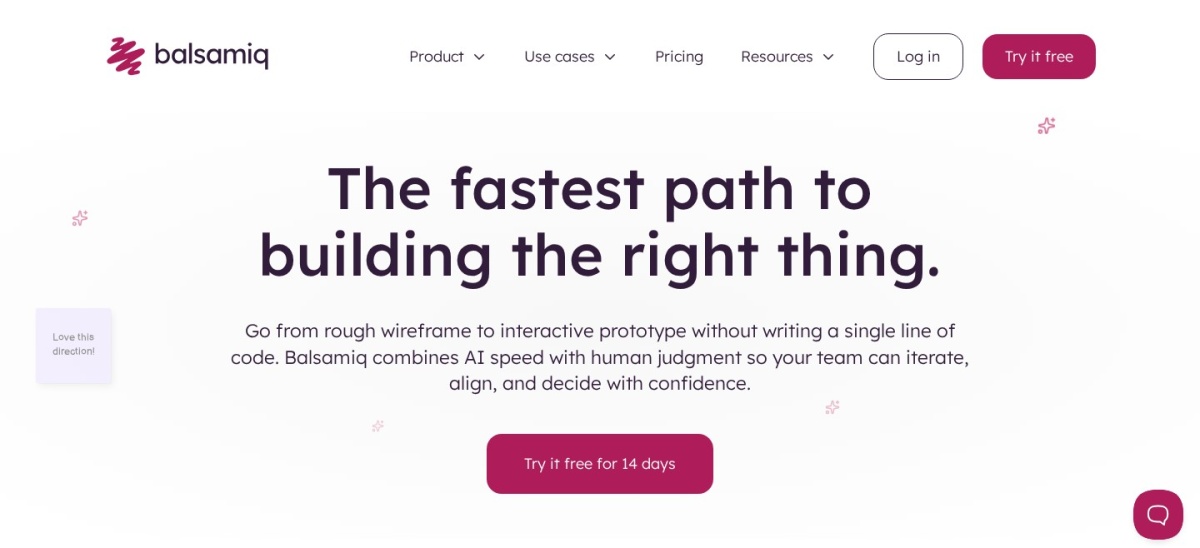
Balsamiq is a dedicated low-fidelity wireframing tool with a hand-drawn look that keeps feedback on structure instead of colors and fonts. Cloud pricing starts at $9 a month for 2 projects, with unlimited users and free reviewers, and a 30-day trial lets you try it first.
The trade off is fidelity. There is no path to high-fidelity design inside the tool, so teams move to Figma or Sketch once wireframes are approved. It suits early project stages when layout matters more than polish.
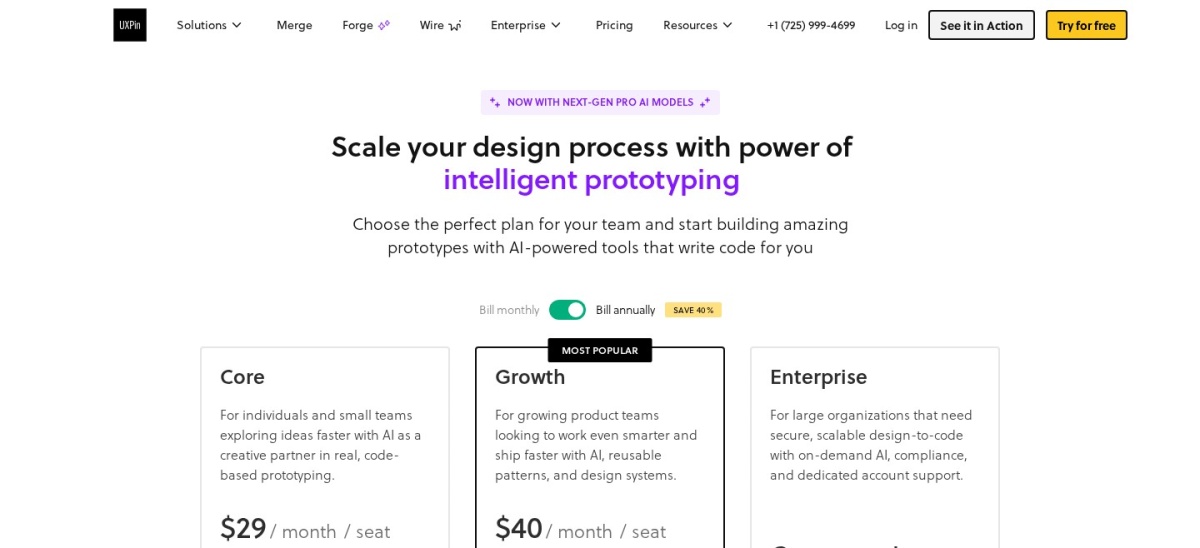
UXPin is a product design platform that combines interface design, interactive prototyping and developer handoff in the browser. The free plan covers 2 prototypes, and Core costs $29 a seat a month billed yearly for unlimited prototypes, conditional logic, variables and built-in coded libraries.
The trade off is price and complexity. Core is one of the dearest plans here, and its variables and expressions take time to learn. It suits product teams that want prototypes built from real code components.
What we like
Prototypes built from coded components
Conditional logic and variables built in
Automatic specs and CSS for handoff
Free plan for trying the editor
Watch out for
Expensive at $29 a seat a month
Steep learning curve for logic features
Design systems gated to higher plans
Growth adds design systems and Storybook integration at $40 a seat a monthVisit uxpin.com
09
Proto.io
4.1/5on G2 (68 reviews, checked Nov 2026)
Starts at$24/mo
Best for high-fidelity mobile prototypes
Free planNo, 15-day trial
Paid planFreelancer, $24/mo
PlatformWeb
MobileTouch gestures, device previews
proto.io
Proto.io homepage, captured Nov 2026.
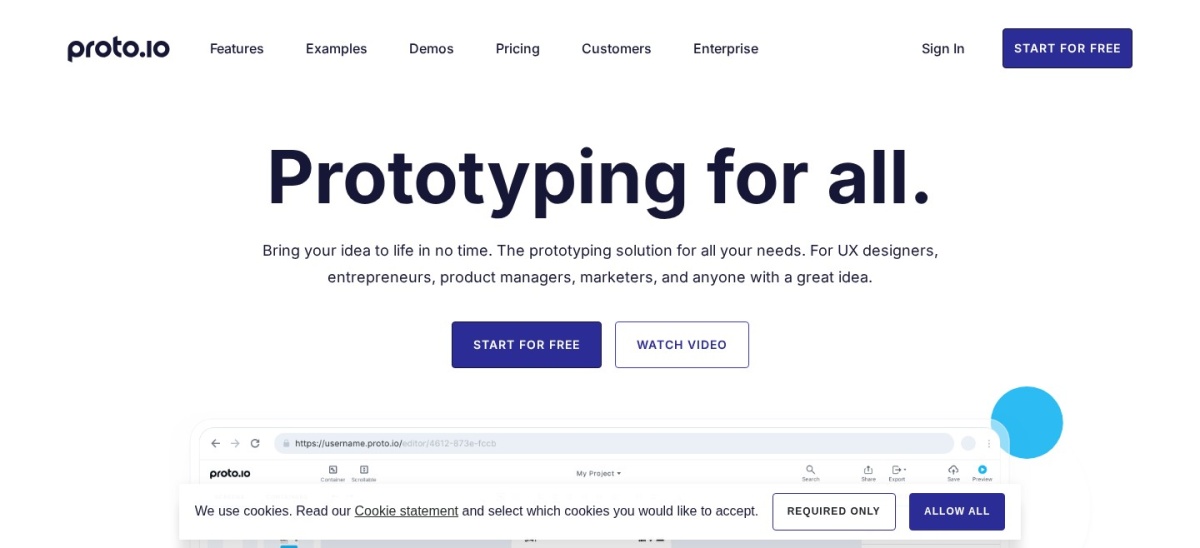
Proto.io is a web tool for building interactive app prototypes that feel like the real app, with touch gestures, animations and device previews. Freelancer costs $24 a month on annual billing for one user and 5 active projects, with a 15-day free trial and built-in user testing tools.
The trade off is focus and trial length. Proto.io is built around mobile apps, so web and desktop flows are a weaker fit, and the 15-day trial is the shortest here. It suits teams that prototype mobile flows often.
What we like
Realistic mobile prototypes with gestures
Built-in user testing tools
No code needed for interactions
Good animation controls
Watch out for
No free plan, 15-day trial only
Needs finished screens from a design tool
Costs more than some full design tools
Startup adds a second user and 10 projects at $40 a monthVisit proto.io
Free vs paid: what the free plans actually cover
Free plans cover real work here. Figma gives 3 design files, Penpot gives a full team workspace for up to 8 people, and Lunacy gives 10 cloud documents with offline editing.
Paid plans mostly add seats, files and publishing. Figma charges per Full seat, Framer charges per published site, and Penpot caps its bill at $175 a month no matter how many editors join.
The cheapest way to replace XD is Penpot at $0, then Balsamiq at $9 a month for wireframes or Framer Basic at $10 a month for a live site.
If you prototype complex flows, budget for a specialist. Axure RP and UXPin both start at $29 a month, and neither has a useful free plan for team work.
How we chose
We started from the design and prototyping tools most often named as Adobe XD replacements, then kept the nine with a live product, public pricing and a public G2 rating.
Prices come from each vendor's pricing page, checked on 29 November 2026, using the regular annual-billing price. Ratings and review counts come from G2 on the same day. Where a vendor shows a sale, the list shows the regular price.
We left out InVision, which shut down at the end of 2024, and Adobe XD itself, since this list covers replacements. No vendor paid for a place, and we do not claim to have used these tools ourselves.
How to choose an Adobe XD alternative
Match the tool to how your team actually works, then check the price for your team size.
Check your platform first. Sketch needs a Mac and Axure RP needs Windows or Mac, while Figma, Penpot and Framer run in any browser.
Count the seats you will pay for. Figma, Sketch, Axure RP and UXPin charge per editor, so price the whole team, not one seat.
Try the free plan with a real file. Import an XD file into Figma or Penpot, or open a Sketch file in Lunacy, and see what survives the move.
Decide how much prototyping you need. Figma or Framer covers click-through prototypes, while Axure RP, UXPin and Proto.io handle conditional logic and user testing.
FAQ
What is the best Adobe XD alternative in 2026?
Figma is the best Adobe XD alternative for most teams. Its free Starter plan covers 3 design files, the Professional Full seat costs $16 a month, and it is rated 4.7 out of 5 on G2 from 1,597 reviews.
Is there a free Adobe XD alternative?
Yes. Penpot is free and open source with self-hosting, Lunacy is a free desktop app, and Figma, Framer and UXPin all offer free plans with real limits, such as 3 design files on Figma Starter.
How much does it cost to switch from Adobe XD?
It can cost nothing with Penpot or Lunacy, or from $7 an editor a month for Penpot Unlimited. Figma costs $16 a month per Full seat, Sketch $12 an editor a month, and Axure RP and UXPin $29 a month each.
Which Adobe XD alternative is best for beginners?
Figma is the easiest starting point for most beginners, with a free plan, browser access and the largest library of templates and tutorials. Balsamiq is simpler still if you only need rough wireframes.
Which Adobe XD alternative is best for small teams?
Figma fits most small teams because viewers are free and only editors pay. Penpot fits teams that want no per-seat bill at all, since its Professional plan is free for up to 8 people.
Is Figma or Sketch better than Adobe XD?
Figma is better for most teams because it runs in any browser, supports real-time collaboration and has a free plan, while Sketch is better for Mac-only designers who want a fast native app. Both are rated higher than XD on G2.
Can I import my Adobe XD files into Figma?
Yes, Figma can import XD files, though some effects and components may need fixing after the move. Penpot and Lunacy open Sketch files, so teams with mixed file types should test a real project before switching.
SaaS SEO and WordPress specialist with about 8 years of experience. Rakib compares WordPress plugins, themes, hosting and software using public pricing, documentation and user reviews. See how we rank.