ON1 Photo RAW tops our list of Adobe Lightroom alternatives because its $99.99 perpetual license combines RAW processing, photo organization, layers and noise reduction without a required subscription. DxO PhotoLab is better suited to demanding RAW processing, while ACDSee provides extensive tools for organizing large photo libraries.
How we make this list: we compare pricing pages, product documentation and public user reviews, then re-check every price before each update. No product paid for a place. Disclosure.
ON1 Photo RAW 2027 costs $99.99 once and supports installation on two computers.
DxO PhotoLab 10 costs $249.99 for a new perpetual license, with no mandatory annual subscription.
ACDSee Photo Studio Home 2027 costs $69.99 once, while Professional costs $119.99 and adds advanced RAW development.
Luminar Neo includes 365 days of generative AI access with its desktop perpetual license, after which AI access requires renewal.
RawTherapee is completely free and earns 4.1/5 from 56 G2 reviews.
PhotoScape X offers a free editor and a $39.99 Pro upgrade, while Polarr Pro costs $47.99 annually.
How do you choose the best Adobe Lightroom alternatives?
RAW processing and photo organization are separate capabilities. Some Lightroom replacements concentrate on image development, while others provide extensive tools for managing folders, keywords, ratings and large photography collections.
Perpetual licenses reduce dependence on recurring subscriptions. ON1 Photo RAW, DxO PhotoLab and ACDSee let photographers purchase desktop software without committing to ongoing payments, although future major upgrades can cost extra.
AI editing features can introduce recurring expenses even with perpetual software. Luminar Neo includes time-limited access to selected generative tools, so photographers should distinguish permanent editing capabilities from renewable AI services.
Camera compatibility matters more than the length of a feature list. Confirm that your chosen editor supports your camera's RAW format, lens correction requirements and preferred operating system before purchasing.
Lightroom migration requires planning. Original photographs usually transfer independently of Adobe, but proprietary adjustment instructions, masks, presets and collection structures may not transfer accurately to another application.
For selective adjustments and creative photo filters
$47.99/yr
Free plan
4.4/5
Price ladder: cheapest paid plan per year
List prices, USD, checked Nov 2026
RawTherapeeFree
PhotoScape XFREE$40
PolarrFREE$48
ACDSee$70
ON1$100
DxO PhotoLab$250
Luminar Neo$417
The 7 best Adobe Lightroom alternatives
01
ON1 Photo RAW
4.1/5on Trustpilot (3,228 reviews, checked Nov 2026)
Starts at$99.99 one-time
Best for replacing Lightroom with one desktop application
Current versionPhoto RAW 2027
Perpetual license installations2 computers
Operating systemsWindows and macOS
Editing workflowRAW development and layers
on1.com
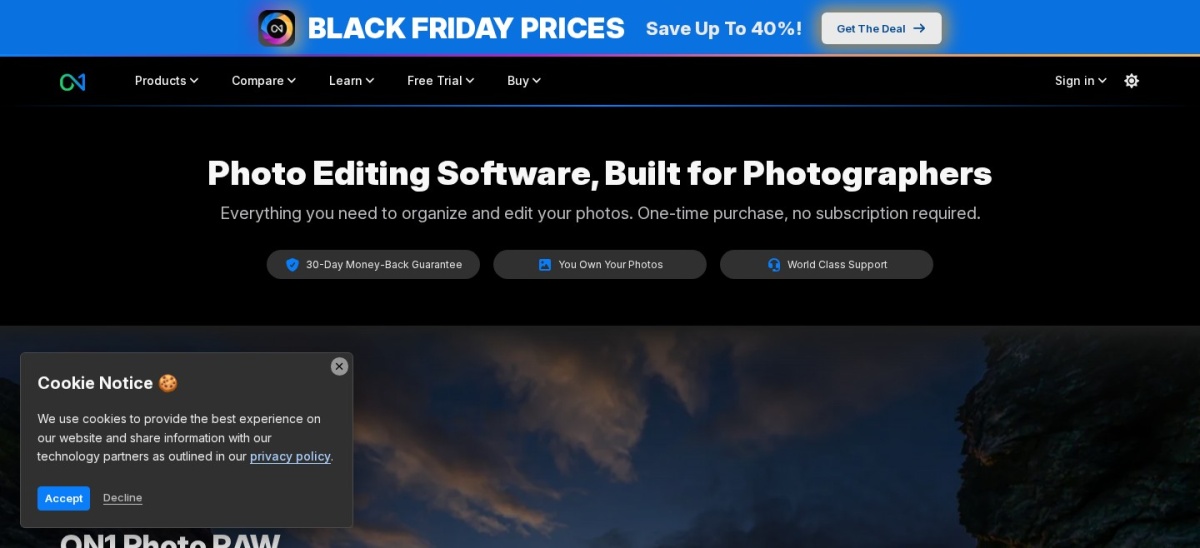
ON1 Photo RAW homepage, captured Nov 2026.
ON1 Photo RAW is a desktop photography application that combines photo management, RAW development, layered editing and noise reduction. Its 2027 perpetual edition supports installation on two computers and includes updates belonging to that purchased version.
The trade off is that future major releases and selected advanced tools require additional purchases. The perpetual edition regularly costs $99.99, reduced to $59.99 during the Cyber Monday promotion, while the optional MAX subscription regularly costs $89.99 annually. It suits photographers who want a complete desktop editing workflow without mandatory renewals.
What we like
Combines photo organization and RAW editing
Perpetual license does not expire
Includes layered image editing
Integrated noise reduction and creative effects
Supports Windows and macOS
Watch out for
Future major version upgrades can cost extra
Some advanced AI tools require MAX
Trustpilot rating covers the wider ON1 company
MAX adds AI-assisted photo culling, restoration and compatibility with Adobe editing plugins.Visit on1.com
02
DxO PhotoLab
4.5/5on Trustpilot (1,367 reviews, checked Nov 2026)
Starts at$249.99 one-time
Best for RAW processing and noise reduction
Current versionPhotoLab 10
LicensePerpetual
Operating systemsWindows and macOS
Primary capabilitiesRAW processing and optical correction
dxo.com
DxO PhotoLab homepage, captured Nov 2026.
DxO PhotoLab is a desktop RAW photo editor focused on image development, noise reduction and corrections based on camera and lens characteristics. PhotoLab 10 uses a perpetual licensing model, and eligible owners of versions 8 and 9 can purchase an upgrade.
The trade off is the higher initial purchase price and additional expense of future major upgrades. A new PhotoLab 10 license regularly costs $249.99, with a temporary $199.99 offer and regular eligible upgrade pricing of $129.99. It suits photographers who prioritize detailed RAW development over cloud-centered collaboration.
What we like
Specialized RAW image development
Camera and lens-specific optical corrections
Advanced noise reduction capabilities
No mandatory recurring software subscription
Positive company-level customer feedback
Watch out for
Higher upfront price than many competitors
Major version upgrades require separate purchases
Trustpilot rating includes other DxO products
The perpetual license includes PhotoLab 10 editing tools; separate products extend film simulation and perspective correction.Visit dxo.com
03
ACDSee
4.4/5on G2 (283 reviews, checked Nov 2026)
Starts at$69.99 one-time
Best for managing large photography collections
Entry editionPhoto Studio Home 2027
Professional edition$119.99 one-time
Ultimate edition$179.99 one-time
Home operating systemWindows
acdsee.com
ACDSee homepage, captured Nov 2026.
ACDSee is a family of photo management and editing applications designed for browsing, organizing and modifying large image collections. Photo Studio Home 2027 provides digital asset management and editing tools, while Professional and Ultimate offer more extensive photography workflows.
The trade off is that photographers seeking advanced nondestructive RAW development should choose Professional at $119.99 rather than Home at $69.99. Home was temporarily discounted to $59.95 when checked. It suits photographers whose main Lightroom requirement is managing and retrieving images from extensive local collections.
What we like
Extensive digital asset management features
Folder-oriented browsing workflow
Multiple perpetual license options
Provides Lightroom migration guidance
Professional edition supports advanced RAW development
Watch out for
Home edition is not a complete professional RAW editor
Desktop editions differ between operating systems
Advanced layered editing requires a higher edition
Professional adds advanced RAW development, while Ultimate expands layered editing capabilities.Visit acdsee.com
04
Luminar Neo
4.4/5on G2 (113 reviews, checked Nov 2026)
Starts at$417 one-time
Best for AI-assisted photo enhancement
Entry licenseDesktop Only
Desktop installations2 devices
Included generative AI access365 days
Operating systemsWindows and macOS
skylum.com
Luminar Neo homepage, captured Nov 2026.
Luminar Neo is a photography editor that combines traditional image adjustments with AI-assisted enhancement, object removal and creative tools. Its Desktop Only perpetual license supports two computers and includes 365 days of access to selected generative AI services.
The trade off is that permanent software ownership does not guarantee permanent access to generative AI features. The official promotional page displays a $417 reference price and a temporary $99 desktop offer, although the reference price may reflect package value rather than ordinary selling price. It suits photographers who prioritize quick visual enhancements.
What we like
AI-assisted image enhancement
Traditional editing tools alongside automated adjustments
Permanent desktop software access
Supports installation on two computers
Can operate as a standalone editor or plugin
Watch out for
Generative AI access expires without renewal
Less extensive photo organization than dedicated catalog managers
Major feature upgrades can introduce additional costs
All Platforms adds mobile and web access, while Luminar Prime extends selected AI services.Visit skylum.com
05
RawTherapee
4.1/5on G2 (56 reviews, checked Nov 2026)
PriceFree
Best for free open-source RAW development
Current version5.13
Latest release26 Jul 2026
Operating systemsWindows, macOS and Linux
License modelFree and open source
rawtherapee.com
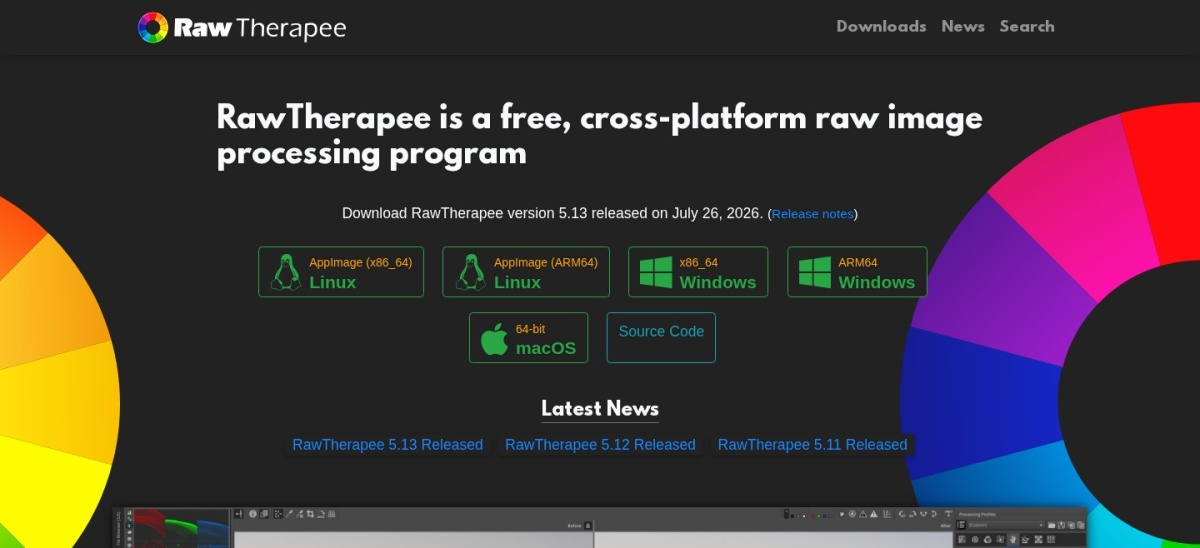
RawTherapee homepage, captured Nov 2026.
RawTherapee is a free, open-source RAW image processor offering detailed controls over color, exposure, sharpening and noise reduction. Version 5.13 was released on July 26, 2026, with downloads available for Windows, macOS and Linux.
The trade off is a more technical editing interface and less comprehensive photo organization than Lightroom. RawTherapee costs nothing and has no paid subscription or perpetual license upgrade. It suits photographers who want detailed control over RAW processing and are comfortable learning a specialized desktop application.
What we like
Completely free without subscription fees
Detailed RAW image adjustment controls
Nondestructive photo development
Available on Linux as well as Windows and macOS
Actively maintained open-source project
Watch out for
Technical interface can challenge beginners
Limited centralized photo library management
No equivalent to Lightroom's integrated cloud workflow
All editing capabilities are available without purchasing a paid upgrade.Visit rawtherapee.com
06
PhotoScape X
4.6/5on G2 (80 reviews, checked Nov 2026)
Paid from$39.99 one-time
Best for affordable everyday editing and batch processing
Free editionAvailable
Pro upgrade$39.99
Editing modesIndividual and batch editing
RAW supportAvailable
photoscape.org
PhotoScape X homepage, captured Nov 2026.
PhotoScape X is a general-purpose photo editor that combines image viewing, batch processing, color adjustments, collages and RAW image support. Its free edition provides everyday editing capabilities, while its Pro upgrade is listed at $39.99 through the developer's App Store listing.
The trade off is that its editing and organization workflow is less specialized than a professional photography catalog and RAW development system. The $39.99 Pro upgrade expands editing functionality without requiring a recurring subscription. It suits hobby photographers, bloggers and creators processing images for websites or social media.
What we like
Free edition covers everyday photo editing
Affordable one-time Pro upgrade
Batch image processing capabilities
Includes collages and creative image adjustments
Accessible workflow for casual photographers
Watch out for
Not a complete professional catalog replacement
Advanced editing features require Pro
Limited studio photography workflow capabilities
Pro unlocks additional editing features through a one-time in-app purchase.Visit photoscape.org
07
Polarr Pro
4.4/5on G2 (45 reviews, checked Nov 2026)
Paid from$47.99/yr
Best for selective adjustments and creative photo filters
Free adjustment tools100+
Free filters200+
Monthly Pro subscription$7.99
Annual Pro subscription$47.99
polarr.com
Polarr Pro homepage, captured Nov 2026.
Polarr Pro is a photo editing application focused on color adjustments, selective masks, custom filters and creative overlays. Its developer listing advertises more than 100 free adjustment tools and 200 free filters, with paid access expanding available professional editing features.
The trade off is that Polarr Pro remains a subscription product and does not replace Lightroom's full photography catalog. Its regular annual subscription costs $47.99, compared with $7.99 for monthly billing. It suits creators who primarily use Lightroom for selective adjustments, consistent visual styling and image enhancement.
What we like
Extensive free adjustment tools and filters
Brush, radial and gradient masking
Custom filters and reusable presets
Affordable annual subscription
Batch export and watermarking capabilities
Watch out for
Professional features require a recurring subscription
Not a comprehensive RAW photography catalog
G2 rating covers the broader Polarr platform
Pro unlocks additional filters, professional adjustments and selective editing tools.Visit polarr.com
What happens to your Lightroom catalog when you switch?
Your original photographs remain independent of Lightroom's editing instructions. Back up your RAW files, JPEGs and catalog before changing software or canceling an Adobe subscription.
Save transferable metadata where possible. Keywords, star ratings and other descriptive information may be written into compatible image files or XMP sidecars, depending on the file type and existing Lightroom settings.
Preserve finished photographs separately. Export important edited images as high-quality TIFF or JPEG files because another RAW processor may interpret Adobe-specific adjustment instructions differently.
Check migration compatibility before importing an entire archive. ACDSee provides Lightroom migration guidance, but photographers should verify how their collections, metadata and adjustments transfer into the specific edition they purchase.
Are one-time purchase Lightroom alternatives actually cheaper?
A perpetual license eliminates mandatory renewal payments for the purchased software version. ON1 Photo RAW costs $99.99 once, while DxO PhotoLab 10 requires a $249.99 initial purchase.
Future upgrades change the long-term calculation. New cameras, operating system changes and desirable editing features may eventually require purchasing another software version.
AI services can remain subscription-based even when the desktop application is permanent. Luminar Neo includes 365 days of access to selected generative tools before renewal becomes necessary.
The price ladder treats perpetual licenses as acquisition costs rather than recurring annual charges. ON1's optional subscription is a separate purchasing option, so photographers comparing recurring expenditure should use its regular $89.99 annual MAX subscription price.
How we chose
We selected established photo editing applications that replace significant parts of the Lightroom workflow, including RAW development, photo management, selective adjustments and batch editing. Rankings prioritize photography-specific capabilities, licensing flexibility, supported operating systems and public customer feedback.
We opened official vendor pages, developer-controlled App Store listings and G2 or Trustpilot review profiles on 29 Nov 2026. Temporary sale prices were excluded from the main comparison. Luminar's $417 figure is the vendor's displayed promotional reference price and needs confirmation as a regular standalone price before publication.
We excluded Capture One because its opened official pricing page did not display numerical prices, and darktable because its approved review profile was inaccessible. PhotoScape X and Polarr use developer-published store pricing. ON1 and DxO use company-level Trustpilot ratings. No vendor paid for a place, and we do not claim testing for this list.
How to choose the right Adobe Lightroom alternative
Identify the Lightroom features you depend on, check camera compatibility and compare permanent licensing with the actual cost of recurring subscriptions.
Determine whether you need a photo catalog or just an editor. Choose ON1 or ACDSee if organizing large image collections is essential. Consider DxO PhotoLab or RawTherapee when your primary requirement is developing RAW images with detailed adjustment controls.
Confirm support for your camera and computer. Check supported camera models, RAW file formats, operating systems and hardware requirements. Pay particular attention to recently released cameras and computationally demanding noise reduction or AI editing features.
Calculate the real cost of software ownership. Distinguish perpetual licenses from annual subscriptions and temporary promotional prices. Include likely future software upgrades, cloud storage expenses and renewable AI services when estimating long-term editing costs.
Protect your existing photo library before migrating. Back up originals, catalogs, metadata and important finished images. Use an available trial or free edition to verify import behavior, image development and export compatibility before moving your entire photography workflow.
FAQ
What are the best Adobe Lightroom alternatives in 2026?
ON1 Photo RAW is our top Lightroom alternative because it combines photo organization, RAW development and layered editing in a $99.99 perpetual desktop license. DxO PhotoLab is suitable for demanding RAW processing, while ACDSee is particularly useful for managing large image collections.
What is the best completely free alternative to Adobe Lightroom?
RawTherapee is a suitable completely free Lightroom alternative for photographers who need detailed RAW processing. It supports Windows, macOS and Linux without a required subscription. However, it does not provide the same centralized photo catalog and cloud workflow as Lightroom.
Which Lightroom alternative has no monthly subscription?
ON1 Photo RAW, DxO PhotoLab and ACDSee offer perpetual desktop licenses without mandatory monthly payments. Their purchased software versions remain available without renewal, although future major upgrades can cost extra. RawTherapee is also available without any software purchase.
Is ON1 Photo RAW better than DxO PhotoLab?
ON1 Photo RAW is better suited to photographers who want a combined photo manager, RAW editor and layered editing application. DxO PhotoLab is more specialized toward RAW development, optical corrections and noise reduction. ON1 also has a lower regular upfront purchase price.
What is the cheapest paid Adobe Lightroom alternative?
PhotoScape X offers an inexpensive paid editing upgrade at $39.99 once. It covers everyday image adjustments and batch processing but is not a complete Lightroom catalog replacement. ACDSee Home costs $69.99 and provides more extensive photo organization capabilities.
Can I transfer my Lightroom edits to another photo editor?
You can transfer original photographs and supported metadata, but Lightroom's proprietary adjustment instructions do not necessarily reproduce accurately in other RAW editors. Export important finished photographs separately and confirm the new application's migration capabilities before abandoning your existing catalog.
Which Lightroom alternative is easiest for beginners?
PhotoScape X is a suitable starting point for beginners who need straightforward cropping, color adjustments, batch editing and creative image tools. Its free edition lets photographers become familiar with editing before purchasing additional features. More demanding RAW workflows may eventually require specialized software.
Does Luminar Neo require a subscription after buying it?
Luminar Neo does not require a continuing subscription to retain its purchased desktop perpetual license. However, selected generative AI services are included for 365 days and require renewal for continued access. Major software upgrades can also introduce additional expenses.
Which Adobe Lightroom alternative works on Linux?
RawTherapee supports Linux alongside Windows and macOS. It is free and open source, with detailed RAW processing controls and actively maintained releases. Photographers who depend on Lightroom-style cloud synchronization or extensive catalog management may need separate applications for those tasks.
SaaS SEO and WordPress specialist with about 8 years of experience. Rakib compares WordPress plugins, themes, hosting and software using public pricing, documentation and user reviews. See how we rank.