OBS Studio is the best webcam recording software for most people because it records in high quality with no watermark and costs nothing. Loom suits quick video messages, while Camtasia suits polished training videos with editing built in.
How we make this list: we compare pricing pages, product documentation and public user reviews, then re-check every price before each update. No product paid for a place. Disclosure.
OBS Studio is free with no watermark and no time limit, and it records webcam, screen and audio together.
Loom is the fastest way to share a webcam video, with a free plan covering 25 videos of up to 5 minutes each.
Camtasia pairs recording with a full editor, but clean exports start at $179.88 a year.
Riverside records each guest locally in up to 4K, which keeps remote interviews crisp.
Paid plans here run from $36.95 a year for Bandicam to $348 a year for Riverside Pro.
How do you choose the best webcam recording software?
Start with what you record. A teacher filming short lessons needs different tools from a podcaster interviewing guests over the web.
Free plans are genuinely usable here. OBS Studio costs nothing at all, and Loom, ScreenPal and Bandicam all record for free with limits.
Editing is the big split. Camtasia, ScreenPal and Movavi include an editor, while OBS Studio and Bandicam record only and need a separate app for cuts.
Check the watermark rule before you record anything important. Several free plans stamp a watermark on exports, and removing it is what the paid plan is really for.
OBS Studio is a free open source recorder that captures your webcam, screen and audio together with no watermark and no time limit. It records in up to 4K quality, layers a webcam over slides or gameplay in scenes, and runs on Windows, Mac and Linux.
The trade off is the learning curve. OBS Studio has no built-in editor and its settings take time to learn, so beginners may need a tutorial before their first clean recording. It suits creators and teachers who want a free recorder they can shape exactly to their setup.
Loom is a video messaging tool that records your webcam and screen together, then gives you a link to share instead of a file to upload. The free Starter plan covers 25 videos of up to 5 minutes each, with transcripts in more than 50 languages.
The trade off is the free plan cap. Unlimited videos and recording time start with Business at $15 per user a month billed yearly, and AI summaries need the $20 tier. It suits teams that send video updates instead of meetings.
What we like
Fastest way to record and share a video
Shareable links, no file uploads
Transcripts in more than 50 languages
Highest G2 rating in this list
Watch out for
Free plan caps at 25 videos
AI features need the top tier
Business adds unlimited videos and recording timeVisit loom.com
03
Camtasia
4.6/5on G2 (1,792 reviews, checked Nov 2026)
Starts at$39/yr
Best for recording plus editing
Free planNo, trial only
Video editorYes, built in
Webcam effectsBackground removal
Paid planStarter, $39/yr
techsmith.com
Camtasia homepage, captured Nov 2026.
Camtasia is a screen and webcam recorder with a full video editor built in, so training videos never need a second app. The Starter plan at $39 a year includes the editor, Snagit for captures, and unlimited 4K recordings at 60 frames per second.
The trade off is the watermark. Starter exports carry a Camtasia watermark, and clean exports start with Essentials at $179.88 a year. It suits trainers and teams that record and edit in one place.
Riverside is a remote recording studio that captures each guest locally in up to 4K, so the video stays crisp even on a weak connection. The free plan covers 2 hours of recording a month, with separate audio tracks for every participant.
The trade off is price. Pro costs $29 a month and the jump to higher tiers is steep, so solo creators should check the free plan limits first. It suits podcasters and interviewers who record guests over the web.
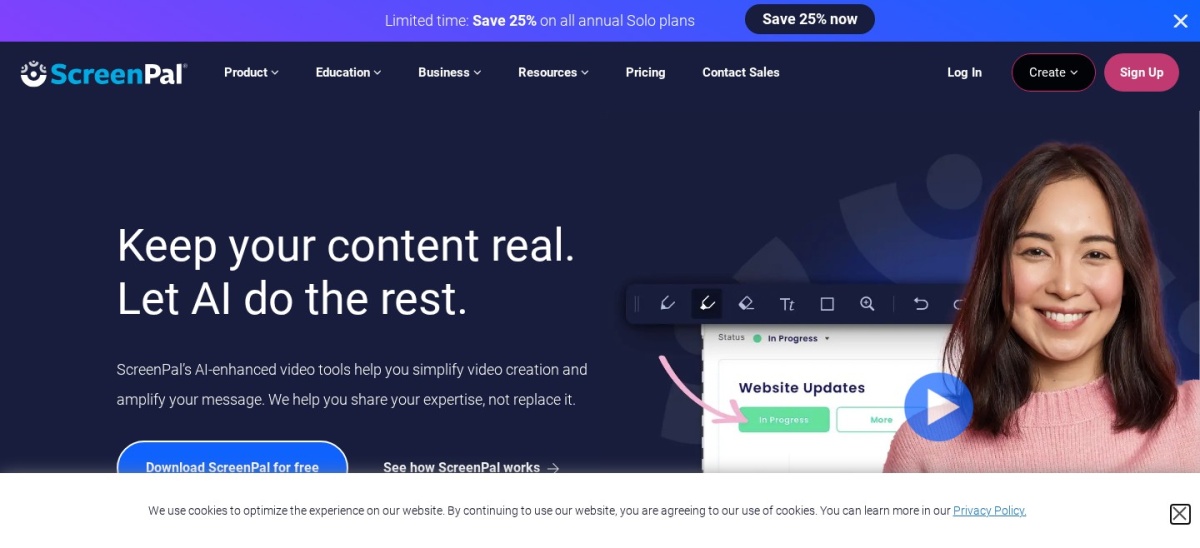
ScreenPal is a simple recorder for tutorials and feedback videos, with screen, webcam and voice capture plus hosting in one place. The free plan covers 15-minute recordings, and Deluxe at $4 a month adds unlimited recording and full editing.
The trade off is depth. ScreenPal lacks the advanced editing and effects of Camtasia, and its AI tools sit on the $10 a month Max plan. It suits teachers and support teams who record short explainers every day.
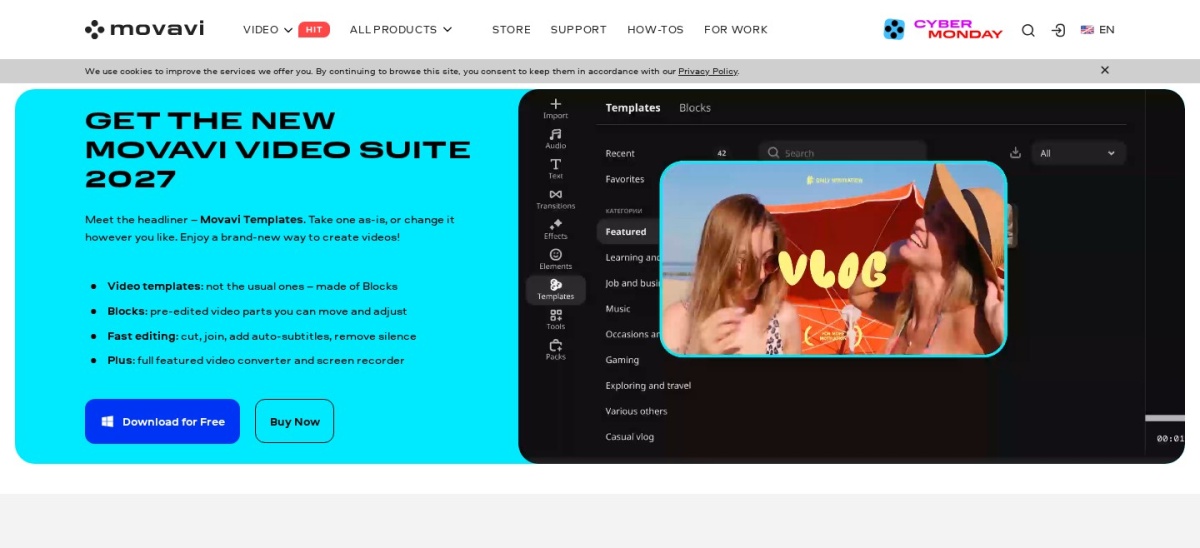
Movavi Screen Recorder homepage, captured Nov 2026.
Movavi Screen Recorder is a light desktop recorder that captures webcam, screen and audio for tutorials and webinars. The Personal license costs $39.95 as a one-time payment for one PC, with scheduled recording and a simple built-in editor.
The trade off is editing depth. Movavi covers cuts and basic fixes, but polished training videos still need a fuller editor. It suits Windows and Mac users who want a cheap recorder without a subscription.
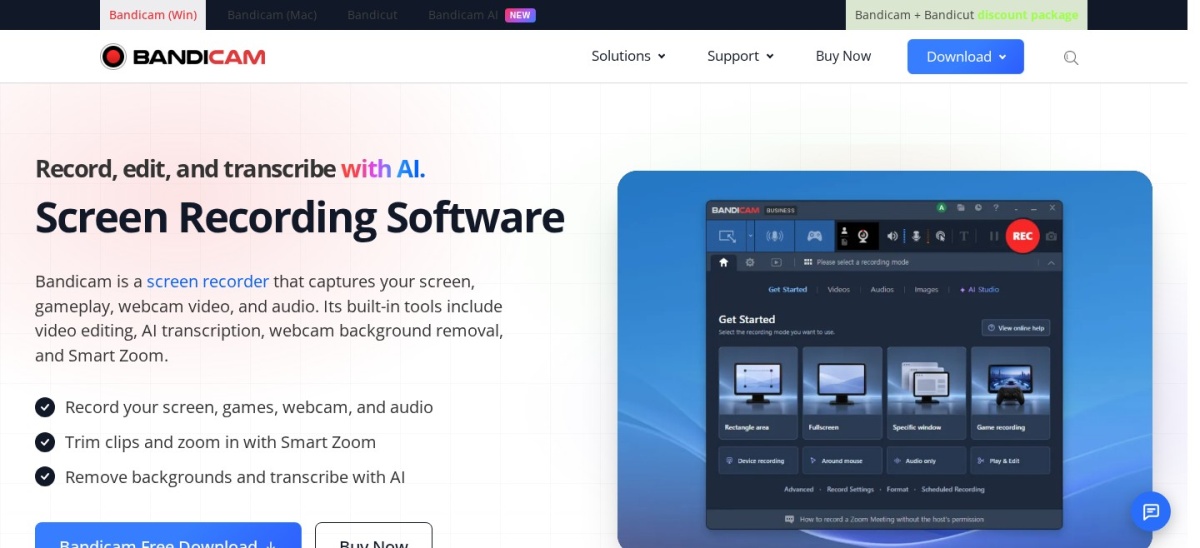
Bandicam is a light Windows recorder that captures webcam, screen or games while barely touching the processor. The free version records up to 10 minutes per file with a watermark, and the annual personal license lists at $36.95 a year.
The trade off is platform. Bandicam runs on Windows only and has no built-in editor, so Mac users and heavy editors should look elsewhere. It suits Windows users who record long sessions on mid-range laptops.
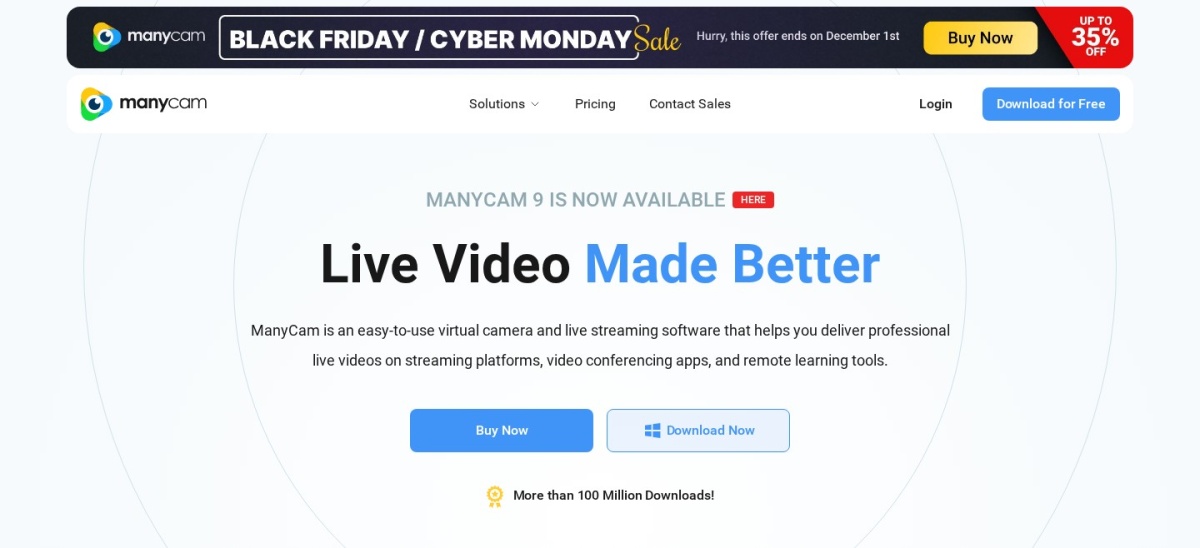
ManyCam is a virtual camera app that adds layers, lower-thirds and virtual backgrounds to live video while you record or stream. The free version records in 720p with a watermark, and Standard at $59 a year adds full HD video and more sources.
The trade off is its rating. ManyCam holds 3.4 out of 5 on G2 from 27 reviews, the lowest here, with reviewers citing high charges next to its limits. It suits streamers and teachers who go live with effects.
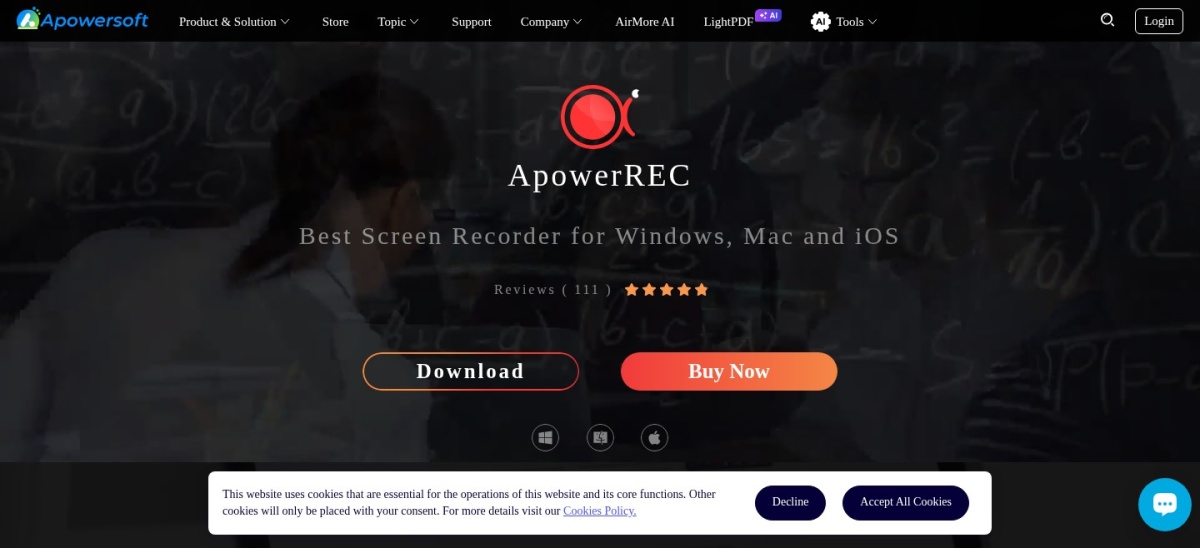
ApowerREC is a screen and webcam recorder for Windows, Mac and mobile, with annotations and a basic editor built in. The free version adds a watermark, and the yearly plan costs $39.95 a year.
The trade off is value. ApowerREC costs about the same as Movavi while holding 3.9 out of 5 on Capterra from 16 reviews, and its desktop page is hard to find. It suits users who record on both desktop and phone and want one app.
Free plans cover short recordings well. OBS Studio is fully free, and Loom, ScreenPal and Bandicam all record for free with caps on length or videos.
Paid plans mostly remove limits. You get longer recordings, no watermark, higher quality and an editor, with prices from $36.95 a year to $348 a year.
If you record once a week for a class or a team, a free plan is often enough. If you record every day for paying clients, the watermark alone makes a paid plan worth it.
How we chose
We started from every established webcam recorder with a public rating on G2 or Capterra, then kept the nine that cover free recording, live streaming and editing.
Prices come from each vendor's pricing page, checked on 29 November 2026. Ratings and review counts come from G2 or Capterra on the same day. Where a vendor shows a sale, the list shows the regular price.
We left out tools with no verifiable rating on G2, Capterra or Trustpilot. No vendor paid for a place, and we do not claim hands-on testing for this list.
How to choose webcam recording software
Match the tool to how often you record and whether you need to edit.
Decide how long your recordings run. Short explainers fit free plans with 5 to 15 minute caps, while hour-long lessons need OBS Studio or a paid plan.
Check the watermark rule. If the video goes to clients or students, pick a plan without a watermark, such as OBS Studio or a paid tier.
Pick editing or skip it. Choose Camtasia or ScreenPal if you cut and caption in the same app, or pair OBS Studio with a separate editor.
Test the webcam overlay first. Record a one-minute sample and check the overlay size, lighting and audio before you commit to a plan.
FAQ
What is the best webcam recording software in 2026?
OBS Studio is the best webcam recording software for most people. It is free, records in up to 4K with no watermark, and runs on Windows, Mac and Linux, though it has no built-in editor.
Is there a free webcam recorder with no watermark?
Yes, OBS Studio is free with no watermark and no time limit. Loom, ScreenPal, Bandicam, ManyCam and ApowerREC all have free plans, but their exports carry a watermark.
What is the cheapest paid webcam recording software?
Bandicam has the cheapest annual license here at $36.95 a year, with Camtasia Starter at $39 a year close behind. Both remove the watermark, though Camtasia Starter still watermarks exports until Essentials.
Which webcam recorder is best for beginners?
Loom is the easiest to start with, since you record and share a link in seconds. ScreenPal is the next easiest, with a simple layout and a $4 a month Deluxe plan.
Is OBS Studio or Loom better for webcam recording?
OBS Studio is better for polished recordings you control fully, with scenes, overlays and no watermark. Loom is better for quick video messages, since recording and sharing take seconds.
Does Camtasia record webcam and screen together?
Yes, Camtasia records screen, webcam and audio as separate tracks you can edit independently. It also removes webcam backgrounds and adds cursor effects after recording.
SaaS SEO and WordPress specialist with about 8 years of experience. Rakib compares WordPress plugins, themes, hosting and software using public pricing, documentation and user reviews. See how we rank.