Figma is the best tool for UI design for most product teams, holding a 4.7 rating from 1,603 G2 reviews and starting with a free plan or $16/mo per Full seat. For Mac-only studios, Sketch offers a $12/mo annual editor plan, while Penpot suits open-source teams at $7/mo per editor.
How we make this list: we compare pricing pages, product documentation and public user reviews, then re-check every price before each update. No product paid for a place. Disclosure.
Figma leads collaborative interface design with a 4.7 rating across 1,603 G2 reviews and a free Starter tier.
Framer starts at $10/mo per site on annual billing and connects visual canvas design directly to live web publishing.
Penpot offers open-source design at $7/mo per editor with a $175/mo team cap, alongside a free tier for up to 8 members.
Sketch prices its Standard plan at $12/mo per editor billed yearly, but restricts editing to macOS.
Uizard starts at $12/mo on annual billing for AI-assisted wireframes and screen generation.
Lunacy provides a free native app across Windows, macOS, and Linux, with cloud and asset plans starting at $4.99/mo.
How do you choose the best tools for ui design?
Picking among the best tools for ui design starts with separating interface prototyping from live publishing. A tool built for multi-screen app systems solves different problems than one focused on marketing pages or early wireframes.
Seat types and billing units shape your real invoice more than headline tier names. Some platforms charge per editor seat, others charge per published site, and several meter AI generations separately.
Operating system support still divides desktop and browser workflows. Browser-based tools simplify cross-platform handoff, while native desktop apps appeal to teams that prefer local files or offline work.
Free plans usually cap active files, shared libraries, or monthly AI credits. Checking those limits early avoids surprise upgrades once multiple collaborators join a project.
Figma is a cloud-based interface design and prototyping workspace used across web, Windows, and macOS. Its free Starter plan includes 3 Figma files, 3 FigJam files, and 500 monthly AI credits.
The trade off is that paid Professional plans start at $16/mo per Full seat, with separate seat types for Dev and Collab roles and Organization branching at $55/mo per Full seat. It suits product teams that need shared component libraries and real-time collaboration.
What we like
Runs across browsers and major desktop operating systems
Free Starter plan lets small groups test core workflows
Granular seat roles separate full editors from collaborators
Strong community libraries and developer inspection tools
Paid plans add unlimited files, team libraries, and higher AI credit allowances.Visit figma.com
02
Framer
4.5/5on G2 (165 reviews, checked Nov 2026)
Paid from$120/yr
Best for visual website design and publishing
Entry paid tier$10/mo per site (annual)
Free planNon-commercial & test sites
G2 rating4.5 / 5 (165 reviews)
Billing unitPer site + add-ons
framer.com
Framer homepage, captured Nov 2026.
Framer is a web design and publishing platform that turns visual layouts into live websites with responsive breakpoints and CMS collections. Its free plan supports non-commercial and test projects on a Framer subdomain.
The trade off is that custom domains start on Basic at $10/mo billed annually ($120/yr), and extra editors, localization, or analytics add-ons raise monthly bills. It suits designers and teams shipping marketing sites or landing pages directly from a canvas.
What we like
Moves from visual canvas layout to published site without a separate build step
Free tier available for testing and non-commercial work
Includes built-in CMS and responsive layout controls
Watch out for
Custom domains and commercial publishing require a paid site plan
Extra editors and locales add recurring charges on top of site tiers
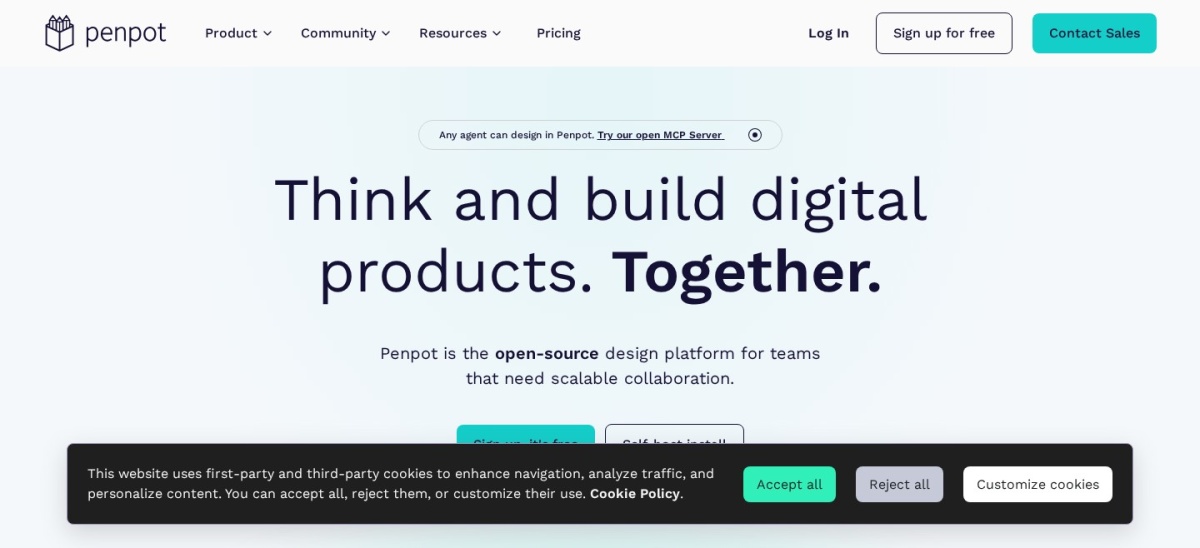
Penpot is an open-source UI design and prototyping platform that supports both hosted and self-hosted deployments. Its free plan covers up to 8 team members, unlimited viewers, and up to 10GB of storage.
The trade off is that its Unlimited paid plan costs $7/mo per editor ($84/yr per seat, capped at $175/mo) and its review count on G2 is smaller than Figma's. It suits teams that want open-source ownership and predictable seat ceilings.
What we like
Open-source model with free cloud and self-hosted options
Paid Unlimited tier caps monthly team cost at $175
Low annual entry cost at $84/yr per editor
Watch out for
Smaller third-party plugin ecosystem than market leaders
Fewer public G2 reviews than long-established commercial suites
Paid plans increase storage to 25GB, extend version history to 30 days, and cap team billing.Visit penpot.app
04
Sketch
4.5/5on G2 (1,227 reviews, checked Nov 2026)
Starts at$144/yr
Best for macOS-only interface design teams
Entry paid tier$12/mo per editor (yearly)
Free planNo free plan (trial available)
G2 rating4.5 / 5 (1,227 reviews)
Billing unitPer editor / year
sketch.com
Sketch homepage, captured Nov 2026.
Sketch is a native macOS vector design application with shared libraries, version history, and free viewer access. It does not offer a permanent free plan, starting instead with a free trial.
The trade off is that its Standard subscription costs $12/mo per editor billed yearly ($144/yr) and editing requires a Mac. It suits Mac-based teams that prefer a dedicated desktop application.
What we like
Dedicated native Mac interface with 4.5 rating across 1,227 G2 reviews
Includes 50GB storage per editor and free viewers on Standard
Sub-$150/yr entry pricing on annual billing
Watch out for
No permanent free tier
Editing requires macOS rather than cross-platform desktop apps
Higher tiers add team governance features such as Single Sign-On and SCIM provisioning.Visit sketch.com
05
Uizard
4.5/5on G2 (45 reviews, checked Nov 2026)
Paid from$144/yr
Best for rapid AI-assisted wireframes and mockups
Entry paid tier$12/mo Pro (billed annually)
Free plan2 projects & 3 AI gens/mo
G2 rating4.5 / 5 (45 reviews)
Billing unitPer plan / month
uizard.io
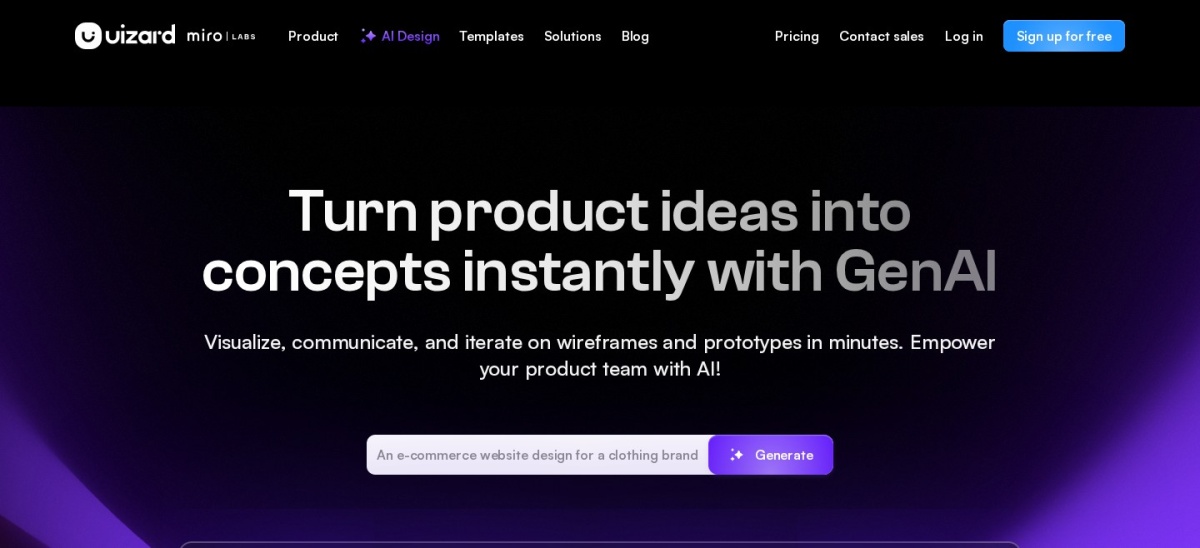
Uizard homepage, captured Nov 2026.
Uizard is a browser UI design and prototyping tool built to turn prompts, screenshots, and sketches into editable screens. Its free plan includes 2 projects, 10 templates, and 3 AI generations per month.
The trade off is that Pro costs $12/mo billed annually ($144/yr) and caps projects at 100 and AI generations at 500 per month. It suits product managers, founders, and early-stage builders sketching fast mockups.
What we like
Fast prompt-to-screen and screenshot-to-mockup workflows
Free plan lets you test core features before paying
Under $150/yr on the annual Pro tier
Watch out for
Free plan limits monthly AI generations to 3
Less suited to complex multi-library design systems than Figma
Pro unlocks up to 100 projects, 500 monthly AI generations, and React/CSS handoff.Visit uizard.io
06
Miro
4.6/5on G2 (13,837 reviews, checked Nov 2026)
Paid from$96/yr
Best for user flows, mapping, and team workshops
Entry paid tier$8/mo per member (yearly)
Free plan3 editable boards
G2 rating4.6 / 5 (13,837 reviews)
Billing unitPer member / month
miro.com
Miro homepage, captured Nov 2026.
Miro is a visual collaboration canvas used for user journeys, information architecture, wireframing, and cross-functional workshops. Its free plan provides 3 editable boards and access to templates.
The trade off is that Starter costs $8/mo per member billed yearly ($96/yr per seat) and focuses on mapping and planning rather than pixel-level UI systems. It suits teams aligning on flows and product structure before screen design.
What we like
Large review footprint with 4.6 rating across 13,837 G2 reviews
Low $96/yr per member entry price on annual Starter billing
Strong templates for user flows, diagrams, and group workshops
Watch out for
Free plan restricts active editing to 3 boards
Not a replacement for dedicated UI component and design-system editors
Starter adds unlimited private boards, visitor editing, high-res exports, and 25 monthly AI credits per member.Visit miro.com
07
Adobe Illustrator
4.6/5on G2 (6,211 reviews, checked Nov 2026)
Starts at$276/yr
Best for custom vector icons and brand artwork
Entry paid tier$22.99/mo (annual, monthly)
Free planNo free plan (trial available)
G2 rating4.6 / 5 (6,211 reviews)
Billing unitPer license / month
adobe.com
Adobe Illustrator homepage, captured Nov 2026.
Adobe Illustrator is a vector illustration and graphic design application used to craft custom icons, brand marks, and scalable artwork for interfaces. It does not include a permanent free tier, offering a trial instead.
The trade off is that the individual plan costs $22.99/mo ($275.88/yr, rounded to $276/yr) and focuses on illustration rather than multi-screen UI prototyping. It suits designers creating bespoke icons and visual assets to pair with a UI tool.
What we like
4.6 rating across 6,211 G2 reviews for precision vector artwork
Includes 100GB of cloud storage and desktop, iPad, and web access
Wide font and asset library for custom UI graphics
Watch out for
No free plan and higher annual cost than entry UI tools
Lacks built-in app prototyping and multi-screen UI flow tools
Individual plans include 100GB cloud storage, generative credits, and Adobe Express Premium access.Visit adobe.com
How we chose
We selected active UI design, prototyping, wireframing, and vector asset tools from established software categories and public review directories. Each entry had to be actively maintained and offer transparent public pricing.
We checked pricing pages, product documentation, and G2 ratings and review counts on 29 Nov 2026. Prices reflect the lowest standard paid plan converted to an annual figure in USD without guessing unverified numbers.
We excluded discontinued products and tools without confirmed public pricing or recent maintenance updates. No vendor paid for a place, and we do not claim testing for this list.
How to pick a UI design tool for your team
Follow four practical checks before committing to an annual subscription:
Match the tool to your main deliverable. Decide whether you need multi-screen app components, a live marketing site, early wireframes, or custom vector icons.
Check your operating system mix. Confirm whether every editor uses macOS, Windows, Linux, or a browser so nobody gets blocked from editing files.
Count seats and billing meters realistically. Compare per-editor seat fees, per-site plans, viewer rules, and monthly AI generation limits against your actual team size.
Test free tiers or trials with a real project. Build a sample screen or flow first to check file limits, export options, and developer handoff before buying annual seats.
FAQ
What is the best tool for UI design in 2026?
Figma is the top overall choice for most teams, holding a 4.7 rating from 1,603 G2 reviews and offering a free Starter tier alongside $16/mo Full seats.
Which UI design tools have a free plan?
Figma, Framer, Penpot, Uizard, and Miro all offer free tiers, though file counts, project limits, or monthly AI credits vary by tool.
What is the cheapest paid UI design tool on this list?
Penpot has the lowest annual cost at $84/yr per editor ($7/mo), with a cap of $175/mo on its Unlimited plan, followed by Miro at $96/yr per member.
Is Figma or Framer better for UI design?
Figma is better for multi-screen app UI, shared design systems, and team handoff, while Framer is better when your main goal is publishing a live website.
Which option works best for beginners or quick mockups?
Uizard and Miro help beginners and product teams map flows or turn prompts and rough ideas into structured screens quickly.
SaaS SEO and WordPress specialist with about 8 years of experience. Rakib compares WordPress plugins, themes, hosting and software using public pricing, documentation and user reviews. See how we rank.