Uscreen is the best video monetization platform for recurring memberships, starting at $49/month on Starter with a 4.7/5 rating across 96 G2 reviews. For course-led video libraries, Thinkific fits structured lessons, while WpStream suits self-hosted live streams and pay-per-view on WordPress.
How we make this list: we compare pricing pages, product documentation and public user reviews, then re-check every price before each update. No product paid for a place. Disclosure.
#2 Runner-up
Thinkific
Course and community platform with 0% platform fee
Uscreen Starter lists at $49/month with a 100-subscriber cap, while Growth adds $1.99 per subscriber each month.
Thinkific Start costs $82/month billed annually ($984/year) or $109/month monthly after an August 2026 price increase.
Teachable Starter starts at $29/month billed annually ($39/month monthly) plus a 7.5% transaction fee on sales.
WpStream holds 4.8/5 across 78 WordPress.org reviews and lists a Lite plan at $24 monthly or $190 yearly.
Patreon charges a standard 10% platform fee on earnings after August 4, 2025, plus payment processing fees.
How do you choose the best video monetization platform?
Revenue model matters more than video player polish when picking a platform. Recurring memberships, one-time rentals, courses, and live events each carry different fee structures and audience limits.
Per-subscriber charges can overtake base subscription fees faster than creators expect. A low monthly base rate looks cheap at launch, but per-member add-ons or percentage cuts scale as volume rises.
Audience ownership determines how easily you can move later. Platforms that control member billing or lock buyer access inside proprietary apps create switching friction as your catalog grows.
Live broadcasting demands metered bandwidth and concurrent viewer capacity. Pre-recorded libraries rarely stress bandwidth the way scheduled live streams or high-resolution video files do.
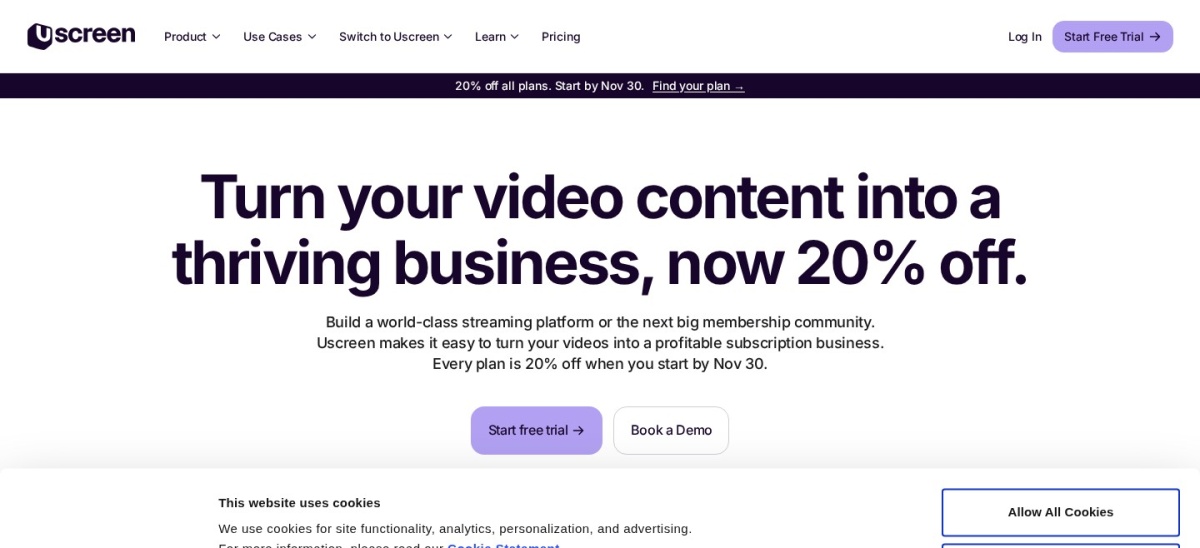
Uscreen is a membership video platform built for Netflix-style libraries, gated Zoom links, and native live streaming. Starter lists at $49/month with a 100-subscriber cap, 20 hours of video storage, and 1 hour of live streaming.
The trade off is subscriber scaling above 100 members, where Growth is $149/month plus $1.99 per subscriber and App Essentials is $449/month plus $0.99 per subscriber (with a 20% discount offer noted for plans started by Nov 30). It suits creators running recurring video memberships and branded apps.
What we like
Built for recurring video memberships with 4.7/5 across 96 G2 reviews
Starter includes $0 per-subscriber fee up to 100 subscribers
Supports native live streaming and mobile app paths on higher tiers
Watch out for
Starter caps subscribers at 100 and includes 10% one-time sales or rental fees
Per-subscriber fees add up quickly past a few hundred active members
Higher plans unlock unlimited subscribers, 100 hours of storage, lower per-subscriber fees, and mobile app options.Visit uscreen.tv
02
Thinkific
4.4/5on G2 (427 reviews, checked Nov 2026)
Starts at$984/yr
Best for structured video courses and communities
Annual entryStart ($984/yr)
Monthly entry$109/mo
Video bandwidth100 GB/mo
G2 rating4.4/5 (427)
thinkific.com
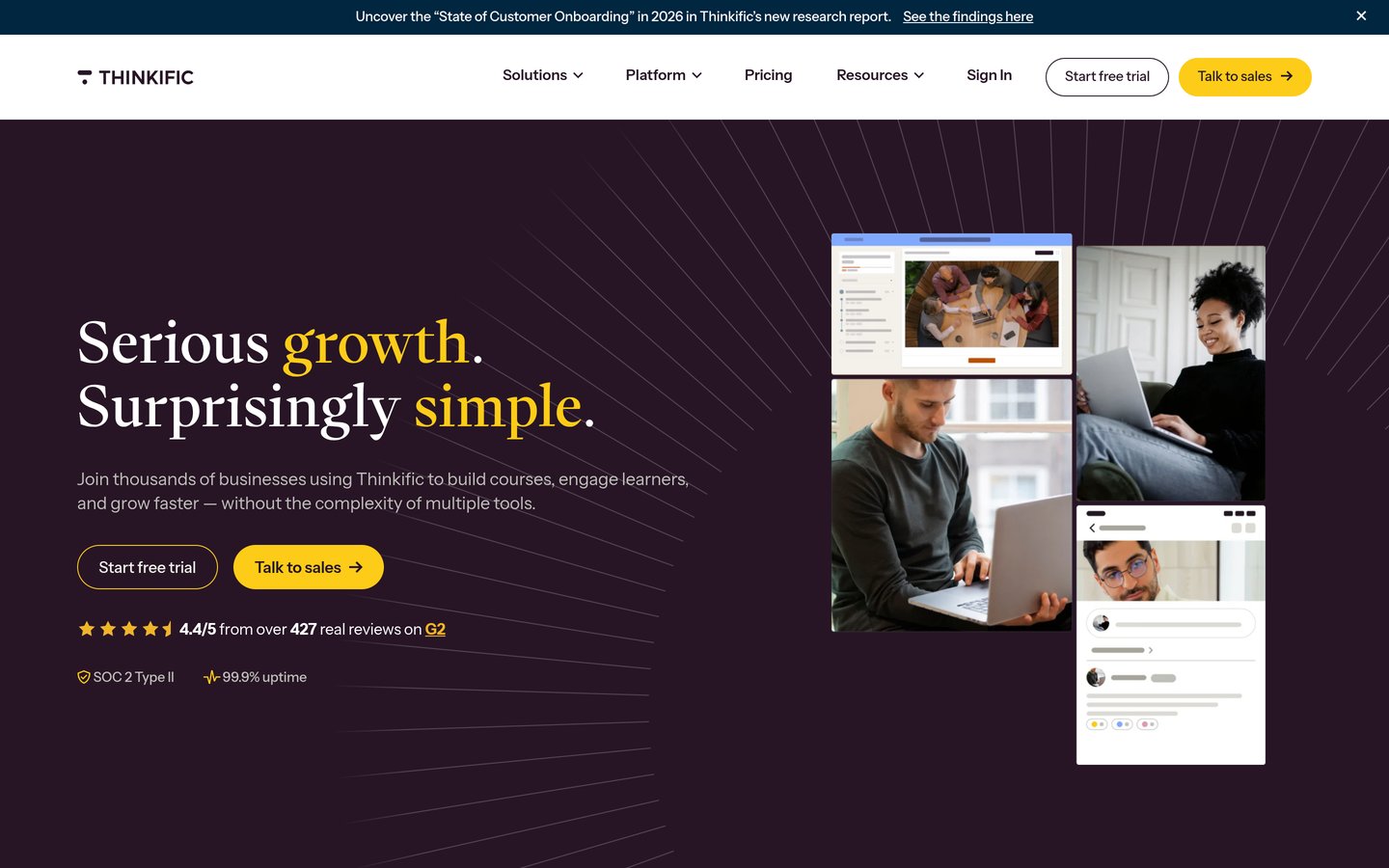
Thinkific homepage, captured Nov 2026.
Thinkific is a course and learning platform where creators sell video lessons, quizzes, and communities. Its Start plan costs $984/year ($82/month billed annually) or $109/month billed monthly, with 100 GB of monthly video streaming bandwidth.
The trade off is a 10% price increase that took effect starting August 13, 2026, along with limits like one community and five digital downloads on Start. It suits educators structuring multi-lesson video courses rather than pure media channels.
What we like
Strong G2 rating of 4.4/5 across 427 reviews
Advertises 0% platform transaction fees on plans
Includes quizzes, custom domain support, and community spaces
Watch out for
Prices rose roughly 10% starting August 13, 2026
Start caps video streaming bandwidth at 100 GB per month and allows one admin
Start and Grow plans raise video event limits, add more spaces and admins, and expand reporting.Visit thinkific.com
03
WpStream
4.8/5on WordPress.org (78 reviews, checked Nov 2026)
Paid from$190/yr
Best for WordPress live streaming and pay-per-view
Yearly entryLite ($190/yr)
Monthly entry$24/mo
WP.org installs4,000+
WP.org rating4.8/5 (78)
wpstream.net
WpStream homepage, captured Nov 2026.
WpStream is a WordPress plugin for live streaming, video on demand, and pay-per-view access with 4,000+ active installs and a 4.8/5 rating from 78 WordPress.org reviews. It offers a free trial and lists a Lite plan at $190 yearly or $24 monthly with 100 broadcast and 500 viewer hours.
The trade off is metered streaming hours and bandwidth alongside managing your own WordPress site. It suits site owners who want pay-per-view or live broadcasts on WordPress without a third-party storefront.
What we like
Rated 4.8/5 from 78 reviews with 4,000+ active WordPress.org installs
Lite plan at $190/year keeps annual entry costs low
Supports live streaming, VOD, and pay-per-view on WordPress
Watch out for
Smaller WordPress.org install base than general video players
Broadcast and viewer hours are metered by plan
Higher plans increase broadcast, viewer, and recording hours for heavier live event traffic.Visit wpstream.net
04
Teachable
3.8/5on G2 (53 reviews, checked Nov 2026)
Starts at$29/mo
Best for compact video courses with built-in tax handling
Annual entryStarter ($29/mo)
Monthly entry$39/mo
Starter fee7.5% per sale
G2 rating3.8/5 (53)
teachable.com
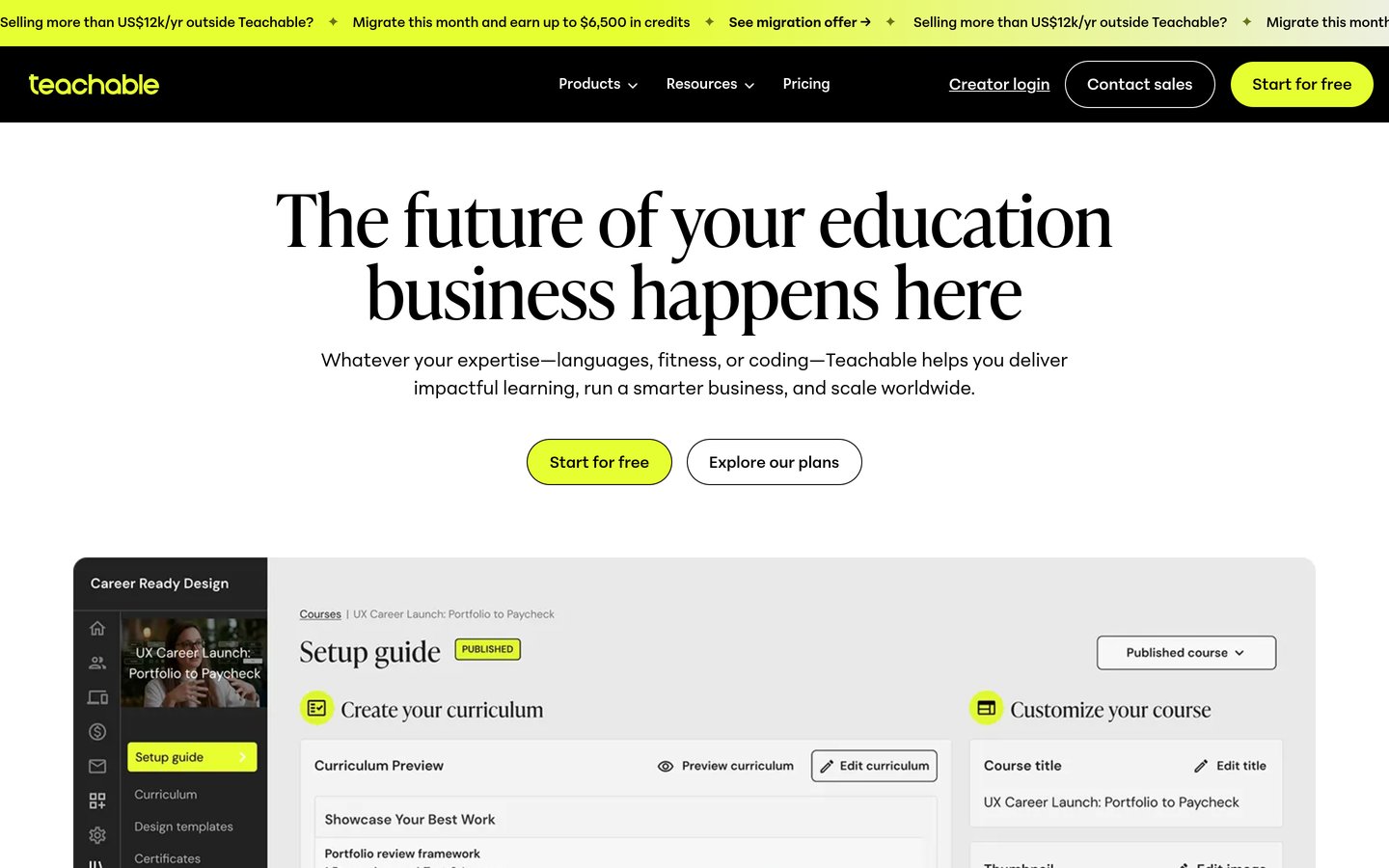
Teachable homepage, captured Nov 2026.
Teachable is an online course platform that bundles video hosting, iOS and Android student apps, and global payment and tax handling. Starter costs $29/month billed annually ($348/year) or $39/month monthly, covering up to 5 products with a 7.5% transaction fee.
The trade off is that 7.5% per-sale fee on Starter, which eats into margins as sales grow until Builder eliminates the platform fee. It suits solo creators launching a small set of paid video courses.
What we like
Low entry price at $29/month annually ($39/month monthly)
Includes iOS and Android student apps and global tax handling
Builder and Growth plans drop platform transaction fees to 0%
Watch out for
Starter charges a 7.5% transaction fee on top of payment processing
G2 rating sits lower than several course rivals at 3.8/5 across 53 reviews
Builder ($69/mo annually; $89/mo monthly) removes the 7.5% transaction fee and raises product limits to 10.Visit teachable.com
05
Vimeo
4.3/5on G2 (725 reviews, checked Nov 2026)
Paid from$9/mo
Best for ad-free video hosting and privacy controls
Annual entryCreator ($9/mo)
Monthly entry$16/mo
Free tier3 GB storage
G2 rating4.3/5 (725)
vimeo.com
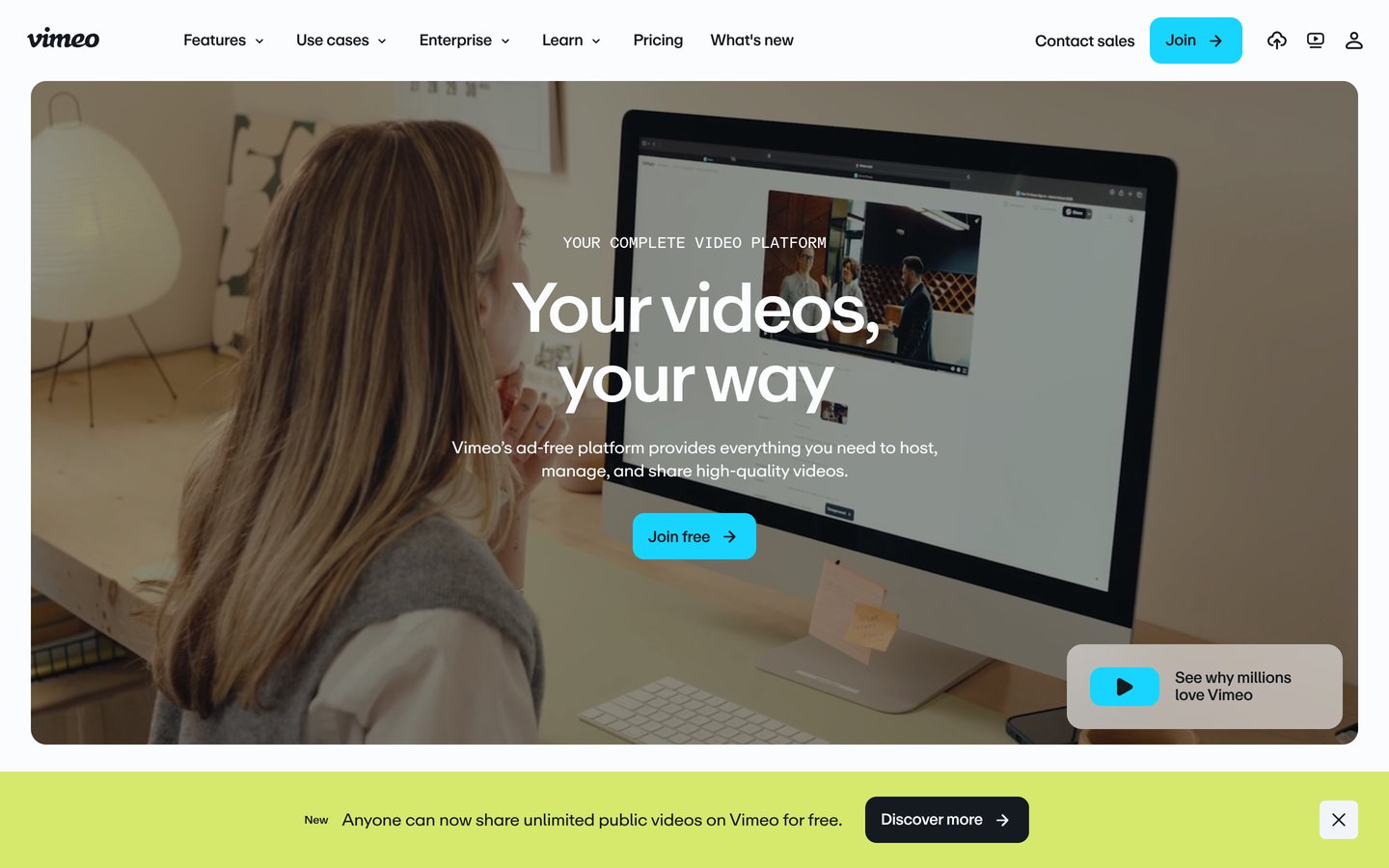
Vimeo homepage, captured Nov 2026.
Vimeo is a video hosting platform known for ad-free playback, embed customization, and privacy controls, holding 4.3/5 across 725 G2 reviews. A free tier includes 3 GB of storage, while Creator starts at $9/month billed annually ($108/year) or $16/month monthly with 50 GB of storage.
The trade off is higher-tier pricing and plan changes that push teams and businesses toward pricier plans. It suits creators who want clean video hosting and embedding rather than a full membership storefront.
What we like
Established review footprint with 4.3/5 across 725 G2 reviews
Low entry cost on Creator at $9/month annually with a free tier available
Clean ad-free player embeds and privacy controls
Watch out for
Higher storage, live, and business tiers cost substantially more
Users report frustration with recent plan changes and price jumps
Core, Professional, and Studio plans expand storage, bandwidth, seats, and live event features.Visit vimeo.com
06
Ko-fi
4.6/5on Trustpilot (801 reviews, checked Nov 2026)
Paid from$12/mo
Best for simple memberships and tips with low fees
Paid planGold ($12/mo)
Free fee5% on sales/subs
Gold fee0% platform fee
Trustpilot4.6/5 (801)
ko-fi.com
Ko-fi homepage, captured Nov 2026.
Ko-fi is a creator storefront for memberships, digital items, and supporter payments with a 4.6/5 rating on Trustpilot. You can start free with a 5% platform fee on memberships and shop sales, or upgrade to Ko-fi Gold at $12/month ($144/year) to remove platform fees.
The trade off is fewer advanced video streaming or course structures compared with dedicated video platforms. It suits small creators sharing member-only video posts and simple perks without heavy monthly software overhead.
What we like
Rated 4.6/5 on Trustpilot with 801 reviews
Free to start with Ko-fi Gold at $12/month ($144/year)
Removes Ko-fi's 5% platform fee on sales and memberships when on Gold
Watch out for
Payment processing fees from Stripe or PayPal still apply on top
Lacks dedicated OTT apps and deep course or streaming infrastructure
Ko-fi Gold ($12/month) removes platform transaction fees and adds page branding, analytics, and priority support.Visit ko-fi.com
07
Patreon
4.2/5on G2 (63 reviews, checked Nov 2026)
PriceFree
Best for fan memberships with built-in video hosting
Monthly baseFree to start
Standard fee10% of earnings
Video limit100 hrs/mo active
G2 rating4.2/5 (63)
patreon.com
Patreon homepage, captured Nov 2026.
Patreon is a membership platform for recurring fan subscriptions and one-time digital sales, including up to 100 hours/month of video hosting for creators with paying fans. It has no monthly subscription fee and takes a standard 10% platform fee on earnings after August 4, 2025, plus processing fees.
The trade off is giving up 10% of revenue on every payout plus payment processing and any app or currency fees. It suits creators who already have an engaged community willing to support recurring tiers without upfront monthly software bills.
What we like
Zero upfront monthly plan fee to set up and monetize
Includes up to 100 hours/month of video hosting when you have paying fans
Holds a 4.2/5 rating across 63 G2 reviews
Watch out for
Standard 10% platform fee scales up as your monthly income grows
No native live streaming or standalone pay-per-view event ticketing
Patreon uses a revenue-share model rather than a paid subscription tier, with additional fees depending on payment method and currency.Visit patreon.com
How percentage fees and subscriber caps change real costs
A $0 or low monthly entry price can cost more than a flat subscription once revenue grows. A 10% platform cut on $2,000 in monthly sales takes $200 before payment processing fees.
Per-subscriber charges create a similar inflection point on membership platforms. Always model your expected member count and monthly revenue before committing to an annual plan.
How we chose
We gathered active video monetization platforms across membership video hosting, online course builders, creator storefronts, and WordPress streaming plugins.
All pricing tiers, plan changes, review scores, and install counts were checked on 29 Nov 2026 from official vendor pages, WordPress.org, G2, and Trustpilot.
We excluded unverified tools, products without confirmed regular pricing, and platforms with unclear maintenance status. No vendor paid for a place, and we do not claim testing for this list.
How to choose a video monetization platform
Follow four checks to match a platform to how viewers pay and watch.
Match the billing model to your content. Pick a membership video host for recurring libraries, a course tool for structured lessons, or a streaming plugin for live events.
Calculate fees at realistic revenue. Compare monthly base fees against per-subscriber charges and percentage cuts at your expected sales volume.
Check storage, bandwidth, and viewer caps. Verify video hours, monthly bandwidth, and subscriber limits so upgrades do not catch you off guard.
Confirm audience and payment control. Review how member data exports and payment processors work before building your catalog around one vendor.
FAQ
What are the best video monetization platforms in 2026?
Uscreen is the top pick for recurring video memberships starting at $49/month on Starter. Thinkific fits structured courses at $984/year on Start annually, while WpStream suits WordPress live streaming and pay-per-view at $190/year on Lite.
How much do video monetization platforms usually cost?
Entry paid plans range from free-to-start revenue-share tools like Patreon at a 10% standard fee to subscriptions around $9/month on Vimeo Creator annually, $24/month on WpStream Lite, $29/month on Teachable Starter annually, $82/month on Thinkific Start annually, and $49/month on Uscreen Starter.
Are there free video monetization platforms?
Yes, Patreon has no monthly plan fee and charges a 10% standard platform fee on earnings, while Ko-fi offers a free tier with a 5% fee on memberships and shop sales. WpStream and Vimeo also offer free entry or trial options before paid tiers.
Which platform is better for beginners with a small audience?
Beginners with a small audience can start with Patreon or Ko-fi Free to avoid fixed monthly software costs while testing demand. Those with under 100 members who want a dedicated video catalog often look at Uscreen Starter at $49/month.
Uscreen vs Thinkific: which should you pick?
Pick Uscreen if your main product is a recurring video membership or media library with native live streaming. Pick Thinkific if you sell structured courses with quizzes and community spaces and want 0% platform transaction fees.
SaaS SEO and WordPress specialist with about 8 years of experience. Rakib compares WordPress plugins, themes, hosting and software using public pricing, documentation and user reviews. See how we rank.