Canva is the top creative design software for beginners, with a free plan, thousands of templates and Pro at $120 a year. Adobe Express is the best pick for Adobe fans, while Figma suits beginners who want to learn interface design.
How we make this list: we compare pricing pages, product documentation and public user reviews, then re-check every price before each update. No product paid for a place. Disclosure.
Canva leads with a free plan, thousands of templates and Pro at $120 a year, rated 4.7 out of 5 on G2.
Adobe Express Premium is $9.99 a month, with 200 million stock assets and 250 AI credits.
Figma is the best free start for interface design, with a free Starter plan and Pro at $15 per editor a month.
Desygner Pro+ is the cheapest paid plan at $4.95 a month billed annually.
Affinity Designer is a one-time $69.99 purchase, the only tool here with no subscription.
How do you choose the top creative design software for beginners?
Beginners do not need professional tools. They need templates, drag-and-drop editing and a free plan that lets them finish a real design on day one.
Start with templates. A tool with thousands of ready-made layouts teaches good design by example, while a blank canvas teaches nothing.
Watch the free plan limits. Some free plans watermark exports or lock the best templates, so check what a free design actually looks like before you commit.
Pick one tool and finish ten designs in it. Switching tools every week slows learning more than any missing feature.
The 9 best creative design software tools for beginners
01
Canva
4.7/5on G2 (7,945 reviews, checked Nov 2026)
Paid from$120/yr
Best creative design software for beginners overall
Starting pricePro, $120/yr
Free planYes, 5GB storage
TemplatesThousands
AI toolsMagic Studio in Pro
canva.com
Canva homepage, captured Nov 2026.
Canva is a browser design tool with thousands of templates, drag-and-drop editing, stock photos and brand kits. The free plan includes templates, stock photos and PDF export with 5GB of storage, while Pro adds premium templates, background removal, Magic Resize and 1TB of storage.
The trade off is that the best templates sit behind Pro at $120 a year, and the free plan shows locked premium content throughout. It suits beginners who want to finish a polished design in minutes without design training.
What we like
Largest template library in this list
Free plan covers everyday designs
Rated 4.7 out of 5 from 7,945 G2 reviews
Apps for web, iOS and Android
Watch out for
Best templates need Pro at $120 a year
Monthly billing costs $15, more than the yearly rate
Free plan shows locked premium content
Pro adds premium templates, background removal and 1TB storageVisit canva.com
02
Adobe Express
4.4/5on G2 (1,108 reviews, checked Nov 2026)
Paid from$9.99/mo
Best for Adobe fans and quick graphics
Starting pricePremium, $9.99/mo
Free planYes, 5GB storage
Stock assets200M on Premium
AI credits250 per month
adobe.com
Adobe Express homepage, captured Nov 2026.
Adobe Express is a browser-based design tool from Adobe for quick template-led graphics, social posts and brand content. The free plan includes 100,000 templates, 1 million stock assets, 5GB of storage and background removal with full-size downloads and no watermark.
The trade off is depth. Premium costs $9.99 a month and adds 200 million stock assets, 30,000 fonts, 250 AI credits and brand kits, but editing controls feel constrained next to fuller design apps. It suits creators already in the Adobe ecosystem.
What we like
Background removal on the free plan
200M stock assets on Premium
Rated 4.4 out of 5 from 1,108 G2 reviews
Works with Adobe Stock and Fonts
Watch out for
Editing controls feel constrained
Free plan watermarks some exports
Premium is billed monthly only
Premium adds 200M stock assets and 250 AI creditsVisit adobe.com
03
Figma
4.7/5on G2 (1,201 reviews, checked Nov 2026)
Paid from$15/editor/mo
Best free start for interface design
Starting price$15/editor/mo
Free planYes, 3 files
CollaborationReal-time multiplayer
PrototypingYes, with variables
figma.com
Figma homepage, captured Nov 2026.
Figma is a browser-based design and prototyping tool that has become the industry standard for product and interface design. The free Starter plan supports 3 Figma and 3 FigJam files, with real-time multiplayer editing, components and prototyping built in.
The trade off is per-editor pricing. Professional costs $15 per editor a month, or $12 billed yearly, and the price climbs to $45 for Organization, so large teams pay far more. It suits beginners learning interface design and collaboration.
What we like
Industry standard for interface design
Real-time collaboration in the browser
Rated 4.7 out of 5 from 1,201 G2 reviews
Free Starter plan for solo designers
Watch out for
Per-editor pricing adds up on teams
Organization plan jumps to $45 per editor
Weak for quick social posts and flyers
Professional adds unlimited files and shared librariesVisit figma.com
04
VistaCreate
4.5/5on G2 (171 reviews, checked Nov 2026)
Paid from$10/mo
Best budget Canva alternative
Starting pricePro, $10/mo annual
Free planYes, Starter
Brand KitsUnlimited on Pro
Stock assets70M+ on Pro
create.vista.com
VistaCreate homepage, captured Nov 2026.
VistaCreate is an online graphic design platform for marketers, small businesses and creators making social posts, web graphics and print. The free Starter plan covers core design tools and templates, while Pro adds unlimited Brand Kits, background removal and 70 million royalty-free assets.
The trade off is polish. Pro costs $10 a month billed annually, or $120 a year, and reviewers report occasional glitches and slow support. It suits beginners who want a Canva-style workspace at the same price with team accounts included.
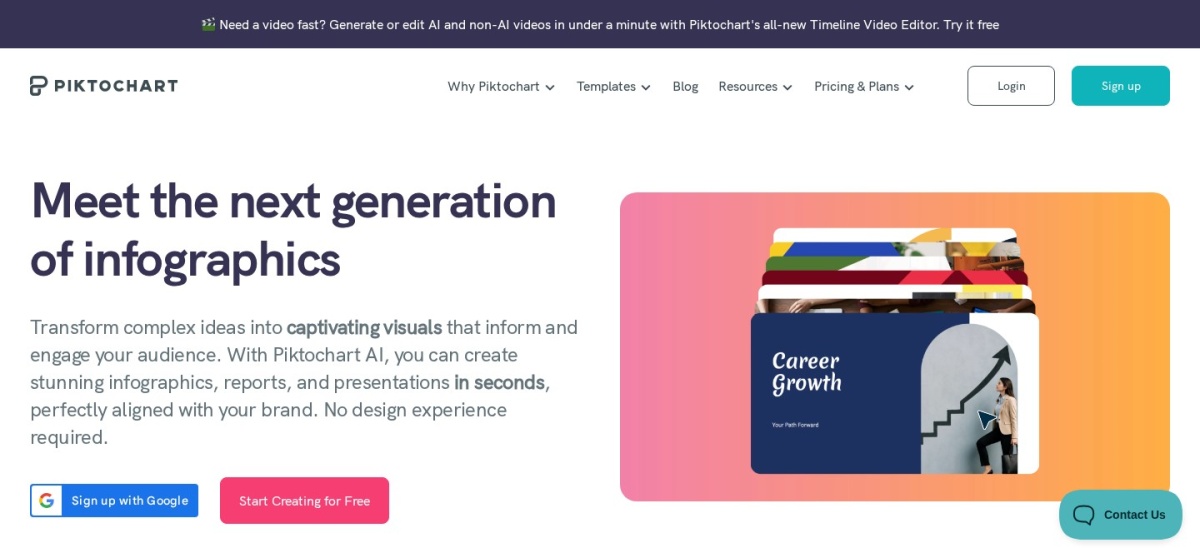
Piktochart is a web-based visual communication platform for infographics, presentations, reports and posters. Its spreadsheet import turns data into charts automatically, and the free plan covers 5 projects with limited templates and watermarked exports.
The trade off is the price jump. Pro costs $14 a month billed annually, or $29 month to month, and more than 60 percent of templates sit behind the Pro paywall. It suits beginners who turn data and research into visual reports.
Snappa is an online graphic design tool for quickly creating visuals for web and print, with templates sized for every social network. The free plan covers 10 credits a month, and Pro costs $15 a month with 250 credits, unlimited downloads and team sharing.
The trade off is the credit system. Every download uses credits, so heavy users hit the 250-credit cap, and the template library is smaller than Canva. It suits beginners who want one social graphic done fast without learning a big tool.
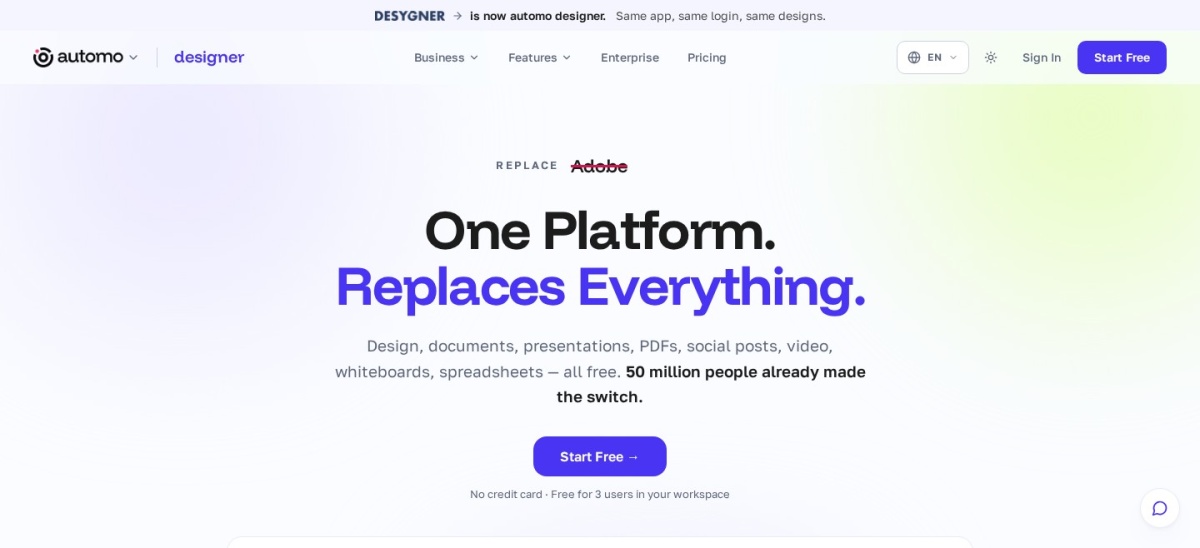
Desygner is an online design and brand content platform for small business marketing teams, with templates, AI assistants and multi-format publishing. The free plan covers thousands of templates and basic editing, while Pro+ adds premium templates, Shutterstock assets, PDF editing and up to 5 collaborators.
The trade off is polish and support. Pro+ costs $4.95 a month billed annually, or $9.95 month to month, and reviewers report editor glitches and slow support. It suits beginners who want the cheapest paid plan with PDF editing included.
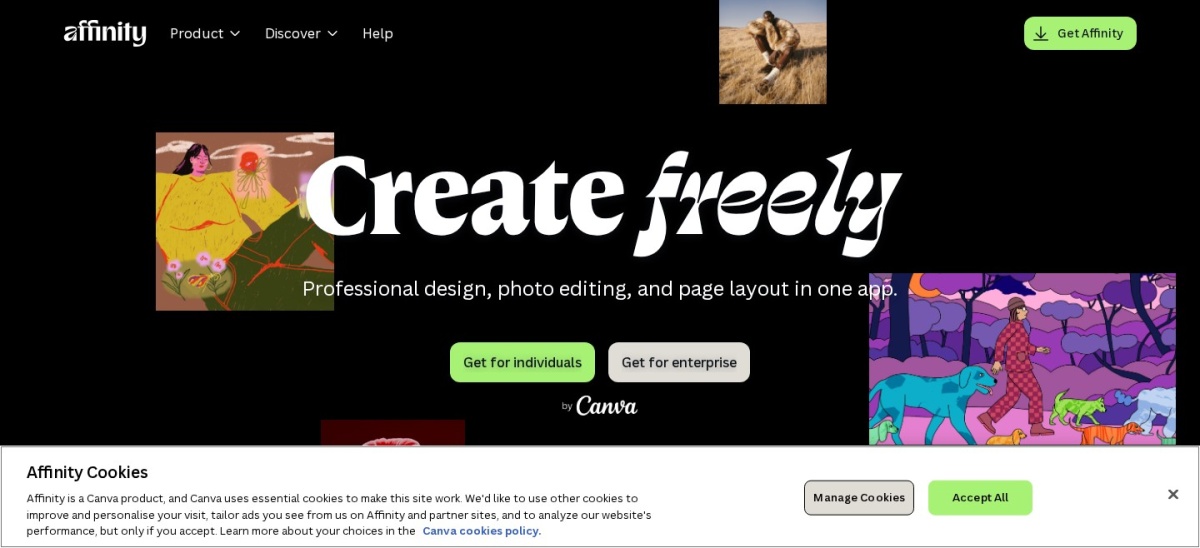
Affinity Designer is a professional vector editor sold as a one-time purchase of $69.99, with no subscription. It covers vector and pixel work in one app, with artboards, symbols, CMYK and spot colour support, and clean SVG, PDF and EPS export.
The trade off is the learning curve. Affinity Designer has no free plan, only a free trial, and beginners moving from Illustrator report different shortcuts and workflows. It suits beginners who want a professional vector tool they own outright.
Sketch is a Mac-native vector design tool that pioneered the modern UI design workflow, with symbols, shared libraries and prototyping. Standard costs $10 per editor a month, with a Mac-only perpetual licence available for $120, and Business adds team libraries and SSO.
The trade off is the platform lock-in. Sketch runs on Mac only, has no free plan, and has lost mindshare to Figma, so collaboration with Windows teammates needs workarounds. It suits Mac-only beginners learning interface design.
What we like
Fast native Mac performance
Mature symbols and shared libraries
Rated 4.4 out of 5 from 1,226 G2 reviews
Perpetual licence option for $120
Watch out for
Mac only, no Windows version
No free plan
Losing mindshare to Figma
Business adds team libraries and SSO at $20 per editor a monthVisit sketch.com
Free vs paid: what you give up
Free plans cover the basics well. Most include templates, stock photos and exports, which is enough for social posts and simple flyers.
Paid plans mostly add premium templates, brand kits and background removal. You get a consistent look across designs and no watermarks.
If you design every week, a paid plan is usually worth it. Desygner Pro+ at $4.95 a month is the cheapest paid start in this list.
How we chose
We started from the design tools most often recommended for beginners, then kept the nine with a verifiable G2 rating and a published price or a clear one-time purchase.
Prices come from each vendor's pricing page or vendor-supplied G2 pricing, checked on 29 November 2026, and ratings and review counts come from G2 on the same day. Where a vendor shows a sale, the list shows the regular price.
We left out professional-only tools with no free plan or trial. No vendor paid for a place, and we do not claim hands-on testing for this list.
How to choose creative design software as a beginner
Start with what you will design most, then check the free plan before you pay.
Decide what you will design most. Social posts need templates, infographics need charts, and interface work needs vector tools, so match the tool to the job.
Try the free plan on a real design. Make one social post and one flyer, then check the export quality and whether a watermark appears.
Check the template library for your niche. A tool with hundreds of templates for your use case beats a powerful tool with none.
Pay only when the free plan blocks you. Upgrade when you hit locked templates, watermarks or storage limits, not before.
FAQ
What is the top creative design software for beginners in 2026?
Canva is the top creative design software for beginners. Its free plan includes thousands of templates, drag-and-drop editing and 5GB of storage, Pro costs $120 a year, and it holds a 4.7 out of 5 G2 rating from 7,945 reviews.
Is there a free creative design software for beginners?
Yes. Canva, Adobe Express, Figma, VistaCreate, Piktochart, Snappa and Desygner all offer free plans. Canva's free plan is the most generous, with thousands of templates, stock photos and PDF export.
How much does design software for beginners cost?
Expect $4.95 to $15 a month for paid plans, or a one-time $69.99 for Affinity Designer. Desygner Pro+ is the cheapest subscription at $4.95 a month billed annually, while Canva Pro and VistaCreate Pro both cost $120 a year.
Which design software is easiest for a complete beginner?
Canva is the easiest for a complete beginner, with drag-and-drop editing and templates for almost every format. VistaCreate and Snappa are close behind, while Figma and Affinity Designer need more learning time.
Canva vs Adobe Express: which is better for beginners?
Canva is better for most beginners, with more templates and a larger review base at 4.7 out of 5 on G2. Adobe Express is better if you already use Adobe tools, with Premium at $9.99 a month and 200 million stock assets.
Is Figma good for beginners?
Figma is good for beginners who want to learn interface and product design, with a free Starter plan and real-time collaboration. It is less suited to quick social posts and flyers, where Canva and VistaCreate are faster.
SaaS SEO and WordPress specialist with about 8 years of experience. Rakib compares WordPress plugins, themes, hosting and software using public pricing, documentation and user reviews. See how we rank.