Best Brochure Design Software in 2026: 9 Tools Compared
WLWPLegible EditorsLast verified 23 Nov 2026How we rank13 min read
★ Short answer
Canva is the best brochure design software for most people, with thousands of brochure templates, brand kits and print export on the $120 a year Pro plan. Pick Adobe InDesign for full print control, or Adobe Express for the cheapest paid plan at $9.99 a month.
How we make this list: we compare pricing pages, product documentation and public user reviews, then re-check every price before each update. No product paid for a place. Disclosure.
Canva Pro costs $120 a year and includes thousands of brochure templates, brand kits and print export, with a 4.7 rating on G2 from 7,678 reviews.
Adobe InDesign is the professional pick at $22.99 a month, with full control over bleeds, color and multi-page layout.
Adobe Express is the cheapest paid plan at $9.99 a month, and its free plan covers basic brochure design.
Visme and Venngage both suit data-heavy brochures, with charts and infographics built in, from $29 and $19 a month.
Flipsnack turns PDFs into interactive flipbooks, and its Starter plan costs $16 a month billed annually.
What brochure design software should do
Brochure design splits into two jobs: layout for print, and quick digital sharing. Template tools like Canva and VistaCreate handle both in a browser, while InDesign gives full control over bleeds, color profiles and multi-page documents.
Check the export before you pay. Free plans often lock print-quality PDF export, brand kits and background removal behind a paid tier, so test the export you actually need.
Templates save more time than features. Canva, Visme and Venngage each ship hundreds of brochure templates, so a small business can finish a tri-fold in an hour without a designer.
If the brochure feeds a website, keep the brand consistent. Our guide on budgeting for a WordPress website covers what a small site costs once the design is done.
Canva is a browser design tool with thousands of brochure templates, drag-and-drop editing, stock photos and brand kits. Pro costs $120 a year, or $15 a month billed monthly, and adds premium templates, background removal and print-quality PDF export. It holds a 4.7 rating on G2 from 7,678 reviews, the largest review count in this list.
The trade off is depth. Canva cannot match InDesign for bleeds, CMYK color control or long multi-page documents, and the best templates sit behind Pro. It suits small businesses that need a good brochure fast without hiring a designer.
Adobe InDesign is the professional standard for print layout, with exact control over bleeds, CMYK color, grids, styles and multi-page documents. A single-app plan costs $22.99 a month billed annually, and it holds a 4.6 rating on G2 from 3,439 reviews. It fits designers and print shops that need press-ready files.
The trade off is cost and skill. InDesign costs more than every tool here except Visme and Piktochart, and it takes real design skill to use well. It suits teams that print often and work with a designer or print shop.
Adobe Express is Adobe's browser design tool for quick social and print graphics, with brochure templates, stock photos and brand kits. Premium costs $9.99 a month, and the free plan covers basic design with Adobe fonts and templates. It holds a 4.5 rating on G2 from 855 reviews.
The trade off is depth. Express is a light tool next to InDesign, with no CMYK control and fewer layout options, and the best templates need Premium. It suits small businesses that want Adobe quality at the lowest paid price in this list.
Visme is a design tool for presentations, infographics and brochures, with charts, data widgets and brand kits built in. Starter costs $29 a month billed monthly, or $12.25 a month billed annually, and the free plan covers basic design. It holds a 4.5 rating on G2 from 512 reviews.
The trade off is the monthly price. At $29 a month it costs more than Canva Pro, and the best value needs the annual plan. It suits teams that build brochures around charts, stats and reports rather than photos.
What we like
Charts and data widgets built in
Strong for reports and stats brochures
Rated 4.5 out of 5 on G2
Watch out for
Pricey at $29 a month billed monthly
Smaller template library than Canva
Free plan limits downloads
Annual billing drops Starter to $12.25 a monthVisit visme.co
05
Venngage
4.7/5on G2 (133 reviews, checked Nov 2026)
Paid from$19/mo
Best for infographic-style brochures
Cheapest paid planPremium, $19/mo
Free planYes, 5 designs
Brochure templatesYes
Print exportPDF, Premium
venngage.com
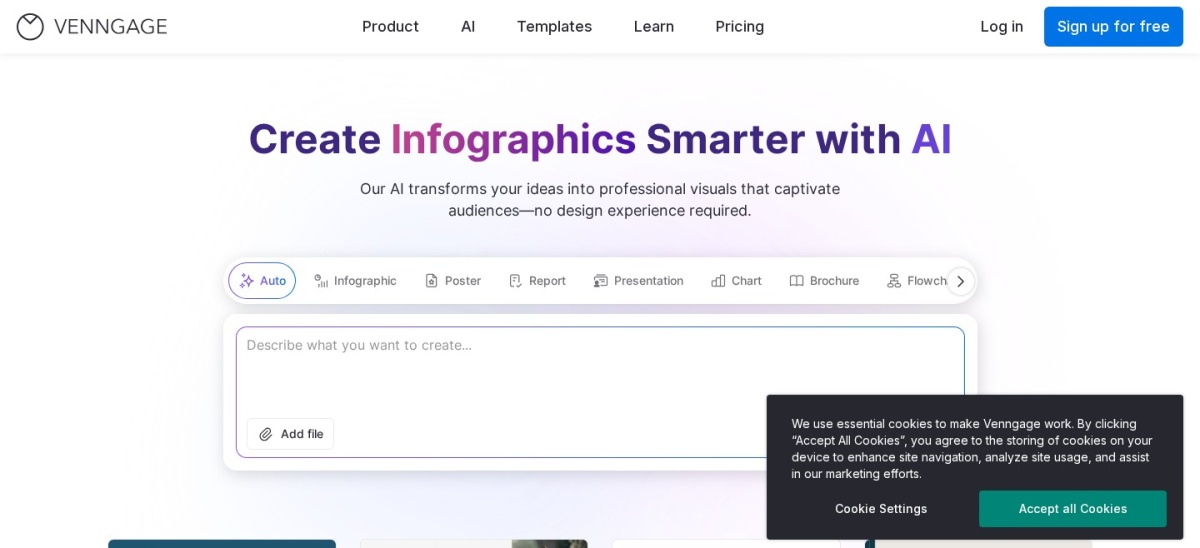
Venngage homepage, captured Nov 2026.
Venngage is an infographic and brochure tool with templates for reports, flyers and tri-folds, plus charts and brand kits. Premium costs $19 a month billed monthly, or $10 a month billed annually, and the free plan covers 5 designs. It holds a 4.7 rating on G2 from 133 reviews.
The trade off is the free plan. Five designs is a tight limit, and the best templates need Premium, so most users will pay. It suits teams that want infographic-style brochures with charts and icons.
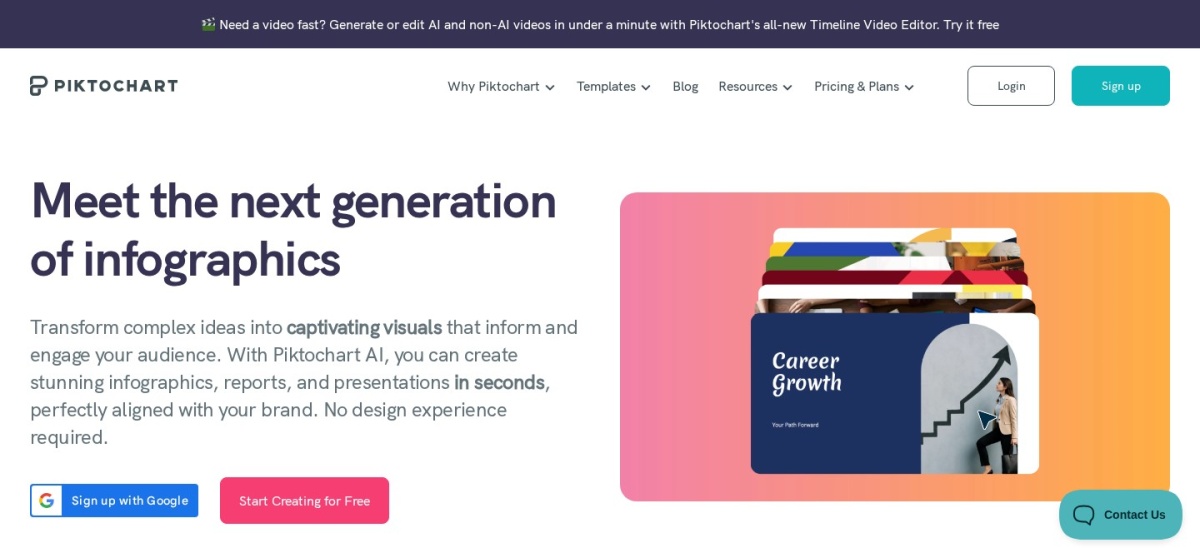
Piktochart is a visual design tool for infographics, presentations and brochures, with templates, charts and brand kits. Pro costs $29 a month billed monthly, or $14 a month billed annually, and the free plan covers 5 active files. It holds a 4.4 rating on G2 from 163 reviews.
The trade off is the price and the free plan. At $29 a month it ties Visme as the most expensive monthly plan here, and 5 active files is a tight cap. It suits teams that make visual brochures and reports on a regular basis.
VistaCreate is a browser design tool with brochure templates, stock photos and animations, built for quick social and print graphics. Pro costs $13 a month billed monthly, or $10 a month billed annually, and the free plan covers basic design. It holds a 4.5 rating on G2 from more than 170 reviews.
The trade off is depth. VistaCreate is a light tool with fewer layout options than Canva, and the template library is smaller. It suits small businesses that want a cheap Pro plan and fast results.
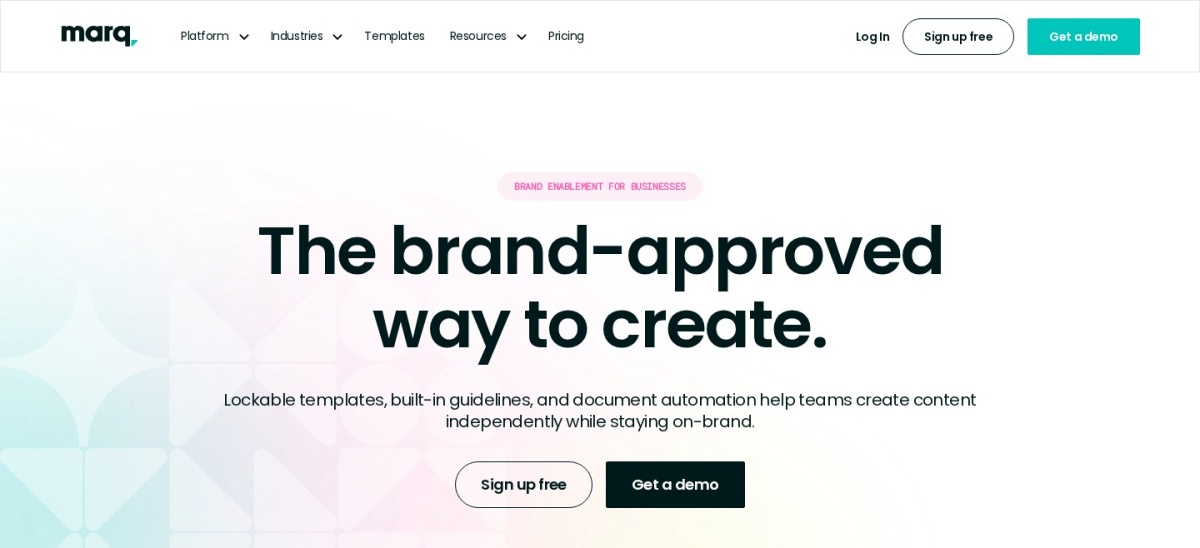
Marq, formerly Lucidpress, is a brand templating platform for teams, with locked templates, brand controls and print or digital export. Pro costs $10 a user a month, and the free plan covers basic design. It holds a 4.6 rating on Capterra from 284 reviews.
The trade off is the audience. Marq is built for teams that share locked templates, so a solo user gets less value than from Canva, and per-user pricing adds up. It suits teams that need every brochure on brand, with no off-template edits.
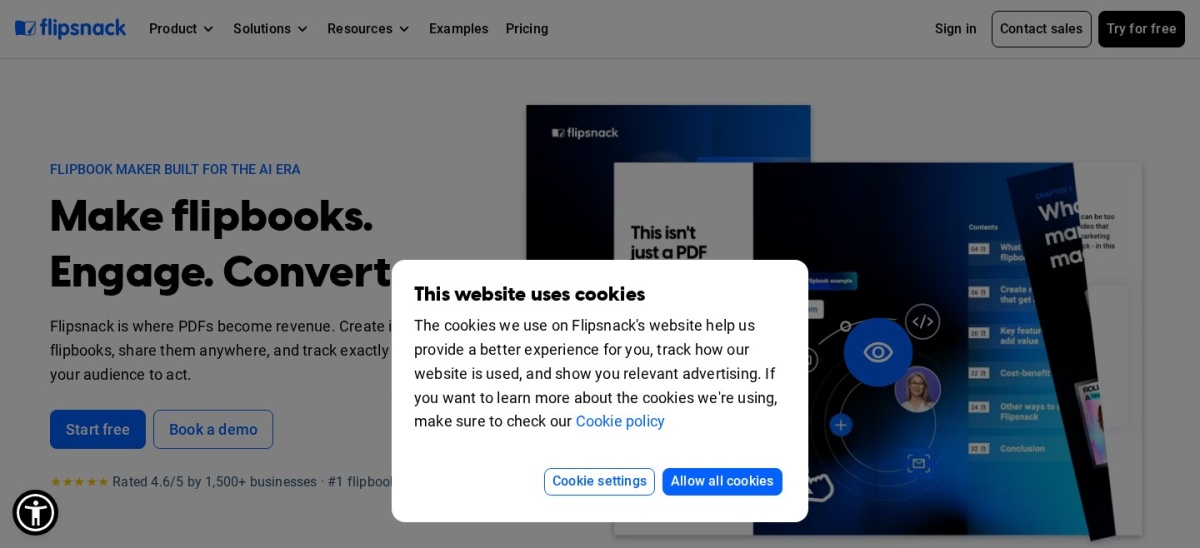
Flipsnack is a flipbook platform that turns PDFs into interactive digital brochures with page-flip effects, links and analytics. Starter costs $16 a month billed annually, or $192 a year, and the free plan covers 3 catalogs. It holds a 4.7 rating on G2 from 427 reviews.
The trade off is print. Flipsnack is built for digital brochures, so print output is basic, and the Starter plan caps uploads. It suits businesses that share brochures by link or email and want to track who reads them.
Templates win for speed. Canva, VistaCreate and Piktochart let a non-designer finish a brochure in an hour, with stock photos and brand colors built in.
Professional layout wins for print. InDesign handles bleeds, CMYK color and long documents, which matters when a print shop rejects a file.
Most small businesses should start with a template tool. Move to InDesign only when you print often, work with a designer, or need exact control over every page.
How we chose
We started from the design tools most often recommended for brochures, then kept the nine with published pricing and a real free plan or trial.
Prices come from each vendor's pricing page, checked on 23 November 2026. Ratings come from G2 or Capterra on the same day. Where a vendor shows a sale, the list shows the regular price.
We left out desktop-only publishing suites with no trial and quote-only print shops. No vendor paid for a place, and we do not claim hands-on testing for this list.
How to choose brochure design software
Start with print or digital, then check the export you need.
Decide print or digital first. Print brochures need CMYK export and bleeds, which InDesign handles best. Digital brochures suit Flipsnack or Canva's share links.
Check the export on the free plan. Free plans often lock print-quality PDF export. Export one brochure before you commit to a tool.
Count how many brochures you will make. A one-off brochure is fine on a free plan. Regular campaigns need brand kits, which start at $9.99 a month on Adobe Express.
Try a template on real copy. Drop in your own text and photos, then print a test page. See our guide on how much a WordPress website costs for planning the wider budget.
FAQ
What is the best brochure design software?
Canva is the best pick for most people, with thousands of brochure templates and print export on the $120 a year Pro plan. Adobe InDesign suits professional print work, and Adobe Express is the cheapest paid plan at $9.99 a month.
Is there free brochure design software?
Yes. Canva, Adobe Express, Visme, Venngage, Piktochart, VistaCreate, Marq and Flipsnack all offer free plans. Paid plans start at $9.99 a month and unlock brand kits, premium templates and print-quality export.
Can I design a brochure in Canva for free?
Yes. Canva's free plan includes brochure templates and basic export, but print-quality PDF, brand kits and background removal need Pro at $120 a year, or $15 a month billed monthly.
What is the difference between Canva and Adobe InDesign?
Canva is a browser tool with templates for fast brochure design, while InDesign is professional desktop software with full control over bleeds, color and multi-page layout. Canva costs $120 a year; InDesign costs $22.99 a month.
Which tool is best for printable tri-fold brochures?
Canva and Visme are the easiest picks for tri-fold brochures, with ready templates and print export. InDesign is the best choice when a print shop needs CMYK files with exact bleeds.
Do these tools work for digital brochures too?
Yes. Flipsnack turns PDFs into interactive flipbooks for the web, and Canva, Visme and Piktochart all export shareable links and images. InDesign is the weakest here, since it is built for print first.