Canva is the best free ebook creator for most people. Its free plan covers ebook templates, covers and PDF export, and it is rated 4.7 out of 5 on G2. Pick Reedsy Studio for free EPUB and print formatting, and Kindle Create for a free Amazon-only book.
How we make this list: we compare pricing pages, product documentation and public user reviews, then re-check every price before each update. No product paid for a place. Disclosure.
Canva is a browser design tool with ebook templates, covers and page layouts that work without design skills. The free plan includes templates, stock photos and PDF export, and Pro adds the full template library, Brand Kit and 1TB of storage at $120 a year.
The trade off is export. Canva exports PDF, not EPUB, so it suits lead magnets, guides and short ebooks more than full-length books for ebook stores. It suits creators who want a good-looking PDF fast.
What we like
Large free template library for ebooks and covers
Easy drag-and-drop editor with no learning curve
Rated 4.7 out of 5 on G2 from 6,733+ reviews
Watch out for
No EPUB export for ebook stores
Premium templates and stock need Pro
Long books are awkward to manage page by page
Pro adds premium templates, Brand Kit and 1TB storageVisit canva.com
02
Reedsy Studio
4.7/5on Trustpilot (2,039 reviews, checked Nov 2026)
Paid from$4.99/mo
Best free ebook formatter
Free planYes, unlimited books
Ebook exportEPUB 3
Print exportPrint-ready PDF
Paid planCraft add-on, $4.99/mo
reedsy.com
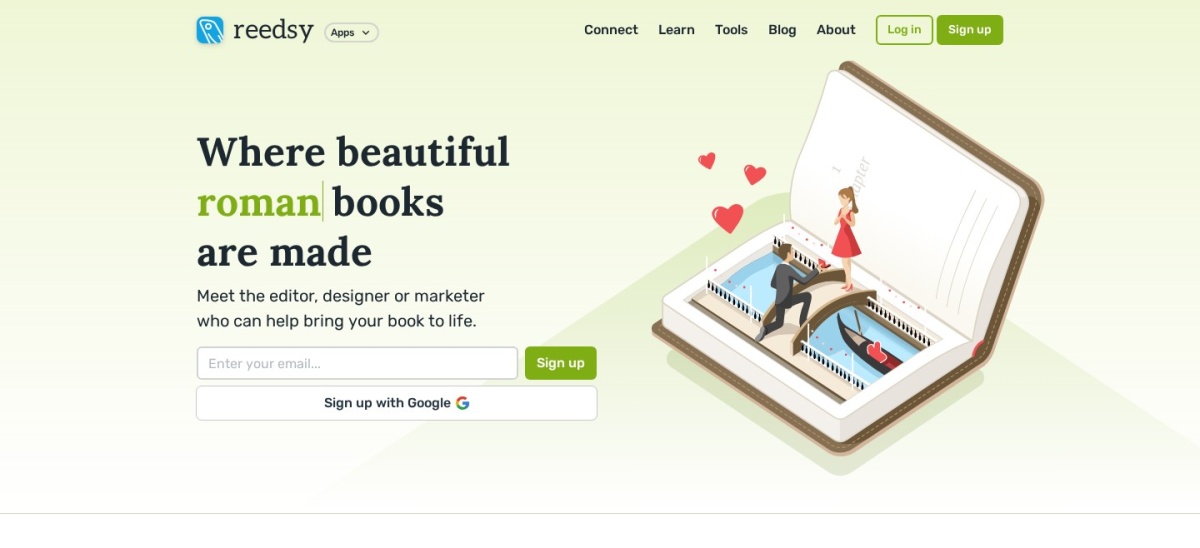
Reedsy Studio homepage, captured Nov 2026.
Reedsy Studio is a free browser app for writing a book and turning it into a print-ready PDF and an EPUB ebook. The core editor, manuscript import, chapter management, collaboration and export cost nothing, with unlimited books and three typesetting themes.
The trade off is choice. There are only three themes and four trim sizes, and the Craft add-on at $4.99 a month adds history, stats and goals. It suits authors who want a clean, finished book without paying for formatting.
What we like
EPUB and print-ready PDF export are free
Unlimited books with no time limit
Clean typesetting with no design skills needed
Watch out for
Only three themes and four trim sizes
No grammar or spell check built in
No cover design tool
Craft adds unlimited history, advanced stats and goalsVisit reedsy.com
03
Kindle Create
4.7/5on Softonic (181 reviews, checked Nov 2026)
PriceFree
Best free Amazon-only formatter
Free planYes, no paid tier
Ebook exportKPF, EPUB for reflowable books
Print exportSimple KDP paperback
Paid planNone
kdp.amazon.com
Kindle Create homepage, captured Nov 2026.
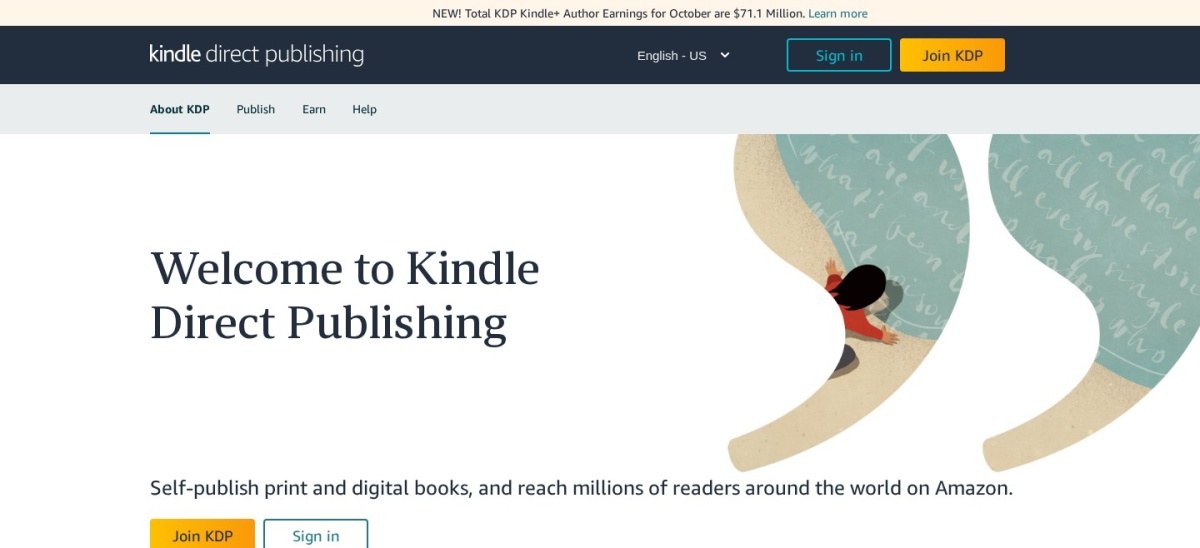
Kindle Create is Amazon's free desktop app for turning a finished Word manuscript into a Kindle ebook and a simple paperback. It runs on Windows and Mac, imports DOC or DOCX files, and exports a KPF file ready to upload to Kindle Direct Publishing, with EPUB export for reflowable books.
The trade off is reach. The KPF file only works on Amazon, and paperback design options are limited, with margins set automatically. It suits first-time authors who plan to sell only on Amazon and want to spend nothing.
Adobe Express is Adobe's browser design tool for covers, pages and social graphics, with Firefly AI image tools and Adobe Stock. The free plan includes 100,000+ templates, 1M+ stock assets and 5GB of storage, and Premium at $9.99 a month adds 200M+ stock assets, brand kits and 100GB.
The trade off is format. Like Canva, it exports PDF rather than EPUB, so it suits visual ebooks, lead magnets and covers more than store-ready books. It suits creators already using Adobe tools or stock.
What we like
Large Adobe Stock library on paid plans
Firefly AI image generation included
Premium is cheaper than Canva Pro per month
Watch out for
No EPUB export for ebook stores
Free exports can carry a watermark
Free plan limits storage to 5GB
Premium adds 200M+ stock assets, brand kits and 100GBVisit adobe.com
05
FlipHTML5
4.7/5on G2 (93 reviews, checked Nov 2026)
Paid from$15/mo
Best for interactive flipbook ebooks
Free planYes, with ads and branding
Ebook exportFlipbook, PDF
EPUB exportNo
Paid planPro, $15/mo
fliphtml5.com
FlipHTML5 homepage, captured Nov 2026.
FlipHTML5 turns a PDF into an interactive flipbook with page-turn effects, links and media that readers open in a browser. The free plan covers basic flipbooks, and Pro at $15 a month removes ads and branding and adds more storage and customisation.
The trade off is that it is a reading experience, not a store file. There is no EPUB export, so it suits catalogues, magazines and lead magnets shared on the web. It suits creators who want a book that feels like a magazine online.
4.5/5on Trustpilot (1,685 reviews, checked Nov 2026)
Starts at$29/mo
Best for turning content into ebooks
Free planNo, 7-day trial
Ebook exportPDF, EPUB, Kindle
Templates100 on Standard
Paid planStandard, $29/mo
designrr.io
Designrr homepage, captured Nov 2026.
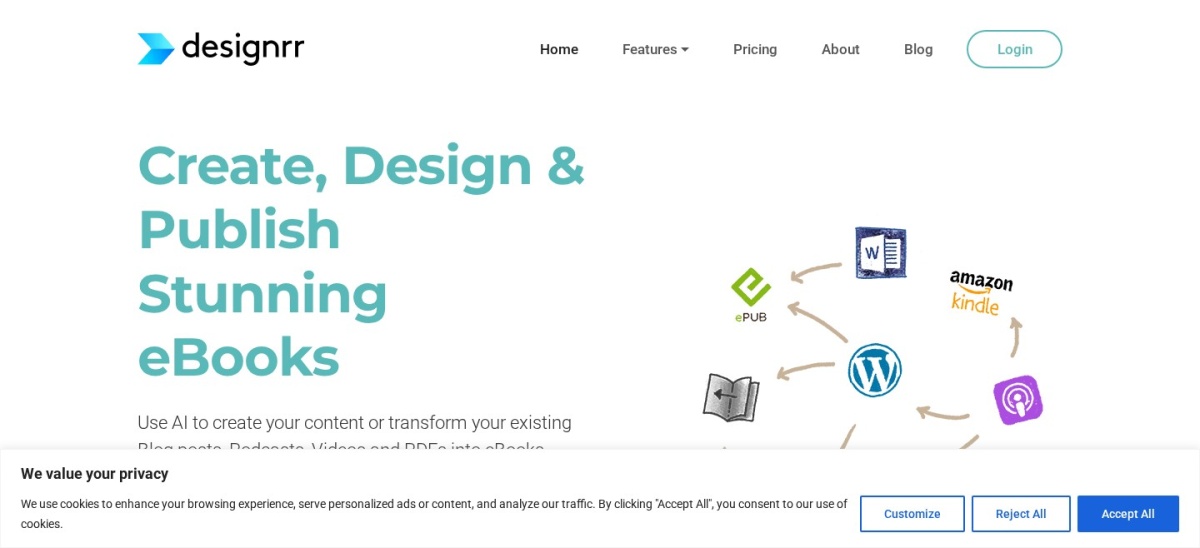
Designrr is a browser tool that turns blog posts, Word and Google Docs files, PDFs and video into ebooks, lead magnets and flipbooks. Standard at $29 a month includes 100 templates, WordGenie AI, unlimited ebooks and PDF export, while Pro at $39 a month adds Kindle and EPUB export.
The trade off is price. There is no free plan, only a 7-day trial, and EPUB and Kindle export need the Pro plan. It suits coaches and creators who repurpose existing content into ebooks every month.
4.5/5on Trustpilot (204 reviews, checked Nov 2026)
Starts at$147/once
Best one-time buy for writing and formatting
Free planNo, 30-day refund
Ebook exportEPUB
Print exportPrint-ready PDF
Paid planOne-time, $147
atticus.io
Atticus homepage, captured Nov 2026.
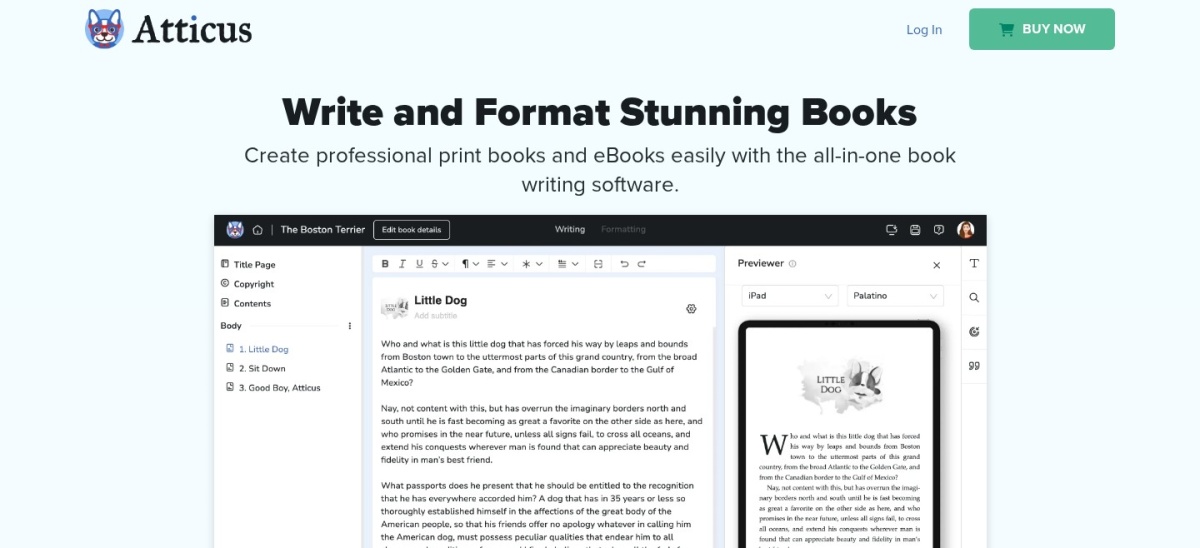
Atticus is a writing and formatting app in one, running in the browser on Windows, Mac, Linux and Chromebook and working offline after setup. It costs $147 once with lifetime updates, and exports EPUB, print-ready PDF and DOCX from one project with 17 chapter themes.
The trade off is that there is no free trial. You get a 30-day money-back guarantee instead, and the editor is basic beside a dedicated writing app. It suits authors who want to write and format in one purchase.
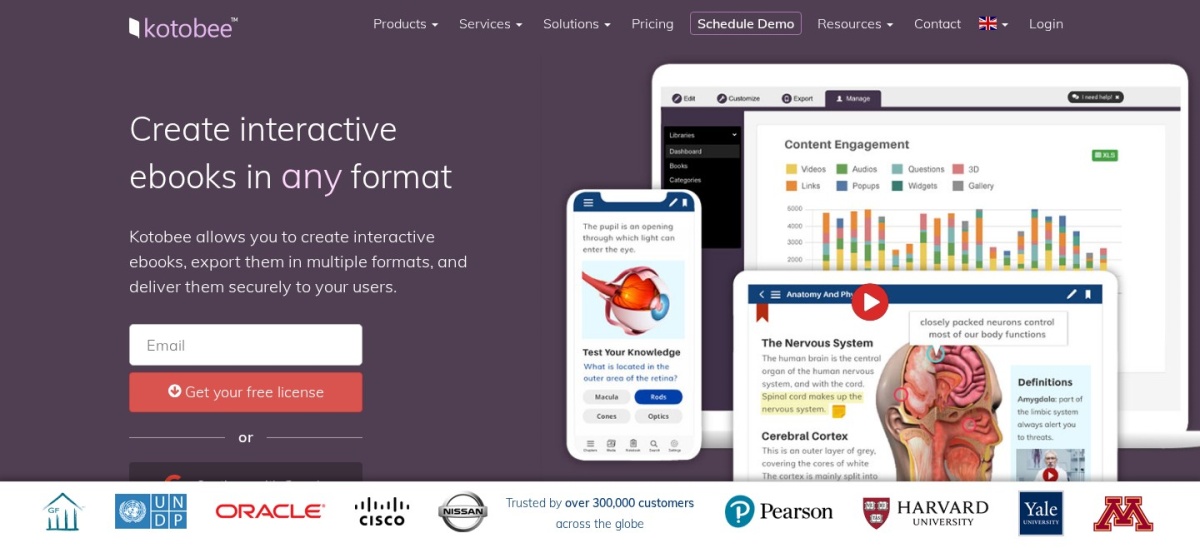
Kotobee Author creates interactive ebooks with embedded video, quizzes and widgets, exporting to EPUB, web apps and mobile apps. The free licence covers basic ebook creation, and the Basic licence at $150 once adds more features for a single user.
The trade off is polish. Traditional book formatting is less refined than in Reedsy Studio or Atticus, and the rating base is small at 15 G2 reviews. It suits educators and course creators who need interactive ebooks.
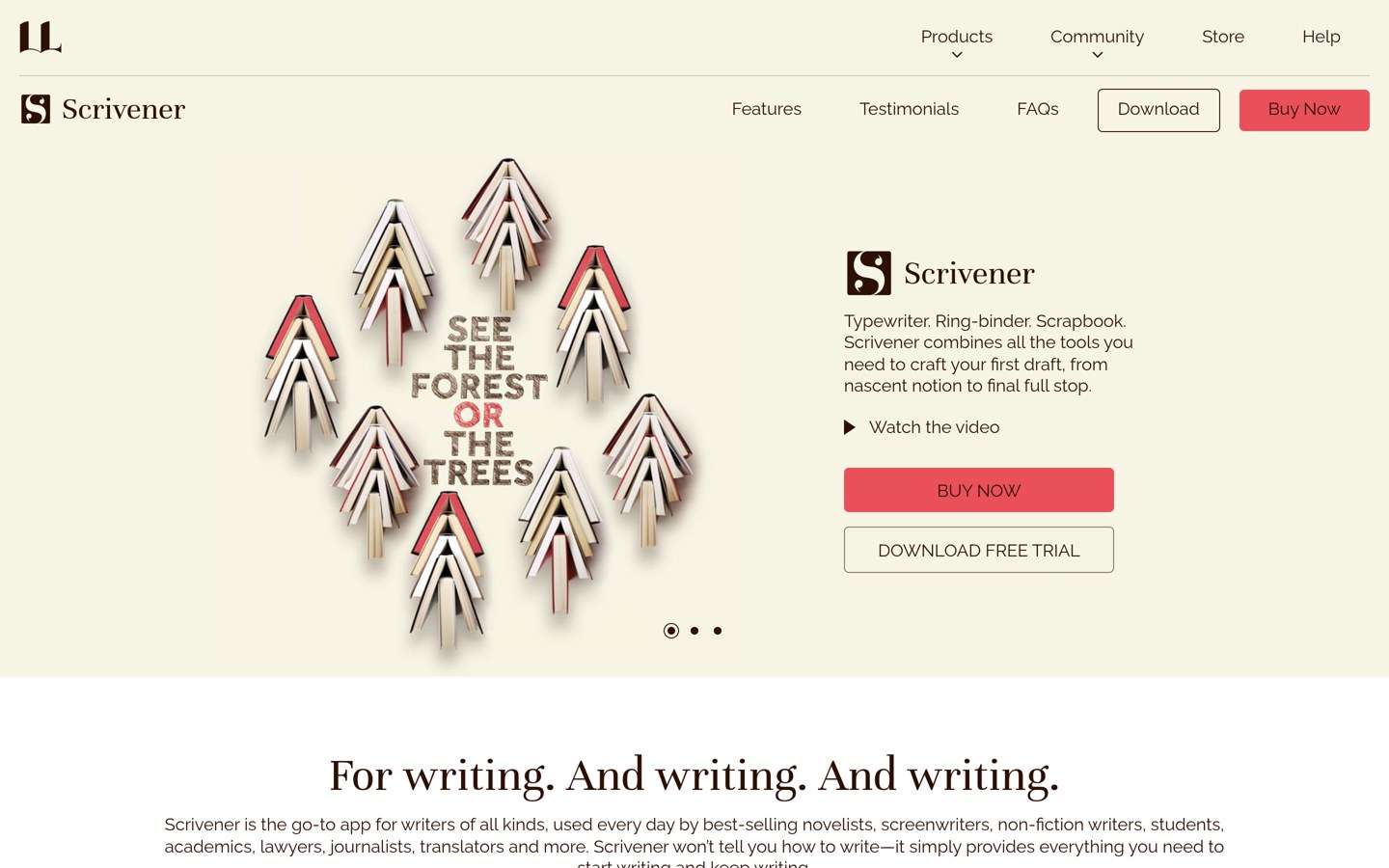
Scrivener is a desktop writing app that stores a book as many small documents in one project, then compiles them into a finished manuscript, ebook or PDF. A Standard licence costs $59.99 once for macOS or Windows, with a 30-day trial counted in days of use.
The trade off is learning time. The compile step takes hours to learn, and sync between devices works only through Dropbox. It suits authors writing long books who want to rearrange chapters freely.
Free plans cover the basics well. Most include design templates or EPUB export, and one tool, Kindle Create, has no paid plan at all.
Paid plans mostly add exports and removal of limits. You get EPUB or Kindle export, more templates, no watermark and more storage.
If you sell on ebook stores, EPUB matters more than design extras. A free formatter such as Reedsy Studio can be the whole workflow.
For a lead magnet, a free design tool is often enough. Pay only when the free plan blocks the export or the branding you need.
How we chose
We started from the ebook tools authors and creators name most often, then kept the nine with a published price and a public rating.
Prices come from each vendor's pricing page, checked on 25 November 2026. Ratings and review counts come from G2, Trustpilot or Softonic on the same day. Where a vendor shows a sale, the list shows the regular price.
We left out tools with no published price and tools that only sell formatting as a service. No vendor paid for a place, and we do not claim hands-on testing for this list.
How to choose a free ebook creator
Start with where the ebook will be read, then pick the tool that exports that format.
Decide where readers will get it. A PDF works for a lead magnet on your own site, while ebook stores need EPUB. Pick the format first, then the tool.
Check the free plan covers your export. Some free plans lock EPUB or Kindle export behind a paid plan. Confirm the export you need before you design the book.
Match the tool to the length of the book. Design tools suit short guides and lead magnets. A formatter such as Reedsy Studio or Atticus suits a full-length book.
Test the export with a short sample. Export a few pages and open the file on the device your readers use. See how to add a PDF to WordPress if you plan to share it from your site.
FAQ
What is the best free ebook creator software?
Canva is the best free ebook creator for most people. Its free plan covers ebook templates, covers and PDF export, and it is rated 4.7 out of 5 on G2. Reedsy Studio is the better free pick for a full book, with EPUB and print export.
Can I create an ebook for free?
Yes. Canva, Reedsy Studio, Kindle Create, Adobe Express, FlipHTML5 and Kotobee all have free plans. The free plan is enough for a short guide or lead magnet, but EPUB export for ebook stores is free only in Reedsy Studio and Kindle Create here.
What is the best free tool for EPUB ebooks?
Reedsy Studio is the best free EPUB tool in this list. It exports EPUB 3 and print-ready PDF at no cost, with unlimited books. Kindle Create also exports EPUB for reflowable books, but its main format only works on Amazon.
Does Canva export EPUB ebooks?
No. Canva exports PDF, not EPUB. That makes it a good pick for lead magnets, guides and short ebooks shared as PDFs, but not for books sold on ebook stores that need EPUB files.
Is Kindle Create really free?
Yes. Kindle Create is free from Amazon with no paid tier, subscription or per-book fee. It turns a Word manuscript into a Kindle ebook and a simple paperback, and publishing the file on Kindle Direct Publishing is also free.
What is the cheapest paid ebook creator?
Reedsy Studio has the cheapest paid add-on at $4.99 a month for Craft. Scrivener is the cheapest one-time buy at $59.99, while Atticus costs $147 once and Designrr costs $29 a month.
SaaS SEO and WordPress specialist with about 8 years of experience. Rakib compares WordPress plugins, themes, hosting and software using public pricing, documentation and user reviews. See how we rank.