Canva is the best collage making software for most people, with ready-made collage templates, a free plan and a 4.7 out of 5 rating on G2. Pick Fotor for a dedicated collage maker at a low price, or Adobe Express if you already use Adobe tools.
How we make this list: we compare pricing pages, product documentation and public user reviews, then re-check every price before each update. No product paid for a place. Disclosure.
Canva is the best all-round pick: collage templates, a free plan and a 4.7 out of 5 rating on G2 from more than 7,800 reviews.
Fotor is a dedicated collage maker at a low price, with Pro at $39.99 a year and collages of up to 9 photos.
Adobe Express Premium costs $9.99 a month and adds Adobe Stock assets and brand kits to its free collage tools.
PhotoGrid Premium is $33.99 a year and offers more than 20,000 collage templates on web and mobile.
Kapwing is the priciest pick at $192 a year for Pro, and it only makes sense if collages sit inside a wider video workflow.
What to look for in collage making software
A collage maker should make it quick to drop photos into a layout, adjust spacing and borders, and export a clean image. The best tools offer ready-made grids, freestyle layouts and templates sized for social media, print and photo books.
Free plans cover most casual collages. The limits that push people to pay are usually watermarks, locked premium templates, lower export quality and ads.
Check the export before you commit. Some free plans cap resolution or add a watermark, which matters if the collage goes on a website or into print. Our guide on adding an image gallery in WordPress shows how collages and galleries sit side by side on a page.
Mobile matters if you collage photos from your phone. Several tools here work on web, iOS and Android with one account, so a collage started on a phone can be finished on a computer.
Canva is a browser-based design platform with ready-made collage templates, photo grids and drag-and-drop editing. The free plan includes collage layouts, basic editing tools and 5GB of storage, while Pro adds premium templates, background removal, brand kits and 1TB of storage.
The trade off is that the best templates and tools sit behind Pro at $120 a year, and the free plan shows locked premium content throughout. It suits most people who make collages for social media, blogs and print, and who want one tool for other graphics too.
What we like
Largest template library in this list
Free plan covers basic collages well
Works on web, iOS and Android
Rated 4.7 out of 5 on G2
Watch out for
Premium templates are locked on the free plan
No true freestyle layout control for advanced users
Pro adds premium templates, background removal and brand kitsVisit canva.com
02
Fotor
4.5/5on Capterra (1,096 reviews, checked Nov 2026)
Paid from$39.99/yr
Best dedicated collage maker
Free planYes, Basic
Max photos per collageUp to 9
Mobile appiOS and Android
Paid planPro, $39.99/yr
fotor.com
Fotor homepage, captured Nov 2026.
Fotor is an online photo editor with a dedicated collage maker built around templates and custom layouts. The free Basic plan includes core editing and basic collage templates, while Pro adds more than 100,000 premium templates, batch editing, HD watermark-free exports and 2GB of cloud storage.
The trade off is that HD watermark-free downloads need Pro, and the free plan shows ads. It suits people who mainly want quick photo collages and simple edits without learning a full design platform.
What we like
Dedicated collage maker, not an add-on
Low annual price at $39.99 a year
Runs on web, desktop, iOS and Android
Rated 4.5 out of 5 on Capterra
Watch out for
Free exports carry a watermark on HD downloads
Smaller design template library than Canva
Pro adds HD watermark-free exports and premium templatesVisit fotor.com
03
Adobe Express
4.4/5on G2 (1,108 reviews, checked Nov 2026)
Paid from$9.99/mo
Best for Adobe users
Free planYes, with watermark
Stock assets1M+ on free, 200M+ on Premium
Mobile appiOS and Android
Paid planPremium, $9.99/mo
adobe.com
Adobe Express homepage, captured Nov 2026.
Adobe Express is Adobe's template-led design tool, with collage layouts, photo editing and social media templates in the browser and on mobile. The free plan includes more than 100,000 templates, over 1 million stock assets and 5GB of storage, while Premium adds 200 million stock assets, brand kits and 100GB of storage.
The trade off is the free export watermark and locked premium templates, which push regular users to Premium at $9.99 a month. It suits creators already using Adobe tools, or anyone who wants Adobe Stock photos inside their collages.
What we like
Deep Adobe Stock library on Premium
Brand kits keep collages on-brand
Free plan includes many templates
Works with Photoshop and Illustrator files
Watch out for
Free exports carry a watermark
Fewer collage-specific layouts than Fotor or PhotoGrid
Premium removes the watermark and unlocks stock and brand kitsVisit adobe.com
04
Picsart
4.3/5on Capterra (400+ reviews, checked Nov 2026)
Paid from$57/yr
Best for playful mobile collages
Free planYes, with ads
Collage makerGrids and freestyle
Mobile appiOS and Android
Paid planGold, $57/yr
picsart.com
Picsart homepage, captured Nov 2026.
Picsart is a mobile-first photo and video editor with collage grids, freestyle layouts, stickers, fonts and AI tools such as background removal. The free version covers basic collages and editing, while Gold at $57 a year removes ads and watermarks and unlocks premium templates, fonts and AI features.
The trade off is that the free version is ad-heavy and pushes Gold often, and the web editor trails the mobile app on features. It suits casual creators who collage on their phone and like stickers and AI effects.
What we like
Fun stickers, fonts and AI effects
Freestyle collage layouts on mobile
Gold is cheap at $57 a year
Large creator community
Watch out for
Free version is heavy with ads
Web editor has fewer features than the app
Gold removes ads and unlocks premium assets and AI toolsVisit picsart.com
05
BeFunky
4.2/5on G2 (342 reviews, checked Nov 2026)
Paid from$83.88/yr
Best for creative effects in collages
Free planYes, with ads
Collage layoutsFull layouts on Plus
AI credits1,000 a month on Plus
Paid planPlus, $83.88/yr
befunky.com
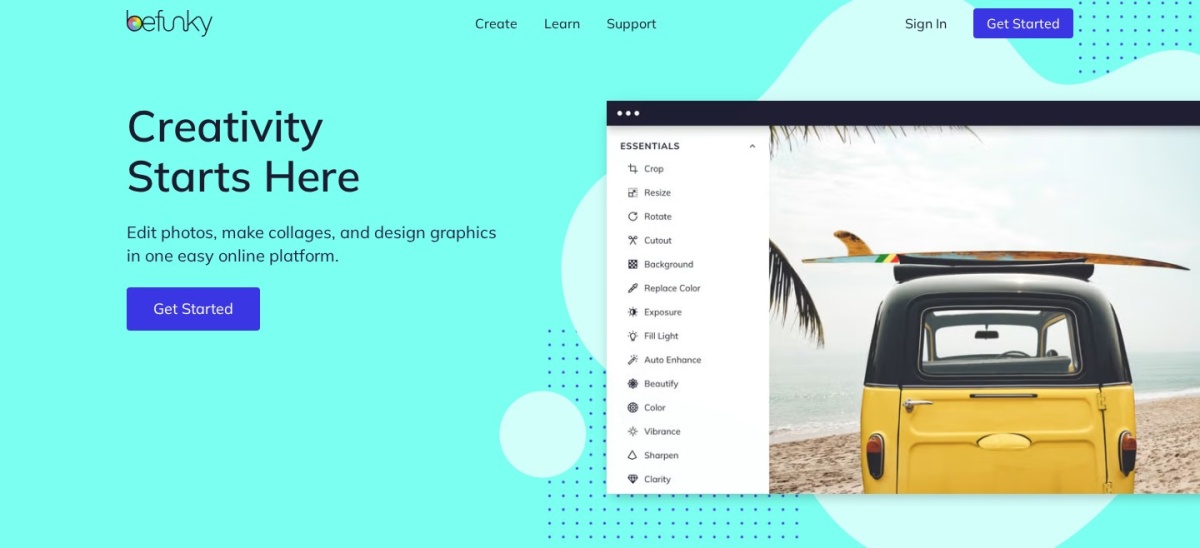
BeFunky homepage, captured Nov 2026.
BeFunky is a browser-based photo editor with a photo editor, collage maker and graphic designer side by side. The free plan covers basic edits and collages, while Plus at $83.88 a year adds all premium Artsy effects, AI background removal, unlimited batch editing, full collage layouts and all premium templates.
The trade off is price against simpler rivals: Plus costs more than Fotor Pro or Picsart Gold for a similar collage job. It suits people who want artistic effects and one-click enhancements inside their collages.
What we like
Distinctive Artsy photo effects
Photo editor, collage maker and designer in one
Easy to learn, no install needed
1,000 AI credits a month on Plus
Watch out for
Plus costs more than Fotor or Picsart Gold
Smaller template library than Canva
Plus adds all Artsy effects, AI tools and full collage layoutsVisit befunky.com
06
PhotoGrid
4.6/5on Trustpilot (1,038 reviews, checked Nov 2026)
Paid from$33.99/yr
Best for template-heavy collages
Free planYes, with ads
Collage templates20,000+
Premium elements10,000+
Paid planPremium, $33.99/yr
photogrid.app
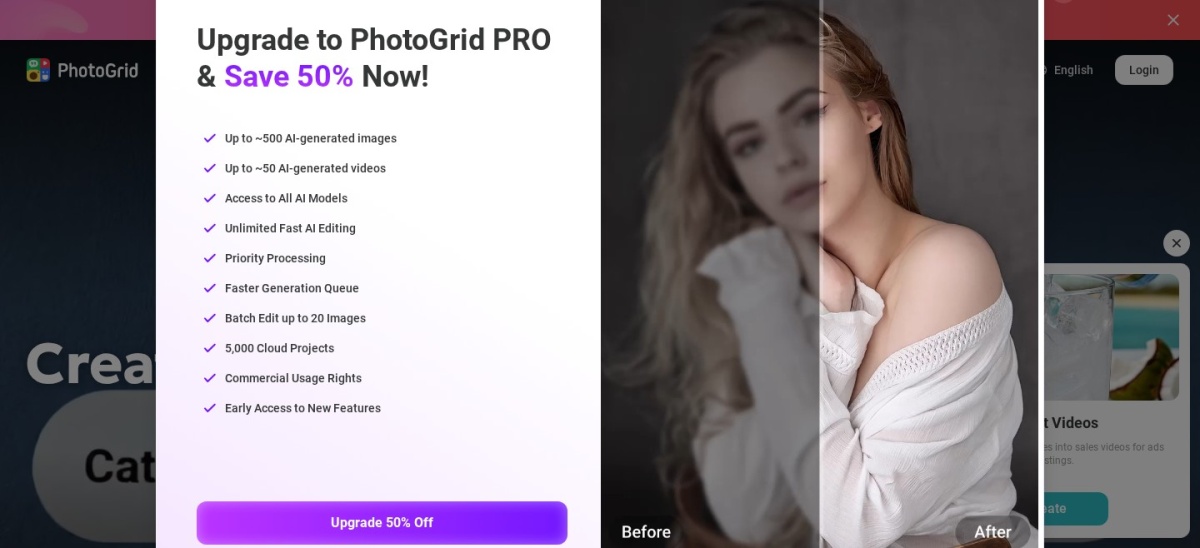
PhotoGrid homepage, captured Nov 2026.
PhotoGrid is a collage-first app and web editor with grids, filmstrip and scrapbook layouts, plus video collages. The free Basic plan includes basic photo collage and editing with more than 1,000 elements, while Premium at $33.99 a year adds more than 10,000 elements, 15-minute HD video grids, and no ads or watermark.
The trade off is that the strongest templates and AI tools sit behind Premium, and the free plan shows ads. It suits phone-first creators who want a huge template library and quick themed collages.
VistaCreate is a template-led design tool with collage layouts sized for social media, print and ads. The free plan covers basic designs and templates, while Pro at $10 a month billed annually adds premium templates, brand kits, background removal and team seats for up to 10 people.
The trade off is that Pro costs the same per year as Canva Pro, while Canva has the larger template library and higher review volume. It suits small teams making social collages who want shared brand kits at a flat price.
Kapwing is a browser-based video editor that also handles image collages, captions, resizing and layouts for social media. The free plan covers short projects with a watermark and a 4-minute export cap, while Pro at $16 a month billed annually removes the watermark, adds 4K export and 1,000 AI credits a month.
The trade off is price: Pro at $192 a year is the most expensive pick here, and it is poor value if you only need still collages. It suits creators who already edit video in Kapwing and want collages in the same workflow.
Free plans cover the basics well. Most include collage grids, basic templates and simple editing, which is enough for occasional social posts.
Paid plans mostly add quality and choice. You get watermark-free HD exports, premium templates, more AI credits and no ads.
If a collage goes on a website, export quality matters. Our guide on optimizing images for WordPress explains how to keep large collage files fast without losing visible quality.
For occasional collages, stay free. For weekly social posts or client work, the cheapest paid plans here start at $33.99 a year.
How we chose
We started from the best-known collage makers and design tools with a dedicated collage feature, then kept the eight with a usable free plan, a published paid price and a public user rating.
Prices come from each vendor's pricing page or a dated price check of that page, checked on 24 November 2026. Ratings come from G2, Capterra or Trustpilot on the same day. Where a vendor shows a sale, the list shows the regular price.
We left out tools with no published price and apps that only make collages as a minor extra. No vendor paid for a place, and we do not claim hands-on testing for this list.
How to choose collage making software
Start with where your photos live, then pick the tool that fits that workflow.
Decide phone or computer first. If your photos live on your phone, pick a mobile-first tool such as Picsart or PhotoGrid. If you work on a computer, a browser editor such as Canva or Fotor is faster.
Check the free export. Make one collage on the free plan and look at the export. If it has a watermark or low resolution, that tool will cost you a subscription.
Count how often you will collage. Occasional collages are fine on a free plan. Weekly posts justify a cheap paid plan such as PhotoGrid Premium or Fotor Pro.
Match the tool to the output. Social posts need sized templates, print needs high resolution, and video collages need a tool such as PhotoGrid or Kapwing.
FAQ
What is the best collage making software?
Canva is the best collage making software for most people. It has ready-made collage templates, a free plan and a 4.7 out of 5 rating on G2 from more than 7,800 reviews, plus apps for web, iOS and Android.
What is the best free collage maker?
Canva and Fotor are the strongest free options. Canva has the larger template library, while Fotor has a more dedicated collage maker with layouts for up to 9 photos. Both add a watermark or lock features on their free plans.
Can I make a collage without downloading an app?
Yes. Canva, Fotor, Adobe Express, BeFunky, VistaCreate and Kapwing all run in a browser, so you can build and export a collage without installing anything on your computer.
How much does collage making software cost?
Most tools here have a free plan, and paid plans run from $33.99 a year for PhotoGrid Premium to $192 a year for Kapwing Pro. The middle of the list sits near $40 to $120 a year.
Which collage maker is best for social media?
Canva and VistaCreate are the best fits for social media collages. Both offer templates sized for each network, plus brand kits on their paid plans so repeated posts stay consistent.
Do free collage makers add a watermark?
Some do. Adobe Express and Kapwing watermark free exports, and Fotor limits HD watermark-free downloads to Pro. Canva, Picsart and PhotoGrid also lock some exports or templates behind paid plans.
SaaS SEO and WordPress specialist with about 8 years of experience. Rakib compares WordPress plugins, themes, hosting and software using public pricing, documentation and user reviews. See how we rank.