Canva is the best Slidebean alternative for most founders, with a 4.7 out of 5 G2 rating from 7,762 reviews and Pro at $144 a year. Gamma builds a first draft from one prompt for $9 a month, while Beautiful.ai keeps every slide on brand for $14.50 a month.
How we make this list: we compare pricing pages, product documentation and public user reviews, then re-check every price before each update. No product paid for a place. Disclosure.
Canva is the top pick: the largest template library in this list, a free plan, and Pro at $144 a year.
Gamma is the closest Slidebean replacement for AI decks, turning one prompt into a deck on its $9 a month Plus plan.
Beautiful.ai has no free plan, only a 14-day trial, and Pro costs $14.50 a month billed annually.
Pitch is the pick for teams: a free plan for up to 5 members, with Plus at $13 a seat a month billed annually.
Three tools cost nothing at all for the core product: Google Slides, Keynote and the free plan of PowerPoint on the web.
How do you choose the best Slidebean alternative?
Slidebean sells speed: a prompt or an outline becomes an investor deck. The best replacement depends on whether you want that same AI first draft, a bigger template library, or full control over every slide.
AI deck builders save the most time on a first draft. Gamma, Beautiful.ai and Prezi all generate slides from a prompt, but their free plans differ sharply: Gamma and Prezi give you free AI credits, while Beautiful.ai only offers a 14-day trial.
Template depth matters more than AI for a deck you will present many times. Canva and Visme give you far more layouts, charts and stock assets than the AI-first tools, and both keep a free plan.
Price spreads are wide once you pay. The cheapest paid plans in this list run from $7 a month for Prezi Standard and Google Workspace Starter to $14.50 a month for Beautiful.ai Pro, all billed annually.
Check the export before you pay. Our guide on how to create a landing page in WordPress shows the same habit: confirm the finished file works where your audience will see it, whether that is a PDF, a PowerPoint file or a shared link.
Canva is a design platform with one of the largest template libraries of any Slidebean alternative, including pitch deck layouts, charts and stock assets. The free plan covers more than 1 million templates and 5GB of storage, while Pro at $144 a year adds premium assets, background removal, Brand Kits and 100GB of storage.
The trade off is that Canva does not write your pitch for you. Its AI tools help with layout, images and text, but the story and the numbers stay your job. It suits founders who want a polished deck fast and will reuse the same account for social posts and one-pagers.
What we like
Largest template and asset library in this list
Free plan is usable for a real pitch deck
Brand Kits keep every deck on brand
Rated 4.7 out of 5 on G2 from 7,762 reviews
Watch out for
No prompt-to-deck generation like Slidebean
Premium assets and AI tools sit behind Pro
Per-person pricing adds up for larger teams
Pro adds premium assets, background removal and Brand KitsVisit canva.com
02
Gamma
4.2/5on G2 (91 reviews, checked Nov 2026)
Paid from$9/mo
Best for a first draft from one prompt
Free planYes, 400 credits at signup
AI credits on Plus1,500 a month
WatermarkRemoved on Plus
Paid planPlus, $9/mo billed annually
gamma.app
Gamma homepage, captured Nov 2026.
Gamma is an AI presentation tool that turns a text prompt, an outline or an uploaded document into a designed deck, document or web page. The free plan starts with 400 AI credits at signup, and Plus at $9 a month billed annually removes the watermark and adds PDF and PowerPoint export.
The trade off is control. Gamma layouts are clean but hard to bend to a strict brand guide, and formatting options are more limited than in Canva or PowerPoint. It suits founders who need a presentable first draft in minutes and will edit the wording after.
What we like
Fastest first draft in this list from a single prompt
One prompt can also make a document or web page
Free plan needs no card to start
Cheapest AI paid plan in this list at $9 a month
Watch out for
Limited formatting control for strict brand guides
G2 review base is small at 91 reviews
Free exports carry the Gamma watermark
Plus removes the watermark and adds PDF and PowerPoint exportVisit gamma.app
03
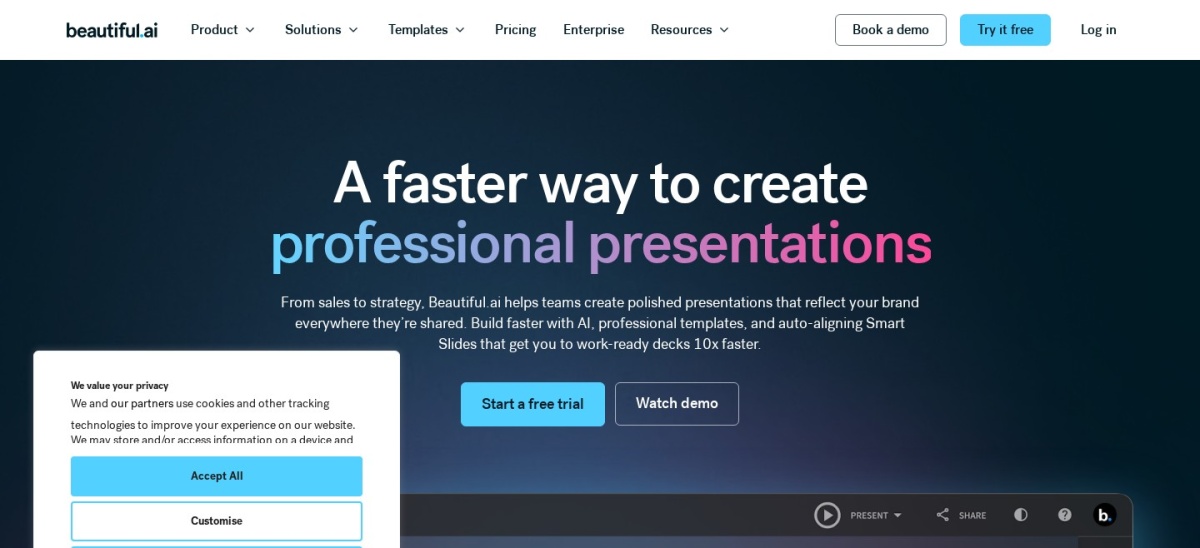
Beautiful.ai
4.6/5on G2 (196 reviews, checked Nov 2026)
Starts at$14.50/mo
Best for slides that stay on brand
Free planNo, 14-day trial
Smart SlidesYes, auto-format
PowerPoint exportYes, on Pro
Paid planPro, $14.50/mo billed annually
beautiful.ai
Beautiful.ai homepage, captured Nov 2026.
Beautiful.ai is a presentation tool built around Smart Slides, which resize, align and reformat content as you type so every slide keeps the same look. Pro at $14.50 a month billed annually adds AI generation, custom branding, PowerPoint import and export, and a desktop player for offline presenting.
The trade off is price and the lack of a free plan. There is only a 14-day trial, and Pro at $174 a year is the dearest paid plan in this list. It suits consultants and founders who present often and want every deck to look designed without hiring a designer.
What we like
Smart Slides keep formatting consistent with no effort
Strong G2 rating at 4.6 out of 5 from 196 reviews
PowerPoint import and export on Pro
Custom branding on the Pro plan
Watch out for
No free plan, only a 14-day trial
Dearest paid plan in this list at $174 a year
Layout rules limit how far you can customise a slide
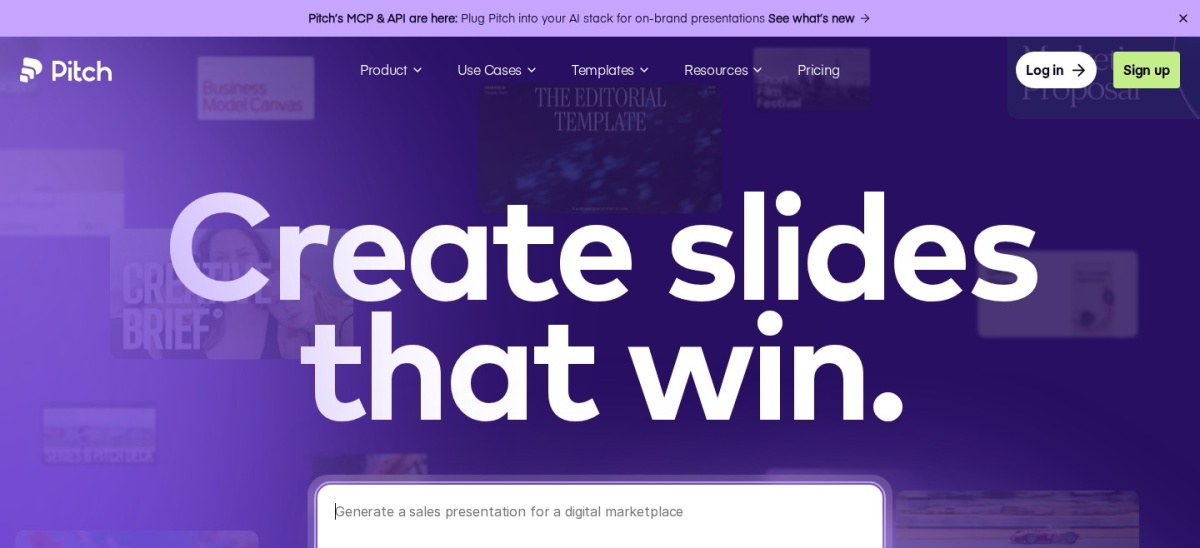
Pitch is a collaborative presentation workspace for teams, with shared templates, brand controls, pitch rooms for sharing decks with prospects, and analytics on how viewers engage. The free plan covers up to 5 members with 100 one-time AI credits, and Plus at $13 a seat a month billed annually adds unbranded PDF and PowerPoint export.
The trade off is that Pitch is priced per seat, so a growing team pays for every editor. Its AI generation is also weaker than Gamma or Beautiful.ai. It suits sales and marketing teams that build, share and track decks together rather than solo founders.
What we like
Best team collaboration in this list
Pitch rooms and analytics show how decks are read
Free plan covers a small team of up to 5 members
Shared templates keep a whole team on brand
Watch out for
Per-seat pricing adds up as the team grows
AI generation is weaker than Gamma or Beautiful.ai
G2 review base is small at 68 reviews
Plus adds unbranded export, custom fonts and more AI creditsVisit pitch.com
05
Prezi
4.2/5on G2 (5,723 reviews, checked Nov 2026)
Paid from$7/mo
Best for live talks on a zooming canvas
Free planYes, Basic with 500 AI credits
Free presentationsUp to 5
PDF exportPlus plan and above
Paid planStandard, $7/mo billed annually
prezi.com
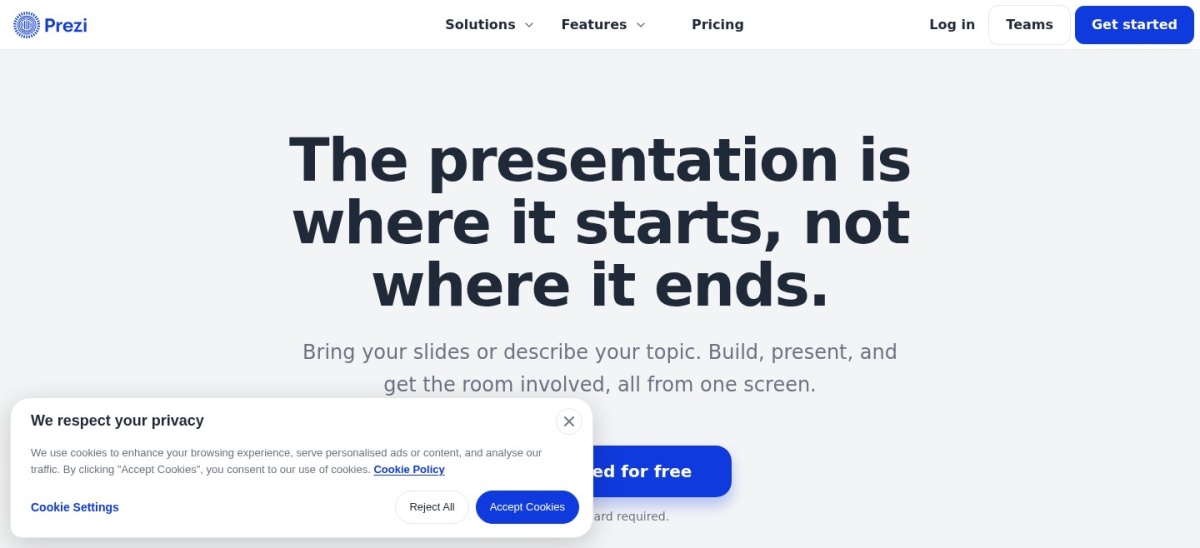
Prezi homepage, captured Nov 2026.
Prezi is a presentation platform built on a zooming canvas instead of flat slides, so a presenter moves between topics in the order the conversation takes. The free Basic plan includes 500 AI credits and up to 5 presentations, and Standard at $7 a month billed annually adds more projects, privacy controls and 500 Prezi AI credits.
The trade off is the learning curve. The canvas format takes practice, and exported PowerPoint or PDF files lose the zoom motion. It suits educators, trainers and founders who present live and want the talk itself to hold attention.
What we like
A genuinely different format for live talks
Large G2 review base at 5,723 reviews
Free plan includes AI credits
Cheapest paid plan in this list at $7 a month
Watch out for
Steeper learning curve than slide-based tools
Zoom motion is lost in PowerPoint and PDF exports
PDF export needs the $19 a month Plus plan
Standard adds more projects, privacy controls and AI creditsVisit prezi.com
06
Visme
4.5/5on G2 (511 reviews, checked Nov 2026)
Paid from$12.25/mo
Best for data-heavy investor decks
Free planYes, but no downloads
Downloads on StarterJPG, PNG and PDF
Storage on Starter1GB
Paid planStarter, $12.25/mo billed annually
visme.co
Visme homepage, captured Nov 2026.
Visme is a visual content tool for presentations, infographics, reports and one-pagers, with charts and data widgets that suit investor decks full of numbers. The free Basic plan lets you design but not download anything, and Starter at $12.25 a month billed annually unlocks JPG, PNG and PDF downloads, premium templates and 1GB of storage.
The trade off is the annual discount gap. Starter costs $29 a month on monthly billing against $12.25 a month billed annually, so the yearly price is the only one that competes. It suits marketers and founders who turn the same data into decks, reports and infographics.
What we like
Strongest charts and infographics in this list
Rated 4.5 out of 5 on G2 from 511 reviews
One tool covers decks, reports and one-pagers
200 AI credits a month on Starter
Watch out for
Free plan cannot download anything at all
Monthly billing is more than double the annual rate
Text editing and performance draw regular complaints
Starter adds downloads, premium templates and more storageVisit visme.co
07
Microsoft PowerPoint
4.6/5on G2 (4,404 reviews, checked Nov 2026)
Paid from$99.99/yr
Best if your audience expects PowerPoint files
Free planYes, on the web
Desktop appsMicrosoft 365 only
Storage on Personal1TB
Paid planPersonal, $99.99/yr
microsoft.com
Microsoft PowerPoint homepage, captured Nov 2026.
Microsoft PowerPoint is the standard slideshow app for business decks, and it opens, edits and saves native .pptx files with no conversion. The free web version covers basic editing with 5GB of OneDrive storage, while Microsoft 365 Personal at $99.99 a year adds the desktop apps, 1TB of storage and Copilot features.
The trade off is that you pay for a whole office bundle to get the desktop apps. PowerPoint also has no prompt-to-deck generation on the free plan, so a first draft takes longer than in Gamma or Beautiful.ai. It suits anyone whose investors, clients or colleagues all work in PowerPoint.
What we like
Native .pptx files with no conversion
Full desktop apps on Windows and Mac with Personal
Rated 4.6 out of 5 on G2 from 4,404 reviews
Free web version covers everyday decks
Watch out for
Desktop apps need a Microsoft 365 subscription
No AI deck generation on the free plan
Personal rose from $69.99 to $99.99 a year with Copilot
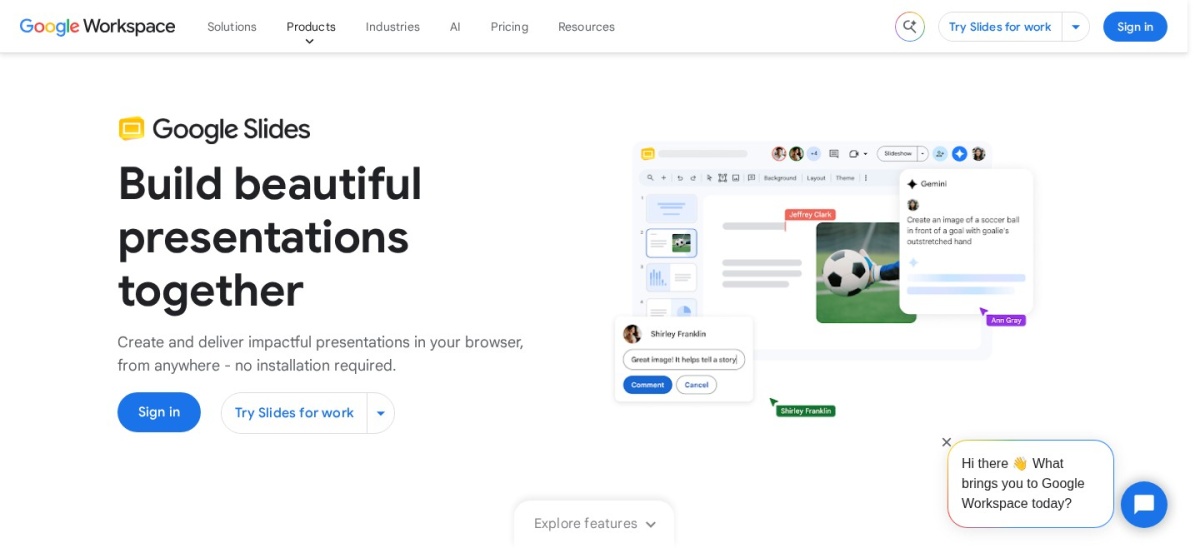
Google Slides is a free, browser-based presentation tool included with any Google account, with live co-editing that lets a whole team work on the same deck at once. The free plan shares 15GB of storage across Drive, Gmail and Photos, and Google Workspace Business Starter at $7 a user a month adds a custom email domain and admin controls.
The trade off is design depth. Slides has fewer templates and weaker AI than the paid tools here, and Gemini help in Slides needs Business Standard at $14 a user a month. It suits teams already on Google Workspace who need free, shared decks more than a designed pitch.
What we like
Free for anyone with a Google account
Best live co-editing in this list
No install, works in any browser
Rated 4.4 out of 5 from 6,529 reviews
Watch out for
Fewer templates than Canva or Visme
Gemini help needs the $14 a month Standard plan
PowerPoint files can lose charts and effects on import
Workspace Starter adds a custom domain and admin controlsVisit google.com
09
Keynote
4.4/5on G2 (530 reviews, checked Nov 2026)
PriceFree
Best free option for Apple users
Free planYes, for Apple users
PlatformsMac, iPad, iPhone and web
PowerPoint exportYes
Paid planNone, free
apple.com
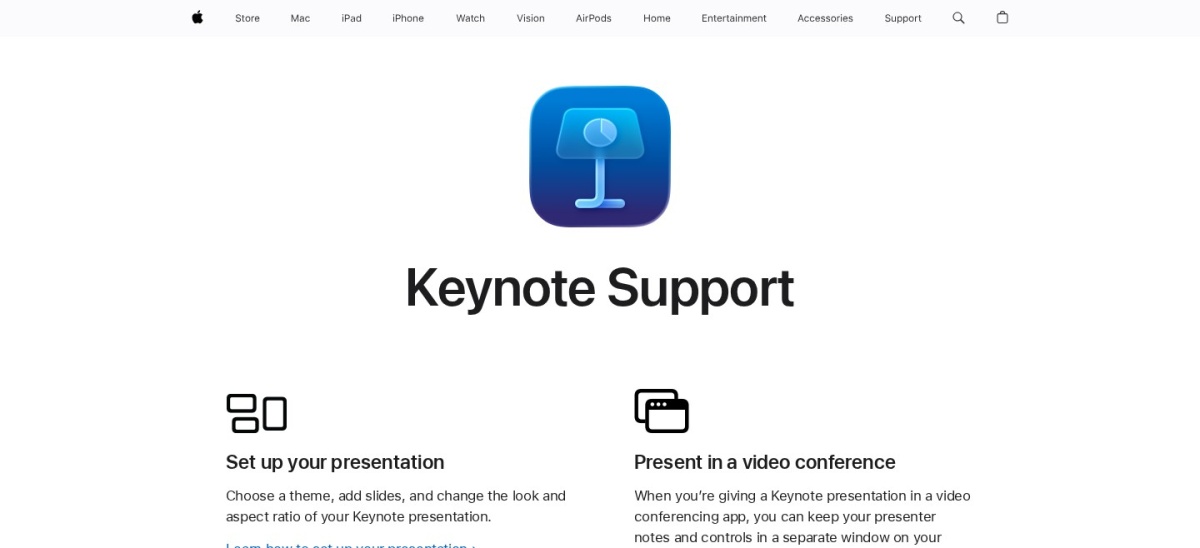
Keynote homepage, captured Nov 2026.
Keynote is Apple's free presentation app, included on Mac, iPad and iPhone and available on the web through iCloud. It is free for Apple users, with strong templates, smooth animations and PowerPoint export, and no subscription is needed for the full app.
The trade off is the ecosystem. Keynote works best on Apple devices, and Windows users can only edit through a browser. It suits founders and small teams who already live on Mac and want a polished deck for nothing.
Free plans cover a real pitch deck in most tools here. Canva, Gamma, Prezi, Visme, PowerPoint on the web, Google Slides and Keynote all let you build and share without paying.
Paid plans mostly add export, branding and AI credits. Watermark-free exports, custom fonts and brand kits are the usual paywall, and Beautiful.ai has no free plan at all.
If you present to investors, pay for the export at least. A watermarked or branded deck reads as unfinished, and the cheapest paid plan here is $7 a month billed annually.
For a deck you will reuse for months, the annual price is the one to compare. Monthly billing in this list runs far higher: Visme Starter is $29 a month against $12.25 a month billed annually.
How we chose
We started from the presentation tools most often named as Slidebean replacements in 2026, then kept those with a live product, a published price and a public rating.
Prices come from each vendor's pricing page, checked on 29 November 2026. Ratings and review counts come from G2 on the same day. Where a vendor shows a sale, the list shows the regular price.
We left out Tome, which closed its presentation product in April 2025, and tools with no public rating. No vendor paid for a place, and we do not claim to have used these tools ourselves.
How to choose a Slidebean alternative
Start with how you will present the deck, then pick the tool that fits that moment.
Decide if you need an AI first draft. If the deck does not exist yet, start with Gamma or Beautiful.ai. If it already exists as an outline, Canva or PowerPoint will finish it faster.
Check who will open the file. Investors on PowerPoint need a clean .pptx export, which PowerPoint, Canva and Beautiful.ai all offer. A shared link is enough for a live pitch.
Try the free plan on a real deck. Build three slides with your own numbers and export them. That shows the watermark, the export quality and the template limits before you pay.
Compare the annual price, not the monthly one. Monthly billing in this list is far dearer than annual billing. See how to create a landing page in WordPress for the same check-before-you-pay habit.
FAQ
What are the best Slidebean alternatives in 2026?
Canva is the best Slidebean alternative for most founders, rated 4.7 out of 5 on G2 from 7,762 reviews, with Pro at $144 a year. Gamma is the closest AI replacement at $9 a month, and Beautiful.ai is best for slides that stay on brand.
What is the best free alternative to Slidebean?
Google Slides is the best free alternative if you want no cost at all, with live co-editing and 15GB of shared storage. Canva has the stronger free plan for design, with more than 1 million free templates, and Gamma gives 400 AI credits at signup.
How much does a Slidebean alternative cost?
Paid plans in this list run from $7 a month billed annually for Prezi Standard and Google Workspace Starter to $14.50 a month for Beautiful.ai Pro. Canva Pro costs $144 a year, Gamma Plus costs $108 a year, and Keynote and Google Slides are free.
Which Slidebean alternative is best for beginners?
Canva is the easiest starting point, with ready-made pitch deck templates and a free plan that needs no design skill. Gamma is simpler still if you only want a first draft from a prompt, since it builds the deck for you.
Which Slidebean alternative is best for small teams?
Pitch is the best pick for small teams, with a free plan for up to 5 members and shared templates, pitch rooms and analytics on paid plans. Google Slides is the free fallback if your team already works in Google Workspace.
Canva vs Gamma: which is the better Slidebean alternative?
Canva wins for most founders, with a far larger template library, a 4.7 out of 5 G2 rating and Pro at $144 a year. Gamma wins when you need a first draft fast, since it builds a deck from one prompt for $9 a month, but its layouts are harder to customise.
SaaS SEO and WordPress specialist with about 8 years of experience. Rakib compares WordPress plugins, themes, hosting and software using public pricing, documentation and user reviews. See how we rank.