Figma is the best of the Axure alternatives for most teams: it pairs real-time collaboration with advanced prototyping at $16 a month per full seat, and it is rated 4.7 out of 5 on G2. Sketch suits Mac-only designers, while ProtoPie is the closest match for Axure's conditional logic.
How we make this list: we compare pricing pages, product documentation and public user reviews, then re-check every price before each update. No product paid for a place. Disclosure.
Figma leads at 4.7/5 on G2 across 1,586 reviews, with a free Starter plan and a $16-a-month Professional seat.
Axure RP Pro itself costs $29 a user a month, so every tool here undercuts it except UXPin, which starts at the same $29.
ProtoPie is the closest match for Axure's conditional logic, with triggers, variables and sensor input from $25 a month.
MockFlow Plus and Moqups Starter are the cheapest paid plans at $9 a month each.
Sketch is the only Mac-only pick, with a $120 one-time licence or Standard at $12 a month per editor.
What should you look for in Axure alternatives?
Axure RP is built for logic, not looks. Its strength is conditional flows, dynamic content and built-in documentation, so the first question for any replacement is how much of that logic you actually need to keep.
Price is the second decider. Axure Pro costs $29 a user a month billed yearly, and every tool in this list except UXPin starts lower, with MockFlow Plus and Moqups Starter both at $9 a month. Per-seat pricing still climbs fast once a whole team needs editor seats, so count editors before you compare sticker prices.
Fidelity is where the list splits. Balsamiq and MockFlow stay deliberately rough so early conversations stay about structure, while Figma, Sketch and ProtoPie carry a design all the way to developer handoff. If your handoff ends in a WordPress build, our guide on whether you can use Figma with WordPress covers what survives the trip.
Check the free plan before you commit. Seven of the nine tools here have one, with Figma's Starter the most generous, but Balsamiq offers only a 14-day trial and Sketch only a 30-day trial, so a short test can still end in a bill.
Figma is a browser-based design and prototyping platform with real-time collaboration, shared libraries and advanced prototyping, and its free Starter plan covers 3 Figma Design files with unlimited drafts. It holds a 4.7 out of 5 rating on G2 across 1,586 reviews, the highest score in this list.
The trade off is seat pricing. A Professional full seat costs $16 a month billed annually, and cheaper Collab seats at $3 a month cannot edit design files. It suits teams that want one shared canvas from early wireframe to developer handoff.
What we like
Real-time multiplayer editing and comments
Free Starter plan with unlimited drafts
Huge plugin and template library
Dev Mode handoff with specs and assets
Watch out for
Full seats cost $16 a month each, so large teams pay more
Prototyping logic is simpler than Axure's conditions and variables
Heavy files can slow down in the browser
Professional adds unlimited files, shared libraries and advanced Dev ModeVisit figma.com
02
Sketch
4.5/5on G2 (1,228 reviews, checked Nov 2026)
Starts at$12/mo
Best for Mac designers who want a one-time licence
Free plan30-day trial only
Standard$12/mo per editor, billed yearly
Mac licence$120 one-time, 1 year of updates
G2 rating4.5/5 (1,228 reviews)
sketch.com
Sketch homepage, captured Nov 2026.
Sketch is a native macOS app for interface design and prototyping with symbols, shared libraries and offline editing, plus a web app for viewing and handoff. It holds a 4.5 out of 5 rating on G2 across 1,228 reviews, and Standard costs $12 per editor a month billed yearly.
The trade off is platform lock-in. Sketch runs only on Mac, there is no permanent free plan after the 30-day trial, and a one-time Mac licence at $120 drops collaboration features. It suits Mac-based designers who want speed offline or a licence they own.
What we like
Fast native Mac app with offline editing
$120 one-time Mac licence with a year of updates
Mature symbols and shared libraries
Free viewers and developer handoff included
Watch out for
Mac only, so mixed-platform teams cannot all edit
No free plan beyond the 30-day trial
Real-time collaboration is younger than Figma's
Standard adds real-time collaboration, 50GB storage and version historyVisit sketch.com
03
Uizard
4.5/5on G2 (45 reviews, checked Nov 2026)
Paid from$12/mo
Best for non-designers and fast AI mockups
Free plan3 AI generations a month
Pro$12/mo billed annually
AI generations500 a month on Pro
G2 rating4.5/5 (45 reviews)
uizard.io
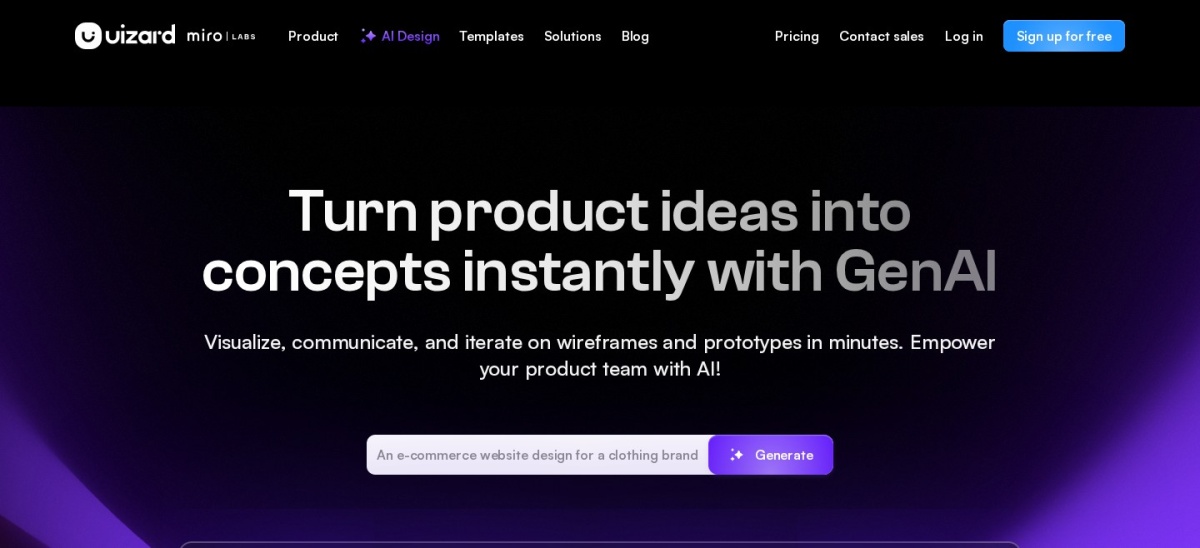
Uizard homepage, captured Nov 2026.
Uizard is a browser-based UI design tool that turns text prompts, hand-drawn sketches and screenshots into editable screens with its Autodesigner AI. The free plan includes 3 AI generations a month and 2 projects, and it holds a 4.5 out of 5 rating on G2 across 45 reviews.
The trade off is output quality. AI layouts can look generic and need manual cleanup, and the free plan's 3 generations a month run out fast. It suits founders and product managers who need a clickable mockup to show a team before hiring a designer.
What we like
Prompt, sketch and screenshot all become editable screens
Very low learning curve for non-designers
Free viewers and commenters on every plan
Pro is cheap at $12 a month billed yearly
Watch out for
AI output can look generic and dated
Free plan allows only 3 AI generations a month
No product updates announced since Autodesigner 2.0 in 2024
Pro unlocks 500 AI generations a month and up to 100 projectsVisit uizard.io
04
ProtoPie
4.4/5on G2 (24 reviews, checked Nov 2026)
Paid from$25/mo
Best for realistic, logic-driven prototypes
Free plan2 cloud prototypes
Basic$25/mo, 1 seat
SensorsVoice, camera and device sensors
G2 rating4.4/5 (24 reviews)
protopie.io
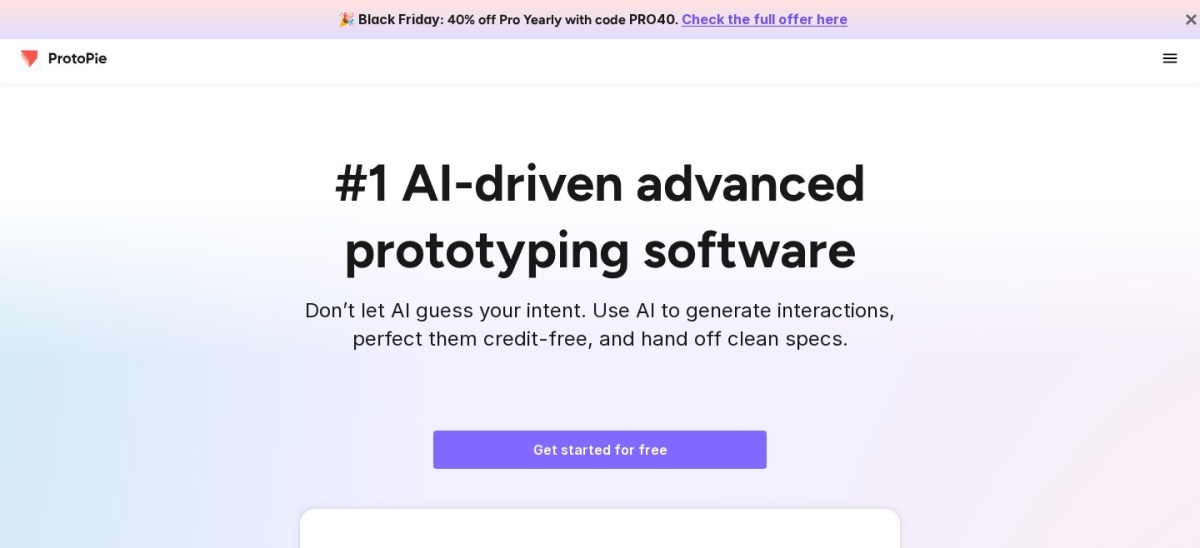
ProtoPie homepage, captured Nov 2026.
ProtoPie is a high-fidelity prototyping tool for realistic interactions built on triggers, conditions and variables, with support for sensors, voice and multi-device flows. The free plan saves 2 prototypes in the cloud, and it holds a 4.4 out of 5 rating on G2 across 24 reviews.
The trade off is price and scope. Basic costs $25 a month for a single seat, Pro is $47 per editor a month, and ProtoPie is a prototyping layer, not a full design tool. It suits teams testing complex interactions that Figma prototypes cannot express.
What we like
Conditional logic and variables closest to Axure
Sensor, voice and multi-device prototyping
Imports directly from Figma and Sketch
Interaction recordings for developer handoff
Watch out for
Basic plan covers only one seat and 20 prototypes
Pro at $47 an editor a month is steep
Small G2 review base of 24 reviews
Pro adds unlimited prototypes, team libraries and local savingVisit protopie.io
05
Balsamiq
4.2/5on G2 (501 reviews, checked Nov 2026)
Starts at$16/mo
Best for fast low-fidelity wireframes
Free plan14-day trial only
Starter$16/mo per editor, billed yearly
ProjectsUp to 10 on Starter
G2 rating4.2/5 (501 reviews)
balsamiq.com
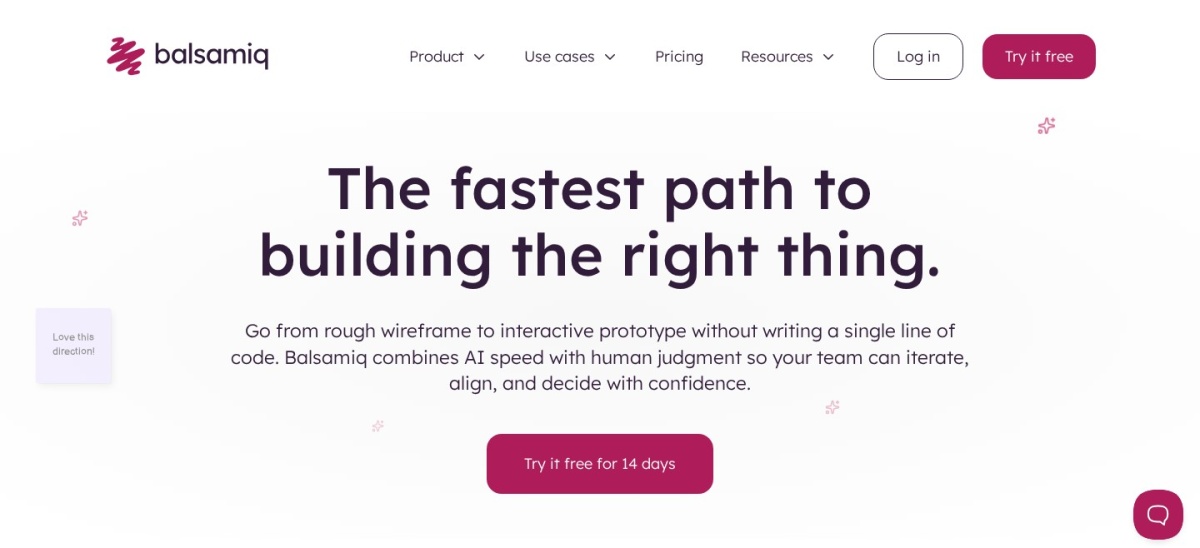
Balsamiq homepage, captured Nov 2026.
Balsamiq is a wireframing tool with a deliberately hand-drawn style that keeps early conversations about structure and flow instead of colours and fonts. It holds a 4.2 out of 5 rating on G2 across 501 reviews, and Starter costs $16 per editor a month billed annually.
The trade off is depth and price. There is no free plan beyond a 14-day trial, Starter caps at 10 projects, and the price rose from $9 a month, so it now matches Figma's seat price. It suits product managers who need quick, shareable wireframes without design overhead.
What we like
Fastest way to sketch a low-fidelity wireframe
Unlimited free reviewers on every plan
500 AI credits a month on Starter
Simple enough for non-designers
Watch out for
No free plan, only a 14-day trial
Starter price rose from $9 to $16 a month
Low-fidelity style is wrong for polished presentations
Teams adds 100 projects, 1,000 AI credits and priority supportVisit balsamiq.com
06
UXPin
4.2/5on G2 (118 reviews, checked Nov 2026)
Paid from$29/mo
Best for code-based, production-ready prototypes
Free plan2 prototypes
Core$29/mo per seat, billed yearly
LibrariesMUI, Bootstrap, Tailwind, Ant Design
G2 rating4.2/5 (118 reviews)
uxpin.com
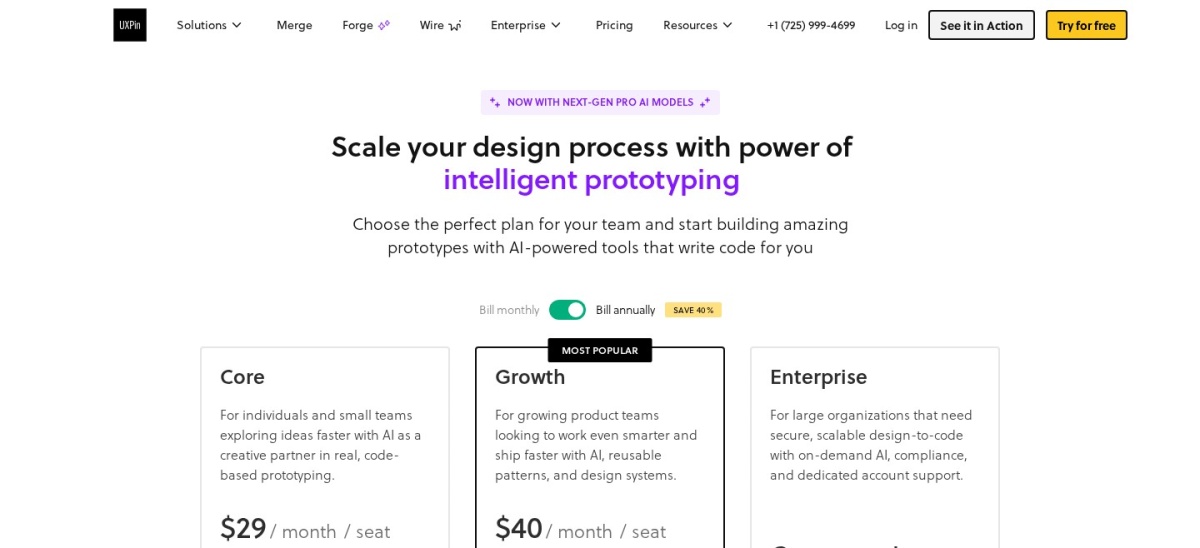
UXPin homepage, captured Nov 2026.
UXPin is a prototyping platform that builds screens from real coded component libraries such as MUI, Bootstrap and Tailwind, with conditional logic, variables and expressions. The free plan allows 2 prototypes, and it holds a 4.2 out of 5 rating on G2 across 118 reviews.
The trade off is price. The cheapest paid plan costs $29 a month per seat billed annually, the same as Axure Pro, and the monthly rate is $49. It suits teams that want prototypes built from the same components developers will ship.
What we like
Real coded libraries keep prototypes close to production
Conditional logic, variables and expressions included
Figma plugin and Sketch import
AI prototyping assistant on paid plans
Watch out for
Same $29 starting price as Axure Pro
Monthly billing jumps to $49 a seat
Smaller community than Figma or Sketch
Growth adds design systems, Storybook integration and SSOVisit uxpin.com
07
Moqups
4.2/5on G2 (91 reviews, checked Nov 2026)
Paid from$9/mo
Best budget all-rounder for wireframes
Free plan2 projects, 400 objects each
Starter$9/mo, 1 seat
ExportsUnlimited PNG and PDF on Starter
G2 rating4.2/5 (91 reviews)
moqups.com
Moqups homepage, captured Nov 2026.
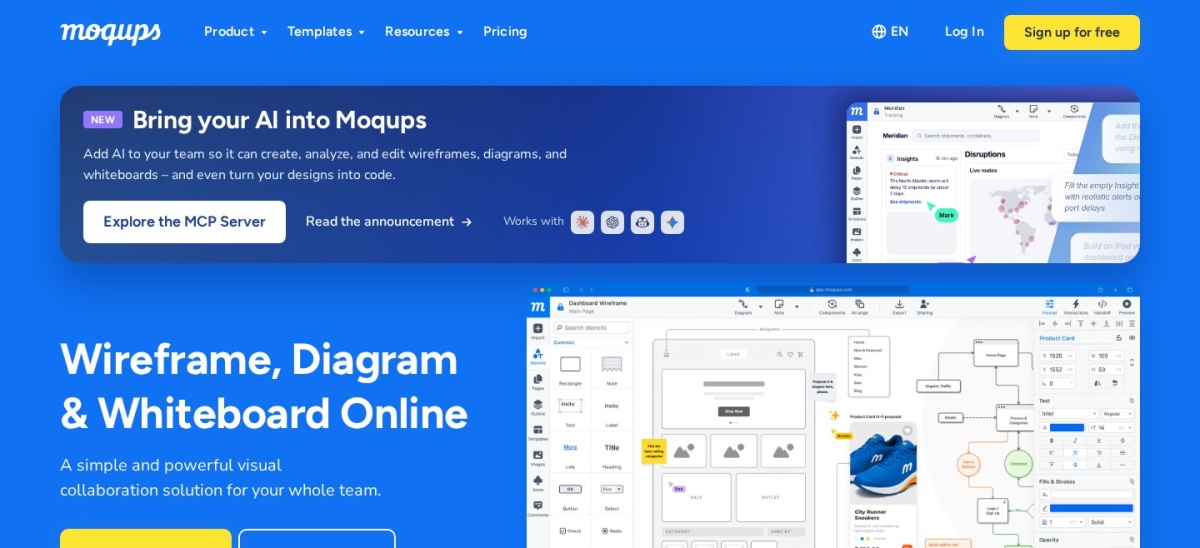
Moqups is a browser workspace for wireframes, mockups, diagrams, whiteboards and interactive prototypes in a single subscription. The free plan covers 2 projects with 400 objects each, and it holds a 4.2 out of 5 rating on G2 across 91 reviews.
The trade off is the price tag on the page. Starter lists at $9 a month with a $7 promotional price showing at the time of writing, so the regular price is $9. It suits solo designers who want wireframing, diagramming and prototyping without three subscriptions.
What we like
Wireframes, diagrams and prototypes in one app
Free plan with 150+ templates
Cheapest regular paid plan here at $9 a month
Unlimited guests and exports on Starter
Watch out for
Promotional $7 price may not last; list price is $9
Prototyping is less deep than ProtoPie or UXPin
Free exports carry a watermark
Starter adds unlimited projects, objects and premium templatesVisit moqups.com
08
MockFlow
4.2/5on G2 (84 reviews, checked Nov 2026)
Paid from$9/mo
Best for structured wireframes with review
Free planBasic, 4 projects
Plus$9/mo per editor, billed yearly
AI credits800 a month on Plus
G2 rating4.2/5 (84 reviews)
mockflow.com
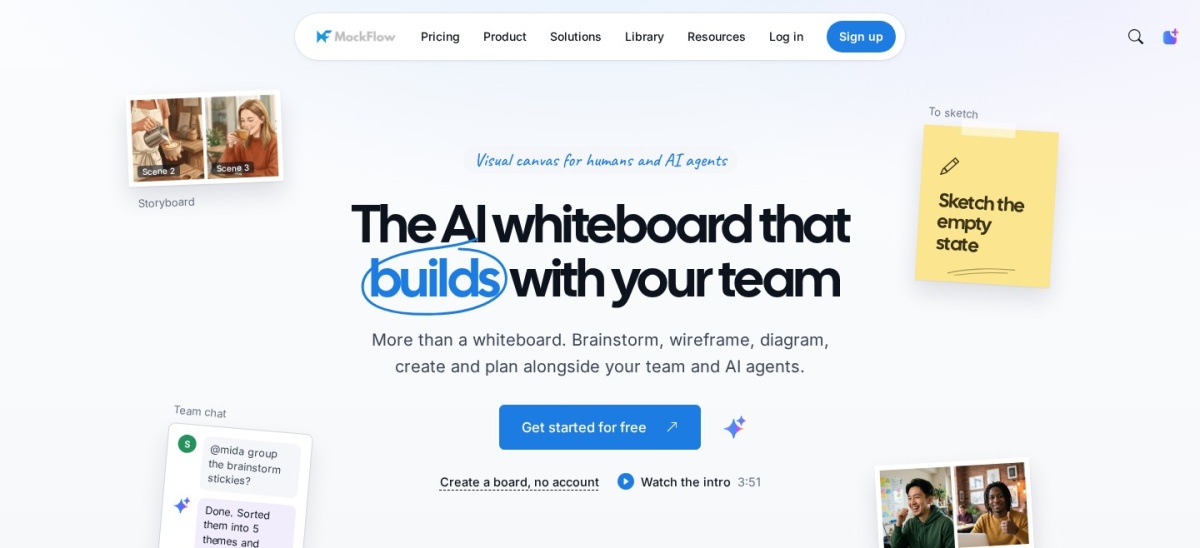
MockFlow homepage, captured Nov 2026.
MockFlow is a wireframing and prototyping workspace on a shared whiteboard, with component libraries, comments, approvals and developer handoff in one place. The free Basic plan includes 4 projects, and it holds a 4.2 out of 5 rating on G2 across 84 reviews.
The trade off is the rebrand. MockFlow replaced its old Wireframing and Premium tiers with Plus at $9 and Max at $14 a month per editor billed yearly, so older $14 and $19 prices quoted elsewhere are out of date. It suits teams that need sign-off on wireframes before design starts.
What we like
Review and approval workflow built into wireframes
Free Basic plan with 4 projects
AI generation from prompts and screenshots
Viewers and reviewers are free on paid plans
Watch out for
Plan names and prices changed recently, so old reviews mislead
Max at $14 is needed for Figma export and code mode
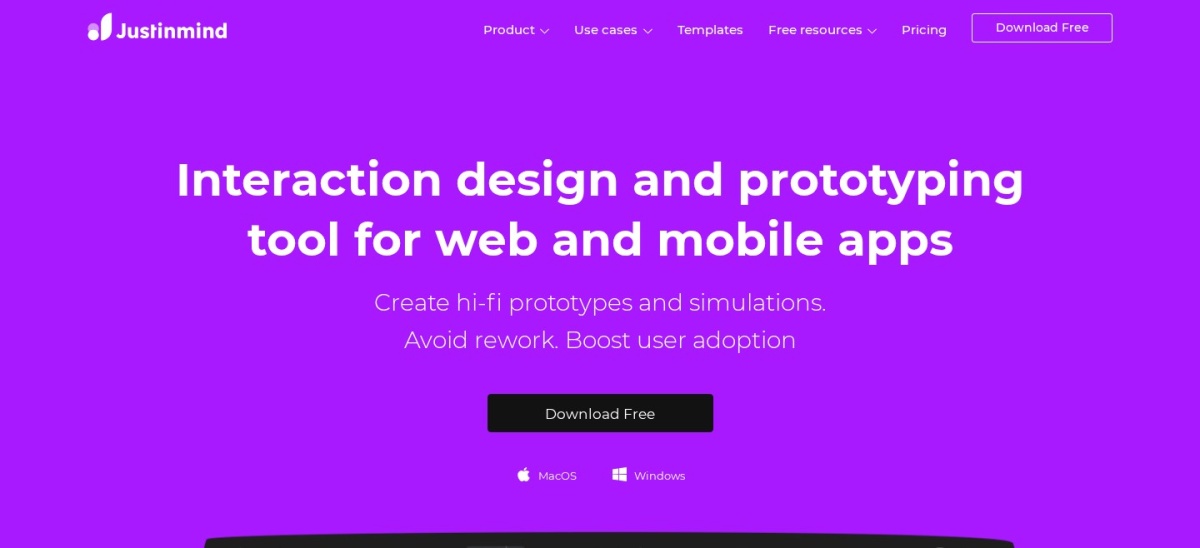
Justinmind is a wireframing and prototyping platform for web and mobile apps with variables, conditional interactions, data simulation and requirements documents. The free plan includes unlimited screens in 1 project, and it holds a 4.0 out of 5 rating on G2 across 55 reviews.
The trade off is polish and momentum. Reviewers rate it lowest in this list at 4.0, the desktop-first workflow feels older than browser rivals, and a $295 per-editor figure is also listed beside the subscription. It suits teams that document requirements inside the prototype itself.
What we like
Variables, conditions and data simulation built in
Axure wins on logic and Figma wins on collaboration. Axure prototypes can hold variables, conditions and dynamic content that behave like working software, while Figma prototypes cover linked screens and basic interactions.
Figma wins on price and reach. A full seat costs $16 a month against Axure Pro at $29, Figma runs in any browser, and its free Starter plan lets a whole team look before paying.
Most teams leaving Axure pick Figma unless their prototypes must prove complex logic. When a flow needs conditional branches or data-driven states, ProtoPie is the nearer replacement at $25 a month.
How we chose
We started from the tools buyers actually compare with Axure RP: wireframing and prototyping software with public ratings and published prices, then ranked them on G2 rating, review depth, prototyping logic and entry price.
Prices and ratings were checked on 29 Nov 2026 from each vendor's own pricing page and G2 review page. Where a vendor's page showed a promotion, we used the regular list price, and where plans had just been renamed, as with MockFlow, we used the new plan names.
We left out Adobe XD, which Adobe no longer sells, InVision, which shut down, and Framer, which is a website builder first. Penpot was also left out because its G2 base is only about 10 reviews. No vendor paid for a place, and we do not claim hands-on testing for this list.
How to choose an Axure alternative
Match the tool to the job your prototype must do, not to the feature list.
Decide how much logic you need. If your prototype must react to inputs with conditions and variables, shortlist ProtoPie, UXPin or Justinmind. If simple click-through flows are enough, Figma, Sketch or Uizard will do.
Count the editors, not the viewers. Most tools charge per editor while viewers are free, so price the seats that will actually edit. Figma's $3 Collab seat and MockFlow's free reviewers can cut the bill sharply.
Try the free plan on a real flow. Build one full user flow, not a single screen, and check the export and handoff options before you pay. Seven of the nine tools here have a free plan.
Check the platform your team uses. Sketch is Mac only and Justinmind leans on a desktop app, while Figma, Moqups and Uizard run in any browser. Pick the tool every editor can open.
FAQ
What is the best Axure alternative in 2026?
Figma is the best Axure alternative for most teams. It is rated 4.7 out of 5 on G2 across 1,586 reviews, covers design and prototyping in one shared canvas, and costs $16 a month per full seat against Axure Pro at $29. Its free Starter plan is enough to test real projects first.
What is the best free alternative to Axure?
Figma's free Starter plan is the strongest free alternative, with unlimited drafts, 3 design files and real-time collaboration. Uizard's free plan is the easiest start for non-designers, with 3 AI generations a month, while Moqups gives 2 free projects with wireframing and prototyping included.
Which Axure alternative is closest for conditional logic?
ProtoPie is the closest match for Axure's conditional logic, with triggers, conditions, variables and sensor input for realistic prototypes. UXPin and Justinmind also support conditions and variables, while Figma's prototyping stays simpler and covers basic flows only.
How much does Axure RP cost?
Axure RP Pro costs $29 per user a month billed yearly, or $34 billed monthly, and Team costs $49 a user a month billed yearly. There is no free plan, only a 30-day trial, and Enterprise pricing is quoted by sales. Students and educators can use the Team edition free.
Is there an Axure alternative for Mac only?
Sketch is the Mac-only pick, running as a native macOS app with offline editing and a $120 one-time licence. It is rated 4.5 out of 5 on G2 across 1,228 reviews. The catch is that Windows teammates cannot edit, so mixed-platform teams should pick Figma instead.
Figma vs Axure: which is better for prototyping?
Figma is better for collaborative design and handoff, with real-time editing, shared libraries and a 4.7 G2 rating. Axure is better for logic-heavy prototypes with conditions, variables and documentation. Pick Figma for team design work and Axure when the prototype must behave like real software.
Can I use an Axure alternative without design experience?
Yes. Uizard turns a text prompt or sketch into editable screens, Balsamiq's hand-drawn wireframes need no design skill, and Moqups has 150+ templates to start from. All three have free plans or trials, so you can mock up an idea before hiring a designer.
SaaS SEO and WordPress specialist with about 8 years of experience. Rakib compares WordPress plugins, themes, hosting and software using public pricing, documentation and user reviews. See how we rank.