Gamma is the best of the Beautiful AI alternatives for most people, turning a prompt into a full deck with a free plan and Plus at $9 a month billed yearly. Canva suits teams that need templates beyond slides, while Pitch fits teams that build and track decks together.
How we make this list: we compare pricing pages, product documentation and public user reviews, then re-check every price before each update. No product paid for a place. Disclosure.
Gamma is the closest match to Beautiful.ai, turning a prompt into a full deck with a free plan and Plus at $9 a month billed yearly.
Canva has the highest G2 rating here at 4.7 out of 5 from 7,660 reviews, with Pro at $120 a year.
Prezi and Slidebean share the cheapest paid plans at $84 a year, while Genially is the priciest at $180 a year.
Eight of the nine tools have a free plan; only Plus AI has none.
Plus AI and SlidesAI have the thinnest ratings in this list, with 5 and 8 G2 reviews, so treat those scores with care.
What should you look for in Beautiful AI alternatives?
A good Beautiful AI alternative should draft the deck for you. Beautiful.ai is built around Smart Slides that auto-format as you type, so the closest replacements are tools that turn a prompt or a document into a finished deck, not just a blank editor.
Free plans matter more here than in most lists. Eight of the nine tools here have one, but the limits differ sharply: Gamma gives 400 credits once, Prezi gives 500 AI credits, and Visme blocks downloads until you pay.
Export decides whether a tool fits your workflow. If you present from PowerPoint, pick a tool with editable PowerPoint export, such as Gamma, Pitch or SlidesAI, and check that the export keeps your layout intact.
Price is not the whole story. The cheapest paid plans here are Prezi and Slidebean at $84 a year, yet neither covers general design work the way Canva does at $120 a year, so match the tool to the decks you actually make.
Gamma is an AI-first presentation tool that turns a prompt, an outline or a pasted document into a deck of cards that stretch to fit the content. The free plan includes 400 AI credits at signup, up to 10 cards per prompt, and PDF and PowerPoint export with a Gamma badge.
The trade off is control. Gamma decks live in its card format, so PowerPoint exports can need manual fixes, and the free credits do not refresh. It suits people who want a first draft fast and will present from a link or a PDF.
What we like
Fastest prompt-to-deck start in this list
Also makes documents and web pages, not just decks
Canva is a browser-based design platform with thousands of presentation templates, drag-and-drop editing, stock photos and fonts. The free plan covers the core editor and a large template library, and Pro adds a brand kit, a background remover, Magic Resize and 1 TB of storage.
The trade off is that Canva is not a dedicated AI deck builder. You still lay out most slides yourself, and the best templates sit behind Pro at $120 a year. It suits small teams that need slides plus social posts, flyers and pitch decks in one place.
What we like
Largest template library in this list
Highest G2 rating here, 4.7 from 7,660 reviews
Free plan covers everyday decks
Brand kit keeps decks consistent
Watch out for
No prompt-to-full-deck generator like Gamma
Best templates and assets need Pro
Free plan mixes paid content into search results
Pro adds the brand kit, Magic Resize and 1 TB of storageVisit canva.com
03
Pitch
4.4/5on G2 (67 reviews, checked Nov 2026)
Paid from$13/mo
Best for teams presenting together
Free planUp to 5 members
AI credits3,000 a year on Plus
Team roomsLive presentation rooms
Paid planPlus, $156/yr
pitch.com
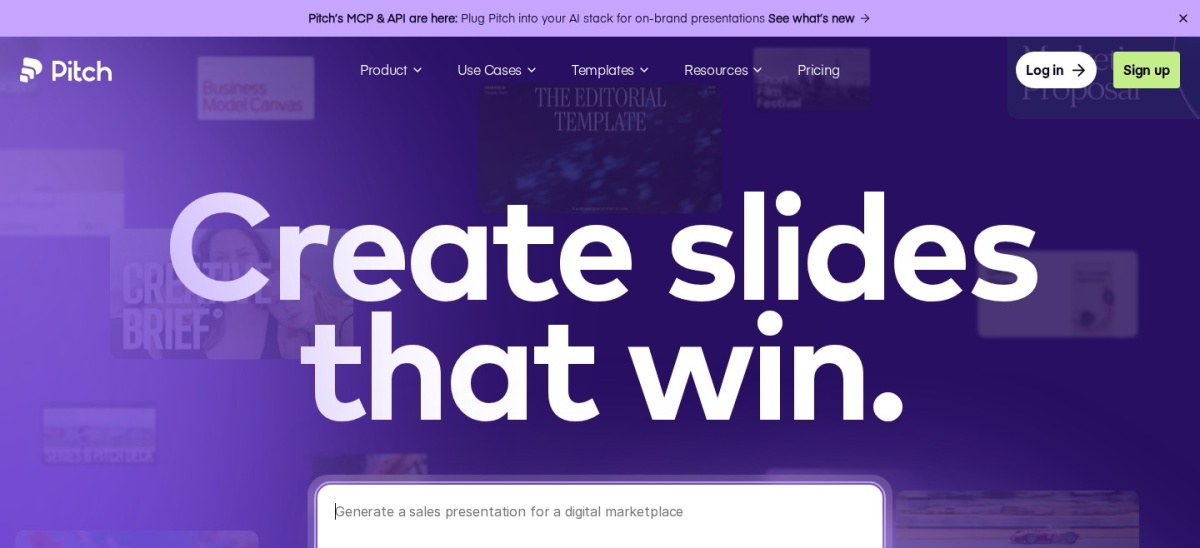
Pitch homepage, captured Nov 2026.
Pitch is a collaborative deck builder with real-time editing, comments, video recording and deck analytics. The free plan covers up to 5 members with unlimited presentations, and Plus adds custom fonts, video uploads, unbranded PowerPoint exports and 3,000 AI credits a year.
The trade off is price. Plus rose to $13 a seat a month in November 2026, and the template range is narrower than Canva. It suits remote teams that build investor or sales decks together and want to see who viewed them.
What we like
Real-time collaboration with comments and rooms
Viewer analytics on shared decks
Free plan covers a small team
Clean, modern templates
Watch out for
Plus repriced from $10 to $13 a seat in November 2026
Fewer templates than Canva
G2 rating rests on only 67 reviews
Plus adds custom fonts, video uploads and unbranded exportsVisit pitch.com
04
Visme
4.5/5on G2 (511 reviews, checked Nov 2026)
Paid from$12.25/mo
Best for branded decks and reports
Free planBasic, 500 MB storage
Templates10,000+ templates
DownloadsJPG, PNG and PDF on Starter
Paid planStarter, $147/yr
visme.co
Visme homepage, captured Nov 2026.
Visme is an all-in-one visual content platform for presentations, infographics, documents and reports, with more than 10,000 templates and a full AI design suite. The free Basic plan includes 500 MB of storage, and Starter adds downloads, premium templates and 1 GB of storage.
The trade off is that the free plan does not allow downloads, so a deck stays online until you pay. Starter costs $12.25 a month billed yearly. It suits marketers and consultants who need charts, data widgets and branded reports beside slides.
What we like
Strong chart and data-widget tools
10,000+ templates across formats
AI design help in the editor
Rated 4.5 from 511 G2 reviews
Watch out for
No downloads on the free plan
Starter storage is only 1 GB
Paid plans feel pricey for occasional use
Starter unlocks downloads and premium templatesVisit visme.co
05
Genially
4.6/5on G2 (64 reviews, checked Nov 2026)
Paid from$15/mo
Best for interactive decks
Free planYes, with 1,000+ templates
InteractivityQuizzes, hotspots and animation
AI toolsAI image and text tools
Paid planPro, $180/yr
genially.com
Genially homepage, captured Nov 2026.
Genially is a web platform for interactive presentations, infographics and learning content, with quizzes, hotspots and animation built in. The free plan includes more than 1,000 templates, core interactions and AI image and text tools, with PDF and PowerPoint import.
The trade off is export. PDF and MP4 downloads and offline viewing need Pro at $15 a month, and the jump to higher tiers is steep. It suits educators and trainers whose decks need clicks, quizzes and movement rather than static slides.
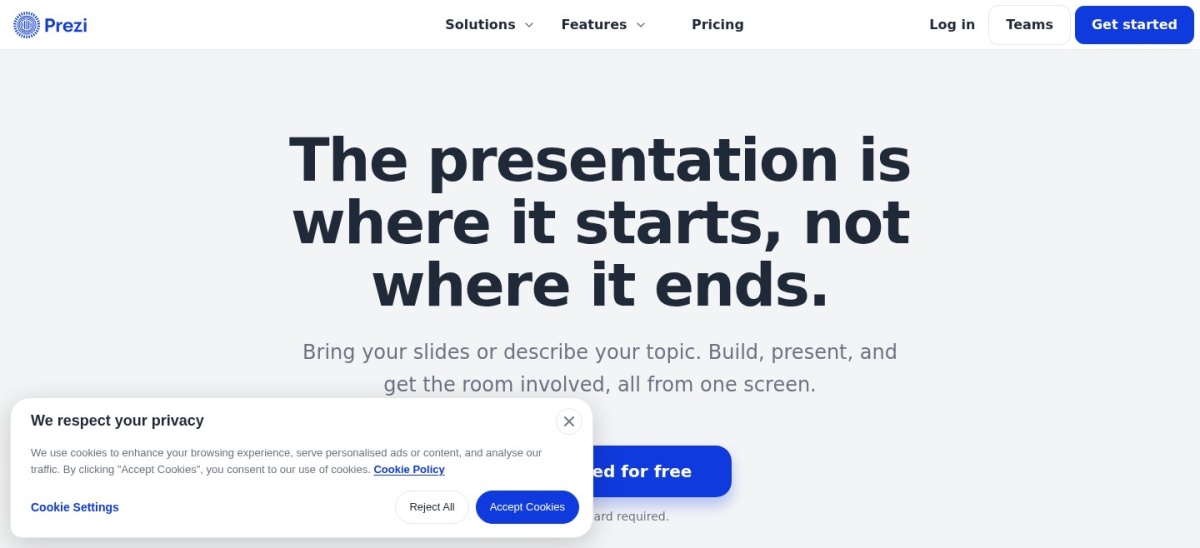
Prezi is a presentation platform built on a zooming canvas, so a talk travels between ideas instead of flipping flat slides. The free Basic plan includes 500 AI credits and up to five presentations, and its AI builds a draft from a prompt or an imported PowerPoint, PDF or Word file.
The trade off is the learning curve. The canvas takes longer to master than linear slides, and PDF export needs Plus at $19 a month. It suits teachers, trainers and speakers whose talks benefit from live polls, quizzes and Q&A.
What we like
A genuinely different, zooming format
Live polls and Q&A from a QR code
Largest review base here, 5,723 G2 reviews
Cheapest paid plan in this list at $84 a year
Watch out for
Steeper learning curve than slide tools
PDF export needs the $19 Plus plan
Exports lose the zoom motion
Standard adds privacy controls and unlimited projectsVisit prezi.com
07
Slidebean
4.4/5on G2 (26 reviews, checked Nov 2026)
Paid from$7/mo
Best for startup pitch decks
Free planYes, build only
Pitch templates100+ startup templates
View trackingOn Starter shared decks
Paid planStarter, $84/yr
slidebean.com
Slidebean homepage, captured Nov 2026.
Slidebean is an AI pitch deck builder for startup founders, with more than 100 investor-focused templates, a cap table tool and a Financial Modeling Bootcamp. The free plan lets you build unlimited presentations, and Starter adds sharing, downloads, view tracking and unlimited AI deck reviews.
The trade off is scope. Slidebean is built for fundraising decks, so it is a poor fit for classroom or marketing presentations. It suits founders preparing an investor deck who also want feedback on the story and the numbers.
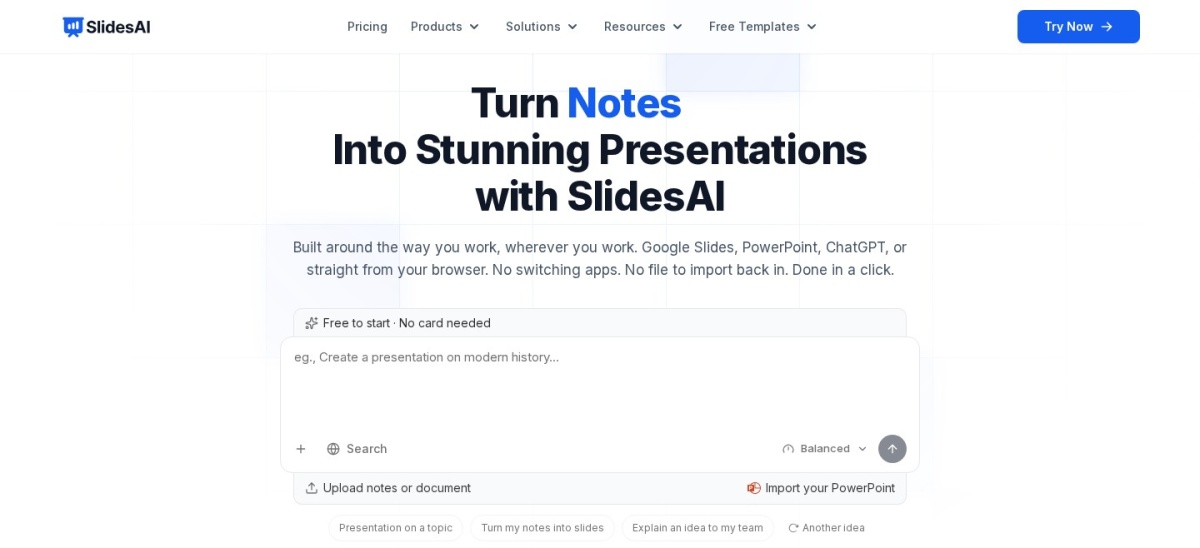
SlidesAI is an AI add-on that turns text, notes and documents into a Google Slides deck. It works inside Google Slides, so the finished deck stays in a familiar editor with normal sharing, comments and PowerPoint export.
The trade off is dependence. SlidesAI needs Google Slides, so it is no help for PowerPoint-only teams, and its G2 rating rests on only 8 reviews. It suits people who already live in Google Slides and want AI to draft the deck.
What we like
Works inside Google Slides, no new editor to learn
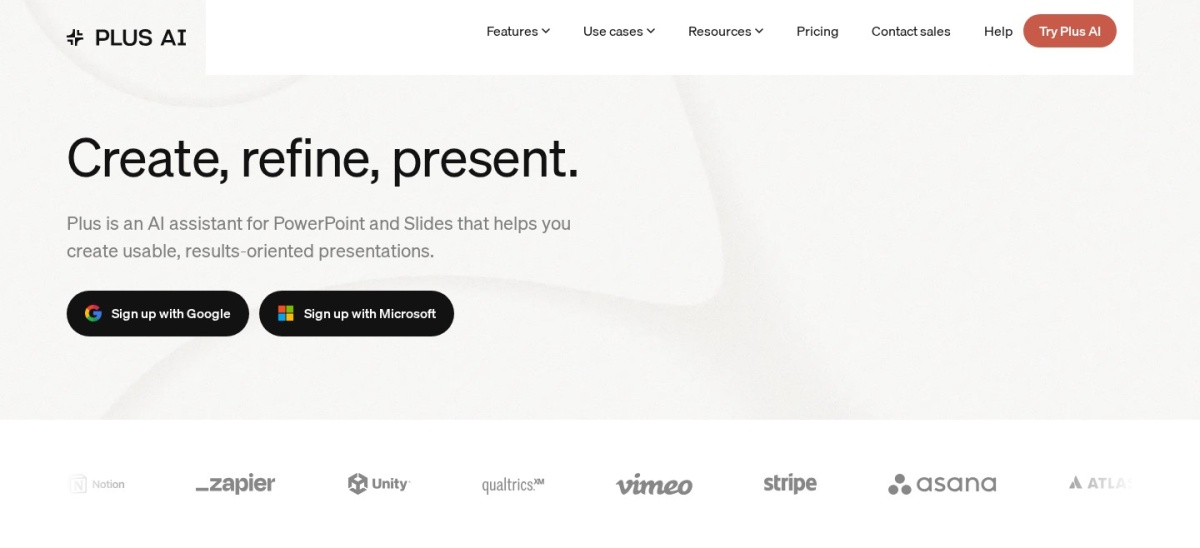
Plus AI is an AI assistant that works inside PowerPoint and Google Slides, drafting new decks and editing existing ones in place. Basic costs $10 a user a month billed yearly and adds editable charts without leaving the slide editor.
The trade off is evidence. Its G2 rating is 3.2 from only 5 reviews, the thinnest base in this list, and there is no free plan. It suits PowerPoint loyalists who want AI help without moving their decks to another tool.
Free plans are good for one-off decks. Most include a small credit allowance and the core generator, but exports are often watermarked or limited.
Paid plans mostly add credits and export. Unbranded exports, PowerPoint downloads and larger credit allowances sit behind the paywall on most tools here.
If you present every week, the annual plan is usually the better buy. Monthly billing costs far more on most tools here, so check the yearly price before you commit.
Check the refund terms before you pay. Several tools in this list have short refund windows, and annual plans are harder to cancel than monthly ones.
How we chose
We started from the established AI presentation tools with a public pricing page and a G2 rating, then kept the nine closest to Beautiful.ai in prompt-to-deck workflow, templates and export options.
Prices come from each vendor's pricing page, checked on 29 November 2026. Ratings and review counts come from G2 on the same day. Where a vendor shows a sale, the list shows the regular price.
We left out Tome, whose homepage returns a 404, and tools with no public rating anywhere. No vendor paid for a place, and we do not claim to have used these tools ourselves.
How to choose a Beautiful AI alternative
Start with how you present, then check the free plan and the export you need.
Decide how much AI drafting you need. If you want a full first draft from a prompt, pick Gamma, SlidesAI or Plus AI. If you prefer to lay out slides yourself, Canva or Visme gives you more control.
Check what the free plan actually allows. Some free plans block downloads or exports, so a free plan that cannot export is no use if you present offline or from PowerPoint.
Match the export to your audience. Investor decks need editable PowerPoint export and view tracking, while classroom decks need interactivity and offline viewing.
Compare the yearly price, not the monthly one. Annual billing saves a quarter or more on most tools here, so the cheapest monthly price is rarely the cheapest year.
FAQ
What are the best Beautiful AI alternatives in 2026?
Gamma is the best Beautiful AI alternative for most people, with prompt-to-deck AI, a free plan and Plus at $9 a month billed yearly. Canva is the best all-round design alternative, and Pitch is the best for teams that build decks together.
Is there a free alternative to Beautiful.ai?
Yes. Eight of the nine tools here have a free plan, including Gamma, Canva, Pitch, Visme, Genially, Prezi, Slidebean and SlidesAI. Only Plus AI has no free plan, so start with Gamma if you want the closest free replacement.
How much do Beautiful AI alternatives cost?
Paid plans here run from $84 a year for Prezi Standard and Slidebean Starter to $180 a year for Genially Pro. Gamma Plus costs $108 a year, Canva Pro $120 a year, and Pitch Plus $156 a year.
Which Beautiful AI alternative is best for beginners?
Canva is the easiest starting point, with thousands of templates and a drag-and-drop editor that needs no design training. Gamma is the fastest for a first draft, since a prompt produces a whole deck in minutes.
Which Beautiful AI alternative is best for small teams?
Pitch is the best pick for small teams, with real-time editing, comments, presentation rooms and viewer analytics on a free plan for up to 5 members. Canva also works well when the team needs more than slides.
Gamma vs Canva: which is the better Beautiful.ai alternative?
Gamma is better if you want AI to draft the whole deck from a prompt, while Canva is better if you want templates, stock and design tools beyond slides. Gamma Plus costs $108 a year against Canva Pro at $120 a year, so price rarely decides it.
SaaS SEO and WordPress specialist with about 8 years of experience. Rakib compares WordPress plugins, themes, hosting and software using public pricing, documentation and user reviews. See how we rank.