Pencil2D is the best 2D animation software for beginners who want to draw, because it is free and you can finish a first clip in an hour. Moho Debut is the best cheap rigged animation at 59 dollars 99 once, Animaker is the best for template videos, and OpenToonz is the best free studio tool.
How we make this list: we compare pricing pages, product documentation and public user reviews, then re-check every price before each update. No product paid for a place. Disclosure.
Moho Debut costs 59 dollars 99 once and is the cheapest way into rigged character animation, with a 5 out of 5 G2 rating from only 4 reviews.
Pencil2D is the gentlest first step: free, frame by frame, and you can finish a bouncing ball in an hour.
Animaker needs no drawing skill and starts at 15 dollars a month billed yearly, with a free watermarked plan.
OpenToonz is the free studio tool behind Studio Ghibli films, but expect weeks of tutorials before comfort.
Toon Boom Harmony is the industry standard at 31 dollars a month, so learn it only when you want studio work.
What to look for in 2D animation software for beginners
2D animation splits into two styles. Frame-by-frame tools let you draw every pose, while rigged tools let you build a character once and pose it like a puppet. Your first choice is a technique, not a brand: draw every frame to learn motion, or rig a puppet to produce character content fast.
Price splits two ways as well. Subscriptions such as Harmony and Vyond charge every month, while Moho and Cartoon Animator sell one-time licences you keep. Free tools are strong here: OpenToonz, Synfig, Krita and Pencil2D cost nothing and teach real skills that transfer to paid tools later.
The beginner trap is downloading professional software and drowning in it. The best animation software for a beginner is the one where you finish your first ten-second clip this week. Start simpler than your ambition suggests, and graduate when the projects outgrow the tool.
Check the export you need before you commit. YouTube wants MP4, festivals want ProRes or image sequences, and web work wants HTML5 or lightweight video. Every tool here exports video, but codec options and quality settings vary, so test your delivery format in the trial first.
Moho is a 2D animation tool built around bone rigging, in version 14. You draw or import a character once, build a skeleton with Smart Bones, then animate by posing instead of redrawing every frame. Debut costs 59 dollars 99 once for beginners, while Pro costs 399 dollars 99 once. It holds a 5 out of 5 G2 rating from 4 reviews.
The trade off is the tier split and the thin rating. Debut limits resolution, rigging depth and export options, and serious users want Pro at 399 dollars 99. The drawing tools are serviceable, not delightful, so many artists design characters elsewhere and rig in Moho. The 5 out of 5 rating also rests on only 4 reviews.
Vyond is the animated video software most companies use for explainers, onboarding and training. You build scenes from business-style characters, props and templates, add a script, and choose from more than 650 text-to-speech voices. Starter costs 58 dollars a month billed annually. It holds a 4.8 out of 5 G2 rating from 439 reviews.
The trade off is the price and the fit. At 699 dollars a year, Vyond is priced for business budgets, so it is steep for a solo creator, and there is no free plan, only a 14-day trial. The monthly-billing price is 99 dollars a month. It suits business and training teams that make animated explainer and e-learning videos every month.
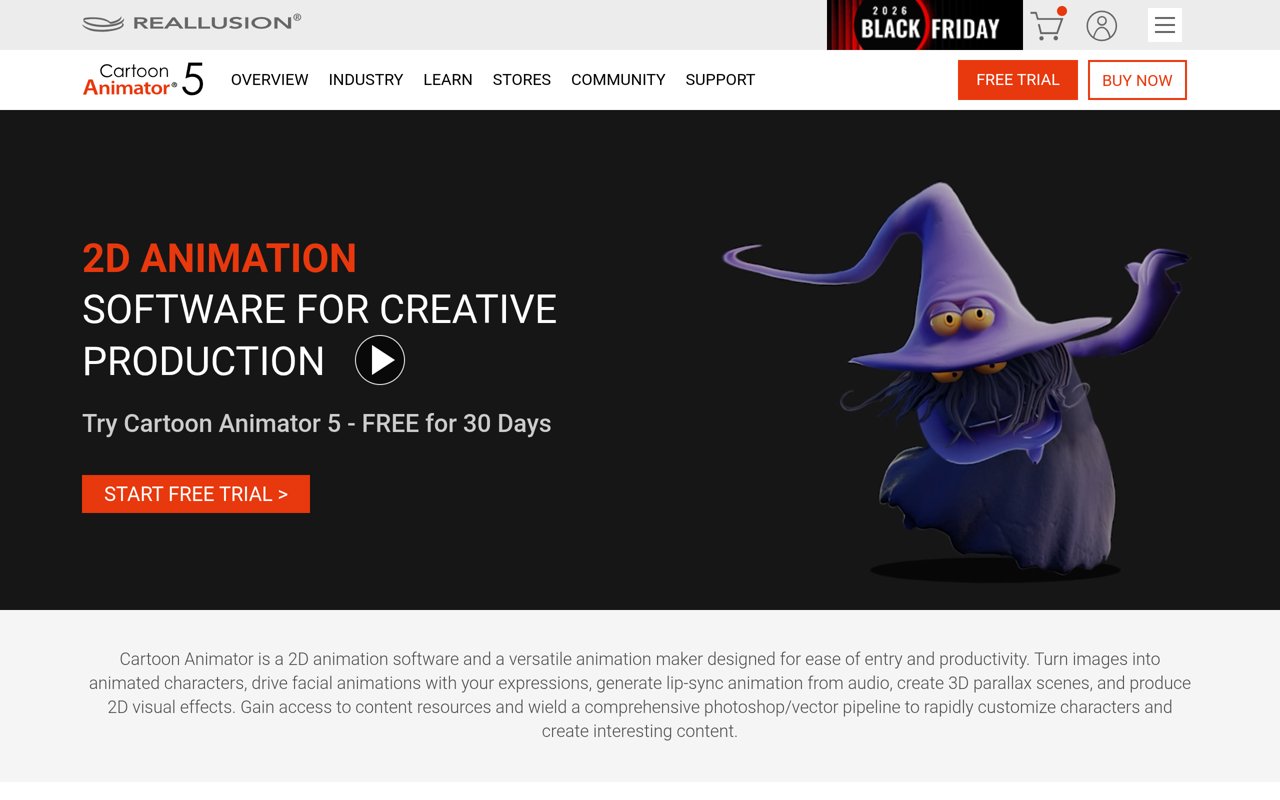
Cartoon Animator is a 2D character animation suite, in version 5, built around turning layered artwork into rigged puppets. Import a photo or illustration, and the software rigs it into an animatable character with 360-degree head turns, while facial motion capture drives expressions from your webcam. It holds a 4.8 out of 5 G2 rating from 5 reviews.
The trade off is the thin rating and the add-on pricing. The 4.8 out of 5 score rests on only 5 G2 reviews, and the perpetual licence costs 149 dollars once, with live webcam facial capture and iPhone face tracking sold as separate plugins. A 365 subscription from 4 dollars 92 a month is the cheaper route in. It is the least intimidating serious 2D tool here.
What we like
No drawing skill needed, rigs your artwork
Webcam facial capture and auto lip-sync
Perpetual license, no subscription
30-day free trial
Watch out for
G2 rating rests on only 5 reviews
Facial capture and face tracking are paid add-ons
Less control than Harmony or Moho for refined animation
Animaker is a drag-and-drop builder for animated videos with characters, props and templates, so no drawing skill is needed. The free plan makes unlimited watermarked videos, and Basic at 15 dollars a month billed annually removes the watermark with HD exports for videos up to five minutes. It holds a 4.7 out of 5 G2 rating from 944 reviews.
The trade off is the download limits and the commercial rights. Basic allows only five premium downloads a month, and commercial rights start on Pro at 43 dollars a month, so regular business use costs more than the headline price. It suits small businesses and beginners who want cheap template animation for explainers and social clips.
Toon Boom Harmony is the 2D production standard for television and streaming animation. It covers hand-drawn frame-by-frame animation, rigged cut-out characters, deformers, effects and a full compositing network in one program. Essentials starts at 31 dollars a month, or 259 dollars a year billed annually. It holds a 4.7 out of 5 G2 rating from 22 reviews.
The trade off is the price climbs fast. Advanced costs 79 dollars a month and Premium 143 dollars a month, and the interface takes time to learn, so beginners face a steep first month. It suits studios and animators who want the tool behind professional TV series and the skills that transfer to studio jobs.
Synfig Studio is a free vector animation tool built for tweening. Instead of drawing every frame, you set key poses and let the software calculate the in-between frames automatically. It includes bone-based rigging and works on Windows, macOS and Linux. It holds a 4.6 out of 5 G2 rating from 41 reviews.
The trade off is the experience. The interface feels dated and the learning curve is real, so first projects take longer than in a polished paid tool. The community is smaller than Blender's, so tutorials are thinner. It suits animators who want rigged vector animation without drawing every frame and without paying anything.
Krita is a free painting app with a genuinely usable animation workspace. Painters who already draw in Krita get a timeline, onion skinning and frame management without learning a new app. For animated illustrations, loops and short sequences in a painterly style, it is the path of least resistance. It holds a 4.4 out of 5 G2 rating from 65 reviews.
The trade off is specialization. Dedicated animation apps go deeper on rigging, cameras and production workflows, and long, complex timelines can strain performance. But for artists, animating where you already paint removes the biggest beginner barrier: a new interface. It suits digital painters adding motion to their work.
OpenToonz is the open-source release of Toonz, the 2D software used on Studio Ghibli films. It offers an xsheet and timeline, raster and vector drawing, effects through a node tree and the GTS scanning tool on Windows. It is free for commercial use. It holds a 4.4 out of 5 G2 rating from 6 reviews.
The trade off is the learning curve and the thin rating. The interface is not beginner-friendly, there is no official support, and you learn from community guides and forums. The 4.4 out of 5 rating rests on only 6 reviews. It suits serious traditional animators who want studio-grade 2D tools at zero cost and can handle a complex interface.
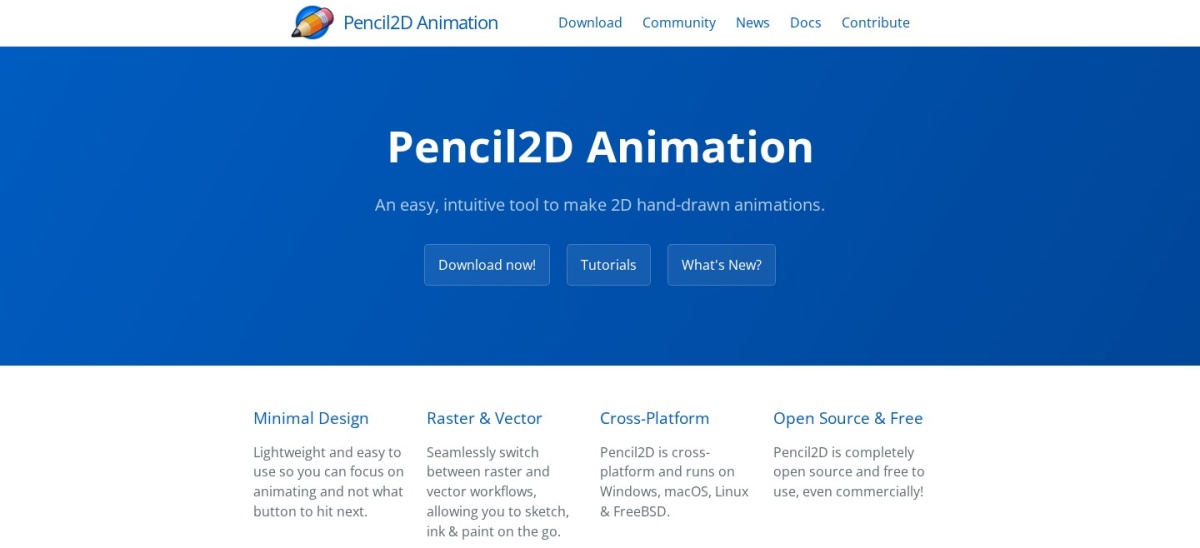
Pencil2D is a lightweight, open-source tool for traditional hand-drawn frame-by-frame animation. It does one thing with the simplest interface in this list: draw, add frames, play it back. It runs on Windows, macOS and Linux. It holds a 4.1 out of 5 G2 rating from 16 reviews.
The trade off is the ceiling, which arrives in weeks. It has no rigging, effects or compositing, so you outgrow it once projects need more than simple drawn animation. It also has minimal sound support and a small development team. It suits beginners making their first hand-drawn animation and anyone who wants the fastest route from idea to moving drawing.
We started from the 2D animation tools with verifiable G2 or Capterra ratings, then kept 9 with published scores. Ratings were collected in November 2026, and every entry here has a G2 score.
We compared approachability, technique, price and learning curve, not just features. Top picks combine a real rating with a gentle first project: a free drawing tool, a cheap rigged tool, or a template builder that needs no drawing skill.
Blender was dropped because it is a 3D suite, and its Grease Pencil workflow is overkill for a beginner who only needs 2D. Adobe Animate was dropped because Adobe has moved it into maintenance mode with no new features planned. Wick Editor has no verifiable G2, Capterra or Trustpilot rating.
How to choose 2D animation software as a beginner
Pick a technique first, then match the learning curve to your patience.
Pick a technique first. Frame by frame means drawing every pose, while rigged means building a puppet once and posing it. Learn frame by frame first if you want to understand motion, and choose rigged if your goal is producing character content efficiently.
Make a ten-second clip this week. Pencil2D or Krita today for a bouncing ball or a walk cycle, Animaker for a template explainer, Moho Debut for a rigged character. Match the tool to the artifact and you will finish things.
Budget the learning time honestly. Pencil2D takes hours, Krita animation takes days if you already draw, Moho Debut takes weeks, and OpenToonz and Toon Boom take months. The best tool is the one whose learning curve you will actually climb.
Check exports before you commit. Test your delivery format in the free plan or trial before building a project on a tool. A drawing tablet helps enormously for frame-by-frame work, while rigged animation works fine with a mouse.
FAQ
What is the easiest 2D animation software for beginners?
Pencil2D for pure simplicity: draw frames, press play, and you have a first animation within an hour. Animaker and Cartoon Animator are next if you would rather not draw at all, since templates and rigged characters do the heavy lifting. Avoid starting with OpenToonz or Toon Boom until the basics click.
Is OpenToonz really free?
Yes, open source and free forever, with no tiers, watermarks or expiry. It is the actual software lineage used by Studio Ghibli, released openly. The cost is the learning curve: expect weeks of tutorials before comfort. For committed beginners, it is unmatched value.
Can I make professional animations with free software?
Yes. OpenToonz has professional credits, and Krita's animation tools produce releasable work. The limitation is rarely the software: it is skill, time and sound design. Professionals choose paid tools for pipeline integration and support, not because free tools cannot produce quality.
Moho vs Toon Boom: which should I learn?
Moho Debut at 59 dollars 99 once for affordable rigged character animation as a hobbyist or YouTuber. Toon Boom Harmony from 31 dollars a month for a professional animation career, since it is the studio standard and the skills are employable. The techniques overlap, but the industry recognition does not.
Do I need a drawing tablet for 2D animation?
For frame-by-frame work, effectively yes: drawing with a mouse is painful, and a basic pen tablet transforms the experience. For rigged or tweened animation such as Moho and Synfig, a mouse suffices longer, since you pose rather than draw. A tablet is the cheapest upgrade that changes everything.
What is tweening in animation?
Tweening means setting key poses and letting the software calculate the in-between frames automatically, instead of drawing every frame yourself. Synfig and Moho use it for vector characters, and it is far faster than frame-by-frame work for motion graphics and cut-out characters. The trade off is less organic motion.
SaaS SEO and WordPress specialist with about 8 years of experience. Rakib compares WordPress plugins, themes, hosting and software using public pricing, documentation and user reviews. See how we rank.