Best 2D Animation Software in 2026: 9 Tools Compared
WLWPLegible EditorsLast verified 24 Nov 2026How we rank12 min read
★ Short answer
Toon Boom Harmony is the best 2D animation software for professional work, with full drawing, rigging and compositing in one program, rated 4.7/5 on G2. Pick Adobe Animate for web animation and Moho Pro for rigged characters without a subscription.
How we make this list: we compare pricing pages, product documentation and public user reviews, then re-check every price before each update. No product paid for a place. Disclosure.
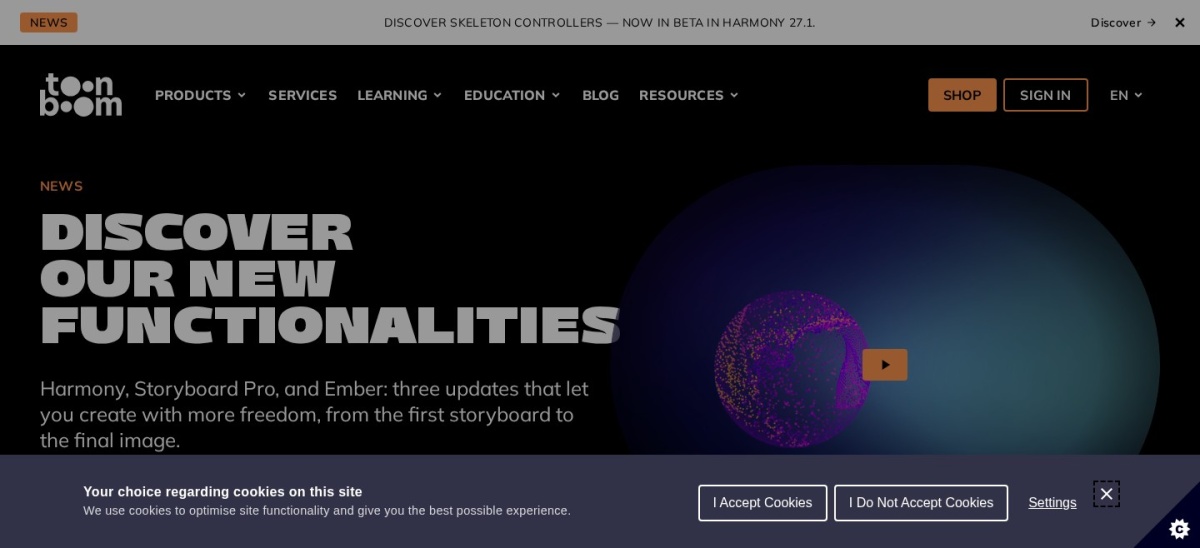
Toon Boom Harmony is the studio standard for TV and film 2D production, from $31 a month for Essentials.
Adobe Animate is the best vector choice for web and interactive animation at $22.99 a month.
Moho Pro costs $399.99 once, with no subscription, and its bone rigging suits solo character animators.
Blender, OpenToonz, Synfig Studio and Pencil2D are completely free, with no watermark on exports.
Animaker is the cheapest template route at $15 a month, while Vyond starts at $58 a month for business teams.
What to look for in 2D animation software
2D animation splits into two styles. Frame-by-frame tools let you draw every pose, while rigged tools let you build a character once and pose it like a puppet.
Your choice depends on the job. Hand-drawn work needs strong brushes and onion skinning, while series and explainer work benefits from rigs, reusable assets and lip sync.
Price also splits two ways. Subscriptions such as Harmony and Animate charge every month, while Moho and Cartoon Animator sell one-time licences you keep.
Free tools are strong here. Blender, OpenToonz, Synfig and Pencil2D cost nothing and teach real skills that transfer to paid tools later.
Toon Boom Harmony is the 2D production standard for television and streaming animation. It covers hand-drawn frame-by-frame animation, rigged cut-out characters, deformers, effects and a full compositing network in one program. Essentials starts at $31 a month, or $259 a year billed annually.
The trade off is the price climbs fast. Advanced costs $79 a month and Premium $143 a month, and the interface takes time to learn, so beginners face a steep first month. It suits studios and animators who want the tool behind professional TV series and the skills that transfer to studio jobs..
Adobe Animate is the vector animation workhorse descended from Flash. It offers a timeline, frame-by-frame drawing, bone tools and HTML5 Canvas export for web ads, games and interactive media. The single-app plan costs $22.99 a month billed annually, with a 7-day free trial.
The trade off is Adobe has moved Animate into maintenance mode, so it gets security and bug fixes but no new features are planned, while the subscription keeps charging every month. It suits web animators and Creative Cloud users who need vector animation and HTML5 export for ads and interactive work..
What we like
Strong vector drawing and timeline tools
HTML5 Canvas and WebGL export
Links to Photoshop and Illustrator
Watch out for
In maintenance mode, no new features planned
Subscription cost adds up over a year
Creative Cloud bundles add more apps at a higher priceVisit adobe.com
03
Moho Pro
5/5on G2 (4 reviews, checked Nov 2026)
Starts at$399.99/once
Best for rigged characters without a subscription
LicenceOne-time, perpetual
RiggingSmart Bones, physics
DrawingVector and frame by frame
Free trial30 days
lostmarble.com
Moho Pro homepage, captured Nov 2026.
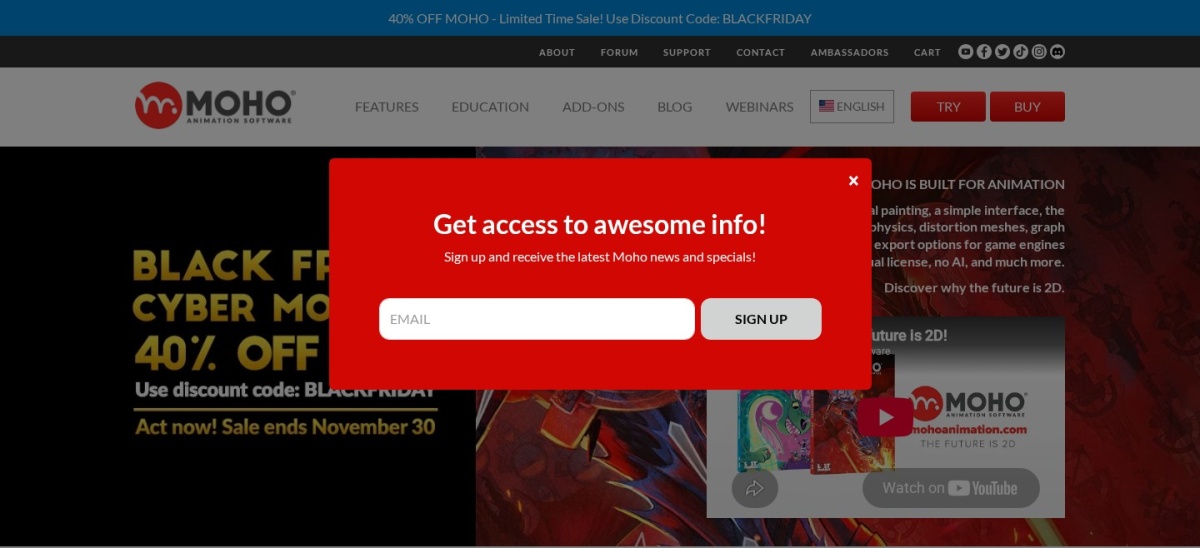
Moho Pro is a 2D animation tool built around bone rigging, in version 14. You draw or import a character once, build a skeleton with Smart Bones, then animate by posing instead of redrawing every frame. Pro costs $399.99 once, while Debut costs $59.99 once for beginners.
The trade off is the jump from Debut to Pro is steep at $399.99, and the interface takes adjustment before rigging feels natural, so allow time to learn it. It suits solo animators and small studios making rigged character animation who would rather own software than rent it..
Blender is a free and open-source 3D creation suite, and its Grease Pencil tools make it a strong 2D animation option too. You can draw hand-drawn animation directly in the 3D viewport, mixing flat characters with 3D camera moves. There is no paid tier at all.
The trade off is the full suite is large and complex, so learning Grease Pencil inside a 3D program takes longer than learning a dedicated 2D tool. It suits animators who want a complete free studio and are willing to invest time in learning a deep tool..
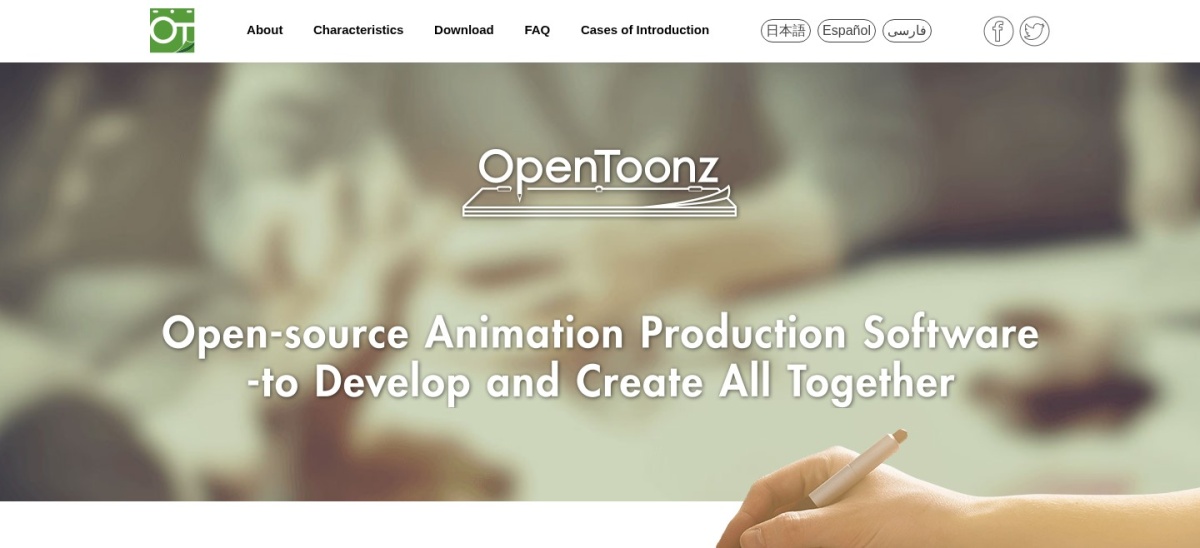
OpenToonz is the open-source release of Toonz, the 2D software used on Studio Ghibli films. It offers an xsheet and timeline, raster and vector drawing, effects through a node tree and the GTS scanning tool on Windows. It is free for commercial use.
The trade off is the interface is not beginner-friendly, and there is no official support, so you learn from community guides and forums. It suits serious traditional animators who want studio-grade 2D tools at zero cost and can handle a complex interface..
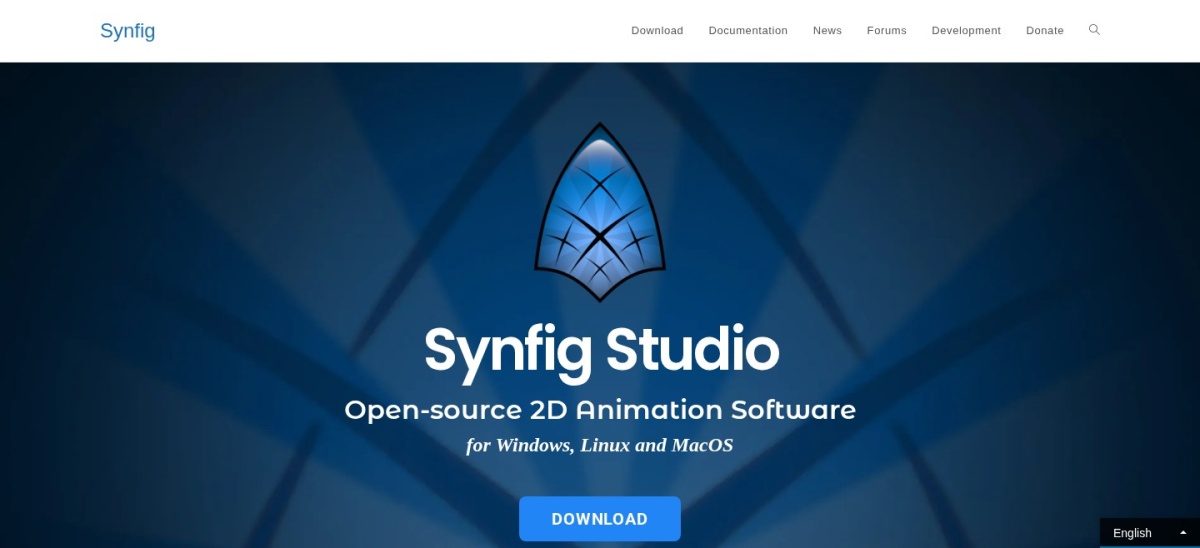
Synfig Studio is a free vector animation tool built for tweening. Instead of drawing every frame, you set key poses and let the software calculate the in-between frames automatically. It includes bone-based rigging and works on Windows, macOS and Linux.
The trade off is the interface feels dated and the learning curve is real, so first projects take longer than in a polished paid tool. It suits animators who want rigged vector animation without drawing every frame and without paying anything..
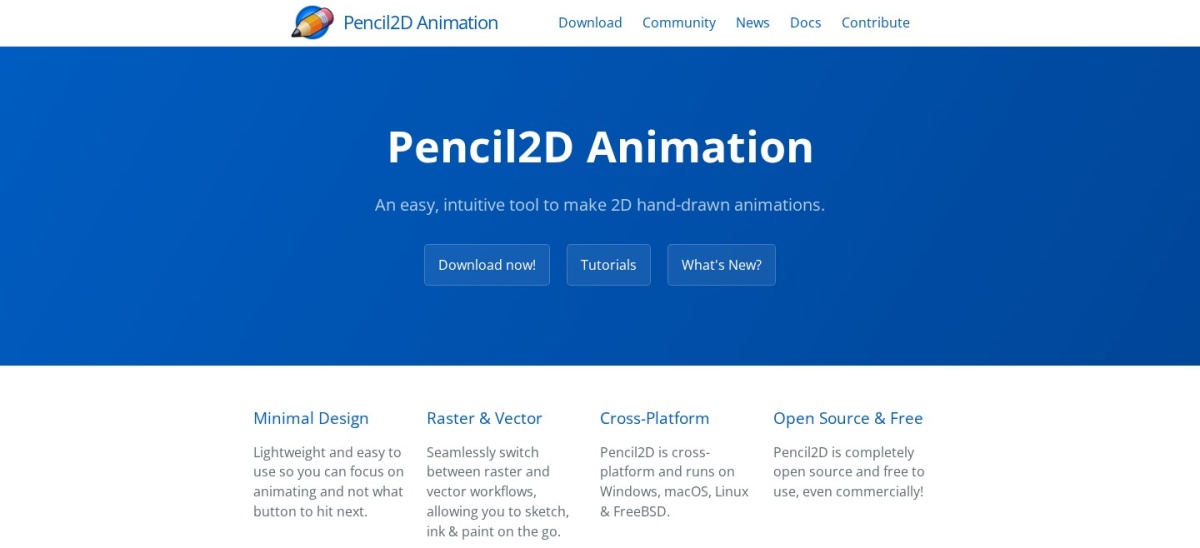
Pencil2D is a lightweight, open-source tool for traditional hand-drawn frame-by-frame animation. It does one thing with the simplest interface in this list: draw, add frames, play it back. It runs on Windows, macOS and Linux.
The trade off is it has no rigging, effects or compositing, so you outgrow it once projects need more than simple drawn animation. It suits beginners making their first hand-drawn animation and anyone who wants the fastest route from idea to moving drawing..
Animaker is a drag-and-drop builder for animated videos with characters, props and templates, so no drawing skill is needed. The free plan makes unlimited watermarked videos, and Basic at $15 a month billed annually removes the watermark with HD exports for videos up to five minutes.
The trade off is Basic allows only five premium downloads a month, and commercial rights start on Pro at $43 a month, so regular business use costs more than the headline price. It suits small businesses and beginners who want cheap template animation for explainers and social clips..
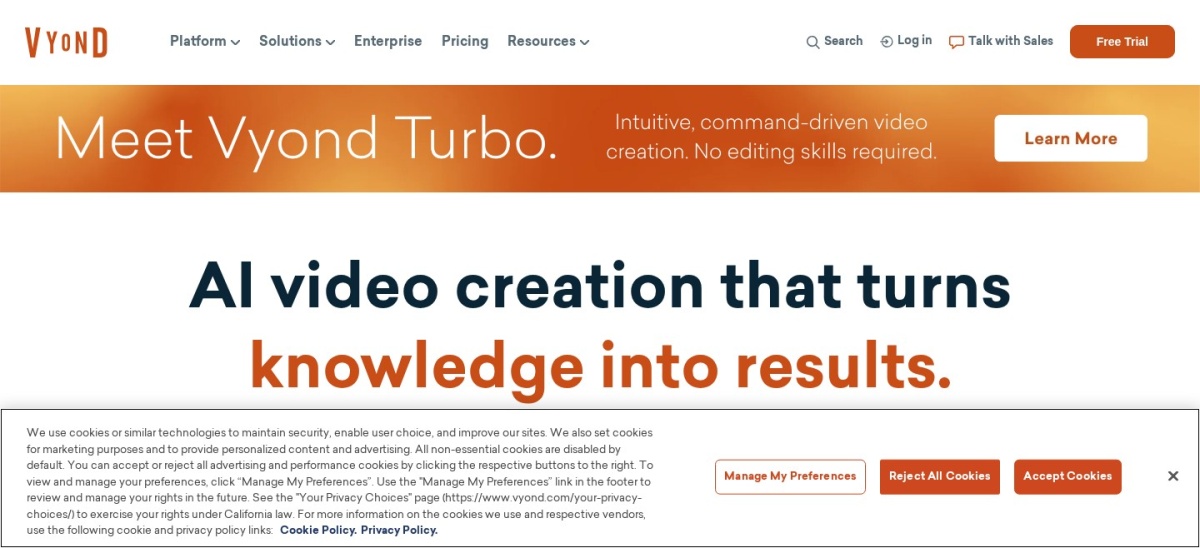
Vyond is the animated video software most companies use for explainers, onboarding and training. You build scenes from business-style characters, props and templates, add a script and choose from more than 650 text-to-speech voices. Starter costs $58 a month billed annually.
The trade off is it is priced for businesses, so $699 a year is steep for a solo creator, and there is no free plan, only a 14-day trial. It suits business and training teams that make animated explainer and e-learning videos every month..
What we like
Deep character and scene library
650+ text-to-speech voices
Vyond Go drafts video from a prompt
Watch out for
No free plan, trial only
Priced for business budgets
Professional at $100 a month adds team tools and translationVisit vyond.com
How we chose
We started from the 2D animation tools most often named in professional round-ups and review sites, then kept nine established tools with published prices and a current release.
Prices come from each vendor's pricing page, checked on 24 November 2026. Ratings come from G2, Capterra or Trustpilot on the same day, where a rating page was available. Where a vendor shows a sale, the list shows the regular price.
We left out tools with no published price and tools that have not been updated in the last 12 months. No vendor paid for a place, and we do not claim hands-on testing for this list.
How to choose 2D animation software
Start with the style of animation you will make most, then match the tool to that style.
Pick frame-by-frame or rigged. Drawn work needs brushes and onion skinning, while rigged work needs bones, smart bones and reusable puppets.
Try a free tool first. Spend a month with Blender, OpenToonz or Pencil2D before paying, because the style you enjoy decides the tool.
Check the export you need. Web work needs HTML5 or video export, while TV work needs high-resolution video and camera moves.
Count the real yearly cost. A $31 monthly plan costs $372 a year, while a $399.99 one-time licence pays for itself in about a year.
FAQ
What is the best 2D animation software?
Toon Boom Harmony is the best 2D animation software for professional work. It covers drawing, rigging, compositing and camera moves in one program, and it is rated 4.7 out of 5 on G2.
What is the best free 2D animation software?
Blender is the best free option overall, with Grease Pencil for 2D drawing inside a full 3D suite. OpenToonz is the best free choice for pure traditional 2D studio work.
Is Adobe Animate still worth using?
Adobe Animate still works well for vector and web animation at $22.99 a month. Adobe has moved it into maintenance mode, so expect security fixes rather than new features.
Is Moho Pro a one-time purchase?
Yes. Moho Pro 14 costs $399.99 once, with free updates inside the 14.x line. Moho Debut 14 costs $59.99 once for beginners who want the same rigging tools.
Can I make 2D animation without drawing skill?
Yes. Animaker and Vyond build animation from templates, characters and props, so no drawing skill is needed. They suit explainers and training videos rather than hand-drawn films.
Do free 2D animation tools add a watermark?
No. Blender, OpenToonz, Synfig Studio and Pencil2D are free and open source, and exports carry no watermark. Animaker's free plan does add a watermark to exports.