Best Animated Video Software in 2026: 9 Tools Compared
WLWPLegible EditorsLast verified 22 Nov 2026How we rank12 min read
★ Short answer
Vyond is the best animated video software for business training, with character animation, lip-sync and AI script-to-video from $58 a month billed yearly. Pick Animaker for the widest styles on a budget, or Powtoon for quick slide-style explainers.
How we make this list: we compare pricing pages, product documentation and public user reviews, then re-check every price before each update. No product paid for a place. Disclosure.
Vyond leads for business training, rated 4.7 out of 5 on G2 from 550 reviews, at $58 a month billed yearly.
Animaker offers the most styles per dollar, rated 4.7 out of 5 on G2 from 1,071 reviews, with a free plan.
Powtoon has the most usable free plan, at 720p and 3 minutes, with Lite at $15 a month billed yearly.
Renderforest Lite is the cheapest paid start in this list at $9 a month billed yearly.
Animaker only grants commercial rights from Pro, so check the plan before publishing ads.
What animated video software actually does
Animated video software turns a script into a finished video without a camera or an animator. Character tools build training videos, template tools make fast explainers, and whiteboard tools draw your message by hand.
Free plans are usable but limited. Most add a watermark and cap resolution or length, so check those limits before you design around a tool: Powtoon free output is 720p and 3 minutes, for example.
Pricing tiers mostly limit the same things: video length, exports per month, resolution and commercial rights. Animaker, for instance, only grants commercial rights from its Pro plan.
Pick by style first. A cartoon character tool will not make a clean motion-graphics intro, and a template tool will not give you a custom character that looks like your team.
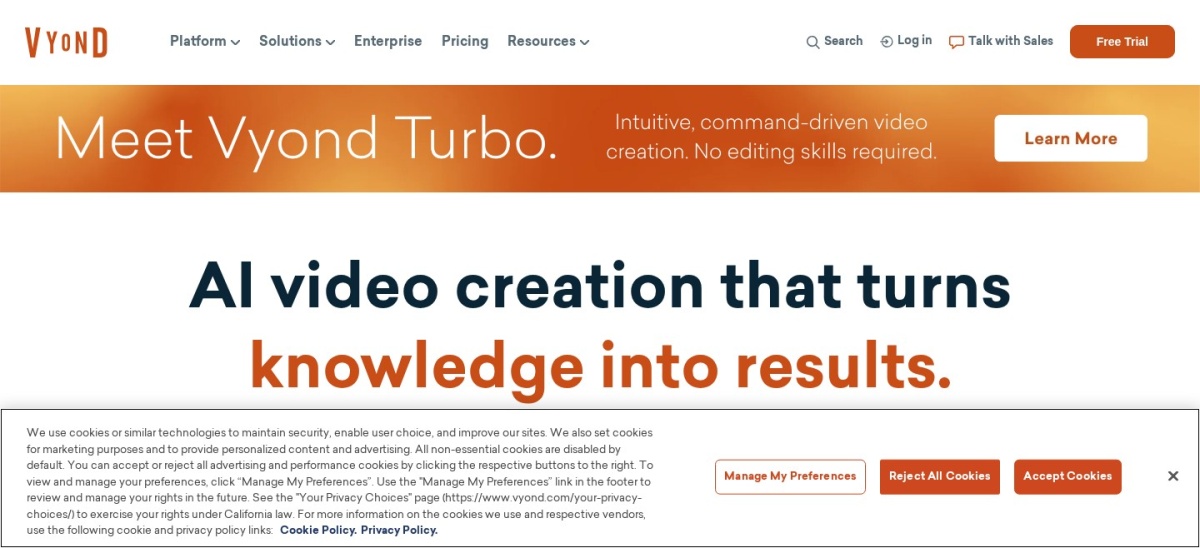
Vyond is the business standard for character-animated video. Its character creator builds diverse business characters, automatic lip-sync matches dialogue, and the action library covers everything from handshakes to forklift operation, with AI that turns a script or document into a video.
The trade off is price. Starter is $58 a month billed yearly, or $699 a year, and there is no free plan, only a 3-video trial. It suits training and HR teams that produce compliance and onboarding video without an agency.
What we like
Rated 4.7 out of 5 on G2 from 550 reviews
Character creator with automatic lip-sync
AI script-to-video on every plan
Videos up to 25 minutes on Starter
Watch out for
Most expensive start in this list
No free plan, only a trial
Professional doubles credits at $100 a month yearlyVisit vyond.com
02
Animaker
4.7/5on G2 (1071 reviews, checked Nov 2026)
Paid from$25/mo
Best value all-round animation
Entry planStarter, $25/mo
Free planYes, 3 downloads a month
Video lengthUp to 15 minutes on Starter
Commercial rightsFrom Pro only
animaker.com
Animaker homepage, captured Nov 2026.
Animaker is a browser-based animation maker with many styles in one platform, from 2D characters to infographics, whiteboard and typography videos. The free plan gives 3 video downloads a month with a watermark, and paid plans start at Starter for $25 a month billed yearly.
The trade off is the fine print. Commercial rights start at Pro, which costs $43 a month billed yearly, and paid plans differ mostly in video length and resolution. It suits small teams and educators who want cheap browser-based explainer videos.
Powtoon is a cloud platform for animated videos and presentations with a short learning curve. Its template library covers business, marketing, education and social content, and the free plan exports at 720p, capped at 3 minutes, with a watermark.
The trade off is depth. It is a template tool, not a character studio, so custom animation is limited. It suits corporate communicators who want a presentation-style video builder with AI scripts, voices and dubbing, with Lite at $15 a month billed yearly.
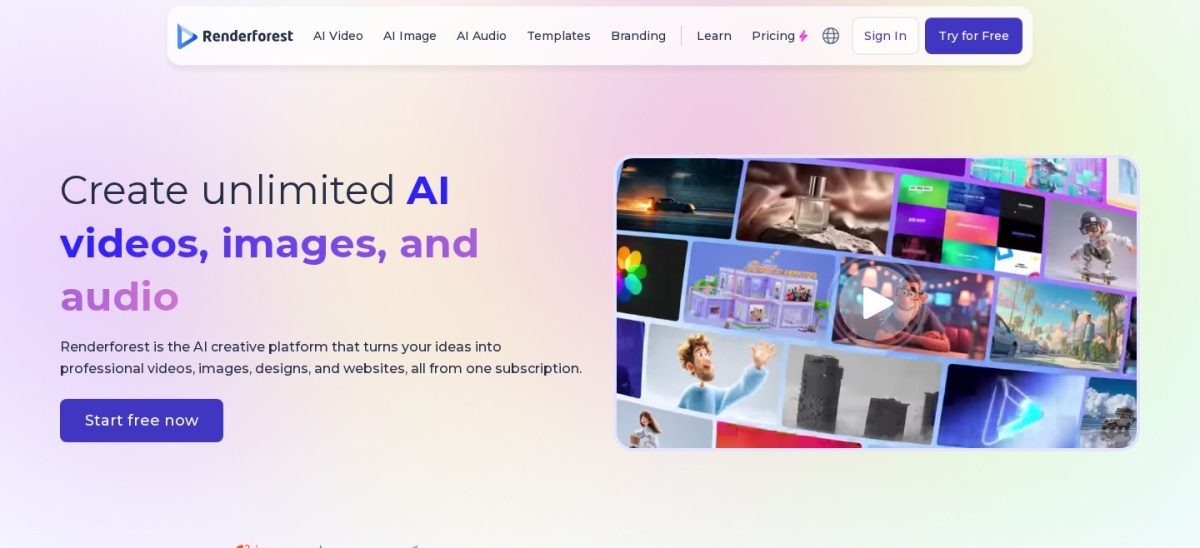
Renderforest is a template-based all-in-one for animated intros, logo animation, promo videos and branding. A free plan is available, and Lite costs $9 a month billed yearly, with Pro and Business tiers above it for more exports and a reseller licence.
The trade off is style. It is template-driven, so videos look polished but can feel familiar. It suits small businesses and freelancers who want quick branded explainers and intros at the lowest paid price in this list.
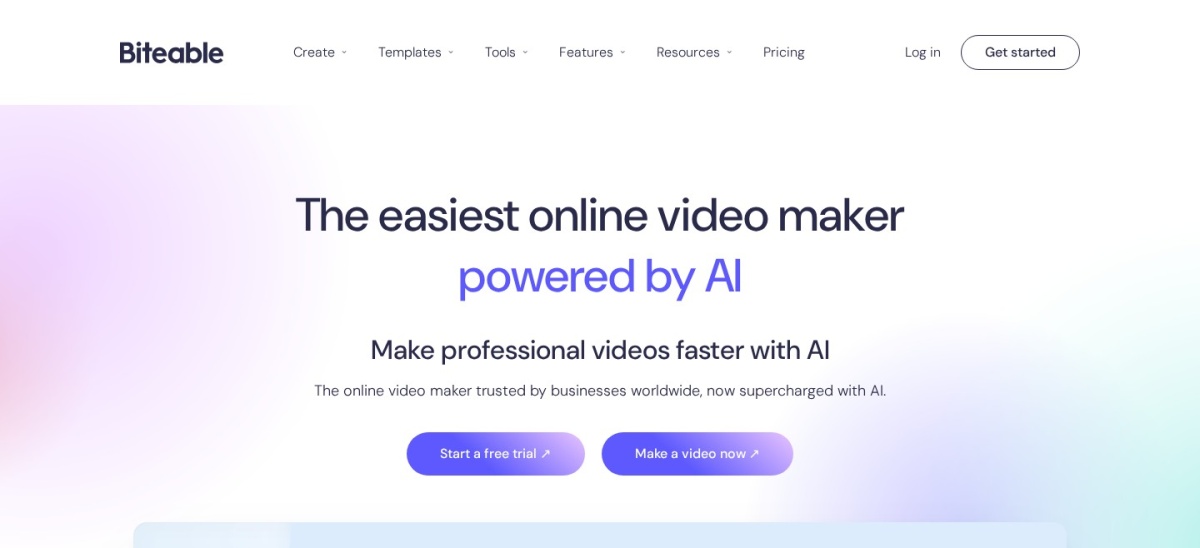
Biteable is a template animation and stock video tool for fast social and marketing videos. It has a 7-day trial, and paid plans start at $15 a month billed yearly, with templates and stock footage that let a small team publish a video in minutes.
The trade off is that there is no real free plan, only the trial, so you pay from the start. It suits marketers who need quick template videos for social channels and do not want to learn a full animation studio.
Synthesia is an AI presenter tool that turns text into video with an avatar speaking in 130-plus languages. A free plan gives 10 minutes a month with a watermark and no downloads, and paid plans start at $14 a month billed yearly, with credit-based limits on longer videos.
The trade off is that it is a presenter, not an animator. There are no cartoon characters or hand-drawn styles, so it fits talking-head training and marketing, not explainer cartoons. It suits teams that need multilingual presenter video fast.
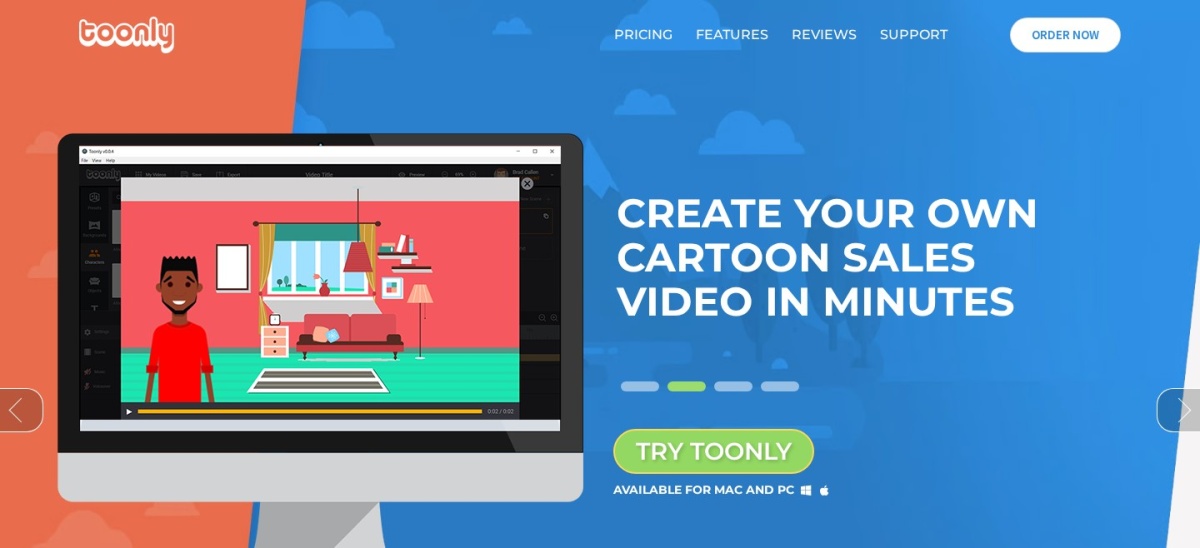
Toonly is a cartoon explainer tool for YouTubers and small businesses. It offers cartoon-style characters and simple scenes in a desktop editor, with a free trial and paid plans from $39 a month, aimed at creators who want a friendly cartoon look without drawing.
The trade off is price for a single style. At $39 a month it costs more than template tools that cover more styles. It suits creators who make cartoon explainers regularly and want characters that feel consistent across videos.
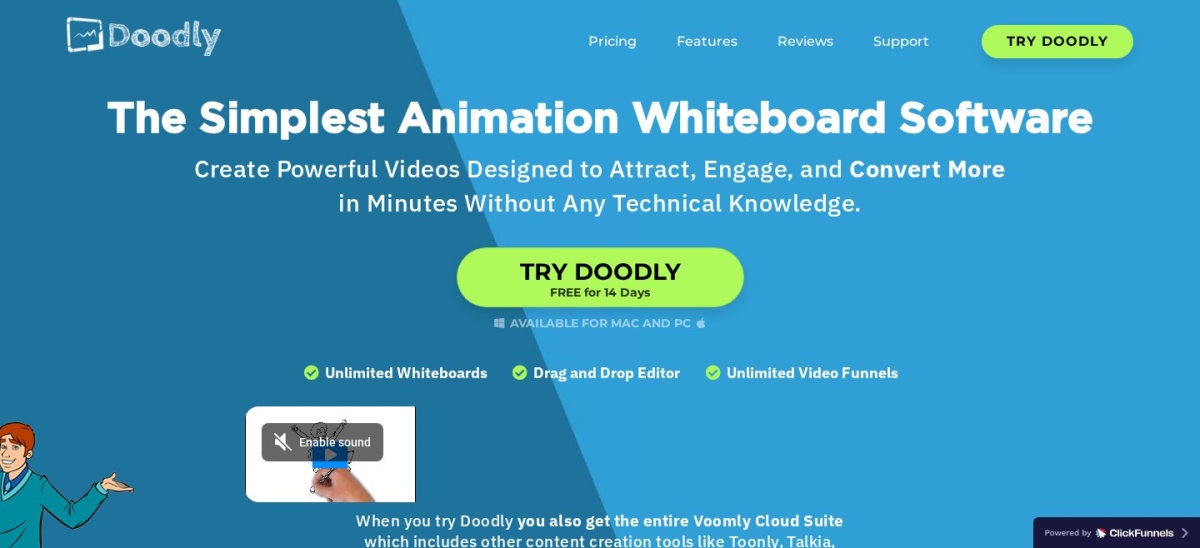
Doodly is a whiteboard doodle video tool that draws your message by hand on screen, with props, characters and scenes for lessons and explainers. It has a free trial, and paid plans start from $39 a month, aimed at educators and marketers who like the hand-drawn look.
The trade off is the single style. Whiteboard suits lessons and simple stories, but not product demos or brand films. It suits teachers and creators who publish whiteboard videos often and want a dedicated tool for the style.
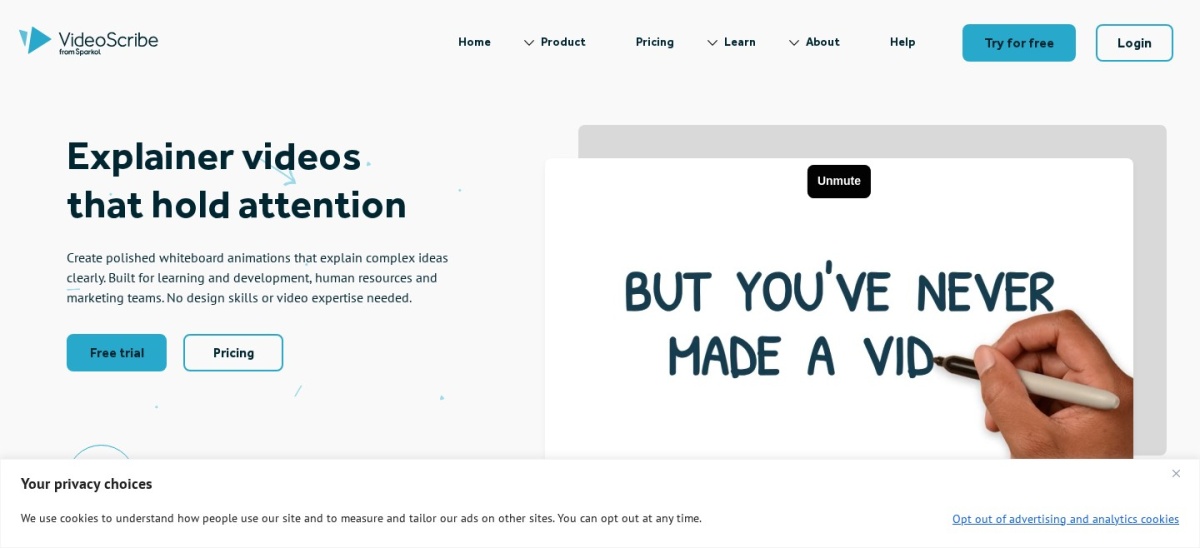
VideoScribe is a whiteboard-style animation tool that turns a script into a hand-drawn video, with a library of images, characters and music. It has a free trial, and Lite costs $12.50 a month, which makes it the cheapest whiteboard option in this list.
The trade off is again the style. It does one thing well, so teams that need character animation or motion graphics will need a second tool. It suits educators and businesses that want script-driven whiteboard videos at a low monthly price.
Free plans are fine for learning. Powtoon, Animaker and Renderforest all let you build and export with a watermark, so you can learn the editor before paying.
Paid plans mostly buy clean exports. The cheapest paid tier usually removes the watermark, lifts the resolution to 1080p and raises the length cap.
Check commercial rights before publishing. Animaker only grants commercial rights from Pro, so a Starter video may not be usable in a paid ad.
How we chose
We started from the animated video tools marketers and trainers actually compare in 2026, across character animation, templates, whiteboard and AI presenter styles.
Prices come from vendor pricing pages as reported by dated comparison pages checked in October and November 2026, and ratings come from G2, Capterra or Trustpilot in the same period. Where a vendor shows a sale, the list shows the regular price.
We left out tools that no longer appear to be operating and pure video editors without animation. No vendor paid for a place, and this list is based on pricing, docs and reviews, not on using the tools ourselves.
How to choose animated video software
Pick the style first, then check the export limits on the plan you would buy.
Pick the style your video needs. Character animation for training, templates for fast explainers, whiteboard for simple lessons, and AI presenters for talking-head video.
Check the free plan limits. Most free plans watermark exports and cap resolution at 720p. If you need clean 1080p exports, budget for the cheapest paid tier.
Count exports and video length. Entry plans cap videos at 5 to 25 minutes and limit monthly exports. Check the cap on the plan you would buy, not the top tier.
Test with one real script. Build a 2-minute video in the trial, export it, and watch it on a phone before you commit to a yearly plan.
FAQ
What is the best animated video software?
Vyond is the best pick for business training, with character animation, lip-sync and AI script-to-video from $58 a month billed yearly. Animaker is the best value all-rounder, and Powtoon is the quickest for slide-style explainers.
How much does Vyond cost?
Vyond Starter is $58 a month billed yearly, or $699 a year, and $99 a month billed monthly. Professional is $100 a month billed yearly, and it doubles the credits to 20,000.
Is there free animated video software?
Yes. Powtoon, Animaker and Renderforest all have free plans, but exports carry a watermark and cap at 720p. Vyond has no free plan, only a 14-day trial.
What is the cheapest animated video software?
Renderforest Lite is $9 a month billed yearly, and Powtoon Lite is $15 a month billed yearly. Animaker Starter is $25 a month billed yearly, while Biteable starts at $15 a month billed yearly.
Can animated video software make training videos?
Yes, that is Vyond's main use. Its character creator, action library and lip-sync are built for compliance and onboarding video, with videos up to 25 minutes on the Starter plan.
Do I need animation skills to use these tools?
No. All nine tools use templates, drag and drop and stock characters, so a marketer or teacher can build a video without drawing. Custom character work is where skill starts to matter.