Best Free AI Animation Software in 2026: 9 Tools Compared
WLWPLegible EditorsLast verified 23 Nov 2026How we rank15 min read
★ Short answer
Kling AI is the best free AI animation software for most people, with 66 free credits refilled every day, enough for about two short test clips, and paid plans from $8.80 a month. Pick Runway for higher-end generative clips and Animaker for character-led explainer videos.
How we make this list: we compare pricing pages, product documentation and public user reviews, then re-check every price before each update. No product paid for a place. Disclosure.
Kling AI is the only tool here with free credits that refill every day: 66 a day, enough for about two 5-second 720p test clips.
Runway and Pika both start free with a one-time allowance, not a monthly refill: 125 credits on Runway, and no monthly credits at all on Pika.
Animaker, Powtoon and Renderforest all watermark free exports, and Powtoon's free plan cannot download MP4 files.
Canva's free AI animation is a 5-second silent clip from a still image; the Veo 3 clip maker needs Pro at $120 a year.
Paid plans start at $8.80 a month for Kling AI and climb to $19.99 a month for CapCut Pro.
What free AI animation software actually gives you
Free AI animation splits into two kinds of tool. Generative tools such as Kling AI and Runway make short clips from a text prompt or a still image, while template makers such as Animaker and Powtoon build character-led explainer videos from scenes and templates.
The free allowance is the first thing to check, because it varies more than the features do. Kling AI refills 66 credits a day, Runway gives 125 credits once, and Pika gives no monthly credits at all, so the same word free covers very different amounts of video.
Watermarks and licences matter as much as credits. Most free plans watermark exports, and several bar commercial use, so a clip made for fun may not be usable in a paid project. Our guide on generating images with AI in WordPress shows how AI-made media fits into published pages.
Clip length is the other limit to watch. Generative clips usually run 5 to 15 seconds, and longer videos need several generations stitched together, which costs more credits each time.
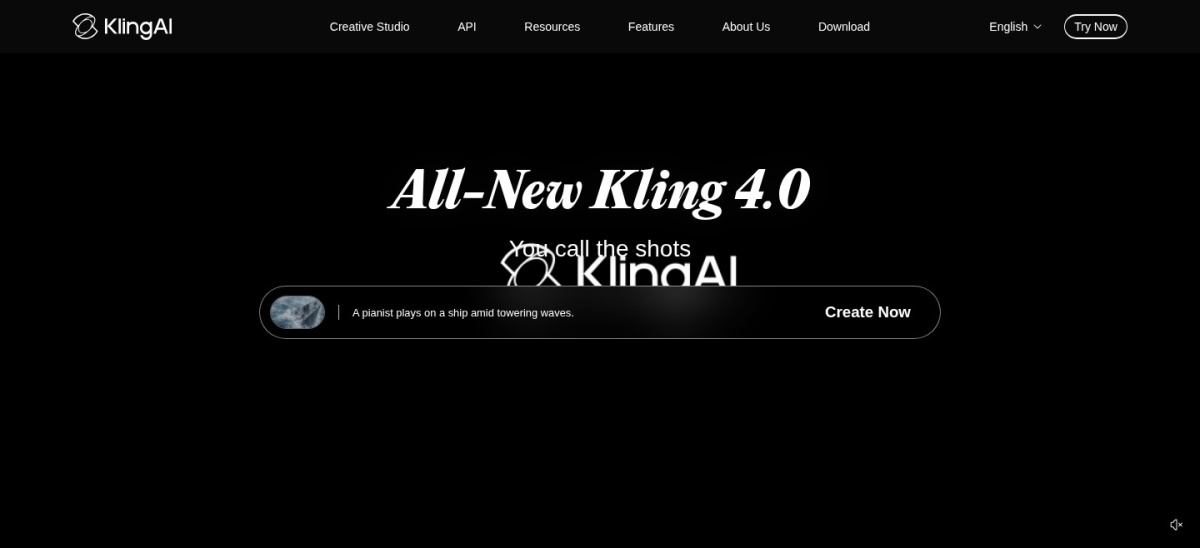
Kling AI is a text-to-video and image-to-video generator from Kuaishou, built around its Kling 4.0 model. The free plan gives 66 credits every day, enough for about two 5-second clips at 720p, and clips can run from 3 to 30 seconds with up to 10 keyframes. Free exports carry a watermark and have no commercial use.
The trade off is that free credits expire after 24 hours, so unused credits do not carry over to the next day. Standard lists at $8.80 a month after a $6.99 first month, with 660 credits a month. It suits creators who want realistic motion and a free plan that refills daily.
What we like
Only free plan here that refills every day
Native 4K output and clips up to 30 seconds
Keyframe and camera controls for directing shots
Rated 4.7 out of 5 on G2
Watch out for
Free credits expire after 24 hours
Free exports are watermarked with no commercial use
Trustpilot reviewers report billing problems after cancellation
Standard adds 660 credits a month and commercial useVisit kling.ai
02
Runway
4.1/5on G2 (106 reviews, checked Nov 2026)
Paid from$12/mo
Best generative quality
Free credits125, one-time
Free exportsWatermarked
Top modelGen-4.5
Paid planStandard, $12/mo
runwayml.com
Runway homepage, captured Nov 2026.
Runway is a generative video platform built around its Gen-4.5 model, which turns text prompts or still images into short video clips. The free plan gives 125 credits once, with 5 GB of storage and a selection of models, and free exports carry a watermark. Gen-4.5 clips run from 2 to 10 seconds, and the platform also edits existing footage.
The trade off is that the 125 free credits never refill, so the free plan is a short trial rather than a working allowance. Standard lists at $12 a month billed yearly, or $15 month to month, with 625 credits a month. It suits filmmakers and creators who want fine control over short AI shots.
What we like
Strongest generative quality in this list
Character consistency across clips
Video-to-video editing of real footage
625 credits a month on Standard
Watch out for
Free credits never refill
Gen-4.5 costs 12 credits a second, so credits run out fast
Animaker is a browser-based animation maker for character-led explainer, training and promo videos. The free plan allows 3 downloads a month in HD with a watermark, plus 5 AI video generations and 10 AI assets a month. Its library holds characters, templates and scenes, and videos can run up to 5 minutes.
The trade off is that free exports are for personal use only, so they cannot be used for paid client work. Basic lists at $15 a month and removes the watermark, with 5 premium downloads a month and 1,500 AI video credits. It suits marketers and teachers who need quick explainer videos.
What we like
Largest review base of the explainer tools
Characters, templates and scenes in one editor
AI voiceovers and auto-subtitles built in
Free plan allows real downloads, not just previews
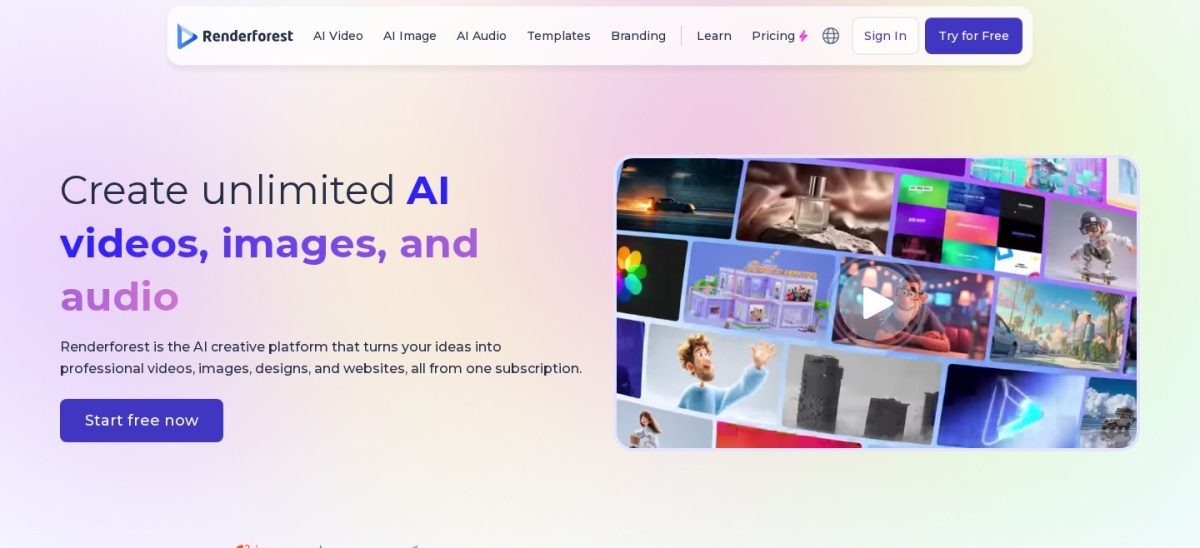
Renderforest is a template-based maker for animated intros, logo reveals, promos and explainers. The free plan exports at 360p with a watermark, caps videos at 3 minutes and gives 500 MB of storage. Paid plans open AI video generation with models such as Veo 3.1, Kling 3.0 and Seedance.
The trade off is that the free plan is a preview: 360p watermarked exports are hard to publish anywhere. Lite lists at $9 a month billed yearly, with 720p exports and 5 watermark-free exports a month. It suits small businesses that need a logo reveal or intro fast.
What we like
Highest Capterra rating in this list at 4.8/5
Large template library for intros and explainers
Paid plans route to Veo, Kling and Seedance models
Powtoon is a template animation maker for explainer videos, presentations and training clips. The free plan makes videos up to 3 minutes at 720p with a Powtoon watermark and 100 MB of storage, plus screen recording. New accounts also get a 7-day Pro trial with bonus AI credits.
The trade off is that the free plan cannot download MP4 files, so videos go out through publishing destinations instead. Lite lists at $15 a month billed yearly, with 1080p MP4 downloads, videos up to 10 minutes and 300 AI credits a year. It suits teachers and trainers who present with animation.
What we like
Free plan exports at 720p, not 360p
Strong template library for training videos
AI tools turn documents into video drafts
Screen recording included on the free plan
Watch out for
No MP4 download on the free plan
Watermark on every free export
Lite removes the watermark on only 5 exports a month
Canva is a design platform whose free plan animates a still image into a 5-second silent clip with Image to Video. The free plan also gives 5 GB of storage and up to 20 Premium AI uses a month, and videos made only with free assets export without a watermark. Its editor adds text, music and transitions around the clip.
The trade off is that the stronger clip maker, Create a video clip with Veo 3, is not on the free plan at all. Pro costs $120 a year and allows up to 20 Ultra AI uses a month, for 8-second clips with sound. It suits designers who already work in Canva and need short animated clips.
What we like
Free plan exports without a watermark on free assets
Full editor to finish clips with text and music
Largest review base in this list
Pro adds Veo 3 clips with sound
Watch out for
Free AI animation is one 5-second silent clip per image
CapCut is a video editor from ByteDance with AI tools for captions, voiceover, background removal and text-to-video. The free plan covers basic editing and 1080p exports, plus 200 one-time welcome credits for AI generation. Pro adds 1,200 AI credits a month, 4K export and 1 TB of cloud storage.
The trade off is that AI generation is metered: Pro's 1,200 credits cover up to 240 seconds of 720p video a month with Seedance 2.0 Mini. Pro lists at $19.99 a month, or $179.99 a year. It suits short-form creators who edit and generate in one app.
What we like
Most generous free editor: 1080p exports at $0
Auto captions and background removal included
Seedance video generation built in
1,200 AI credits a month on Pro
Watch out for
Free AI credits are a one-time 200, not monthly
Premium templates need Pro to export
Trustpilot reviewers report billing complaints
Pro adds 4K export, 1 TB storage and monthly AI creditsVisit capcut.com
08
Pika
2.3/5on Trustpilot (81 reviews, checked Nov 2026)
Paid from$10/mo
Best for playful short social clips
Free credits0 a month
Free exportsNo watermark
Clip length5 or 10 seconds
Paid planStarter, $10/mo
pika.art
Pika homepage, captured Nov 2026.
Pika is a short-clip AI video app known for Pikaffects, one-click effects that squash, melt or inflate a photo or video. The free plan costs $0 and exports without a watermark, but it includes no monthly credits, so generation needs a bought credit pack. Paid plans open Pika's own models plus Seedance, Kling and Veo.
The trade off is that the free plan is an empty account, not a working allowance, and it has no commercial use. Starter lists at $10 a month, or $8 billed yearly, with 600 credits a month and a commercial licence. It suits social creators who want playful effects and several models in one place.
What we like
Pikaffects effects no rival copies well
Watermark-free downloads even on free
One balance spends across many video models
Starter is $10 a month with a commercial licence
Watch out for
Free plan has no monthly credits at all
Trustpilot score is 2.3/5 from 81 reviews
Plan credits do not roll over
Starter adds 600 credits a month and commercial useVisit pika.art
09
Hailuo AI
1.4/5on Trustpilot (94 reviews, checked Nov 2026)
Paid from$14.99/mo
Best low price per second of video
Free creditsOne-time welcome pack
Free exportsWatermarked
Top modelMiniMax H3, 2K
Paid planStandard, $14.99/mo
hailuoai.video
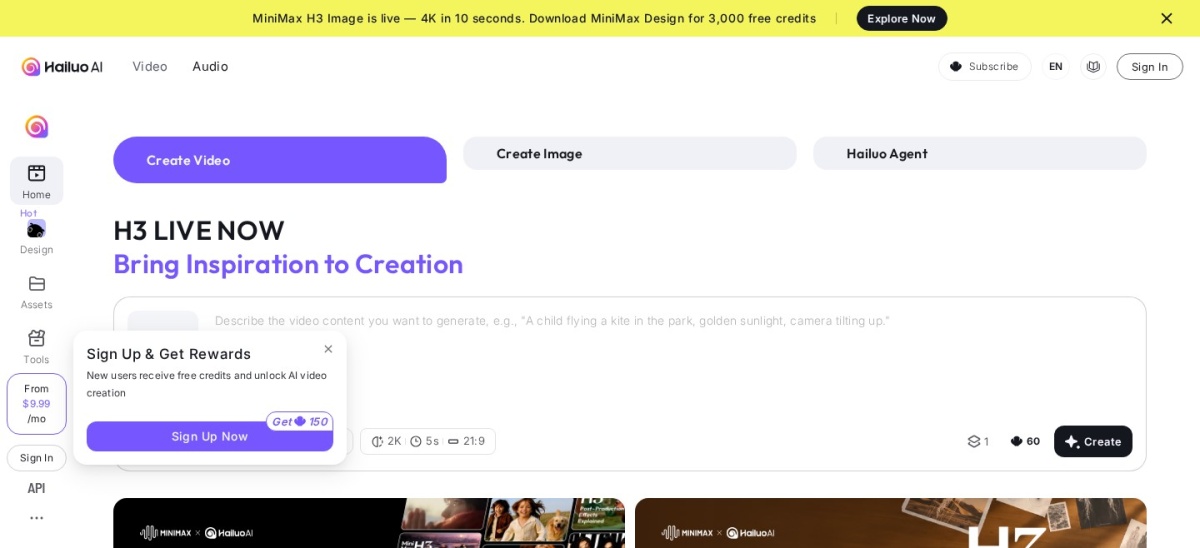
Hailuo AI homepage, captured Nov 2026.
Hailuo AI is MiniMax's video app, built around the MiniMax H3 model with native sound and clips up to 15 seconds at 2K. New accounts get a one-time welcome pack of credits that expires 3 days after it is granted, and free downloads carry a watermark. Paid plans also open Veo 3.1 and Sora 2.
The trade off is that the free plan never refills, and Hailuo never refunds subscriptions, so cancelling only stops the next cycle. Standard lists at $14.99 a month, with a lower promotional price shown on the page, for 1,000 credits a month. It suits creators who want MiniMax H3 at a low price per second.
Free plans cover short tests well. Kling AI gives a fresh 66 credits a day, and Animaker lets you download 3 watermarked videos a month.
Paid plans mostly add credits and clean exports. You get more generations a month, no watermark and commercial use, which is what turns a test into a publishable clip.
The cheapest paid plans sit between $8.80 and $15 a month. Kling AI Standard is $8.80 a month, Renderforest Lite is $9 and Animaker Basic is $15.
If animation earns you money, the first paid month usually costs less than one hour of an animator's time. Start free, and pay only when the free credits run out before the idea does.
How we chose
We started from the AI animation and AI video tools named most often in 2026 comparisons, then kept 9 established products with a free plan and a public review footprint on G2, Capterra or Trustpilot.
Prices come from each vendor's pricing page, checked on 23 November 2026, with the top 3 read on their official pages. Ratings are G2, Capterra or Trustpilot scores from the same week. Where a vendor shows a sale, the list shows the regular price.
We left out Luma, whose pricing page lists no free tier, and tools with no published price. No vendor paid for a place, and we do not claim hands-on testing for this list.
How to choose free AI animation software
Start with the kind of video you need, then check what the free plan actually gives you.
Pick generative or template first. Generative tools make clips from a prompt; template makers build explainers from scenes and characters. The two do different jobs, so choose the kind before the brand.
Count the free allowance, not the headline. A daily refill beats a one-time pack, and a plan with no monthly credits is not a working free tier. Check whether credits expire and whether exports carry a watermark.
Check the licence before you publish. Several free plans bar commercial use, and free exports often carry a watermark. If the clip will earn money, confirm the licence on the pricing page first.
Try the free plan on a real clip. Make one short video end to end, from prompt to export, and see how many credits it costs. That number tells you what the paid plan will cost in practice.
FAQ
What is the best free AI animation software?
Kling AI is the best free pick for most people. Its free plan refills with 66 credits every day, enough for about two 5-second test clips at 720p, and it is rated 4.7 out of 5 on G2. Paid plans start at $8.80 a month.
Is there really free AI animation software?
Yes, but free means different things on each tool. Kling AI refills credits daily, Runway gives 125 credits once, and Pika gives no monthly credits at all. Always check the credit allowance, the watermark and the licence before you count on a free plan.
Do free AI animation tools add a watermark?
Most do. Kling AI, Runway, Animaker, Powtoon, Renderforest and Hailuo AI all watermark free exports. Pika and Canva are the exceptions: Pika exports without a watermark, and Canva exports are clean when you use only free assets.
Can I use free AI animation videos commercially?
Not always. Kling AI, Animaker and Pika bar commercial use on their free plans, while paid plans add a commercial licence. Read the licence on the pricing page before you use a free clip in paid work or client projects.
How long can a free AI animation clip be?
Generative clips are short: 5 to 15 seconds is typical, and Kling AI clips can run up to 30 seconds. Template makers such as Animaker and Powtoon allow longer videos, up to 5 minutes and 3 minutes on their free plans.
Which free tool is best for explainer videos?
Animaker is the best free pick for explainers. Its free plan allows 3 HD downloads a month with characters, templates and scenes, and it is rated 4.7 out of 5 on G2 from more than 1,000 reviews. Powtoon is the closest alternative.