Best 3D Animation Software in 2026: 9 Tools Compared
WLWPLegible EditorsLast verified 24 Nov 2026How we rank12 min read
★ Short answer
Blender is the best 3D animation software for most people: it covers modelling, rigging, animation and rendering for free, and G2 users rate it 4.6 out of 5. Pick Maya for studio character work and Cinema 4D for motion graphics.
How we make this list: we compare pricing pages, product documentation and public user reviews, then re-check every price before each update. No product paid for a place. Disclosure.
Blender is free and covers the full pipeline, rated 4.6/5 on G2 from 319 reviews.
Maya and 3ds Max cost $2,010 a year each, with Indie licences at $330 a year for artists under $100,000 revenue.
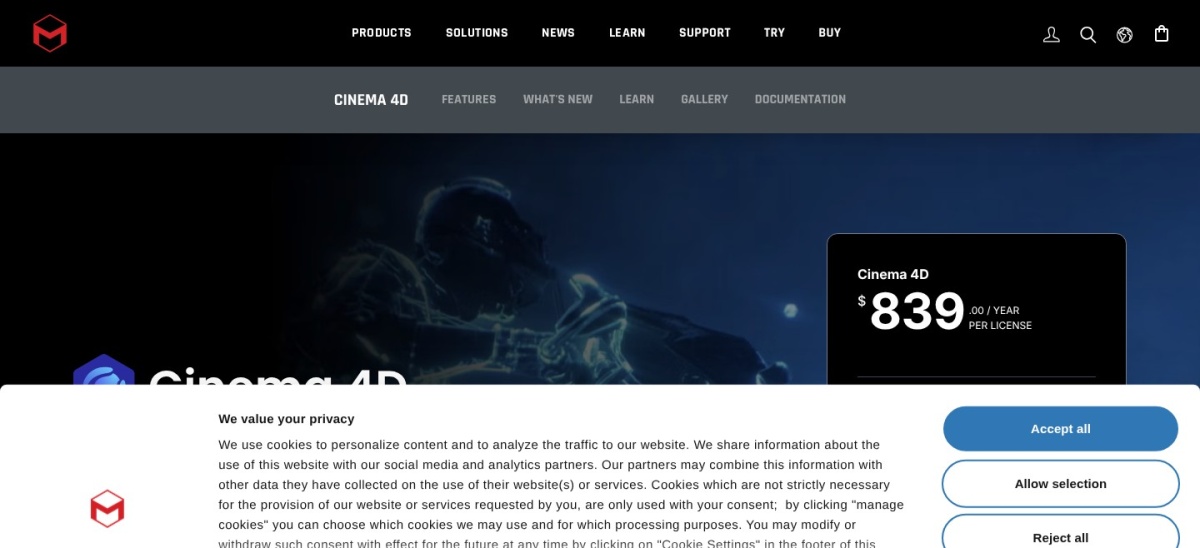
Cinema 4D costs $839 a year and includes the Redshift renderer and MoGraph tools.
Houdini Indie costs $299 a year and gives small studios the full FX toolset.
The cheapest paid plans here start at $69 a year for Daz+ and $96 a year for Cascadeur Indie.
What to look for in 3D animation software
3D animation software covers a wide range, from full suites that model, rig and render to specialist tools that only animate or only sculpt. The right pick depends on the work you do most often, not on the longest feature list.
Rigging and animation tools matter most for character work. Look for a graph editor, inverse kinematics, pose libraries and motion-capture support if you animate people or creatures.
Rendering is the second split. Some tools include a production renderer such as Arnold or Redshift, while others need a separate renderer or export to a game engine. If your finished work ends up on a website, serving images in next-gen formats keeps renders fast.
Price models vary more than features. Blender and Daz Studio are free, several tools offer cheap Indie licences with revenue caps, and the studio tools cost $2,010 a year. Check the billing basis before you commit: monthly billing can cost far more than the annual total.
Blender is a free and open source 3D suite that covers modelling, sculpting, rigging, animation, simulation and rendering in one download. It includes the Cycles and EEVEE render engines, a graph editor and tools for character rigs, and it runs on Windows, macOS and Linux with no seat limit.
The trade off is the learning curve. The dense interface takes weeks to learn, and support comes from documentation and the community rather than a vendor help desk. It suits freelancers, students and small studios that want a complete pipeline without a licence bill.
Autodesk Maya is the studio standard for character rigging, animation and visual effects in film, television and games. The subscription includes modelling, sculpting, UV mapping, Bifrost simulation and the Arnold renderer, and most large studios hire for Maya skills and share Maya scene files.
The trade off is price. A single seat costs $2,010 a year on annual billing, or $255 a month with no annual commitment, and the Indie licence at $330 a year only covers artists under $100,000 in annual revenue. It suits animators and riggers aiming for studio work.
Cinema 4D is Maxon's 3D tool for motion graphics, broadcast design and product visuals. Modelling, MoGraph animation, simulation and sculpting sit in one program, and every subscription includes the Redshift GPU renderer and five Team Render nodes.
The trade off is the subscription. It costs $839 a year billed annually, or $109 a month billed monthly, and Maxon sells subscriptions only, with no perpetual licence. It suits motion designers and brand teams who animate logos, products and broadcast graphics every week.
What we like
Friendliest interface of the pro tools
Strongest motion graphics toolset
Redshift renderer included
Five Team Render nodes included
Watch out for
No free plan, only a 14-day trial
ZBrush and Red Giant need the Maxon One bundle
Maxon One adds ZBrush and Red Giant for $1,265 a yearVisit maxon.net
04
Houdini
4.5/5on G2 (35 reviews, checked Nov 2026)
Paid from$299/yr
Best for procedural effects and simulation
Free planApprentice, non-commercial
Indie licence$299/yr
Indie revenue capUnder $100,000
PlatformsWindows, macOS, Linux
sidefx.com
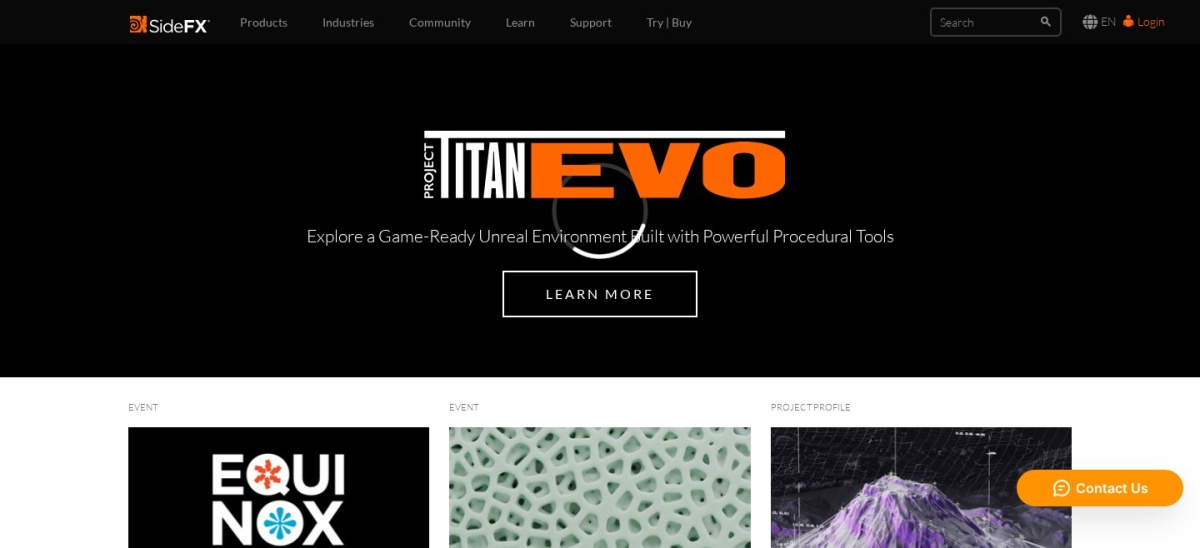
Houdini homepage, captured Nov 2026.
Houdini is SideFX's node-based tool for procedural modelling, simulation and visual effects. Every step stays editable, so a change early in the chain flows through the whole scene, and it is the tool behind much of the water, smoke, destruction and crowd work in large films.
The trade off is the learning curve and the licence tiers. Houdini Indie costs $299 a year but caps revenue at $100,000 and three seats, while Houdini FX costs $3,505 a year. It suits technical artists and FX teams who build simulations rather than hand-model every shot.
Autodesk 3ds Max is a modelling, animation and rendering tool for architectural visualisation, game assets and product visualisation. It has a mature modifier stack, strong polygon modelling and the Arnold renderer, and it matches Maya on price at $2,010 a year.
The trade off is platform and price. It runs on Windows only, so Mac users cannot run it natively, and the $2,010 annual cost is hard to justify for occasional work. It suits visualisation artists and game teams who model on Windows every week.
What we like
Strong modelling workflow for architecture and games
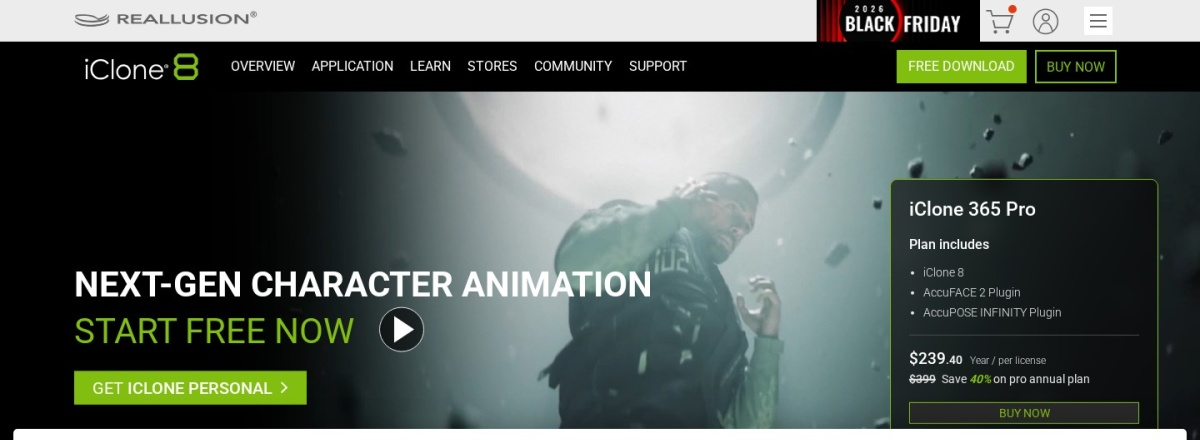
iClone is Reallusion's real-time 3D animation software for characters, scenes and rendering. The free iClone Personal edition includes the full toolset with no time limit and can be used on commercial projects.
The trade off is scope and platform. It runs on Windows only, and the free Personal edition limits exports to other 3D applications to 30 in total. A subscription costs $199 a year, and a perpetual licence costs $599. It suits indie filmmakers who want finished character animation fast.
Cascadeur is a standalone desktop tool for keyframe character animation, motion-capture cleanup and editing. You set key poses and its physics tools fill in realistic movement, and it imports rigs from Blender, Daz Studio, Unreal Engine and Mixamo.
The trade off is scope. It animates characters rather than modelling or rendering full scenes, and the free plan is non-commercial with export limited to its own file format. It suits game developers and indie animators who need believable character motion fast.
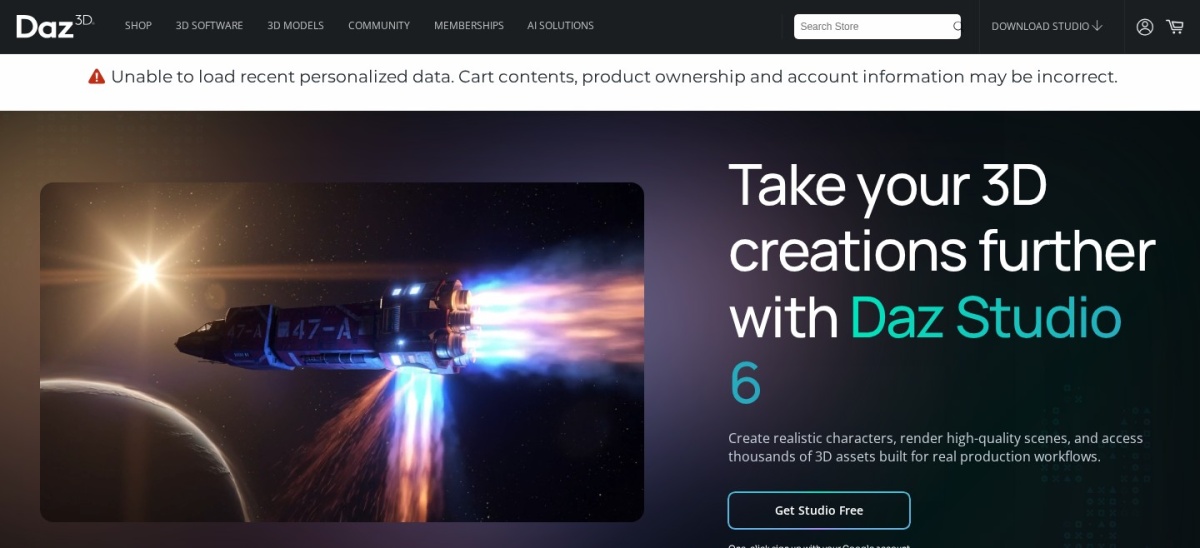
Daz Studio is free 3D software for posing, dressing and rendering ready-made characters and scenes. It includes the NVIDIA Iray renderer, dForce cloth physics and the Genesis 9 figure platform, with export bridges to Blender, Unreal, Unity, Maya and Cinema 4D.
The trade off is the marketplace model. The app is free, but characters, outfits and scenes are sold individually, and the Daz+ membership at $69 a year is where the discounts sit. It suits illustrators and hobbyists who want realistic figures without modelling them from scratch.
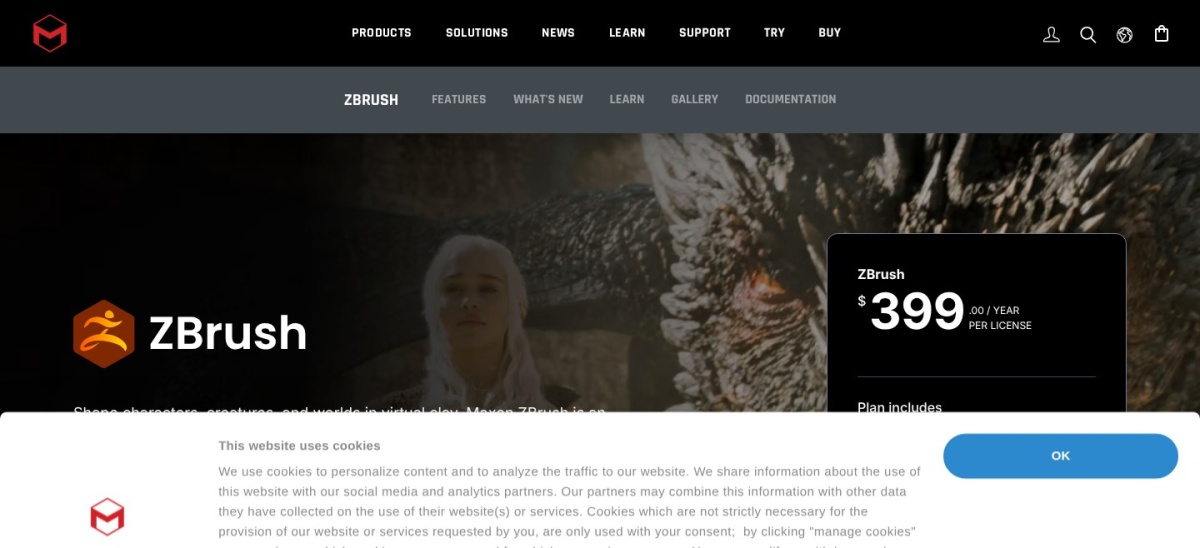
ZBrush is Maxon's digital sculpting tool for characters, creatures and collectibles. It handles tens of millions of polygons in real time, with more than 200 brushes plus ZRemesher, Dynamesh and Sculptris Pro, and one subscription covers desktop ZBrush and ZBrush for iPad.
The trade off is scope. It sculpts but does not animate or render full scenes on its own, so most artists pair it with Blender, Maya or Cinema 4D for rigging and animation. It suits character artists who sculpt organic detail first and animate elsewhere.
Free plans cover real work here. Blender is a full suite at no cost, Daz Studio renders finished scenes free, and Cascadeur's free plan includes the full animation toolset for non-commercial use.
Paid plans mostly add commercial rights, faster support and higher limits. Free tiers cap exports, cap revenue or hold back the newest tools, as with iClone Personal's 30-export limit.
Indie licences are the middle ground. Maya, 3ds Max and Houdini all cut their price sharply for artists under $100,000 in annual revenue, but the files and terms differ from the studio licences.
For a tool you open every day, the first year of a paid plan often costs less than the time lost to a free tier's limits. Our free vs premium plugins guide explains the same trade-off for WordPress tools.
How we chose
We started from the established 3D animation tools used in film, games and motion design, then kept nine that cover the full range from free suites to studio subscriptions.
Prices come from vendor pricing pages and from price roundups that quote those pages, checked on 24 November 2026. Ratings come from G2 or Capterra on the same day. Where a vendor shows a sale, the list shows the regular price.
We left out tools with no public price and tools that only render or only model without animation features. No vendor paid for a place, and we do not claim to have used these tools ourselves.
How to choose 3D animation software
Start with the work you do most, then match the tool to that job.
Name the job first. Character animation, motion graphics, effects and sculpting need different tools. A motion designer and a VFX artist should not buy the same suite.
Check the free tier before you pay. Blender, Daz Studio and Cascadeur all have free plans. Use one for a real project before committing to a subscription.
Check file compatibility. Studios share Maya or Houdini files, and clients may ask for a specific format. Make sure your pick opens and exports the files your work needs.
Add up the real yearly cost. Monthly billing costs far more than annual billing on most of these tools. Compare the annual totals, not the monthly headline.
FAQ
What is the best 3D animation software?
Blender is the best pick for most people. It covers modelling, rigging, animation, simulation and rendering for free, and G2 users rate it 4.6 out of 5 from 319 reviews. Studios still hire for Maya, so learn that too if you want film work.
Is Blender really free for commercial work?
Yes. Blender is released under the GNU GPL, so you can use it for commercial projects and install it on as many machines as you need. There is no paid tier, no seat limit and no feature held back for a higher plan.
How much does Maya cost?
Maya costs $2,010 a year on annual billing, listed as $168 a month, or $255 a month with no annual commitment. Eligible artists with annual revenue under $100,000 can buy Maya Indie for $330 a year instead.
Can I learn 3D animation for free?
Yes. Blender is free, Houdini Apprentice is free for learning, Cascadeur has a free plan and Daz Studio is free. Each covers real animation work, though the free tiers cap commercial use, exports or revenue in different ways.
What is the cheapest paid 3D animation software?
Daz Studio is free, and its cheapest paid membership, Daz+, costs $69 a year. Cascadeur Indie costs $96 a year. Both are far cheaper than the studio tools, though neither replaces a full suite such as Blender or Maya.
Do I need a different tool for sculpting?
Not always, but sculpting specialists go further. ZBrush handles tens of millions of polygons with more than 200 brushes, while Blender's sculpt mode is strong for most work. Many artists sculpt in ZBrush and animate in Blender or Maya.