Best Character Animation Software in 2026: 8 Tools Compared
WLWPLegible EditorsLast verified 22 Nov 2026How we rank11 min read
★ Short answer
Blender is the best character animation software overall because its full 3D rigging, nonlinear animation, and 2D Grease Pencil suite costs $0 for commercial work, backed by a 4.6/5 G2 rating. Pick Toon Boom Harmony for 2D TV and studio rigging, or Vyond for fast browser-based business explainers.
How we make this list: we compare pricing pages, product documentation and public user reviews, then re-check every price before each update. No product paid for a place. Disclosure.
Blender is 100% free under the GNU GPL license with zero watermarks, export caps, or commercial fees.
Toon Boom Harmony starts at $259/yr ($31/mo monthly) for Essentials and scales to $1,161/yr for Premium.
Moho Debut 14 and Reallusion Cartoon Animator 5 both offer one-time perpetual licenses at $59.99 and $149.
Vyond ($699/yr) and Animaker ($300/yr) let non-animators build lip-synced characters in a browser without rigging.
Autodesk Maya lists at $2,010/yr ($255/mo) and remains the benchmark for film and AAA game character pipelines.
What to look for in character animation software
Character animation tools split into three distinct workflows: rigged 2D puppet systems, full 3D skeletal suites, and browser-based template builders. Choosing the wrong category wastes months of setup, because a tool built for frame-by-frame drawing rarely handles reusable bone rigs well, and a corporate explainer maker cannot export game-ready rigs.
Rigging and lip-sync automation determine how fast you can produce dialogue scenes. Bone systems, inverse kinematics (IK), and smart deformers let you pose limbs without redrawing every frame, while automated phoneme lip-sync or webcam facial capture turns a voice track into mouth shapes in seconds.
Licensing terms matter just as much as features. Studio standards like Autodesk Maya and Toon Boom Harmony charge recurring annual subscriptions, whereas Moho and Reallusion still sell one-time perpetual licenses, and open-source suites like Blender and OpenToonz cost nothing for commercial releases.
Blender is a free, open-source 3D and 2D creation suite maintained by the Blender Foundation. Every feature is unlocked at $0 with no tiers, watermarks, or commercial royalties, including full skeletal armatures, inverse kinematics, nonlinear animation (NLA) strips, shape keys for facial expressions, and Grease Pencil for 2D hand-drawn character work.
The trade off is a steep learning curve and heavy hardware demands for Cycles GPU rendering, though the software itself costs nothing. It suits solo creators, indie game developers, and studios that want full 3D and hybrid 2D character pipelines without recurring seat fees.
What we like
Completely free for commercial projects with zero feature gates
Handles modeling, rigging, animation, rendering, and compositing in one app
Built-in Rigify system speeds up biped and quadruped bone setups
Grease Pencil supports 2D character animation inside a 3D camera space
Watch out for
Dense interface takes weeks for beginners to navigate comfortably
Not the native file format at large legacy Hollywood VFX studios
No paid tiers exist; all features are free under GNU GPL.Visit blender.org
02
Toon Boom Harmony
4.7/5on G2 (22 reviews, checked Nov 2026)
Starts at$259/yr
Best for professional 2D TV and studio rigging
Dimension2D vector & bitmap
RiggingCut-out rigs & deformers
PlatformsWindows, macOS
Entry plan$259/yr or $31/mo
toonboom.com
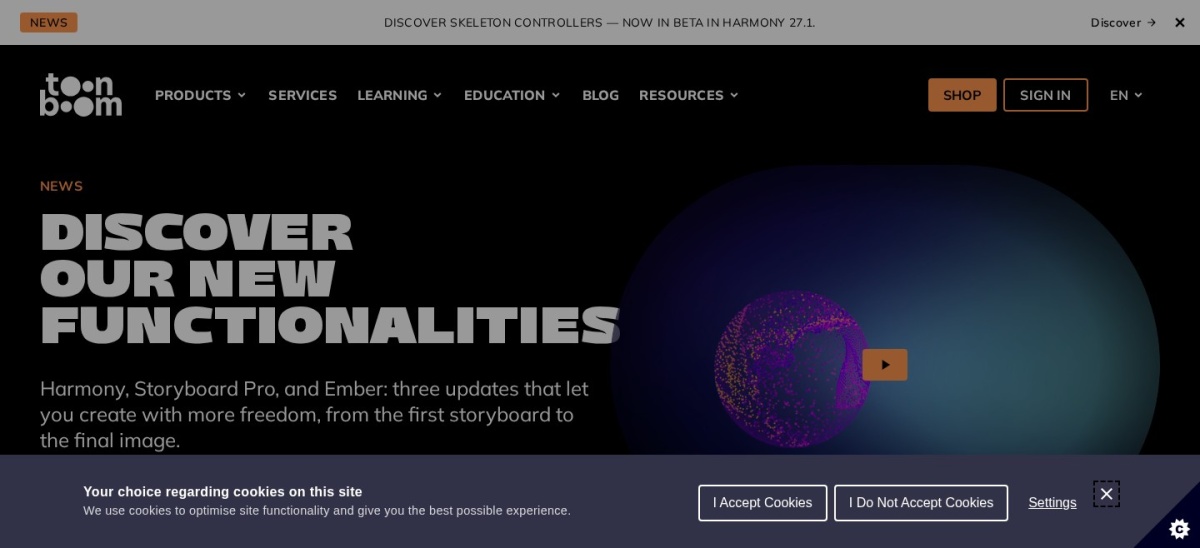
Toon Boom Harmony homepage, captured Nov 2026.
Toon Boom Harmony is a professional 2D animation suite used across television series and feature films. Its entry Essentials plan costs $259/yr (or $31/mo billed monthly) and includes vector and bitmap drawing tools, basic cut-out character rigging, onion skinning, and automated lip-sync detection.
The trade off is tier gating and cost: Harmony Essentials lacks advanced bone deformers and node-based compositing, which require Harmony Advanced at $606/yr or Harmony Premium at $1,161/yr. It suits career 2D animators and studios building reusable multi-angle character rigs.
What we like
Gold standard for broadcast 2D cut-out and frame-by-frame pipelines
Combines vector brush drawing and skeletal rigging in one timeline
Includes a 21-day free trial and steep student discounts
Watch out for
Curve and envelope deformers are locked behind the $1,161/yr Premium tier
Requires dedicated training to master node views and rig hierarchies
Advanced ($606/yr) and Premium ($1,161/yr) add node compositing and deformers.Visit toonboom.com
03
Moho
5/5on G2 (4 reviews, checked Nov 2026)
Starts at$59.99 one-time
Best for 2D vector bone rigging on a one-time license
Dimension2D vector & image
RiggingSmart Bones, Vitruvian Bones, IK
PlatformsWindows, macOS
LicensePerpetual ($59.99 Debut / $399.99 Pro)
moho.lostmarble.com
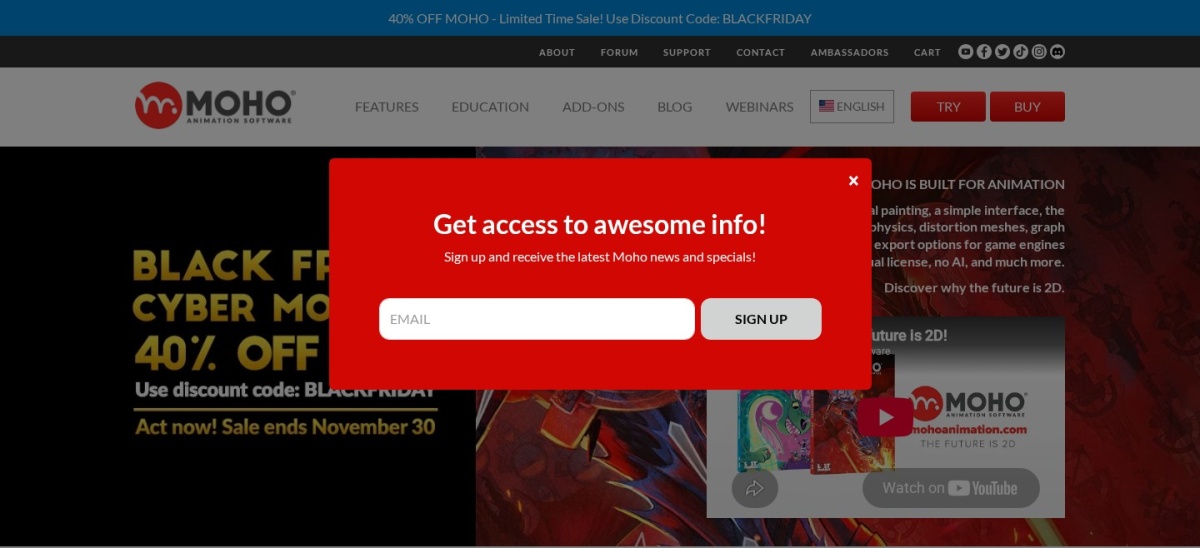
Moho homepage, captured Nov 2026.
Moho is a dedicated 2D character rigging and animation application sold as a one-time perpetual purchase. Moho Debut 14 costs $59.99 one-time and gives hobbyists and beginners vector drawing, basic bone rigging, lip-sync tools, and pre-built character templates.
The trade off is that Debut restricts project length and omits signature rigging features like Smart Bones, Vitruvian Bones, and Liquid Shapes, which require Moho Pro 14 at $399.99 regular price (often discounted during seasonal sales). It suits 2D illustrators who prefer rigging vectors once rather than redrawing every frame.
What we like
One-time perpetual license with no mandatory monthly subscription
Smart Bones system prevents joint pinching and automates head turns
Imports layered Photoshop PSD files and SVG vectors cleanly
Watch out for
Debut 14 caps output length and lacks Pro rigging controls
Frame-by-frame raster painting is secondary to vector bone workflows
Moho Pro 14 ($399.99 one-time) unlocks Smart Bones, Vitruvian Bones, and 4K export.Visit moho.lostmarble.com
04
Reallusion Cartoon Animator
4.8/5on G2 (5 reviews, checked Nov 2026)
Starts at$149 one-time
Best for webcam facial capture and PSD-to-puppet workflows
Dimension2D with 3D motion import
RiggingPSD bone templates & spring bones
PlatformsWindows, macOS
License$149 perpetual (or $4.92/mo 365 plan)
reallusion.com
Reallusion Cartoon Animator homepage, captured Nov 2026.
Reallusion Cartoon Animator 5 is a 2D character animation suite built around turning layered PSD or SVG artwork into rigged puppets. Its regular perpetual license costs $149 one-time (with seasonal discounts often dropping it to $74.50, or a Cartoon Animator 365 subscription at $4.92/mo regular) and includes spring physics, automated audio lip-sync, and 4K video export.
The trade off is add-on pricing: live webcam facial capture ($99 regular) and iPhone Live Face tracking ($399 regular) are sold as separate plugins unless bundled. It suits YouTubers, educators, and small studios animating talking characters from Photoshop or Illustrator art.
What we like
Converts layered PSD and SVG files directly into boned characters
Applies 3D motion libraries onto 2D characters for natural body turns
Exports layered projects directly to Adobe After Effects
Watch out for
Webcam and iPhone facial mocap plugins cost extra on top of the base license
Not designed for traditional hand-drawn frame-by-frame animation
Mocap plugins ($99–$399 regular) add live webcam and iPhone face tracking.Visit reallusion.com
05
Autodesk Maya
4.3/5on G2 (266 reviews, checked Nov 2026)
Starts at$2,010/yr
Best for feature film and AAA game 3D character pipelines
Dimension3D
RiggingHumanIK, Bifrost, custom Python/MEL
PlatformsWindows, macOS, Linux
Pricing$2,010/yr or $255/mo
autodesk.com
Autodesk Maya homepage, captured Nov 2026.
Autodesk Maya is the long-standing studio standard for 3D character rigging and keyframe animation in feature films, television, and AAA games. A standard commercial subscription costs $2,010/yr (or $255/mo billed monthly) and includes the Graph Editor, animation layers, HumanIK biped rigging, Bifrost procedural effects, and the Arnold renderer.
The trade off is high recurring cost and complexity compared to free alternatives like Blender, though eligible indie creators can check Autodesk's regional indie program. It suits professional character animators and studios collaborating on shared studio rigs.
What we like
Industry-standard Graph Editor and non-linear Time Editor for keyframe polish
Deep custom rigging architecture trusted by major film and game studios
Includes Arnold rendering and OpenUSD pipeline support
Watch out for
Standard commercial license costs $2,010/yr with no perpetual option
Steep learning curve for newcomers without prior 3D experience
Best for corporate training and business explainer videos
Dimension2D browser-based
RiggingPre-rigged character creator & actions
PlatformsWeb browser
Entry plan$699/yr ($58/mo) or $99/mo
vyond.com
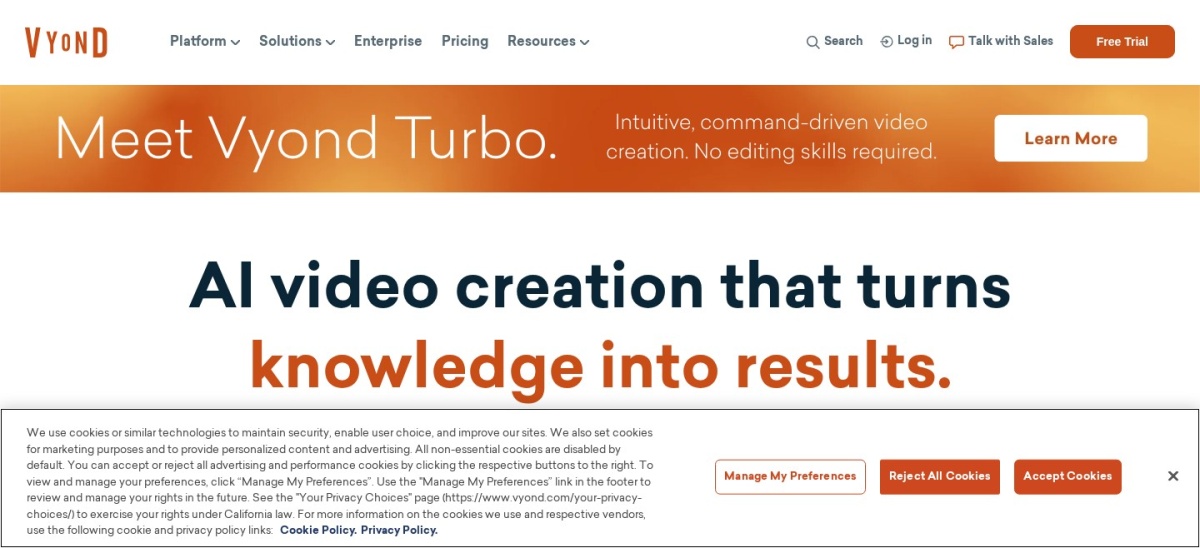
Vyond homepage, captured Nov 2026.
Vyond is a cloud-based character animation platform built for corporate training, HR, and marketing teams, used by more than 20,000 companies. Its Starter plan costs $699/yr billed annually (or $99/mo monthly) for one user and includes customizable pre-rigged characters, automatic audio lip-sync, 650+ text-to-speech voices, and 10,000 monthly AI credits.
The trade off is rigid per-seat pricing and limited custom artistry: you assemble scenes from Vyond's built-in character styles rather than rigging bespoke artwork, and Starter omits team collaboration and Shutterstock assets. It suits L&D and internal communications teams producing videos fast.
What we like
Zero rigging required; characters lip-sync automatically to uploaded audio or TTS
Fast browser workflow lets non-animators ship videos in hours
Enterprise tiers include SSO, brand kits, and commercial rights transfers
Watch out for
Starts at $699/yr per seat with no ongoing free plan after the 14-day trial
Custom hand-drawn characters and bespoke bone rigs are not supported
Professional ($1,199/yr) adds team collaboration, 20K AI credits, and Shutterstock assets.Visit vyond.com
07
Adobe Character Animator
4.3/5on G2 (36 reviews, checked Nov 2026)
Paid from$69.99/mo
Best for live webcam performance and livestreamed puppets
Dimension2D puppet performance
RiggingPhotoshop/Illustrator layer tagging
PlatformsWindows, macOS
PricingFree Starter; $69.99/mo CC Pro regular
adobe.com
Adobe Character Animator homepage, captured Nov 2026.
Adobe Character Animator turns layered Photoshop and Illustrator artwork into 2D puppets driven live by your webcam and microphone. Its free Starter mode lets anyone animate and export predesigned puppets with real-time face tracking and automatic lip-sync at no cost.
The trade off is that creating custom puppets, using full-body tracking, and livestreaming require a Creative Cloud Pro subscription at $69.99/mo regular price ($839.88/yr; introductory promos often discount the first few months). It suits streamers, educators, and Creative Cloud subscribers animating expressive talking characters.
What we like
Free Starter mode includes real-time face tracking and export with built-in puppets
Instant audio lip-sync and live webcam performance eliminate manual keyframing
Direct Dynamic Link integration with After Effects and Premiere Pro
Watch out for
Full custom puppet rigging requires a $69.99/mo Creative Cloud Pro plan
Less suited for complex physical action or full-body cinematic scenes
Creative Cloud Pro ($69.99/mo regular) unlocks custom Puppet Maker, body tracking, and livestreaming.Visit adobe.com
08
Animaker
4.7/5on G2 (1,082 reviews, checked Nov 2026)
Paid from$300/yr
Best for budget browser-based character explainers
Dimension2D browser-based
RiggingModular character builder & actions
PlatformsWeb browser, iOS
Entry planFree; Starter $300/yr ($25/mo annual)
animaker.com
Animaker homepage, captured Nov 2026.
Animaker is a browser-based animated video platform with a modular 2D character builder and auto lip-sync, used by more than 20 million users. Its free plan allows 3 watermarked video downloads per month and 300 AI video credits so beginners can test character scenes before paying.
The trade off is monthly export caps and tier-locked commercial rights: the Starter plan costs $300/yr billed annually ($45/mo billed monthly) for 10 Full HD downloads per month, while full commercial rights require higher tiers. It suits marketers and small teams on a tighter budget than Vyond.
What we like
Free tier lets you test character customization and auto lip-sync before subscribing
Less than half the annual price of Vyond Starter
Large library of templates, expressions, and smart-move presets
Watch out for
Free exports carry a watermark and Starter caps downloads at 10 per month
No custom bone rigging or frame-by-frame drawing tools
Pro ($516/yr) raises downloads to 30/mo at 2K; Max ($948/yr) adds commercial & reselling rights.Visit animaker.com
2D rigging vs. 3D suites vs. browser builders
Desktop 2D rigging tools like Toon Boom Harmony, Moho, and Reallusion Cartoon Animator give you full artistic control over custom characters. You draw or import layered artwork, attach a skeleton of bones and deformers, and animate reusable poses across episodes.
3D suites like Blender and Autodesk Maya require building or importing 3D meshes and weight-painting skeletons, which takes more upfront setup than 2D. Once rigged, however, a 3D character can be viewed from any camera angle without redrawing.
Browser tools like Vyond, Animaker, and Adobe Character Animator Starter trade custom rigging for speed. Instead of building skeletons from scratch, you customize pre-built avatars or tag artwork layers so lip-sync and facial expressions happen automatically.
How we chose
We selected eight actively maintained character animation platforms spanning 3D suites, 2D rigging software, live performance capture, and browser-based explainer builders. Because desktop and SaaS creative tools are not hosted on WordPress.org, we verified user scores and review counts on G2 alongside official vendor documentation.
All prices, regular billing rates, free plan limits, and G2 ratings were checked on 22 Nov 2026 directly from official vendor pricing pages and G2 product listings. Where vendors display promotional Black Friday or introductory discounts, we listed the regular non-sale rate and noted the discount in the text.
We excluded discontinued apps, tools without public pricing pages, and utilities focused solely on motion graphics or video editing without dedicated character rigging or avatar animation. No vendor paid for a place, and we do not claim testing for this list.
How to choose character animation software
Match the software's rigging method and pricing model to your artwork style and delivery schedule:
Decide between 2D, 3D, or template characters first. Pick Blender or Maya if you need 3D characters, Harmony or Moho for custom 2D rigs, and Vyond or Animaker if you want pre-built characters in a browser.
Check how the tool handles lip-sync and facial movement. Dialogue-heavy series benefit from automated phoneme lip-sync or live webcam capture in Adobe Character Animator, Cartoon Animator, or Vyond.
Compare perpetual licenses against annual subscriptions. If you hate recurring fees, Blender is free forever and Moho ($59.99–$399.99) and Cartoon Animator ($149) sell one-time licenses.
Verify export formats and commercial rights before buying. Confirm whether entry tiers cap resolution, limit monthly downloads, or restrict client commercial rights before committing to an annual plan.
FAQ
What is the best free character animation software?
Blender is the best free option overall, offering full 3D skeletal rigging, nonlinear animation, and 2D Grease Pencil tools with zero watermarks or commercial restrictions. For simple live webcam puppets, Adobe Character Animator also includes a free Starter mode.
Which character animation software do professional studios use?
Major 3D film and game studios rely primarily on Autodesk Maya for character rigging and keyframe animation, while 2D television and feature studios standardize on Toon Boom Harmony. Independent studios increasingly use Blender for 3D and Moho Pro for rigged 2D production.
Can I buy character animation software without a subscription?
Yes. Lost Marble sells Moho Debut 14 ($59.99) and Moho Pro 14 ($399.99) as one-time perpetual licenses, and Reallusion sells Cartoon Animator 5 for $149 one-time. Blender is also completely free without any subscription.
What is the easiest character animation software for beginners?
Browser-based tools like Vyond and Animaker are the fastest for beginners because characters come pre-rigged with automatic lip-sync and preset actions. If you want to animate your own drawings quickly, Adobe Character Animator Starter tracks your face via webcam.
Is Blender or Autodesk Maya better for 3D character animation?
Blender is better for solo artists, indies, and small teams because it is free for commercial use and includes modeling, rigging, and rendering in one download. Autodesk Maya ($2,010/yr) is worth the cost if you need to plug into established film or AAA game studio pipelines.