Best Cartoon Making Software in 2026: 7 Tools Compared
WLWPLegible EditorsLast verified 22 Nov 2026How we rank8 min read
★ Short answer
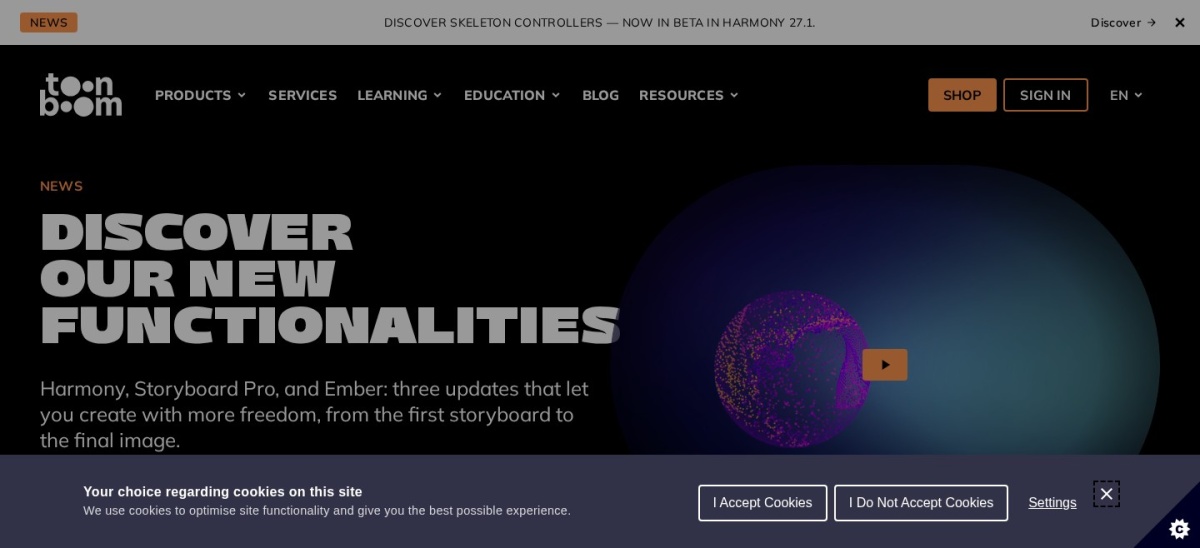
Toon Boom Harmony is the best cartoon making software for full 2D character rigging and broadcast pipelines, starting at $259/yr. Choose Blender for free 2D/3D hybrid animation or Vyond for fast template-based business cartoons.
How we make this list: we compare pricing pages, product documentation and public user reviews, then re-check every price before each update. No product paid for a place. Disclosure.
Toon Boom Harmony starts at $259/yr (or $31/mo) and holds a 4.7/5 rating on G2 for broadcast-grade 2D rigging.
Blender costs $0 with no commercial restrictions and averages 4.6/5 across 319 G2 reviews for 3D and Grease Pencil 2D.
Clip Studio Paint PRO offers a $63 one-time Ver. 5.0 desktop license (or $26.99/yr) with a 4.4/5 G2 rating for hand-drawn animation.
Vyond starts at $699/yr ($58/mo billed annually) with a 4.7/5 rating across 557 G2 reviews for quick character explainers.
Animaker starts at $300/yr ($25/mo billed annually) with a 4.7/5 rating across 1,081 G2 reviews for browser-based drag-and-drop cartoons.
What to look for in cartoon making software
Cartoon making software splits into three distinct production workflows: frame-by-frame hand drawing, bone-rigged puppet animation, and template-driven explainer builders. Picking the wrong category forces you either to redraw thousands of frames unnecessarily or to wrestle with rigid stock characters.
For traditional hand-drawn cartoons, look for pressure-sensitive brush engines, onion skinning, timeline exposure sheets, and smooth tablet support. If you plan to produce recurring episodes with the same cast, inverse-kinematic bone rigging and reusable mouth-swap libraries cut production time dramatically.
Licensing models vary widely across desktop and browser tools. Desktop suites like Clip Studio Paint offer perpetual licenses alongside annual update passes, whereas cloud cartoon makers like Vyond and Animaker charge recurring per-seat subscriptions with monthly export or AI credit caps.
Toon Boom Harmony is a 2D animation suite built for television, film, and independent studio production. Its Essentials plan includes vector drawing tools, pressure-sensitive brushes, onion skinning, ink-and-paint workflows, 7 effect layers, and HD/2K camera resolution.
The trade off is a steep learning curve and recurring subscription pricing starting at $259/yr ($31/mo billed monthly), with advanced node-based rigging reserved for Harmony Premium at $1,161/yr. It suits dedicated 2D animators and studios building reusable character rigs.
What we like
Industry-standard cut-out rigging and substitution libraries
Combines vector and bitmap drawing in one timeline
Strong 4.7/5 G2 rating from animation professionals
1-day SLA support and onboarding included on all plans
Watch out for
No permanent free tier
Curve and mesh deformers require the $1,161/yr Premium tier
Dense interface takes weeks for beginners to learn
Blender is an open-source 3D creation suite that also handles 2D cartoon production through its integrated Grease Pencil toolset. Every user gets full commercial rights, character armature rigging, non-linear animation editors, physics simulation, and Cycles or EEVEE rendering for $0.
The trade off is a dense, keyboard-heavy interface that demands real study before you can rig and animate smoothly. Because there is no paid tier or vendor support desk, it suits self-directed solo creators and indie teams wanting 2D/3D hybrid cartoons without software fees.
What we like
Completely free for commercial and studio projects
Grease Pencil lets you draw 2D strokes inside 3D environments
4.6/5 rating across 319 G2 reviews with active LTS updates
Runs natively on Windows, macOS, and Linux
Watch out for
Steep learning curve for rigging and weight painting
No official one-on-one customer support
All features are unlocked at $0; optional Blender Studio memberships fund development.Visit blender.org
03
Clip Studio Paint
4.4/5on G2 (56 reviews, checked Nov 2026)
Starts at$26.99/yr
Best for hand-drawn 2D animation
Entry planPRO 1-year single device ($26.99/yr)
Perpetual optionPRO Ver. 5.0 one-time ($63)
Frame limit24 frames (PRO) / Unlimited (EX)
PlatformsWindows, macOS, iPad, Android
clipstudio.net
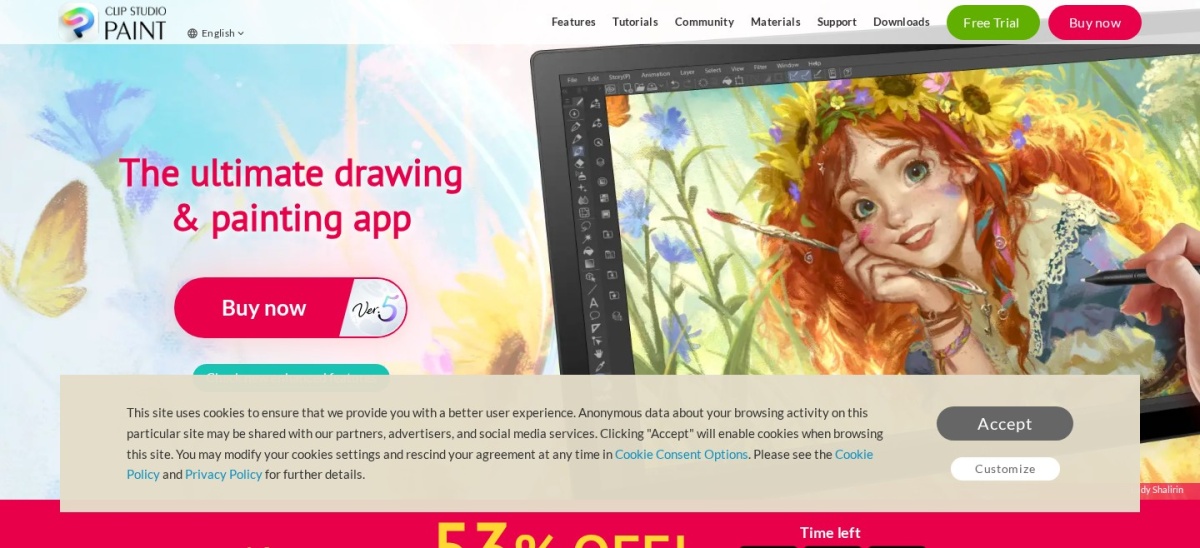
Clip Studio Paint homepage, captured Nov 2026.
Clip Studio Paint is a digital illustration and frame-by-frame animation studio favored by anime and comic artists. The entry PRO plan includes natural pen stabilization, light-table onion skinning, timeline audio scrubbing, and 3D poseable reference figures across desktop and tablet devices.
The trade off is that PRO caps animations at 24 frames, forcing longer scenes onto Clip Studio Paint EX at $76.99/yr or a $277 one-time desktop license (regular prices; seasonal sales often discount both). It suits illustrators who prefer drawing every frame by hand.
What we like
Responsive brush engine and vector line-correction tools
Available as a $63 one-time desktop license or $26.99/yr plan
Works across desktop computers, iPads, and Android tablets
Large library of downloadable community brushes and 3D models
Watch out for
PRO edition limits timelines to 24 frames per clip
Lacks bone-based character rigging for cut-out animation
EX ($76.99/yr or $277 one-time) removes the 24-frame limit and adds camera paths.Visit clipstudio.net
04
Adobe Animate
4.1/5on G2 (159 reviews, checked Nov 2026)
Starts at$22.99/mo
Best for vector web cartoons
Entry planSingle App ($22.99/mo annual contract)
Export formatsMP4, HTML5 Canvas, WebGL, SVG
RiggingLayer parenting & Asset Warp tool
PlatformsWindows, macOS
adobe.com
Adobe Animate homepage, captured Nov 2026.
Adobe Animate is a vector 2D animation program designed for web cartoons, interactive banners, and 2D game sprites. Its Single App subscription includes frame-by-frame timeline tools, symbol-based lip syncing, Asset Warp bone deformation, and direct Creative Cloud library integration.
The trade off is subscription-only billing at $22.99/mo on an annual commitment ($275.88/yr) after a 7-day trial, plus slower major feature updates compared to rivals. It suits creators already inside Creative Cloud who need crisp vector cartoons or HTML5 output.
What we like
Smooth vector tweening and reusable symbol nesting
Exports to interactive HTML5 Canvas and WebGL alongside video
Direct asset sharing with Illustrator, Photoshop, and After Effects
7-day free trial with full feature access
Watch out for
No perpetual license option
In maintenance mode with minimal new feature development
Early cancellation fees apply on annual billed-monthly contracts
Creative Cloud Pro ($69.99/mo regular price) bundles Animate with 20+ Adobe apps.Visit adobe.com
05
Vyond
4.7/5on G2 (557 reviews, checked Nov 2026)
Starts at$58/mo
Best for business explainers
Entry planStarter ($699/yr or $99/mo)
AI allocation10,000 credits/user/mo on Starter
Voice & output650+ TTS voices, 1080p MP4 export
PlatformsWeb browser, mobile companion
vyond.com
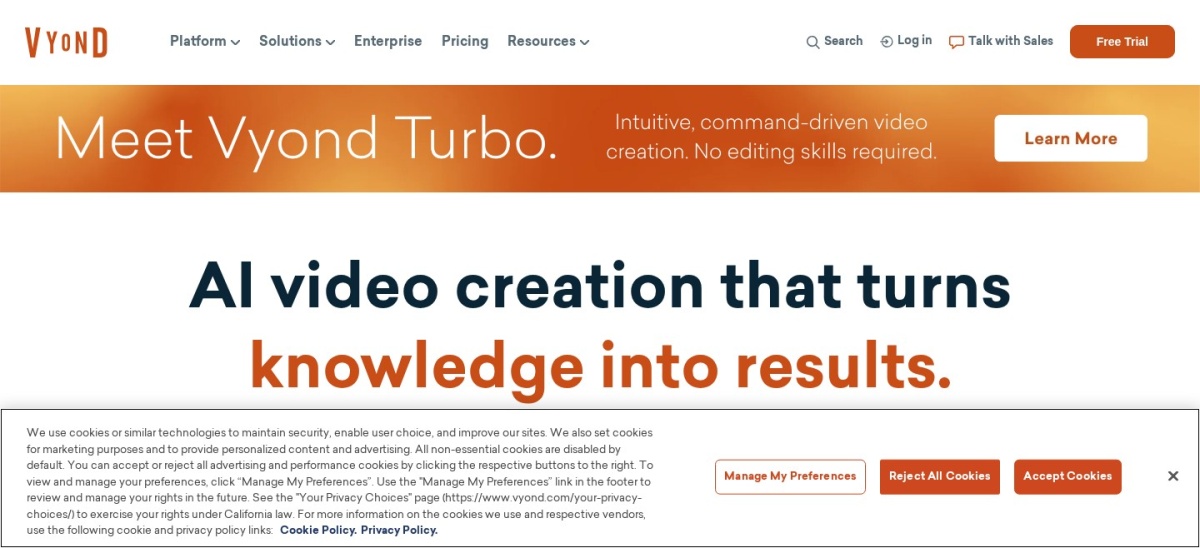
Vyond homepage, captured Nov 2026.
Vyond is a cloud-based animated video platform built for corporate training, HR, and marketing explainers. Its Starter plan includes pre-rigged character templates, automatic lip sync, 650+ text-to-speech voices, script-to-video generation, 1080p MP4 exports, and 10,000 monthly AI credits.
The trade off is high per-seat pricing at $699/yr ($58/mo billed annually, or $99/mo month-to-month) and no permanent free plan. It suits L&D teams and businesses producing regular explainer cartoons without hiring animators.
What we like
Fast scene assembly with automatic character lip syncing
4.7/5 average rating across 557 G2 user reviews
Turns scripts, slides, and URLs into editable draft scenes
Exports clean 1080p MP4s and 8-second animated GIFs
Watch out for
No free plan beyond an initial trial
Limited custom rigging compared to desktop animation suites
AI avatar and text-to-video tools consume monthly credits
Professional ($1,199/yr) adds team collaboration, 4M+ Shutterstock assets, and 95-language translation.Visit vyond.com
06
Animaker
4.7/5on G2 (1,081 reviews, checked Nov 2026)
Paid from$25/mo
Best for browser drag-and-drop
Entry paid planStarter ($300/yr or $45/mo)
Free tier3 watermarked downloads/mo
Export qualityFull HD on Starter, 2K on Pro
PlatformsWeb browser
animaker.com
Animaker homepage, captured Nov 2026.
Animaker is a browser-based cartoon and explainer maker aimed at marketers, educators, and solo creators. Its free tier allows 3 watermarked video downloads per month and 300 AI video credits, while the Starter plan unlocks 10 Full HD watermark-free exports and 15-minute videos.
The trade off is strict monthly download caps and higher month-to-month pricing at $45/mo unless you pay $300/yr upfront ($25/mo equivalent). It suits non-animators making short social or classroom cartoons in a browser.
What we like
Custom character builder with facial expressions and auto lip sync
4.7/5 rating across 1,081 G2 reviews
Includes a free tier to test workflows before paying
Browser-based editor requires no local GPU or installation
Watch out for
Starter restricts exports to 10 downloads per month
Commercial and reselling rights require the $948/yr Max plan
Pro ($516/yr) increases downloads to 30/mo at 2K resolution and extends length to 30 minutes.Visit animaker.com
07
Powtoon
4.4/5on G2 (287 reviews, checked Nov 2026)
Paid from$15/mo
Best for animated presentations
Entry paid planLite ($180/yr billed annually)
Free tier3-min 720p videos with watermark
Video lengthUp to 10 mins (Lite) / 20 mins (Pro)
PlatformsWeb browser
powtoon.com
Powtoon homepage, captured Nov 2026.
Powtoon is a slide-based animation tool built for turning presentations, lessons, and pitches into cartoon explainers. Its free plan supports 3-minute 720p videos with Powtoon branding, while Lite removes the watermark on 5 Full HD MP4 exports per month and grants commercial rights.
The trade off is a 5-export monthly ceiling on Lite ($180/yr, or $15/mo billed annually) and metered AI credits for voiceovers and avatars. It suits educators and presenters who prefer slide-by-slide timing over keyframe timelines.
What we like
Familiar slide-deck timeline lowers the barrier for beginners
Commercial rights and 1080p MP4 downloads start on the $180/yr Lite tier
4.4/5 rating across 287 G2 reviews
Free plan available for quick 720p drafts
Watch out for
Lite limits watermark-free exports to 5 per month
Less granular character movement than dedicated rigging tools
Professional ($480/yr billed annually) unlocks unlimited premium exports and 20-minute videos.Visit powtoon.com
Desktop animation studios vs. browser cartoon makers
Desktop programs such as Toon Boom Harmony, Blender, Clip Studio Paint, and Adobe Animate give you direct control over every frame, bone joint, and camera move. You can export uncompressed video at custom frame rates without monthly download quotas, though learning rigging or frame-by-frame timing takes sustained practice.
Browser platforms like Vyond, Animaker, and Powtoon trade granular control for speed. Pre-built character libraries, automated lip-syncing, and text-to-speech let one person finish a two-minute explainer in an afternoon, making them practical for marketing and training teams rather than narrative series.
How we chose
We built this shortlist by evaluating established 2D, 3D, and browser-based cartoon creation tools with active 2026 releases and verified user review profiles on G2. We prioritized tools covering distinct production styles, from frame-by-frame drawing to rigged character animation and template explainers.
All regular plan prices, annual billing totals, feature limits, and G2 review counts were checked against official vendor pricing pages and G2 product listings on 22 Nov 2026. Where vendors run limited-time discounts, we recorded the standard non-promotional rate in the comparison ladder.
We excluded discontinued or maintenance-frozen tools lacking active support, niche utilities without standalone timeline animation, and enterprise-only suites that hide all public pricing. No vendor paid for a place, and we do not claim testing for this list.
How to choose cartoon making software
Match the animation method and billing model to how often you publish and who draws the characters.
Pick between hand-drawn, rigged, or template workflows. Choose Clip Studio Paint or Blender Grease Pencil if you draw every frame, Toon Boom Harmony for reusable rigged puppets, or Vyond and Animaker for drag-and-drop scenes.
Check export limits and commercial rights before subscribing. Browser tools often cap watermark-free downloads at 5 to 10 per month on entry tiers, while desktop apps let you render unlimited local video files.
Verify hardware and drawing tablet compatibility. Frame-by-frame desktop apps perform best with a pressure-sensitive pen display or iPad, whereas browser cartoon makers run smoothly on standard office laptops.
Compare one-time licenses against annual subscriptions. If you animate occasionally, a $0 tool like Blender or a $63 one-time Clip Studio Paint PRO license avoids paying recurring fees during quiet months.
FAQ
What is the best free cartoon making software?
Blender is the strongest free option for both 3D cartoons and 2D frame-by-frame animation via its Grease Pencil workspace, with no watermarks or commercial limits. For browser-based templates without drawing, Animaker and Powtoon offer free tiers with watermarked exports.
Which cartoon software do professional 2D studios use?
Toon Boom Harmony is the standard across broadcast 2D television and film studios because its node-based rigging, deformers, and multi-user pipeline handle large episode counts. Clip Studio Paint EX is also widely used for hand-drawn anime production.
Can I buy cartoon making software with a one-time payment?
Yes. Clip Studio Paint PRO Ver. 5.0 is sold as a $63 perpetual desktop license ($277 for EX), giving you permanent ownership of that major version without a recurring subscription unless you opt into an annual Update Pass.
What is the easiest cartoon maker for beginners with no drawing skills?
Vyond, Animaker, and Powtoon let beginners build cartoons using pre-rigged characters, automated lip sync, and drag-and-drop props in a web browser. Powtoon offers the lowest paid entry at $180/yr, while Animaker includes a free starter plan.
Is Adobe Animate still worth buying in 2026?
Adobe Animate remains useful if you already pay for Creative Cloud or need interactive HTML5 Canvas and WebGL vector animations. However, at $22.99/mo on an annual contract and with minimal new feature development, standalone animators often prefer Harmony or Clip Studio Paint.