Synthesia is the best explainer video software for most teams, turning a typed script into a presenter-led video with AI avatars from $14 a month. Pick Animaker for cartoon character animation from $15 a month, or Powtoon for template-driven explainers with a free plan.
How we make this list: we compare pricing pages, product documentation and public user reviews, then re-check every price before each update. No product paid for a place. Disclosure.
Synthesia leads at 4.6/5 on G2 from 2,804 reviews, with AI avatars and a free Basic plan; Starter is $14 a month billed yearly.
Animaker is the best-value animator at 4.7/5 on G2 from 1,071 reviews, with character, whiteboard and infographic styles from $15 a month.
Powtoon is the template-driven veteran at 4.4/5 on G2, with a free plan and Lite at $15 a month billed yearly.
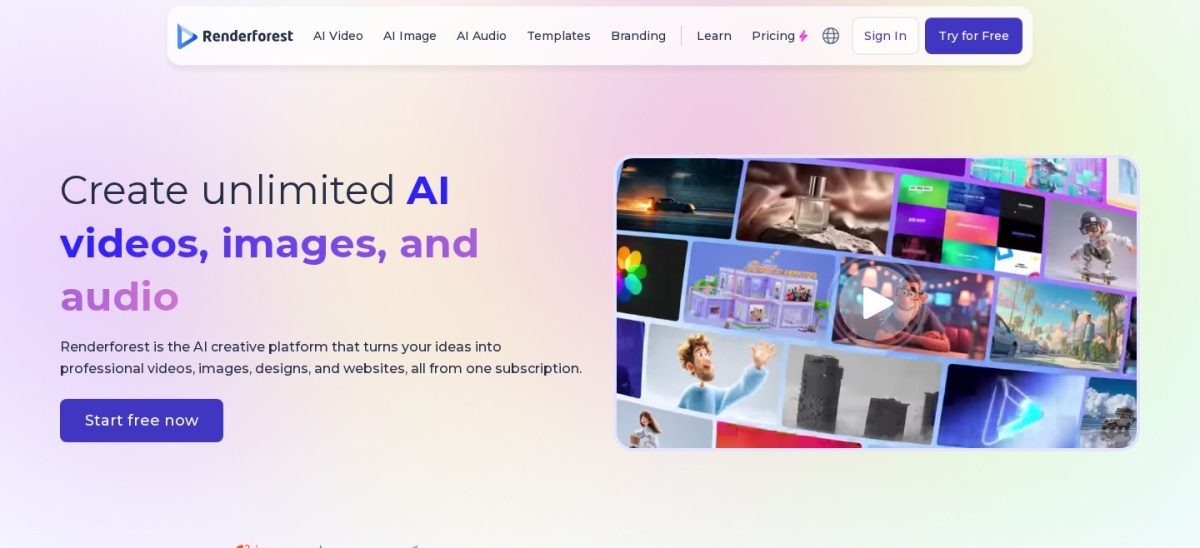
Renderforest is the cheapest paid plan here at $9.99 a month, covering animation, stock footage and branding in one place.
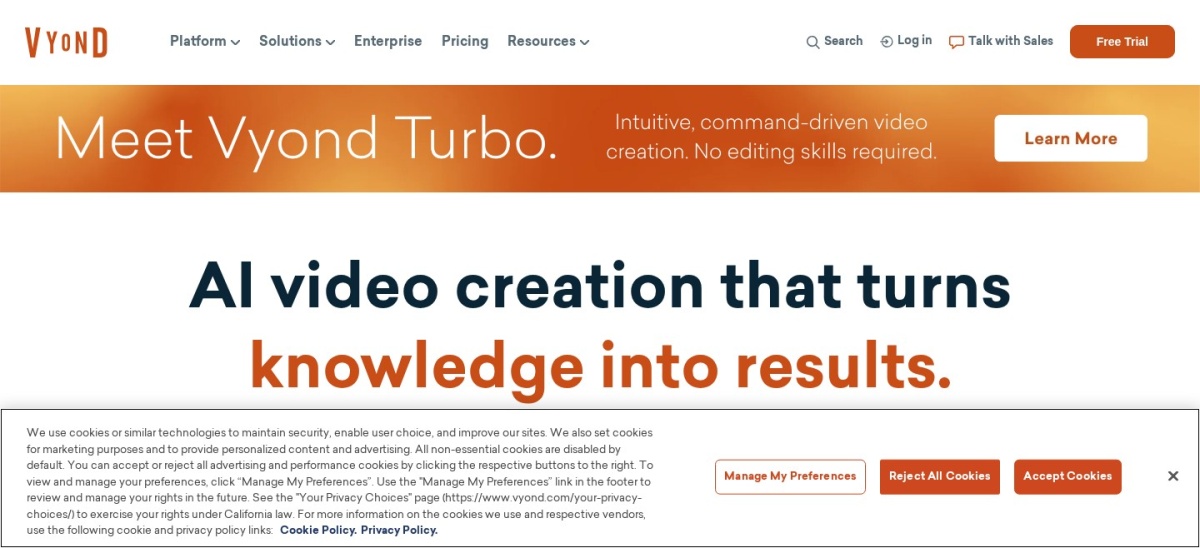
Vyond is the premium business pick at $58 a month billed yearly, built for training teams that produce videos every week.
What explainer video software should cover
An explainer video turns a product or idea into a short story a viewer can follow in two minutes. The tools in this list do that without a camera crew or an animator, using templates, characters or AI presenters.
The main choice is style. AI avatar tools such as Synthesia suit training and product walkthroughs, character animation tools such as Animaker and Vyond suit storytelling, and whiteboard tools such as VideoScribe suit step-by-step teaching.
Free plans are common but limited. Most cap exports at 720p, add a watermark or limit video length, so check the export limits before you commit to a tool. Our guide on social media management tools covers the same watermark trap in nearby categories.
Prices here run from $10 to $58 a month for the cheapest paid plans. The cheapest tools are not always the best value: a $15 plan with a 3-minute cap costs more per finished video than a $29 plan without one.
Synthesia is an AI video platform that turns a typed script into a presenter-led video with a realistic avatar, in more than 130 languages. The free Basic plan lets you try it, and Starter costs $14 a month billed yearly with 15,000 credits a year.
The trade off is creative control. Avatars look polished but cannot match a custom animated character for brand personality, and credits cap how much video you make. It suits training, onboarding and product teams that need videos fast.
Animaker is a versatile animation tool with custom character builders, several animation styles including 2D, whiteboard and infographic, and AI voiceover across many languages. The free plan is usable for drafting, and Basic costs $15 a month.
The trade off is polish. Free exports carry a watermark and cap resolution, and Animaker will not match Vyond's character depth. It suits marketers who want many animation styles in one affordable subscription.
Powtoon is one of the longest-running names in DIY animation, with a template and character-driven editor aimed at business explainers, training and presentations. The free plan exports at 720p up to 3 minutes, and Lite costs $15 a month billed yearly with the watermark removed.
The trade off is depth. Powtoon is quicker to learn than Vyond but has less character and scene control, and AI features are capped by yearly credits. It suits teams that need a quick animated explainer without learning animation.
Vyond is the business standard for character-driven explainers, with deep character and scene libraries, lip-sync, AI avatars and translation into 95 languages on Professional. It is rated 4.7 out of 5 on G2 from 550 reviews.
The trade off is price. Starter costs $58 a month billed yearly, or $99 month to month, and there is no free plan, only a trial. It suits training and L&D teams that produce videos every week.
Renderforest is an all-purpose video maker with animation, stock footage, logo animation and branding tools in one place. The free plan is usable for drafts, and Lite costs $9.99 a month, the cheapest paid plan in this list.
The trade off is animation depth. Renderforest is template-driven and will not match Animaker or Vyond for custom character work. It suits small businesses that want intros, promos and explainers from one cheap subscription.
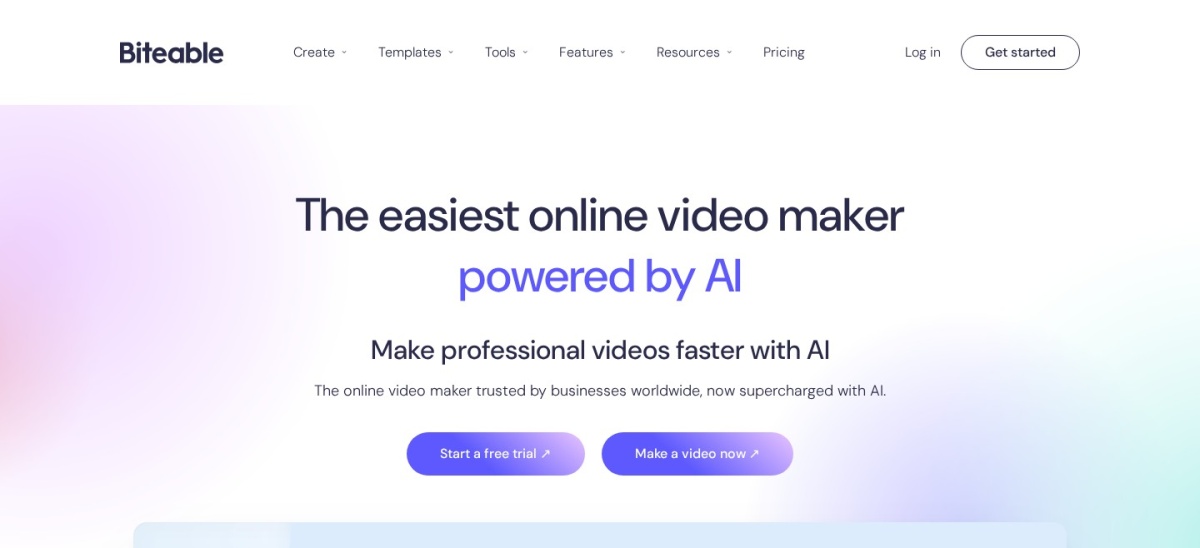
Biteable is a simple video maker for quick, polished marketing clips: pick a modern template, swap in your brand and message, and export. It is rated 4.4 out of 5 on G2 from 26 reviews, and Pro costs $15 a month billed yearly.
The trade off is creative control. You are restyling templates, not animating, so the look stays within Biteable's aesthetic. It suits social and ad teams that publish weekly clips without a video person.
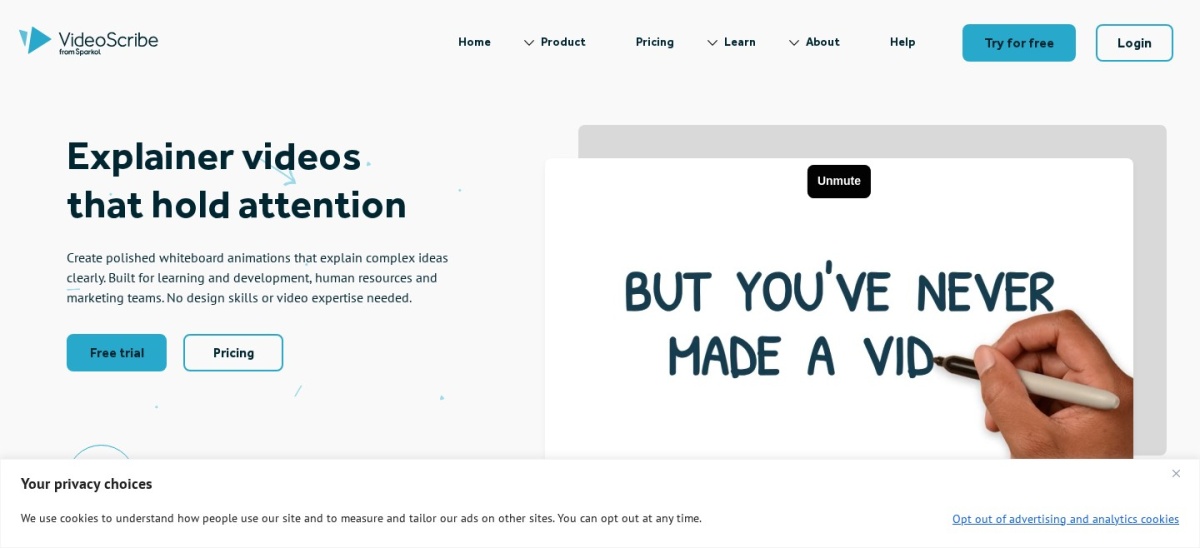
VideoScribe is the whiteboard specialist: a hand draws each idea on screen as a voiceover explains it, which suits teaching and step-by-step guides. It is rated 4.1 out of 5 on G2 from 65 reviews, and Lite costs $12.50 a month billed yearly.
The trade off is range. VideoScribe does one style well and little else, and Lite videos carry watermarks on premium images. It suits teachers and trainers who want the hand-drawn look without learning animation.
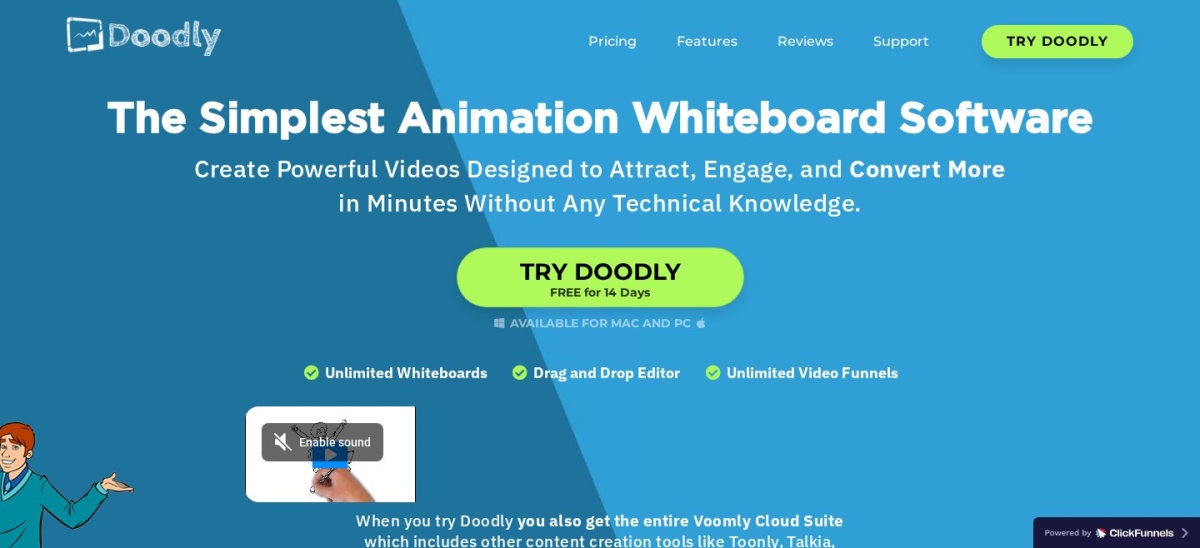
Doodly is the whiteboard doodle specialist, with drag-and-drop sketch assets for explainer videos that look hand-drawn. It is rated 4.2 out of 5 on G2 from 132 reviews.
The trade off is how it is sold. Doodly is now bundled into Voomly Cloud at $49 a month, which also includes Toonly, Talkia and other Voomly tools, so there is no standalone Doodly price anymore. It suits buyers who want the whole Voomly bundle, not just Doodly.
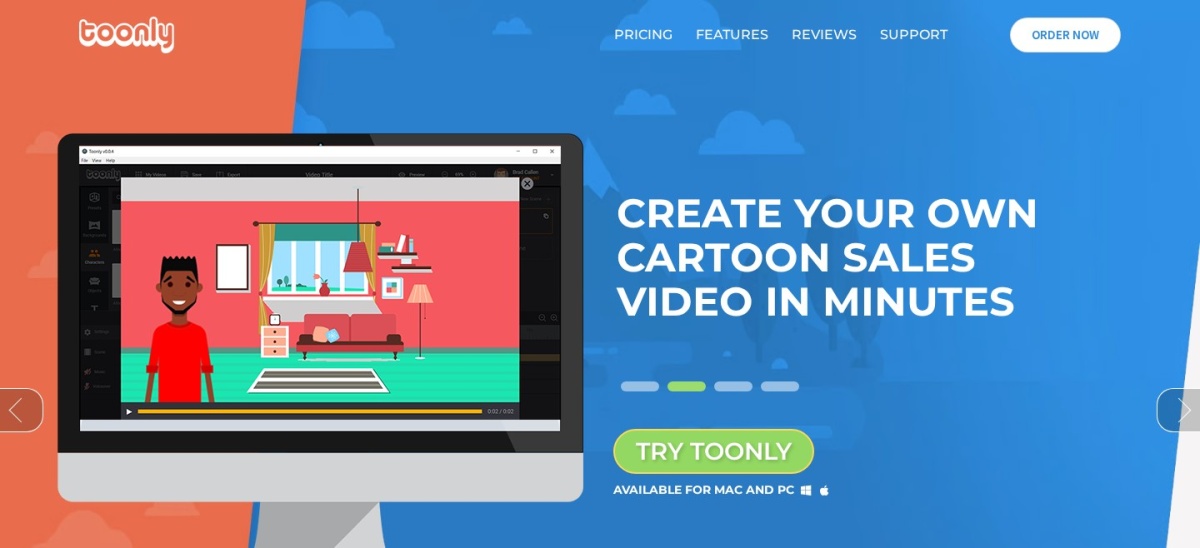
Toonly is Doodly's cartoon sibling: drag-and-drop cartoon characters and scenes for fun explainer videos, aimed at YouTubers and small businesses. It is rated 4.2 out of 5 on G2 from 13 reviews.
The trade off is evidence and pricing. Only 13 G2 reviews back the rating, and like Doodly it is now sold through Voomly Cloud at $49 a month. It suits creators who want cartoon characters without learning animation software.
AI avatar tools turn a script into a presenter video in minutes, with no drawing and no voice recording. They are fastest for training, onboarding and product updates.
Character animation takes longer to build but looks less generic, which matters for marketing videos that carry a brand.
Whiteboard videos are the simplest style of all: a hand draws each idea as a voiceover explains it, which suits teaching and step-by-step guides.
How we chose
We started from the explainer video tools that appear on most 2026 shortlists, then kept those with a verifiable rating on G2 and a published price.
Prices come from each vendor's pricing page, checked on 25 November 2026, except Vyond and Renderforest, whose pricing pages render no prices to a text fetch; their figures come from recent reads of the same vendor pages and are flagged in our notes. Ratings and review counts come from G2 on the same day.
We left out tools with no verifiable G2, Capterra or Trustpilot rating. No vendor paid for a place, and we do not claim hands-on testing for this list.
How to choose explainer video software
Start with the style your audience expects, then check the export limits.
Pick the style first. Avatar, character or whiteboard: the style decides the tool more than the price does.
Check the free plan export limits. Watermarks, 720p caps and length limits decide whether free is usable for publishing.
Count the videos you will make each month. Export and download caps matter more than the monthly price once you publish weekly.
Try the editor before paying. Every tool here has a free plan or trial, so build one real video first.
FAQ
What is the best explainer video software?
Synthesia is the best pick for most teams. It turns a typed script into a presenter-led video with AI avatars, is rated 4.6 out of 5 on G2 from more than 2,800 reviews, and paid plans start at $14 a month billed yearly.
Is there a free explainer video software?
Yes. Synthesia, Animaker, Powtoon, Renderforest and Biteable all have free plans. Free exports usually carry a watermark, cap resolution at 720p or limit video length, so publishing usually needs a paid plan.
How much does explainer video software cost?
Paid plans in this list start at $9.99 a month for Renderforest Lite and $12.50 a month for VideoScribe Lite. Animaker, Powtoon and Biteable start at $15 a month, while Vyond Starter is $58 a month billed yearly.
What is the best whiteboard explainer software?
VideoScribe is the whiteboard specialist, with a hand-drawn style and a Lite plan at $12.50 a month billed yearly. Doodly is the other main option, now sold through Voomly Cloud at $49 a month.
Can AI make an explainer video from a script?
Yes. Synthesia turns a script into an avatar-led video, and Animaker, Powtoon and Vyond all add AI voiceover, script tools and translation. You still need to write a clear script and pick the visuals.
Do I need animation skills to use these tools?
No. Every tool here is template-driven: pick a template, swap in your text and brand, and export. Character tools take longer to learn than avatar or whiteboard tools.
SaaS SEO and WordPress specialist with about 8 years of experience. Rakib compares WordPress plugins, themes, hosting and software using public pricing, documentation and user reviews. See how we rank.