WLWPLegible EditorsLast verified 22 Nov 2026How we rank15 min read
★ Short answer
Independent Analytics is our top pick for WordPress website analytics, with 100,000+ active installations, unlimited free pageview tracking and a $49 annual Pro subscription. Fathom is better for hosted analytics across multiple websites, while Plausible offers a simpler hosted dashboard starting at $9 per month.
How we make this list: we compare pricing pages, product documentation and public user reviews, then re-check every price before each update. No product paid for a place. Disclosure.
Independent Analytics has 100,000+ active WordPress installations and offers unlimited free pageview tracking, with Pro priced at $49 per year.
Fathom starts at $15 per month for 100,000 monthly pageviews across up to 50 websites, with event and revenue tracking included.
Plausible Starter costs $9 per month for up to 10,000 monthly pageviews and provides unlimited data retention while subscribed.
Site Kit by Google is completely free, has more than 5 million active installations and connects Google Analytics with Search Console and other Google services.
WP Statistics has 500,000+ active installations and unlimited free visitor tracking, while Premium renews at $119 annually.
MonsterInsights Plus regularly costs $199 annually, while GA Google Analytics Pro starts at $20 per year for a single WordPress website.
What to look for in analytics software
Analytics software helps businesses understand website traffic, marketing performance, visitor behavior and conversions. Some tools focus on straightforward traffic reports, while others provide detailed event tracking, attribution and custom dashboards.
Start with tracking coverage. Look for visitors, pageviews, traffic sources, campaign parameters, conversions and content performance. Ecommerce businesses may also need revenue attribution, purchase journeys and product-level reporting.
Next, consider data ownership and privacy. Self-hosted WordPress tools such as Independent Analytics and WP Statistics store analytics data in your website database. Hosted services such as Fathom and Plausible process analytics through their own infrastructure.
Pricing models are another important difference. Some analytics tools offer unlimited tracking on a free WordPress installation, while hosted services charge according to monthly pageviews or events. Compare the complete annual cost rather than the advertised entry price alone.
Finally, evaluate reporting usability. A simple dashboard may be enough for a content website, but marketing teams managing paid campaigns or online stores may need conversion tracking, scheduled reports, integrations and more flexible analysis.
4.8/5on WordPress.org (168 reviews, checked Nov 2026)
Paid from$49/yr
Best for WordPress website analytics
Active installations100,000+
Free pageviewsUnlimited
Data storageWordPress database
Paid planPro Standard, $49/yr
independentwp.com
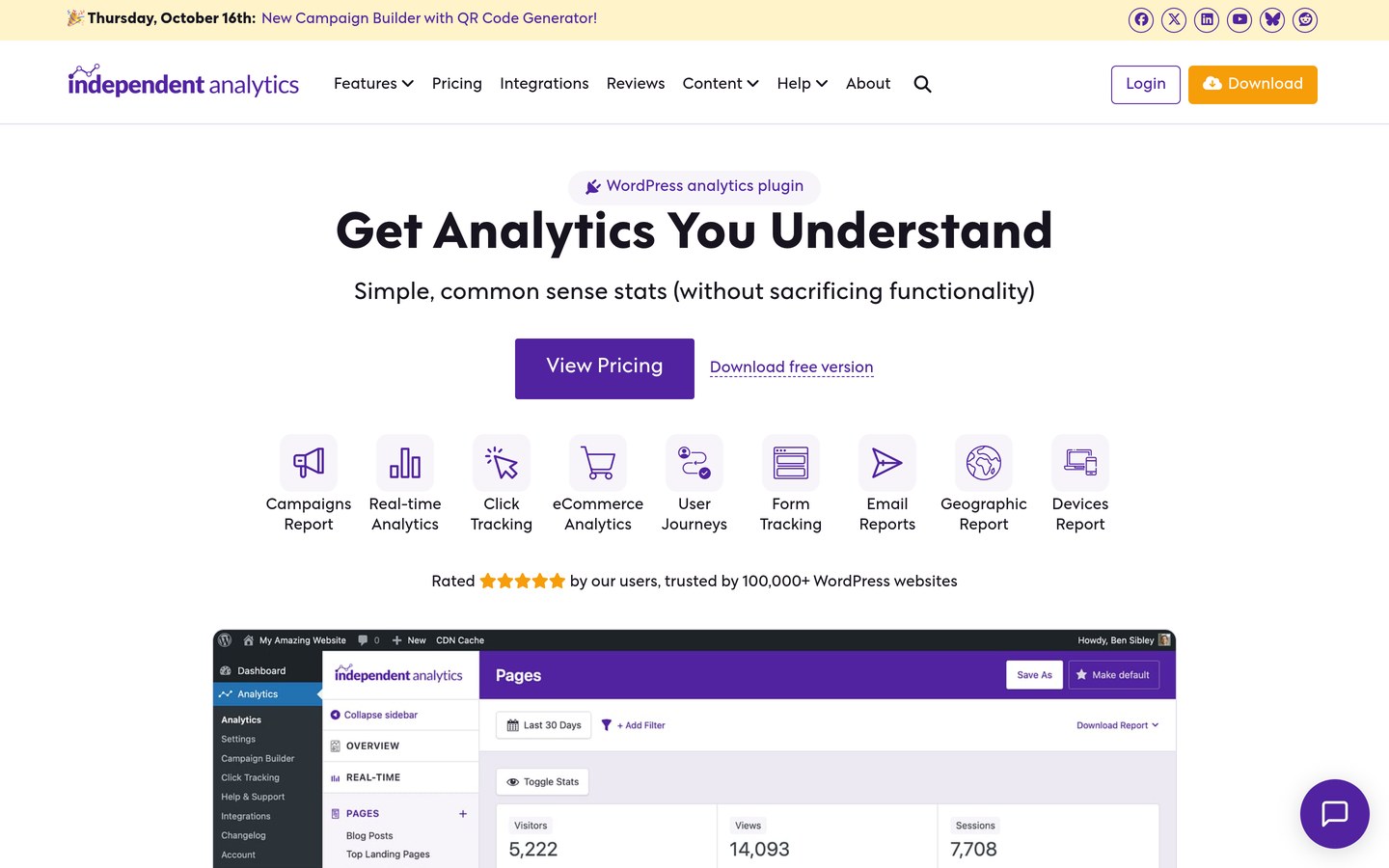
Independent Analytics homepage, captured Nov 2026.
Independent Analytics is a privacy-focused WordPress analytics plugin with more than 100,000 active installations. Its free version includes unlimited pageview tracking, visitor statistics, popular pages, referrers, locations and device reports. Data stays in your WordPress database, and the plugin does not require an external analytics account.
The trade off is that real-time reports, click tracking, campaign analytics, ecommerce reports and user journeys require Pro Standard, priced at $49 per year for one website. Annual licenses renew at the price paid, as shown when checked. It suits WordPress publishers and businesses that want straightforward reporting and local data ownership.
What we like
Unlimited pageview tracking in the free version
Analytics data remains in the WordPress database
Simple dashboard with useful traffic reports
No external analytics account required
Pro supports ecommerce and campaign analysis
Watch out for
Available only for WordPress websites
Advanced conversion tracking requires Pro
Local analytics storage increases database requirements
Pro adds real-time analytics, campaigns, click tracking, ecommerce reports and user journeys.Visit independentwp.com
02
Fathom
4.7/5on G2 (22 reviews, checked Nov 2026)
Starts at$15/mo
Best for privacy-focused hosted analytics
Monthly pageviews100,000
Included websites50
Free trial7 days
Paid plan$15/mo
usefathom.com
Fathom homepage, captured Nov 2026.
Fathom is a hosted website analytics platform focused on privacy and simple reporting. Its $15 monthly entry plan covers up to 100,000 monthly pageviews across 50 websites, with event tracking, revenue tracking, UTM campaign reports, bot filtering and unlimited email reports. Every plan includes the same core analytics features.
The trade off is that Fathom has no permanent free plan, and pageviews and custom events share the monthly allowance. A seven-day trial requires payment card details. It suits agencies and businesses managing several websites that want hosted analytics without complicated reporting configurations.
What we like
Up to 50 websites on the entry plan
Privacy-focused tracking without analytics cookies
Event and revenue tracking included
Unlimited email reports and exports
Simple monthly pageview-based pricing
Watch out for
No permanent free plan
Trial requires payment card details
Pageviews and custom events share the usage allowance
Plausible is a lightweight, privacy-focused website analytics platform with a simple dashboard covering visitors, referrers, pages, campaigns and conversions. Starter costs $9 per month for one website with up to 10,000 monthly pageviews. It includes custom events, goals, Google Analytics data import, email reports and unlimited data retention while subscribed.
The trade off is that Starter supports only one website, while team collaboration, embedded dashboards and advanced business reporting require higher plans. There is no permanent free hosted plan, although a 30-day trial is available. It suits bloggers, startups and marketers who want accessible traffic reporting without maintaining analytics infrastructure.
What we like
Simple reporting interface
Lightweight tracking script
Privacy-focused and cookieless
Google Analytics historical data import
Goals and custom events included in Starter
Watch out for
Starter supports only one website
Advanced analytics features require higher tiers
No permanent free hosted subscription
G2 rating is based on a small review sample
Growth adds multiple sites and team management; Business adds funnels, revenue attribution and API features.Visit plausible.io
04
Site Kit
4.2/5on WordPress.org (1,016 reviews, checked Nov 2026)
PriceFree
Best free analytics connection for WordPress
Active installations5 million+
Google AnalyticsSupported
Search ConsoleSupported
Paid planNo paid plugin plan
sitekit.withgoogle.com
Site Kit homepage, captured Nov 2026.
Site Kit is Google's official WordPress plugin for connecting website reporting services. With more than 5 million active installations, it brings Google Analytics, Search Console, AdSense and PageSpeed Insights information into the WordPress dashboard. The plugin is completely free and provides sitewide metrics, individual content insights and permissions management.
The trade off is that Site Kit depends on external Google services and does not replace their full reporting interfaces. It has no paid plugin upgrade, although separate Google products may have their own commercial offerings. It suits WordPress site owners who already use Google Analytics and want important metrics accessible inside WordPress.
What we like
Completely free WordPress plugin
Official integration maintained by Google
Combines analytics and search performance information
Supports multiple Google services
No separate premium plugin subscription
Watch out for
Requires connections to Google services
Not a standalone analytics platform
Advanced reporting still requires external dashboards
Designed specifically for WordPress
There is no paid plugin plan; deeper analysis remains available through connected Google services.Visit sitekit.withgoogle.com
05
WP Statistics
4.1/5on WordPress.org (762 reviews, checked Nov 2026)
Paid from$119/yr
Best for self-hosted traffic statistics
Active installations500,000+
Free visitor quotaUnlimited
Data storageOwn server
Paid planPersonal, $119/yr regular
wp-statistics.com
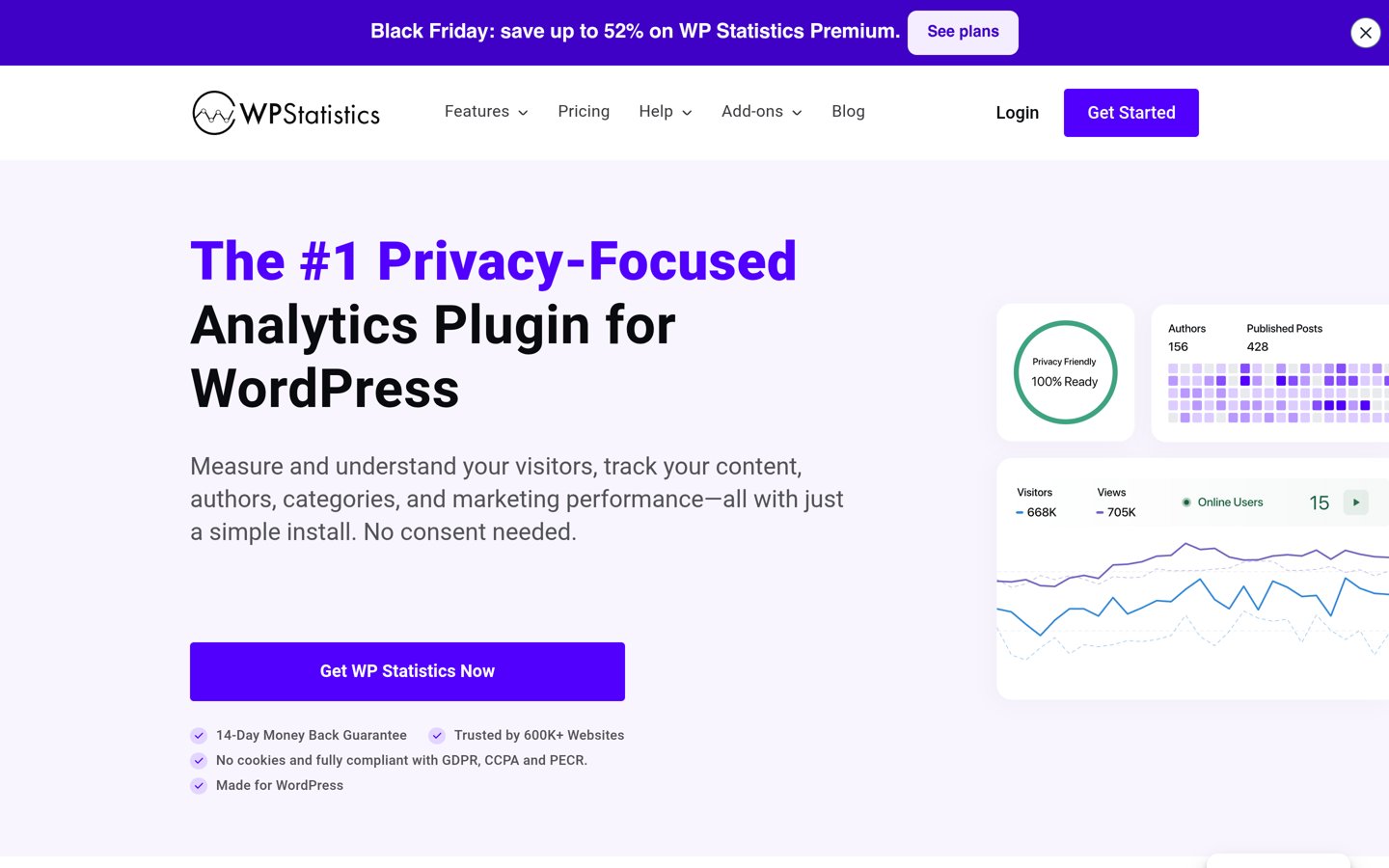
WP Statistics homepage, captured Nov 2026.
WP Statistics is a self-hosted WordPress analytics plugin with more than 500,000 active installations. Its free version includes unlimited visitor and pageview tracking, content reports, traffic sources, visitor journeys and cookieless tracking. Analytics records are stored on your own server without requiring an external statistics account.
The trade off is that real-time visitor feeds, Google Search Console integration, custom events and advanced campaign reports require Premium Personal, regularly priced at $119 per year for one website. A promotional first-year price of $89 was displayed when checked. It suits WordPress websites that prioritize data ownership and detailed local traffic statistics.
What we like
Unlimited visitor and pageview tracking
Traffic data stays on your server
Free visitor journey and referral reporting
No external analytics account required
Premium adds marketing and conversion reports
Watch out for
Analytics data increases local database usage
Premium needed for advanced marketing integrations
Some reporting features require additional configuration
4.5/5on WordPress.org (3,161 reviews, checked Nov 2026)
Paid from$199/yr
Best for Google Analytics reporting in WordPress
Active installations2 million+
Free versionAvailable
Plus license1 website
Paid planPlus, $199/yr regular
monsterinsights.com
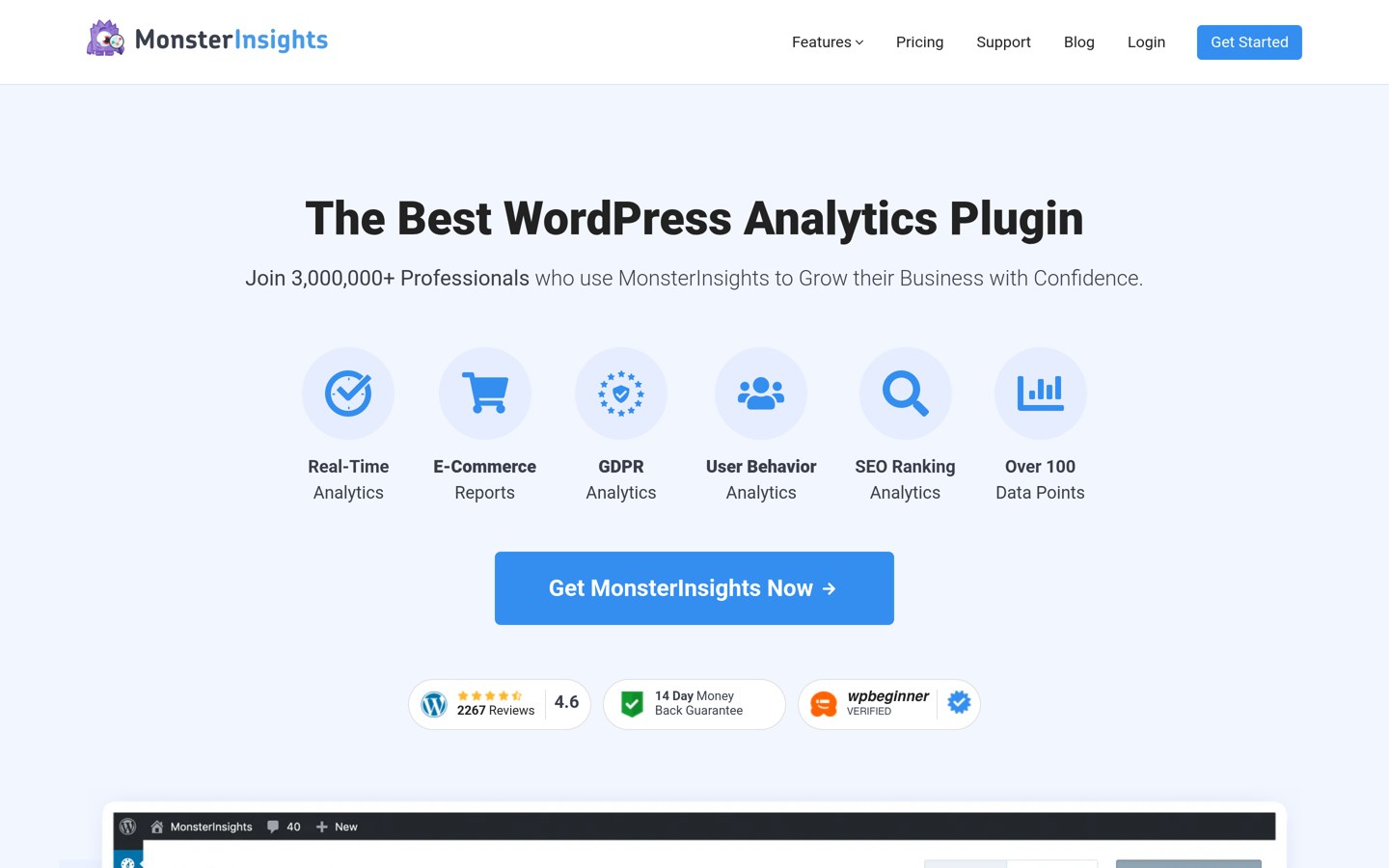
MonsterInsights homepage, captured Nov 2026.
MonsterInsights is a WordPress Google Analytics integration plugin with more than 2 million active installations. Its free version helps connect Google Analytics and display essential website statistics. Plus supports one website with unlimited pageviews, standard traffic reports, real-time analytics, customizable dashboards and access to historical reporting inside WordPress.
The trade off is that Plus regularly costs $199 per year, although a promotional first-year price of $99.50 was displayed when checked. Advanced ecommerce, form conversion and advertising reports require Pro. It suits WordPress businesses that use Google Analytics and prefer accessing reports without repeatedly opening the Google Analytics interface.
What we like
Large established WordPress user base
Google Analytics integration and dashboard reporting
Custom dashboards on Plus
Real-time traffic reporting
Extensive integration options on higher plans
Watch out for
Requires Google Analytics for underlying tracking
Regular renewal price exceeds the promotional price
Advanced ecommerce reports require Pro
WordPress-specific functionality
Plus adds real-time reports and custom dashboards; Pro adds ecommerce and form conversion tracking.Visit monsterinsights.com
07
GA Google Analytics
4.9/5on WordPress.org (159 reviews, checked Nov 2026)
Paid from$20/yr
Best for lightweight Google Analytics installation
Active installations400,000+
Google Analytics 4Supported
Pro license1 website
Paid planGA Pro Personal, $20/yr
plugin-planet.com
GA Google Analytics homepage, captured Nov 2026.
GA Google Analytics is a lightweight WordPress plugin that connects a website to Google Analytics 4 using a tracking ID. Its free version supports GA4 tracking and basic script configuration, with more than 400,000 active installations. The plugin focuses on sending visitor data to Google Analytics rather than building a separate reporting system.
The trade off is that analytics reports remain in Google Analytics, while advanced script controls require GA Pro Personal at $20 per year for one website. Pro adds multiple tracking codes, visitor opt-out options and tracking exclusions. It suits website owners who already understand Google Analytics and need a straightforward tracking integration.
What we like
Simple GA4 integration
Lightweight plugin focused on tracking
Free version supports basic Google Analytics setup
Low annual Pro subscription
Pro offers more control over tracking scripts
Watch out for
No complete analytics reporting dashboard
Depends on Google Analytics
Advanced tracking exclusions require Pro
Not suitable for non-WordPress websites
Pro adds multiple tracking codes, visitor opt-out controls, custom scripts and priority support.Visit plugin-planet.com
Website analytics vs marketing analytics vs product analytics
Website analytics focuses on visitors, pageviews, traffic sources and content performance. Independent Analytics, Fathom, Plausible and WP Statistics are primarily suited to understanding website activity and acquisition.
Marketing analytics connects traffic with campaigns, conversions and revenue. Platforms with UTM tracking, goal reports and ecommerce attribution can help marketers evaluate which channels generate valuable outcomes rather than simply producing visits.
Product analytics examines interactions within applications, including events, user paths, retention and feature usage. Software such as Mixpanel, Amplitude and PostHog specializes in these workflows and may be more appropriate for product teams than the website-focused tools compared here.
This comparison prioritizes website and marketing analytics. Businesses needing advanced business intelligence, data warehousing or product experimentation should evaluate specialized tools before choosing a general website analytics platform.
How analytics software pricing works
Analytics subscriptions typically use website counts, tracked pageviews, events, feature access or combinations of these measures. Understanding the billing metric is essential because growth can increase software costs even when reporting requirements remain unchanged.
Fathom charges $15 monthly for up to 100,000 monthly pageviews across 50 websites. Plausible Starter charges $9 monthly for up to 10,000 pageviews on one site. Both offer hosted analytics without requiring you to operate the tracking database.
WordPress plugins follow a different model. Independent Analytics, WP Statistics and MonsterInsights offer free versions with paid feature upgrades. Their standard annual subscriptions cover software functionality and updates rather than charging directly for every tracked visitor.
Compare ongoing renewal prices carefully. Independent Analytics Pro Standard costs $49 yearly and renews at that price. MonsterInsights Plus regularly costs $199 yearly despite a $99.50 promotional price. WP Statistics Personal renews at $119 annually after its discounted first year.
How we chose
We selected established analytics products using official documentation, published pricing, WordPress.org plugin listings and independent customer review sources. The comparison emphasizes traffic reporting, campaign measurement, privacy, installation requirements, integrations and suitability for everyday website marketing needs.
Prices and ratings were checked on 22 Nov 2026. WordPress plugin ratings, review counts and active installations came from WordPress.org, while hosted software ratings came from G2. Regular subscription prices were taken from official vendor pricing pages, with promotional prices described separately.
We excluded analytics services without confirmable public starting prices, products unsuitable for routine website reporting and tools with inaccessible pricing information. We also distinguish standalone hosted analytics platforms from WordPress plugins that connect to external reporting services. No vendor paid for a place, and we do not claim testing for this list.
How to choose the right analytics software
Define your reporting goals, estimate traffic volume and compare the tools that cover your essential metrics before committing to a subscription.
Identify the metrics that matter. List the information your business needs to monitor, such as visitors, traffic sources, campaign conversions, product sales or user behavior. Choose software that reports those metrics without requiring unnecessary technical configuration.
Decide between hosted and self-hosted analytics. Hosted services manage tracking infrastructure and provide dashboards through their websites. Self-hosted WordPress plugins store data locally and offer greater control over storage. Consider privacy requirements, maintenance responsibilities and available technical resources.
Check integrations and reporting features. Confirm compatibility with your website platform, ecommerce system and marketing tools. Look for campaign tracking, event measurement, automated reports and conversion attribution. Review which features require paid upgrades.
Calculate the ongoing subscription cost. Estimate current and future pageviews, websites and reporting requirements. Compare annual renewals rather than introductory discounts. Check whether higher traffic, extra sites or advanced analytics features will require upgrading.
FAQ
What is the best analytics software in 2026?
Independent Analytics is our top recommendation for WordPress websites because it offers unlimited free pageview tracking and stores data locally. Fathom is better for hosted analytics across multiple websites, while Plausible is a good choice for simple privacy-focused reporting.
What is the best free analytics software?
Site Kit by Google is an excellent free option for WordPress websites already using Google Analytics and Search Console. Independent Analytics and WP Statistics also provide free visitor and traffic reports without requiring a paid analytics subscription. The best choice depends on whether you prefer Google services or local data storage.
How much does analytics software cost?
Entry prices vary by platform. Plausible Starter costs $9 per month, Fathom starts at $15 monthly, and GA Google Analytics Pro costs $20 annually. Independent Analytics Pro Standard costs $49 yearly, while MonsterInsights Plus regularly costs $199 annually. Several products also offer free versions.
Is Google Analytics enough for a small business?
Google Analytics can provide extensive information about traffic, events and conversions. Many small businesses can use it without purchasing another analytics platform. Site Kit makes its reports easier to access in WordPress, while alternatives such as Plausible simplify the reporting experience.
What is the difference between website analytics and marketing analytics?
Website analytics measures visitors, pageviews, referrers and behavior on a website. Marketing analytics focuses more specifically on campaign results, acquisition channels, conversions and revenue attribution. Many modern analytics platforms include features from both categories, although reporting depth differs considerably.
Can analytics software track conversions and sales?
Yes, but feature availability depends on the product and subscription. Fathom includes event and revenue tracking, while Plausible provides goals and custom events on Starter. Independent Analytics and MonsterInsights reserve some advanced ecommerce and conversion reporting features for paid plans.
Which analytics software is best for privacy?
Independent Analytics and WP Statistics store tracking data directly in WordPress, while Fathom and Plausible offer privacy-focused hosted analytics without traditional visitor tracking cookies. No tool automatically guarantees compliance with every privacy requirement, so review settings, data processing and consent obligations.
What analytics software is best for multiple websites?
Fathom is a practical hosted option because its entry subscription includes up to 50 websites. Plausible supports additional sites on higher plans, while Independent Analytics offers a free version for unlimited WordPress installations. Consider whether you need consolidated reports or separate dashboards.
Should I choose free or paid analytics software?
Start with free software if you mainly need visitor counts, traffic sources and popular pages. Paid plans become more useful when you need advanced conversions, automated reports, ecommerce attribution, additional websites or team collaboration. Compare the features you will actually use before upgrading.