Best Social Media Management Tools in 2026: 7 Tools Compared
WLWPLegible EditorsLast verified 22 Nov 2026How we rank12 min read
★ Short answer
Buffer is the best social media management tool for most creators and small businesses, offering a free plan for 3 channels and Essentials from $6 per channel monthly. SocialBee suits marketers who regularly recycle evergreen content, while SocialPilot is a strong choice for affordable multi-account management.
How we make this list: we compare pricing pages, product documentation and public user reviews, then re-check every price before each update. No product paid for a place. Disclosure.
Buffer offers 3 free channels with 10 scheduled posts per channel; Essentials costs $6 per channel monthly or $60 yearly.
SocialBee Bootstrap costs $29/mo for 5 social profiles, with unlimited AI content generation and 10 content categories.
SocialPilot Essentials costs $20/mo for 5 accounts, 1 user and 500 AI credits; annual billing reduces the rate to $17/mo.
Metricool offers 20 scheduled posts monthly on its free plan; Starter begins at $20/mo with annual billing and supports up to 10 brands.
Planable Basic costs $33 per workspace monthly, including 60 posts, 4 social pages and unlimited users.
Hootsuite Standard costs $99 per user monthly for 10 social accounts, while Sprout Social Standard costs $199 per seat monthly with annual billing.
What matters when choosing social media management software
Social media management software brings content planning, scheduling, publishing, engagement and reporting into a central workspace. Instead of logging into every network separately, marketers can coordinate their content calendars and monitor performance across connected accounts.
Start with platform coverage. A scheduler that supports Instagram and Facebook may not offer the same capabilities for LinkedIn, TikTok, YouTube or emerging networks. Check whether the tool supports automatic publishing, Stories, short-form videos and the formats your audience uses.
Next, compare publishing allowances and collaboration. Some platforms charge per connected channel, while others charge per user, workspace or account package. Teams may also need approval workflows, shared calendars and permission controls.
Analytics should go beyond counting posts and likes. Look for engagement trends, audience growth, content performance, exportable reports and reliable historical data. Social inbox and listening features become more important when brands receive frequent comments or messages.
Finally, distinguish free access from a trial. Permanent free plans can work for occasional publishing, but advanced analytics, client reporting and team permissions generally require paid subscriptions.
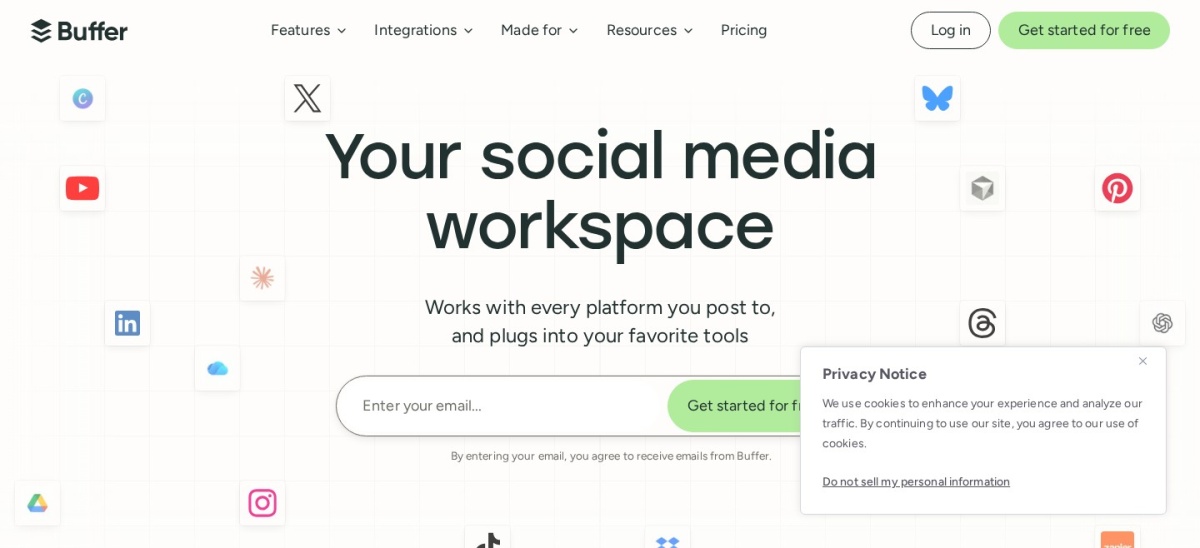
Buffer is a social media scheduling and management platform built around content creation, publishing, analytics and community engagement. Its free plan connects 3 channels and allows 10 scheduled posts per channel, while Essentials adds unlimited scheduled posts, deeper insights and additional publishing features.
The trade off is per-channel pricing, which increases as more social accounts are connected. Essentials costs $6 per channel monthly, or $60 yearly per channel with annual billing, and advanced collaboration requires Team. It suits creators and small businesses that prioritize a straightforward publishing workflow.
What we like
Permanent free plan for small publishing needs
Simple visual scheduling interface
Supports major and emerging social networks
AI writing assistance included
Flexible pricing based on connected channels
Watch out for
Free plan limits scheduled posts
Costs increase with additional channels
Advanced team permissions require Team
Less comprehensive listening than enterprise suites
Essentials adds unlimited scheduling, expanded analytics and more content planning capacity.Visit buffer.com
02
SocialBee
4.7/5on G2 (478 reviews, checked Nov 2026)
Starts at$29/mo
Best for evergreen content recycling
Entry planBootstrap
Social profiles5
Content categories10
Content sources10
socialbee.com
SocialBee homepage, captured Nov 2026.
SocialBee is a social media management tool designed for scheduling, recycling evergreen posts and organizing content into categories. Bootstrap includes 5 social profiles, 10 content categories, 10 content sources, unlimited AI content generation and analytics covering up to 3 months of historical data.
The trade off is that Bootstrap supports only 1 workspace and 1 user, with advanced analytics and approval features reserved for higher plans. Its regular price is $29 monthly, or $348 annually, excluding temporary promotional discounts. It suits marketers who publish recurring educational, promotional and evergreen content.
What we like
Category-based publishing queues
Evergreen content recycling
Unlimited AI content generation
Supports multiple social platforms
RSS imports and content organization
Watch out for
Bootstrap includes only one user
Advanced collaboration requires an upgrade
Entry plan limits historical analytics
Additional workspaces and profiles cost more
Accelerate adds advanced analytics, post approvals and expanded profile capacity.Visit socialbee.com
03
SocialPilot
4.5/5on G2 (846 reviews, checked Nov 2026)
Starts at$20/mo
Best affordable option for managing multiple accounts
Entry planEssentials
Social accounts5
Users1
AI credits500
socialpilot.co
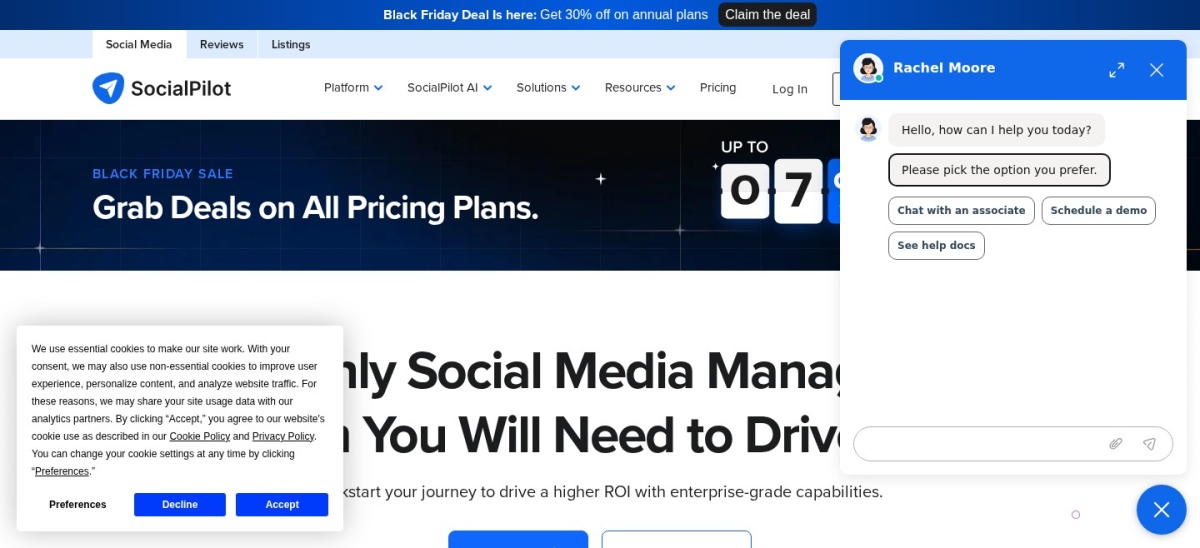
SocialPilot homepage, captured Nov 2026.
SocialPilot is a social media management platform offering scheduling, analytics, content libraries and multi-account publishing. Essentials includes 5 social media accounts, 1 user, 500 AI credits, content tags and analytics. Its calendar helps marketers plan and distribute posts across connected networks.
The trade off is that Essentials is designed for individual professionals rather than collaborative agency teams. It costs $20 monthly, or $17 per month when billed annually, with extra accounts priced separately. It suits freelancers and smaller businesses that manage multiple channels without needing extensive approval workflows.
What we like
Five accounts on the entry plan
Affordable multi-account scheduling
Content library and tagging
Analytics included
AI credits for content creation
Watch out for
Essentials supports only one user
Additional accounts increase costs
Advanced team workflows require higher plans
White-label agency functionality costs more
Standard adds broader collaboration and management capabilities for growing teams.Visit socialpilot.co
04
Metricool
4.5/5on G2 (101 reviews, checked Nov 2026)
Paid from$20/mo
Best for combining scheduling with social analytics
Free brands1
Free posts20/mo
Starter brandsUp to 10
Competitor analysisUp to 100 on Starter
metricool.com
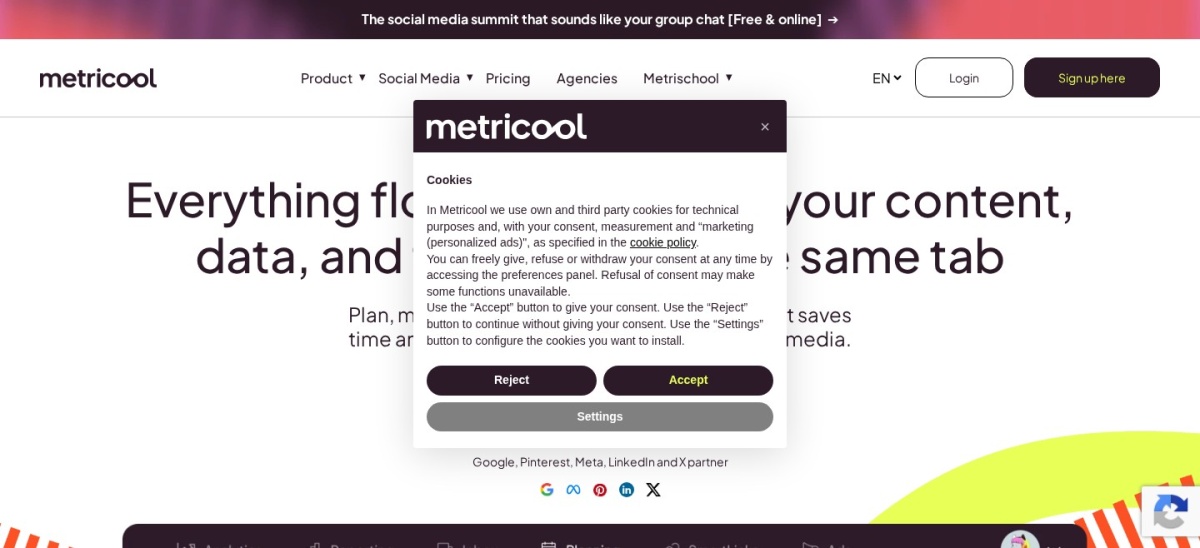
Metricool homepage, captured Nov 2026.
Metricool is a social media management and analytics platform combining publishing, competitor monitoring and performance reporting. Its free plan manages 1 brand, schedules 20 posts monthly, tracks 5 competitors and provides 30 days of analytics. Starter expands brand management and offers unlimited publishing within platform limits.
The trade off is that the free plan excludes LinkedIn and X connections, while some advanced reporting, integrations and X functionality require paid tiers or add-ons. Starter begins at $20 per month with annual billing. It suits marketers who want publishing and performance analysis in the same dashboard.
What we like
Useful permanent free plan
Combines planning with analytics
Competitor monitoring features
PDF and presentation reports on paid plans
Supports multiple brands
Watch out for
Free plan excludes LinkedIn and X
Some integrations require higher plans
Advanced analytics may cost extra
Additional brands increase subscription costs
Starter adds more brands, broader publishing, LinkedIn support and exportable reports.Visit metricool.com
05
Planable
4.6/5on G2 (1,137 reviews, checked Nov 2026)
Paid from$33/mo
Best for content collaboration and approvals
Entry planBasic, per workspace
Monthly posts60/workspace
Social pages4/workspace
UsersUnlimited
planable.io
Planable homepage, captured Nov 2026.
Planable is a collaborative social media planning platform for drafting, reviewing, approving and scheduling posts. Its free access covers the first 50 posts, while Basic costs $33 per workspace monthly and includes 60 posts, 4 social pages, unlimited users and optional approval workflows.
The trade off is that Basic limits publishing volume and charges separately for analytics. The Analytics add-on costs $12 per workspace monthly, while more advanced approval workflows require higher plans. It suits agencies and marketing teams that need stakeholders to review content before publication.
What we like
Unlimited users on paid workspaces
Visual feed and calendar planning
Useful approval and feedback workflows
Free access to evaluate the platform
Supports multiple content formats
Watch out for
Basic limits monthly post creation
Analytics costs extra
Workspace-based fees accumulate
Advanced approvals require higher plans
Pro increases post and page allowances and expands approval capabilities.Visit planable.io
06
Hootsuite
4.3/5on G2 (7,701 reviews, checked Nov 2026)
Starts at$99/mo
Best for established social media teams
Entry planStandard
Social accounts10
PublishingUnlimited posts
G2 rating4.3/5 from 7,701 reviews
hootsuite.com
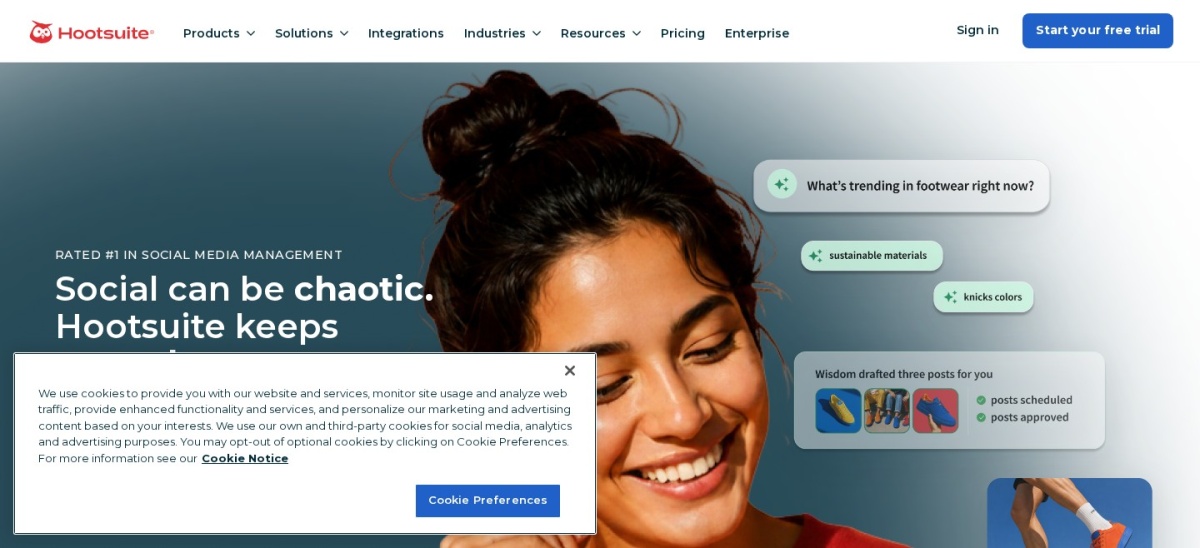
Hootsuite homepage, captured Nov 2026.
Hootsuite is a social media management platform combining scheduling, engagement, analytics and brand monitoring. Standard supports 10 social accounts, unlimited post scheduling, AI-generated content, a unified inbox and tools for monitoring brand and competitor activity.
The trade off is its higher per-user subscription price and the cost of adding team seats. Standard is listed at $99 per user monthly, while more advanced workflows and analytics require higher tiers. It suits established marketing teams managing frequent publishing and customer interactions across multiple channels.
What we like
Centralized publishing across major networks
Unified inbox for social conversations
Brand and competitor monitoring
AI-assisted content creation
Extensive user feedback on G2
Watch out for
Higher starting price than lightweight schedulers
Additional user seats increase costs
Advanced reporting requires higher plans
More features than occasional publishers may need
Advanced expands team management, reporting and workflow capabilities.Visit hootsuite.com
07
Sprout Social
4.4/5on G2 (7,597 reviews, checked Nov 2026)
Starts at$199/mo
Best for advanced engagement and customer care
Entry planStandard
Social profiles5
BillingAnnual commitment
Free trial30 days
sproutsocial.com
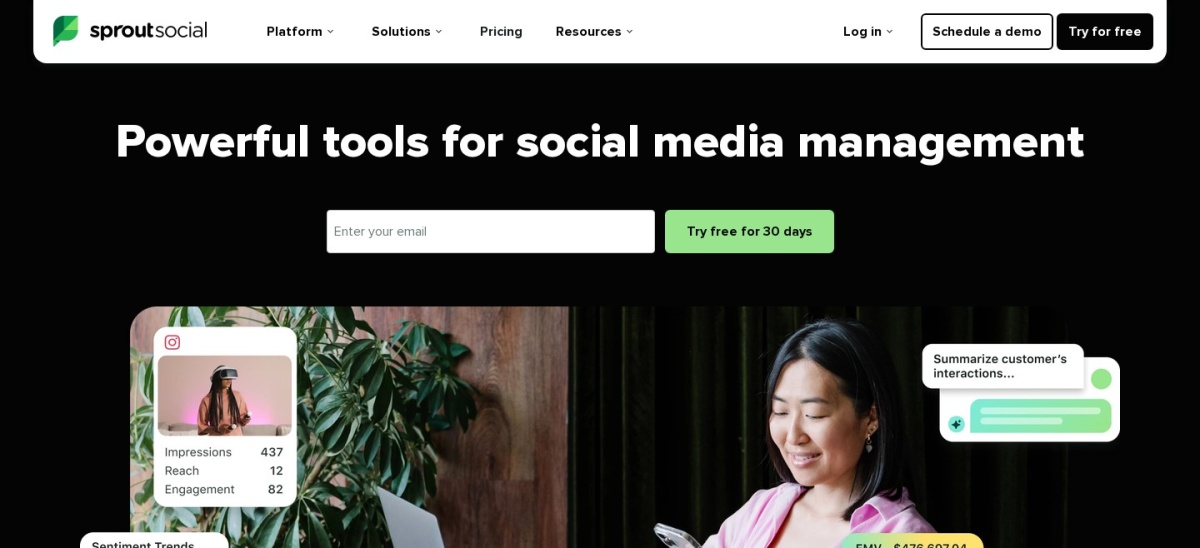
Sprout Social homepage, captured Nov 2026.
Sprout Social is a social media management platform covering publishing, analytics, engagement and customer care. Standard includes 5 social profiles, a consolidated inbox, collaboration tools, keyword and location monitoring, review management and access to its Trellis AI agent.
The trade off is its premium per-seat pricing and limited entry-plan profile allowance. Standard costs $199 per seat monthly with annual billing, while advanced competitor insights and broader profile capacity require Professional. It suits larger marketing and customer service teams that need structured engagement workflows.
What we like
Consolidated social engagement inbox
Publishing and customer care in one platform
Review and keyword monitoring
Structured team collaboration
Advanced analytics on higher plans
Watch out for
Expensive entry subscription
Standard includes only five profiles
Additional seats increase total costs
Premium analytics and listening cost extra
Professional adds unlimited profiles, competitor insights and additional AI features.Visit sproutsocial.com
How social media management pricing works
Social media management tools use several pricing models. Buffer charges per connected channel, so costs depend on how many social accounts you manage rather than how many brands those accounts represent.
SocialBee and SocialPilot include account allowances within subscription tiers. This makes their costs easier to forecast when you already know how many profiles need regular publishing.
Planable charges per workspace and includes unlimited users, which can be attractive for collaborative teams. Hootsuite and Sprout Social use per-user or per-seat pricing, making additional team members an important budget consideration.
Annual discounts and temporary offers should be evaluated separately. Compare the regular price, required commitment and feature allowances before choosing the plan.
Do you need a scheduler or a complete management suite?
A basic scheduling platform is often sufficient when the main goal is preparing posts and publishing them consistently. Buffer, SocialBee and SocialPilot provide accessible scheduling workflows for this purpose.
Teams that need stronger performance analysis may prefer Metricool, which combines social publishing with analytics, competitor monitoring and reporting.
When several people create and approve content, Planable offers dedicated collaboration and approval workflows. This is particularly useful when clients or managers must sign off before posts go live.
Hootsuite and Sprout Social are broader management suites. Their centralized engagement and monitoring features become more useful when brands must respond to frequent messages, track conversations and coordinate social customer care.
How we chose
We shortlisted established social media management platforms with maintained products, public pricing and substantial independent user feedback. Selection focused on publishing, scheduling, analytics, social engagement, collaboration and supported networks rather than tools designed only for writing captions or creating graphics.
We opened official pricing pages and G2 review listings on 22 Nov 2026. Regular advertised prices were used instead of temporary promotional offers, and recurring monthly prices were multiplied by twelve unless an annual commitment applied. Per-channel, per-workspace and per-seat billing models were identified separately.
We excluded products without confirmable public USD pricing, services that primarily offered unrelated marketing features and tools with insufficient review evidence. Free trials were distinguished from permanent free plans, and paid add-ons were disclosed where relevant. No vendor paid for a place, and we do not claim testing for this list.
How to choose the best social media management tool
Identify your publishing needs, compare supported networks and calculate the cost of managing your accounts and team.
List the networks and content formats you use. Confirm support for every platform you publish to, including video, Stories, short-form clips and other relevant formats. Check whether publishing is automatic or requires mobile notifications for certain account types.
Estimate your posting volume. Calculate how many posts you schedule monthly and how many social profiles you manage. Compare free-plan queues, monthly publishing allowances and paid account limits. A low-cost subscription may become restrictive as publishing volume grows.
Decide how much collaboration you need. Solo creators may only need a calendar and scheduling queue. Agencies and teams should consider permissions, approvals, shared workspaces, comments and client access. Compare seat-based pricing carefully before adding collaborators.
Evaluate reporting and engagement features. Check whether analytics, exportable reports, social inboxes and monitoring tools are included or sold separately. Prioritize features that help measure audience engagement, content performance and campaign outcomes rather than paying for capabilities you rarely use.
FAQ
What is the best social media management tool in 2026?
Buffer is our top recommendation for most creators and small businesses because it offers accessible scheduling, content planning and a permanent free plan. Its Essentials subscription costs $6 per channel monthly. SocialBee is better for evergreen recycling, while SocialPilot offers affordable multi-account management.
Which social media management tools have free plans?
Buffer and Metricool offer permanent free plans with publishing limits. Buffer supports three connected channels and ten scheduled posts per channel, while Metricool supports one brand and twenty scheduled posts monthly. Planable provides free access for the first fifty posts rather than an unrestricted publishing subscription.
What is the cheapest paid social media management software?
Buffer has the lowest entry price in this comparison at $6 per channel monthly. However, the total increases when more accounts are connected. SocialPilot offers five accounts for $20 monthly, while SocialBee Bootstrap costs $29 monthly and includes five profiles.
Is Buffer better than Hootsuite?
Buffer is generally a better fit for individuals and smaller businesses seeking affordable scheduling and content planning. Hootsuite offers broader engagement, brand monitoring and team management features, but costs substantially more. The better choice depends on whether you mainly publish posts or manage ongoing social conversations.
Which social media management tool is best for agencies?
SocialPilot is an affordable option for managing multiple accounts, while Planable emphasizes client collaboration and approval workflows. Hootsuite and Sprout Social offer more extensive engagement and monitoring capabilities. Agencies should compare account limits, user permissions, client reporting and the total cost of additional seats.
Can social media management tools automatically publish Instagram and TikTok posts?
Many platforms support automatic publishing to Instagram and TikTok, although availability depends on the post format, account type and platform permissions. Some features may require mobile notification workflows. Confirm support for the exact content formats you create before committing to a subscription.
Do social media management tools include analytics?
Most established platforms provide some level of social performance reporting, but the depth varies. Basic plans may show engagement and publishing statistics, while advanced tiers add competitor comparisons, historical reporting and downloadable reports. Some services, including Planable, charge separately for dedicated analytics capabilities.
Can AI manage social media accounts automatically?
AI tools can help generate captions, suggest content ideas, repurpose posts and assist with scheduling. However, effective account management still requires editorial review, audience understanding and careful responses to followers. Automated publishing should be monitored to avoid inaccurate content, repetitive posts or inappropriate replies.
Should I pay monthly or annually for social media software?
Monthly billing provides flexibility when your account volume, team size or publishing needs may change. Annual subscriptions can reduce costs but create longer commitments. Compare the regular monthly rate with the annual total, then check cancellation terms, add-on charges and whether the included features match your workflow.