Ocenaudio is the best free Audacity alternative for most people, with real-time effect previews on Windows, Mac and Linux. Pick REAPER for a full DAW at a $60 one-time licence, or Descript if you edit podcasts by editing text.
How we make this list: we compare pricing pages, product documentation and public user reviews, then re-check every price before each update. No product paid for a place. Disclosure.
Ratings in this list come from G2 or Capterra, checked in November 2026. A high score from a handful of reviews means less than the same score from hundreds, so check the review count beside each score.
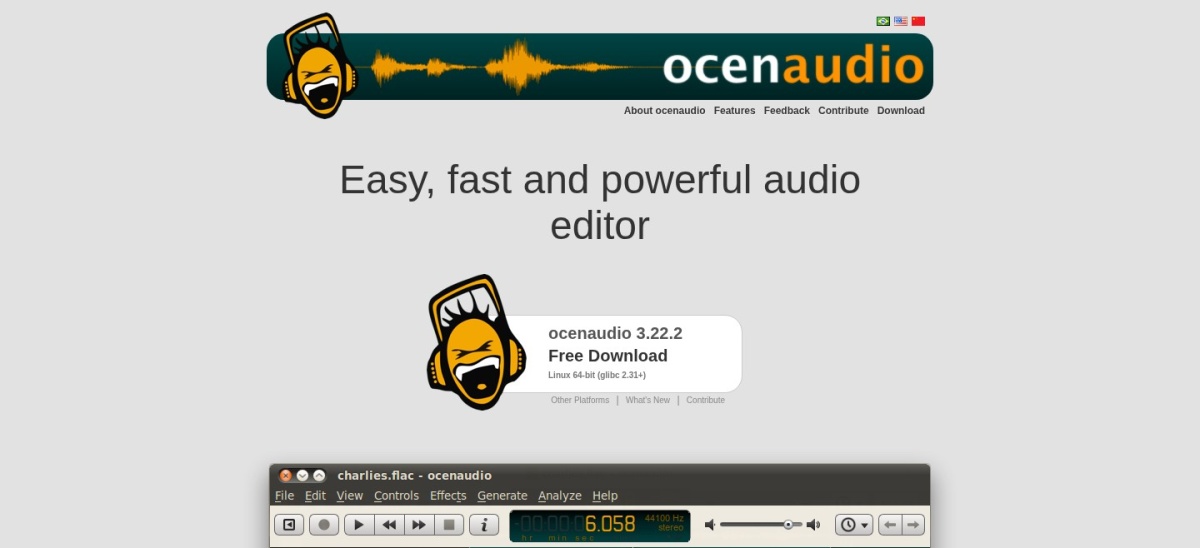
Ocenaudio is a free, cross-platform audio editor for Windows, macOS and Linux, and the closest free match to Audacity in this list. Version 3.22.2 covers recording, cutting, effects and analysis, with real-time previews so you hear an effect before applying it, plus VST support and a spectrogram view.
The trade off is depth. Ocenaudio has no multitrack mixing or virtual instruments, and its G2 score of 3.5 out of 5 rests on only 4 reviews. It suits podcasters, voice-over artists and anyone who wants a fast, free editor for single-track work.
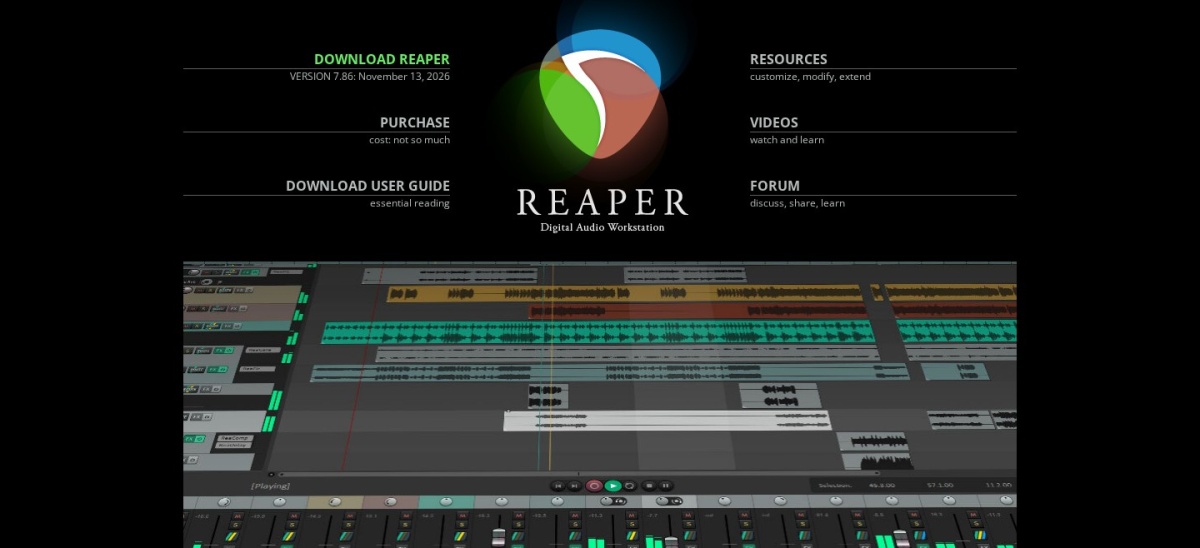
REAPER is a full digital audio workstation from Cockos for Windows, Mac and Linux. It records and mixes unlimited tracks, hosts VST plugins, and supports MIDI, automation and routing, with a fully functional 60-day evaluation and no registration.
The trade off is that it is not free forever. After 60 days a licence is required, with a $60 discounted licence for personal use or small businesses and a $225 commercial licence. It suits producers who want a pro DAW for a low one-time cost.
What we like
Full pro DAW with unlimited tracks
60-day evaluation with full functionality
Low $60 discounted licence, no subscription
Watch out for
Not free after the 60-day evaluation
Plain interface with a steep learning curve
Discounted licence is $60; commercial use is $225Visit reaper.fm
03
Descript
4.6/5on G2 (923 reviews, checked Nov 2026)
Paid from$16/mo
Best for editing audio by editing text
PlatformsWindows, Mac, web
Free plan60 media minutes a month
Free export720p, with watermark
Paid planHobbyist, $16/mo
descript.com
Descript homepage, captured Nov 2026.
Descript is a transcript-based audio and video editor for Windows and Mac. You edit the transcript and the audio follows, so deleting a word removes it from the recording, and the free plan gives 60 media minutes a month, 100 one-time AI credits and 720p exports with a watermark.
The trade off is the meter. Sixty minutes a month covers a short test, not a weekly show, and Hobbyist costs $16 a month billed yearly for 10 media hours and watermark-free 1080p exports. It suits podcasters and interview editors who think in words first.
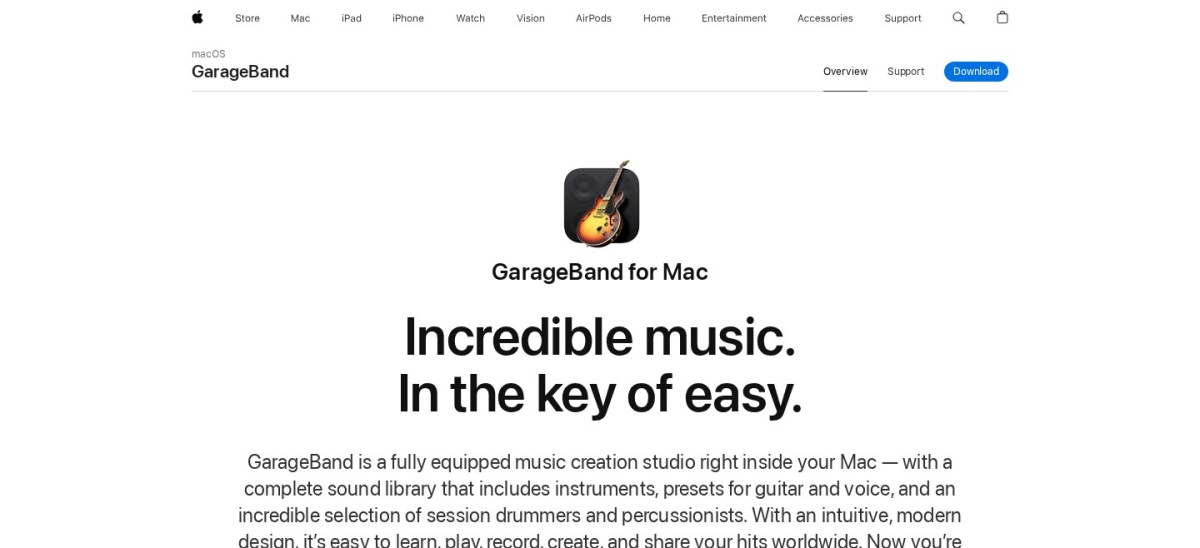
GarageBand is a free music and audio editor from Apple, bundled with every Mac and iPhone. It offers multitrack recording, a full instrument and loop library with free Sound Library downloads, and projects that move between Mac and iPhone.
The trade off is the platform. There is no Windows or Linux version, and its editing is built for music and podcast tracks rather than deep audio repair. It suits Mac and iPhone owners who want a full free studio without buying a DAW.
What we like
Free with every Mac and iPhone
Full instrument and loop library included
Projects move between Mac and iPhone
Watch out for
Mac and iOS only, no Windows or Linux version
Built for music and podcasts, not deep audio repair
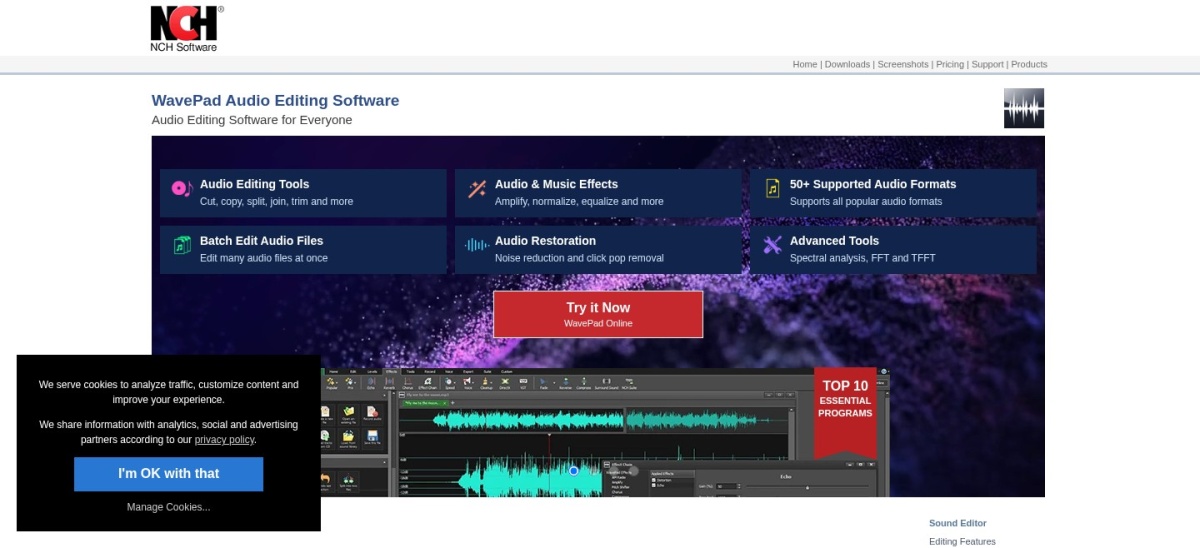
WavePad is a sound editor from NCH Software for Windows, Mac, iOS and Android. The free edition for home use does not expire and covers recording, cutting, effects, AI noise removal and support for more than 50 audio formats, including MP3, WAV and FLAC.
The trade off is the licence. The free edition is for home, non-commercial use only, and the paid Master's edition is a $60 one-time purchase. It suits home users who want a simple, full-featured editor on desktop or phone.
What we like
Free edition does not expire
Runs on desktop and mobile
AI noise removal and more than 50 formats
Watch out for
Free edition is for home, non-commercial use only
Paid price is not shown until checkout
Master's edition adds commercial use and VST supportVisit nch.com.au
06
Ardour
4.1/5on G2 (11 reviews, checked Nov 2026)
Paid from$1/mo
Best free open-source DAW for Linux
PlatformsWindows, macOS, Linux
Free planSource code free (GPL)
Plugin supportLV2 and VST3
Paid planSubscription, $1/mo
ardour.org
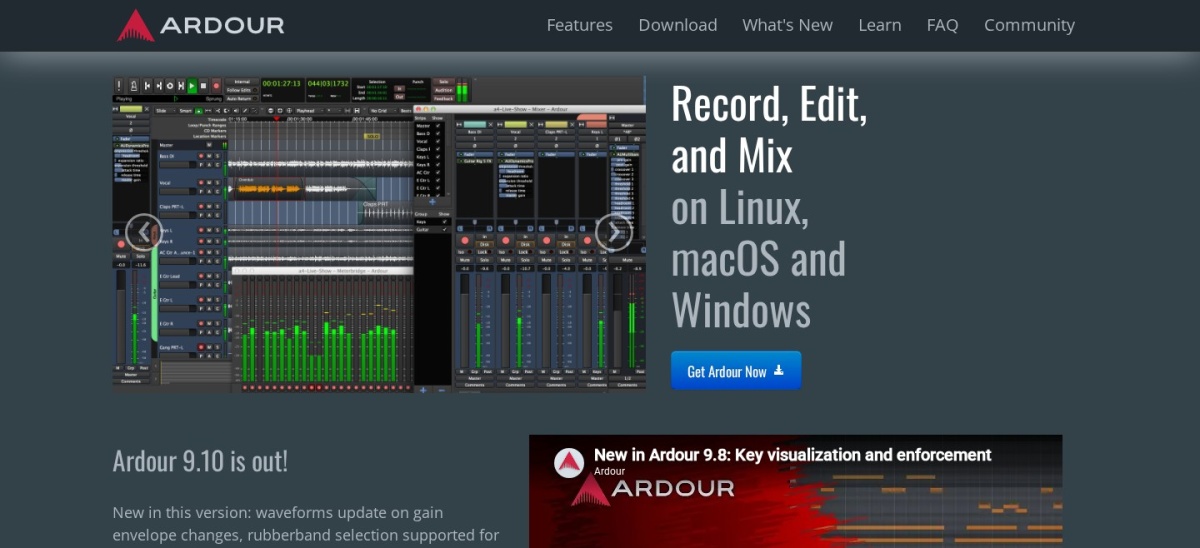
Ardour homepage, captured Nov 2026.
Ardour is an open-source digital audio workstation for Windows, macOS and Linux. It covers multitrack recording, MIDI sequencing, editing, automation, routing and mixing, and the source code is free under the GPL, with ready-to-run binaries from $1.
The trade off is polish. Ardour's interface is plainer than commercial DAWs and its G2 score of 4.1 out of 5 rests on only 11 reviews. It suits Linux users and musicians who want a full open-source studio for almost nothing.
What we like
Full open-source DAW, source code free
Multitrack recording and MIDI included
Ready binaries from $1, no locked features
Watch out for
Plainer interface than commercial DAWs
Thin review base: 11 G2 reviews
Subscriptions fund development; features are never lockedVisit ardour.org
07
Logic Pro
4.6/5on G2 (176 reviews, checked Nov 2026)
Starts at$199.99/yr
Best pro Mac studio for a one-time price
PlatformsMac, iPad
Free planNo, 90-day trial
Instrument libraryFull library included
Paid plan$199.99 one time
apple.com
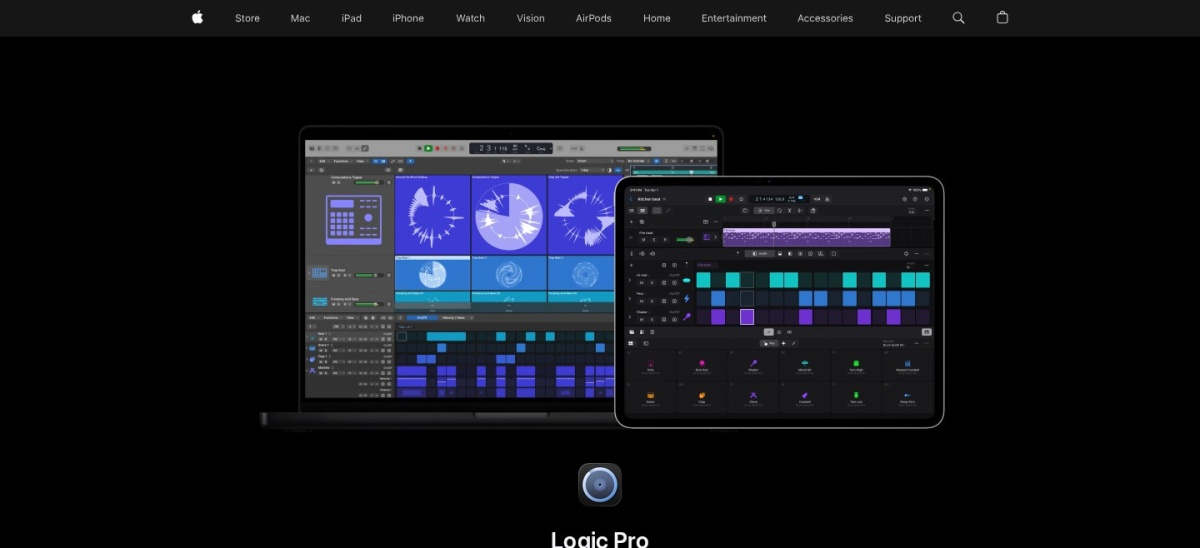
Logic Pro homepage, captured Nov 2026.
Logic Pro is Apple's professional digital audio workstation for Mac, and the natural step up from GarageBand. A single $199.99 purchase unlocks the full studio: software instruments, effects, Session Players, Dolby Atmos mixing and the full Sound Library, with free updates.
The trade off is the platform. Logic Pro runs only on Mac and iPad, and the one-time price covers the Mac app only. It suits Mac owners who want a pro studio without a subscription, especially those outgrowing GarageBand.
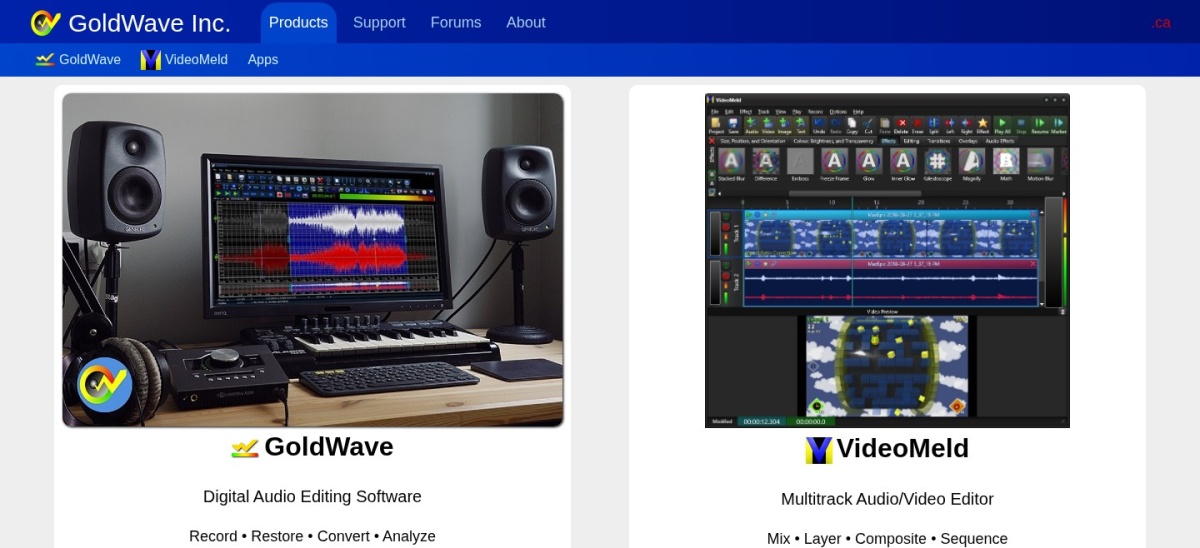
GoldWave is a Windows audio editor for recording, editing, processing, restoring and converting audio. A fully functional evaluation version is free to try, and the one-year licence costs $19, while the lifetime licence costs $59 once and includes free upgrades.
The trade off is scope. GoldWave runs on Windows only, and the $19 licence expires after a year, returning the software to evaluation mode. It suits Windows users who want restoration tools and batch processing for a small yearly fee.
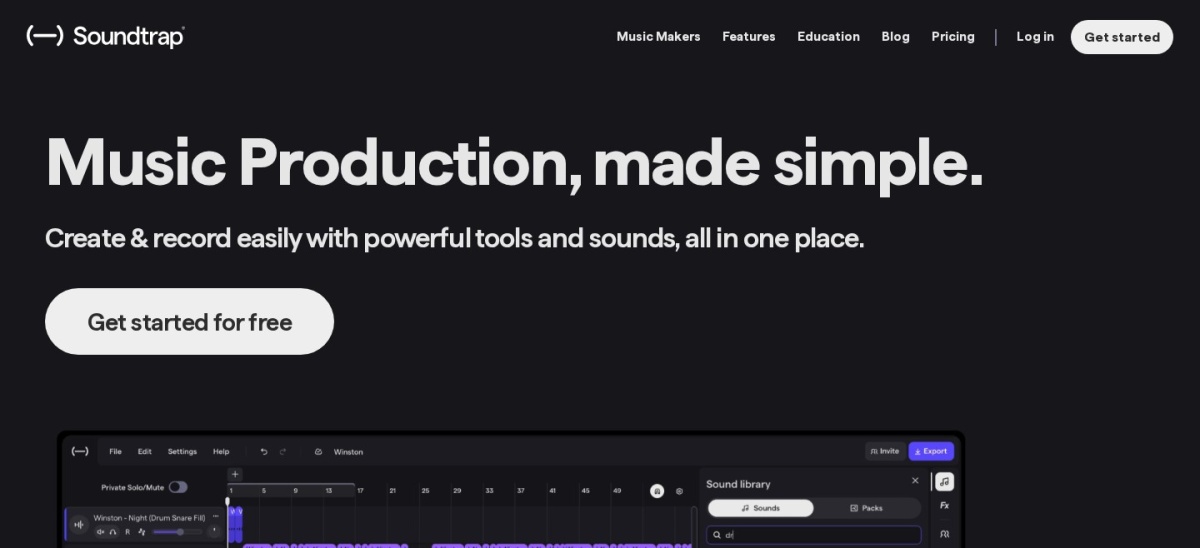
Soundtrap is a browser-based studio from Spotify for recording, multitrack editing and mixing, with mobile apps that sync the same project. The free tier covers basic recording and editing, with a loop and instrument library and direct publishing to Spotify.
The trade off is the free tier's limits. Export quality and recording time are capped, and Music Maker Premium starts at $7.99 a month billed yearly for full-quality export and more recording time. It suits browser-first creators who want to collaborate without an install.
What we like
Runs fully in a browser, no install
Loop and instrument library included
Direct publishing to Spotify
Watch out for
Free tier caps export quality and recording time
Music and podcast plans are sold as separate tracks
Free plans cover the basics well. Ocenaudio, GarageBand and Ardour cost nothing and handle recording, cutting and cleanup.
Paid plans mostly add depth and time. You get multitrack mixing, more tracks, and no caps on recording or export quality.
If you edit every week, a one-time licence often costs less than a year of subscriptions. REAPER at $60 once and GoldWave at $19 a year are the cheapest paid routes here.
We started from the audio editors most often named as Audacity replacements, then kept nine with a public rating on G2 or Capterra and a clear price.
Prices come from each vendor's pricing page, checked on 29 November 2026. Ratings and review counts come from G2 or Capterra on the same day. Where a vendor shows a sale, the list shows the regular price.
We left out tools with no public rating, including Hindenburg, and dropped Adobe Audition and Avid Pro Tools because their homepages block screenshot capture. No vendor paid for a place, and we do not claim hands-on testing for this list.
How to choose an Audacity alternative
Start with the job, then check the platform and the price.
Match the tool to the job. Podcasters need noise removal and easy cutting; musicians need instruments, MIDI and multitrack mixing.
Check the platform first. GarageBand and Logic Pro run only on Apple devices, GoldWave only on Windows, and Soundtrap runs in any browser.
Decide free forever or paid once. Ocenaudio, GarageBand and Ardour cost nothing; REAPER and WavePad are one-time purchases with no subscription.
Try before you pay. REAPER gives a 60-day evaluation, GoldWave a full evaluation version, and most paid tools here offer a free tier or trial.
FAQ
What is the best Audacity alternative in 2026?
Ocenaudio is the best free Audacity alternative for most people. It is free on Windows, Mac and Linux, with real-time effect previews, VST support and a spectrogram view, and it covers the same single-track editing Audacity is used for.
Is there a free alternative to Audacity?
Yes. Ocenaudio, GarageBand and Ardour are all free, and WavePad and Descript have free editions. Ocenaudio is the closest free match on all three desktop platforms, while GarageBand is free only on Mac and iPhone.
How much does the best Audacity alternative cost?
Ocenaudio costs nothing, and REAPER, the best value paid pick, is a $60 one-time licence after a 60-day evaluation. Paid plans in this list run from $1 a month for Ardour to $199.99 once for Logic Pro.
Which Audacity alternative is best for podcasters?
Descript is the best pick for podcasters who edit by text, with Studio Sound cleanup and filler-word removal. Ocenaudio is the best free pick for simple cutting and cleanup, and GarageBand works well for Mac owners.
Which Audacity alternative is best for beginners?
Ocenaudio is the easiest starting point: it is free, cross-platform and built for quick waveform edits. GarageBand is equally friendly on Mac, with a full instrument library included.
REAPER vs Ocenaudio: which is better?
Ocenaudio is better for quick, free single-track edits, while REAPER is better for full music production. REAPER adds multitrack recording, MIDI and automation for a $60 one-time licence, but has a steeper learning curve.
SaaS SEO and WordPress specialist with about 8 years of experience. Rakib compares WordPress plugins, themes, hosting and software using public pricing, documentation and user reviews. See how we rank.