Audacity is the best free sound editing software for most people: it is free and open source, runs on Windows, Mac and Linux, and is rated 4.5 out of 5 on G2 from 459 reviews. Pick Descript to edit audio by editing text, or GarageBand if you make music on a Mac.
How we make this list: we compare pricing pages, product documentation and public user reviews, then re-check every price before each update. No product paid for a place. Disclosure.
Audacity is a full free editor with no paid tier and no expiry, and it runs on Windows, Mac and Linux.
Descript's free plan gives 60 media minutes a month; Hobbyist costs $16 a month billed yearly.
GarageBand is free, but only on Mac and iPhone, with no Windows or Linux version.
WavePad's free edition is for home use only; the paid edition is a $60 one-time purchase.
REAPER is a 60-day evaluation, not a free plan, with a $60 discounted licence after that.
What free sound editing software should cover
Free sound editing software splits into two kinds: full editors that cost nothing forever, and free tiers or trials that lead to a paid plan. This list keeps both, but it says which kind each tool is, so a free plan that ends after 60 days is not mistaken for one that lasts.
The best free editor for spoken audio is not always the best for music. Podcasters need noise removal, cutting and export to MP3, while musicians need instruments, MIDI and multitrack mixing. Start from the job, then check the platform, since GarageBand only runs on Apple devices and some tools only run in a browser.
Ratings in this list come from G2 or Capterra, checked in November 2026. A high rating from 15 reviews means less than the same score from 459, so check the review count beside each score before you trust it.
If you publish the audio on WordPress, the editing tool is only half the job. Our guide on hosting and publishing a podcast with WordPress covers the publishing side once the edit is done.
Audacity is a free, open-source audio editor and recorder for Windows, macOS and Linux. It records live audio, cuts and mixes multiple tracks, removes background noise with its Noise Reduction effect, and exports WAV, MP3 and FLAC files, with no paid plan or locked feature.
The trade off is the interface, which looks dated next to newer editors, and there are no built-in virtual instruments or MIDI sequencing. It suits podcasters, voice-over artists and anyone who wants a full free editor for recording, cutting and cleaning up spoken audio.
What we like
Completely free, with no paid tier or expiry
Runs on Windows, Mac and Linux
Noise reduction, effects and multitrack editing included
Descript is a transcript-based audio and video editor for Windows and Mac. You edit the transcript and the audio follows, so deleting a word removes it from the recording, and the free plan gives 60 media minutes a month, 100 one-time AI credits and 720p exports with a watermark.
The trade off is the meter. Sixty minutes a month covers a short test, not a weekly show, and Hobbyist costs $16 a month billed yearly for 10 media hours and watermark-free 1080p exports. It suits podcasters and interview editors who think in words first.
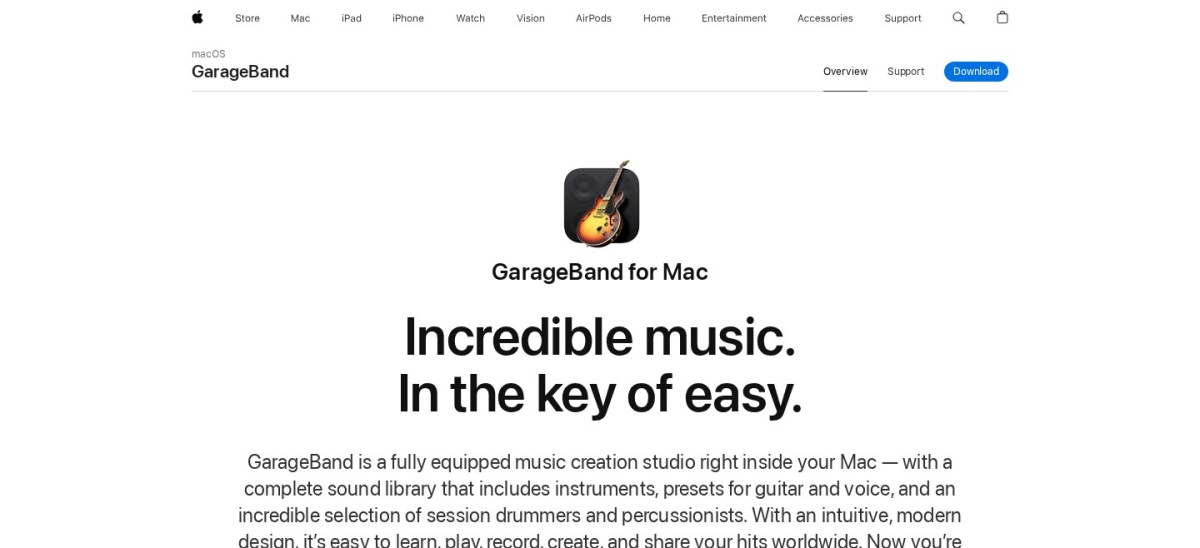
GarageBand is a free music and audio editor from Apple, bundled with every Mac and iPhone. It offers multitrack recording, a full instrument and loop library with free Sound Library downloads, and projects that move between Mac and iPhone.
The trade off is the platform. There is no Windows or Linux version, and its editing is built for music and podcast tracks rather than deep audio repair. It suits Mac and iPhone owners who want a full free studio without buying a DAW.
What we like
Free with every Mac and iPhone
Full instrument and loop library included
Projects move between Mac and iPhone
Watch out for
Mac and iOS only, no Windows or Linux version
Built for music and podcasts, not deep audio repair
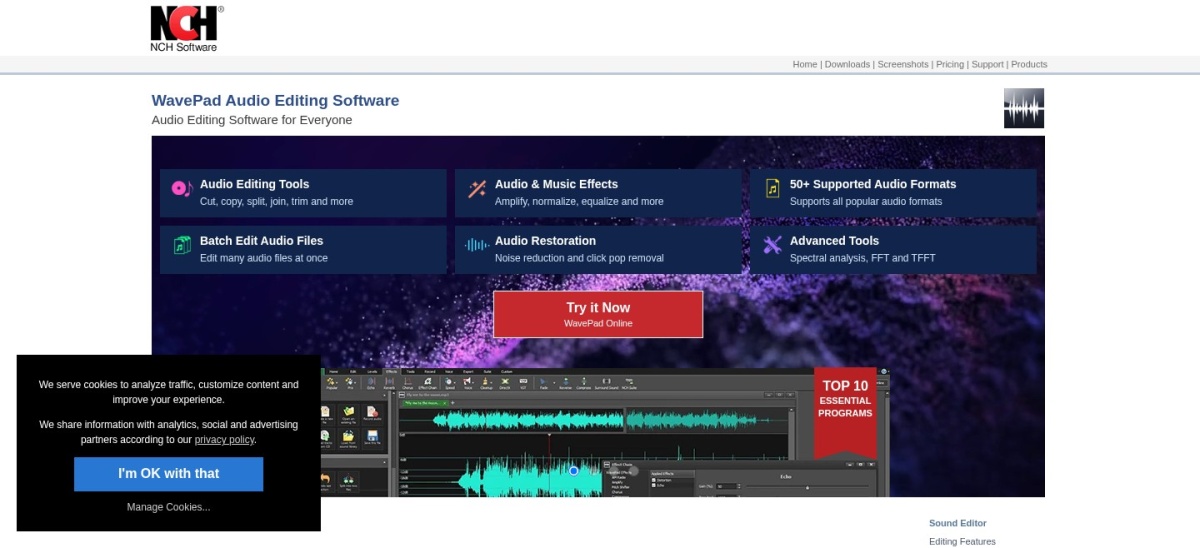
WavePad is a sound editor from NCH Software for Windows, Mac, iOS and Android. The free edition for home use does not expire and covers recording, cutting, effects, AI noise removal and support for more than 50 audio formats, including MP3, WAV and FLAC.
The trade off is the licence. The free edition is for home, non-commercial use only, and the paid Master's edition is a $60 one-time purchase. It suits home users who want a simple, full-featured editor on desktop or phone.
What we like
Free edition does not expire
Runs on desktop and mobile
AI noise removal and more than 50 formats
Watch out for
Free edition is for home, non-commercial use only
Paid price is not shown until checkout
Master's edition adds commercial use for $60 one timeVisit nch.com.au
05
REAPER
4.5/5on G2 (28 reviews, checked Nov 2026)
Starts at$60/yr
Best pro DAW for a low one-time cost
PlatformsWindows, macOS, Linux
Free planNo, 60-day evaluation
Discounted licence$60 one time
G2 rating4.5/5, 28 reviews
reaper.fm
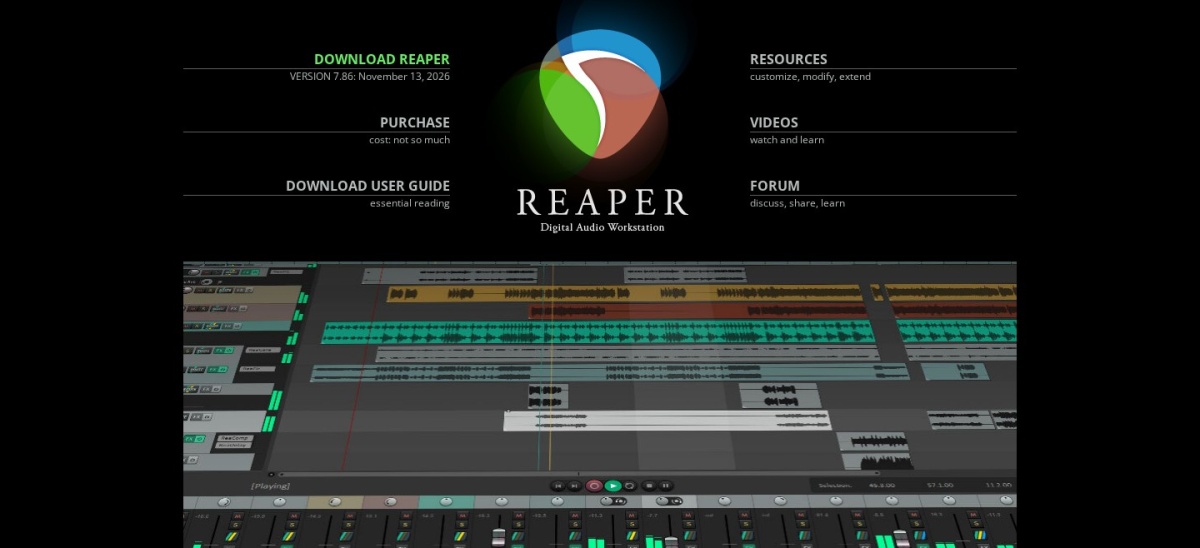
REAPER homepage, captured Nov 2026.
REAPER is a full digital audio workstation from Cockos for Windows, Mac and Linux. It records and mixes unlimited tracks, hosts VST plugins, and supports MIDI, automation and routing, with a fully functional 60-day evaluation and no registration.
The trade off is that it is not free forever. After 60 days a licence is required, with a $60 discounted licence for personal use or small businesses and a $225 commercial licence. It suits producers who want a pro DAW for a low one-time cost.
What we like
Full pro DAW with unlimited tracks
60-day evaluation with full functionality
Low $60 discounted licence, no subscription
Watch out for
Not free after the 60-day evaluation
Plain interface with a steep learning curve
Discounted licence covers updates through version 8.99Visit reaper.fm
06
BandLab
4.5/5on Capterra (18 reviews, checked Nov 2026)
Paid from$149.99/yr
Best free browser DAW for collaboration
PlatformsWeb, iOS, Android
Free planYes, 16 tracks per project
Instruments385+ included
Capterra rating4.5/5, 18 reviews
bandlab.com
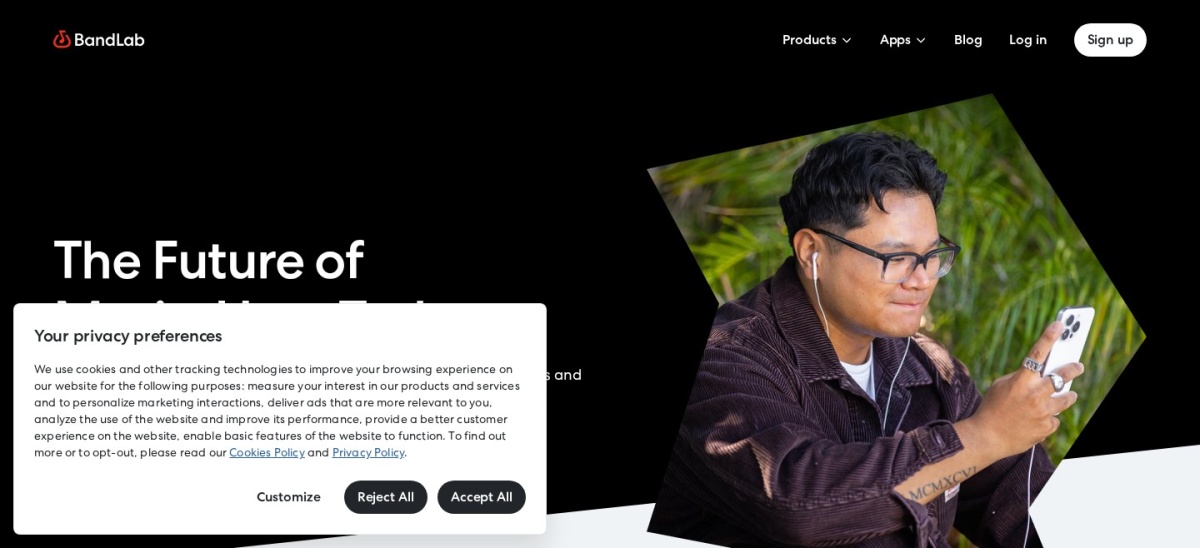
BandLab homepage, captured Nov 2026.
BandLab is a free browser and mobile DAW with cloud project saves and real-time collaboration. The free core studio covers multitrack recording, editing and mixing, with 16 tracks per project, 385+ instruments and 4 mastering presets.
The trade off is the membership. Premium instruments, AI tools and more tracks sit behind Membership Pro at $14.99 a month or $149.99 a year, and the web page lists no plan pricing itself. It suits beginners and collaborators who want to make music together without installing software.
What we like
Free core studio in the browser and on mobile
Real-time collaboration on the same project
Cloud saves, so projects move between devices
Watch out for
Premium instruments and AI tools need Membership Pro
Free tier caps at 16 tracks per project
Membership Pro adds 32 tracks, AI tools and distributionVisit bandlab.com
07
Soundtrap
4.5/5on Capterra (186 reviews, checked Nov 2026)
Paid from$7.99/mo
Best free browser studio from Spotify
PlatformsWeb, iOS, Android
Free planYes, basic recording
Paid planMusic Maker Premium
Capterra rating4.5/5, 186 reviews
soundtrap.com
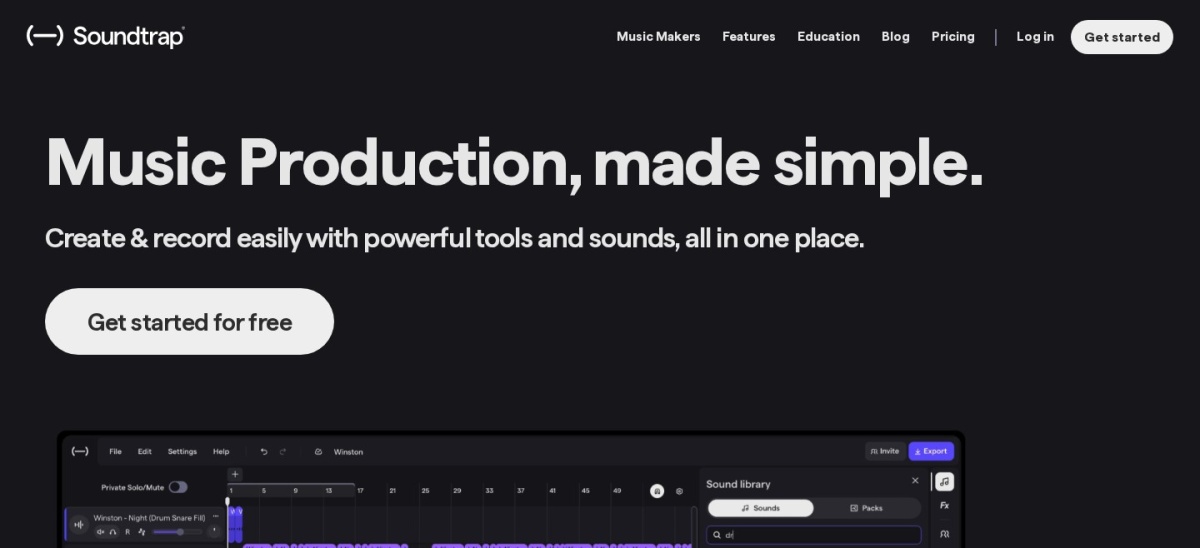
Soundtrap homepage, captured Nov 2026.
Soundtrap is a browser-based studio from Spotify for recording, multitrack editing and mixing, with mobile apps that sync the same project. The free tier covers basic recording and editing, with a loop and instrument library and direct publishing to Spotify.
The trade off is the free tier's limits. Export quality and recording time are capped, and Music Maker Premium starts at $7.99 a month billed yearly for full-quality export and more recording time. It suits browser-first creators who want to collaborate without an install.
What we like
Runs fully in a browser, no install
Loop and instrument library included
Direct publishing to Spotify
Watch out for
Free tier caps export quality and recording time
Music and podcast plans are sold as separate tracks
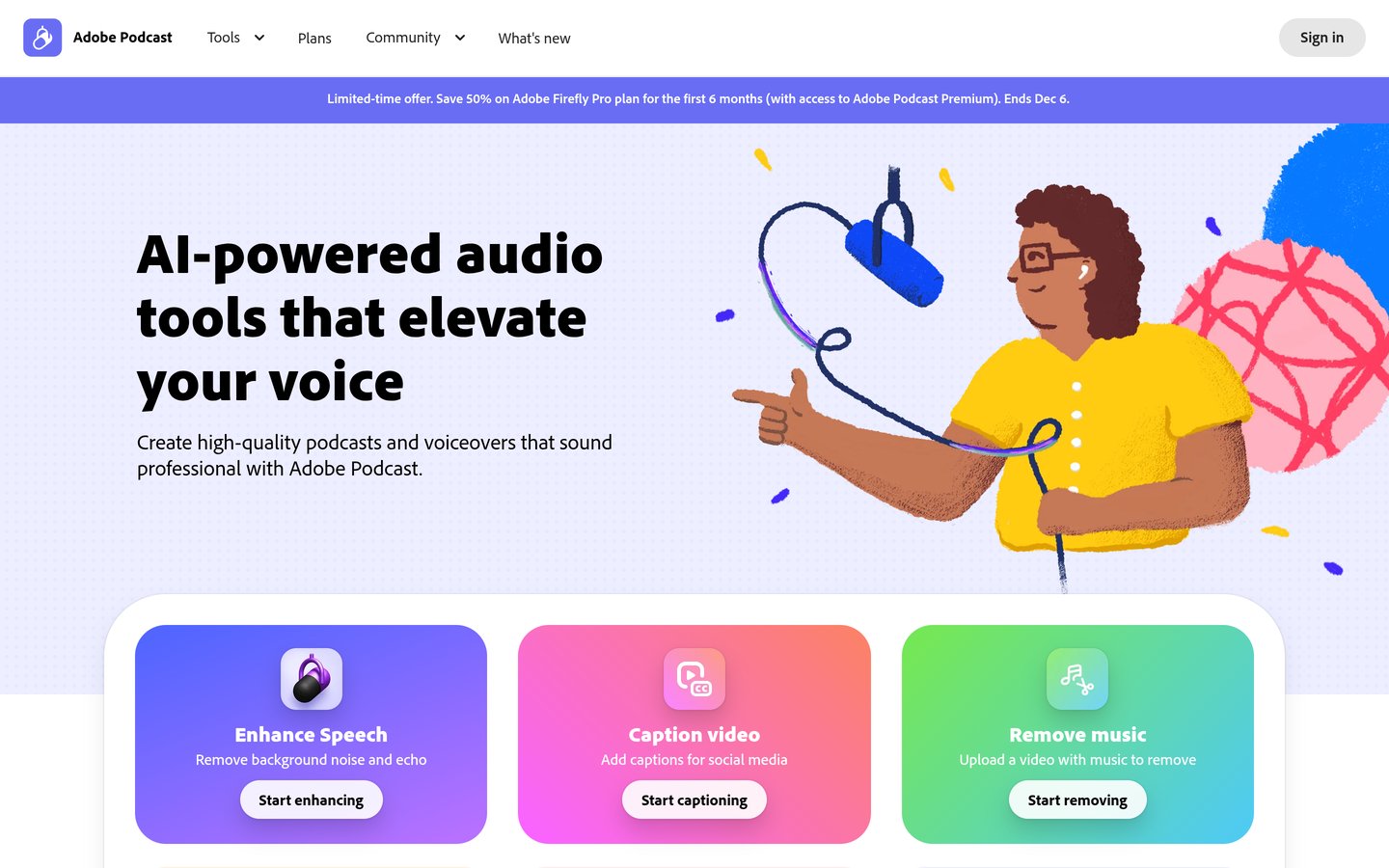
Adobe Podcast is a free browser tool from Adobe built around Enhance Speech, an AI filter for cleaning up spoken audio. It improves a rough recording to sound closer to studio quality, with no install and no paid tier found on its product page.
The trade off is scope. It applies one AI filter to existing audio rather than offering multitrack recording or editing, so it pairs with an editor like Audacity instead of replacing it. It suits podcasters who need a fast cleanup pass on one recording.
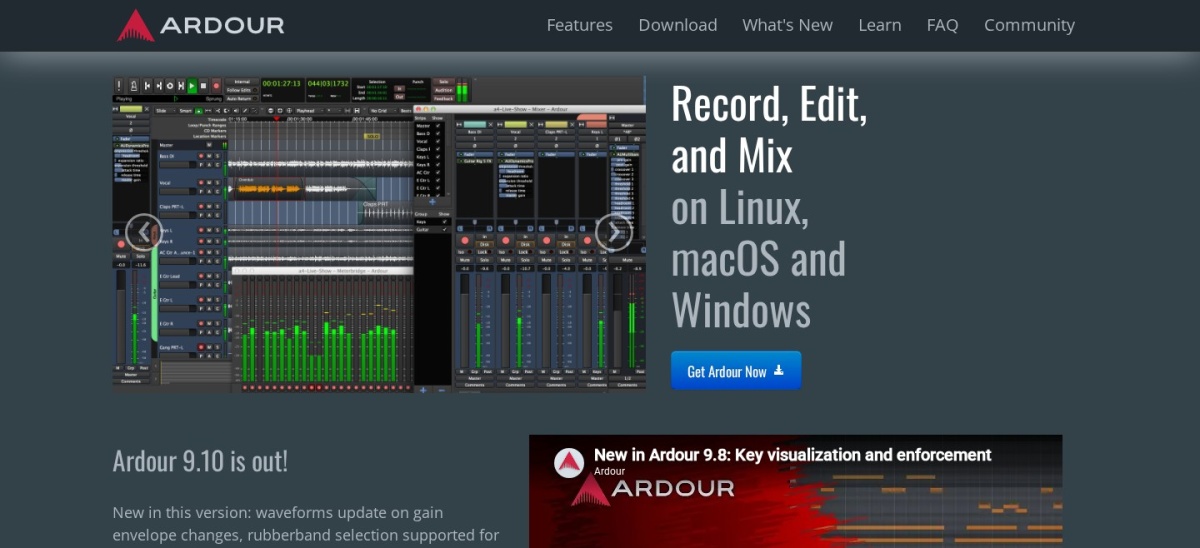
Ardour is an open-source digital audio workstation for Windows, macOS and Linux. It records, edits and mixes multitrack audio and MIDI, with automation, routing, LV2 and VST3 plugin support, and its source code is free under the GPL.
The trade off is the download. The free ready-to-run build is a demo that goes silent after 10 minutes, and a full build costs at least $1, with subscriptions from $1 a month. It suits Linux users and musicians who want an open-source studio and can build from source or pay a dollar.
Free plans cover recording, cutting and basic effects well. Audacity, GarageBand and WavePad give you a full editor without paying, and BandLab and Soundtrap give you a working studio in a browser.
Paid plans mostly add time and polish. Descript charges for more media hours and watermark-free exports, Soundtrap charges for full-quality export and longer recording, and BandLab charges for more tracks and premium instruments.
If you only cut one podcast or voice-over a month, a free plan is often enough. If you publish weekly, check the monthly cap first, since that is the limit most free plans hit before any feature limit.
How we chose
We started from the best-known free sound editors and DAWs, then kept those with a real free plan, a free tier or a full evaluation, and a public rating on G2 or Capterra.
Prices come from each vendor's pricing page or store listing, checked on 25 November 2026, with the top 3 read on their official pages. Ratings and review counts come from G2 or Capterra on the same day. Where a vendor shows a first-year price, the list shows the regular price.
We left out tools with no public rating, including Ocenaudio and Cakewalk, which is being replaced by a subscription product. No vendor paid for a place, and we do not claim to have used these tools ourselves.
How to choose free sound editing software
Start with the job the audio has to do, then check the platform and the free plan's cap.
Decide if it is speech or music. Podcasters and voice-over artists need cutting, noise removal and MP3 export. Musicians need instruments, MIDI and multitrack mixing, which points to GarageBand, BandLab or Ardour.
Check the platform first. GarageBand only runs on Apple devices, while Audacity, REAPER and Ardour run on Windows, Mac and Linux. BandLab, Soundtrap and Adobe Podcast run in a browser.
Read the free plan's cap, not just the word free. Descript caps free use at 60 media minutes a month, Soundtrap caps export quality, and REAPER ends after 60 days. Audacity and GarageBand have no cap at all.
Try the editor on a real recording. Cut a short clip, remove a noise and export it in the format you publish. If the export is watermarked or capped, that is the point where a paid plan starts to matter.
FAQ
What is the best free sound editing software?
Audacity is the best free sound editing software for most people. It is free and open source, runs on Windows, Mac and Linux, covers recording, cutting and noise reduction, and is rated 4.5 out of 5 on G2 from 459 reviews.
Is Audacity really free?
Yes. Audacity is free and open source under the GPL, with no paid tier, no trial limit and no locked features. You can download it, record, edit and export without paying or creating an account.
Which free sound editor is best for podcasts?
Audacity is the safest free pick for podcasts, with recording, cutting and noise reduction at no cost. Descript is better if you prefer to edit by editing the transcript, though its free plan caps at 60 media minutes a month.
Which free sound editor is best for music?
GarageBand is the best free pick for music on a Mac, with instruments, loops and multitrack recording. On Windows or Linux, BandLab runs in a browser for free, and Ardour is a full open-source studio.
Is REAPER free?
No. REAPER is a full digital audio workstation with a fully functional 60-day evaluation and no registration. After that a licence is required, with a $60 discounted licence for personal use or small businesses and a $225 commercial licence.
Can I edit audio in a browser for free?
Yes. BandLab and Soundtrap both offer free browser studios with multitrack editing, and Adobe Podcast offers a free AI filter for cleaning up speech. Browser tools need an internet connection to save, and their free tiers cap tracks, export quality or recording time.
SaaS SEO and WordPress specialist with about 8 years of experience. Rakib compares WordPress plugins, themes, hosting and software using public pricing, documentation and user reviews. See how we rank.