Animaker is the best AI animation tool for beginners, which is why it leads this list, with drag-and-drop characters and templates and the highest beginner rating here. Pick Canva if you already design there and Runway when you want short clips made from a text prompt.
How we make this list: we compare pricing pages, product documentation and public user reviews, then re-check every price before each update. No product paid for a place. Disclosure.
Animaker is the easiest start, with templates and characters at $15 a month and a 4.7 G2 rating.
Canva Pro costs $120 a year and adds AI animation to a design tool many beginners already use.
Runway Standard costs $12 a month billed yearly and makes the best short clips from a prompt.
Vyond is the priciest pick at $58 a month, built for training teams, not first-timers.
Kaiber holds a 4.6 G2 rating from only 9 reviews, so treat its score as a weak signal.
Which AI animation tool is best for beginners who have never animated before?
Beginners need templates, not timelines. The tools here build animation from scenes, characters or a short prompt, so a first video takes minutes, not a weekend of learning.
Two kinds of tool share this list. Template makers such as Animaker, Powtoon and Vyond build character explainers from scenes, while generators such as Runway and Kaiber turn text or an image into short clips.
Free plans all watermark exports. Animaker, Powtoon and Renderforest let you try for free, but a video you show a client needs a paid plan from $8 to $15 a month.
Credits decide the real cost. Generative tools ration clips by credits, so check how many seconds a month your plan actually makes before you commit.
Animaker is a browser-based animation maker for character-led explainer, training and promo videos. The free plan allows 3 downloads a month in HD with a watermark, plus 5 AI video generations and 10 AI assets a month, and its library holds characters, templates and scenes.
The trade off is the free plan's limits. Exports carry a watermark and are for personal use only, so client work needs Basic at $15 a month, which removes the watermark. It suits beginners who want animated explainers without learning animation software.
What we like
Highest beginner rating here at 4.7 on G2
1,071 G2 reviews, the largest base for explainers
Templates, characters and drag-and-drop scenes
Free plan with 3 HD downloads a month
Watch out for
Free exports are watermarked and personal use only
Canva is a design platform with AI animation built in, turning still images into short clips and slides into animated videos. The free plan covers basic animation, and Pro at $120 a year adds the Veo 3 clip maker, brand kits and 100 GB of storage.
The trade off is depth. Canva animates designs well but cannot build character-led explainer scenes like Animaker or Vyond. It suits beginners who already design in Canva and want quick animated social posts.
Runway is a generative video platform with pro editing tools, built around its Gen-4.5 models for text-to-video, image-to-video and effects. The free plan gives 125 one-time credits with a watermark, and Standard at $12 a month billed annually gives 625 credits a month.
The trade off is the rating and the credits. Runway holds 4.0 out of 5 on G2 from only 135 reviews, and credits run out fast on long clips. It suits creators who want the best-looking short clips from a prompt.
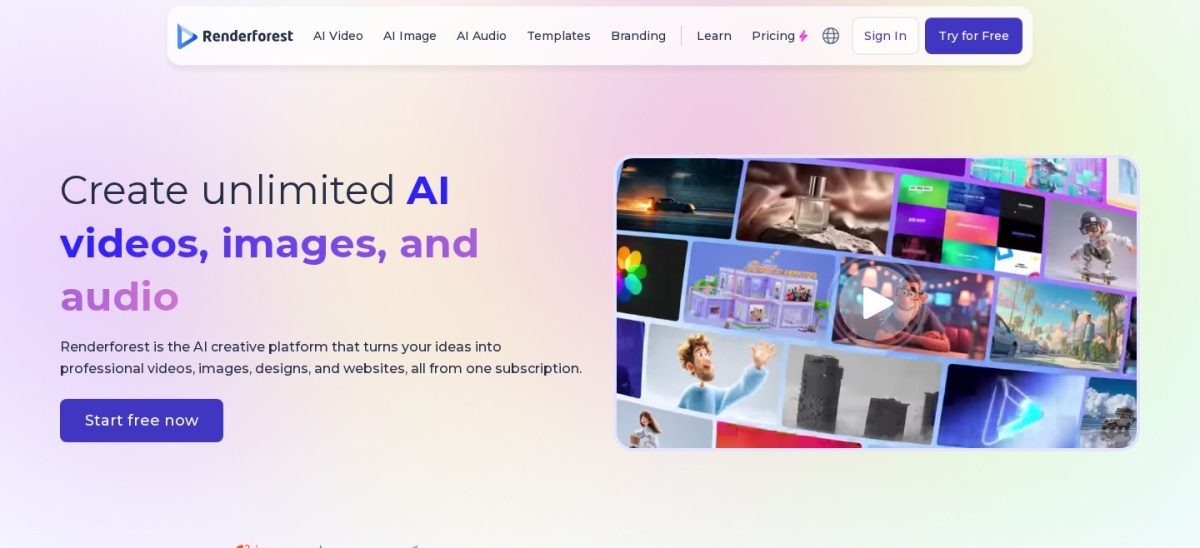
Renderforest is a browser video maker for animated intros, logo reveals, explainers and slideshows from templates. The free plan covers watermarked videos, and Lite at $13.09 a month removes the watermark and adds HD exports.
The trade off is the template feel. Videos look polished but clearly come from templates, and custom animation is limited. It suits beginners who need a quick intro or logo video without learning a tool.
Powtoon is a browser-based tool that turns slides into animated videos, with characters, scenes and motion for explainers and training. The free plan exports 720p videos up to 3 minutes with a Powtoon watermark, and it is rated 4.4 out of 5 on G2 from 287 reviews.
The trade off is the export cap. Lite at $15 a month billed yearly removes the watermark, allows 5 watermark-free exports a month and lifts videos to 10 minutes in 1080p. It suits trainers and presenters who animate slides.
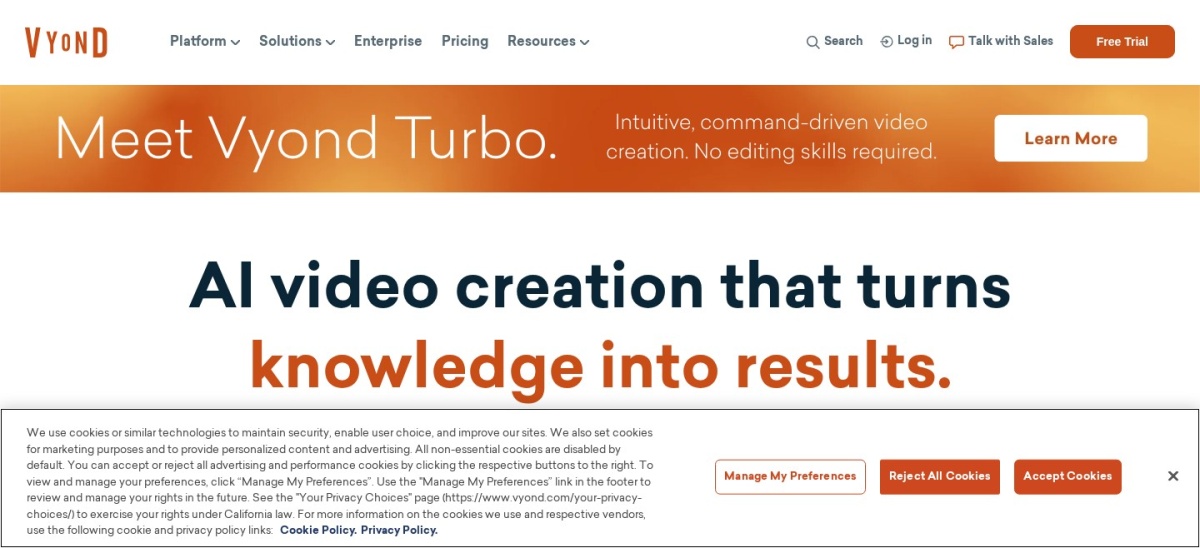
Vyond is a business animation platform for character-led explainer and training videos with branded characters, voices and translation. Starter at $58 a month billed annually covers Vyond Go script-to-video, and it is rated 4.7 out of 5 on G2 from 554 reviews.
The trade off is price. At $58 a month it is the priciest pick here, and there is no free plan beyond a trial. It suits training teams that need polished, branded business storytelling.
Synthesia is an AI avatar platform that turns scripts into presenter-led training and explainer videos, with realistic avatars, dubbing in more than 120 languages and a built-in scene editor. It is rated 4.6 out of 5 on G2 from 2,755 reviews.
The trade off is the format. Synthesia makes presenter videos, not scenes or character animation, and paid plans start at $29 a month. It suits teams that need training videos in many languages without filming.
HeyGen is an AI avatar and video translation studio that turns scripts, PDFs or URLs into presenter-led videos with lifelike avatars and lip-synced translation in more than 175 languages. It is rated 4.8 out of 5 on G2 from 1,841 reviews, the highest score here.
The trade off is price and purpose. Paid plans start at $29 a month, and HeyGen makes talking-head videos, not animated scenes. It suits businesses that need multilingual presenter videos at scale.
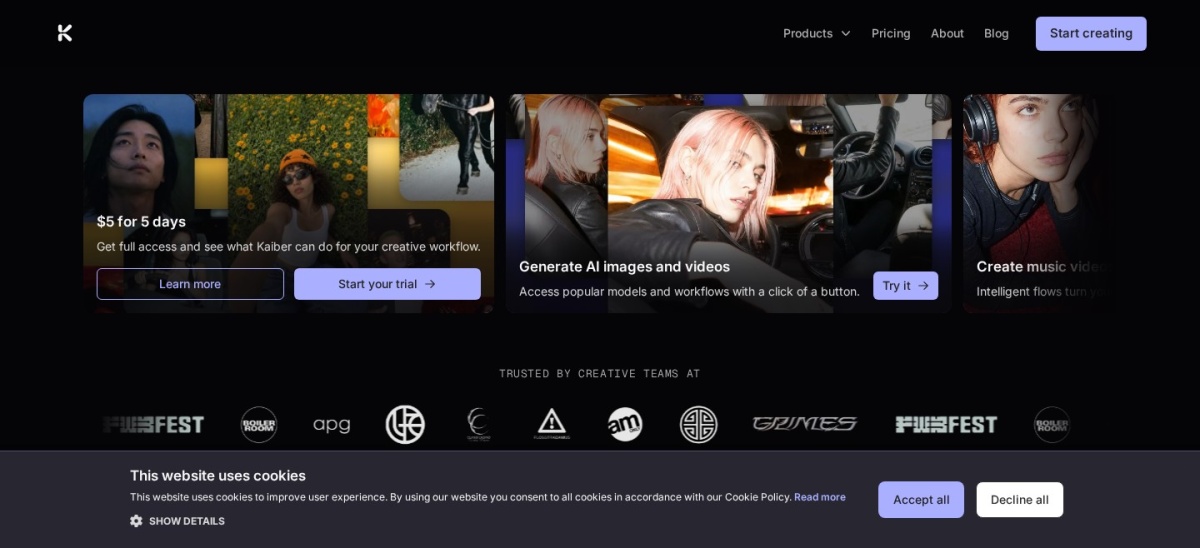
Kaiber is an AI video tool for stylised motion and music videos, turning images, prompts and songs into beat-synced visuals. Starter costs $8 a month billed annually and gives 500 credits a month, and it is rated 4.6 out of 5 on G2 from only 9 reviews.
The trade off is the thin rating and the trial. Kaiber has no lasting free plan, only a $5 trial for 5 days, and its G2 base is too small to trust. It suits creators who want experimental music visuals.
Template makers vs generators: which suits a beginner?
Template makers build videos from scenes. Animaker, Powtoon and Vyond give you characters, props and timelines to control, which suits explainers and training.
Generators build clips from a prompt. Runway and Kaiber turn text or an image into seconds of motion, which suits social clips and music visuals.
Beginners usually start with templates. They are predictable and editable, while generators surprise you and cost credits for every retry.
How we chose
We started from the AI animation tools beginners actually search for, then kept the nine with a verifiable rating and a published price.
Prices come from each vendor's pricing page, checked on 29 November 2026, using the regular annual rate. Ratings and review counts come from G2 on the same day.
We left out tools with no verifiable rating and professional-only motion software. No vendor paid for a place, and we do not claim hands-on testing for this list.
How to choose an AI animation tool for beginners
Start with the kind of video you want, then check the free plan limits.
Pick the video type first. Template makers suit explainers, while generators such as Runway suit short social clips.
Check the free export limits. Free plans watermark exports and cap length, so test your real video before paying.
Count credits, not just the price. Generative tools ration clips by credits, so check how many seconds a month your plan makes.
Try two tools side by side. Most tools here have a free plan, so make the same short video in each and compare.
FAQ
Which AI animation tool is best for beginners in 2026?
Animaker is the best AI animation tool for beginners in 2026. Its templates, characters and drag-and-drop scenes need no animation experience, Basic costs $15 a month, and it holds a 4.7 rating on G2 from more than 1,000 reviews.
Is there a free AI animation tool for beginners?
Yes. Animaker, Canva, Runway, Renderforest and Powtoon all have free plans, but every free export carries a watermark. Canva's free AI animation is a 5-second silent clip, while Animaker allows 3 HD downloads a month.
What is the cheapest AI animation tool for beginners?
Kaiber Starter is cheapest at $8 a month billed annually, followed by Runway Standard at $12 and Renderforest Lite at $13.09 a month. Animaker and Powtoon both start at $15 a month billed yearly.
Can AI animation tools make explainer videos?
Yes. Animaker, Powtoon and Vyond build character-led explainer videos from templates and scenes, with voices and subtitles. Runway and Kaiber make short clips instead, so they suit social posts rather than full explainers.
Which AI animation tool is best for training videos?
Vyond is the best pick for training videos, with branded characters, voices and translation at $58 a month billed annually. Synthesia is the cheaper option for presenter-led training at $29 a month, with avatars in more than 120 languages.
Do AI animation tools need animation experience?
No. The tools here are built for beginners: Animaker and Powtoon use templates and drag-and-drop scenes, while Runway and Kaiber need only a text prompt or an image. Vyond is the only pick aimed at professional training teams.
SaaS SEO and WordPress specialist with about 8 years of experience. Rakib compares WordPress plugins, themes, hosting and software using public pricing, documentation and user reviews. See how we rank.