Runway is the best text-to-video AI tool for January 2026, with Gen-4.5 clips, 625 monthly credits and a $15 a month Standard plan. Pick Kling for the best quality per dollar at $10 a month, or Synthesia when you need an avatar presenter instead of generated scenes.
How we make this list: we compare pricing pages, product documentation and public user reviews, then re-check every price before each update. No product paid for a place. Disclosure.
Runway leads on creative control: Gen-4.5, 625 monthly credits and access to partner models such as Kling 4.0 for $15 a month.
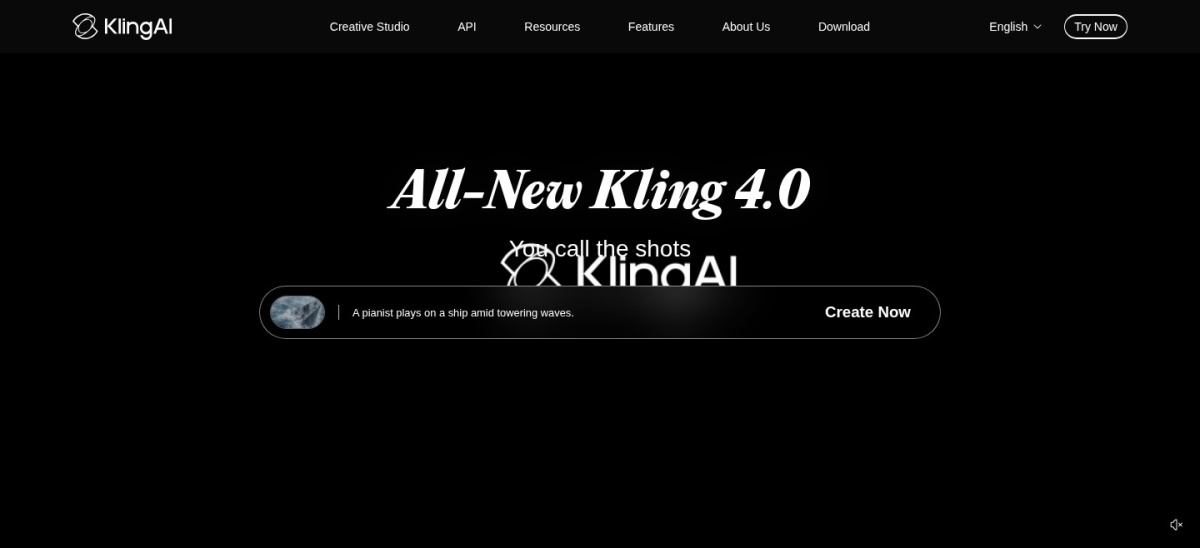
Kling is the cheapest quality pick at $10 a month, with 660 credits, clips up to 30 seconds and native audio on its Kling 4.0 model.
Pika packs the most models into one subscription, with its own H3 Flex beside Seedance, Kling and Wan, from $10 a month.
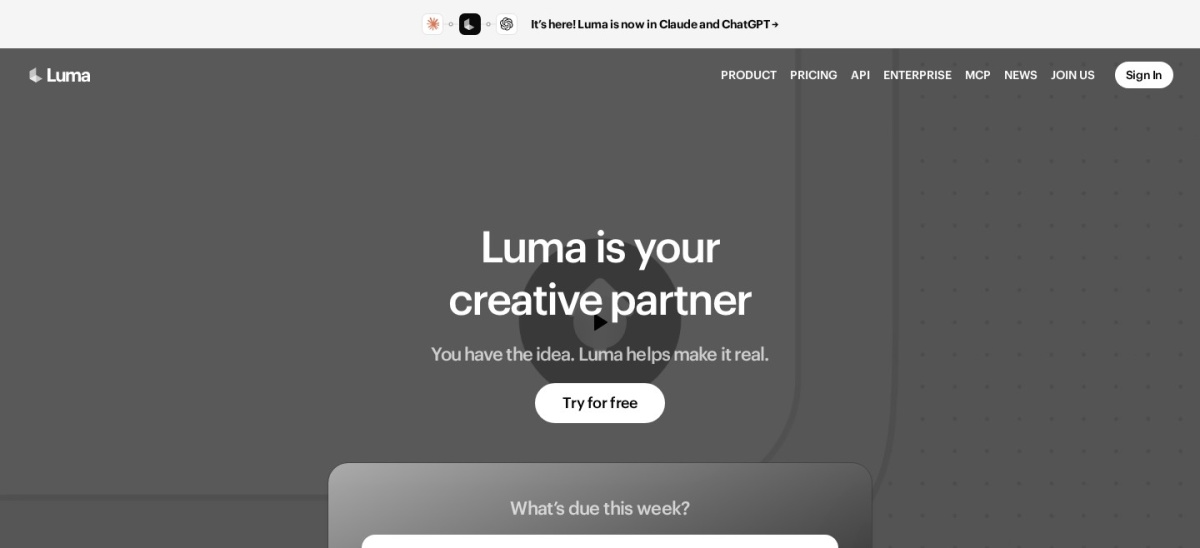
Luma is the most expensive entry here at $30 a month and lists no free tier on its current pricing page.
Pika at 2.3 out of 5 and Hailuo at 1.4 out of 5 on Trustpilot carry the weakest public trust scores in this list.
Avatar tools Synthesia and HeyGen hold the strongest ratings, at 4.6 and 4.8 out of 5 on G2, but they make presenter videos, not scenes.
What to look for in a text-to-video AI tool
Text-to-video tools split into two kinds. Generative tools such as Runway, Kling, Pika, Luma and Hailuo turn a written prompt into new footage, while avatar tools such as Synthesia and HeyGen turn a script into a presenter video.
Every tool here charges by credits or minutes, not by video. A five-second clip on Runway Gen-4.5 costs 60 credits, so the monthly credit allowance decides how much you can actually make.
Clip length matters as much as price. Most generative tools cap a single clip at 5 to 15 seconds, while Kling 4.0 stretches to 30 seconds and avatar tools can run for 30 minutes or more.
Free plans are trials in practice. They add watermarks, cap resolution at 720p or hand out a one-time credit balance, so budget for the cheapest watermark-free plan. Our guide on embedding a video in WordPress shows how to publish the finished clip once you have it.
Runway is a generative video platform built around its Gen-4.5 model, with text-to-video, image-to-video and editing tools in one workspace. The free plan gives 125 one-time credits and 5 GB of storage, and Standard at $15 a month adds 625 monthly credits, watermark-free exports and 4K upscaling.
The trade off is credit burn. A five-second Gen-4.5 clip costs 60 credits, so the Standard allowance covers about 52 seconds of flagship video a month. It suits filmmakers and editors who want directed shots and are willing to pay per second of output.
What we like
Strongest creative control with Gen-4.5 and editing tools
Includes partner models such as Kling 4.0 and Seedance
Free plan to try before paying
Watch out for
625 credits buy under a minute of Gen-4.5 video a month
Kling is the AI video generator from Kuaishou, and its Kling 4.0 model makes clips up to 30 seconds long with native audio, up to 4K resolution and strong motion. The free Basic plan gives daily credits, and Standard lists at $10 a month for 660 monthly credits with watermark-free exports and commercial use.
The trade off is a thin review base. Kling holds 4.7 out of 5 on G2 from only 5 reviews, and credits expire each month. It suits creators who want long, realistic clips for social feeds at the lowest entry price in this list.
Pika is a creative video, image and audio platform that spends one credit balance across many models, including its own Pika H3 Flex plus Seedance, Kling and Wan. Starter costs $10 a month for 600 credits, with commercial use and no watermark, and clips run up to 15 seconds with synced audio.
The trade off is trust. Pika holds 2.3 out of 5 on Trustpilot from 82 reviews, with most complaints about billing, credits running out and unanswered support. It suits social creators who want fast, stylised clips and several models under one subscription.
What we like
One balance covers many video and image models
Pikaffects add playful transformations other tools lack
Luma is a creative workspace built on its Ray video models, now sold as Luma Agents, which pair Ray with third-party image, video and audio models in one credit pool. Plus costs $30 a month for 10,000 credits a month, with commercial use and guest collaborator editing.
The trade off is price and the missing free tier. Luma has the highest entry price in this list, and its current pricing page lists no standing free plan. It suits creators who generate often and want several models, including Veo and Kling, under one subscription.
What we like
Highest G2 score among generative tools in this list
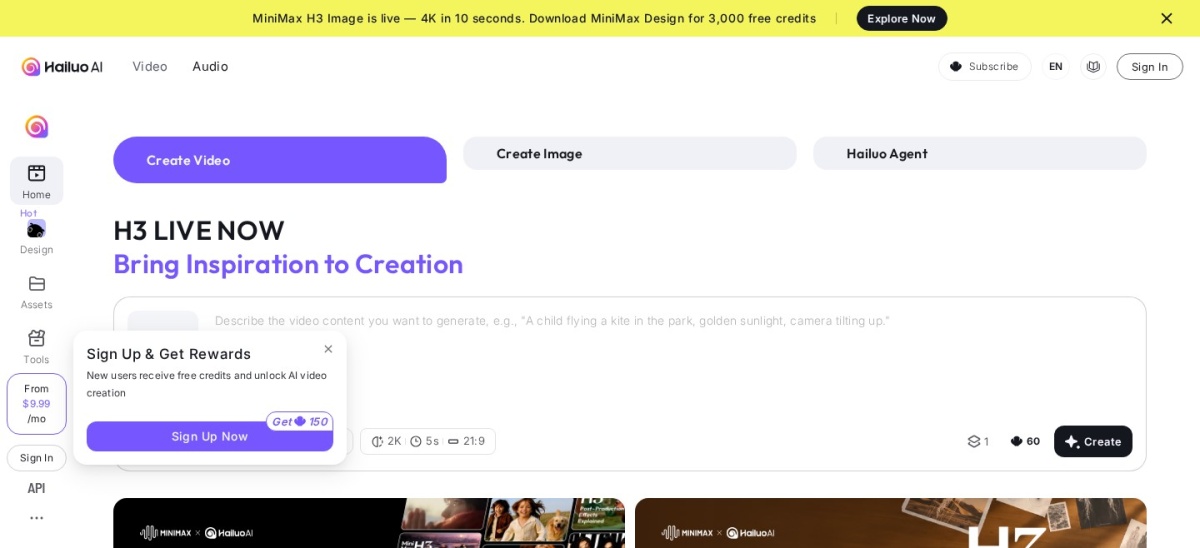
Hailuo is MiniMax's consumer video app, built on the MiniMax H3 model, which makes clips up to 15 seconds at 2K with native sound. Standard lists at $14.99 a month for 1,000 credits, about 143 seconds of H3 video at 768p, with watermark-free downloads and access to Veo 3.1 and Sora 2.
The trade off is the weakest trust record here. Hailuo holds 1.4 out of 5 on Trustpilot from 94 reviews, mostly about billing, cancellations and unanswered support, and subscriptions are never refunded. It suits creators who want strong motion at a low per-second cost and pay monthly.
What we like
Low per-second cost for strong motion and physics
Native sound and 2K output on the entry plan
Includes Veo 3.1 and Sora 2 access
Watch out for
Lowest Trustpilot score in this list at 1.4 out of 5
Synthesia is an AI avatar video platform that turns a script into a presenter-led video with AI avatars, voiceover and captions in 140+ languages. The free Basic plan gives 10 minutes of video a month plus 500 credits, and Starter costs $19 a month for 1,250 credits, 125+ avatars, downloads and no watermark.
The trade off is that it is not a scene generator. Synthesia makes talking-head training and explainer videos, not cinematic B-roll, and each finished minute uses about 100 credits. It suits L&D teams and businesses that need consistent presenter videos in several languages.
What we like
Largest review base in this list at 2,863 G2 reviews
140+ languages with dubbing and translation
Free plan includes 10 minutes a month
Watch out for
No generative scene or B-roll video
Credit allowance caps output at about 12 extra minutes
Free exports carry a watermark and cannot be downloaded
Pictory is a browser-based AI video suite that turns scripts, blog URLs, slide decks and audio into edited videos with stock footage, AI voiceover and captions. Starter lists at $29 a month for 2,000 credits, up to 30 video minutes a month, a 5M+ Getty Images and Storyblocks library and ElevenLabs voices.
The trade off is that there is no permanent free plan, only a 14-day trial with 300 credits, and the page showed a Black Friday offer of $12.50 a month billed yearly against the $29 list price. It suits marketers and bloggers who repurpose written content into short videos at scale.
What we like
Turns articles and scripts into video with little editing
InVideo is a prompt-to-video workspace that turns a written brief into an edited video using several AI video models, plus a full timeline editor for finishing. Starter costs $20 a month per seat for 400 credits, 200 GB of storage and 4K exports, and the free plan gives limited credits that reset weekly.
The trade off is the small credit allowance. Starter's 400 credits cover only a few minutes of generated video a month, and the price is per seat, so teams pay for each editor. It suits marketers who want a brief-to-video workflow with a real editor attached.
HeyGen is an AI avatar and video translation studio that turns scripts, PDFs or URLs into presenter-led videos with lifelike avatars and lip-synced translation. The free plan gives 3 watermarked videos a month, and Creator costs $29 a month for 600 credits, 1080p exports, voice cloning and 175+ languages.
The trade off is credit burn on newer avatar engines. High-realism models use far more credits per minute than basic ones, and 4K export needs the $49 a month Pro plan. It suits marketing and sales teams making multilingual talking-head videos without filming.
What we like
Highest G2 rating in this list at 4.8 out of 5
Video translation with lip-sync in 175+ languages
700+ stock avatars plus custom avatars and voice cloning
A credit is not a minute of video. Each model charges its own rate per second, so the same 600 credits can make dozens of short clips on one model or two clips on another.
Check the per-second rate before you subscribe. Runway Gen-4.5 costs 12 credits a second, while a 5-second Hailuo H3 clip at 768p costs about 35 credits.
Monthly credits expire on most plans here. Runway, Kling, Pika, Luma, Hailuo, Synthesia, InVideo and HeyGen all reset unused credits each billing cycle.
Free plans are the cheapest way to learn the rate. Generate a few clips on the free tier, count what they cost, then pick the paid plan that covers a normal month.
How we chose
We started from the established text-to-video tools with published pricing and public review profiles, then kept nine that cover generative scenes, avatar presenters and script-to-video.
Prices come from each vendor's pricing page, checked on 26 November 2026. Ratings and review counts come from G2 or Trustpilot on the same day. Where a vendor shows a sale, the list shows the regular price.
We left out tools with no published price and Sora, which is bundled into ChatGPT plans rather than sold on its own. No vendor paid for a place, and we do not claim to have used these tools ourselves.
How to choose a text-to-video AI tool
Start with the kind of video you need, then match the plan to how much you will make each month.
Pick the video type first. Generative tools make new scenes and B-roll, avatar tools make presenter videos, and Pictory turns written content into stock-backed video.
Work out your monthly minutes. Count the clips you publish in a month, then check the per-second credit rate. A plan that looks cheap can run out in a week.
Try the free tier before paying. Generate a few clips on the free plan and watch the credit balance. It shows the real cost of your usual prompt better than any plan page.
Check the rating base, not just the score. A 4.7 from 5 reviews is thinner evidence than a 4.6 from 2,863, and Trustpilot scores here mostly reflect billing complaints.
FAQ
What is the best text-to-video AI tool in January 2026?
Runway is the best overall pick, with Gen-4.5 clips, 625 monthly credits and a $15 a month Standard plan. Kling is the best value at $10 a month, and Synthesia is the best choice when you need an avatar presenter instead of generated scenes.
How much does a text-to-video AI tool cost?
Entry plans in this list run from $10 to $30 a month billed monthly. Kling and Pika start at $10, Runway at $15, Synthesia at $19, InVideo at $20 per seat, Pictory and HeyGen at $29, and Luma at $30.
Which text-to-video AI tool has a free plan?
Runway, Kling, Pika, Hailuo, Synthesia, InVideo and HeyGen all have free plans, though most add watermarks or cap credits. Luma lists no free tier on its current pricing page, and Pictory offers only a 14-day trial.
How long can an AI-generated video clip be?
Most generative tools cap a single clip at 5 to 15 seconds. Kling 4.0 stretches to 30 seconds, Hailuo H3 to 15 seconds, and avatar tools such as Synthesia and HeyGen can make videos of 30 minutes or more.
Do text-to-video tools include audio?
Some do. Kling 4.0, Pika H3 Flex and Hailuo H3 generate native audio with the video, and Synthesia and HeyGen add AI voiceover. Runway and Luma rely on separate music, voice and sound-effect generation.
Can I use AI-generated videos commercially?
Paid plans on these tools generally include commercial use, while free plans often do not. Pika, Kling and Luma all list commercial use on paid tiers, but check the terms on the plan you buy before publishing client work.
SaaS SEO and WordPress specialist with about 8 years of experience. Rakib compares WordPress plugins, themes, hosting and software using public pricing, documentation and user reviews. See how we rank.